 GameWiki
GET YOUR BEARINGS
About Farm Together 2
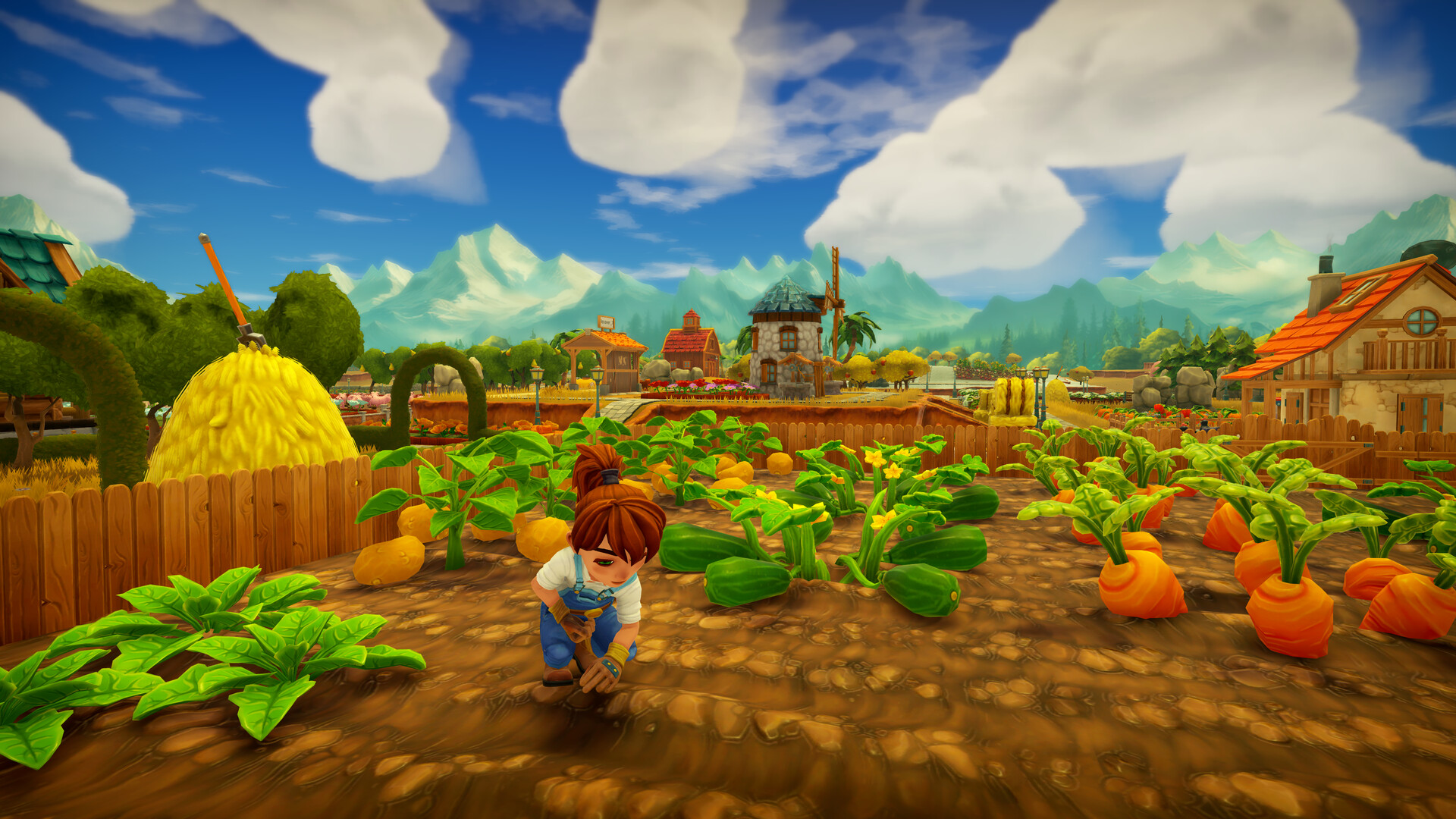
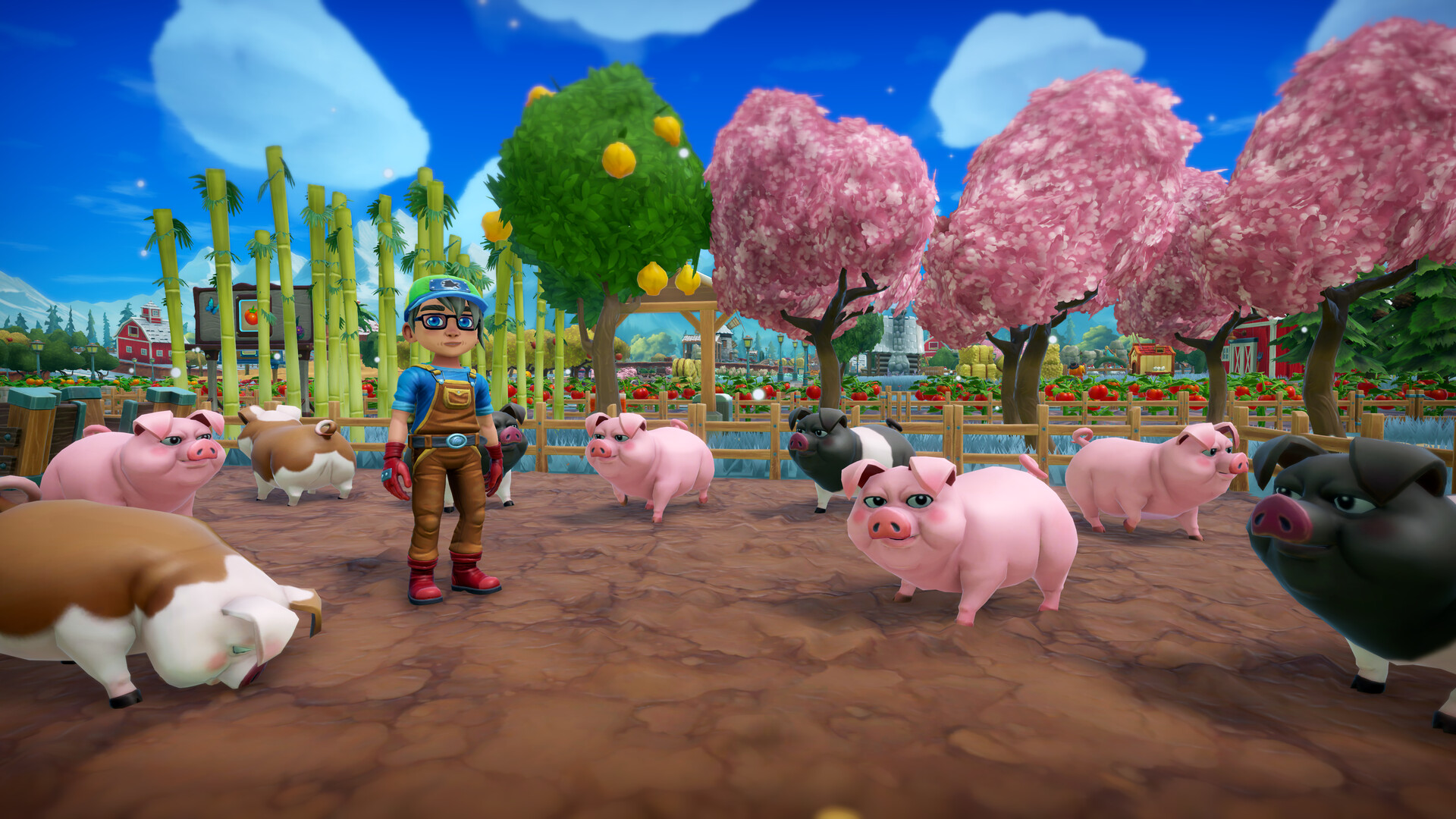
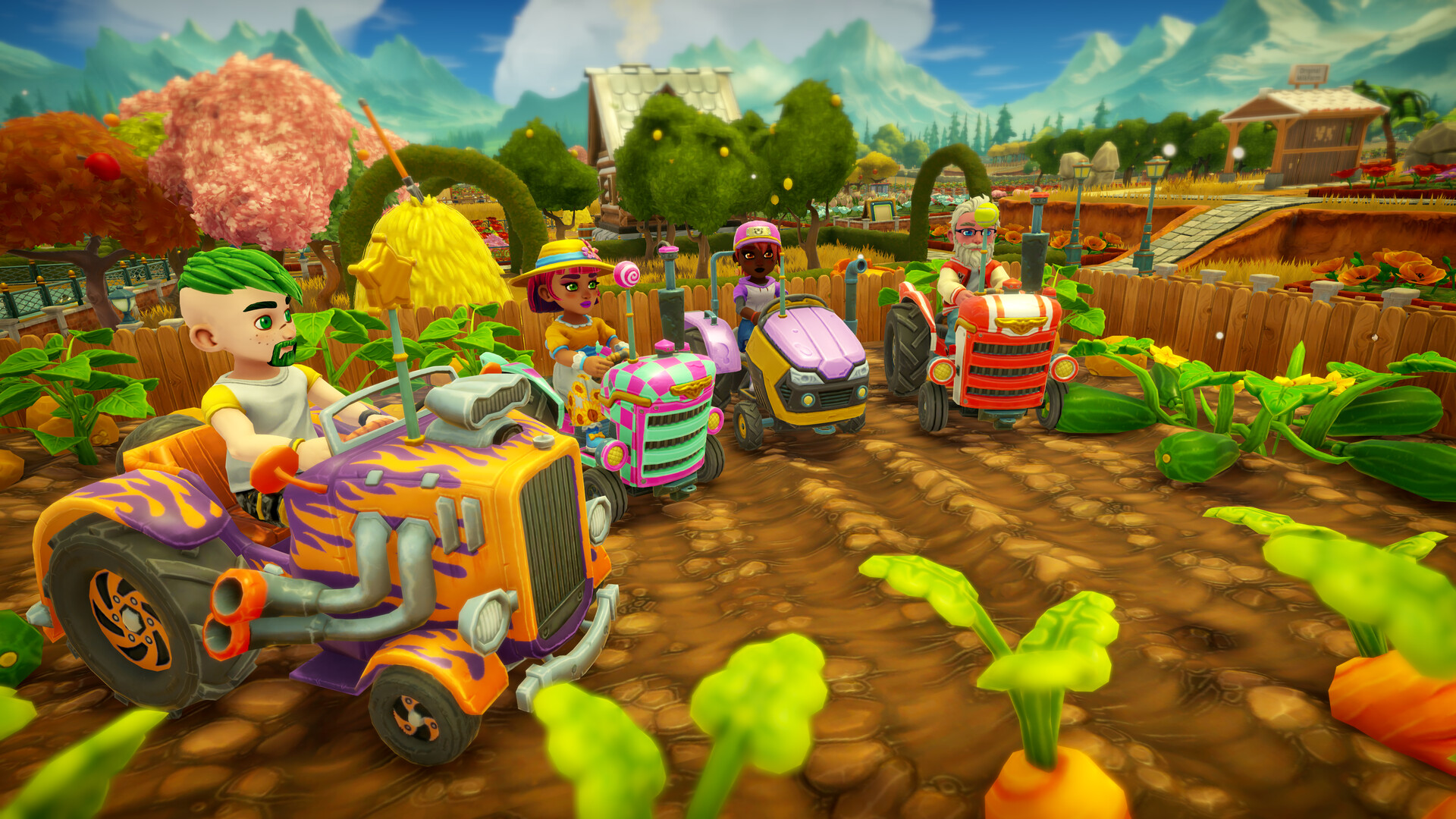
Farm Together 2 returns the beloved farming simulation with a polished upgrade over its predecessor. Players begin on a modest plot and can expand to a sprawling landscape, cultivating crops, trees, and animals while managing money earned from the town market.
The game offers solo farms, friends‑only farms, or public farms, and includes an automatic tractor mode, terraforming tools, and extensive visual customization for both the farm and avatar. All progress is saved at any time.
01 / THE GUIDE
Farm Expansion
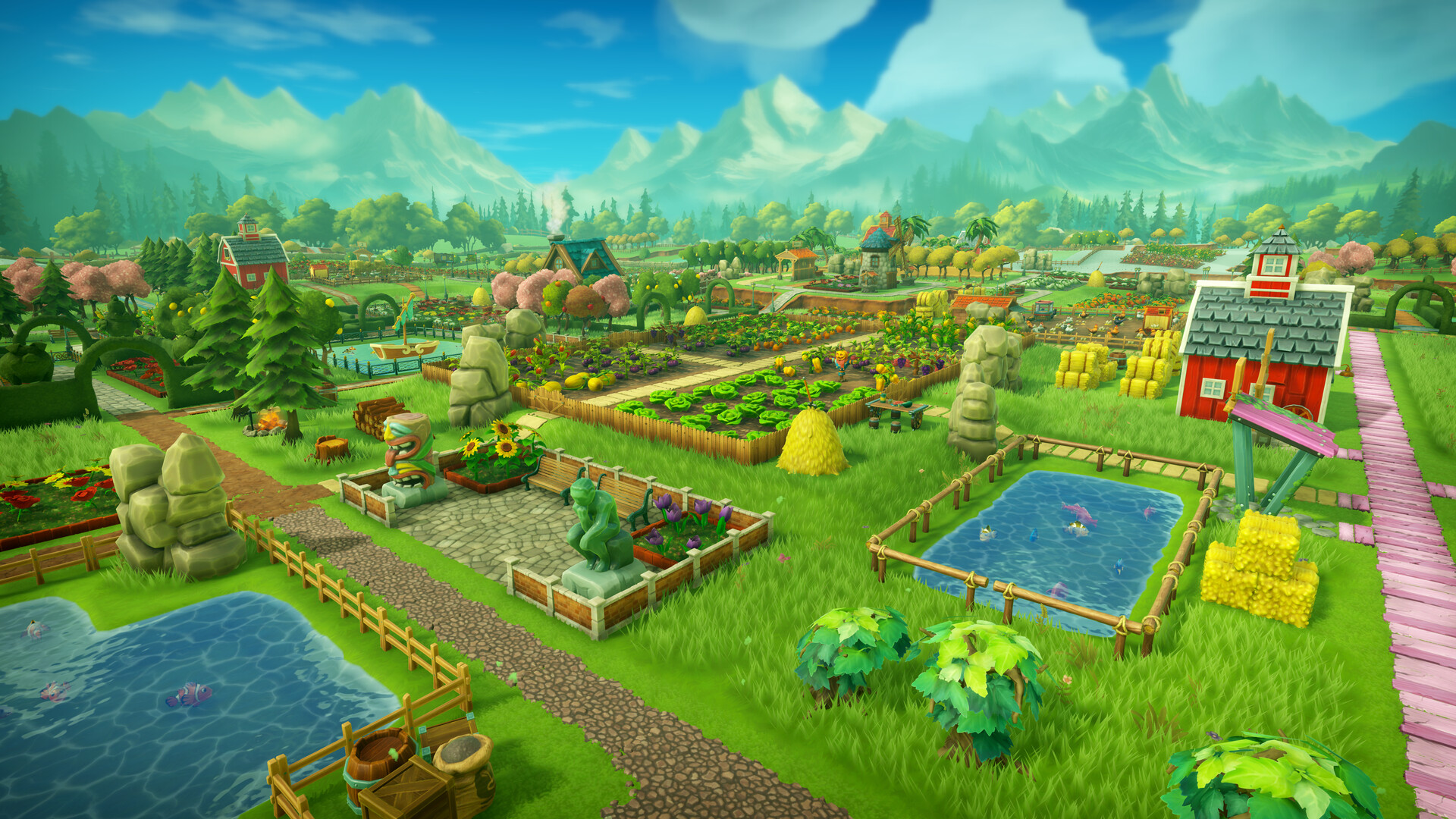
You start with a small plot and can purchase expansions using money earned from crops and town sales. Each expansion adds new land that stretches beyond the original view, allowing more fields, trees, and decorative items.
The expansion system lets you place hundreds of new items, giving room for both agricultural growth and visual design. Planning where to add hills or roads early can make later building easier.
- Sketch a rough layout before buying new land to avoid crowding later.
- Reserve space for future decorations while expanding fields.
02 / THE GUIDE
Automatic Tractor Mode
A new automatic mode lets the tractor handle repetitive tasks, speeding up chores that would otherwise be tedious. This reduces manual input while you focus on planning and decoration.
Automatic mode speeds up the tedious tasks, letting you focus on other parts of the farm when you prefer hands‑on planning and decoration.
- Use automatic mode for large‑scale planting to save time.
- Toggle to manual when arranging unique decorations.
03 / THE GUIDE
Town Interaction
The nearby town serves as a marketplace where you sell harvested goods for money. Selling crops, trees, and animal products provides the funds needed for expansions and decorations.
Fulfilling townspeople’s requests keeps them happy and yields additional rewards, encouraging regular visits to the town for both income and bonuses.
- Check town requests each session to earn extra rewards.
- Prioritize high‑value crops for quicker profit.
04 / THE GUIDE
Customization Options
A wide range of items—fences, roads, buildings, decorations—let you shape the farm’s appearance. Avatars and tractors are also customizable, letting you express personal style.
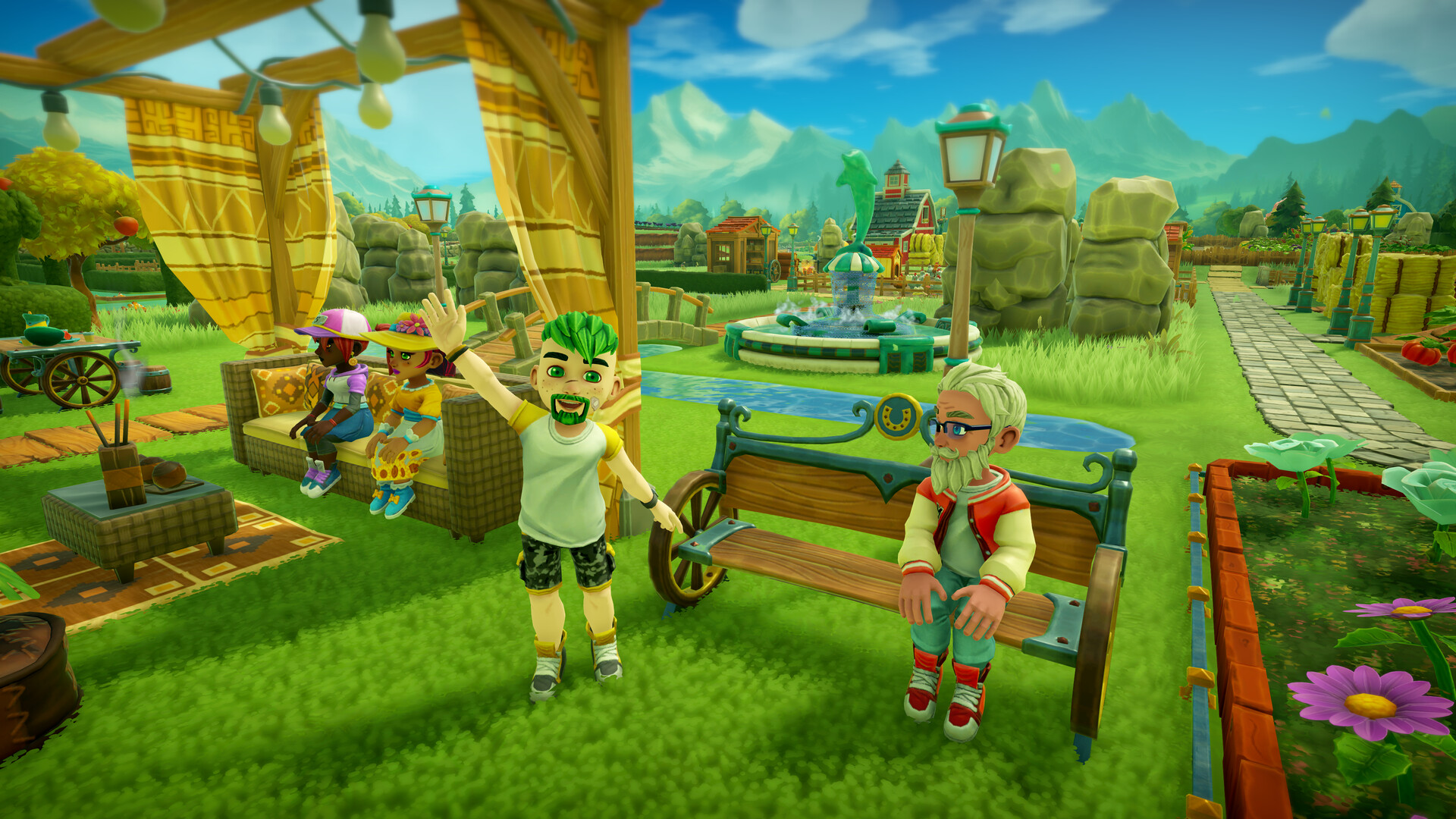
Customization lets you express personal style, enhancing the social aspect when visiting friends’ farms and showing off your design choices.
- Mix decorative themes to create a unique visual identity.
- Coordinate avatar colors with tractor designs for cohesion.
05 / THE GUIDE
House and Landscaping
You can enter your house at any time, decorate its interior, and spend moments cooking or painting. The house provides a separate space for relaxation away from farm chores.
A terraforming system lets you add or remove hills and mountains, changing the farm’s layout to suit functional or aesthetic goals.
- Use interior decoration to create a personal retreat after long farming sessions.
- Experiment with hills to create natural barriers or scenic views.
COMMUNITY
Player discussion