 GameWiki

GET YOUR BEARINGS
About Farlands
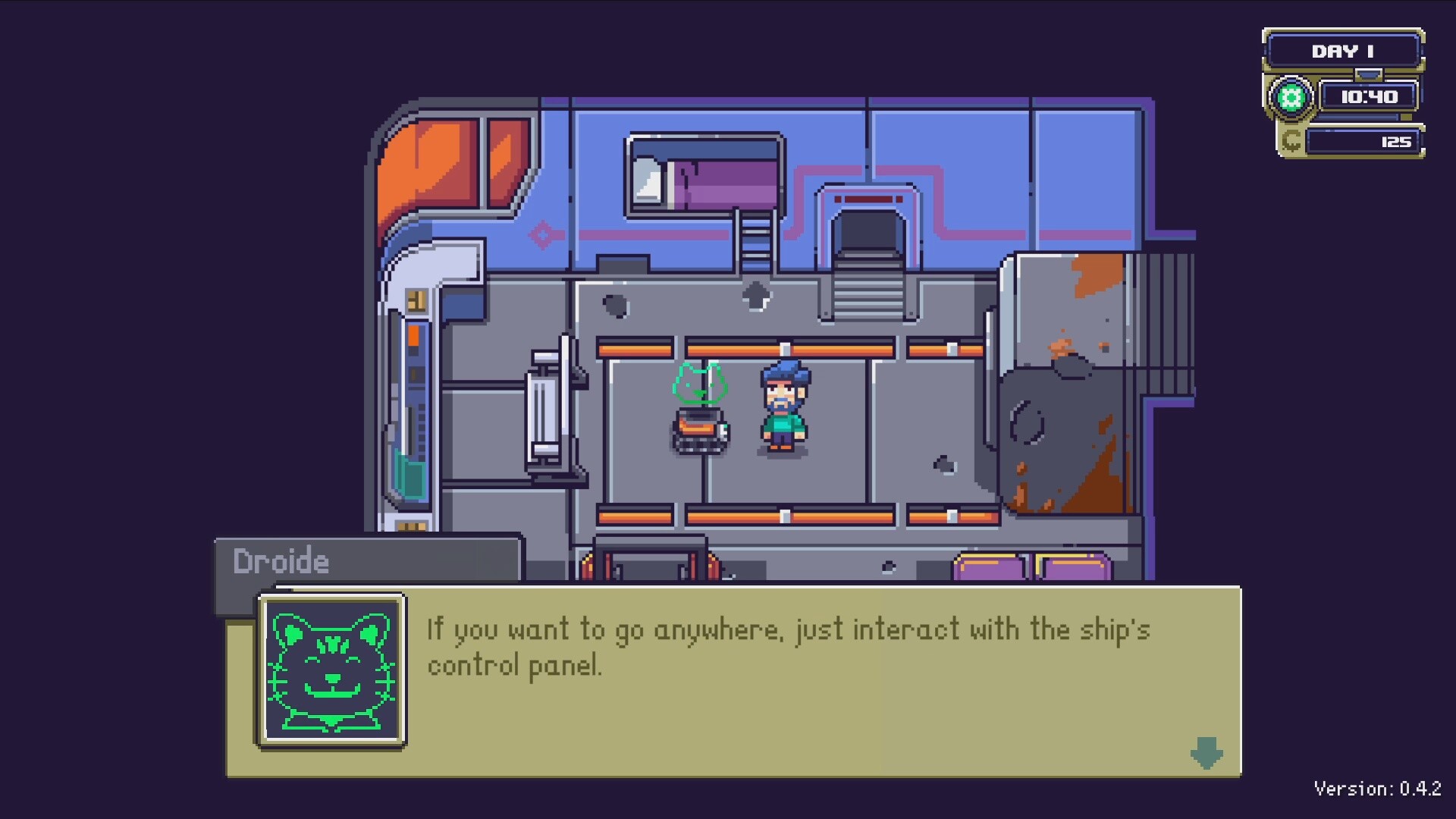
In Farlands you inherit a neglected agrarian planet and must rebuild it into a functional homestead. Using a worn ship and a personal assistance droid, you clear weeds, repair structures, and cultivate fields while uncovering the planet’s hidden history. The game also lets you travel between the system’s other planets, meet the few remaining inhabitants, and gather resources to upgrade your tools, ship, and farm. Your actions determine whether the solar system is restored or left to decay.
01 / THE GUIDE
Planet Restoration
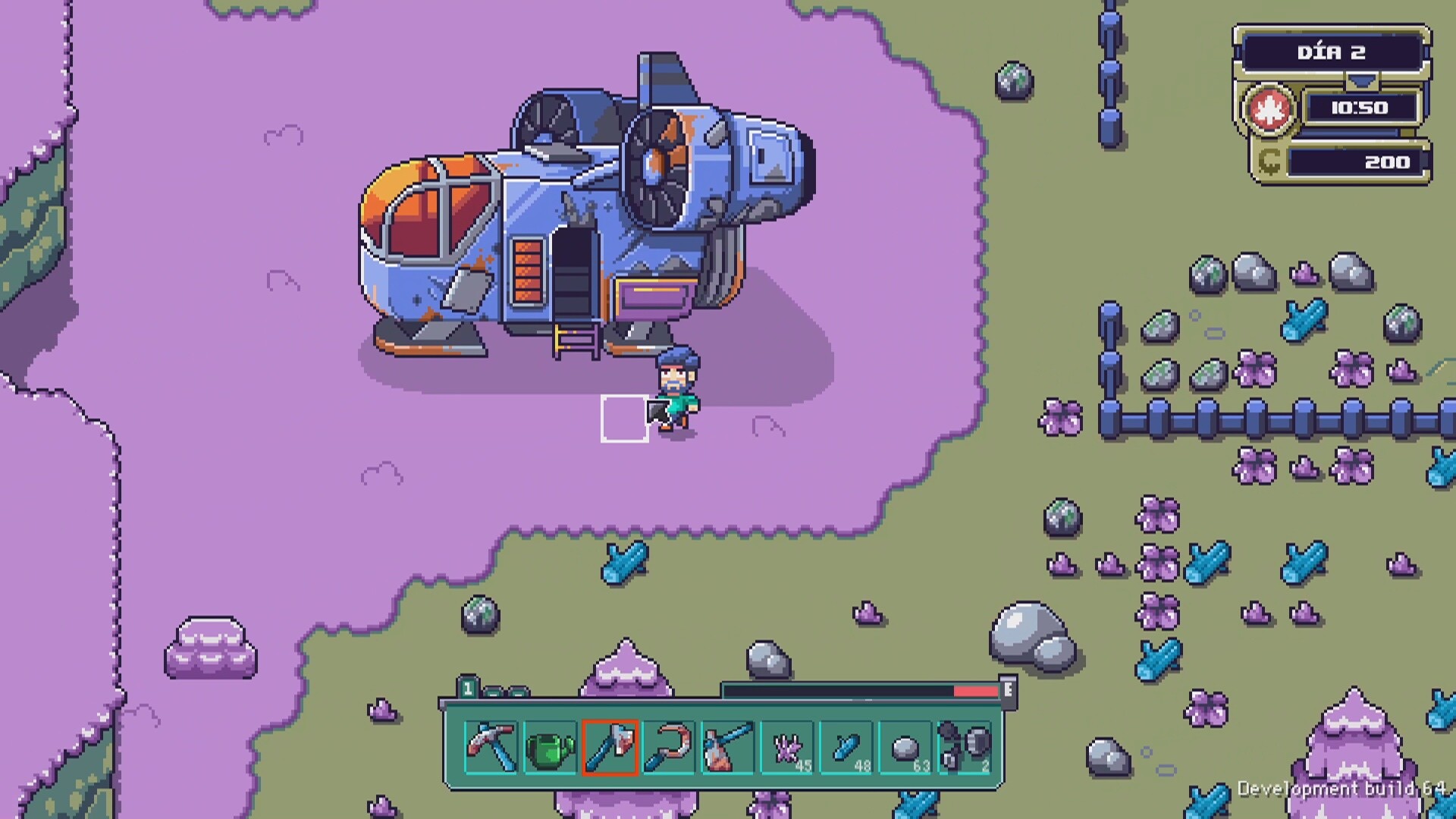
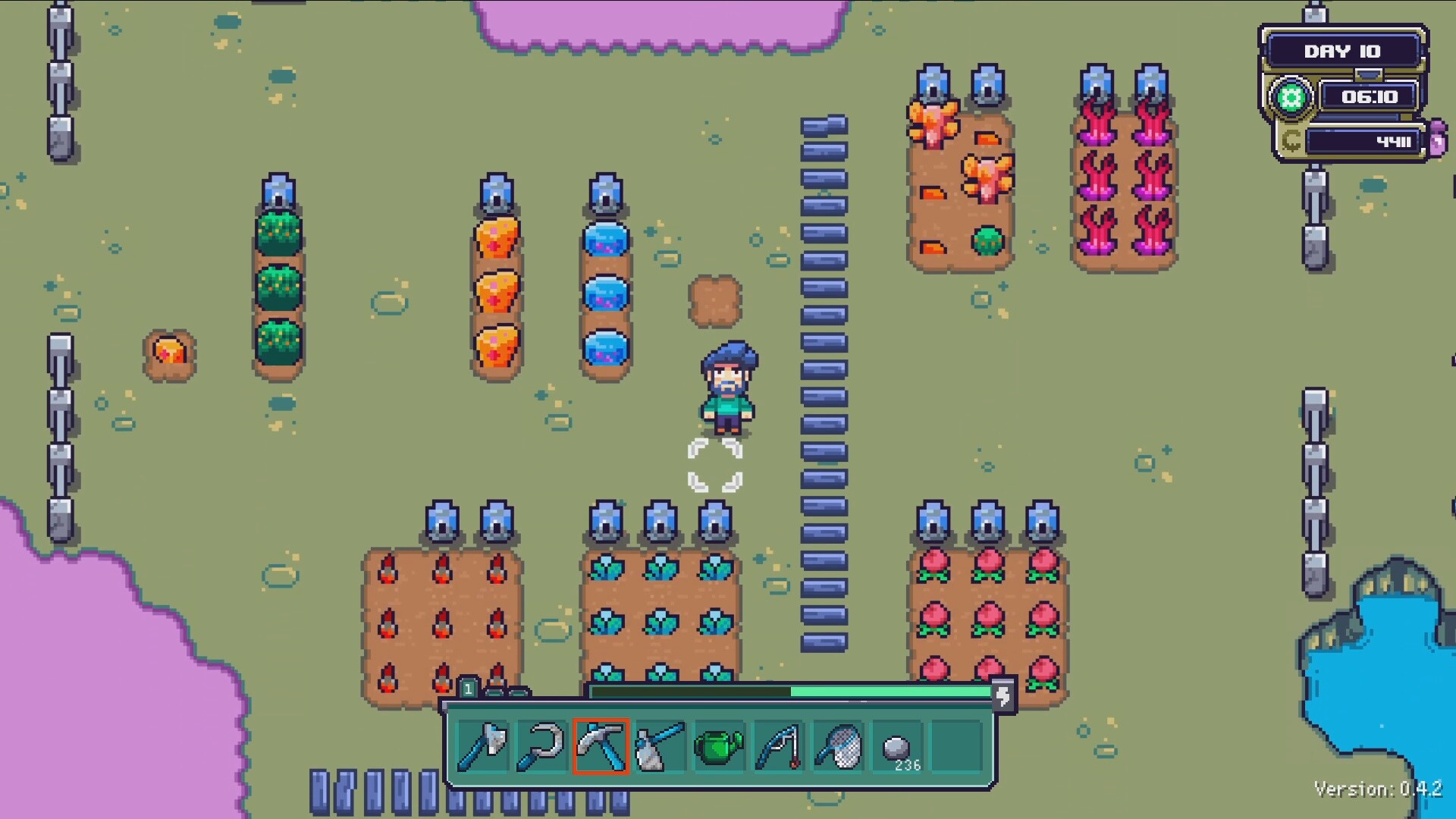
The core loop centers on repairing the abandoned world: cutting weeds, clearing paths, and rebuilding fields that time has ruined. Each task gradually transforms the barren landscape into a thriving homestead. Progress is visual; as you fix damage, the environment visibly improves, reflecting your effort and encouraging continued work.
- Focus on clearing high‑impact areas first to see quick visual improvements.
- Use the droid for repetitive tasks to conserve your own stamina.
02 / THE GUIDE
Exploration & Travel
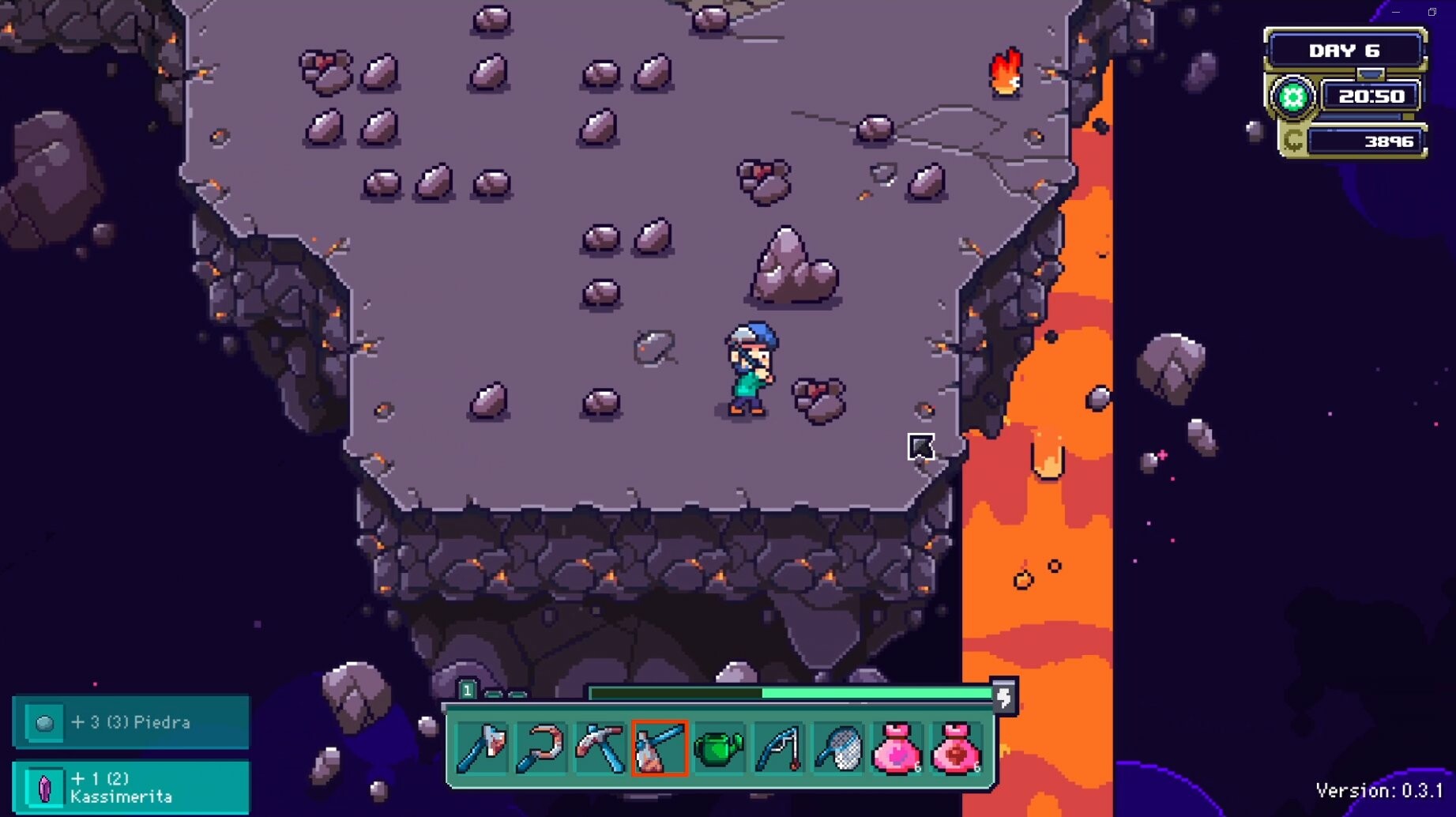
Your ship, though aged, can move you between the system’s planets, allowing resource gathering and discovery. Each world offers unique materials that can be brought back to improve your farm. Exploration also reveals story elements about why the system was abandoned, adding depth to the journey.
- Map out nearby planets before departing to plan efficient routes.
- Collect resources on each visit to avoid unnecessary back‑and‑forth trips.
03 / THE GUIDE
Community Interaction
A handful of residents remain on other planets, each with personal stories and reasons for staying. Engaging with them unlocks dialogue and potential assistance for your restoration efforts. These interactions also hint at larger mysteries surrounding the system’s decline.
- Listen carefully to each character; clues often point to useful resources.
- Building trust can lead to trade opportunities that speed up upgrades.
04 / THE GUIDE
Resource Management
Collected materials are used to upgrade tools, improve the ship, and enhance farm infrastructure. Efficient allocation determines how quickly you can restore the planet. Balancing immediate repairs with long‑term upgrades creates a strategic layer to the otherwise casual gameplay.
- Prioritize upgrades that increase gathering speed for faster progress.
- Keep a small reserve of resources for unexpected repairs.
05 / THE GUIDE
Controller & Platform Support
Farlands runs on Windows and offers partial controller compatibility, including DualShock and DualSense support. Cloud saves via Steam ensure progress is retained across sessions. Family Sharing allows multiple accounts to experience the game on a single purchase, broadening accessibility.
- Enable Steam Cloud to safeguard your restoration progress.
- Test both DualShock and DualSense inputs to find the most comfortable setup.

COMMUNITY
Player discussion