 GameWiki
GET YOUR BEARINGS
About Fantasy Map Simulator
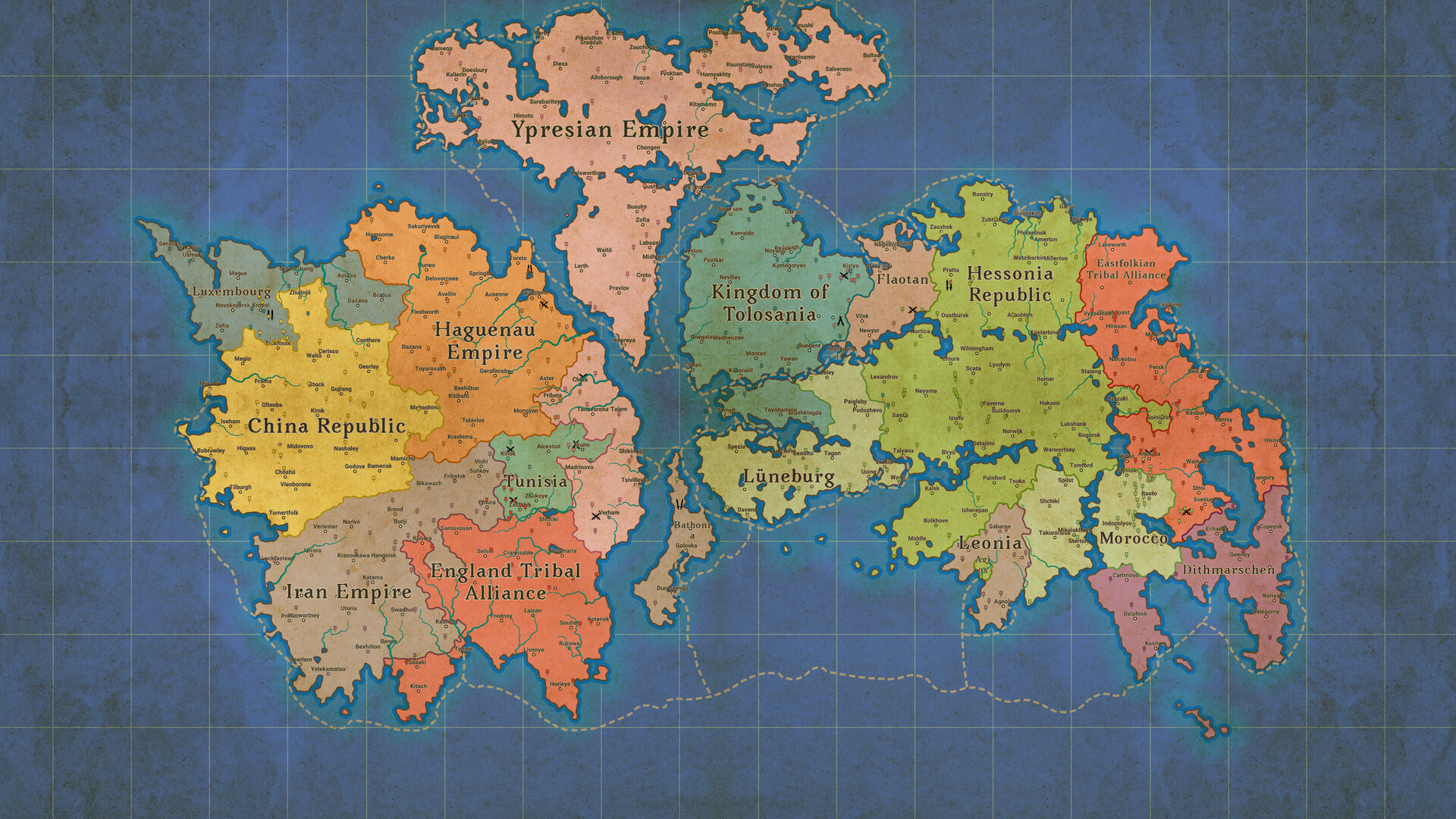
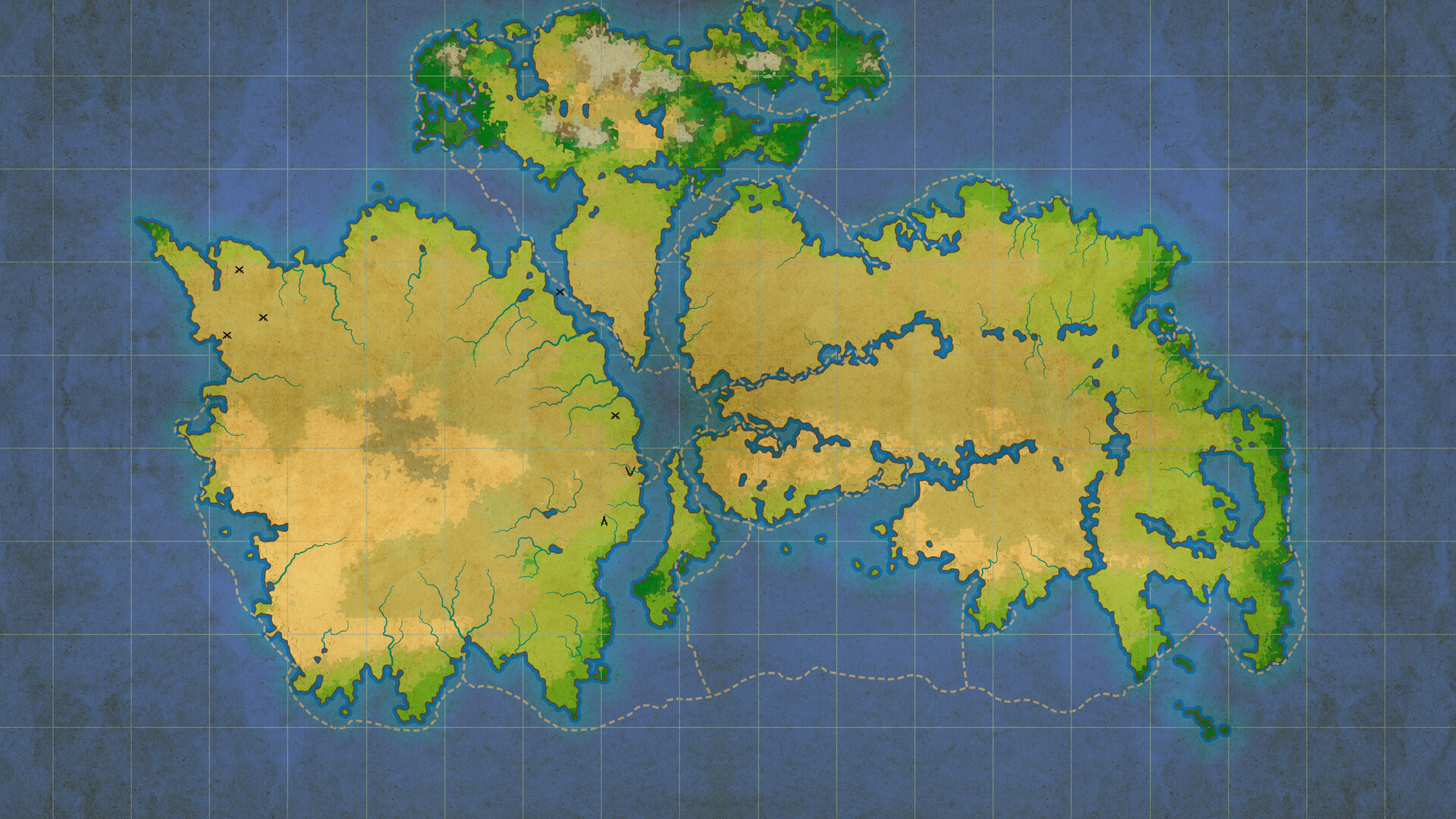
Fantasy Map Simulator lets you generate or edit custom fantasy maps and then watch those worlds evolve over centuries. The simulation covers internal affairs, diplomacy, development, and wars, creating a living history that can span hundreds or even thousands of years.
A unique Windows desktop wallpaper mode displays the rise and fall of empires directly on your background, turning everyday tasks into a passive view of your created world. You can also step in and shape the fate of nations as you see fit. The game is single-player, supports Steam Workshop sharing, and includes a level editor and Family Sharing.
01 / THE GUIDE
Map Creation
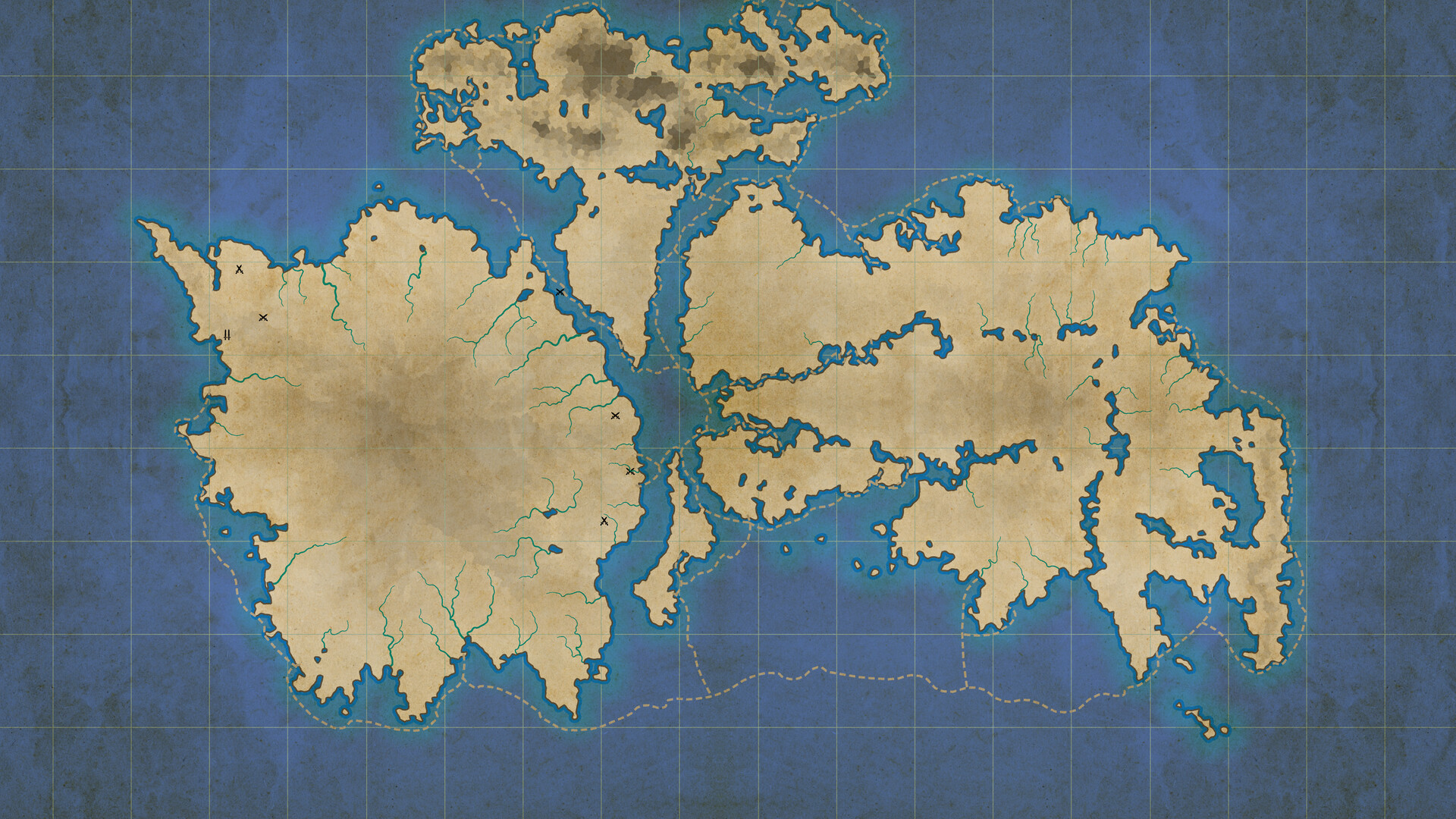
The core tool lets you generate or edit custom fantasy maps, providing a blank canvas for continents, nations, and geographic features. Every element you place becomes part of the simulation's starting conditions.
Because the map defines borders and terrain, the choices you make at this stage directly influence later diplomatic and military events. Editing the map before starting the simulation lets you experiment with different world layouts.
- Begin with large landmasses before adding detailed borders.
- Save several versions to compare how different layouts affect later outcomes.
02 / THE GUIDE
Historical Simulation
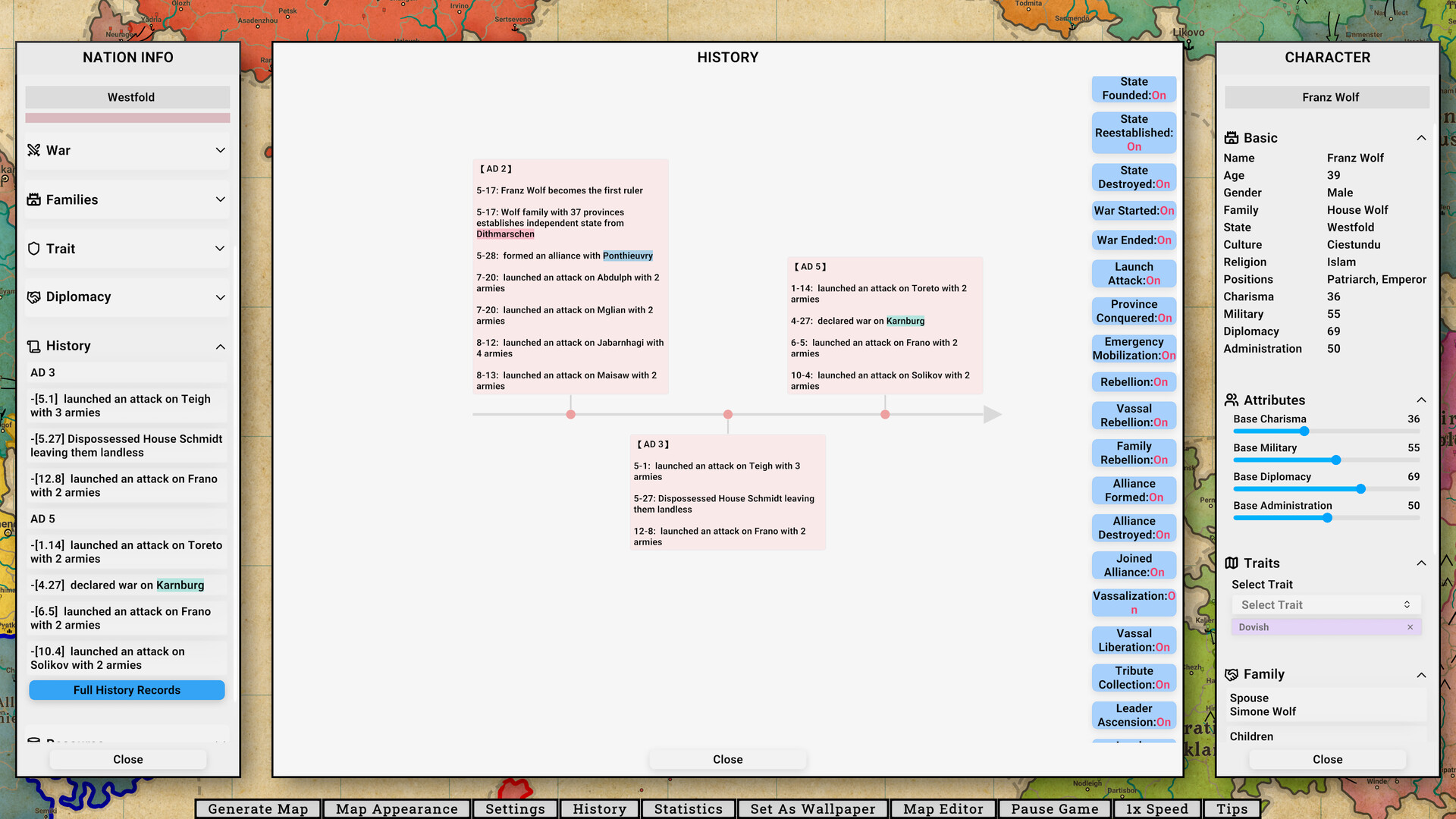
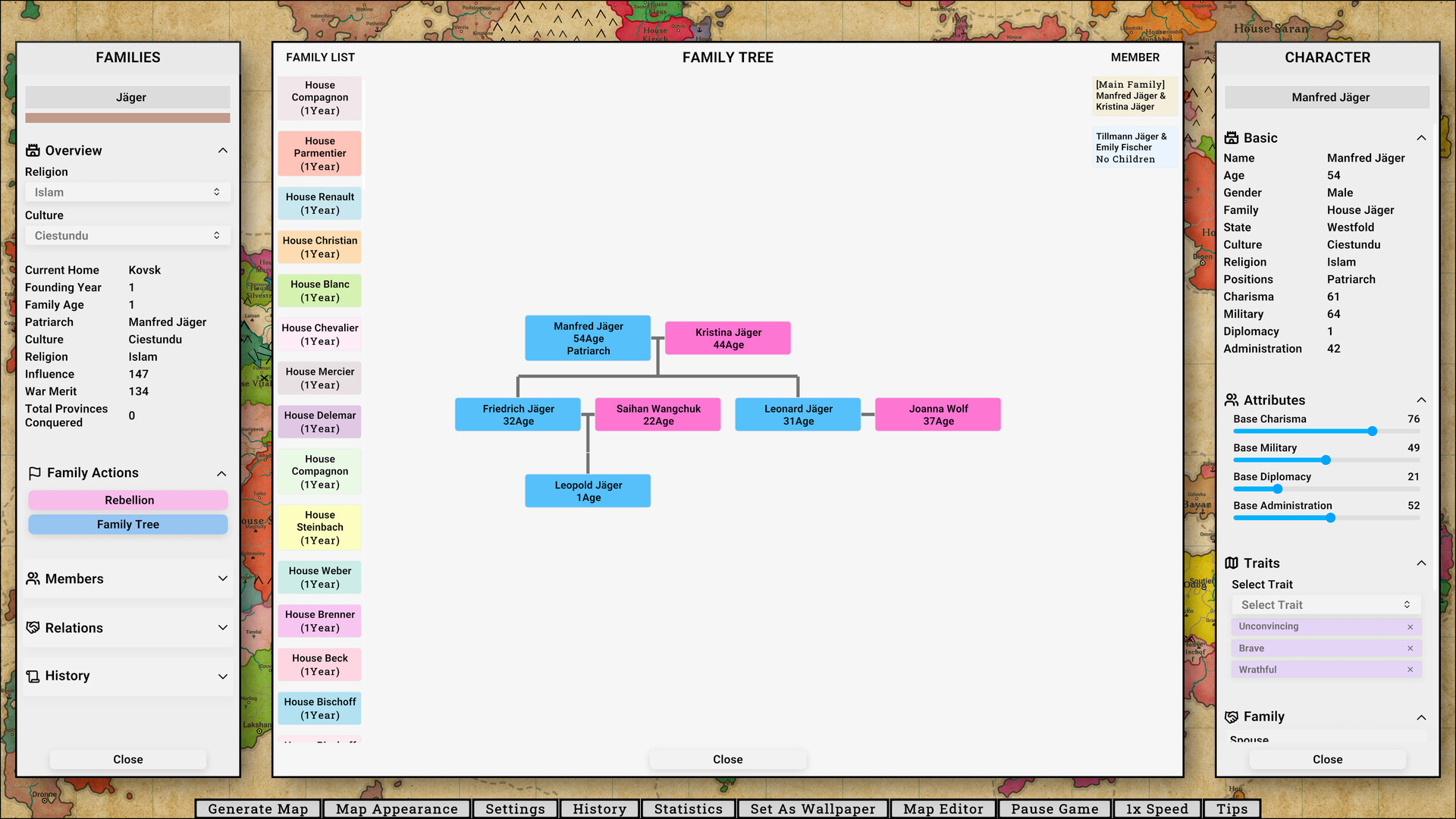
Once a map is set, the game simulates internal affairs, diplomacy, development, and wars between nations. These systems operate over hundreds or thousands of simulated years, producing a timeline of rising and falling dynasties.
You are not limited to passive observation: the game lets you control the fate of nations as you see fit, shaping the world order. You can intervene in the unfolding history or simply watch it evolve while you work or rest.
- Try letting history run on its own first, then start a new world where you intervene early to compare outcomes.
- Watch how nations develop over time to spot emerging powers before open conflict begins.
03 / THE GUIDE
Desktop Wallpaper Mode
A Windows desktop wallpaper mode projects the ongoing simulation onto your background. Empires rise and fall while you work or rest, turning the screen into a living map without requiring active gameplay.
The mode runs in the background, so you can continue normal computer use while the fantasy world evolves visually on your screen.
- Use a high-resolution monitor for clearer map details.
- Keep an eye on system responsiveness to make sure background simulation stays comfortable during work.
04 / THE GUIDE
Steam Workshop Integration
Fantasy Map Simulator includes Steam Workshop support, allowing creators to upload custom maps and scenarios for the community. Other players can download these creations and run them in their own simulations.
Workshop content expands the variety of worlds you can explore, offering a collaborative space where map designers share ideas and inspire new designs.
- Browse highly rated maps before downloading to ensure quality.
- Share your own maps to receive feedback from other users.
05 / THE GUIDE
Platform Availability
This Steam release is for Windows; macOS and Linux are not listed for this title. Installation is handled through Steam, and the game includes Family Sharing, letting multiple accounts access a single purchase.
Because the wallpaper mode is described as a Windows desktop feature, the Windows environment is the setting in which the full experience is presented on this listing.
- Confirm your Windows version meets the minimum system requirements.
- Enable Family Sharing to let friends try the game without extra purchases.
COMMUNITY
Player discussion