 GameWiki
GET YOUR BEARINGS
About False Dream
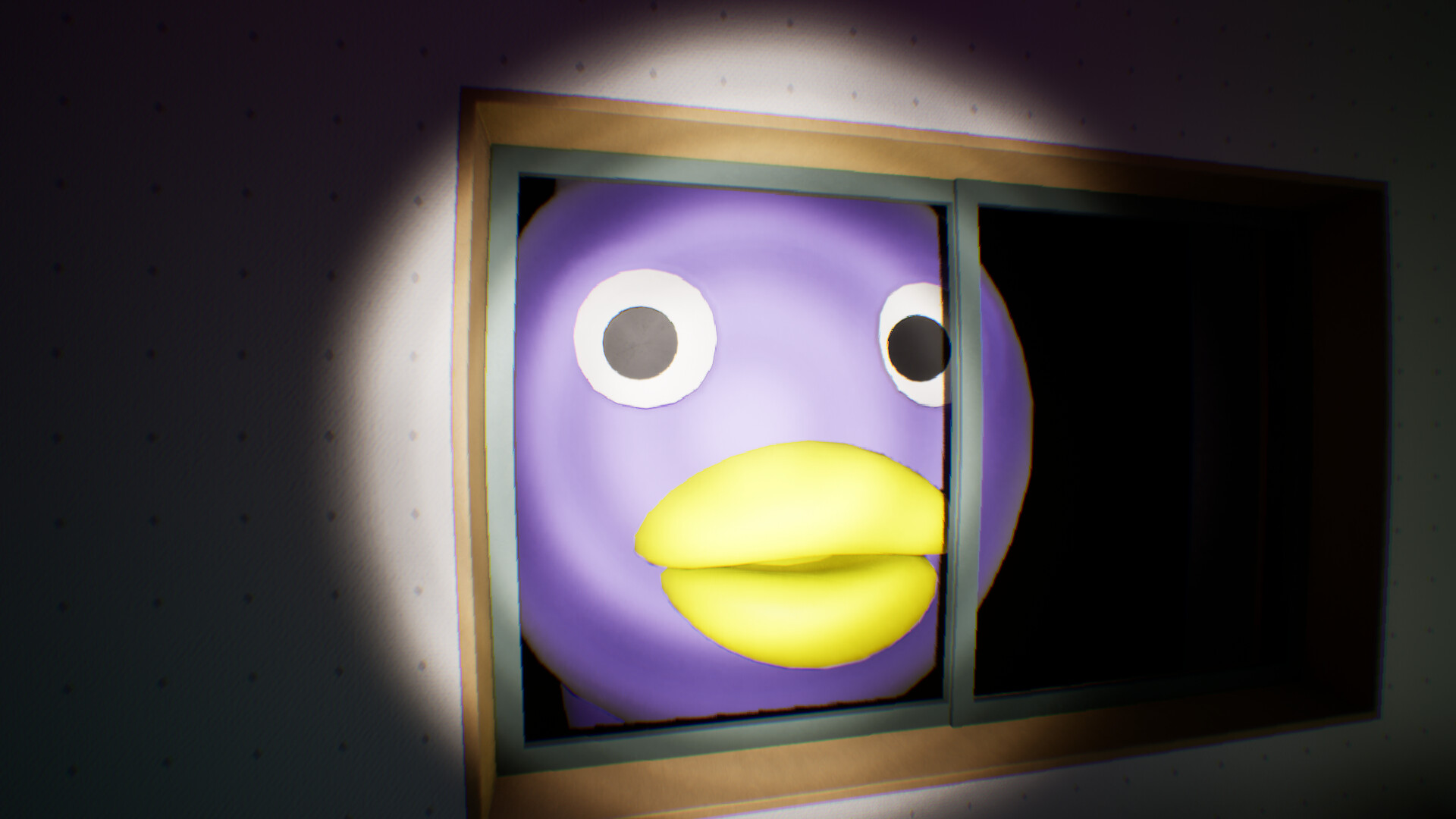
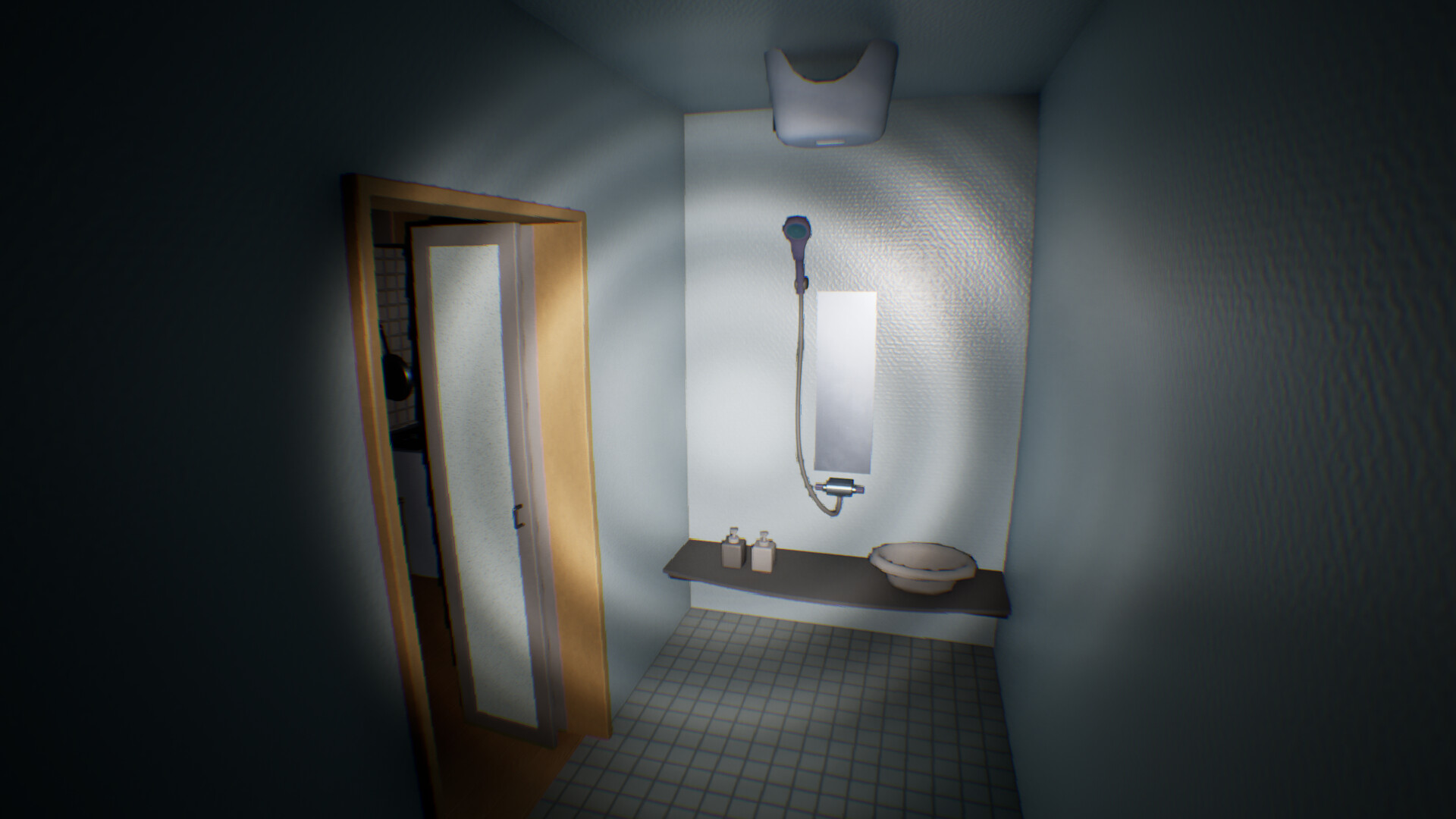
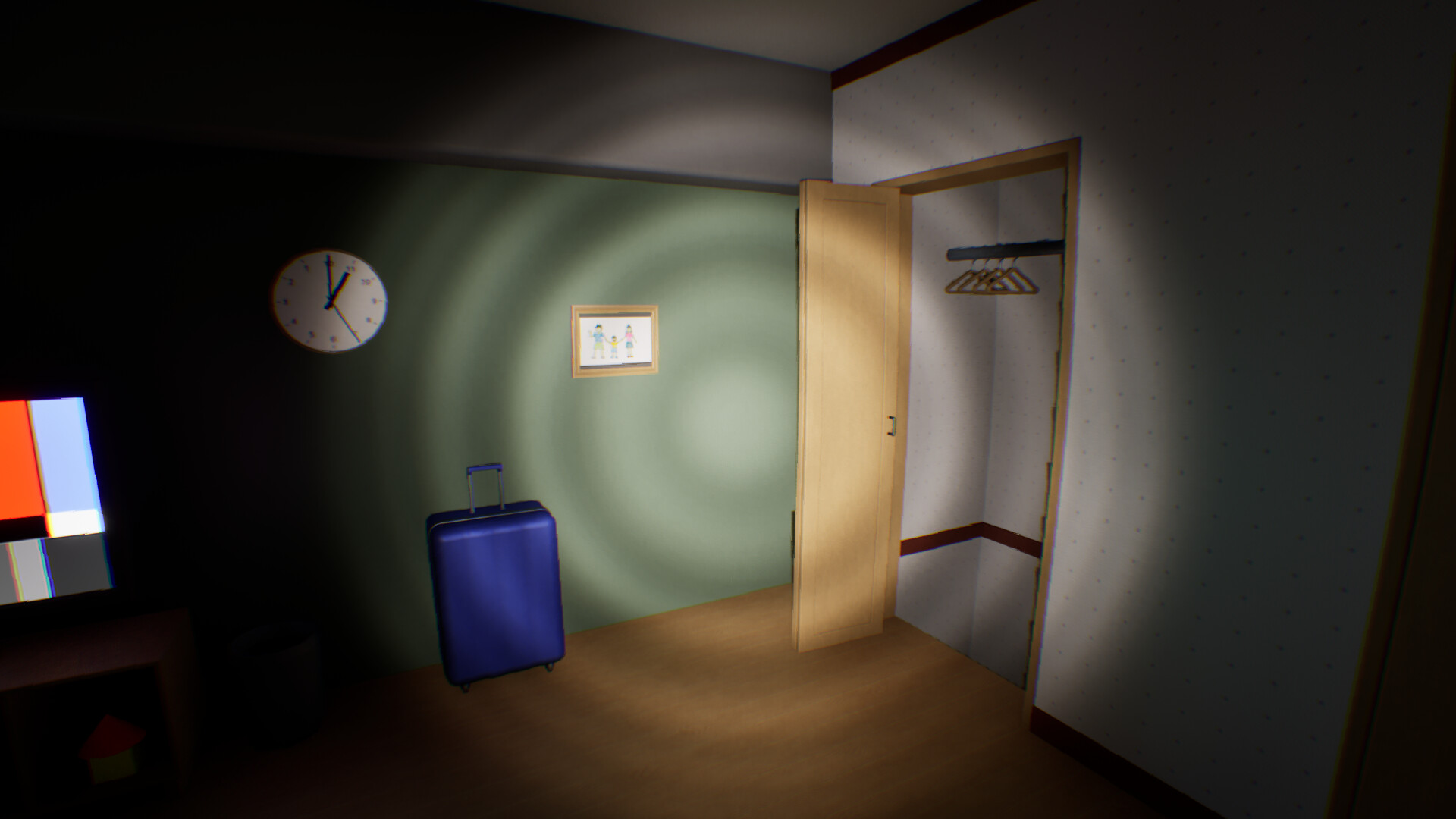
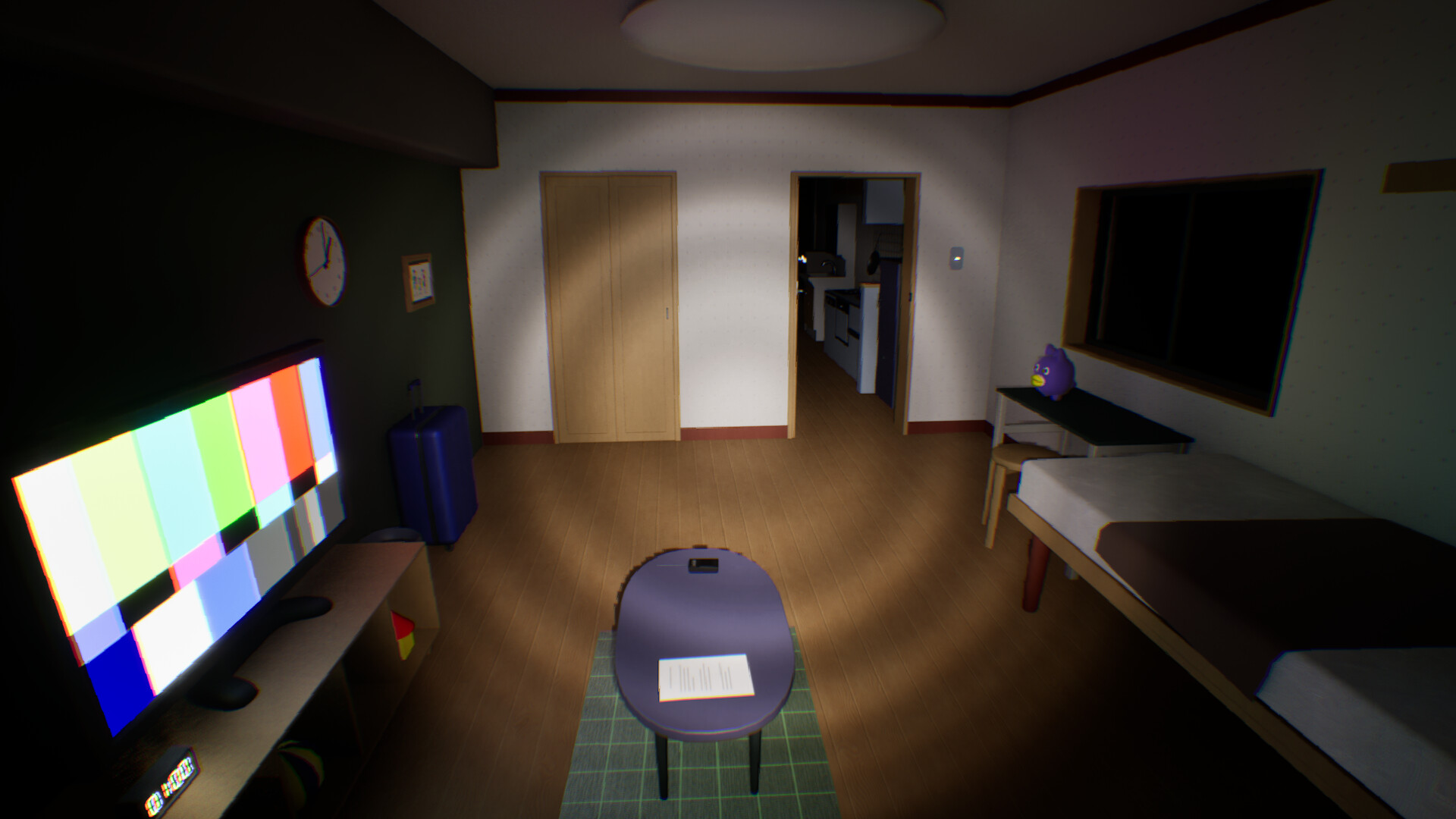
In *False Dream* you wander a surreal environment, hunting visual glitches called anomalies. Using an in‑game camera you photograph each oddity, hoping the evidence will free you from the dream. The game offers two play styles—Normal Mode, where an anomaly appears every interval, and Nightmare Mode, where some intervals may lack an anomaly.
A single playthrough of Normal Mode lasts roughly twenty minutes to an hour and a half, while fully cataloguing all 81 anomalies can exceed three hours. Progress is saved between sessions, though captures made with the radio assistance item are not retained.
01 / THE GUIDE
Game Modes
Normal Mode guarantees an anomaly each cycle, giving a steady rhythm for players learning the capture mechanic. Nightmare Mode introduces uncertainty; some cycles may present no anomaly, prompting players to stay alert for subtle cues.
The developer recommends beginning with Normal Mode to become familiar with spotting and photographing anomalies before tackling the less predictable Nightmare Mode.
- Try Normal Mode first to learn the timing of anomaly appearances.
- When switching to Nightmare Mode, keep an eye on the environment even during quiet periods.
02 / THE GUIDE
Progress Saving
Captured anomalies are stored automatically, allowing you to quit and resume without losing your collection. This persistence applies to all standard captures regardless of when you exit the game.
Anomalies obtained via the radio assistance item are excluded from the save system, so those particular captures disappear after a restart.
- Avoid relying on the radio for critical captures if you plan to pause the game.
- Check your saved count after each session to ensure progress is recorded.

03 / THE GUIDE
Graphics Settings
The game runs on UE5's Lumen system; setting Global Illumination to “High” or above enhances atmosphere but may lower frame rates. Adjusting quality can help maintain smoother performance.
For players experiencing motion sickness, lowering the Head Bob and Motion Blur sliders to zero reduces visual discomfort.
- Monitor FPS after changing settings; pause the game to view the counter in the top‑left corner.
- If performance drops, lower Global Illumination before adjusting other options.
04 / THE GUIDE
Technical Requirements
The game requires a graphics driver that supports DirectX 12. Out‑of‑date drivers or insufficient GPU memory have been reported to cause crashes.
Updating to the latest driver version and, if needed, reducing graphics quality are the primary fixes before seeking a refund.
- Verify your driver version supports DirectX 12 before launching.
- If crashes persist after lowering settings, consider checking for driver updates.
05 / THE GUIDE
Sharing Content
Players are free to record gameplay videos or stream the experience without contacting the developer. This openness encourages community discussion of discovered anomalies.
The game’s single‑player nature means sharing does not affect personal progress.
- Upload captured anomaly photos alongside your streams for community reference.
- Engage with other players to compare which anomalies you have found.
COMMUNITY
Player discussion