 GameWiki

GET YOUR BEARINGS
About Fallout: New Vegas
Fallout: New Vegas drops you into the scorching Mojave Desert, where the neon‑lit Vegas Strip and the massive Hoover Dam sit amid scattered settlements. The world is open, letting you wander from sun‑baked wastelands to bustling casinos while confronting mutated creatures and rival factions.
Your choices steer a brewing war between competing groups, shape relationships with colorful characters, and determine whether you become a kingpin, a peacemaker, or a lone wanderer. The game blends action‑RPG mechanics with new systems like a Companion Wheel, Reputation tracking, and Hardcore Mode.
01 / THE GUIDE
World Exploration
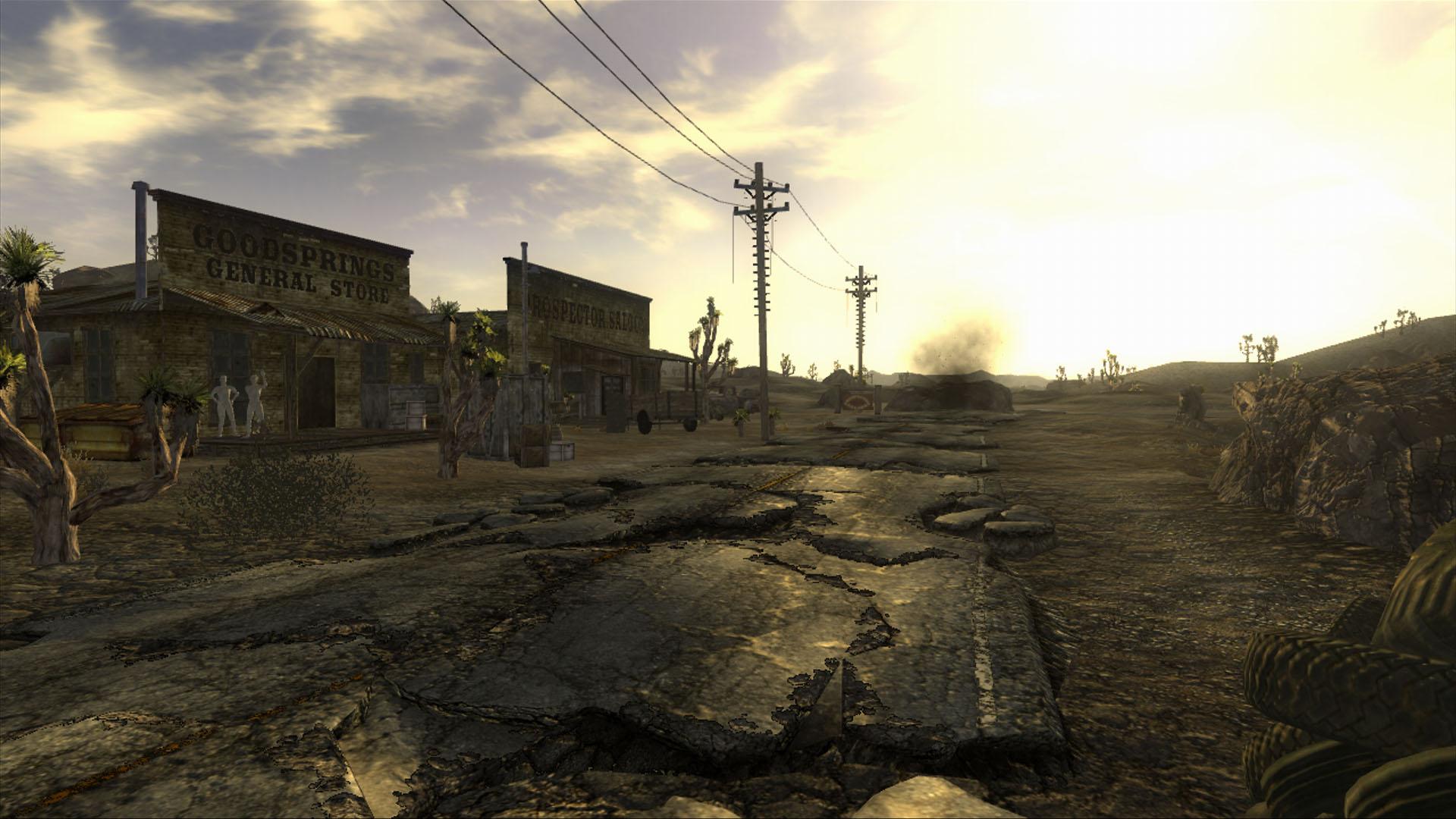
The desert expanse stretches from tiny Mojave towns to the bright lights of the New Vegas Strip, offering a vast open world to traverse. Heat and radiation are atmospheric details, but they do not impede movement.
Exploration is unrestricted; you can travel between locations at will, encountering a variety of environments and enemies. The setting captures the Great Southwest as imagined in the Fallout series.
- Take time to visit both small settlements and major landmarks for a fuller sense of scale.
- Observe environmental cues; they hint at nearby points of interest.
02 / THE GUIDE
Factions & Reputation
A war brews between rival factions, and your actions feed a Reputation System that records the consequences of each decision. Aligning with a group or staying neutral influences dialogue and story outcomes.
The system tracks how characters, creatures, allies, and foes respond to you, ultimately shaping the final explosive outcome of the power struggle.
- Consider the long‑term impact before making a major faction choice.
- Check your reputation status to anticipate how NPCs will treat you.
03 / THE GUIDE
Combat Systems
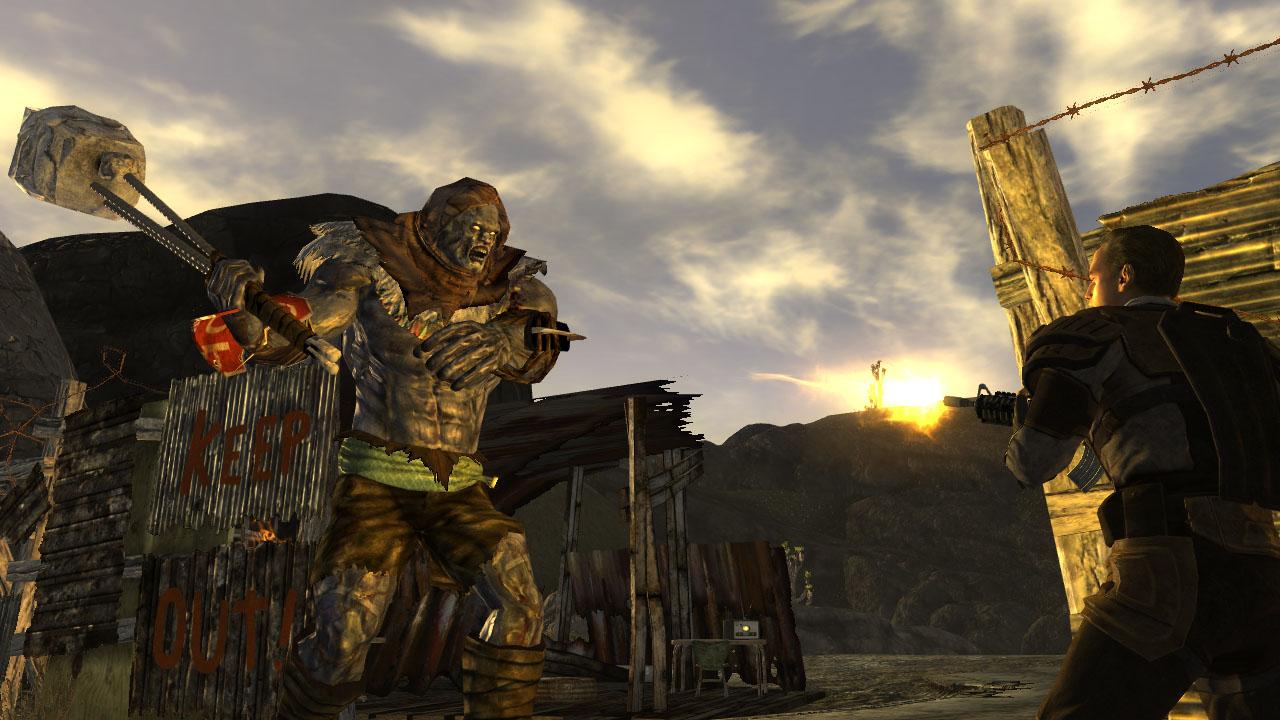
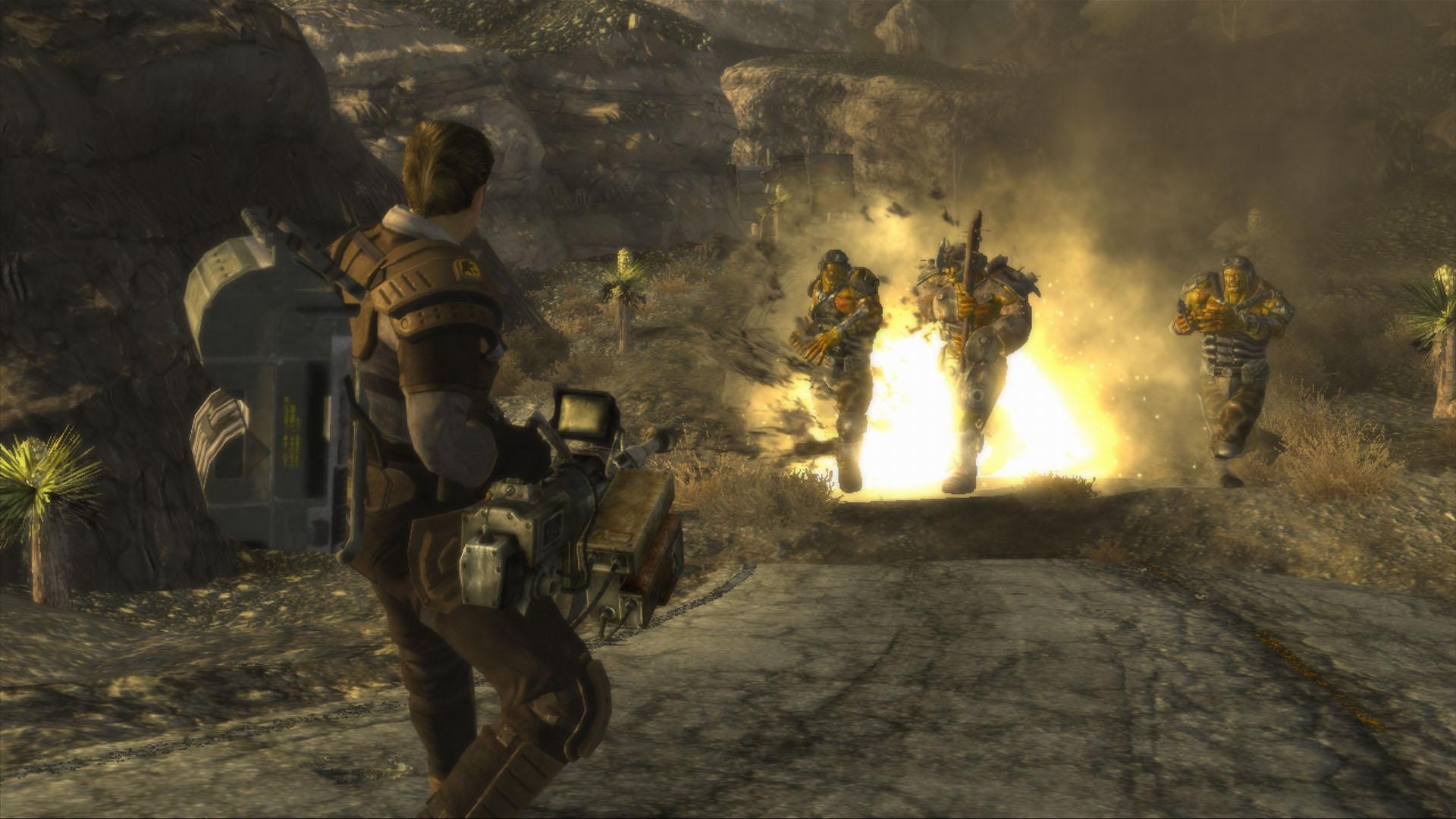
Combat blends real‑time action with V.A.T.S., allowing you to pause time, target specific body parts, and queue attacks. New melee moves add depth to close‑quarters fights.
Hardcore Mode offers an extra challenge, separating the meek from the mighty, while the real‑time mechanics let you dive straight into combat without pausing.
- Use V.A.T.S. to focus on weak spots before engaging in melee.
- Try Hardcore Mode after mastering basic combat for added tension.
04 / THE GUIDE
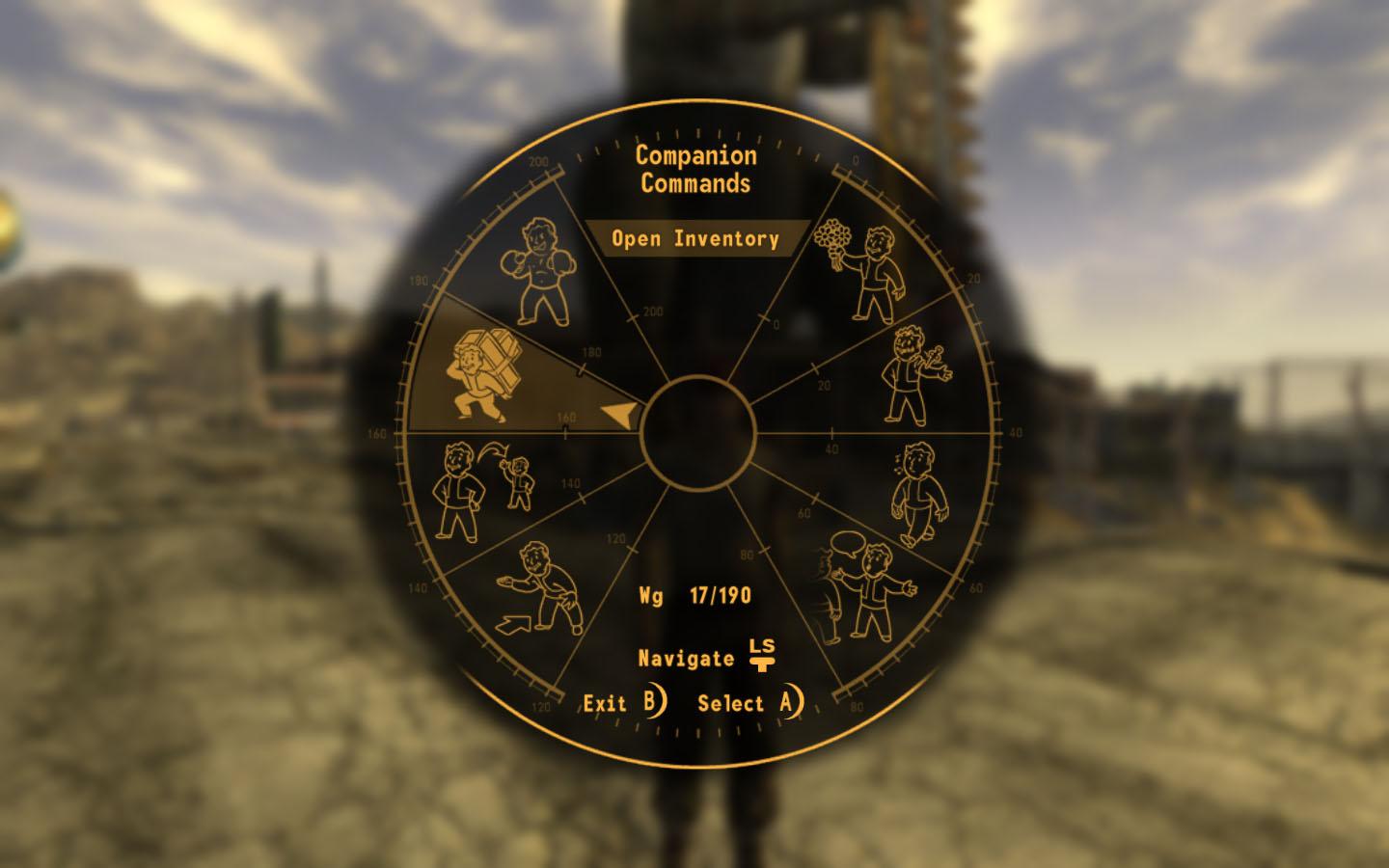
Companion Wheel
The Companion Wheel streamlines directing your companions, making it easier to issue commands during exploration or combat. It centralizes control of allies without navigating separate menus.
Companions react to your choices and reputation, providing support that aligns with your playstyle, whether you favor a peacemaker or a hard‑case approach.
- Assign companions to tasks that match their strengths for smoother encounters.
- Use the wheel frequently to keep allies coordinated during hectic fights.
05 / THE GUIDE
Weapon Customization
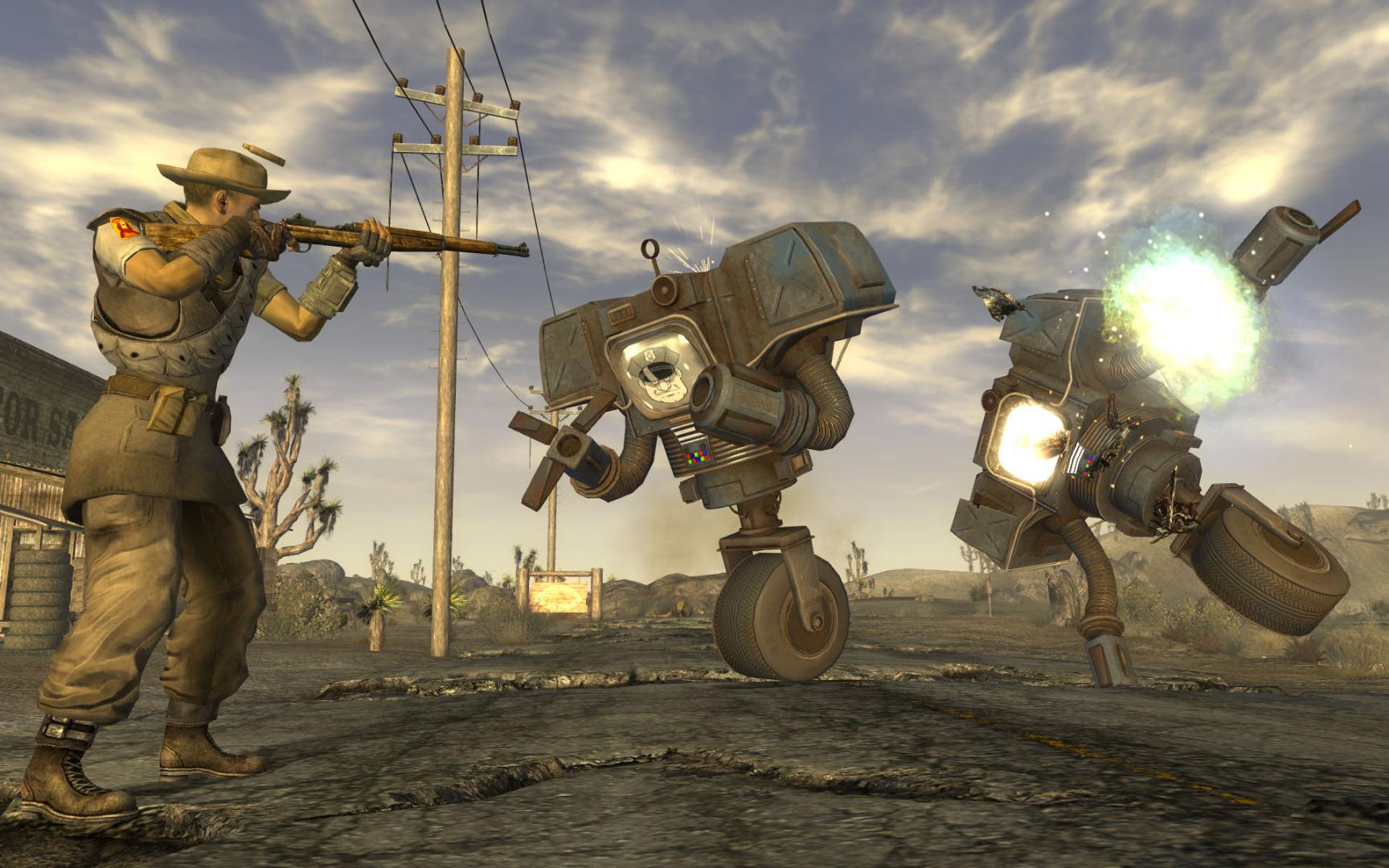
The game doubles the weapon count from its predecessor, offering a larger arsenal of guns and melee tools. Vault‑Tec engineers added a configuration system that lets you modify weapons and see changes in real time.
Customization lets you tinker with attachments and upgrades, creating personalized firepower suited to any encounter across the wasteland.
- Experiment with different mods to find the best fit for your combat style.
- Save configurations before major changes to compare performance.
COMMUNITY
Player discussion