 GameWiki

GET YOUR BEARINGS
About Fallout 4
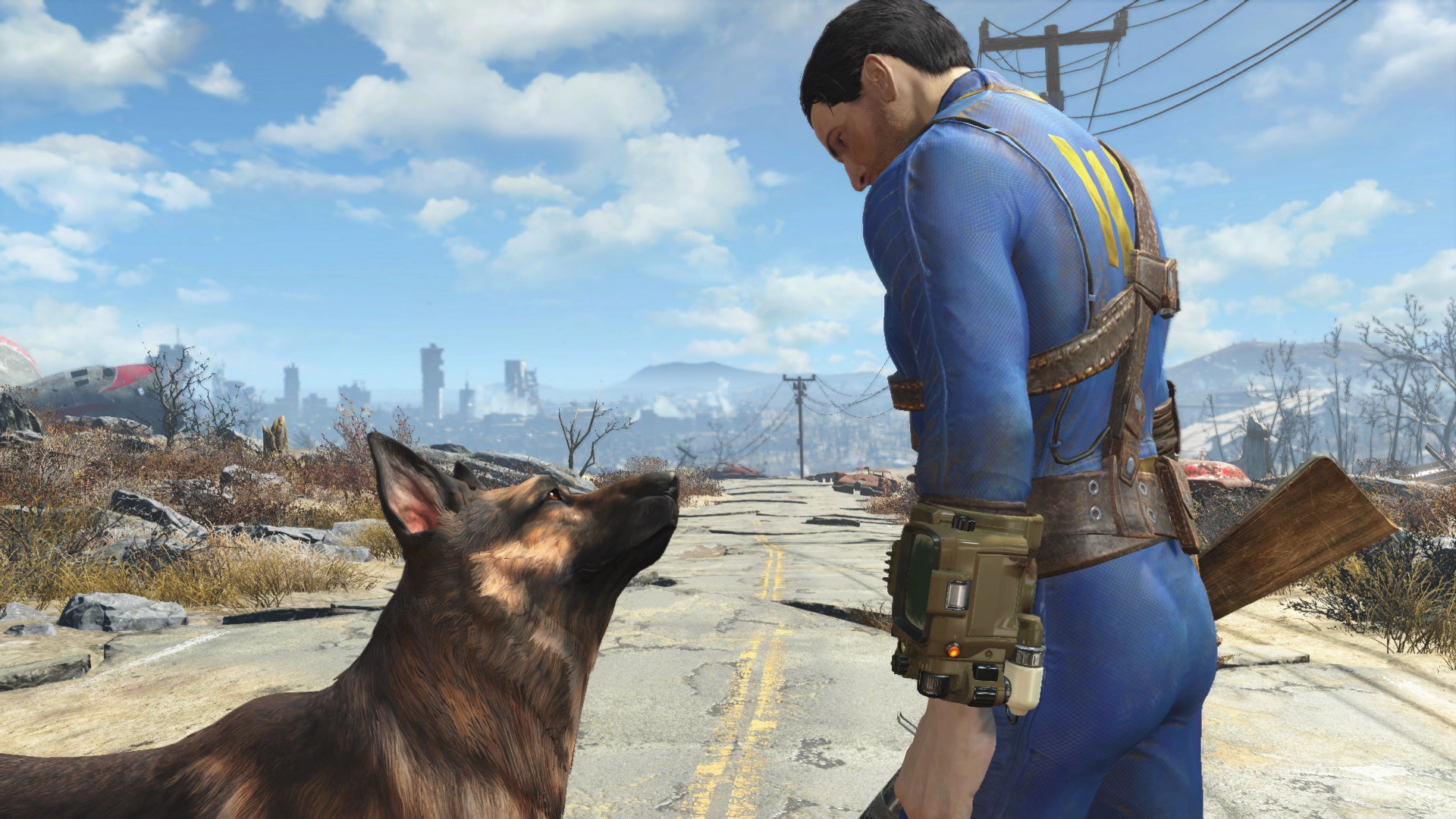
Fallout 4, from Bethesda Game Studios, places you as the sole survivor of Vault 111 in a post‑nuclear Commonwealth. The game offers a massive open world where every decision influences the future of the wasteland. Players can join factions, craft gear, and build settlements while using the V.A.T.S. system for targeted combat. The title supports full controller use, Steam achievements, and cloud saves across Windows platforms.
01 / THE GUIDE
Open‑World Exploration
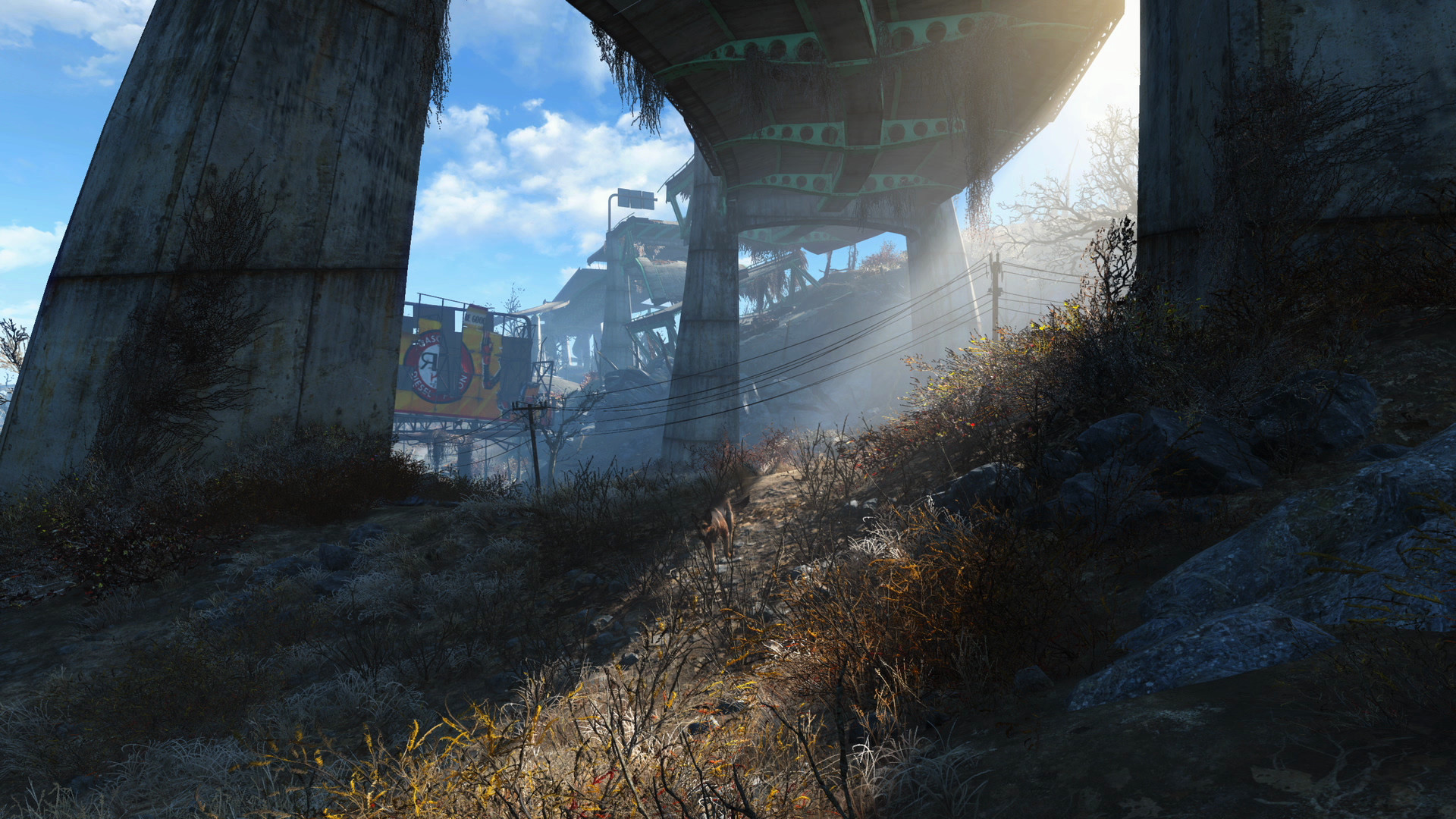
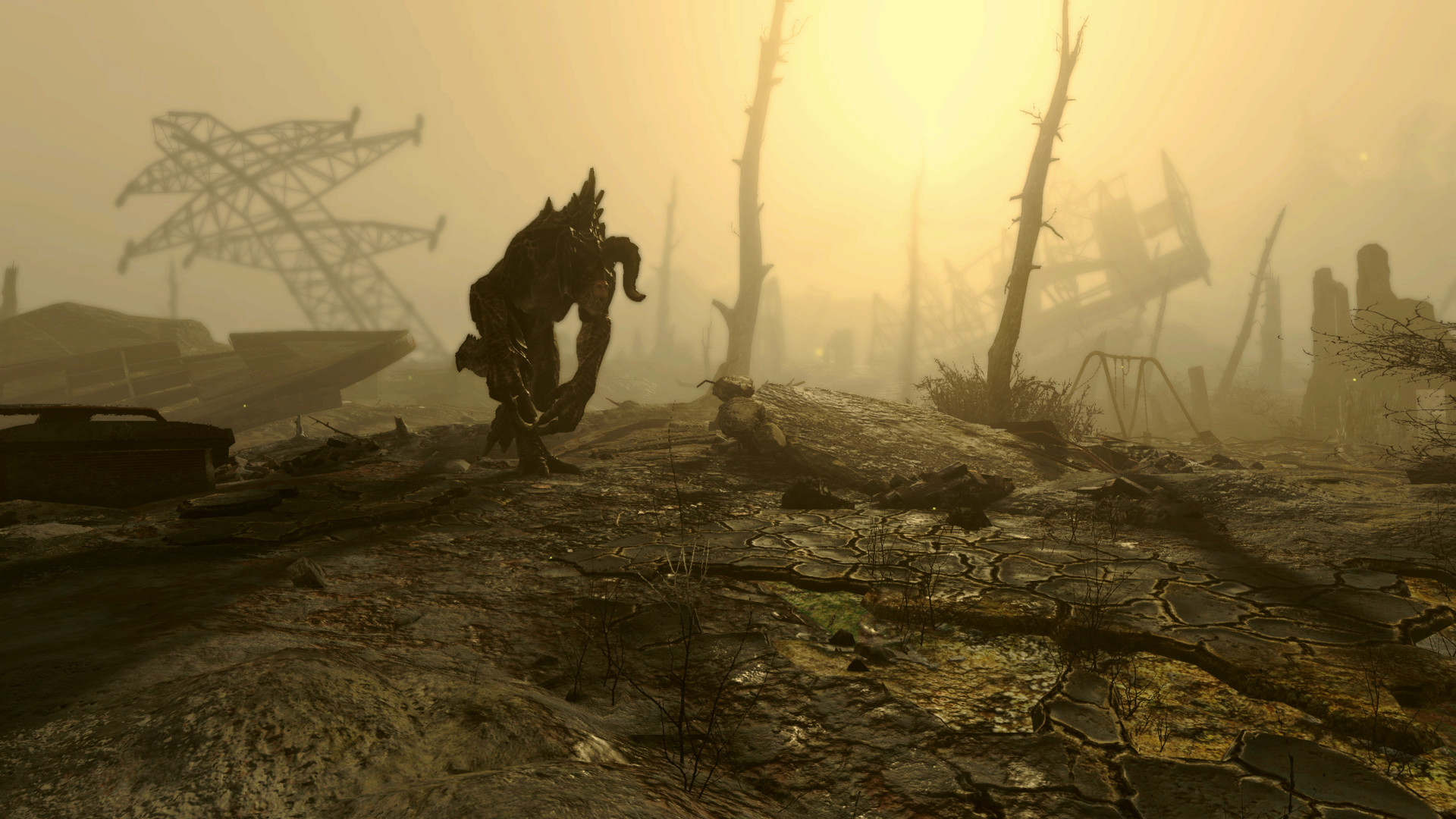
The Commonwealth spans hundreds of locations, from blasted forests to Boston ruins, each filled with dynamic detail. Players can roam freely, discovering quests, characters, and hidden items throughout the landscape.
Exploration is unrestricted; you may travel alone, join factions, or forge alliances, and every choice you make carries weight in the game's narrative.
- Take time to visit less‑traveled areas for unique loot.
- Use the map to mark points of interest before heading out.
02 / THE GUIDE
Character Creation & S.P.E.C.I.A.L.
Players build a unique character using the S.P.E.C.I.A.L. system, selecting from hundreds of perks to shape a playstyle—whether diplomatic, stealthy, or heavily armored. This system defines abilities and growth.
The perk selection allows tailoring combat, dialogue, and crafting approaches, letting you become a smooth‑talking diplomat, stealthy sniper, or walking tank.
- Plan your perk path early to avoid respec later.
- Balance combat and utility perks for flexible gameplay.
03 / THE GUIDE
Combat & V.A.T.S.
Combat blends real‑time gunplay with the Vault‑Tec Assisted Targeting System (V.A.T.S.), which slows time to let you target specific enemy parts with cinematic precision.
Players can switch between V.A.T.S. and direct shooting, adapting tactics to enemy type and situation.
- Use V.A.T.S. on tougher foes to target weak points.
- Conserve ammo by combining V.A.T.S. with melee when possible.
04 / THE GUIDE
Crafting & Settlement Building
Scavenging lets you craft armor, weapons, food, and more, while the settlement system lets you construct and manage entire communities across the Commonwealth.
Thousands of items can be built, giving players control over both personal gear and larger settlement infrastructure.
- Prioritize power generators early for settlement stability.
- Gather diverse resources to expand crafting options.
05 / THE GUIDE
Platform Features & Support
Fallout 4 runs on Windows with full controller support, Steam achievements, and cloud saving via Steam Cloud. Remote Play is available on phone, tablet, and TV, and Family Sharing is supported.
The game can be saved at any time, and there is no timed input requirement, allowing flexible play sessions.
- Enable Steam Cloud to keep saves synced across devices.
- Use Remote Play on a TV for a couch‑gaming experience.


COMMUNITY
Player discussion