 GameWiki

GET YOUR BEARINGS
About Fallout 3: Game of the Year Edition
Fallout 3: Game of the Year Edition bundles the original 2008 RPG with all five expansion packs, delivering a post‑apocalyptic adventure across the Capital Wasteland and beyond. Players create a custom character, explore ruined monuments, and confront threats ranging from raiders to alien abductors.
The edition adds features such as first‑ and third‑person view switching, the V.A.T.S. targeting system, and the SPECIAL ability framework, while supporting single‑player play and family sharing on Windows.
01 / THE GUIDE
All Five Expansion Packs Included
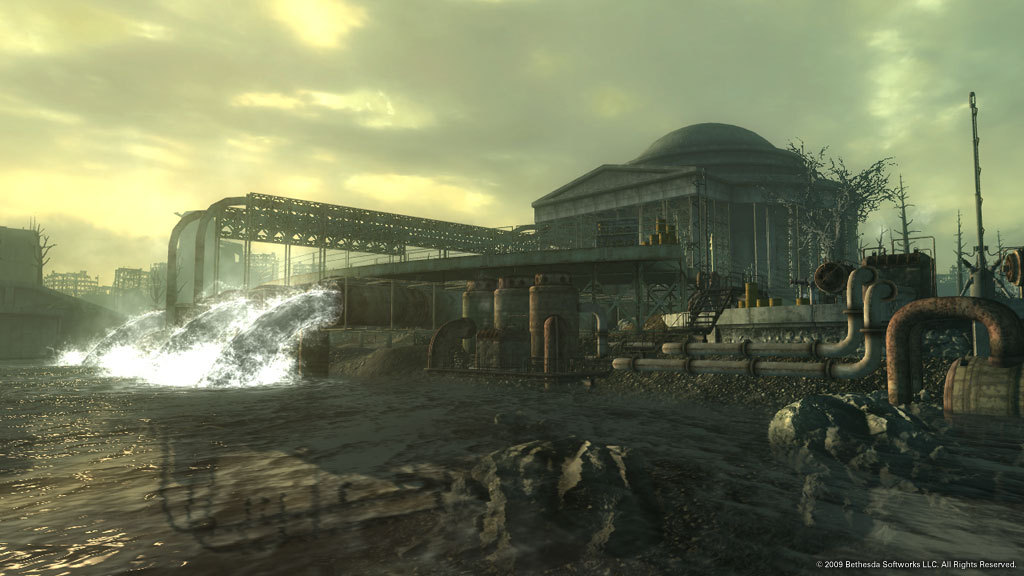
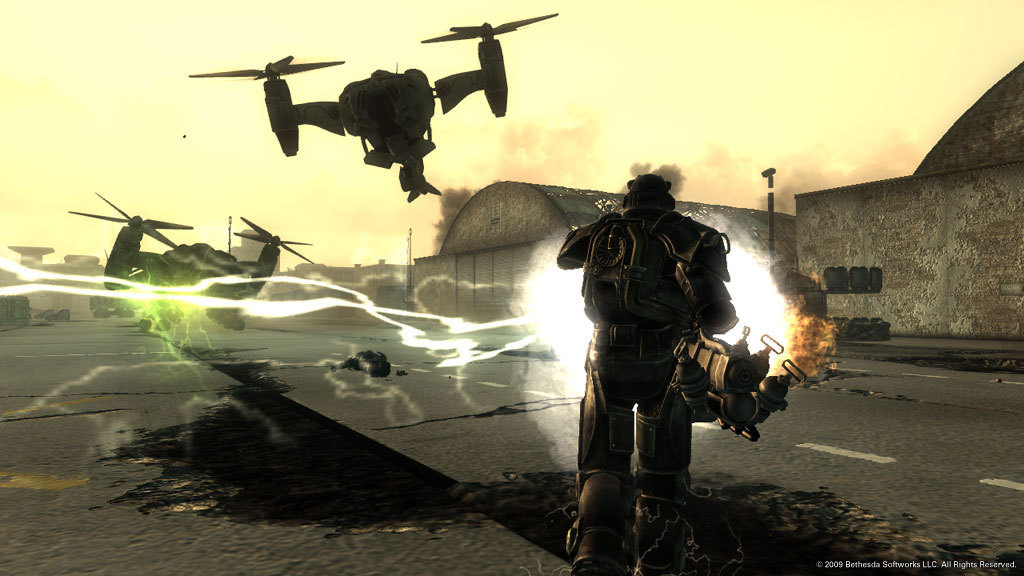
Operation: Anchorage drops you into a military simulation in Alaska, fighting Chinese Communist invaders. The Pitt takes you to a devastated Pittsburgh where slaves clash with raider masters. Broken Steel raises the level cap to 30 and continues the fight against the Enclave, while Point Lookout offers a swamp‑filled mystery in Maryland. Mothership Zeta pits you against alien abductors aboard a space‑borne vessel.
- Explore each expansion’s unique setting to discover new weapons and quests.
- Balance combat and dialogue choices to maximize the benefits of each pack’s storyline.
02 / THE GUIDE
SPECIAL Character System
The SPECIAL system provides points‑based customization of Strength, Perception, Endurance, Charisma, Intelligence, Agility, and Luck. Dozens of skills and perks expand the range of possible builds. This framework lets players shape their character’s combat style, dialogue options, and survivability, influencing how they interact with the world and its inhabitants.
- Allocate points early to match your preferred playstyle, whether combat‑focused or dialogue‑driven.
- Revisit perk choices after leveling up to adapt to new challenges.
03 / THE GUIDE
First‑ and Third‑Person Perspectives
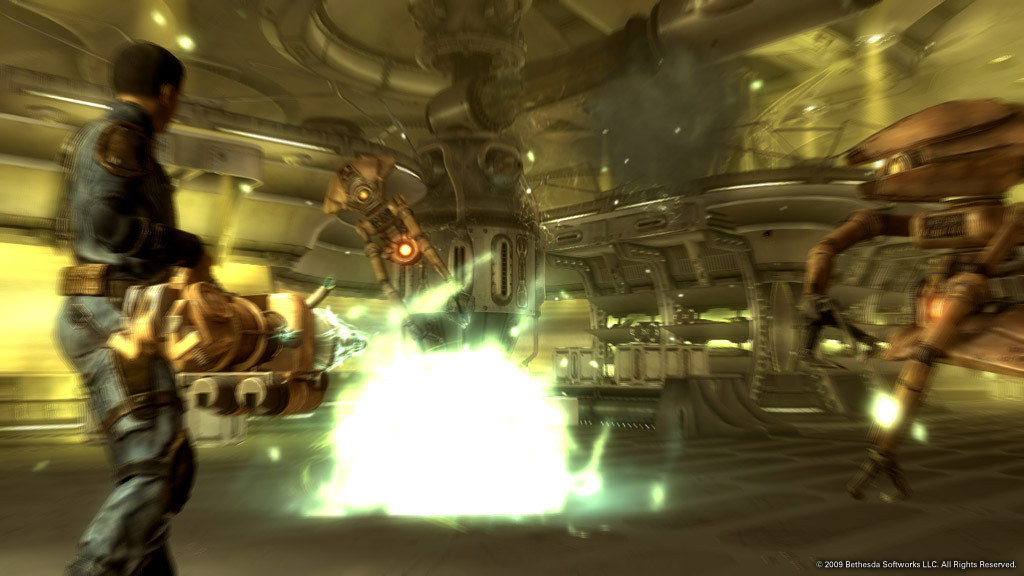
Players can switch between first‑person and third‑person camera angles with a single button press. This flexibility lets you choose the view that best suits combat or exploration. The option enhances immersion, allowing close‑up encounters or broader environmental awareness depending on the situation.
- Use third‑person view for better spatial awareness during large fights.
- Switch to first‑person for precise V.A.T.S. targeting.
04 / THE GUIDE
Vault‑Tec Assisted Targeting System (V.A.T.S.)
V.A.T.S. pauses combat, letting you select specific body parts and queue attacks. This system adds tactical depth and allows you to manage difficult encounters. By targeting weak spots, you can conserve ammunition and increase damage, making it a valuable tool for both novice and veteran players.
- Target limbs to cripple enemies and reduce their combat effectiveness.
- Queue multiple attacks to maximize damage before time resumes.
05 / THE GUIDE
Radiation Meter and Survival
A visible Rad Meter tracks your exposure to nuclear fallout. Staying within safe limits is essential for maintaining health and avoiding penalties. Managing radiation involves seeking shelter, using protective gear, and consuming anti‑radiation items, reinforcing the survival aspect of the game.
- Carry RadAway and Rad-X to mitigate radiation spikes.
- Plan routes that include safe zones to reduce cumulative exposure.
COMMUNITY
Player discussion