 GameWiki
GET YOUR BEARINGS
About Factory Town
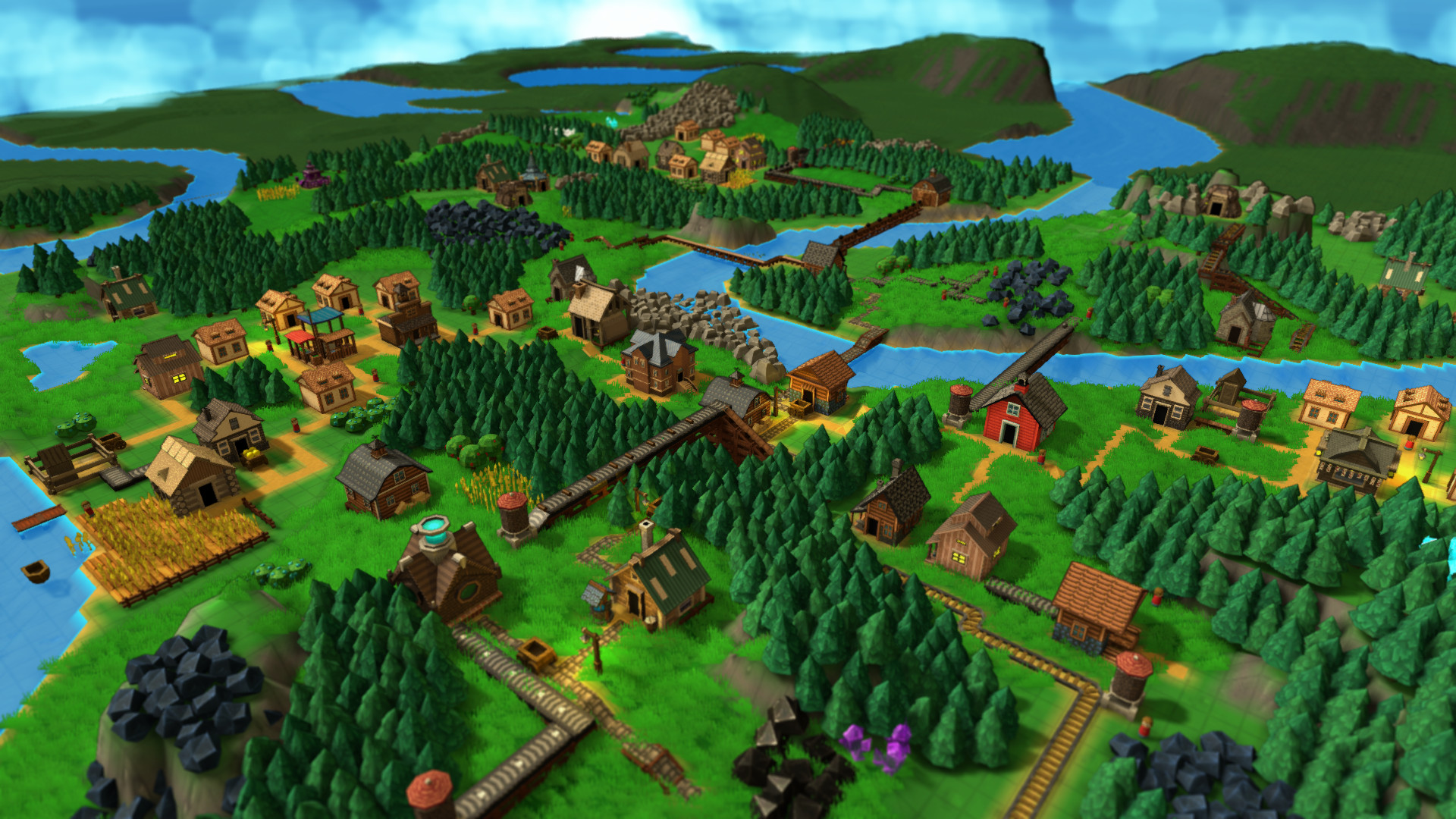
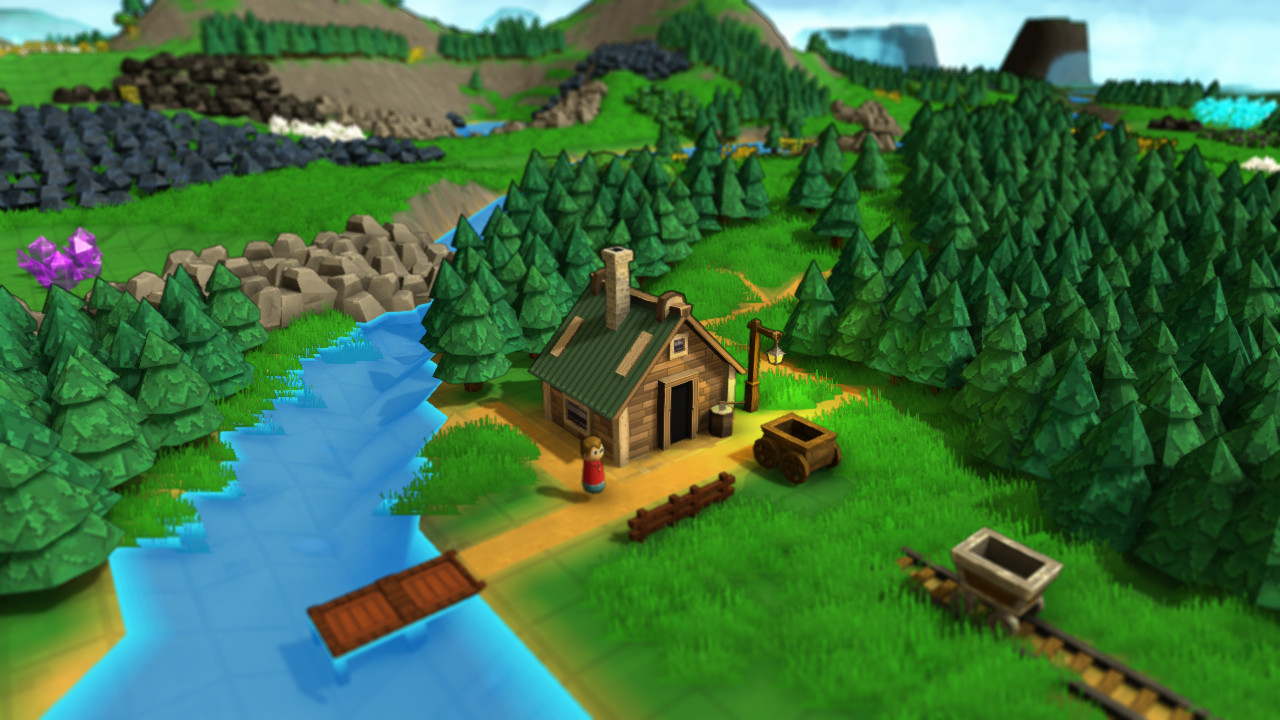
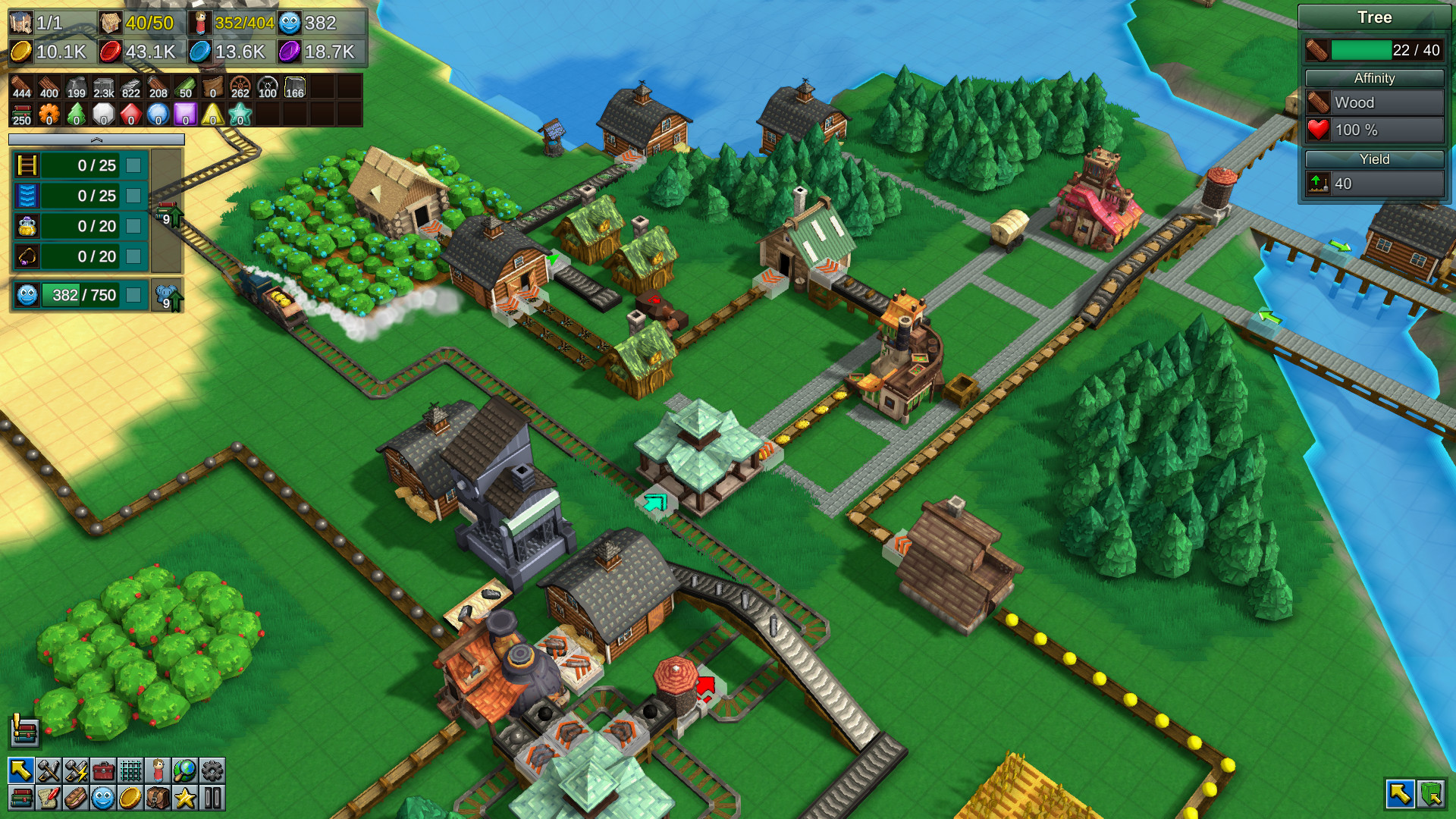
Factory Town asks you to build a self‑sustaining village in the wilderness, turning raw materials into food, clothing, tools, books and magical artifacts. Production buildings create these goods while worker units can move items between sites, though the game encourages automation with mechanical transport.
You can play eight built‑in campaign maps with distinct objectives, or start a custom or random map. A Creative/Sandbox mode removes preset goals, letting you experiment with any scale of factory, while Steam Workshop lets you add custom rules and items.
01 / THE GUIDE
Campaign Maps
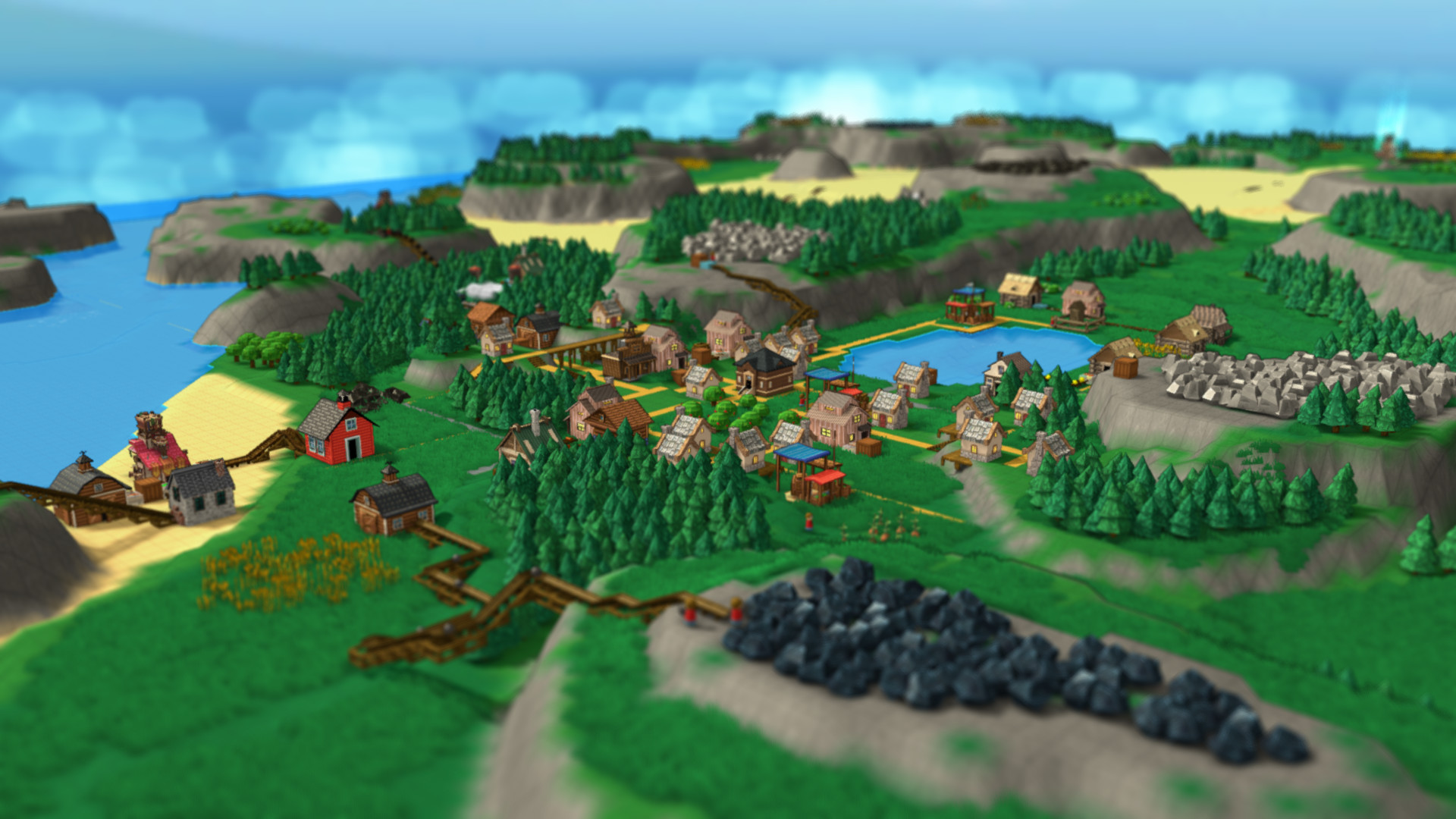
Eight pre‑designed maps each present a unique layout of resources and a specific goal, guiding early expansion and introducing new logistics challenges. The maps differ in terrain and material distribution, prompting varied factory designs.
As your earnings rise, you can research new technology to improve your supply chains, including magical technology that boosts production.
- Map the resource locations before committing to a transport layout.
- Prioritize research that matches the current map’s primary objective.
02 / THE GUIDE
Logistics Tools
Factory Town provides gravity‑powered chutes, conveyor belts, railroads, pipes, sorters and filters for moving items between production buildings and markets. These components can be combined to create multi‑step routing systems.
Logical elements such as gates, triggers and filters let you direct resources precisely, ensuring the right items reach the correct destinations without manual handling.
- Test different sorter configurations to see which reduces bottlenecks.
- Use vertical space by layering chutes and belts where possible.
03 / THE GUIDE
Magical Technology
Research can unlock magical technology that dramatically raises the output of production buildings, described as reaching “absurd” rates. These upgrades affect the speed at which goods are produced.
Magical artifacts are also craftable items, expanding the range of products that can be sold for higher earnings.
- Consider magical upgrades after your basic logistics are stable.
- Keep an eye on production levels when magical upgrades take effect.
04 / THE GUIDE
Terrain Sculpting
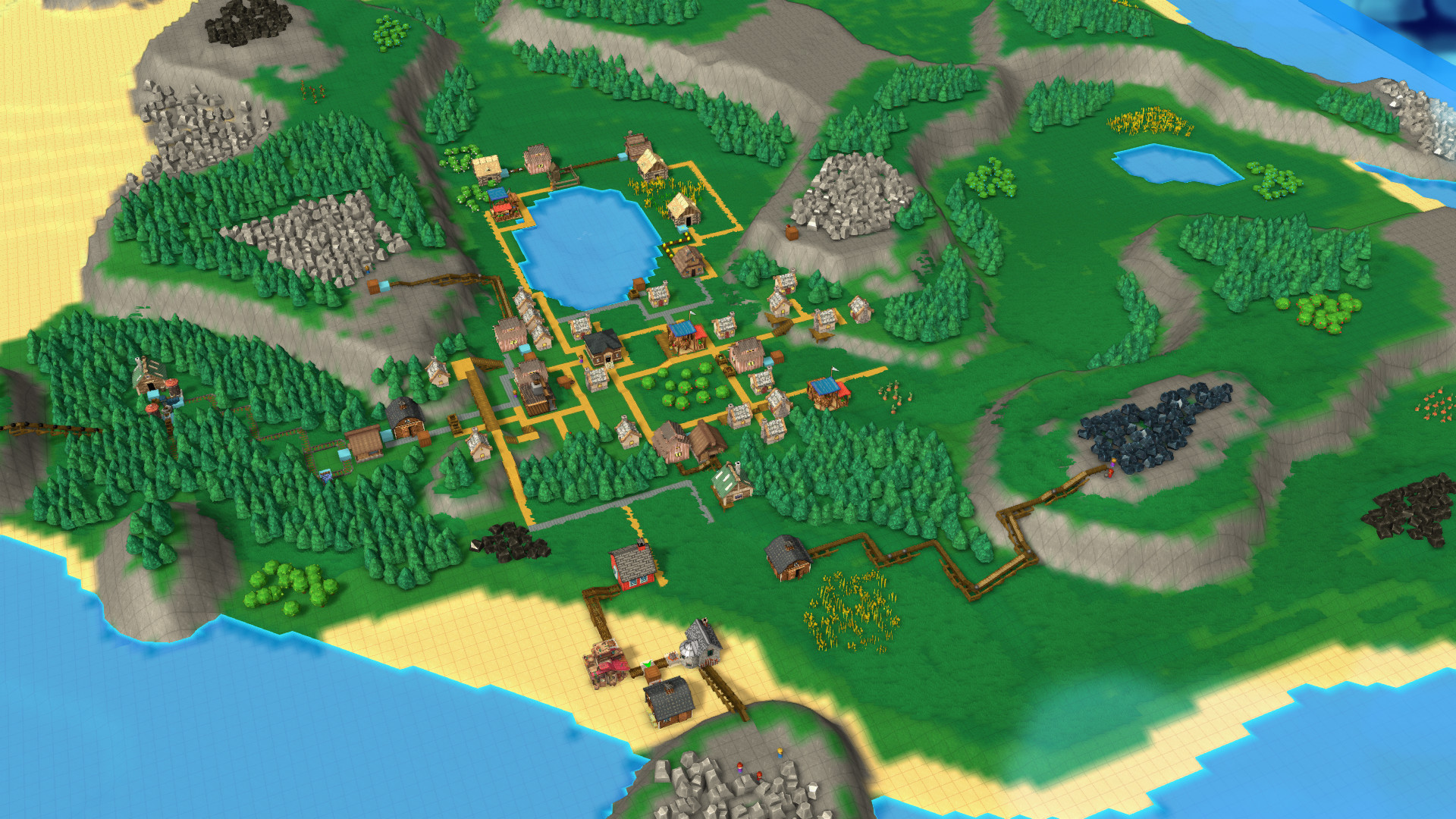
Tools let you reshape the world’s terrain, creating flat areas for factories or channels for chutes. Adjusting elevation can simplify transport routes and improve visual organization.
Sculpted terrain can also separate production zones, making it easier to manage different resource lines without interference.
- Flatten large sections before laying conveyor networks.
- Create gentle slopes for gravity‑powered chutes to keep flow steady.
05 / THE GUIDE
Creative / Sandbox Mode
Creative mode removes preset goals, allowing you to build factories of any size. It is ideal for testing extreme logistics setups or experimenting with new designs without time pressure.
Sandbox mode lets you build whatever kind of huge factory you want, offering a wide-open canvas for pushing production efficiency.
- Start with a small test line before expanding to massive factories.
- Use sandbox experiments to trial magical upgrades before applying them in campaigns.
COMMUNITY
Player discussion