 GameWiki
GET YOUR BEARINGS
About FACE LOVE: Face Designer
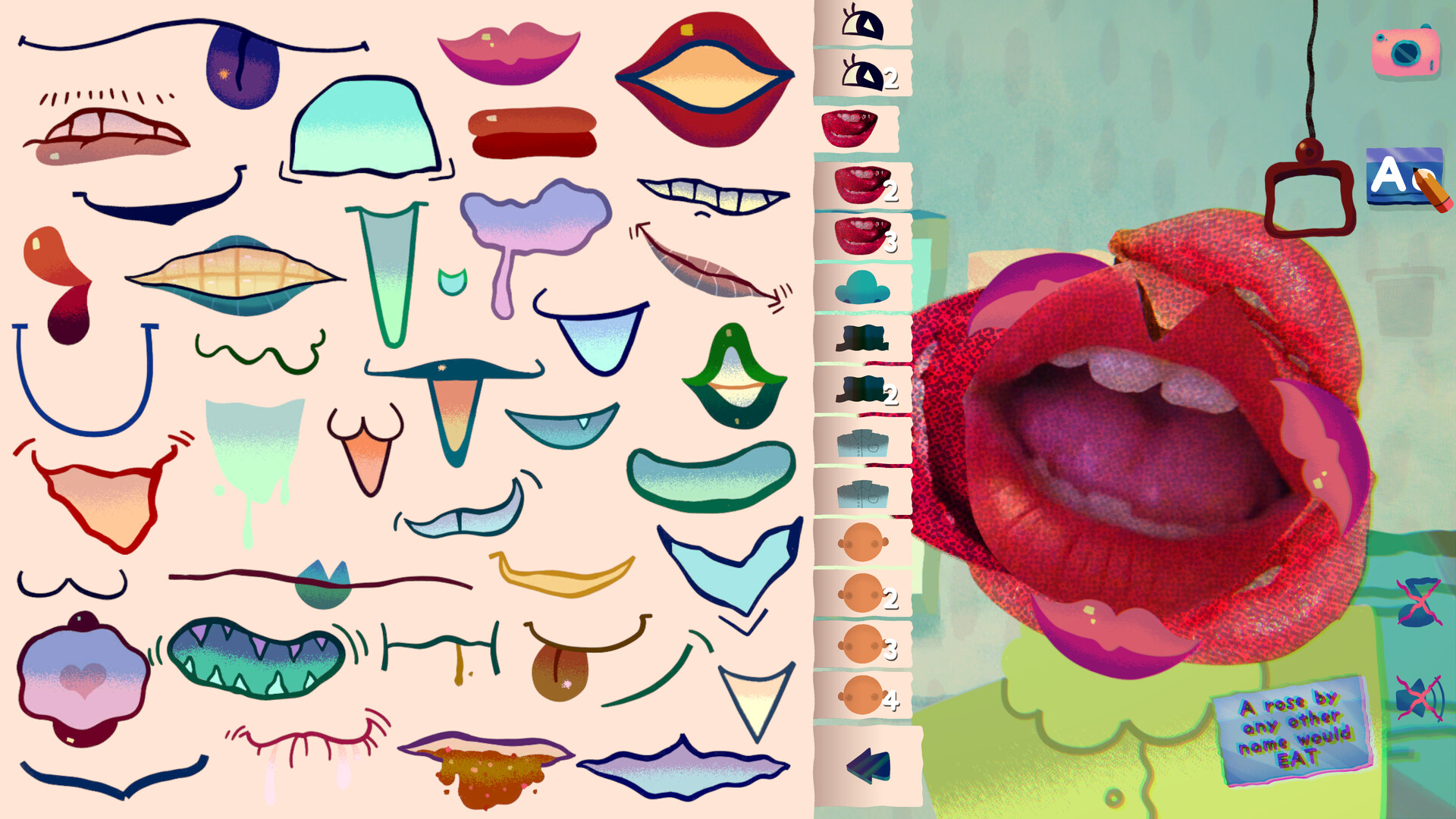
In FACE LOVE: Face Designer you work a shift at the Face Tec factory, using strangers’ Love Profiles as inspiration to craft new faces. Each play session offers a fresh selection of customers and face parts, encouraging you to match the parts to the personality described in the profile.
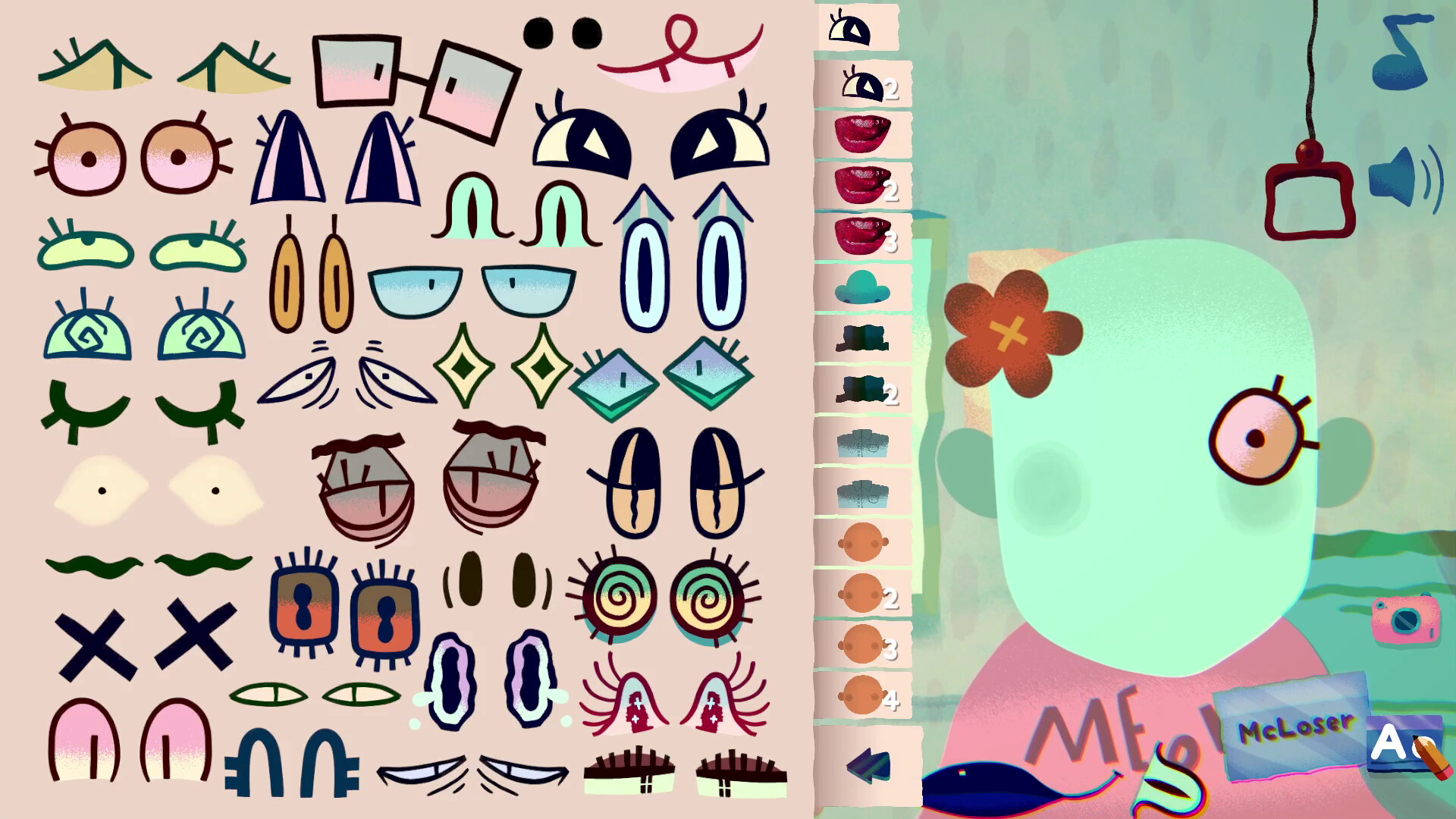
All creations can be saved, renamed, recolored, and captured in Photo Mode with selectable backgrounds. Over 200 face parts are available, and every face you make is stored in the Library for later browsing or editing.
01 / THE GUIDE
Play Mode
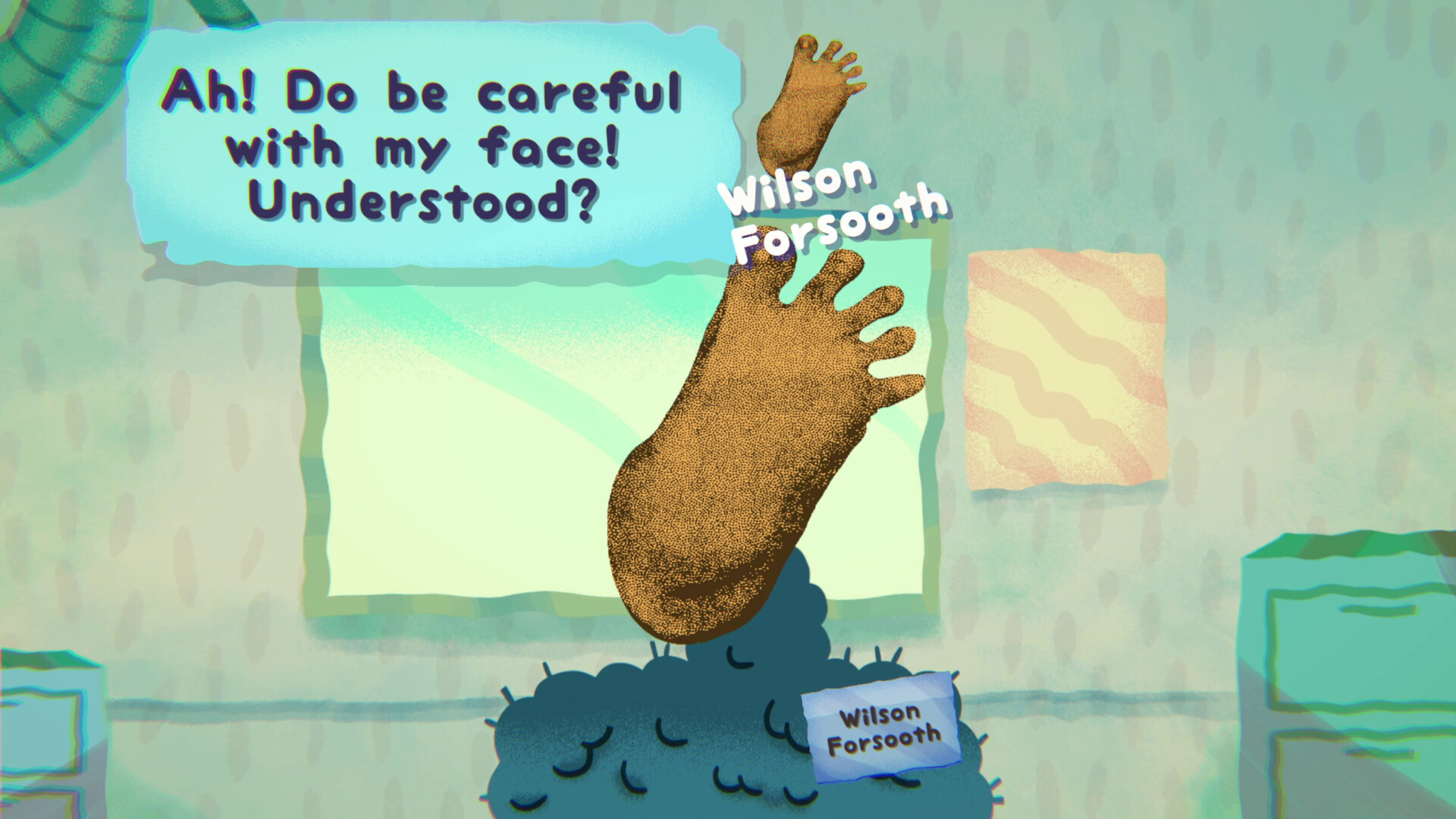
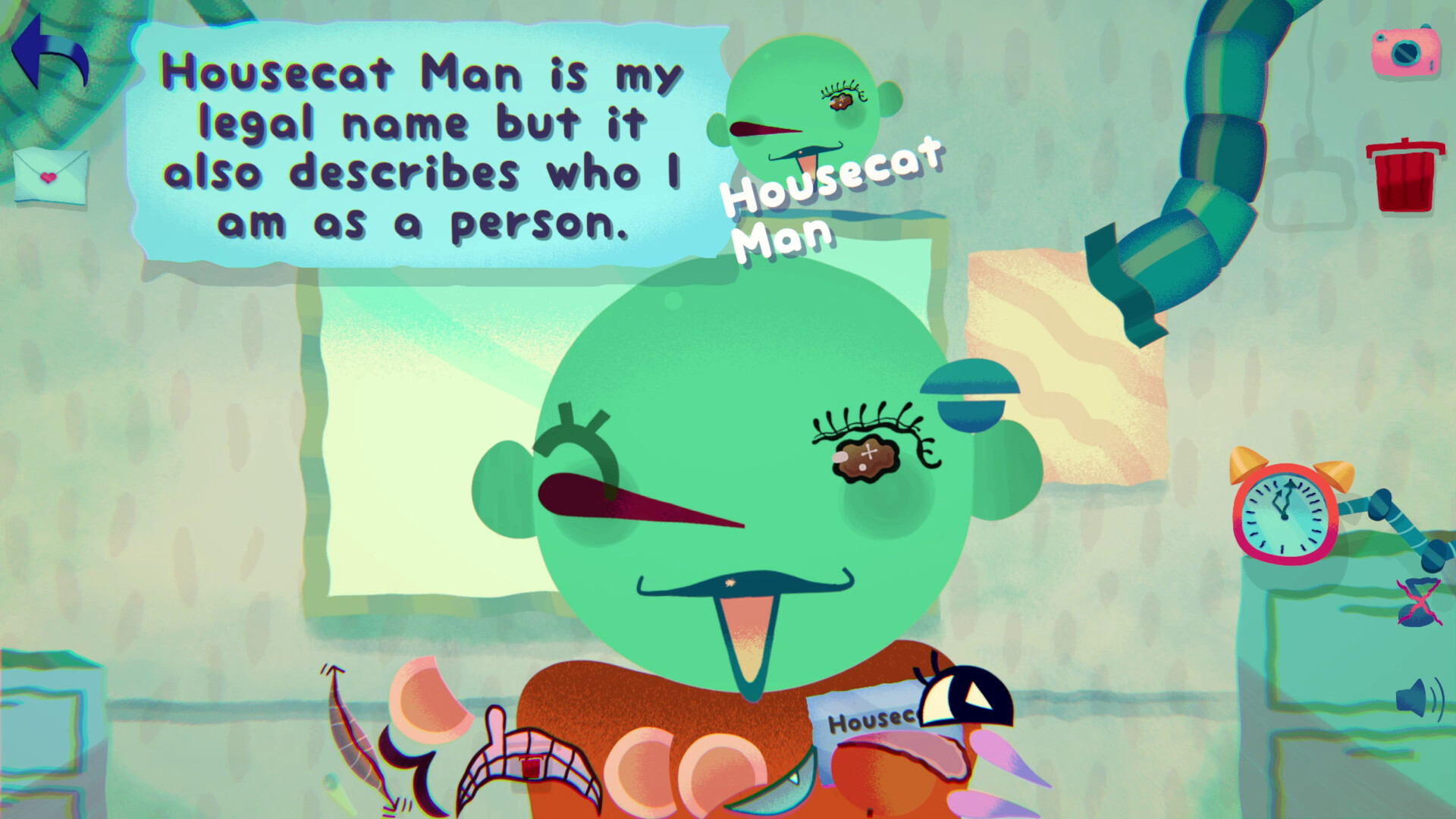
Play Mode tasks you with making a brand‑new face or improving an existing customer using the parts supplied for that session. The goal is to complement the customer’s personality as reflected in their Love Profile.
Each session presents a new set of customers and a new selection of face parts, so the specific parts you can use change every time you start a playthrough.
- Read the Love Profile first to keep the personality focus clear.
- Experiment with a few part combos early to see which best matches the profile.
02 / THE GUIDE
Creative Modes
Creative Modes let you design faces without a customer profile, giving you full freedom to start from scratch or edit faces you previously made in Play Mode.
These modes draw from the gallery of over 200 face parts for creative experimentation.
- Use Creative Modes to practice part placement before tackling a profile‑driven task.
- Save interesting experiments; they appear later in the Library for easy access.
03 / THE GUIDE
Photo Mode
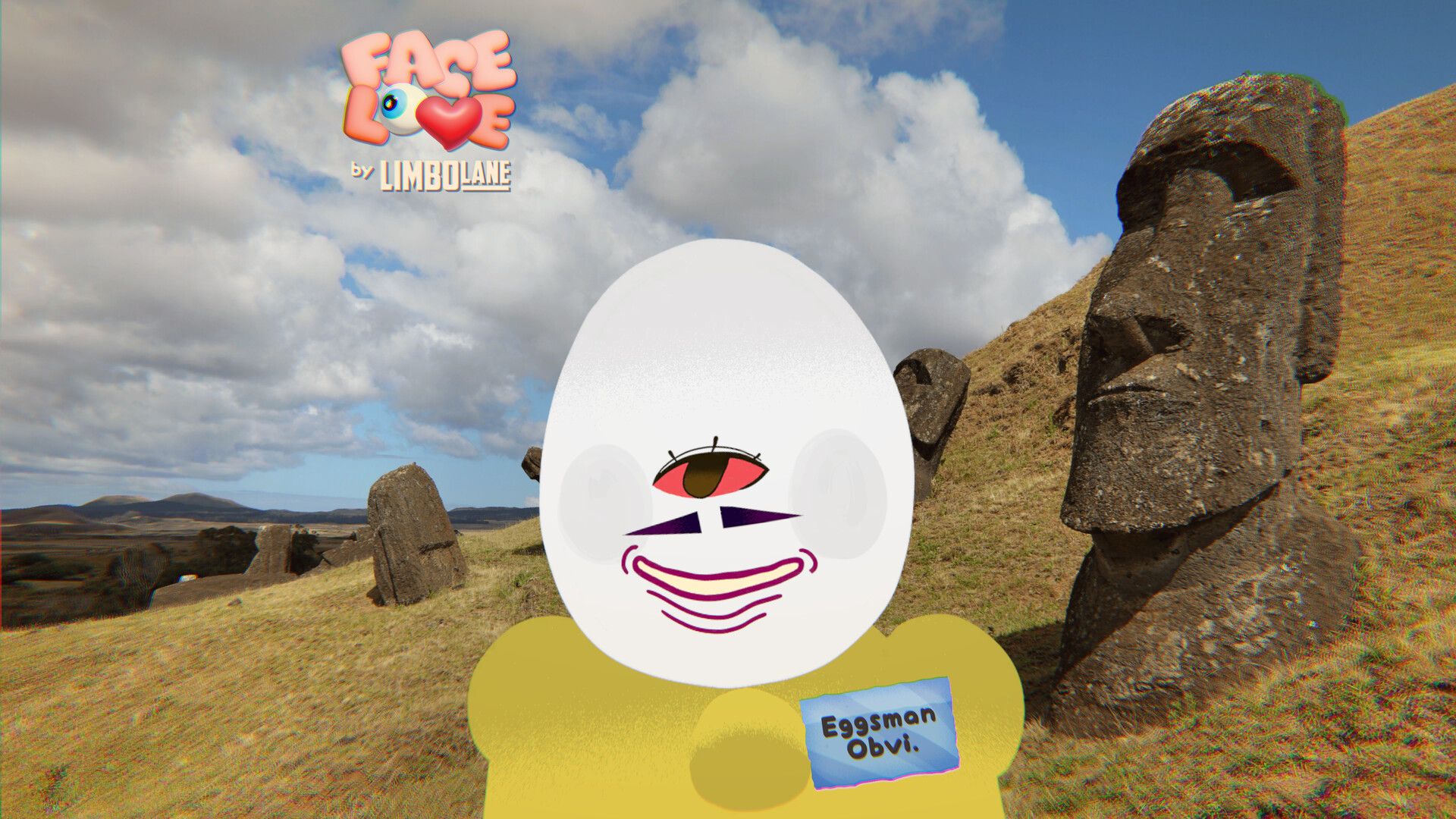
Photo Mode allows you to capture high‑quality images of finished faces. You can choose from a selection of backgrounds to find one that matches the customer’s vibe.
Saved photos give you a way to showcase your designs later.
- Select a background whose colors echo the personality you aimed for.
- Take several shots with different backgrounds to compare which feels most appropriate.
04 / THE GUIDE
Customization Tools
The Renamer tool, body recoloring, and head recoloring let you fine‑tune each face. With a gallery of over 200 parts, you have ample variety for detailed designs.
These customization options apply to your saved faces, letting you fine-tune them after creation.
- Rename faces to keep track of different personality themes.
- Experiment with recoloring to create contrast between head, body, and parts.
05 / THE GUIDE
Saving & Library
Faces you create in Play Mode and Creative Modes are saved to the Library, where you can browse or edit them later.
Steam Cloud is a listed feature, so saved data can be stored in the cloud on supported platforms.
- Check the Library regularly to revisit older designs and see how your style evolves.
- Use the edit function in the Library to apply new parts or recolors to existing faces.
COMMUNITY
Player discussion