 GameWiki
GET YOUR BEARINGS
About F.I.S.H.
F.I.S.H. puts you in a classified city where you must place STOP signs as fish attempt to cross roads. Fifteen rhythm‑based levels each feature a distinct music track, and five fish species—Tuna, Salmon, Barracuda, Sailfish, Swordfish—follow unique timing patterns you must match.
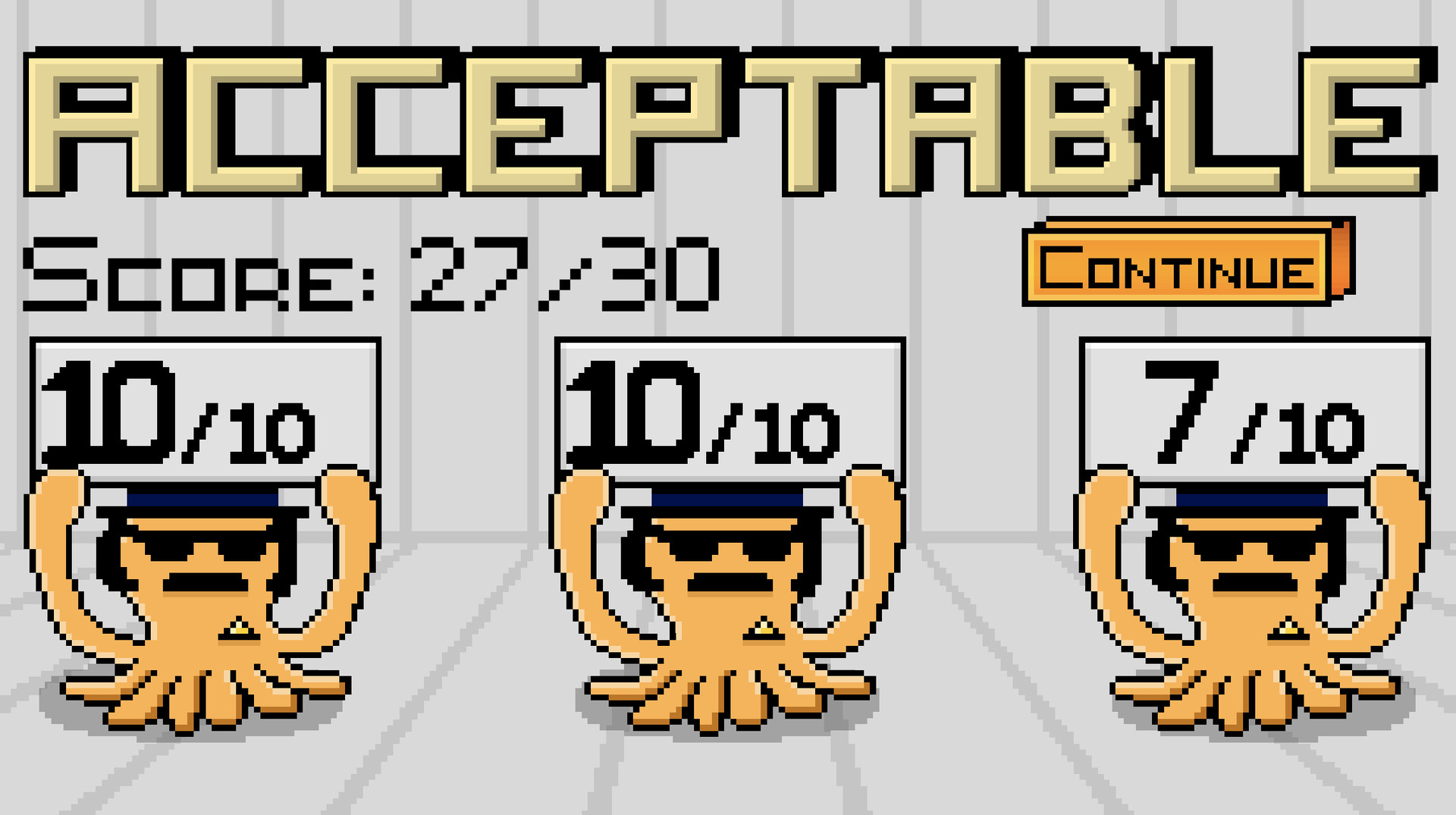
At the end of each level three agents award up to ten points each for a total of thirty. Scoring fifteen or higher lets you continue; lower scores require a replay. The game runs on Windows and macOS, supports single‑player and family sharing.
01 / THE GUIDE
Levels and Music
The title promises fifteen separate levels, each paired with its own “awesome” music track. As you progress, the fish move faster and the underlying time signatures shift, making the auditory cue increasingly important for timing your STOP signs.
Because each level’s music is unique, listening closely provides a reliable rhythm reference. The track’s beat aligns with the timing windows required for each fish, allowing you to anticipate when a STOP sign will be accepted.
- Play the music before the fish appear to internalize the beat.
- Hum or tap the rhythm while watching the fish to keep timing steady.
02 / THE GUIDE
Scoring System
When a level ends, three agents each assign a score from zero to ten, creating a combined maximum of thirty points. The total determines whether you may advance or must repeat the level.
A cumulative score of fifteen or more grants access to the next level, while any total below that forces a retry. This threshold ensures players meet the rhythm standards set by the agency.
- Aim for consistent timing rather than speed to please all agents.
- Note which agents give lower marks to identify specific timing weaknesses.

03 / THE GUIDE
Fish Types and Rhythms
Training introduces five fish species—Tuna, Salmon, Barracuda, Sailfish, and Swordfish. Each species follows a distinct rhythmic pattern that you must learn to place STOP signs at the correct moment.
Throughout the levels the same species may appear at different speeds or within altered time signatures, testing your ability to retain each pattern while adapting to faster tempos.
- Practice each fish in isolation to memorize its beat.
- Group species with similar rhythms to reduce memorization load.
04 / THE GUIDE
Input Methods
STOP signs can be placed using the left mouse button, the right mouse button, the Space key, or the A key. These four options give you flexibility in how you respond to incoming fish.
No other input devices are mentioned, so all timing interactions rely on these mouse clicks and key presses. Choosing the most comfortable option can improve reaction consistency.
- Test each button during an easy level to see which feels fastest.
- Stick with one method to build muscle memory.
05 / THE GUIDE
Platform Availability
F.I.S.H. is released for Windows and macOS; Linux support is explicitly absent. The listing also notes single‑player mode and family sharing, allowing multiple accounts to access the same purchase.
Because only the two operating systems are confirmed, players must ensure their device runs one of them before installing. No other platform restrictions are documented.
- Check your OS version meets the game's minimum requirements.
- Use family sharing to let household members try the game without extra cost.



COMMUNITY
Player discussion