 GameWiki

GET YOUR BEARINGS
About Extreme-G 2
Extreme‑G 2 brings the 1990s high‑speed racing franchise to Steam with sharper handling, quicker acceleration and higher top speeds. Players pilot ten futuristic bikes across a range of extreme environments while wielding an expanded arsenal of weapons.
The re‑release adds a modern launcher, picture‑in‑picture rear‑view and missile cameras, a ghost‑racer time‑trial mode, and the full original soundtrack in MP3 and OGG formats. Progress is saved via Steam Cloud, and the title supports Partial Controller Support on Xbox and PlayStation devices.
01 / THE GUIDE
Unique Environments
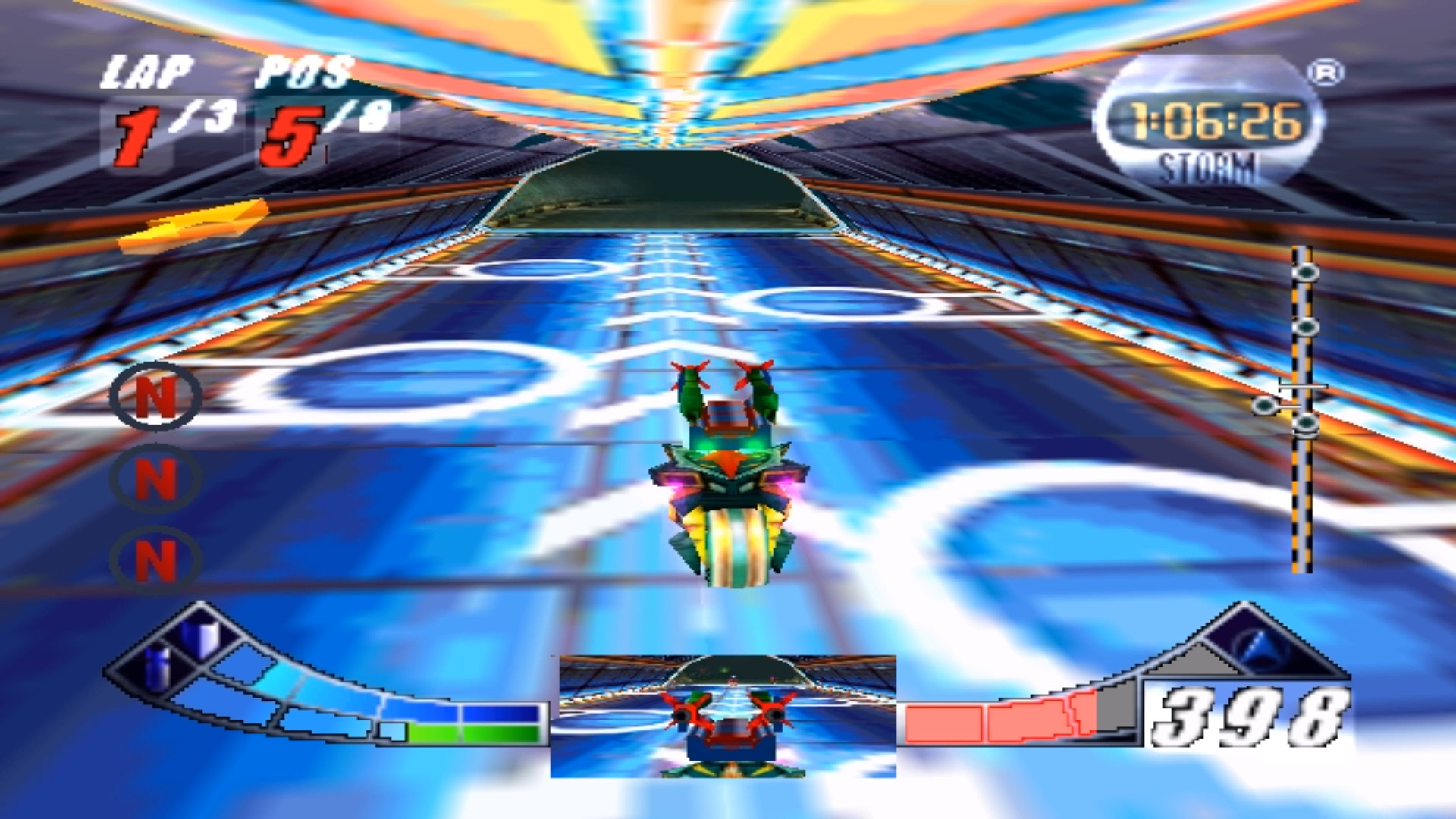
Tracks span extreme cityscapes, bubbling marshes, underwater caverns and other locales, each described as wider, longer and faster than in earlier entries. The varied scenery creates distinct visual challenges that demand precise steering at high velocity.
The description warns that objects may flash quickly, which could affect players with photosensitive epilepsy. This visual intensity is a documented safety consideration for anyone planning to play.
- Observe the layout of each environment on a practice lap before racing full speed.
- Keep an eye on rapidly flashing objects if you have photosensitivity concerns.
02 / THE GUIDE
Greater Weapon Variety
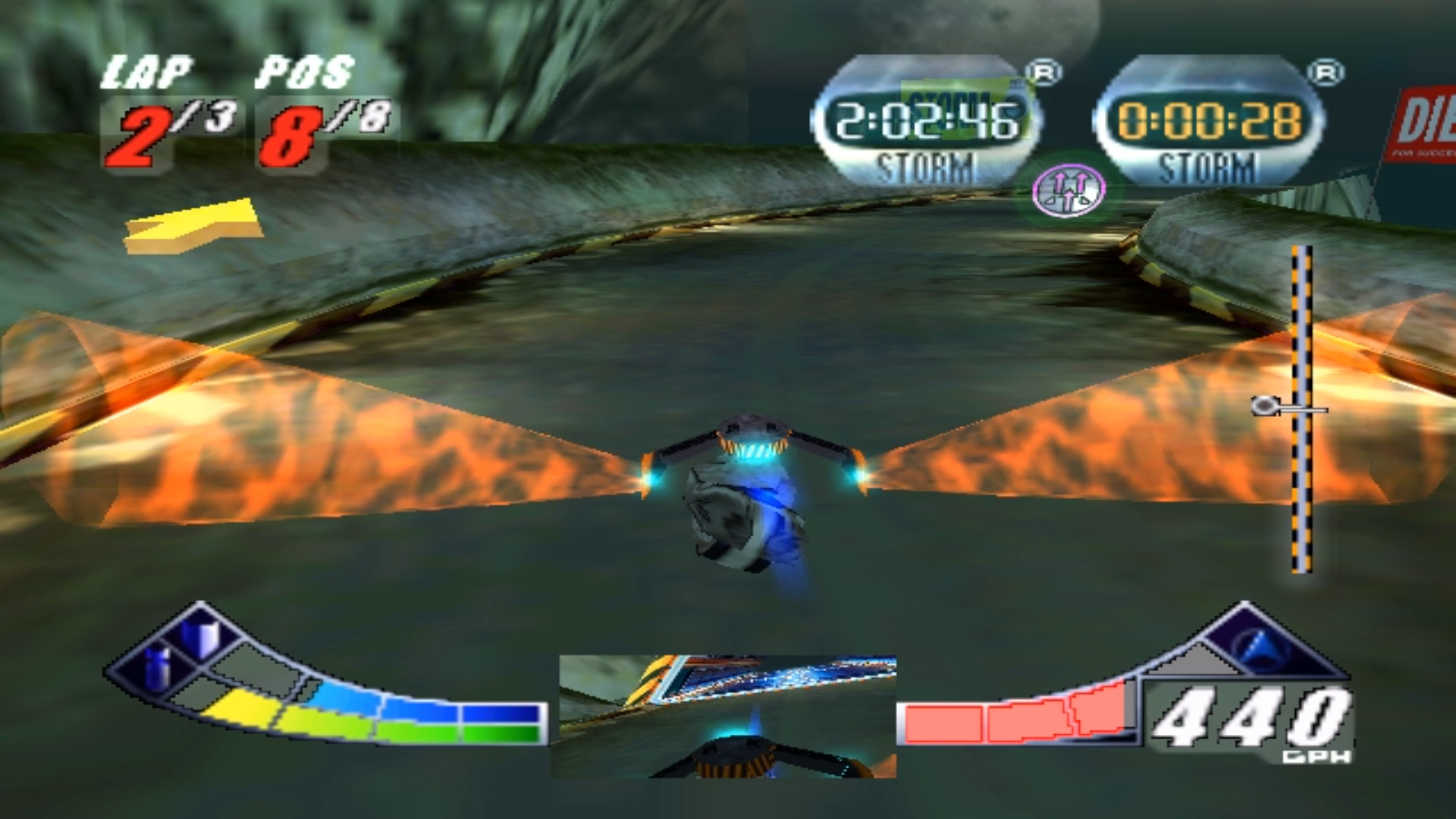
The game adds new weapons such as the Rear Firing Rocket and Magnetic Mine, expanding the combat options beyond standard forward fire. These weapons can be deployed while navigating the high‑speed courses.
Because tracks differ in width and obstacles, certain weapons may be more effective in specific settings—for example, mines can block narrow passages while rear rockets defend against trailing opponents.
- Try the Rear Firing Rocket on tracks with many overtaking zones.
- Place Magnetic Mines in tight sections to create temporary barriers.
03 / THE GUIDE
Futuristic Bikes
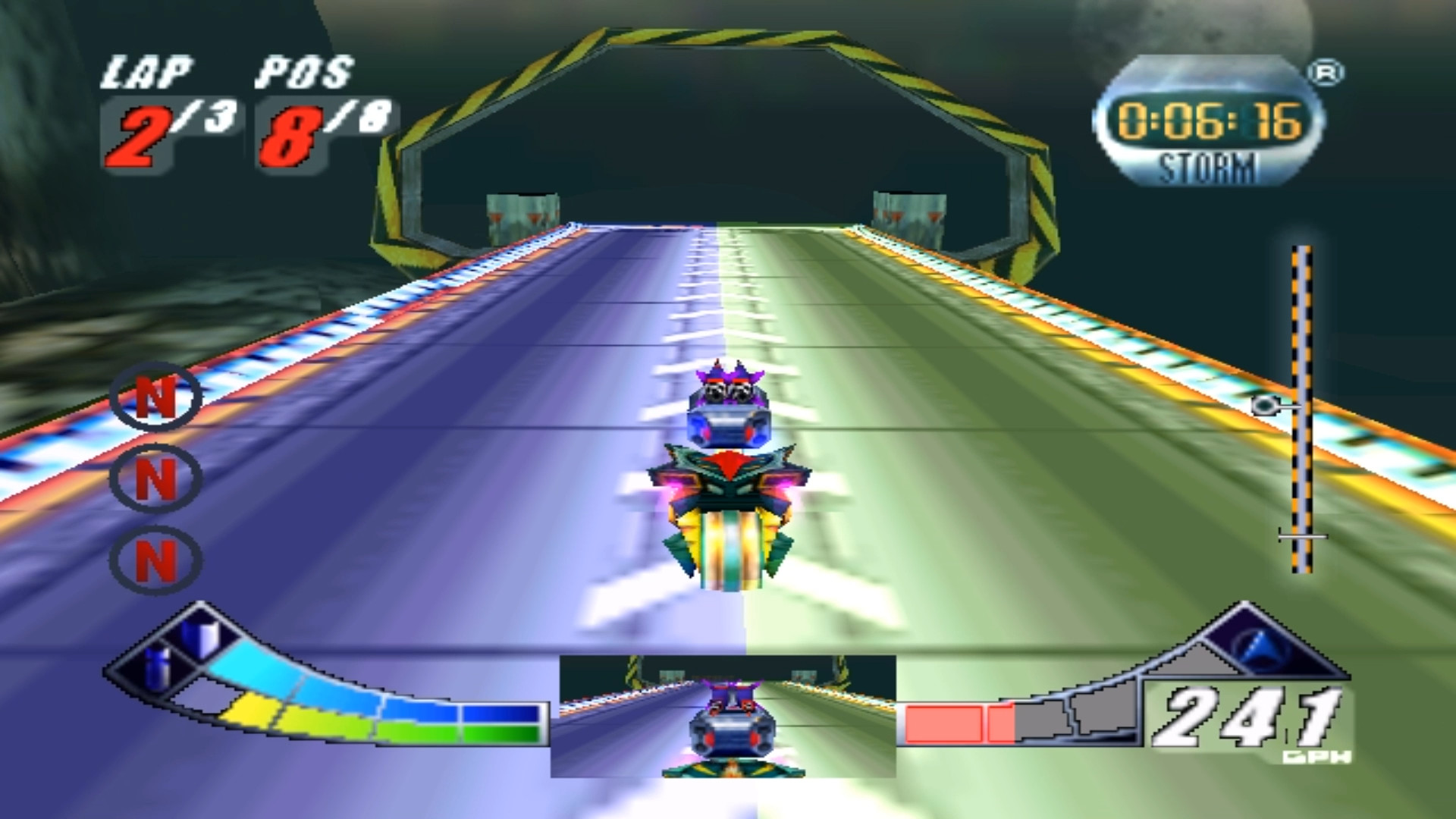
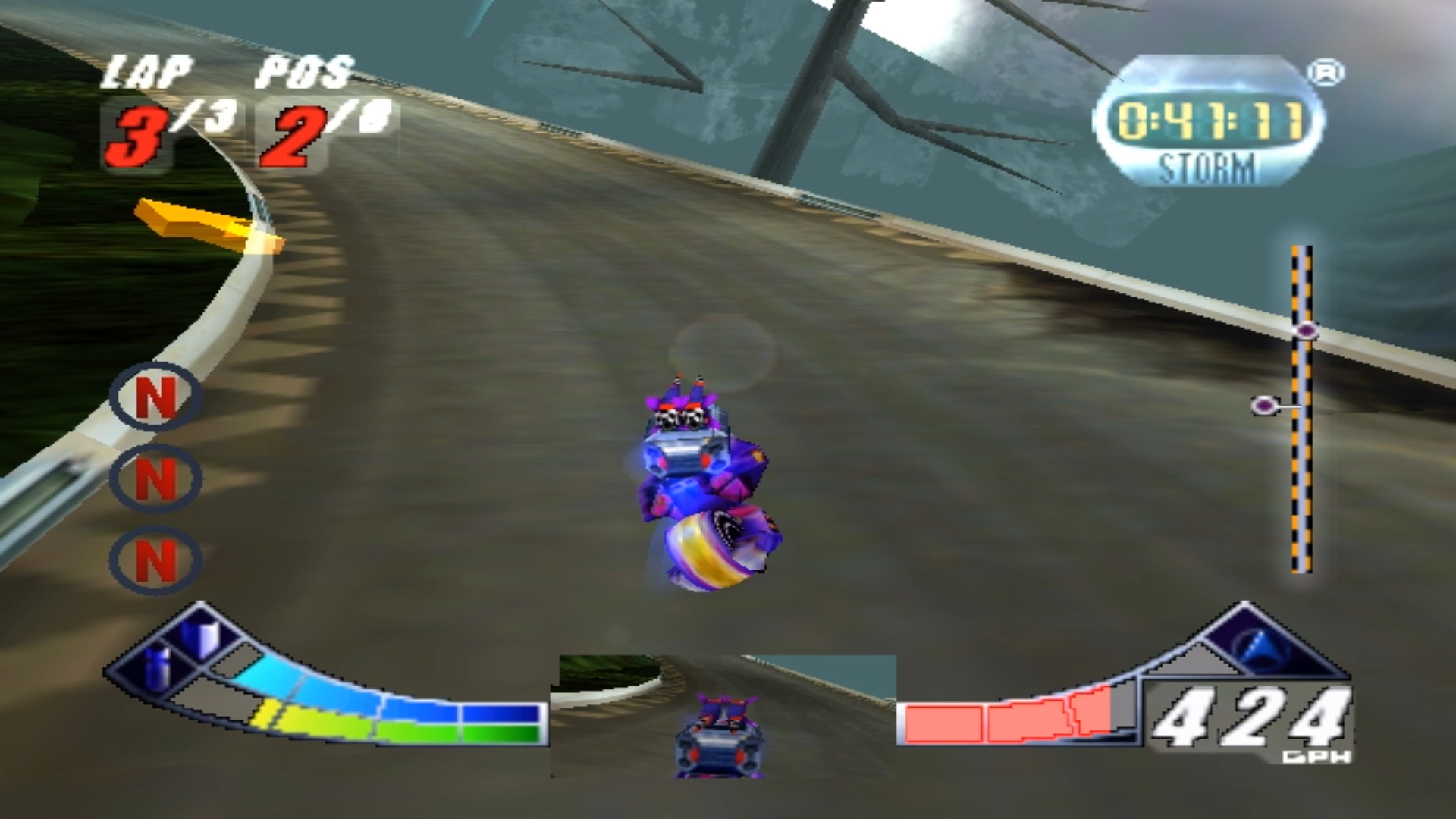
Players can choose from ten futuristic bikes, each offering improved control, realistic handling and distinct ride characteristics. Three of these bikes and their characters are marked as secret, adding hidden options.
The handling has been refined compared with earlier titles, providing a more responsive feel that complements the faster acceleration and top speeds noted for this release.
- Test each bike on a short segment to gauge handling before committing to a race.
- Explore the secret bikes for alternative handling traits that may suit specific tracks.
04 / THE GUIDE
Audio Features and Soundtrack Switching
All original Extreme‑G soundtracks are included in MP3 and OGG formats, and the launcher allows players to switch between them during gameplay. This gives racers the option to match music to the pace of a race.
Picture‑in‑picture support provides rear‑view and missile cameras, offering additional visual cues that complement the audio experience when tracking opponents or weapon impacts.
- Switch soundtracks to keep focus during longer races.
- Use the rear‑view camera to anticipate incoming threats while listening for weapon cues.
05 / THE GUIDE
Ghost Racer Time Trials
Ghost Racer records your best lap and lets you race against that phantom in subsequent attempts, creating a built‑in time‑trial challenge. The feature is listed as saving data, indicating persistent records.
Competing against your own ghost encourages refinement of lines and acceleration timing, especially on the enhanced, faster tracks introduced in this version.
- Review your ghost’s path to identify sections where speed is lost.
- Aim to beat your ghost on at least one lap per track to gauge improvement.
COMMUNITY
Player discussion