 GameWiki
GET YOUR BEARINGS
About Exploding Kittens 2
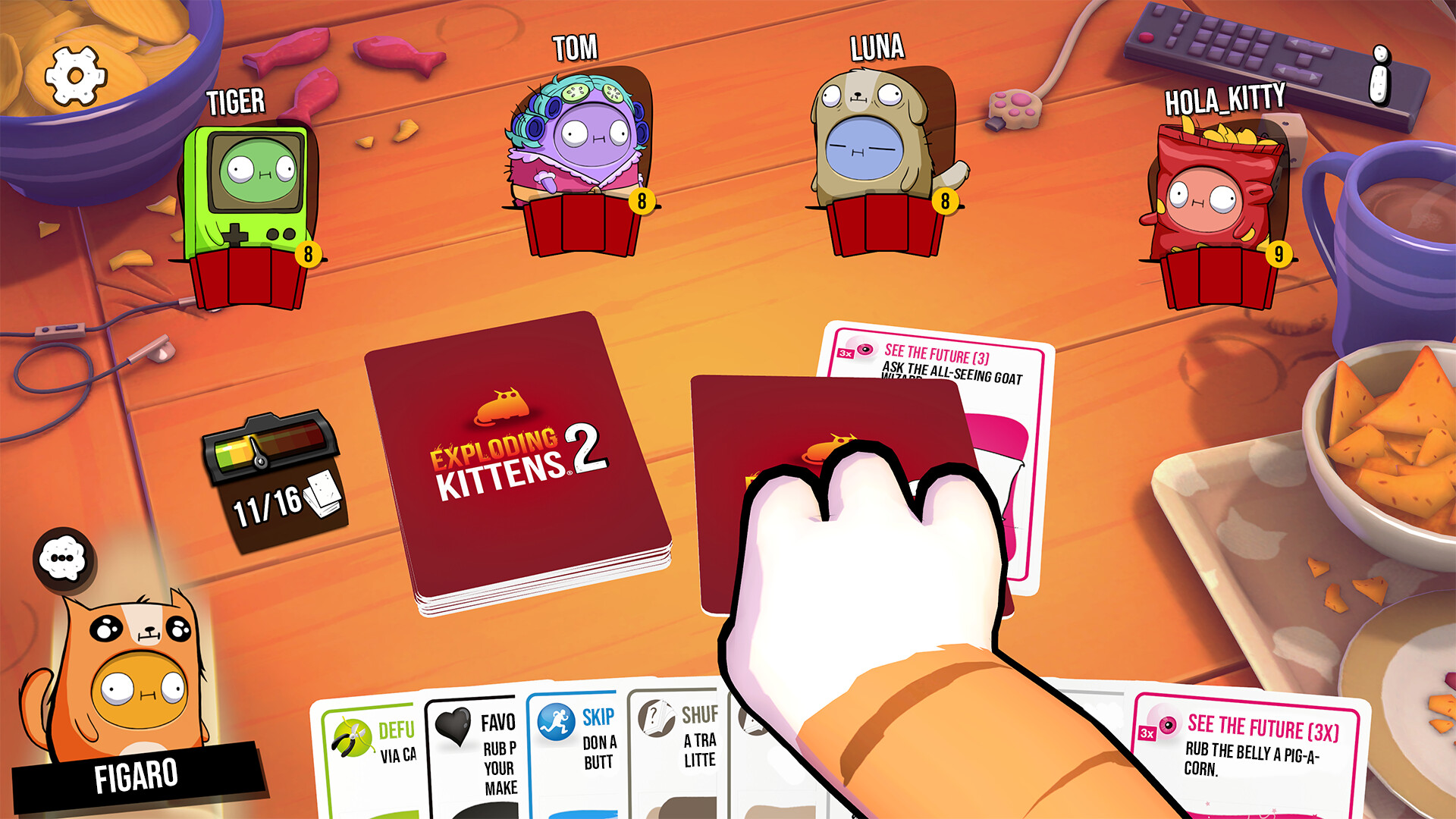
Exploding Kittens® 2 brings the fast‑paced card‑drawing chaos of the original to Windows via Steam, adding avatar outfits, custom emoji packs and lively animations. The core loop stays simple: draw a card, avoid an exploding kitten, and use a Defuse card when you have one. The last player remaining wins the round.
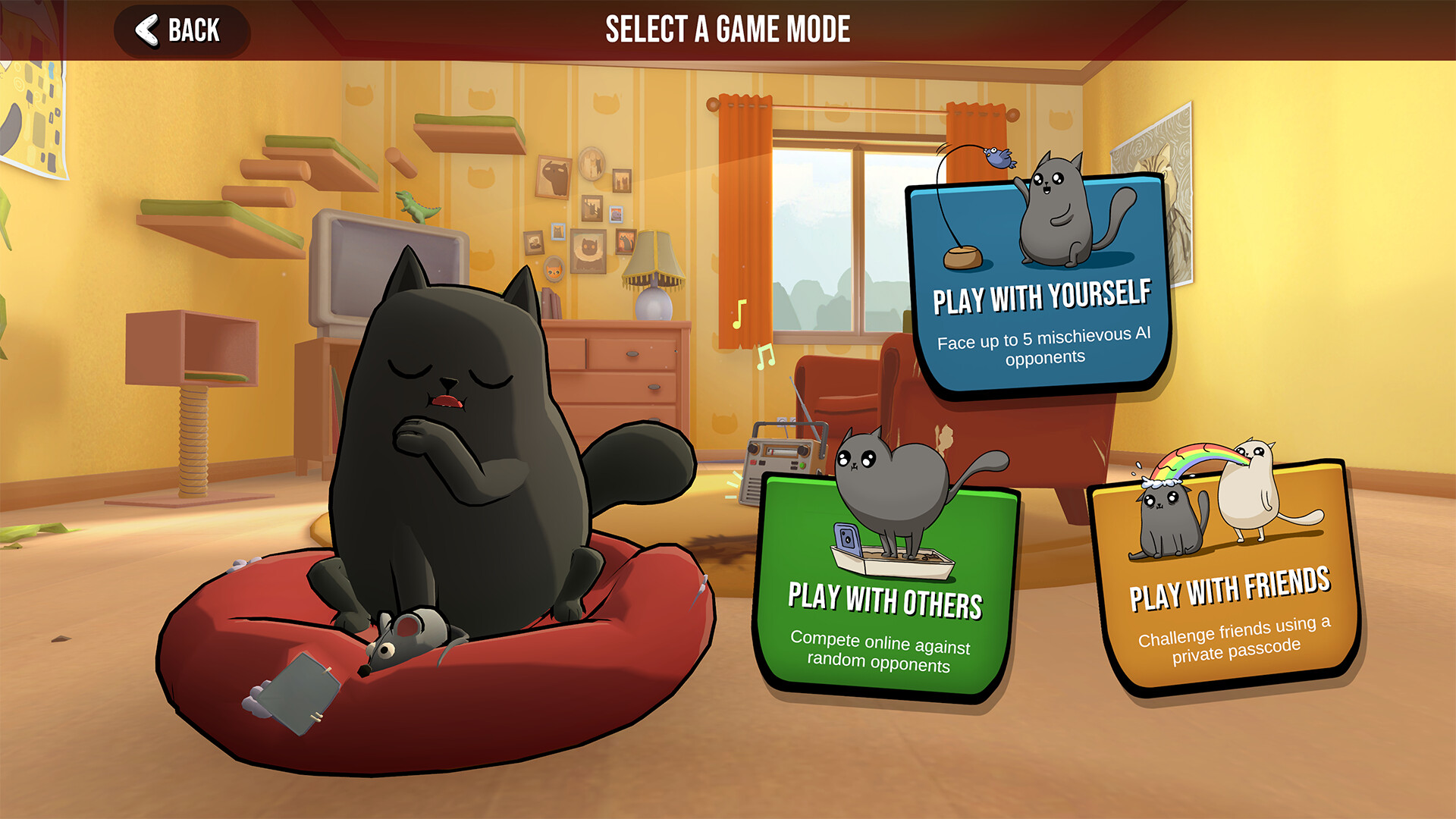
The sequel supports both single‑player matches against an AI opponent and online multiplayer with friends. Steam integration provides Achievements and Family Sharing, while the description highlights a wide variety of game modes and visual customisation options.
01 / THE GUIDE
Core Gameplay
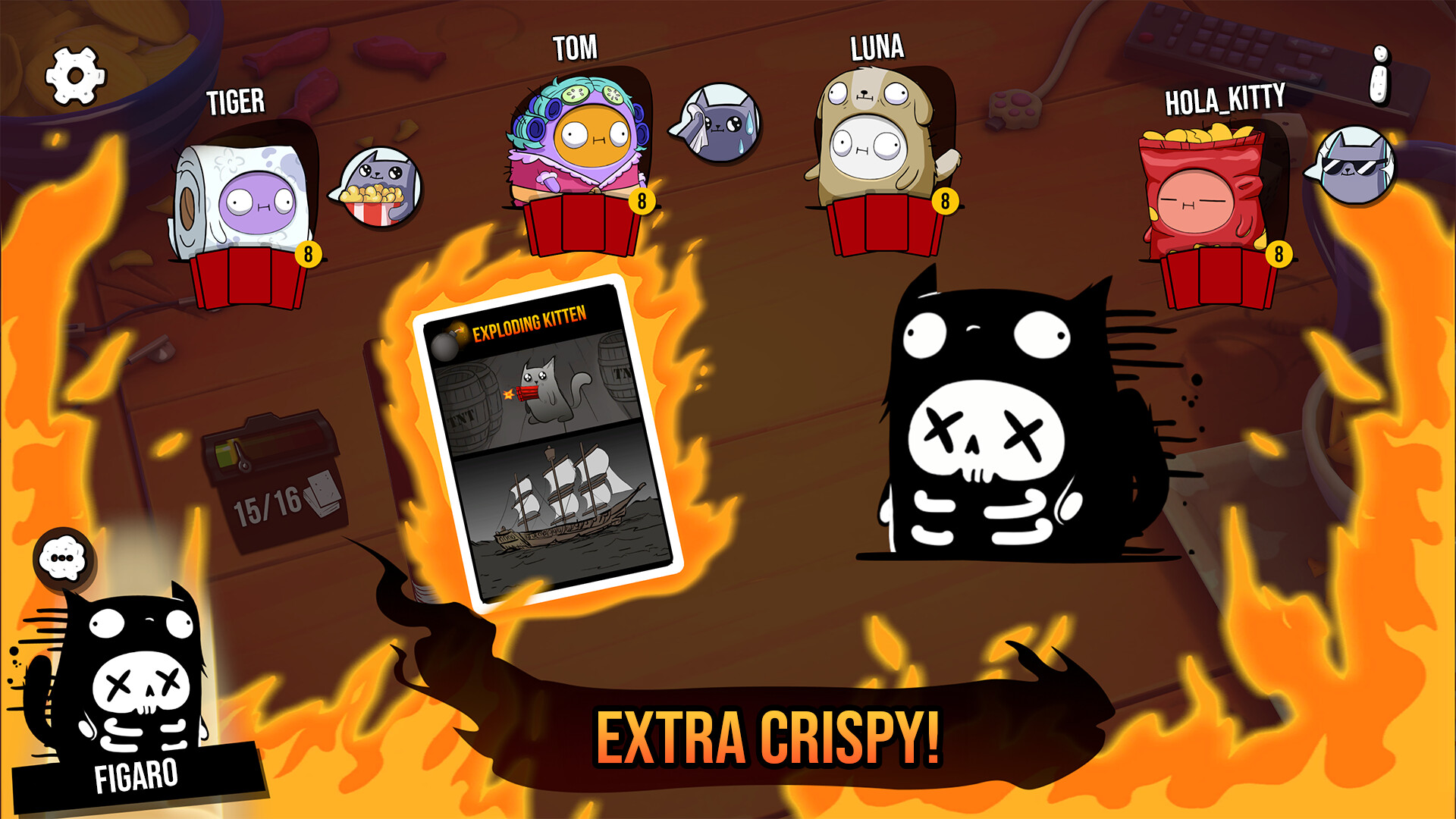
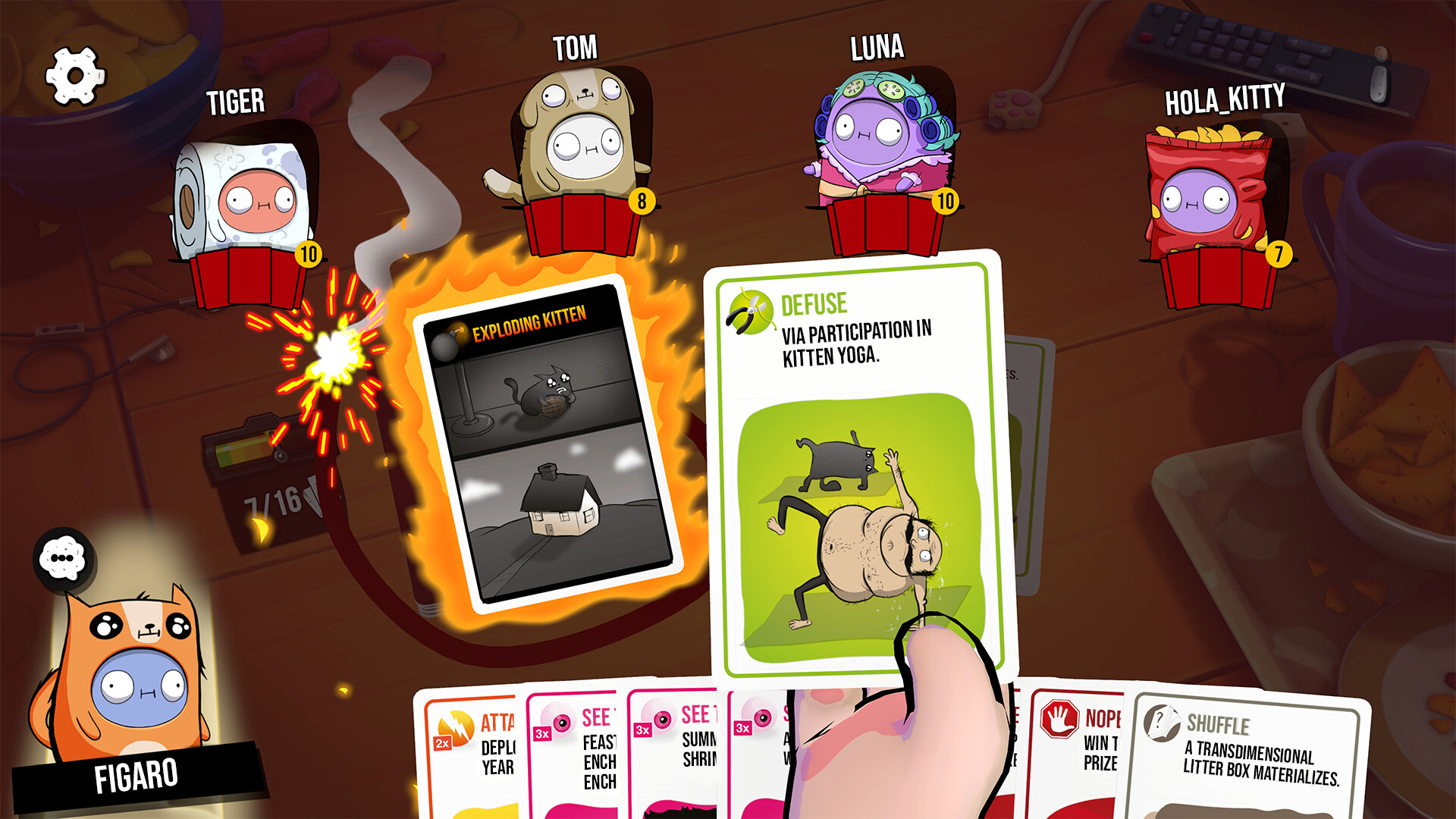
Each turn you draw a card from the deck; if the card is an exploding kitten you are eliminated unless you can play a Defuse card to stay in the game. This mirrors the rule set described in the official store text.
The deck also contains humorous cards with animations, and the “draw, don’t explode” rule keeps the game easy to learn while maintaining tension for all participants.
- Watch early draws to estimate how many exploding kittens may still be hidden in the deck.
- Keep a Defuse card in hand if you anticipate drawing later in the round.
02 / THE GUIDE
Avatar and Emoji Customisation
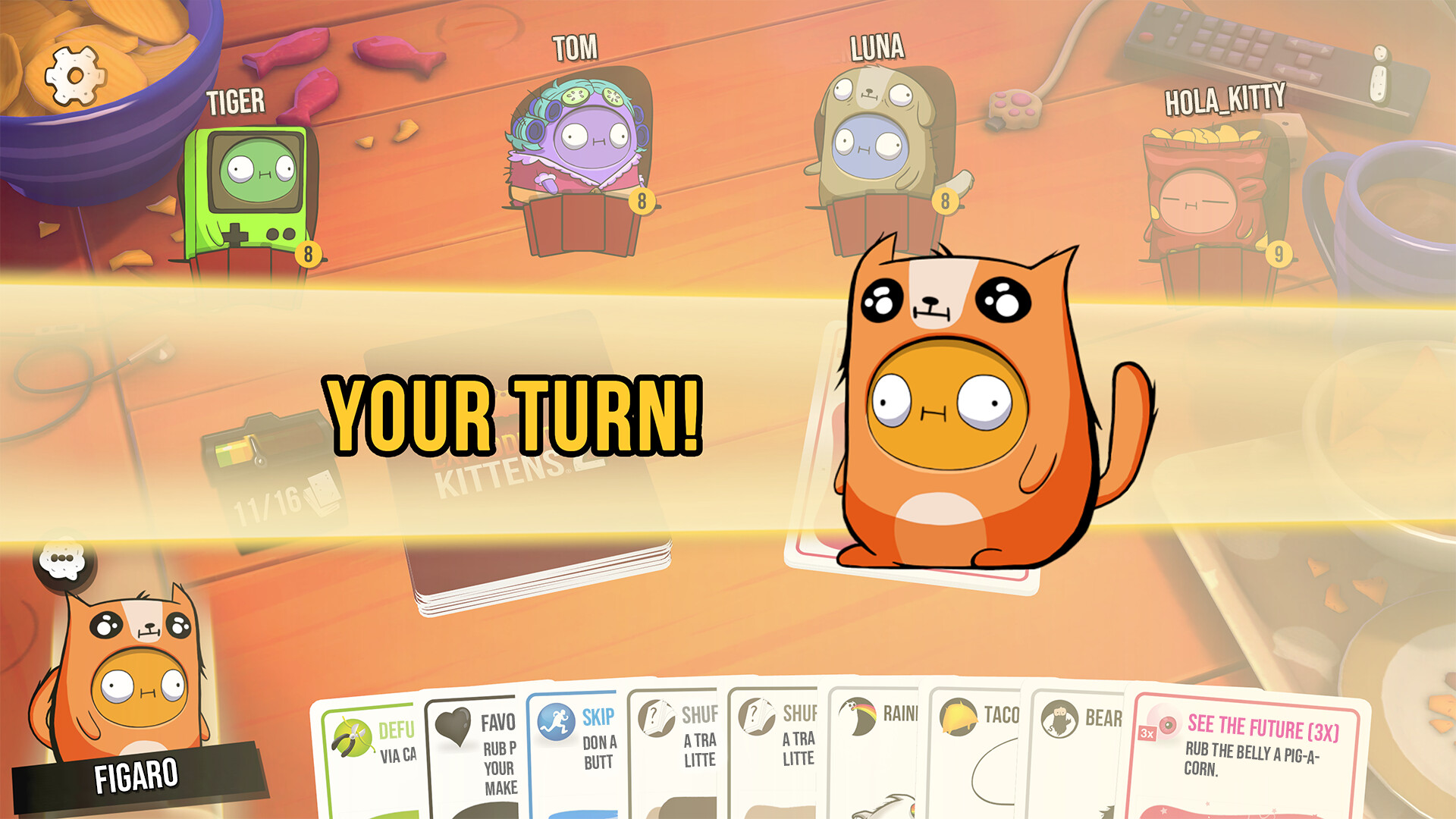
Players can dress their avatar in seasonal outfits and select a personal set of emojis for in‑game chat, as highlighted in the store description.
These cosmetic options are presented as visual personalisation, and the store description does not document any link to card effects or win conditions.
- Choose an outfit that contrasts with the background to spot your avatar quickly in multiplayer.
- Select emojis that clearly convey your intent to avoid miscommunication during fast play.
03 / THE GUIDE
Variety of Game Modes
The description mentions “oodles of game modes,” confirming that multiple game modes are available beyond the classic mode.
Both single‑player against an AI and online multiplayer are supported, giving players the choice to practice alone or jump straight into competitive matches with friends.
- Try a new mode with a friend to see how rule tweaks affect the flow of the game.
- Use the AI mode to become comfortable with the deck before entering online play.
04 / THE GUIDE
Multiplayer and PvP
Online multiplayer lets you face real opponents, and the PvP and Online PvP tags confirm competitive play is a core part of the experience.
Family Sharing is listed among the features, meaning multiple household Steam accounts can launch the game from a shared library.
- Schedule a session with friends to experience the animated “Nope” cards together.
- Enable Family Sharing on Steam so other household members can try the game without separate purchases.
05 / THE GUIDE
Steam Platform Integration
Exploding Kittens® 2 is released for Windows on Steam and includes Steam Achievements, allowing players to track specific in‑game actions.
No macOS or Linux support is listed, so the Windows Steam version is the only documented platform for this title.
- Review the achievement list on Steam to set personal goals while you play.
- Activate Family Sharing in your Steam settings to let other users on the same machine launch the game.
COMMUNITY
Player discussion