 GameWiki
GET YOUR BEARINGS
About Exotica 2: Pet Shop Simulator
Exotica 2: Pet Shop Simulator lets you run a cozy exotic pet shop at your own pace. Begin with a modest store, choose which creatures to buy, breed, and sell, and watch your profits grow without pressure. The game focuses on gentle progress, animal encounters, and a flexible business model that rewards thoughtful decisions.
Beyond simple transactions, you can shape the shop’s look, hire staff, and let animals roam freely. With over 70 species to discover, each visit feels fresh, and the combination of customization, breeding, and customer personalities creates a warm, simulation‑lite experience.
01 / THE GUIDE
Animal Collection
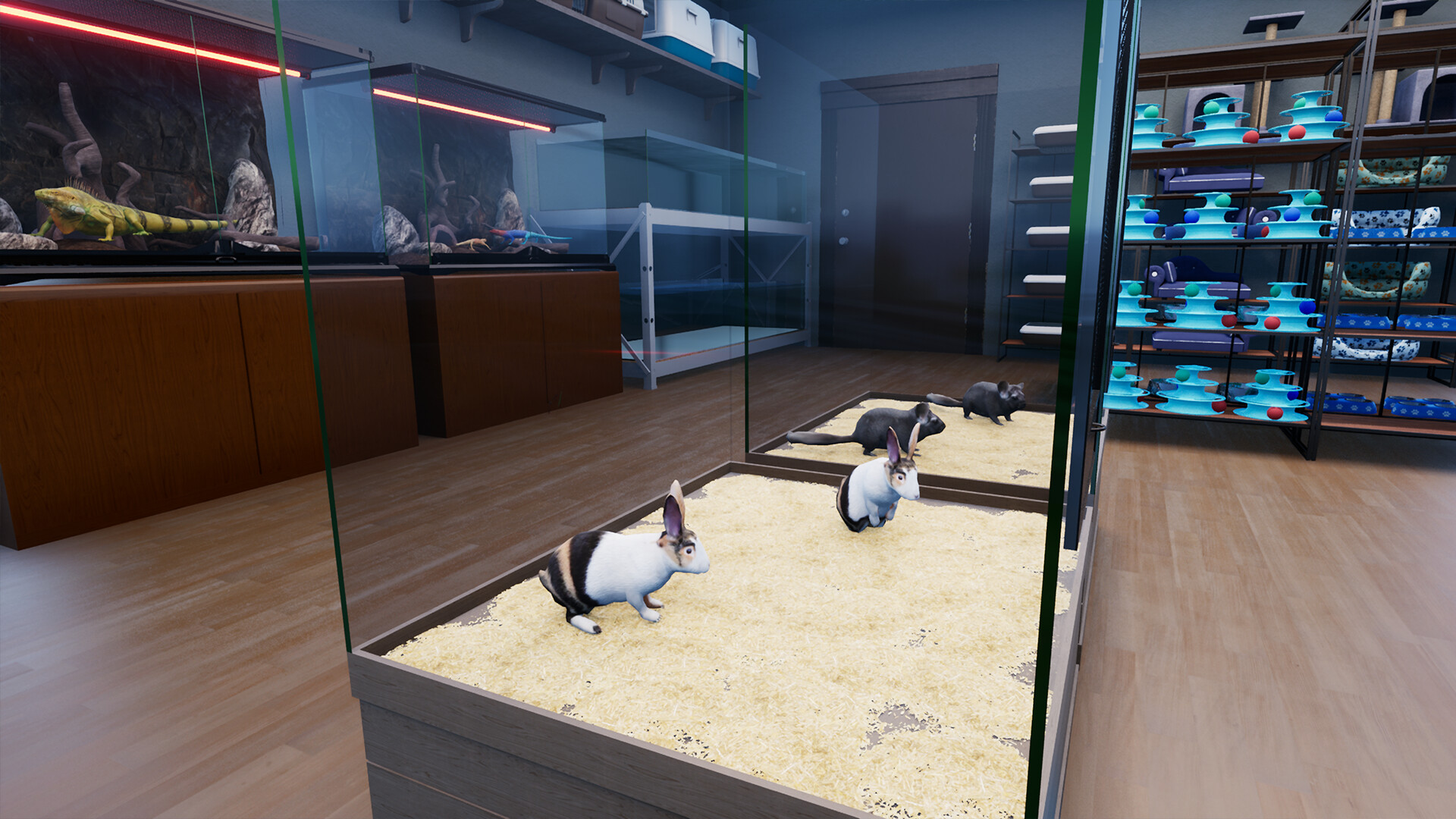
Animals form the core of the shop, ranging from cats and dogs to reptiles, birds, and fish. Over 70 unique species, including rare variants, can be bought, nurtured, and displayed for customers.
You can pick up, carry, and place animals in habitats, letting them explore the environment. Their presence animates the shop, making each new species a lively addition.
- Compare the visual appeal of different species to decide which might attract more customers.
- Observe how animals interact with habitats before committing to large purchases.
02 / THE GUIDE
Breeding & Hatching
Pairing animals triggers real‑time breeding, leading to eggs that hatch into new creatures. Over time, rare color or pattern variants may appear, adding long‑term goals.
Some animals become more special as they grow, offering moments of discovery that encourage continued care and observation of breeding outcomes.
- Track which pairings produce rare variants for future breeding plans.
- Allow animals to mature fully before deciding on further breeding cycles.

03 / THE GUIDE
Shop Customization
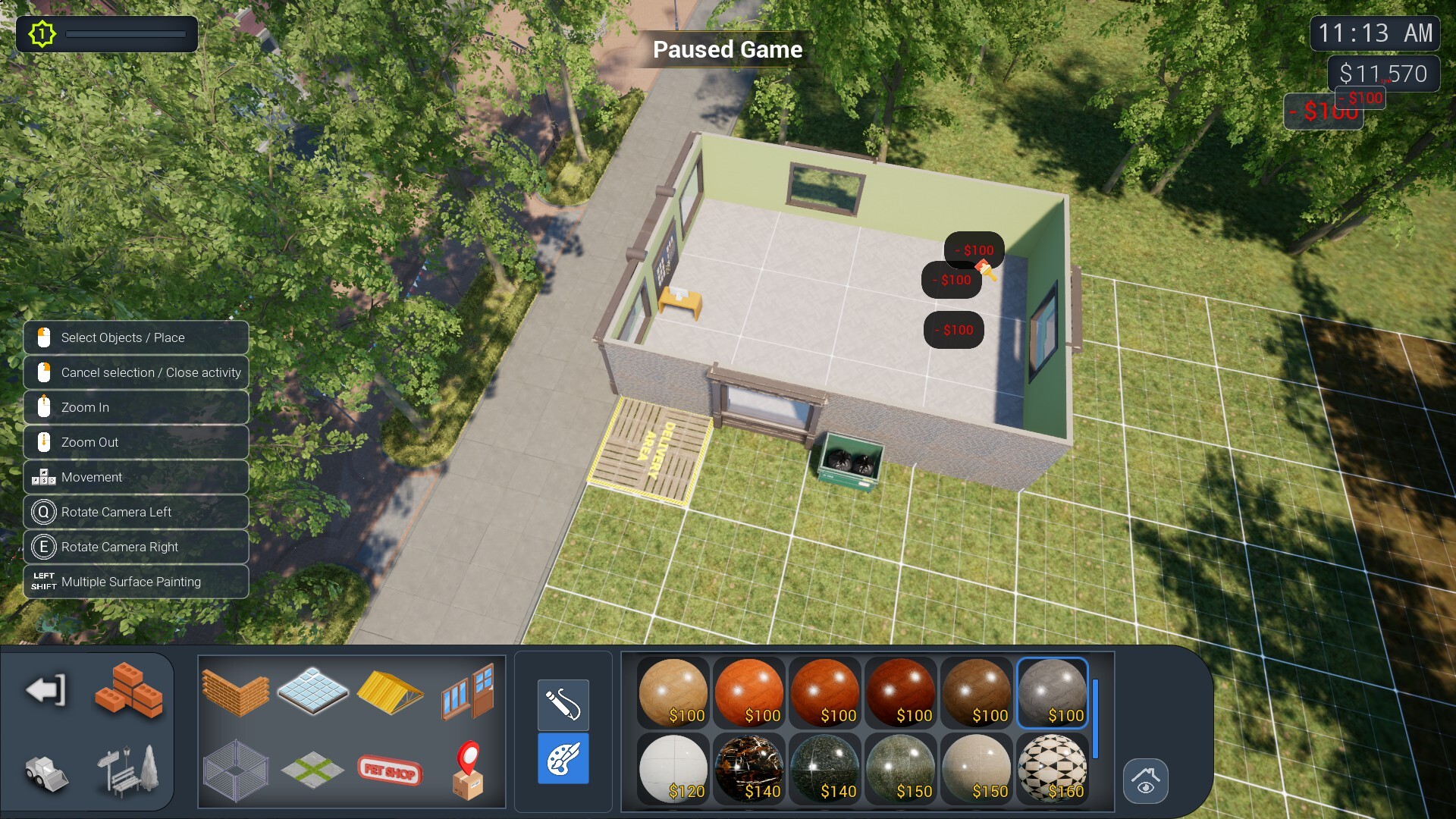
The layout, walls, floors, decorations, lighting, and signs are fully adjustable, letting you craft a shop that reflects your style. Custom textures and lighting options enhance the visual atmosphere.
Animals freely roam the spaces you create, so thoughtful placement of habitats and décor can improve both aesthetics and animal wellbeing.
- Experiment with lighting to highlight key displays and attract attention.
- Use varied textures to differentiate zones for different animal types.
04 / THE GUIDE
Staff & Automation
Employees can be hired to manage cashier duties, animal care, cleaning, and stock transfers. Each staff member possesses distinct strengths, weaknesses, and even animal phobias, influencing how tasks are delegated.
Automation lets you focus on growth while routine work is handled, but you must consider each employee’s traits to maintain efficiency.
- Match staff strengths to tasks—e.g., a caretaker with high animal affinity for feeding duties.
- Monitor employee phobias to avoid mishaps with specific species.
05 / THE GUIDE
Customers & Sales
Customers arrive with varied personalities and may not always accept suggestions, creating dynamic sales encounters. You can handle transactions yourself or let staff operate the cash register, review payments, and summarize purchases.
Understanding customer reactions helps you set appropriate prices and stock the right animals, fostering steady profit growth.
- Observe customer feedback to adjust pricing for popular species.
- Use the purchase summary to identify which animals sell best.
COMMUNITY
Player discussion