 GameWiki
GET YOUR BEARINGS
About Evil God Korone
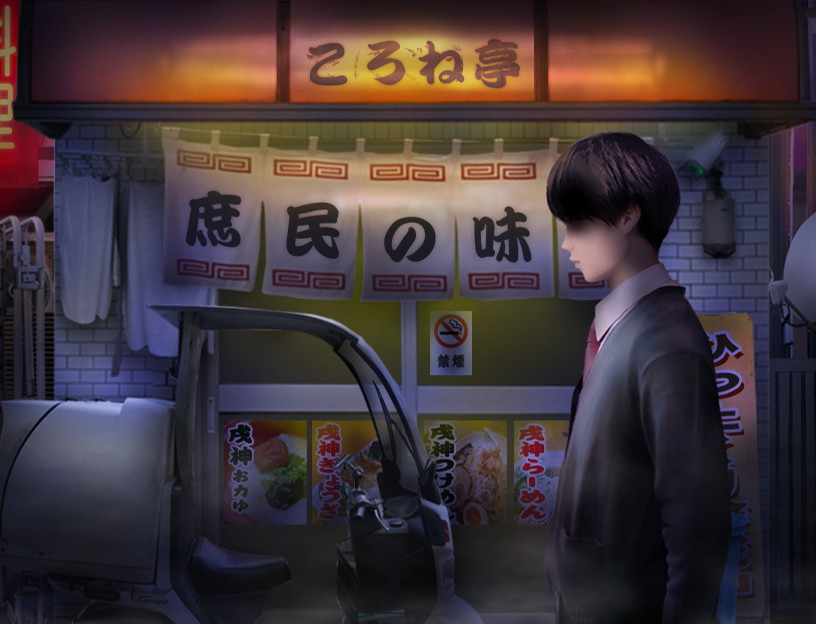
Evil God Korone is a collaboration between the indie horror series Tsugunohi and VTuber Inugami Korone. The game keeps the simple left‑ward movement of Tsugunohi while adding a birthday‑project twist featuring the “evil goddess” Korone. Players walk through familiar daily locations as fear escalates each day, testing how long they can endure the growing horror. The title is single‑player, supports family sharing, and runs on Windows via Steam.
01 / THE GUIDE
Gameplay Mechanics
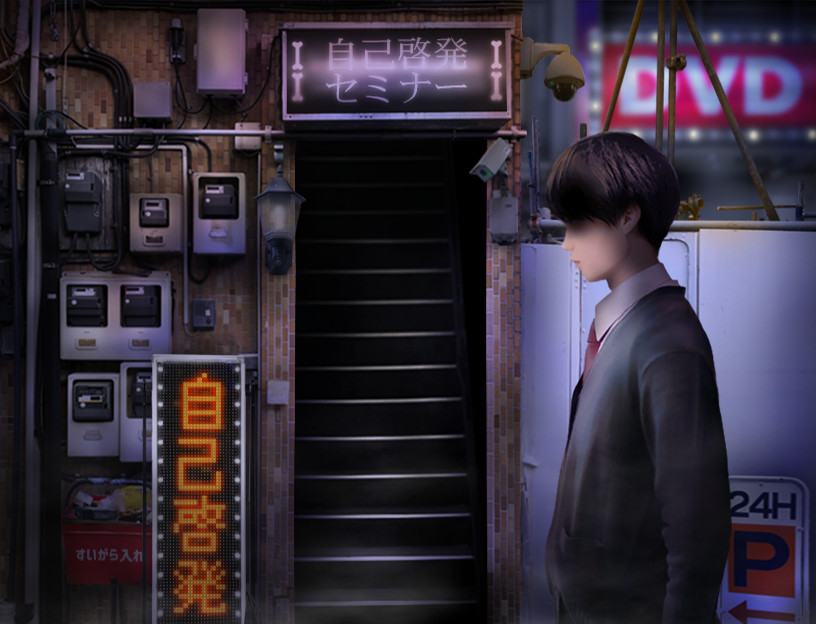
The only control required is moving the main character to the left, mirroring the original Tsugunohi series. This minimal input lets players of any skill level experience the gradual shift from ordinary life to terrifying events. Each day the journey repeats the same places, but the horror intensifies, creating a sense of inevitable dread.
Because the control scheme is limited to leftward movement, the focus is on atmosphere rather than reflexes. The game’s design encourages players to watch the environment change and to endure the mounting fear rather than to master complex actions.
- Observe how the environment subtly changes each day; small visual cues often signal the next horror escalation.
- Take breaks between days if the tension feels overwhelming; the simple control makes it easy to pause and resume.
02 / THE GUIDE
Collaboration Context
Evil God Korone is part of the Inugami Korone Birthday Project, linking the horror series with the popular VTuber. Inugami Korone, a member of Hololive GAMERS, is portrayed as an evil goddess who has taken over Tsugunohi, adding a unique narrative layer to the familiar gameplay.
The collaboration blends Korone’s streaming persona with the series’ horror, creating a crossover that appeals to both horror fans and VTuber followers. The story references Korone’s live‑streaming of horror games and her new role as a deity demanding a finger offering.
- Fans of Korone may appreciate the in‑game references to her streaming background.
- Consider watching Korone’s streams for additional thematic context while playing.
03 / THE GUIDE
Story Setup
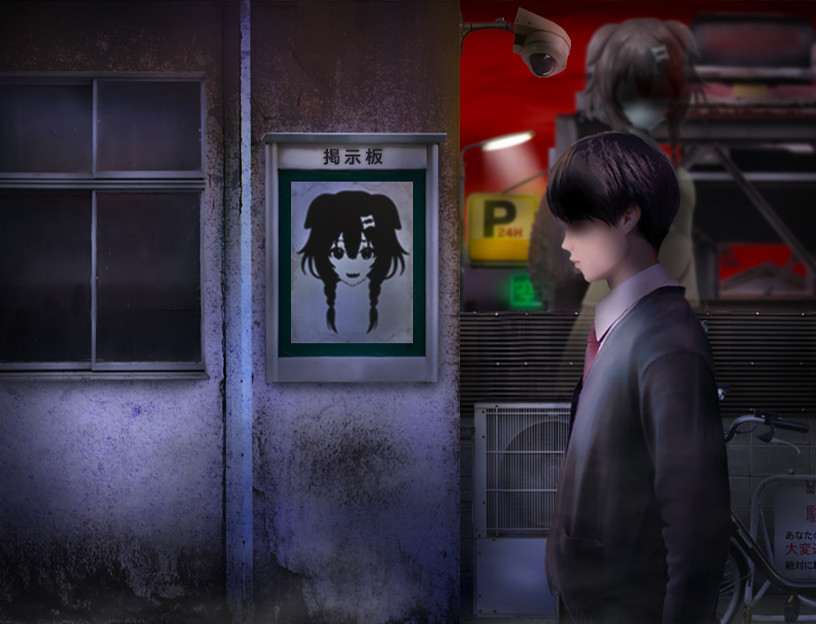
The narrative follows a male student returning home from school who encounters a sign related to Inugami Korone. After muttering an unspecified phrase, his ordinary life begins to shift toward the bizarre and frightening, setting the stage for the daily leftward trek.
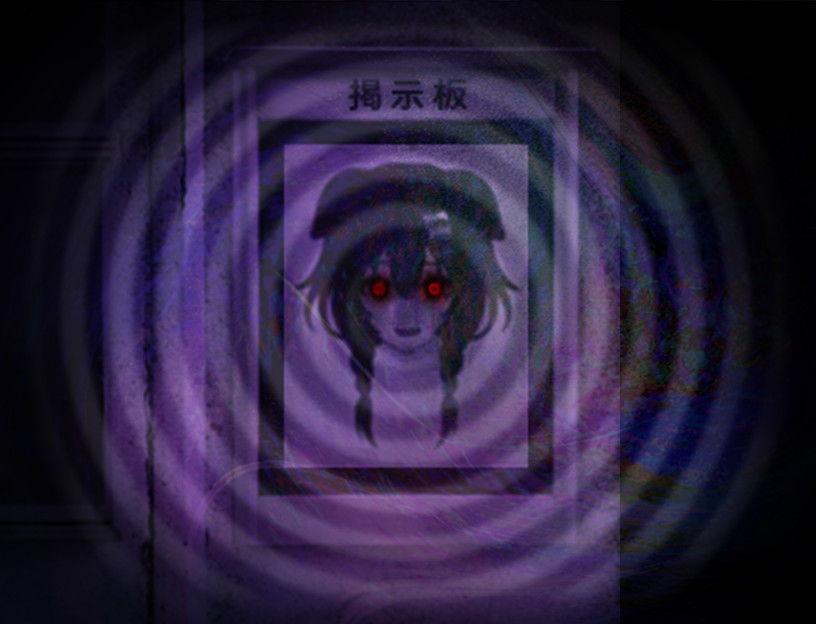
The story frames each day’s walk as a descent into a progressively ominous version of everyday locations, reinforcing the horror theme through a personal, relatable protagonist.
- Pay attention to the opening dialogue; it hints at the supernatural influence driving the game’s events.
- Notice how the setting transforms from normal to eerie, which can help anticipate upcoming scares.
04 / THE GUIDE
Series History
The Tsugunohi series, created by indie developer ImCyan, first gained internet attention in 2012 for its intense scares. Subsequent titles, especially "Tsugunohi -a closed future-" in 2018, became popular among live streamers, leading to translations and a Steam release in 2021 that bundled earlier episodes and added new collaborations.
The series is known for its simple left‑movement control, allowing players of any skill level to experience its horror. Evil God Korone continues this tradition while adding a new collaborative narrative.
- If you enjoy Evil God Korone, consider exploring earlier Tsugunohi titles for a broader view of the series’ evolution.
- Observe how the visual style has been refined in remastered episodes compared to the original releases.
05 / THE GUIDE
Platform and Features
Evil God Korone is available on Windows through Steam and supports single‑player and family sharing. The title is listed as a single-player game.
The Tsugunohi series’ Steam release bundles the previous seven titles and adds two new original titles, and the core control remains moving left. This consistency ensures the game is accessible to a wide audience.
- Use Steam’s family sharing to let multiple accounts experience the game without purchasing separate copies.
- Check the Steam store page for any updates to supported operating systems before purchasing.

COMMUNITY
Player discussion