 GameWiki

GET YOUR BEARINGS
About EVERYBODY'S GOLF HOT SHOTS
Everybody’s Golf Hot Shots revives the beloved arcade‑style golf series with simple, timing‑based controls and a colorful roster of characters. Players aim, then press a button three times to execute a shot, making the core gameplay easy to pick up for newcomers and veterans alike. The title offers both offline and online experiences, featuring classic stroke‑play, a Challenge mode with over a hundred tournaments, and a wacky multiplayer variant. Local play supports up to four participants on a single controller, while online leaderboards track worldwide scores.
01 / THE GUIDE
Timing‑Based Shot System
The game’s control scheme revolves around a three‑press timing mechanic. After aiming, players press a button three times at the right moments to determine power, accuracy, and spin, delivering the signature arcade feel.
This system is described as simple and intuitive, allowing quick mastery of the perfect shot without complex button combinations.
- Practice the three‑press rhythm in a single‑player round before tackling online leaderboards.
- Watch the power meter closely; small timing errors can dramatically affect ball trajectory.
02 / THE GUIDE
Single‑Player Options
Players can choose Stroke Play for traditional rounds or dive into Challenge mode, which hosts over 100 tournaments. Each tournament can be customized by adjusting weather and time of day, adding variety to the solo experience.
A colorful cast of AI opponents populates these modes, providing a range of difficulty levels and personalities.
- Experiment with different weather settings to learn how wind influences ball flight.
- Start with lower‑tier tournaments to build confidence before attempting higher challenges.

03 / THE GUIDE
Local and Online Multiplayer
The game supports up to four players locally on a single controller, letting friends share a couch‑side session. Online play pits you against golfers worldwide, with Steam Leaderboards tracking top scores.
A special “Wacky Golf” mode adds a whimsical twist, encouraging casual competition among friends.
- Coordinate turn order before starting a local match to avoid controller confusion.
- Use the online leaderboards to gauge where your skill stands globally.
04 / THE GUIDE
Steam and Controller Integration
Everybody’s Golf Hot Shots runs on Windows via Steam, offering achievements, cloud saves, and HDR support. Full controller compatibility includes DualShock and DualSense devices, with the gamepad recommended for optimal play.
Family Sharing is enabled, allowing multiple Steam accounts to access the game on a single purchase.
- Enable Steam Cloud to keep progress synced across multiple PCs.
- Activate HDR if your monitor supports it for richer visual contrast.
05 / THE GUIDE
Rule and Environment Customization
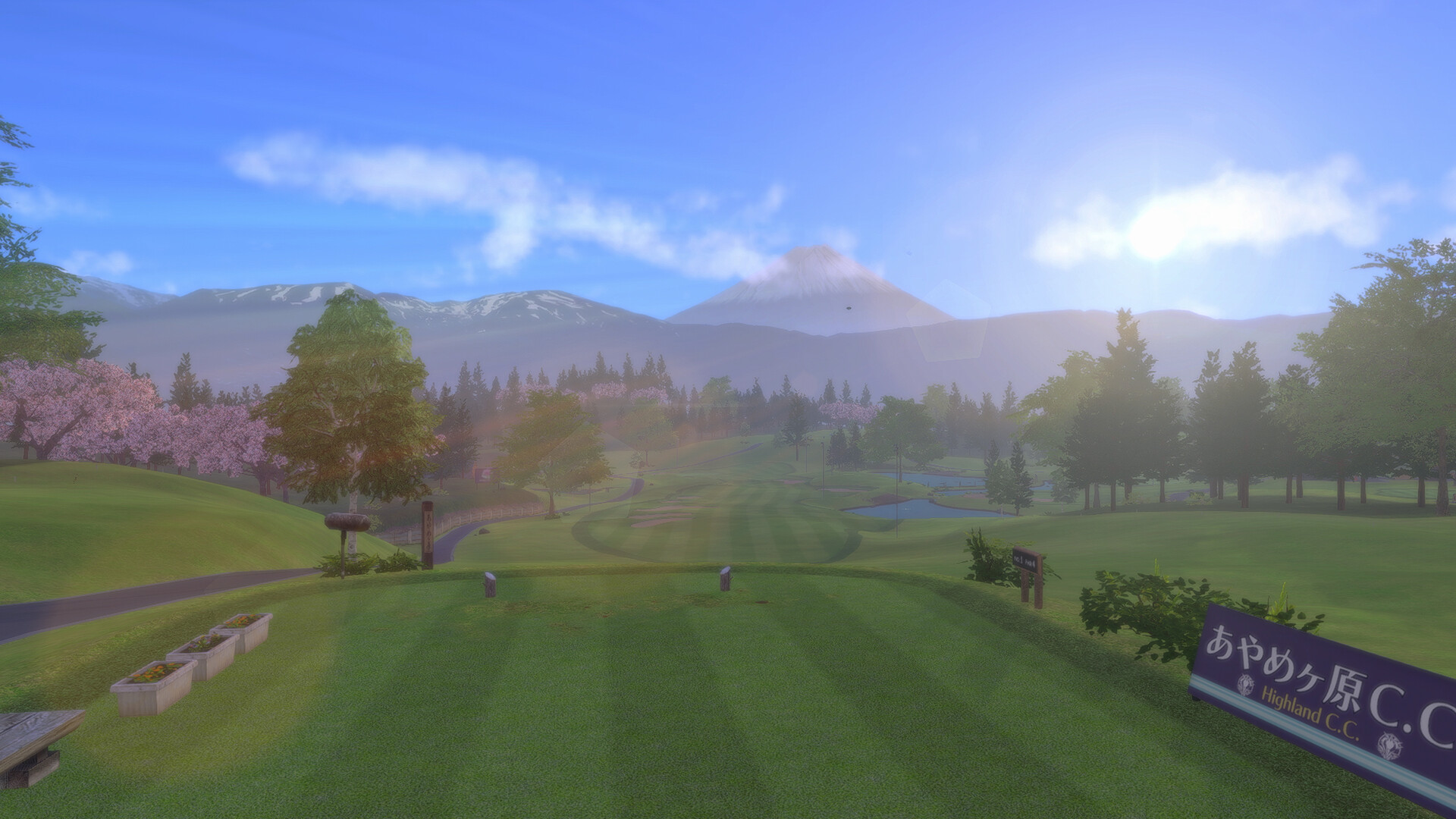
Players may tailor match conditions by altering weather and time of day, affecting ball behavior and visual ambience. These settings are available within Challenge mode, letting users craft personalized experiences.
Custom rules let you experiment beyond standard stroke play, though the core timing mechanic remains unchanged.
- Try night‑time rounds to practice reading shadows for ball landing zones.
- Use windy conditions to improve your spin control skills.

COMMUNITY
Player discussion