 GameWiki
GET YOUR BEARINGS
About Europa
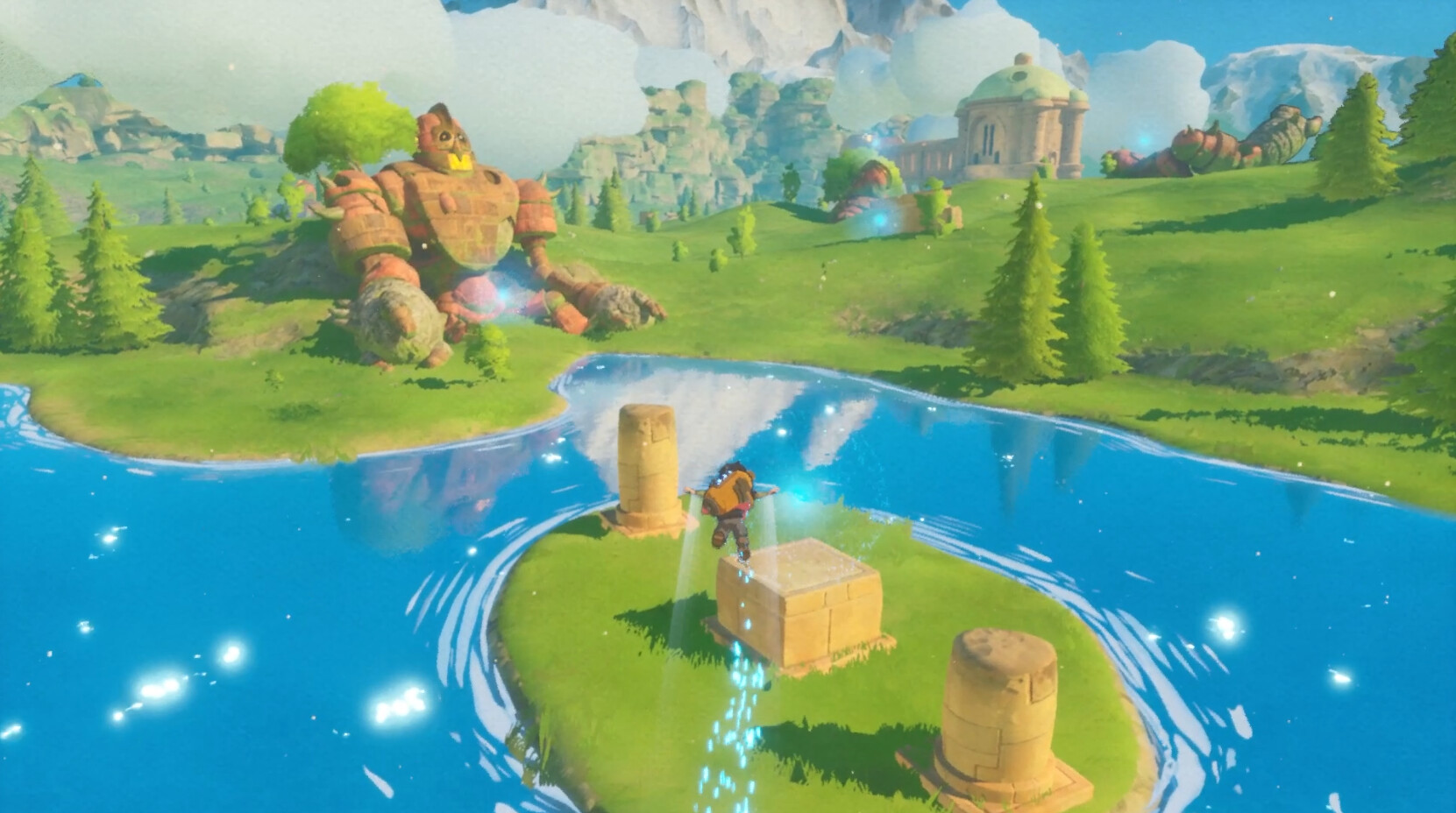
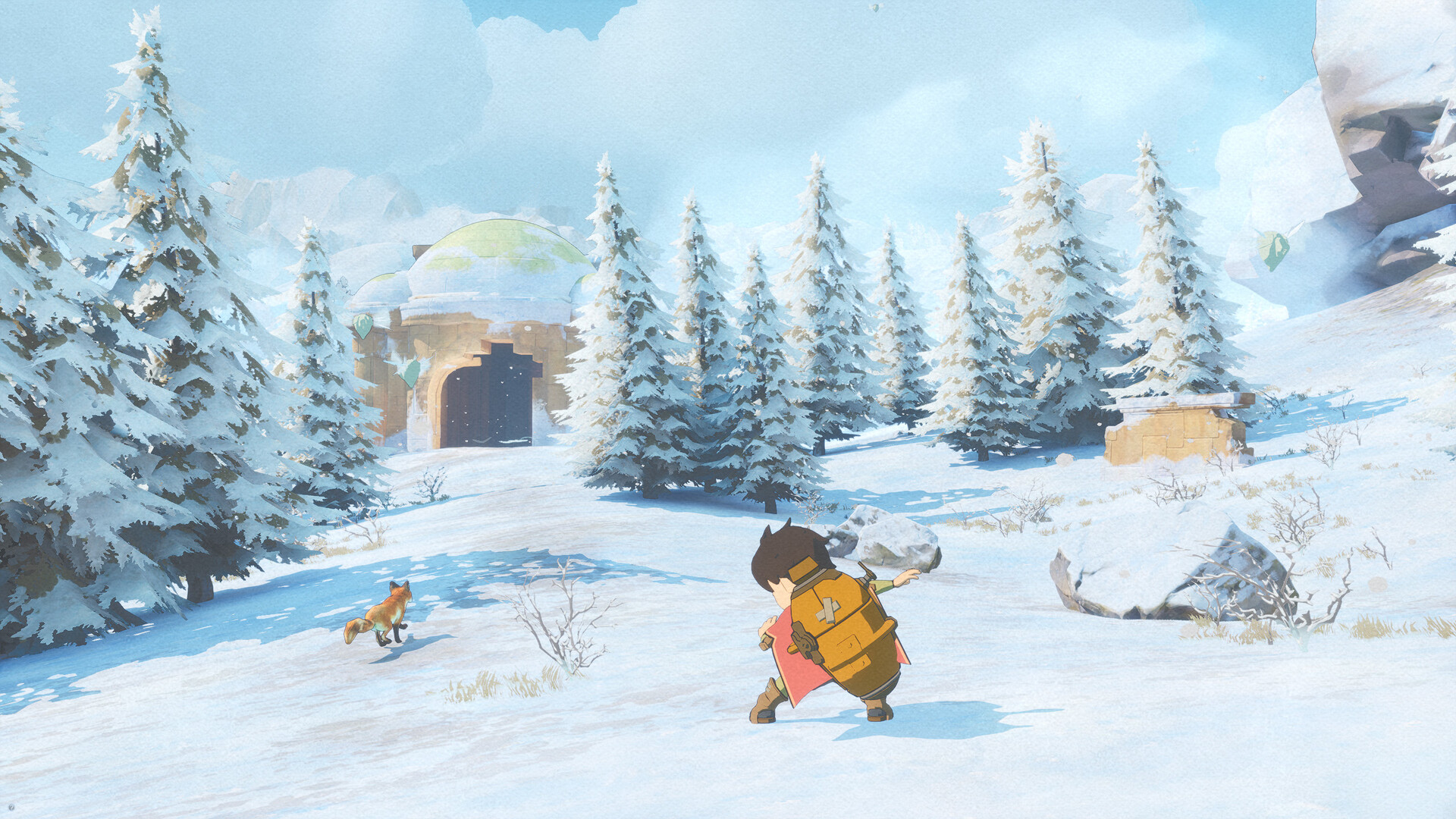
Europa is an emotive, story‑driven adventure lasting about three to four hours. Players follow Zee, an android on the terraformed moon Europa, exploring lakes, meadows and mountains left behind by a fallen civilization. The game blends exploration, puzzle‑solving and a quiet narrative about growing up and humanity’s bond with nature.
Movement is centered on a Zephyr jetpack that lets you run, glide and fly, building momentum across the landscape. As you progress you upgrade the jetpack, allowing longer, freer flights while uncovering secrets hidden in the ruins of the utopia that once thrived there.
01 / THE GUIDE
Story and Setting
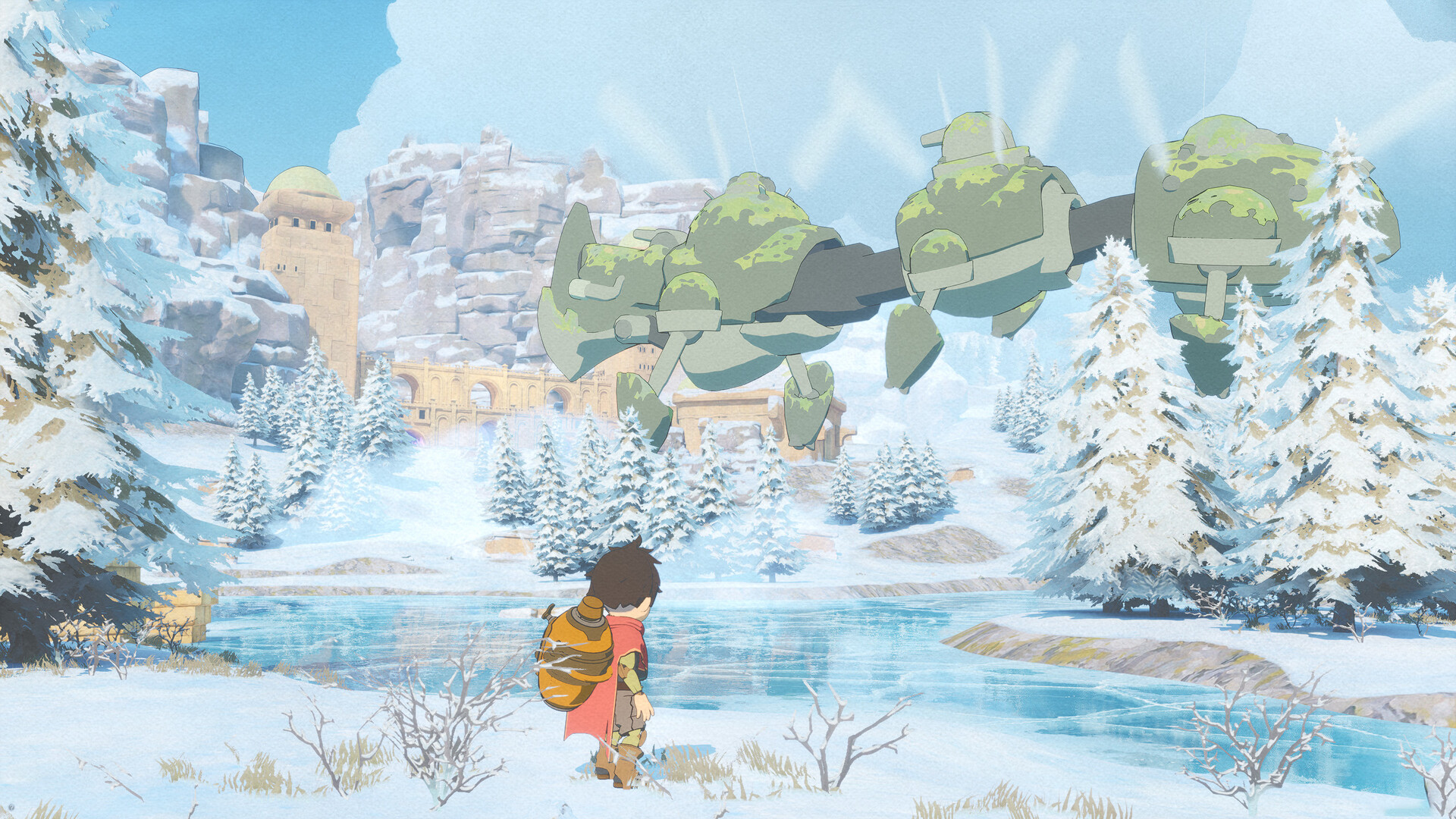
The narrative follows Zee, an android searching for answers on a lush, terraformed Europa that orbits Jupiter. The world is described as a breathtaking mix of lakes, meadows, and mountains scattered among the remains of a fallen civilization.
The story is intimate, focusing on themes of growing up and humanity’s relationship with nature, and includes a quote inviting players to “Come to the Island if you ever get lonely.”
- Take time to read environmental details; they often hint at the broader story themes.
- Listen for narrative cues during travel—they reinforce the intimate tone.
02 / THE GUIDE
Movement and Gliding
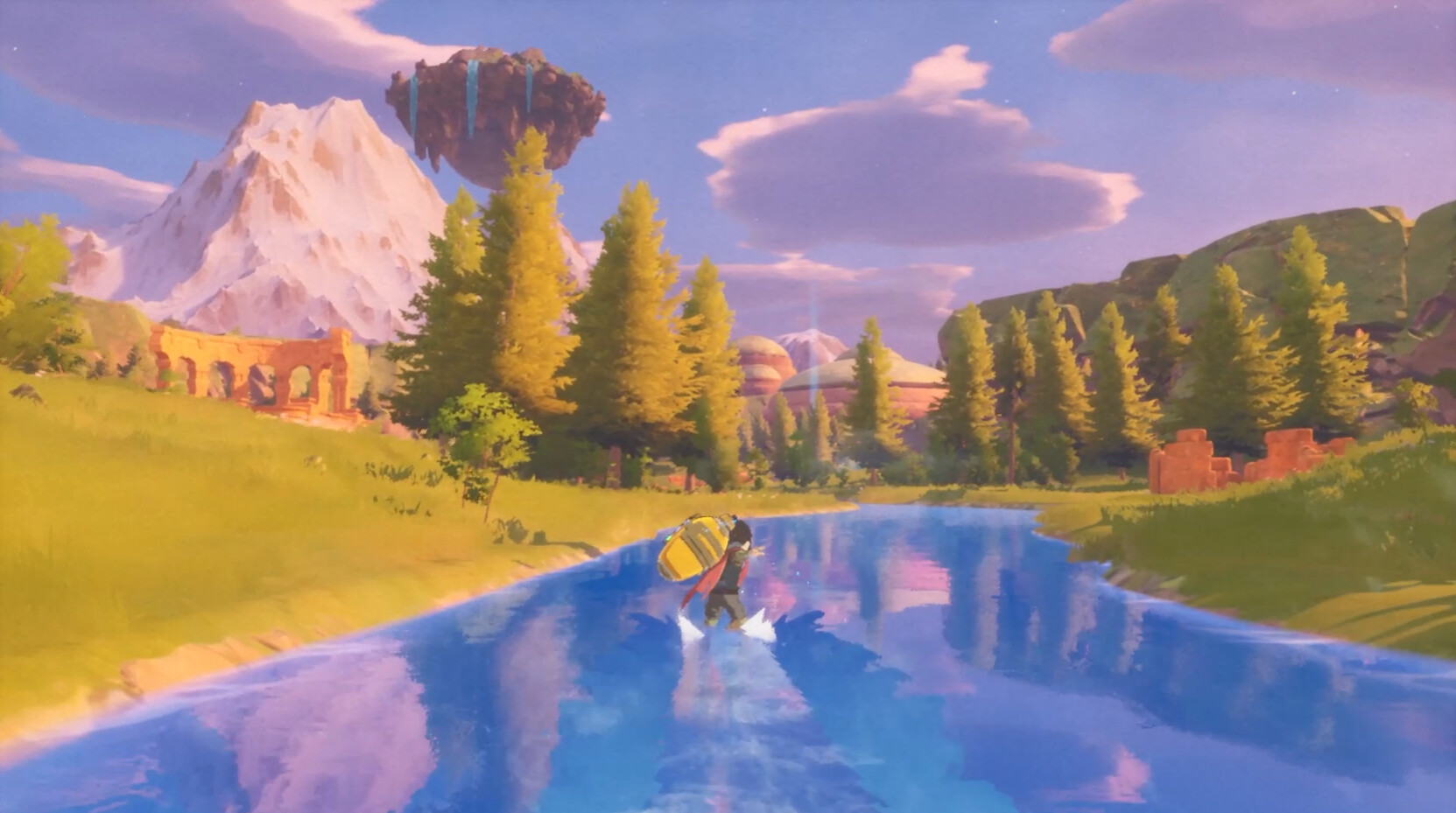
Gameplay emphasizes free‑flowing movement, allowing players to glide from boost to boost, building power and momentum over time. This system lets you travel serenely across the landscape.
Gliding is central to exploration, letting you reach hidden areas and navigate the ruins while maintaining a calm, meditative pace.
- Maintain momentum when gliding to cover larger distances without stopping.
- Observe the terrain; natural slopes often aid in building speed.
03 / THE GUIDE
Jetpack Upgrades
As you travel, you gradually upgrade the Zephyr jetpack, which boosts your ability to fly farther and higher. Upgrades are tied to progression through the world.
These upgrades culminate in the ability to flow freely into the sky, expanding the scope of exploration.
- Keep progressing through the world so your jetpack upgrades open up more of the map.
- Continue traveling to gradually unlock the jetpack's full capabilities.
04 / THE GUIDE
Puzzles and Secrets
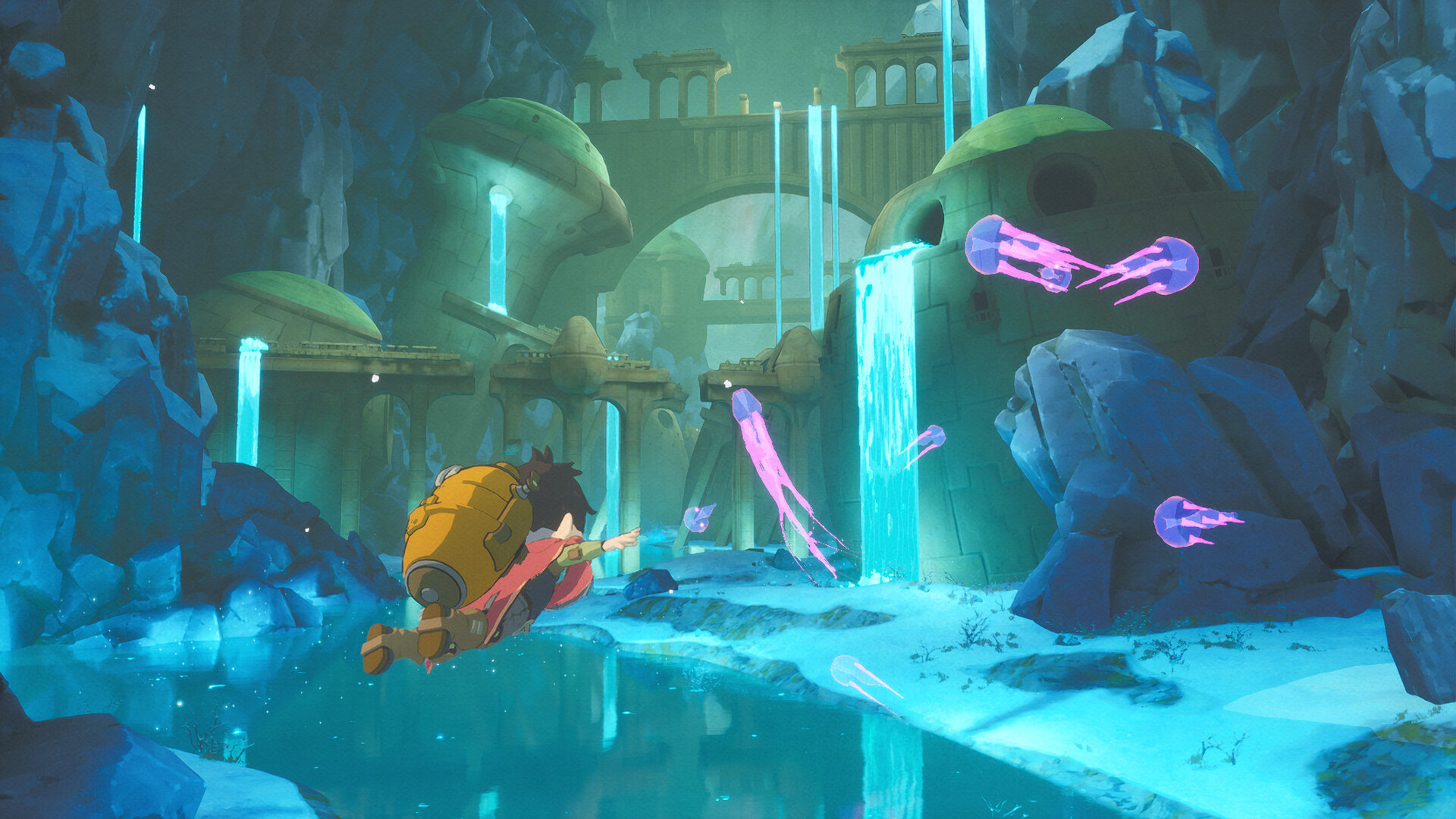
The ruins contain puzzles that must be solved to progress. Solving them reveals hidden dangers and secret areas, rewarding careful observation.
Secrets are scattered throughout the environment, encouraging players to explore beyond the main path.
- Examine unusual structures; they often hide puzzle elements.
- Take notes on recurring symbols—they may be key to later challenges.
05 / THE GUIDE
Platform and Support Features
Europa is available on Windows and supports full controller input, Steam Achievements, Steam Cloud saves, and Family Sharing. These features enhance accessibility and continuity across sessions.
Single‑player mode ensures the experience is focused on solo exploration without multiplayer elements.
- Enable Steam Cloud to keep progress synced across installations.
- Use controller support if you prefer analog input for gliding.
COMMUNITY
Player discussion