 GameWiki
GET YOUR BEARINGS
About Eternal Threads
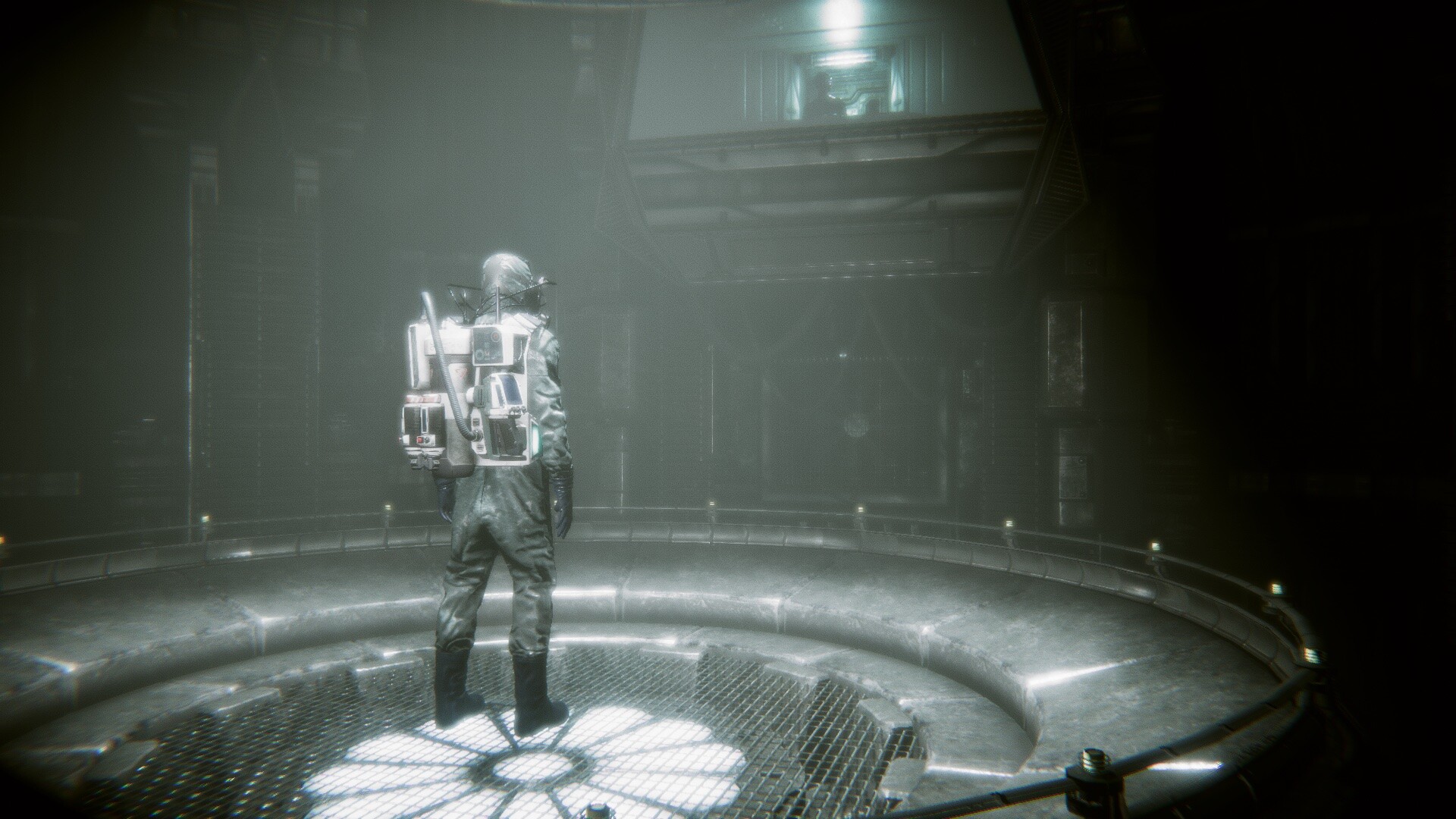
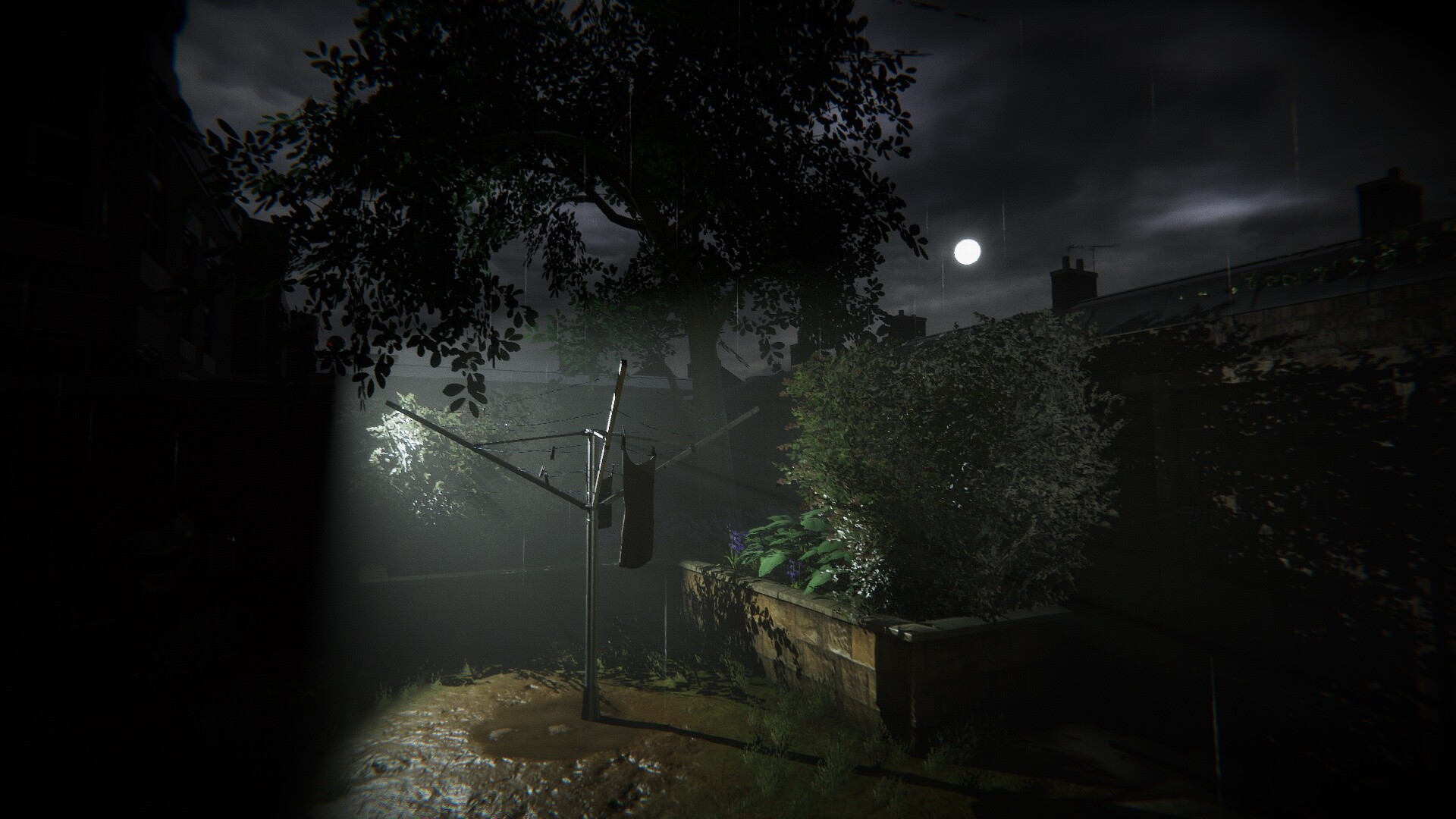
Eternal Threads is a single‑player, first‑person puzzle adventure that lets you manipulate a week‑long timeline to prevent a house fire that killed six people in May 2015 England. You explore the seven‑day period, altering decisions made by the housemates and watching how those changes ripple forward.
The game offers unrestricted replay of events, letting you experiment with minor tweaks or major rewrites that reshape objects, scenes, and future outcomes. Each character’s fate can be saved in multiple ways, encouraging players to weigh quick fixes against the best possible long‑term results.
01 / THE GUIDE
Timeline Exploration
From the start you have free reign to explore the entire seven‑day timeline before the fire. Events can be watched and altered in any order, and you may revisit them as often as you like.
Minor decisions shift objects or reveal secrets, while major changes rewrite events, add new ones, or replace existing moments, allowing deep interaction between choices across the week.
- Try altering a small, unrelated decision first to see how the environment reacts before tackling larger rewrites.
- Use the ability to replay events to compare outcomes and understand cause‑and‑effect relationships.
02 / THE GUIDE
Character Branches
The narrative follows six main characters, each with multiple decisions across multiple timelines. You can focus on one character at a time, following their choices and then returning to the start for another.
Each housemate can be saved in several ways, and each outcome profoundly affects their future, giving players the option to seek the quickest fix or the optimal long‑term result.
- Concentrate on a single character’s storyline to fully understand their decision tree before switching focus.
- Compare the long‑term effects of different rescue methods to gauge which yields the best overall outcome.
03 / THE GUIDE
Forensic Detective Approach
Players may adopt a forensic style: observe final outcomes first, then work backwards along the timeline to identify causes. This method emphasizes analysis over linear play.
By watching the end result and then tracing back through events, you can pinpoint which decisions need alteration to achieve a desired ending.
- Record the final state of each character before rewinding to keep track of which outcomes need fixing.
- Use the backward‑tracking method to isolate the most impactful decisions early in the week.
04 / THE GUIDE
Environmental Feedback
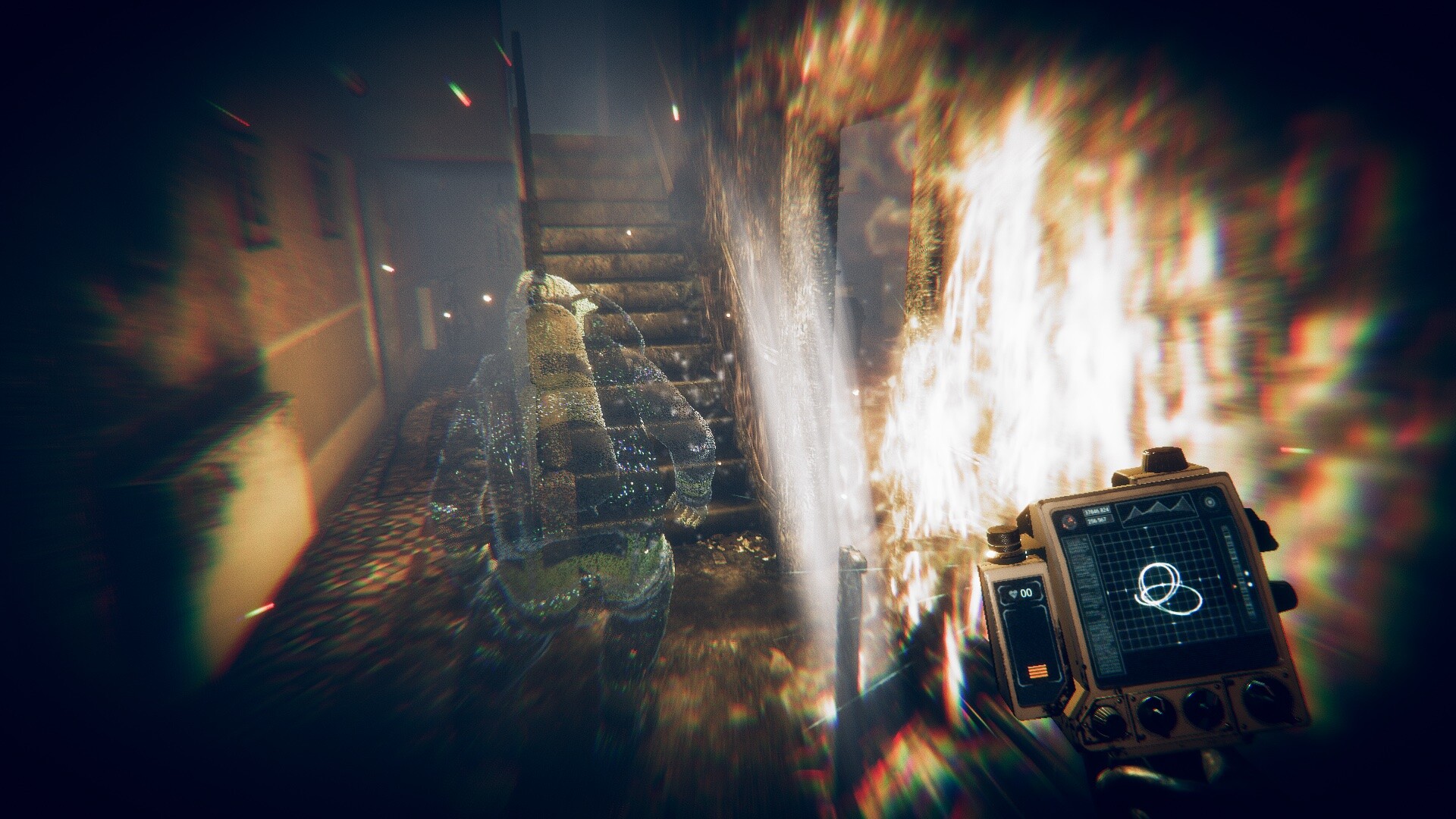
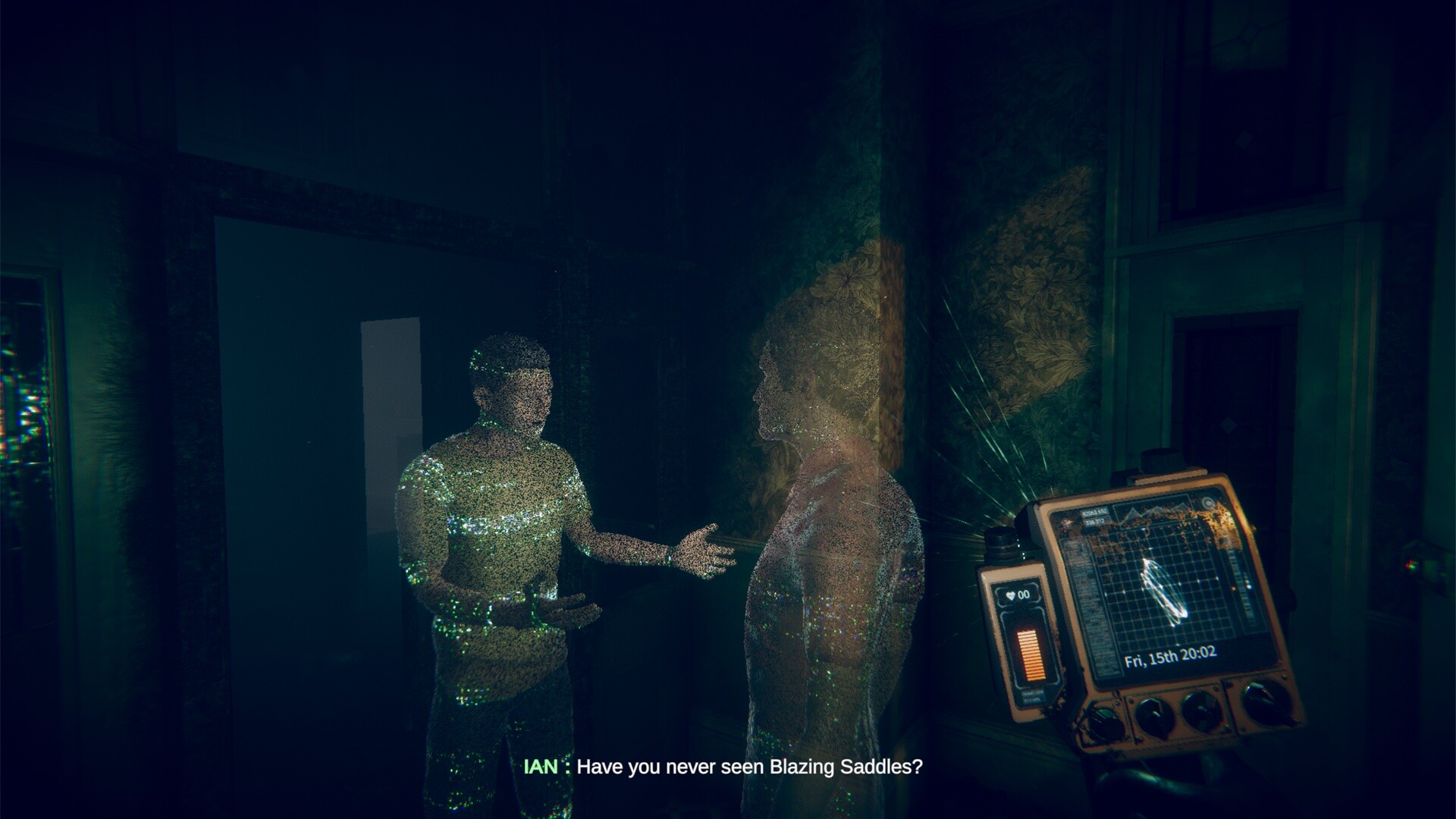
After the fire, a temporary base in the house provides a constant visual reminder of the impending disaster. Past events replay as ghostly scenes, and the environment resets to match your changes.
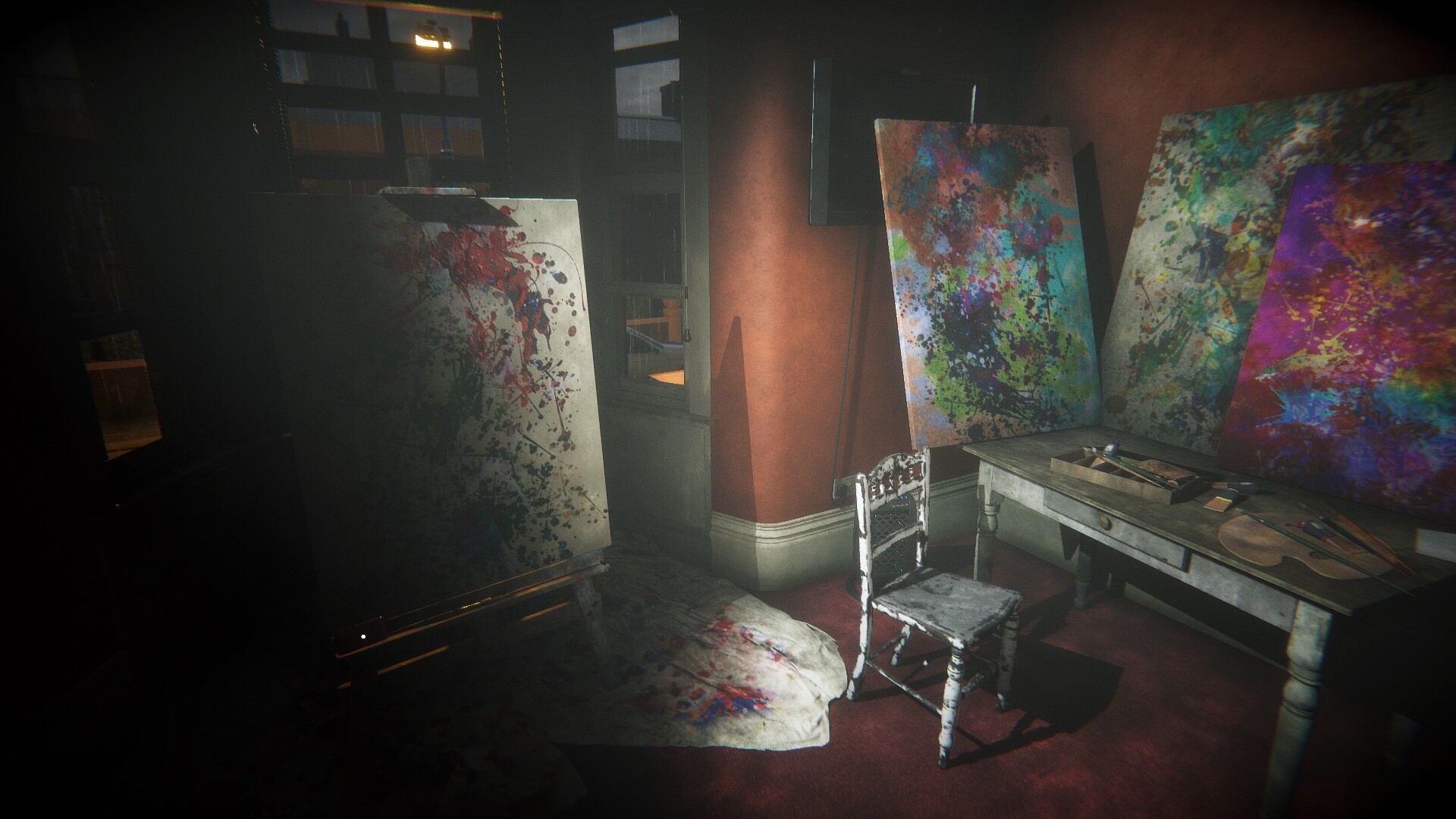
New objects may appear, others move, and room contents can change substantially as you manipulate the past, giving clear visual cues of timeline alterations.
- Pay attention to new objects appearing after a change—they often signal a successful alteration.
- Notice how room layouts shift; this can help verify that a decision has been correctly applied.
05 / THE GUIDE
Steam Features
Eternal Threads includes Steam Achievements, Full Controller Support, Steam Cloud, and Family Sharing, enhancing accessibility and progress tracking across sessions.
These features operate within the single‑player experience, allowing you to earn achievements and sync saves without affecting core gameplay mechanics.
- Enable Steam Cloud to keep your timeline progress safe across multiple installations.
- Check the achievement list for milestones that align with major timeline rewrites.
COMMUNITY
Player discussion