 GameWiki
GET YOUR BEARINGS
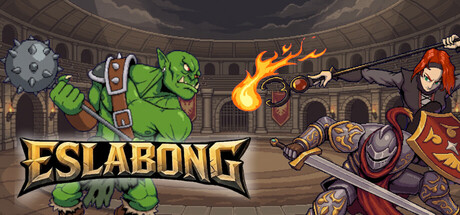
About Eslabong
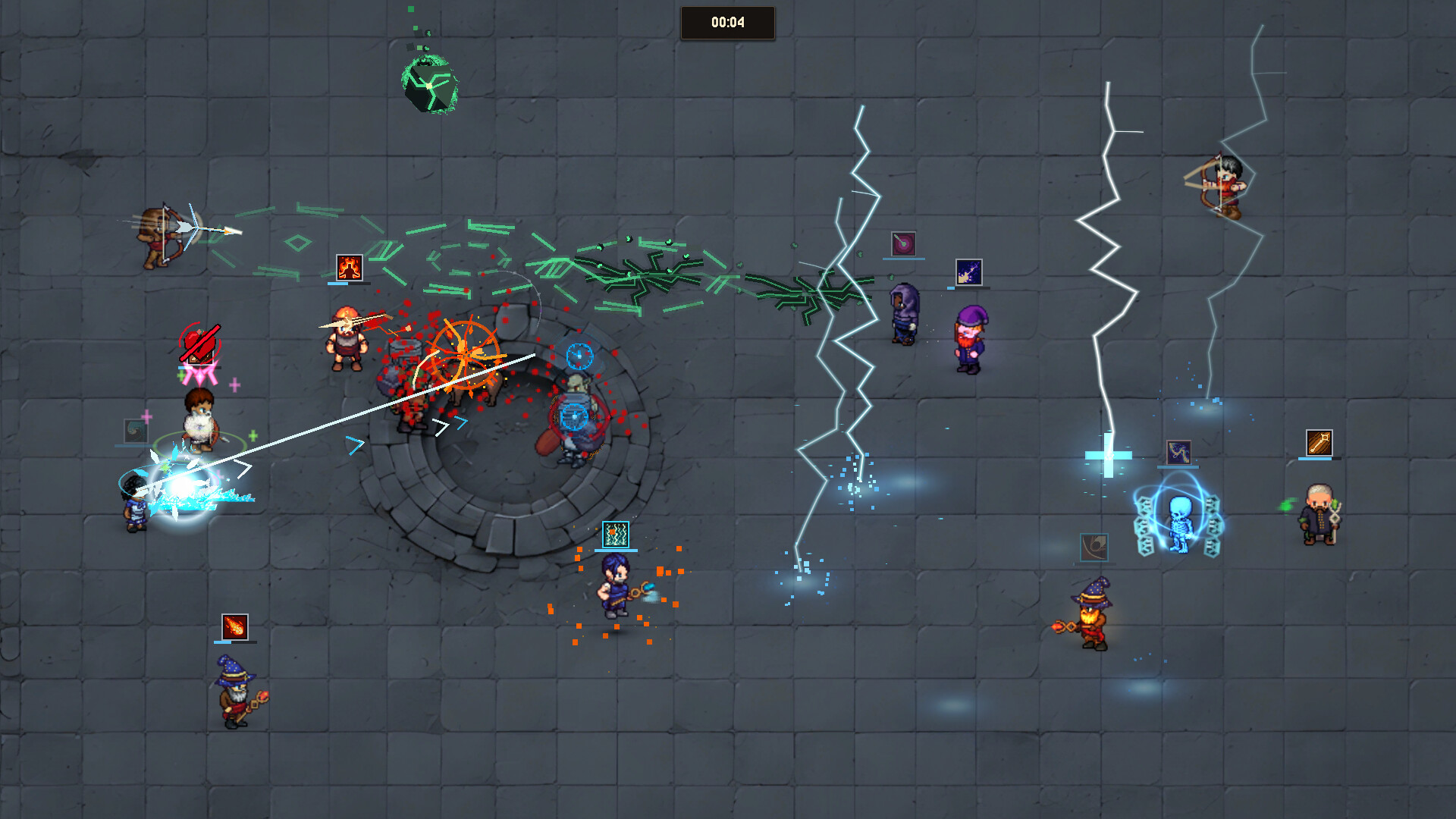
Eslabong puts you in charge of a single fighter during fast‑paced arena battles, where positioning and timing decide victory. You can also direct a whole team, watching them clash while you set tactics. Winning grants gold, which you use to buy, sell, and upgrade mercenaries across ever‑changing seasons.
Set in a medieval world where war has become arena sport, clubs of mercenaries compete in leagues and tournaments for prestige. Randomized stats, evolving rosters, and a dynamic market ensure each season feels fresh, while multiple play modes let you fight solo, with friends, or online.
01 / THE GUIDE
Combat Style
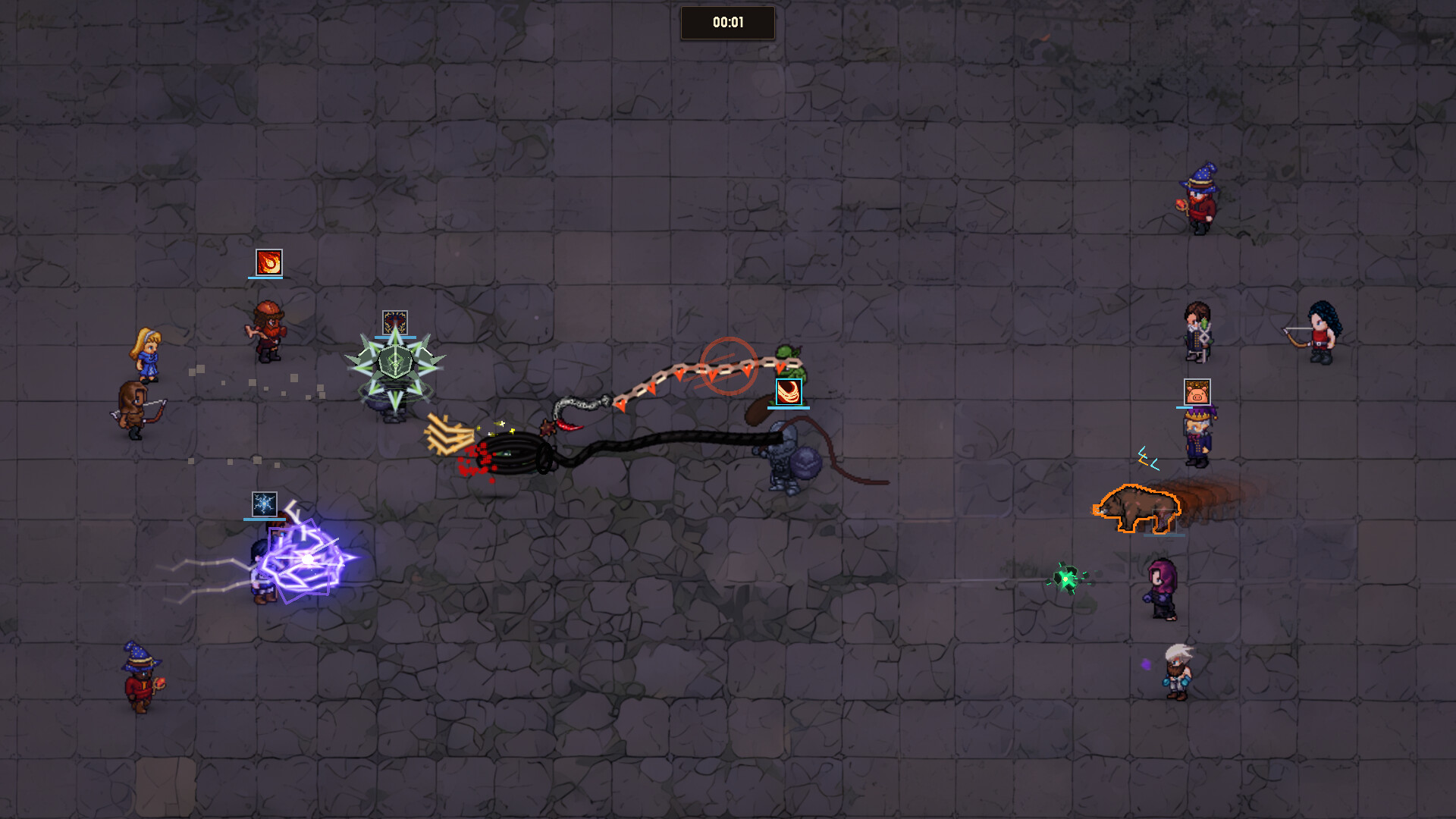
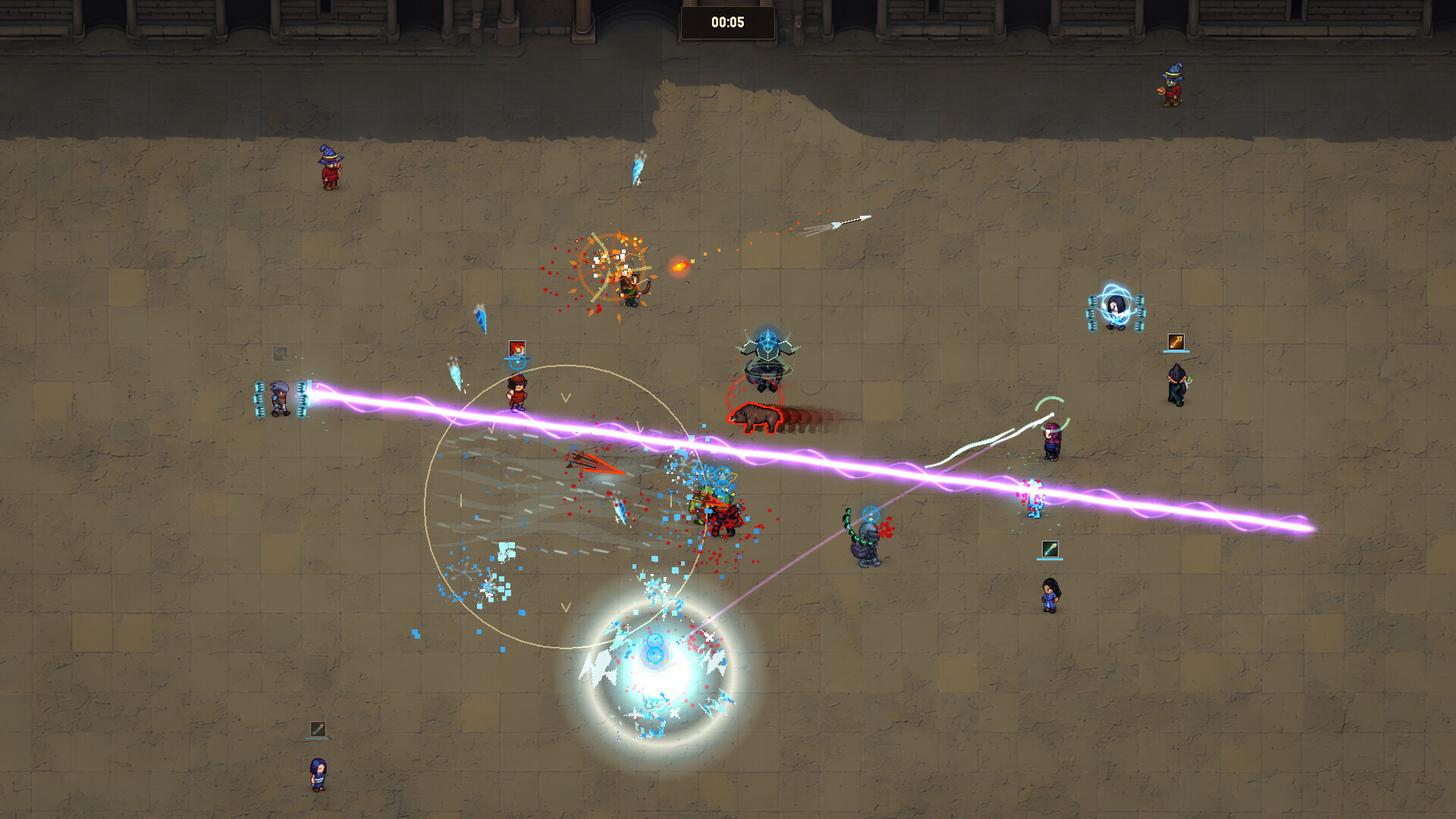
The core loop revolves around real‑time control of one fighter, aiming abilities and reacting to opponents. Success depends on precise movement, timing, and positioning. You can also pause direct control to issue broader team tactics, observing the fight from a strategic view.
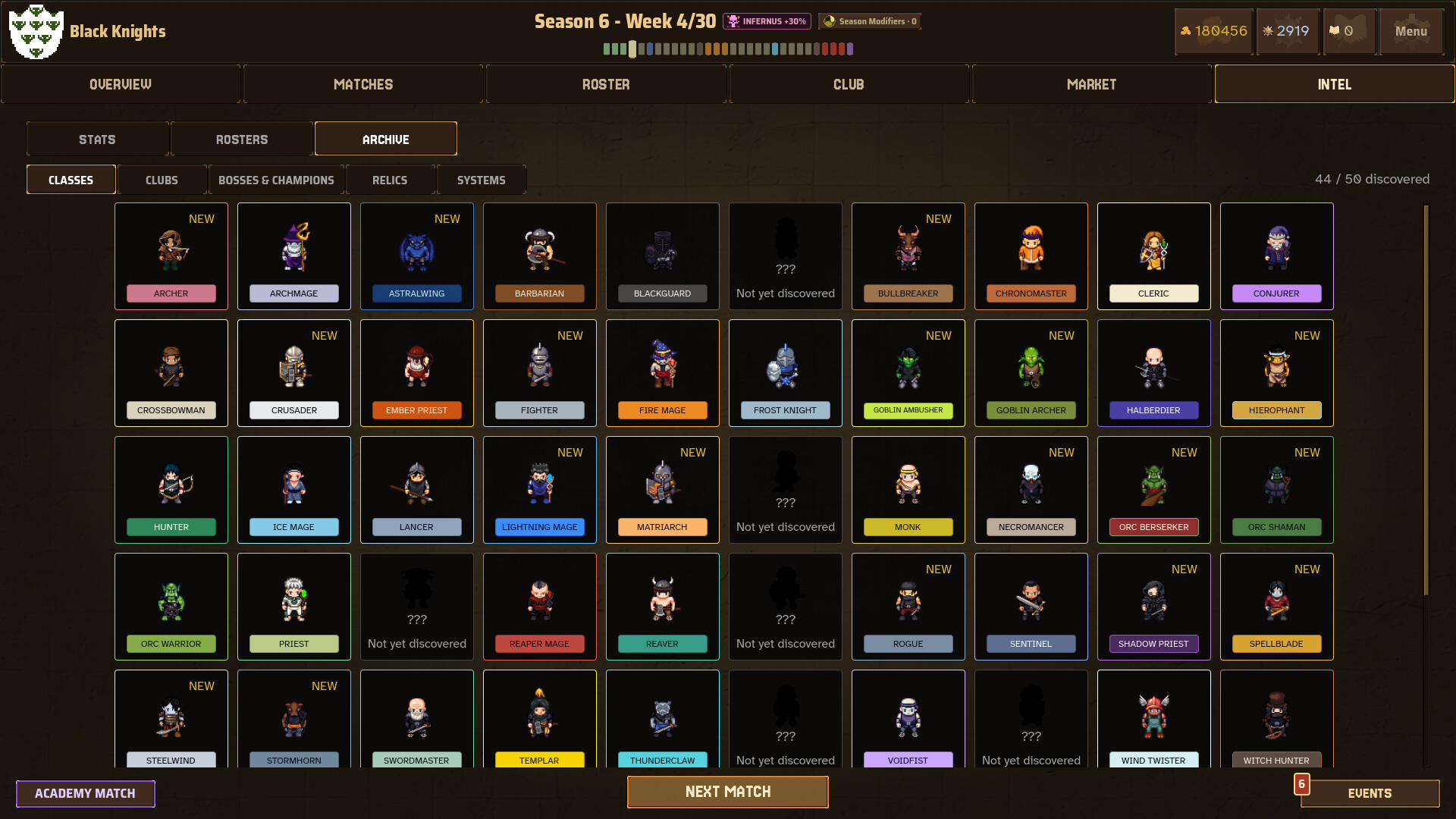
Each class offers unique abilities, encouraging varied playstyles. The game’s design mixes action‑oriented micromanagement with higher‑level team decisions, letting players shift between hands‑on combat and oversight as they prefer.
- Practice ability timing in solo matches before joining leagues.
- Use positioning to force opponents into unfavorable spots.
02 / THE GUIDE
Team Management
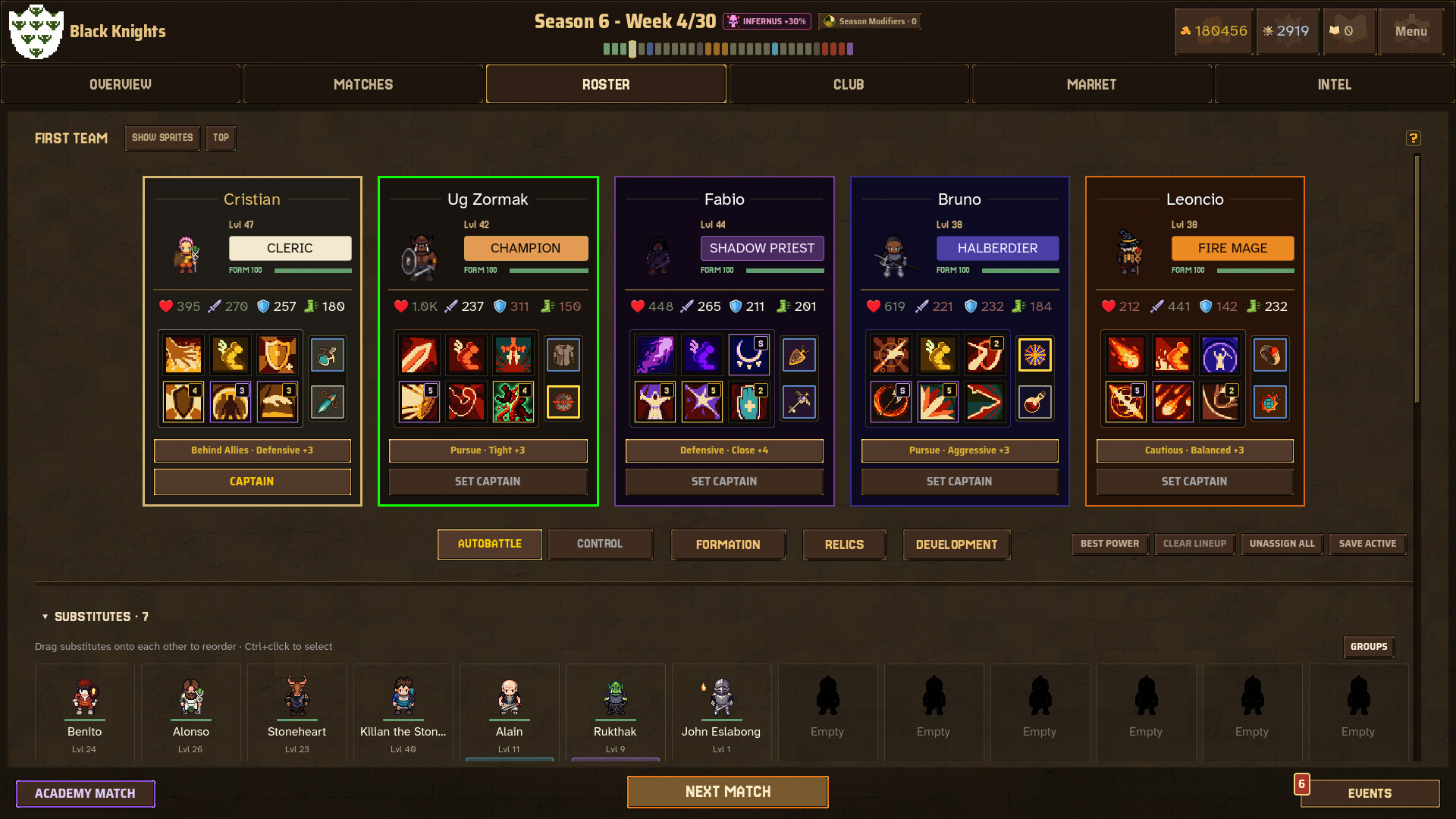
Gold earned from fights lets you buy, sell, and upgrade mercenaries, shaping a roster that grows across seasons. Classes have distinct abilities, and you can recruit rare champions to strengthen your lineup. The market updates regularly, offering new ways to adapt.
Your roster evolves as you progress, with each season presenting fresh decisions due to randomized stats and dynamic opponents. This creates a loop of recruitment, upgrade, and strategic placement within leagues and tournaments.
- Balance spending on new mercenaries with upgrades for existing ones.
- Watch market trends to acquire rare champions at lower cost.
03 / THE GUIDE
Competitive Structure
Clubs compete in structured leagues and tournaments, each offering power, gold, and prestige as rewards. Facing powerful clubs and unique leaders tests your roster’s strength. Progression is measured by climbing league ranks and succeeding in tournaments.
The game supports both PvP and co‑op modes, allowing you to fight solo, with friends locally via split screen, or online through multiplayer matchmaking. Achievements track milestones across these competitive avenues.
- Enter lower leagues first to gauge your roster’s strength.
- Coordinate with co‑op partners to cover each other’s weaknesses.
04 / THE GUIDE
Accessibility Features
Eslabong includes adjustable text size, camera comfort options, color alternatives, and custom volume controls to suit varied player needs. Difficulty can be tuned, and the game is playable without timed input, allowing a relaxed pace.
Controller support is partial, with DualShock and DualSense compatibility, and the game can be saved anytime. Steam Cloud, Remote Play Together, and Family Sharing extend accessibility across devices and households.
- Enable adjustable difficulty for a smoother learning curve.
- Use custom volume controls to balance audio cues during combat.
05 / THE GUIDE
Platform Availability
Eslabong is currently available on Windows PCs. No macOS or Linux versions are listed. The game runs in Early Access, indicating ongoing development and potential future platform expansions.
Multiplayer features such as online PvP, co‑op, and split‑screen are supported on the Windows version, leveraging Steam’s networking and achievement systems.
- Check Steam for any upcoming platform updates.
- Use Remote Play Together to share the experience with non‑Windows friends.
COMMUNITY
Player discussion