 GameWiki

GET YOUR BEARINGS
About Escape Simulator 2
Escape Simulator 2 builds on the original’s escape‑room formula with new environments, deeper puzzles and a powerful builder. The sequel aims to feel like a real‑life room, letting you pick up, examine and move objects while exploring darker, mysterious themes. The game supports solo play or up to eight friends online, offering voice and text chat. A revamped Room Editor 2.0 lets creators design rooms with working stairs, lighting and sequence animations, while the title runs on Windows, macOS and supports VR and full controller input.
01 / THE GUIDE
Solo and Multiplayer Modes
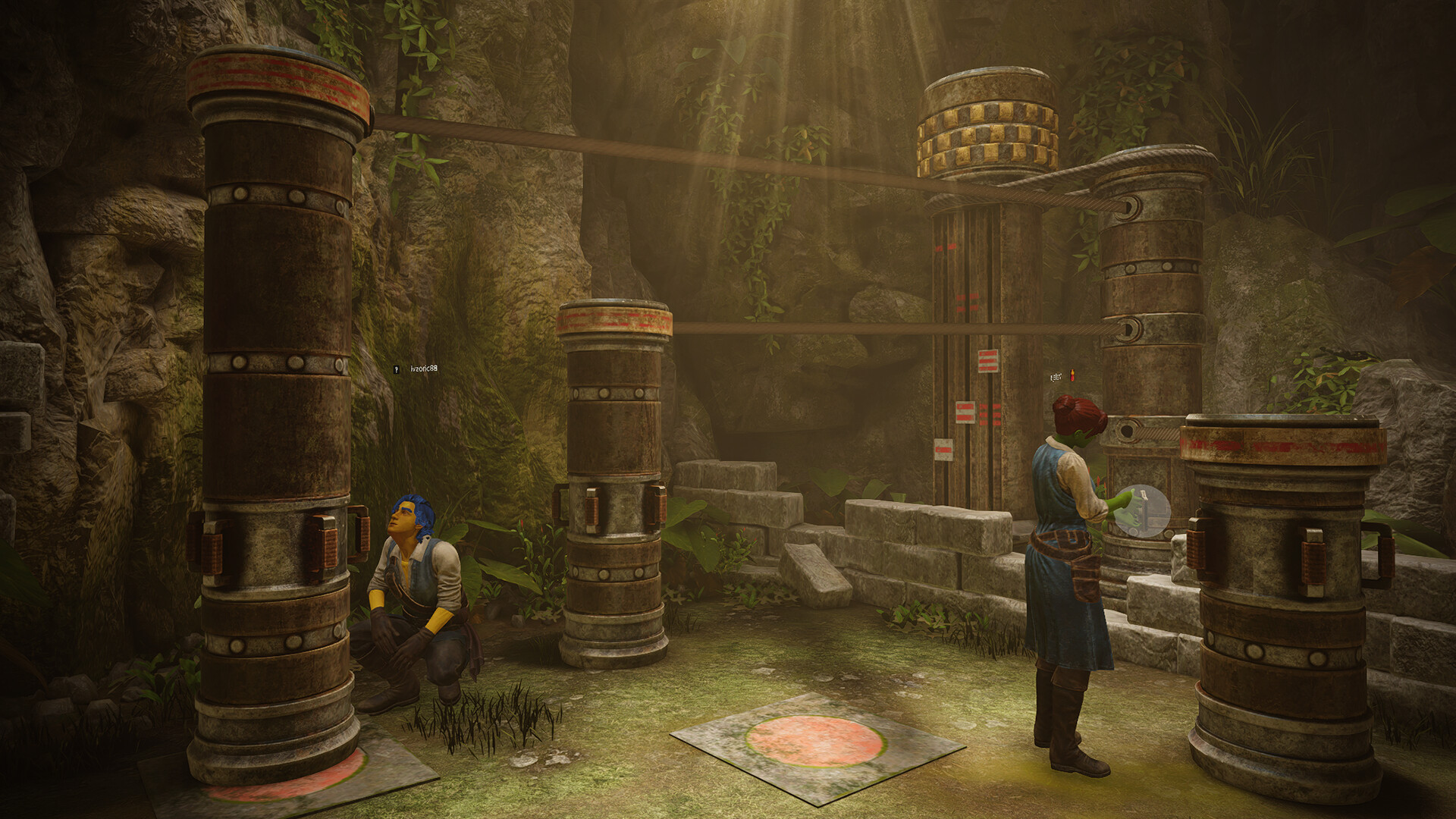
Escape Simulator 2 can be enjoyed alone or with a group. Solo players tackle rooms by themselves, while multiplayer sessions allow up to eight participants to cooperate online. Built‑in voice and text chat streamline communication for puzzle solving. Both modes share the same interactive environments, so the experience does not change between solo and co‑op play. The game’s networking supports cross‑platform multiplayer, letting friends on different systems join the same room.
- Use the voice chat for quick coordination on object interactions.
- Assign a player to manage inventory while others explore.
02 / THE GUIDE
Interactive Environments
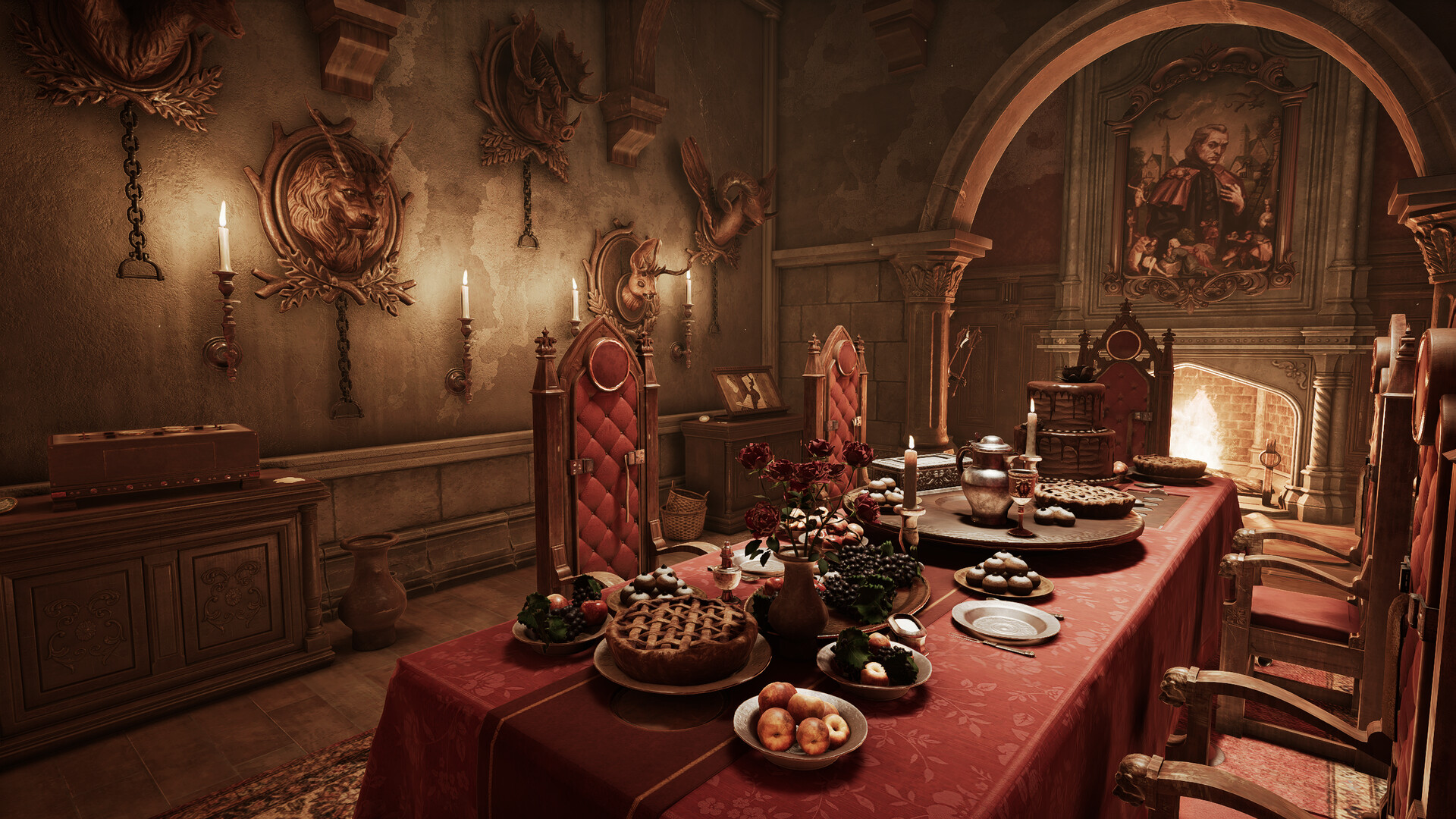
Every detail in Escape Simulator 2 is crafted for interactivity. Players can pick up, examine, wipe away dirt, sit, drive vehicles and move any object that isn’t bolted down. This hands‑on approach mirrors real‑life escape rooms. The environments also include hidden mysteries and intricate puzzles, encouraging thorough exploration. Objects respond to physics, allowing realistic manipulation that can affect other elements in the room.
- Inspect objects from multiple angles to discover hidden clues.
- Check for movable items that might reveal secret compartments.
03 / THE GUIDE
Room Editor 2.0
The updated Room Editor 2.0 provides more powerful and intuitive tools for creators. It includes a new lighting engine, working stairs and Sequence animations, allowing rooms to look and behave like the official packs. After more than 4,000 community rooms in the first game, the editor aims to make building even easier while supporting complex mechanics. Builders can publish their creations via Steam Workshop for others to play.
- Experiment with the lighting engine to set the desired mood.
- Use Sequence animations to synchronize puzzle events.
04 / THE GUIDE
Platform Support and Accessibility
Escape Simulator 2 runs on Windows and macOS, with VR support and full controller compatibility, including DualShock and DualSense. Steam features such as Cloud saves, Achievements, Trading Cards and Remote Play on TV are also available. Accessibility options include captions, adjustable text size, color alternatives, custom volume controls and the ability to play without timed input, ensuring a comfortable experience for a wide audience.
- Enable captions if you prefer visual dialogue cues.
- Adjust text size for clearer reading during puzzles.
05 / THE GUIDE
Room Packs and Themes
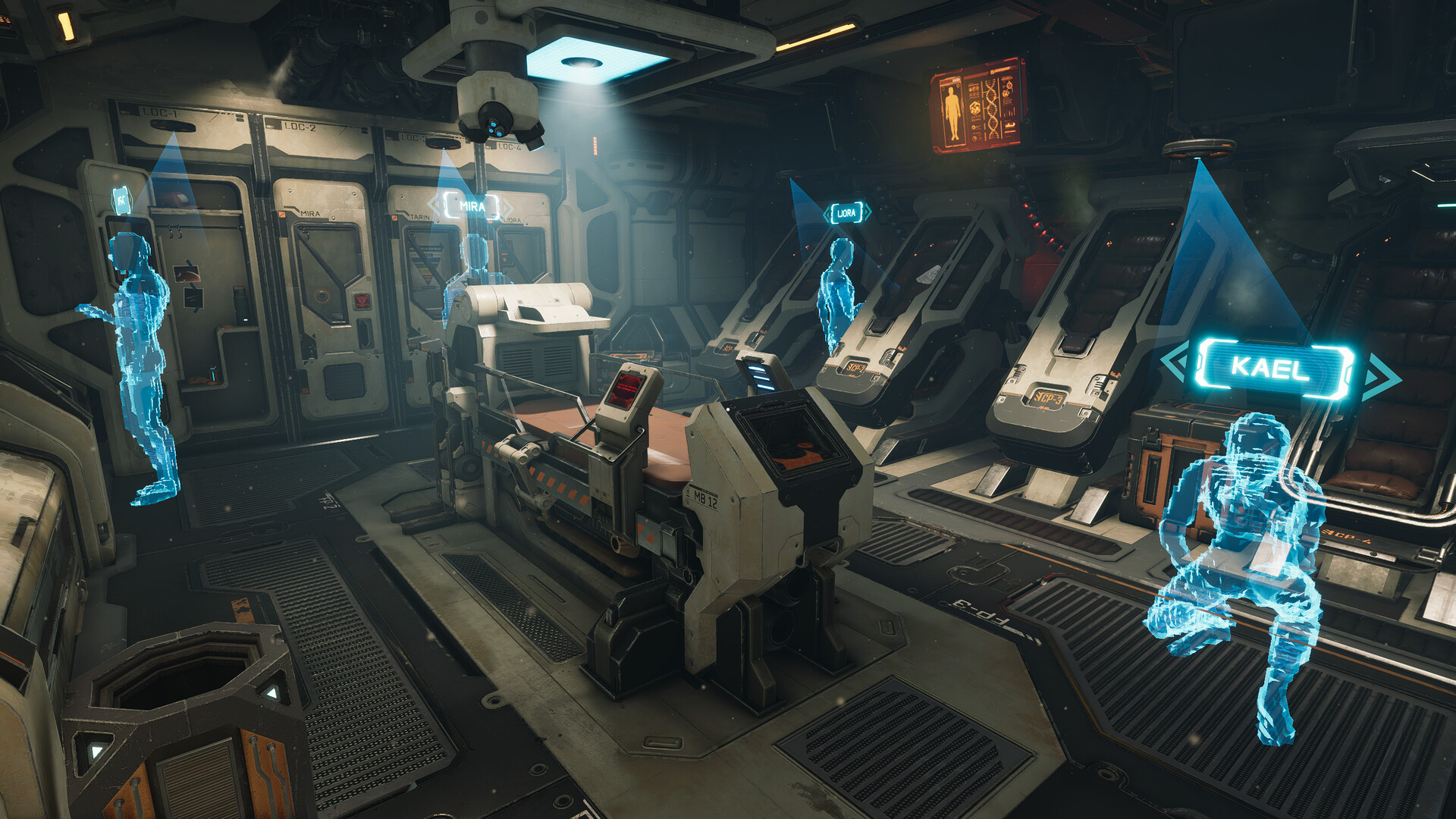
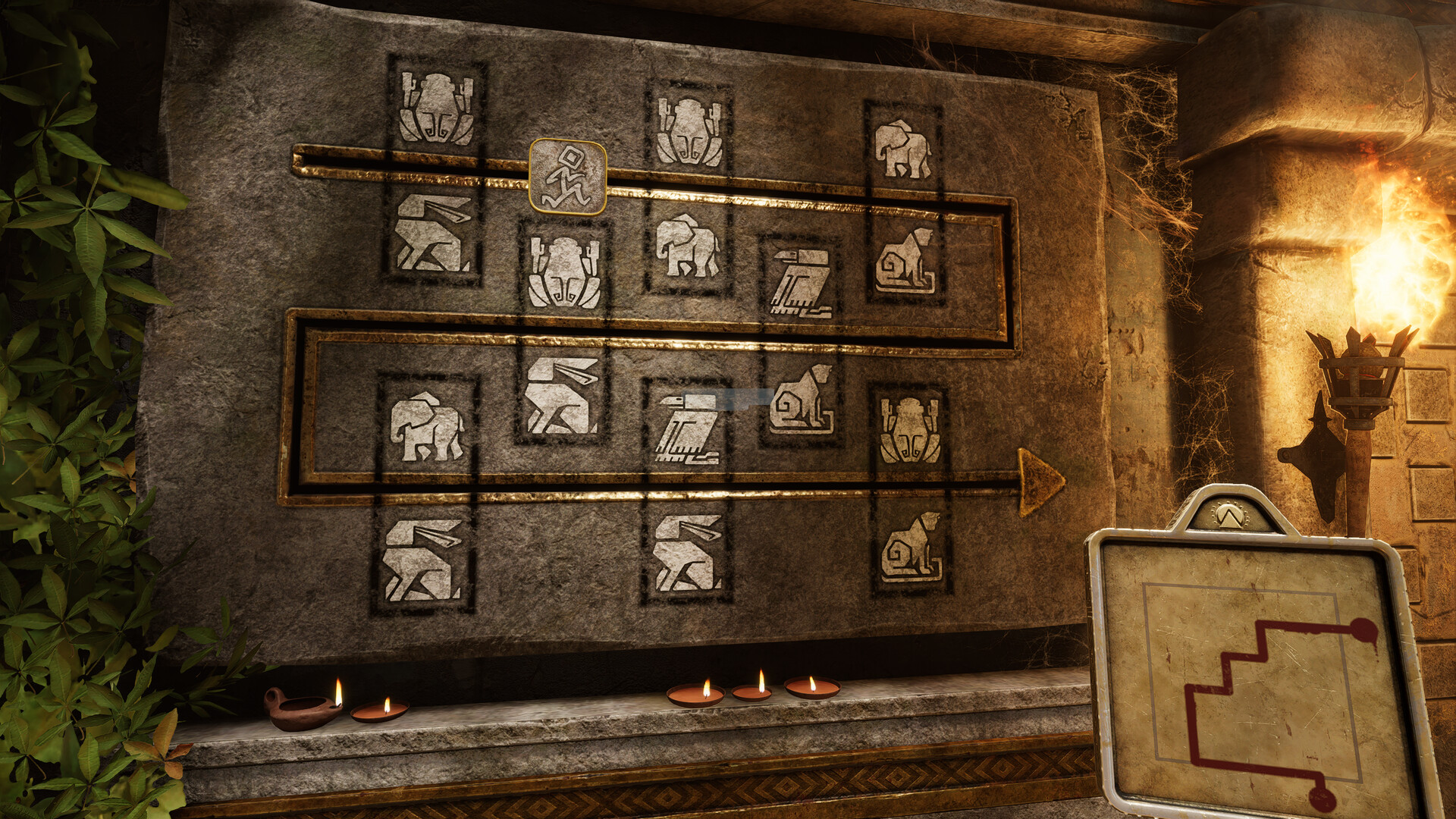
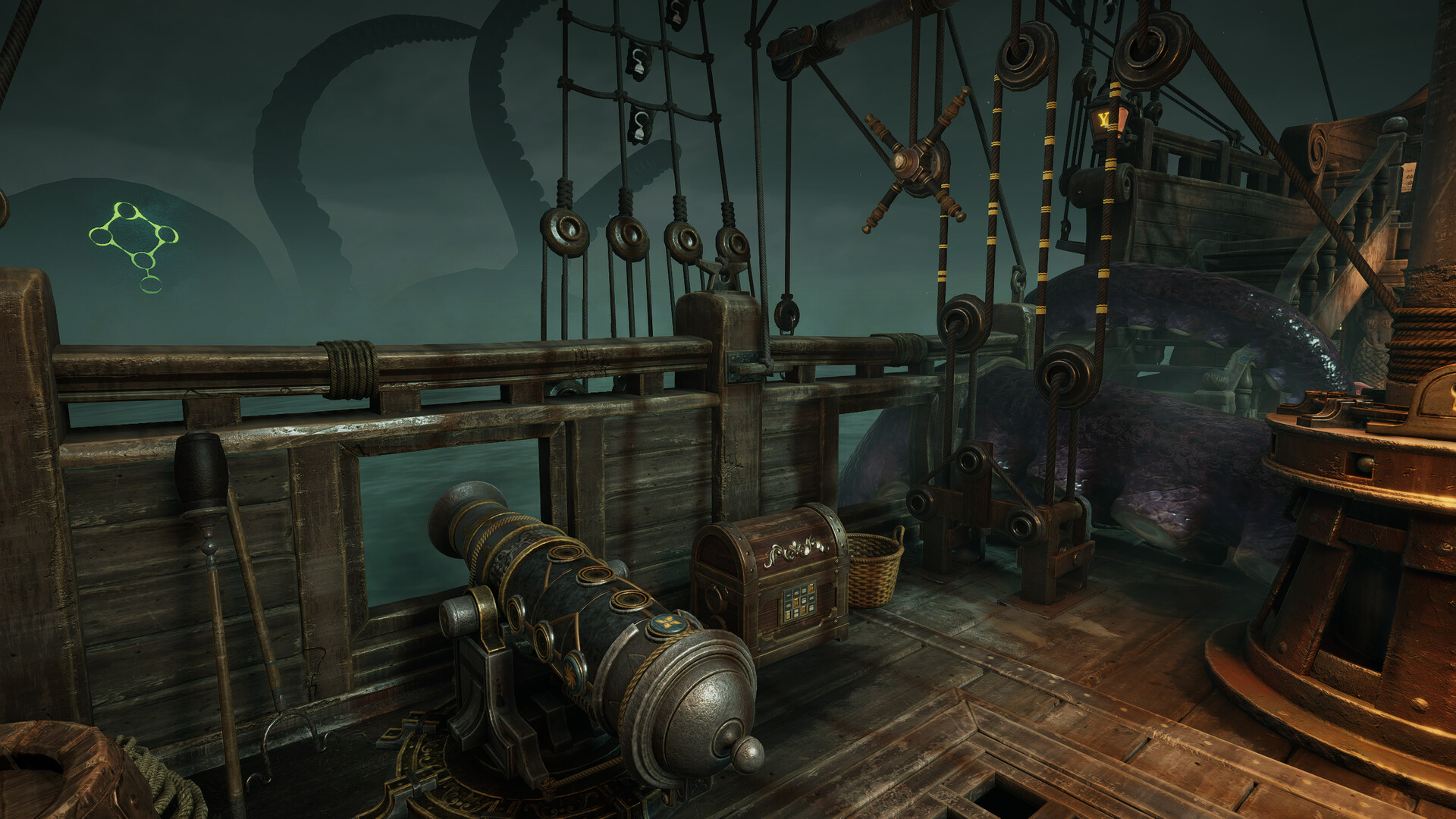
Each room pack contains four distinct rooms, each with its own narrative and puzzle set. Current packs include Dracula’s Castle, Starship EOS, and The Cursed Treasure, each offering a unique setting and storyline. Future content is promised after release, expanding the library of themed rooms. The packs are crafted with help from escape‑room experts and community builders, ensuring varied challenges and immersive atmospheres.
- Start with the less complex rooms to learn mechanics.
- Take notes on symbols that recur across a pack.
COMMUNITY
Player discussion