 GameWiki
GET YOUR BEARINGS
About Erma: The Game
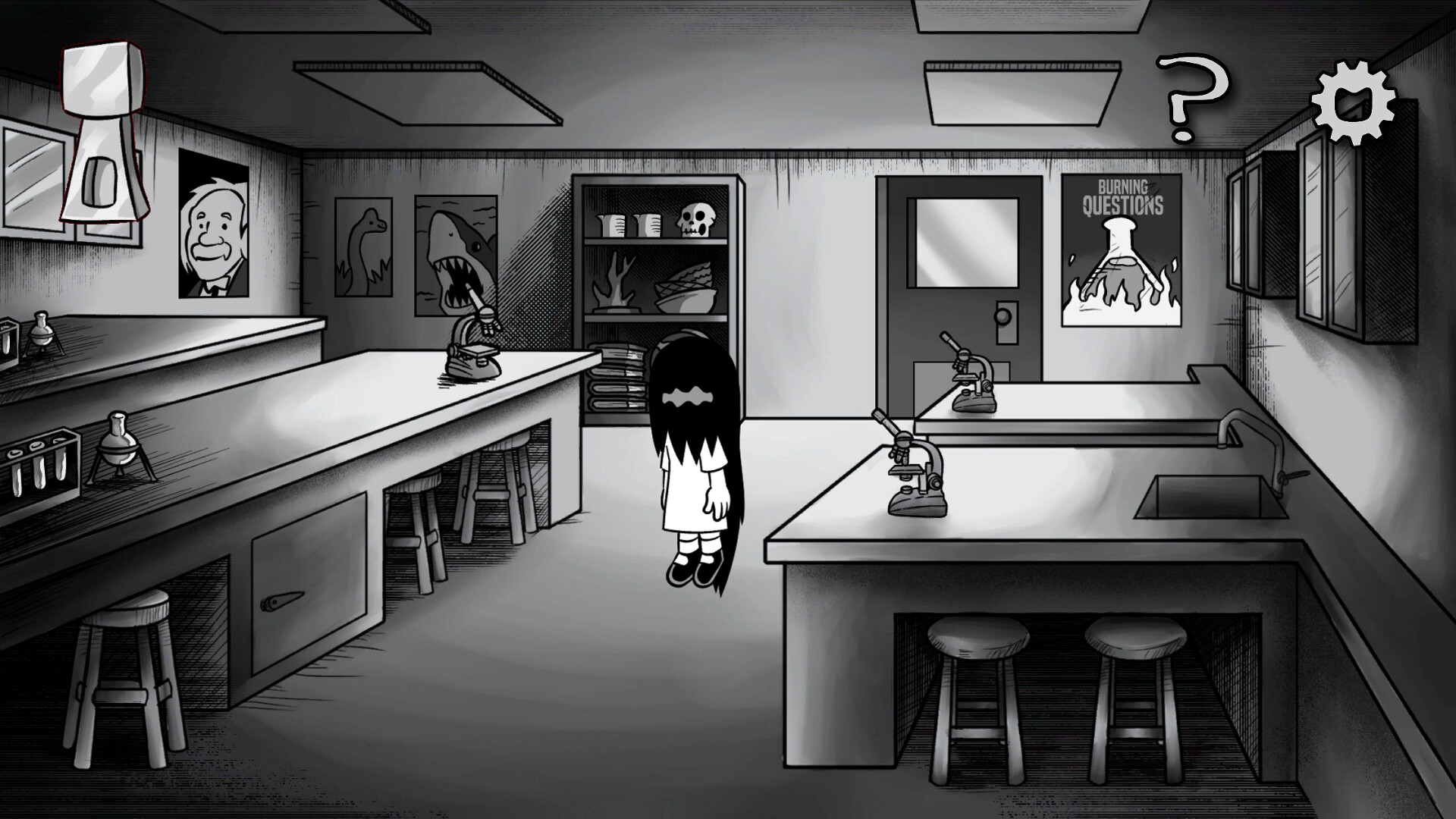
Erma: The Game is a point‑and‑click adventure where Erma’s science‑fair experiment explodes, scattering its pieces across her hometown. You explore five distinct areas, click and drag with the mouse, and collect items to rebuild the project.
The title features a simple inventory for combining objects, bartering with townsfolk, four minigames, and optional post‑game content. Exploration is encouraged, as the town hides many secrets and animated details drawn by the Erma illustrators.
01 / THE GUIDE
Exploration and Areas
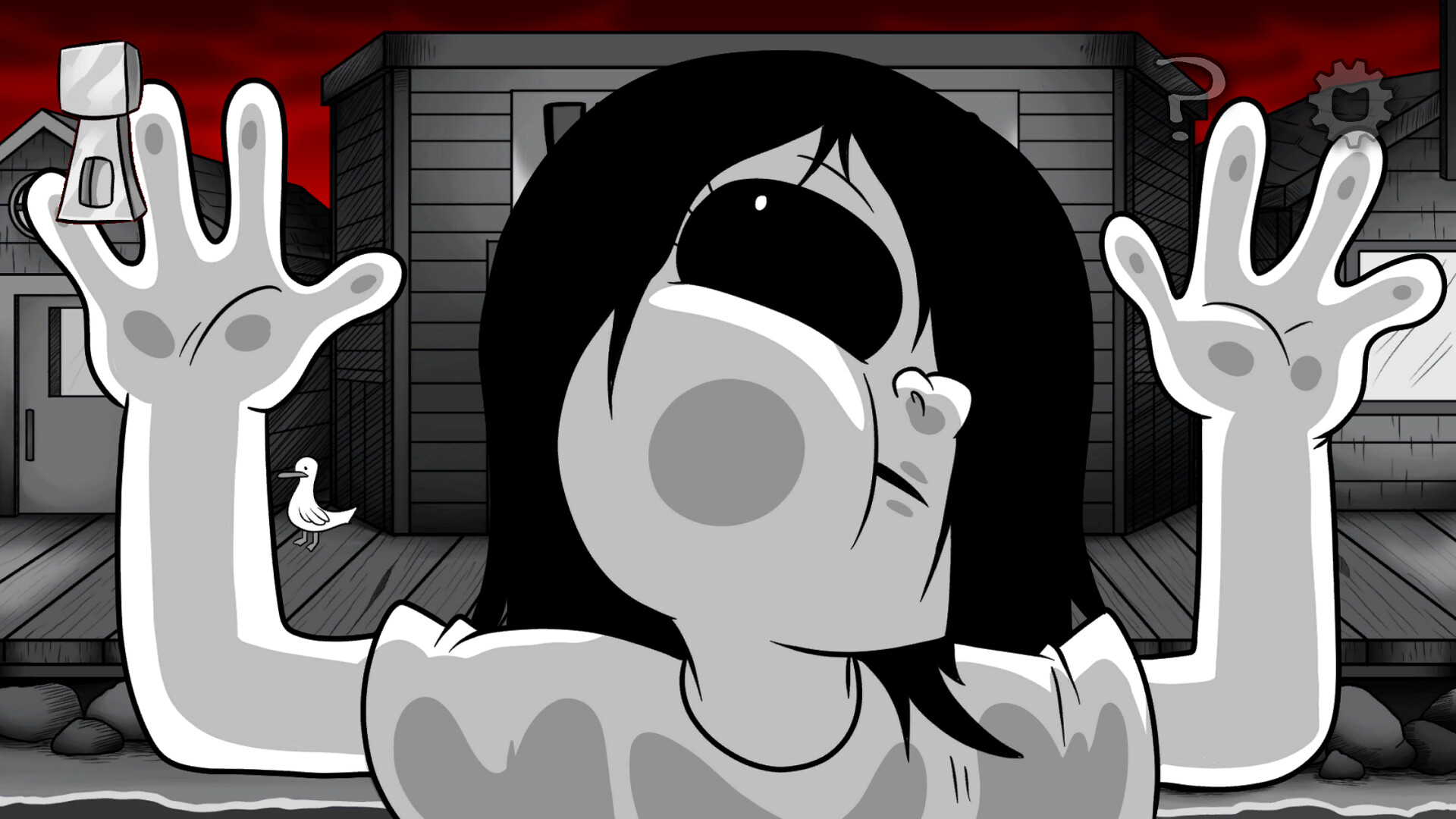
The hometown is divided into five areas, each filled with interactive animations that respond to mouse clicks. The description urges players to search everything thoroughly because the town can hide many secrets.
Finding the scattered project pieces requires moving through these areas, interacting with the environment, and locating the inhabitants who hold each piece. The layout encourages methodical travel rather than rushing.
- Pause briefly in each zone to scan for subtle animation cues.
- Use the mouse to click every visible object before moving on.
02 / THE GUIDE
Inventory System
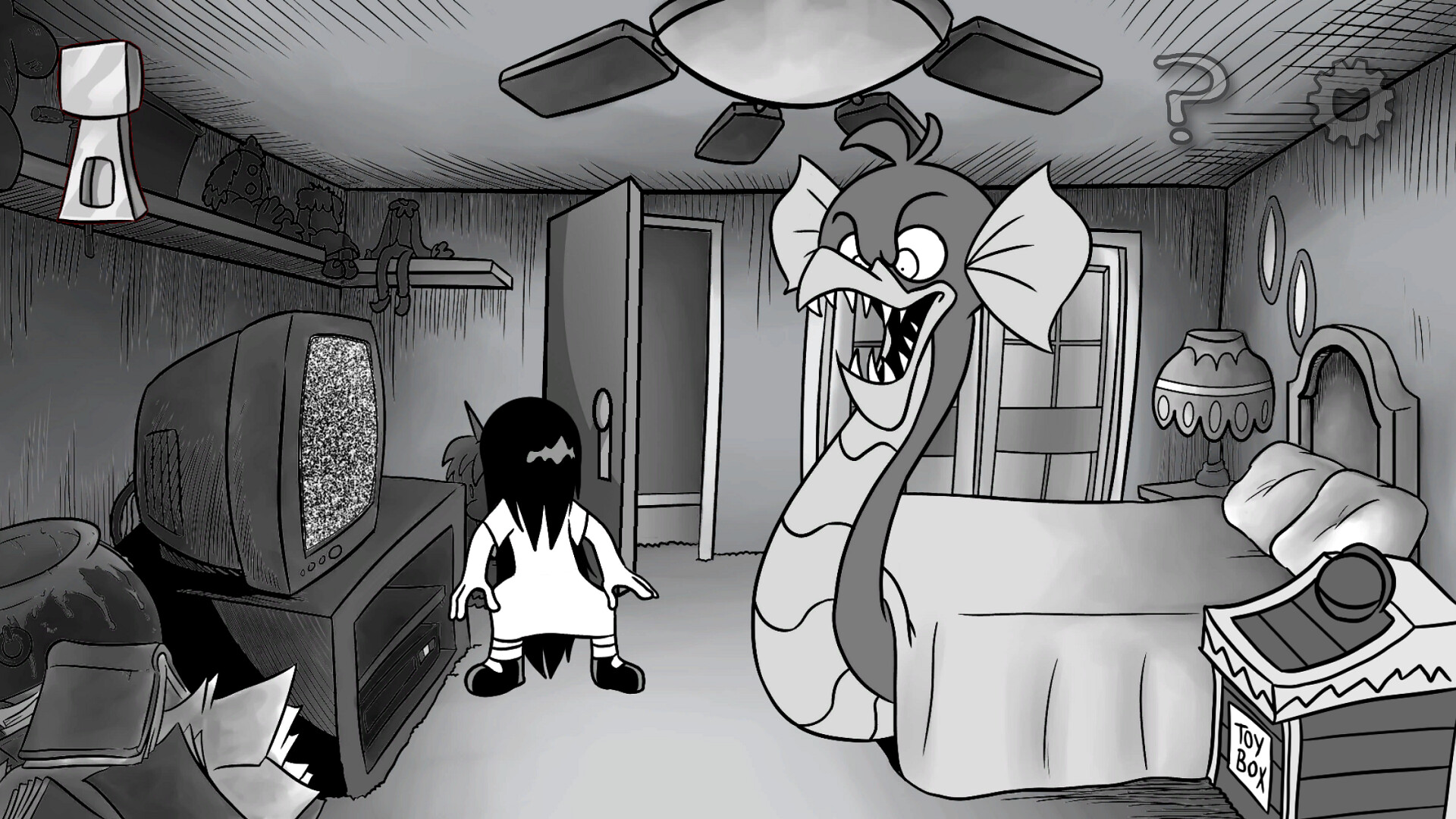
A simple inventory interface stores collected bits and baubles, allowing players to combine items. The source notes that this system is central to progressing through puzzles and trades.
Combining items can create tools needed for barter or unlock new interactions, making inventory management a recurring loop throughout the adventure.
- Keep a mental note of items that seem combinable.
- Test different pairings when you acquire new objects.
03 / THE GUIDE
Bartering with Townsfolk
Each project piece is held by a different resident who wants something in return. Players must figure out what each character is looking for and offer appropriate items.
Bartering uses items found in the world or combined via the inventory, encouraging creative use of collected resources to retrieve the scattered pieces.
- Listen for specific item requests in dialogue before offering.
- Prioritize items that are abundant in the current area.
04 / THE GUIDE
Minigames and Variants
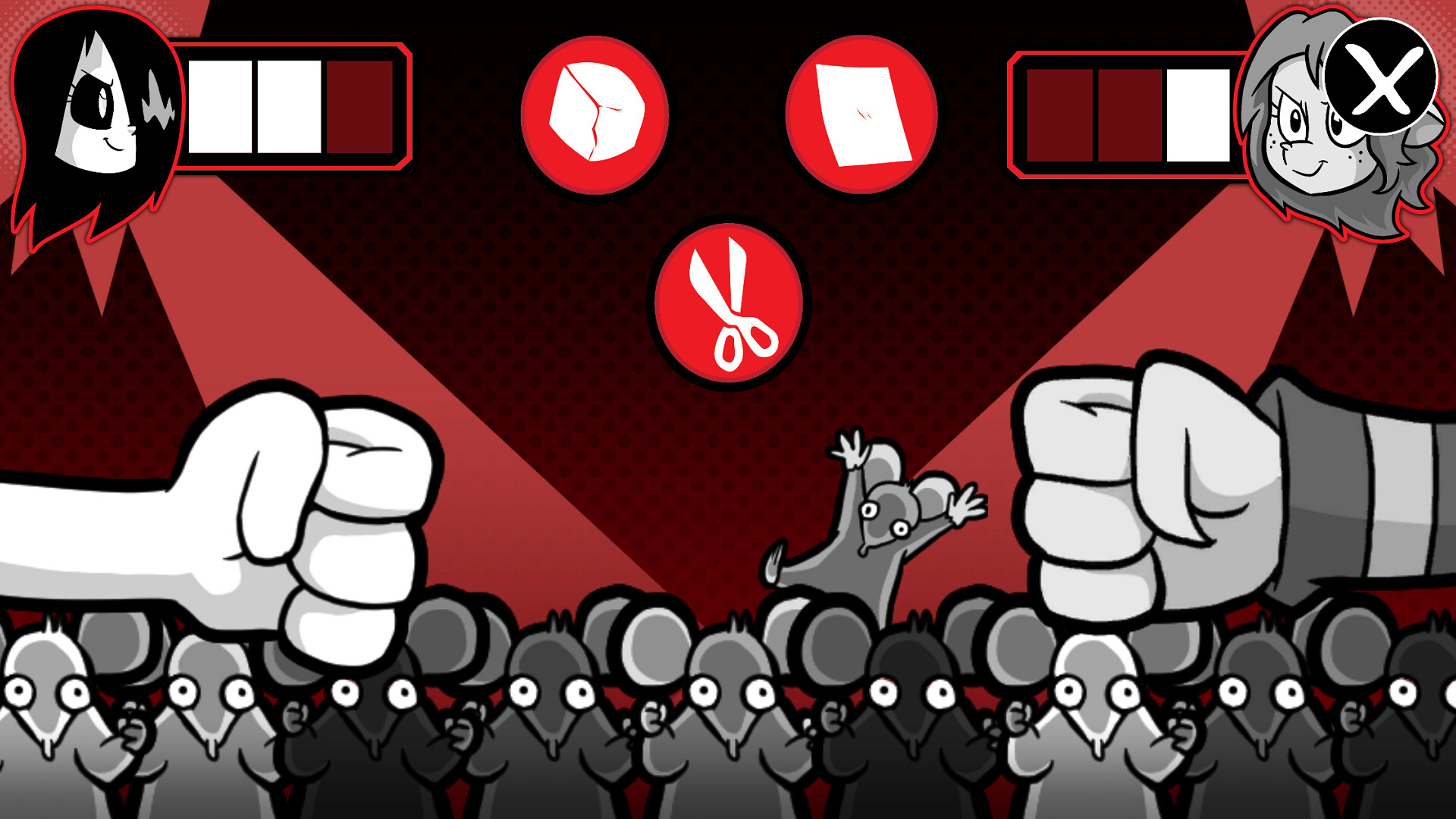
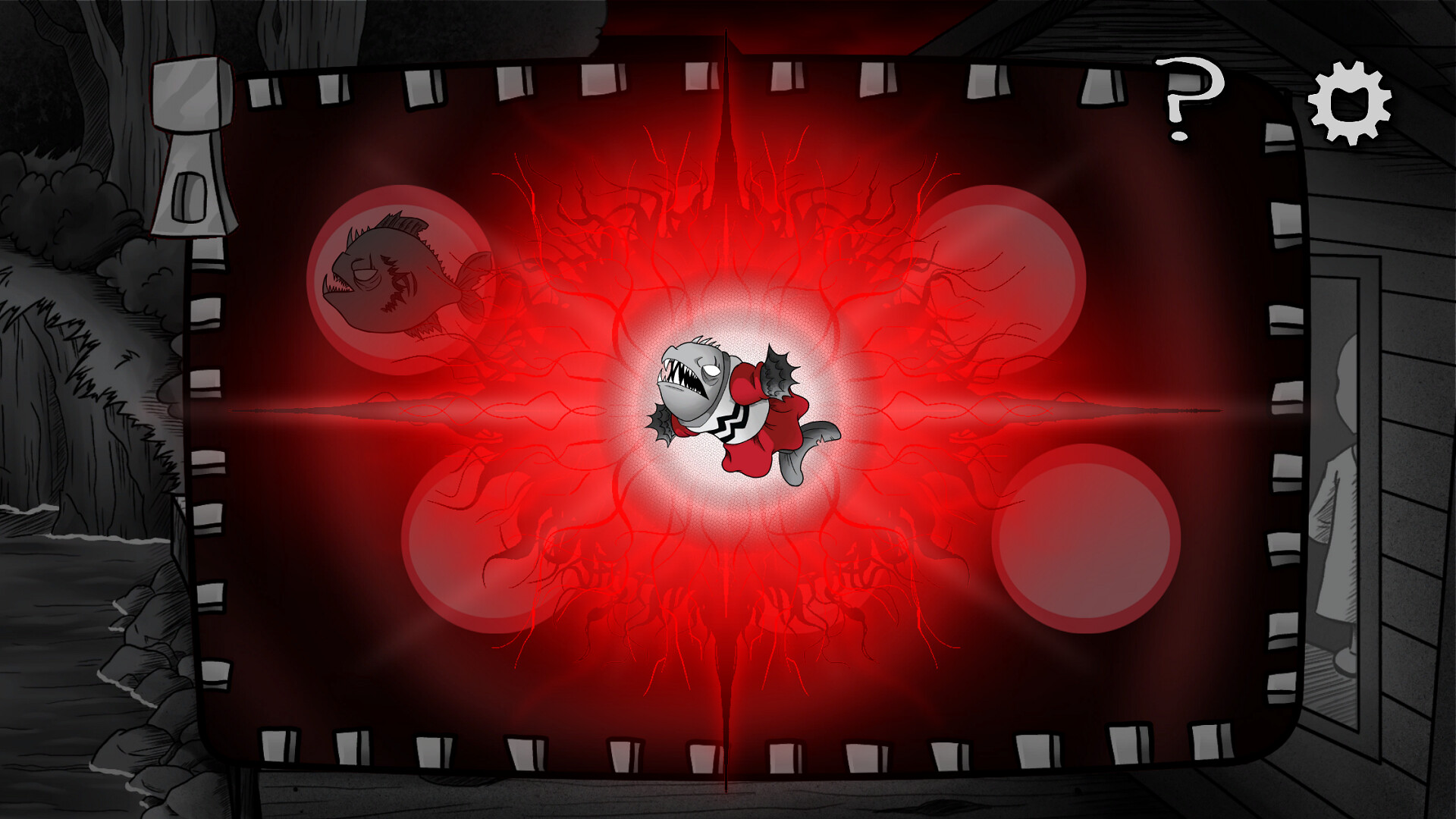
Four distinct minigames, plus variants, appear throughout the town. Completing them can provide items or advance the story, as indicated by the description.
Minigames are accessed via interactive points and often tie into the barter system, offering additional ways to acquire needed objects for the inventory.
- Approach each minigame with the mouse‑click‑and‑drag method.
- Try variant versions to see if different rewards appear.
05 / THE GUIDE
Post‑Game Content
After gathering all project pieces, the game offers extra content labeled as “post‑game”. This continues the horror‑themed exploration and may hide additional secrets.
Players can revisit locations and interact with characters again, discovering details that were not required for the main objective, thereby extending the experience.
- Re‑explore each area after the main quest to spot new interactions.
- Pay attention to any changed dialogue for hidden clues.
COMMUNITY
Player discussion