 GameWiki
GET YOUR BEARINGS
About Epistory - Typing Chronicles
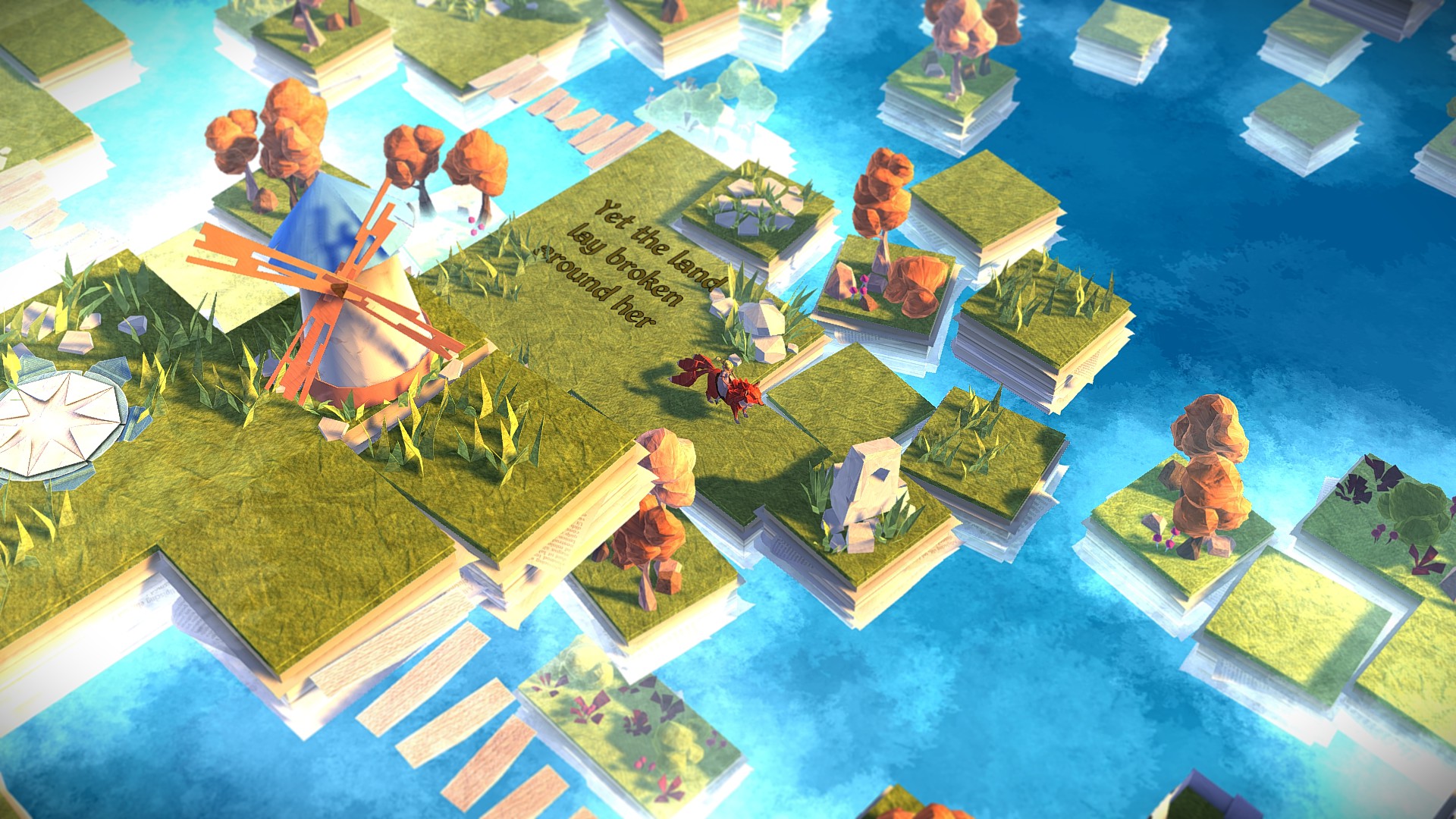
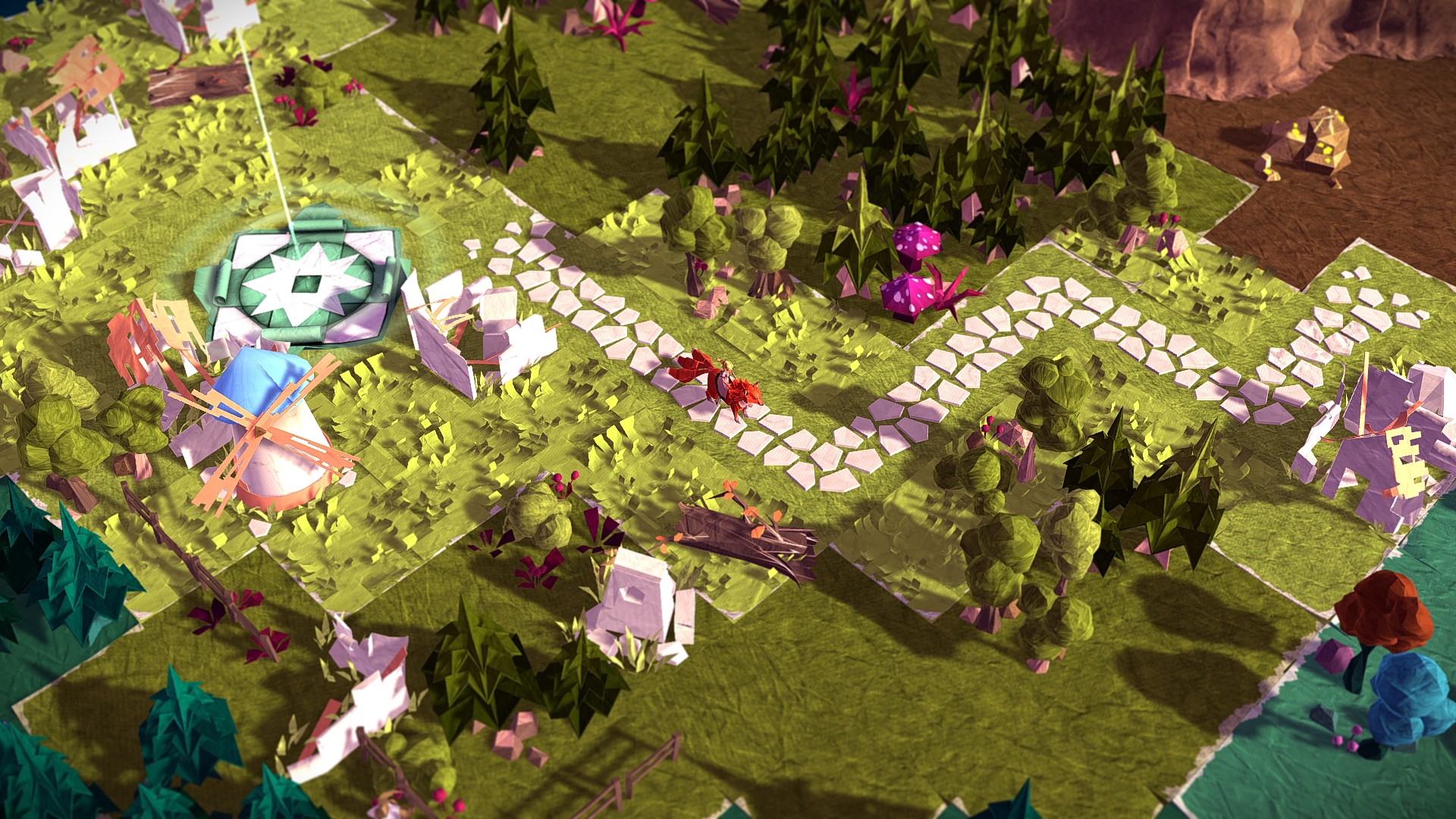
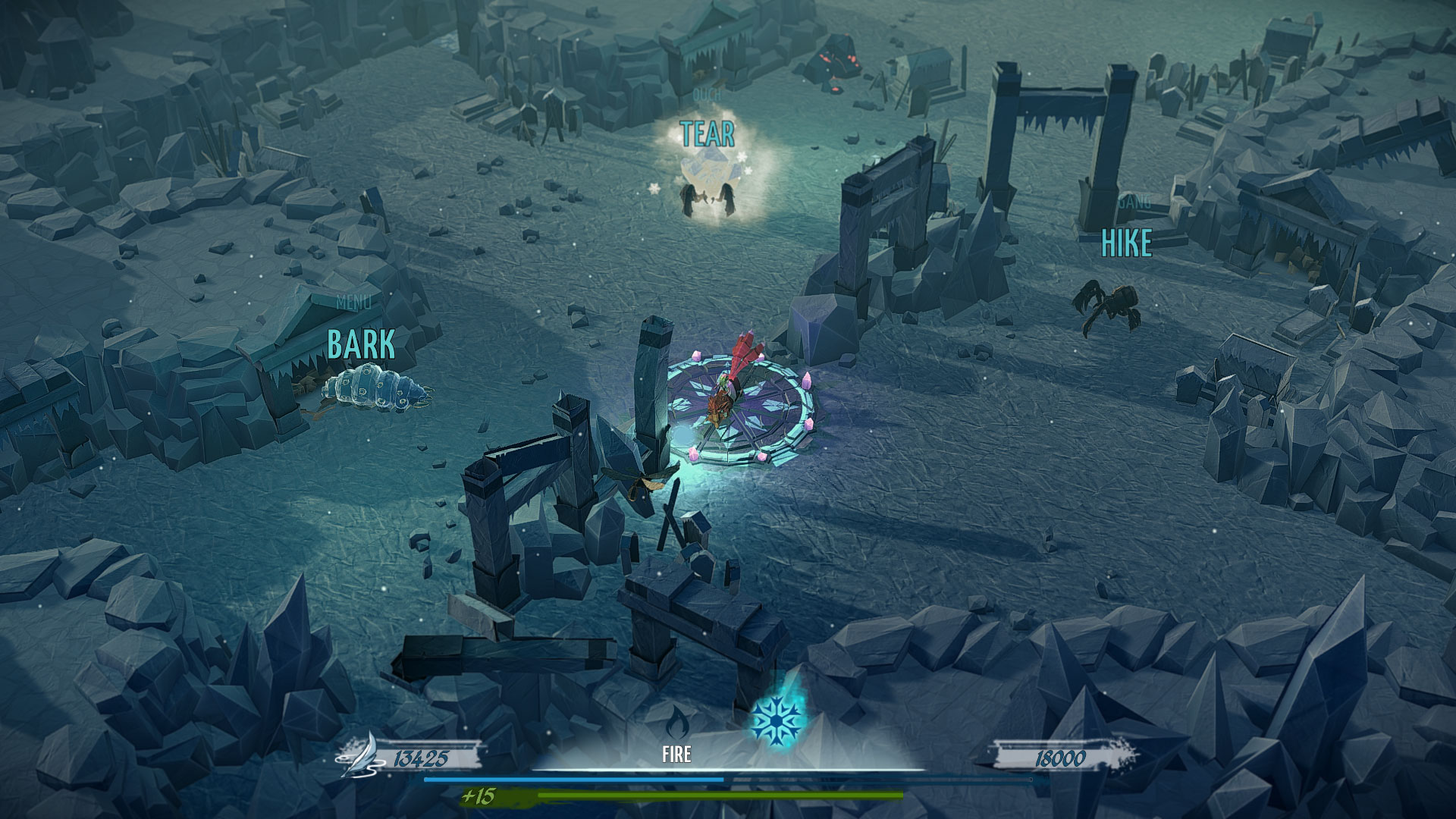
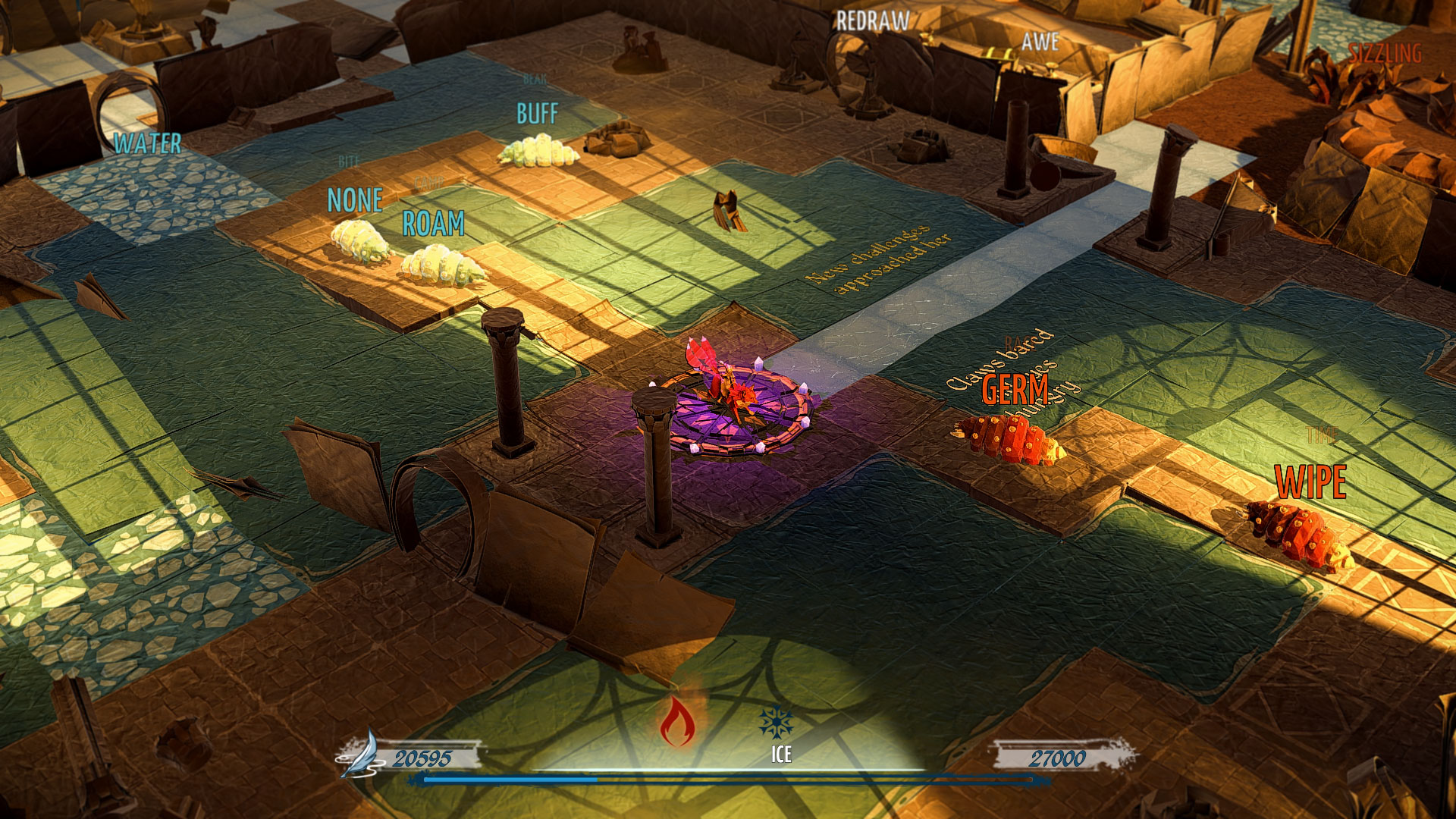
Epistory – Typing Chronicles is an atmospheric adventure where you guide the muse through a paper‑craft world using only the keyboard. Movement, combat, puzzles and menus all rely on typed input, turning typing skill into the core gameplay mechanic.
The game features adaptive difficulty that reacts to your typing speed, a competitive arena leaderboard, and full text localization in several languages while supporting many keyboard layouts. It runs on Windows, macOS and Linux and integrates with Steam services.
01 / THE GUIDE
Keyboard‑Only Control
Every action in Epistory, from steering the muse on a three‑tailed fox to opening chests and engaging enemies, is performed exclusively with keyboard keys. Menus and combat commands share the same input method, eliminating the need for a mouse or controller.
Because the keyboard drives both narrative and gameplay, players must coordinate typing speed with movement and timing. This design makes the act of typing integral to progressing through the story and solving challenges.
- Use a keyboard layout you are already comfortable with to minimise learning time.
- Practice the basic movement keys before tackling combat to build muscle memory.
02 / THE GUIDE
Adaptive Difficulty System
The game monitors how quickly and accurately you type, then adjusts enemy behavior and puzzle timing to suit your skill level. The dynamic difficulty system evolves to fit each player’s skill set, whether you are a fast typist or a slow one.
This dynamic scaling aims to keep the experience engaging for a wide range of typing abilities, ensuring that both beginners and seasoned typists can enjoy the adventure without feeling stuck or overwhelmed.
- Observe how enemy reaction times change after a few minutes of play to gauge the difficulty adjustment.
- If a puzzle feels too easy, try typing at a steadier rhythm to see if the game subtly raises the challenge.
03 / THE GUIDE
Competitive Arena Mode
Epistory includes a Competitive Arena Mode where players can submit scores that appear on arena leaderboards. The mode uses the same keyboard‑only mechanics as the main adventure, focusing on speed and precision.
Leaderboards provide a public ranking of scores, allowing you to compare your typing performance with other players and track personal improvement over time.
- Review top leaderboard entries to understand the typing speed typically required for high rankings.
- Aim for consistent word accuracy during arena runs to maximise your score.
04 / THE GUIDE
Localization and Keyboard Layout Support
Game text is available in English, French, German, Spanish, Portuguese (Brazil), Russian and Polish, while voice‑overs are provided in English. This lets players read the narrative in their preferred language.
The title also supports a range of keyboard layouts—including QWERTY, QWERTZ, AZERTY, BEPO, Dvorak, Workman and Colemak—so users can play with the scheme they already use.
- Select the language you read most fluently to follow the story without distraction.
- Choose a keyboard layout that matches your physical keyboard to reduce typing errors.
05 / THE GUIDE
Steam Integration Features
Epistory integrates with Steam, offering Achievements, Trading Cards, Cloud saves, Leaderboards and Family Sharing. These features connect the game to the broader Steam ecosystem for progress tracking and social interaction.
Steam Cloud is listed among the game’s supported Steam features, while Leaderboards record arena scores. Achievements and Trading Cards provide optional goals and collectible items for players who enjoy extra challenges.
- Steam Cloud is listed among the game’s Steam features, so you can check its status in the client settings.
- Check the Achievements list for optional tasks that encourage exploring different game aspects.
COMMUNITY
Player discussion