 GameWiki
GET YOUR BEARINGS
About Endless ATC
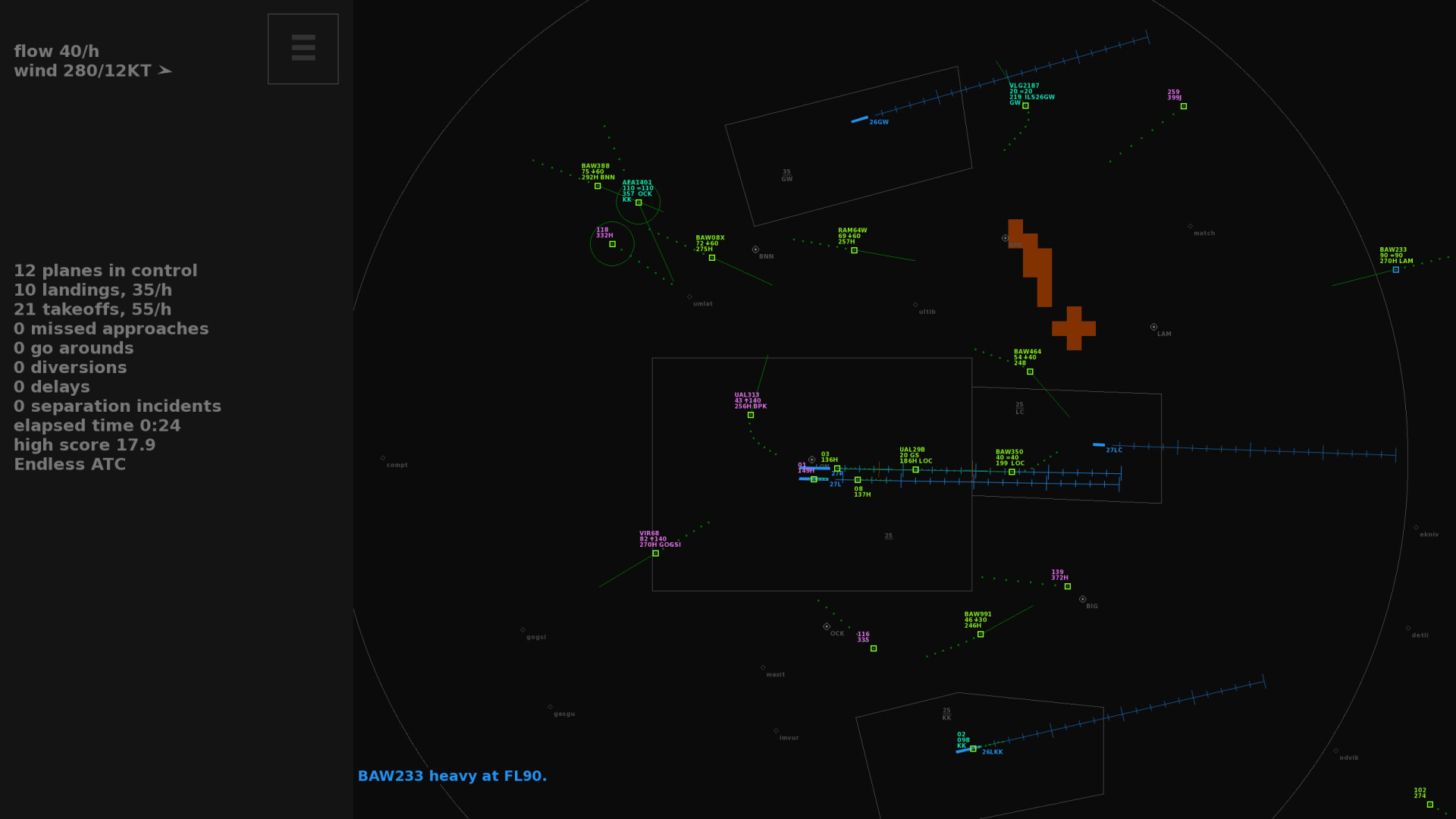
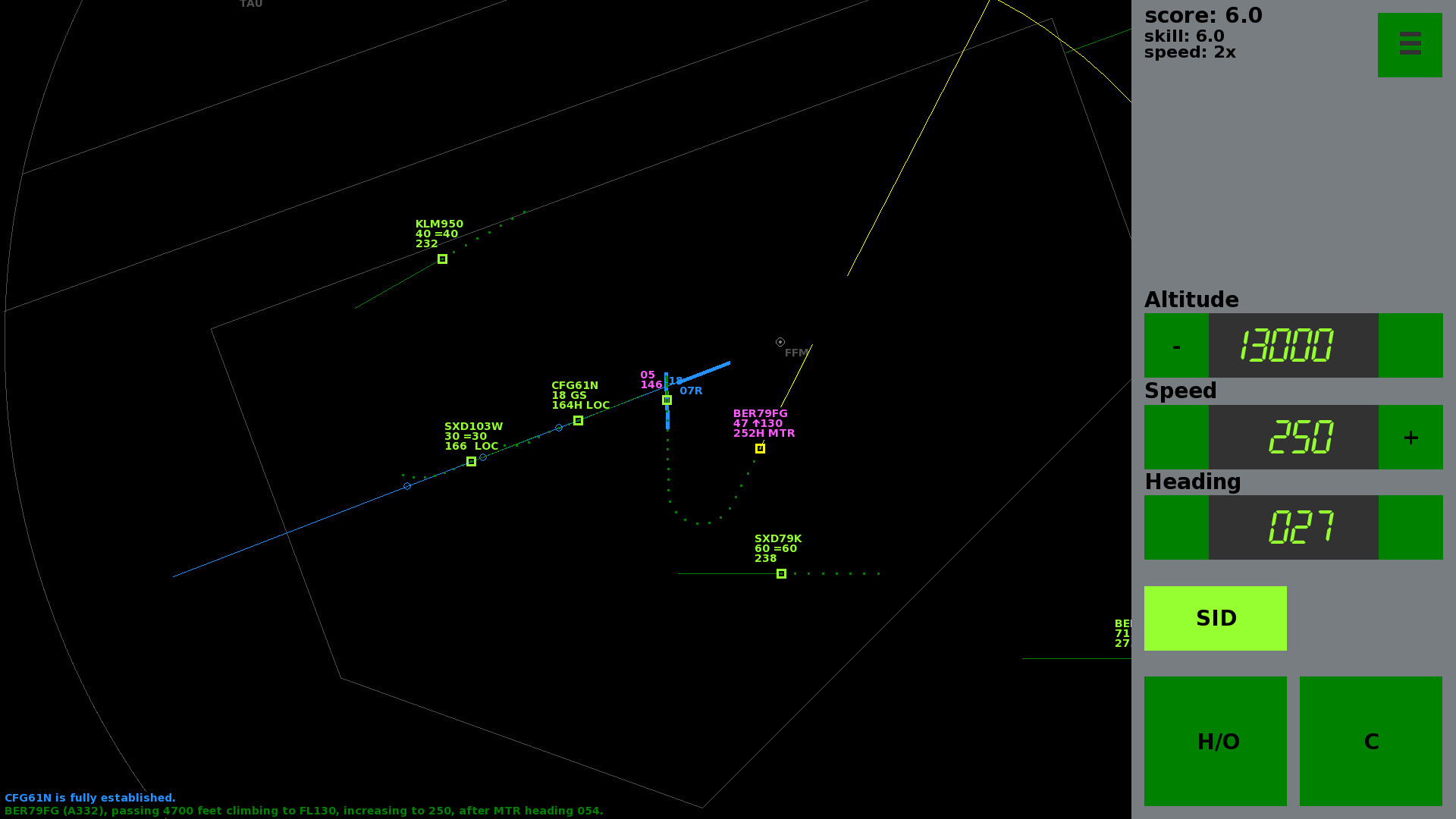
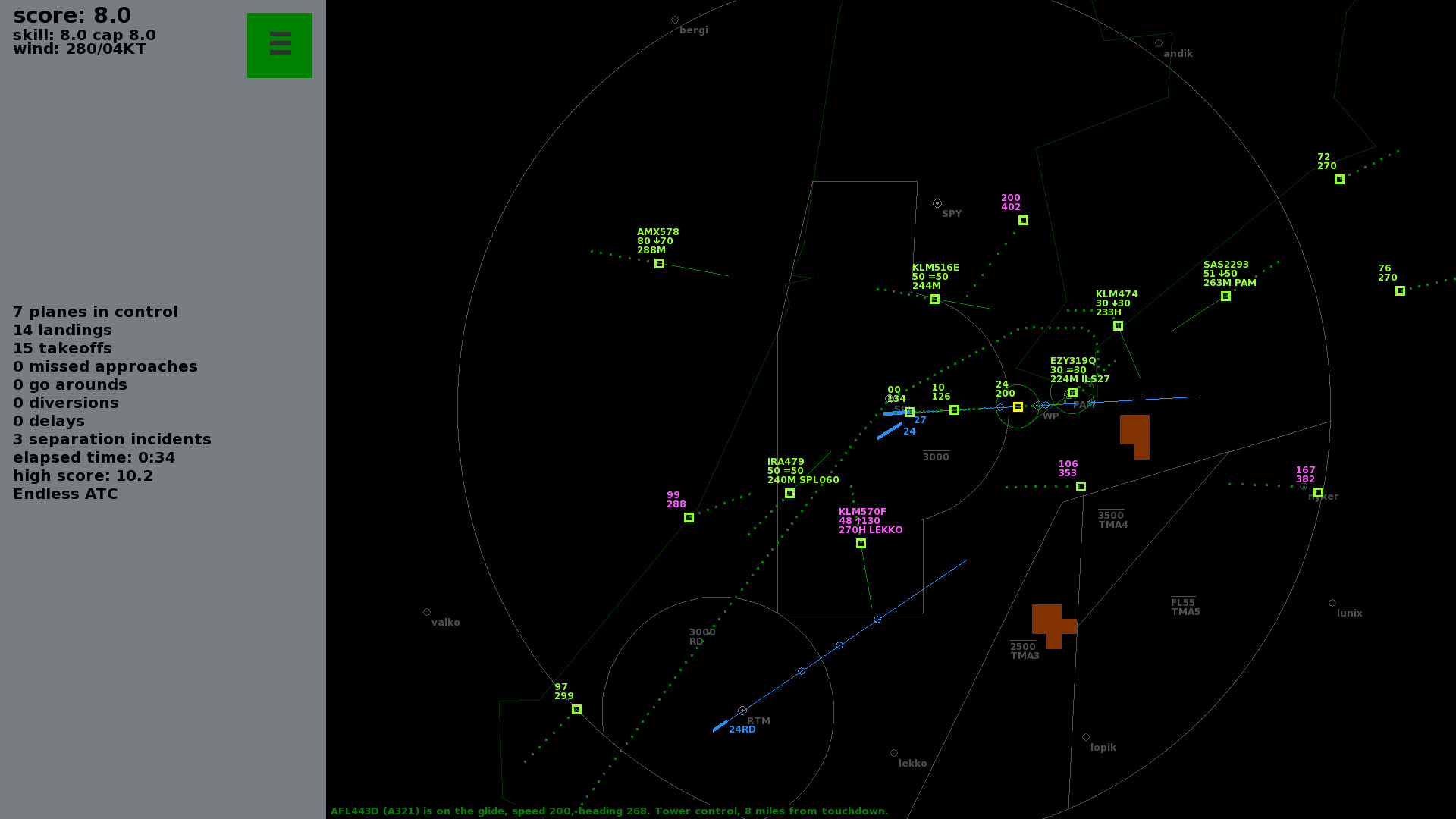
Endless ATC puts you in the role of an air‑traffic controller at a busy airport. You guide incoming aircraft by issuing heading, altitude and speed commands while watching a simple radar‑style display. Each safe landing adds points, and as long as you avoid mistakes the traffic volume and score keep climbing.
The game offers nine large airports with multiple runway layouts and unlimited random traffic, plus the ability to add custom airports via text files. Real‑world elements such as wind, storms, go‑arounds and occasional emergencies add depth, while mouse, keyboard or touch controls keep the experience approachable.
01 / THE GUIDE
Airport Portfolio
Endless ATC includes nine major airports—Amsterdam, Atlanta, Frankfurt, London, Paris, New York, Tokyo, Toronto and Sydney—each featuring several runway configurations. These locations provide varied traffic patterns and realistic approach scenarios for extended play.
Players can also create their own airports by editing simple text files, allowing virtually limitless expansion beyond the built‑in list.
- Try starting with a familiar airport to reduce the learning curve.
- When adding custom airports, follow the provided format to ensure proper loading.
02 / THE GUIDE
Adaptive Traffic Generation
The simulator generates random traffic that adapts to your performance; as you keep planes landing safely, the traffic rate rises. You may also cap the traffic level for a more relaxed session.
Traffic includes realistic plane behavior, pilot speech, and occasional events such as go‑arounds, emergencies, and wake‑turbulence delays.
- Monitor your score trend to decide when to increase traffic difficulty.
- Listen to pilot speech for clues about upcoming maneuvers.
03 / THE GUIDE
Input Options
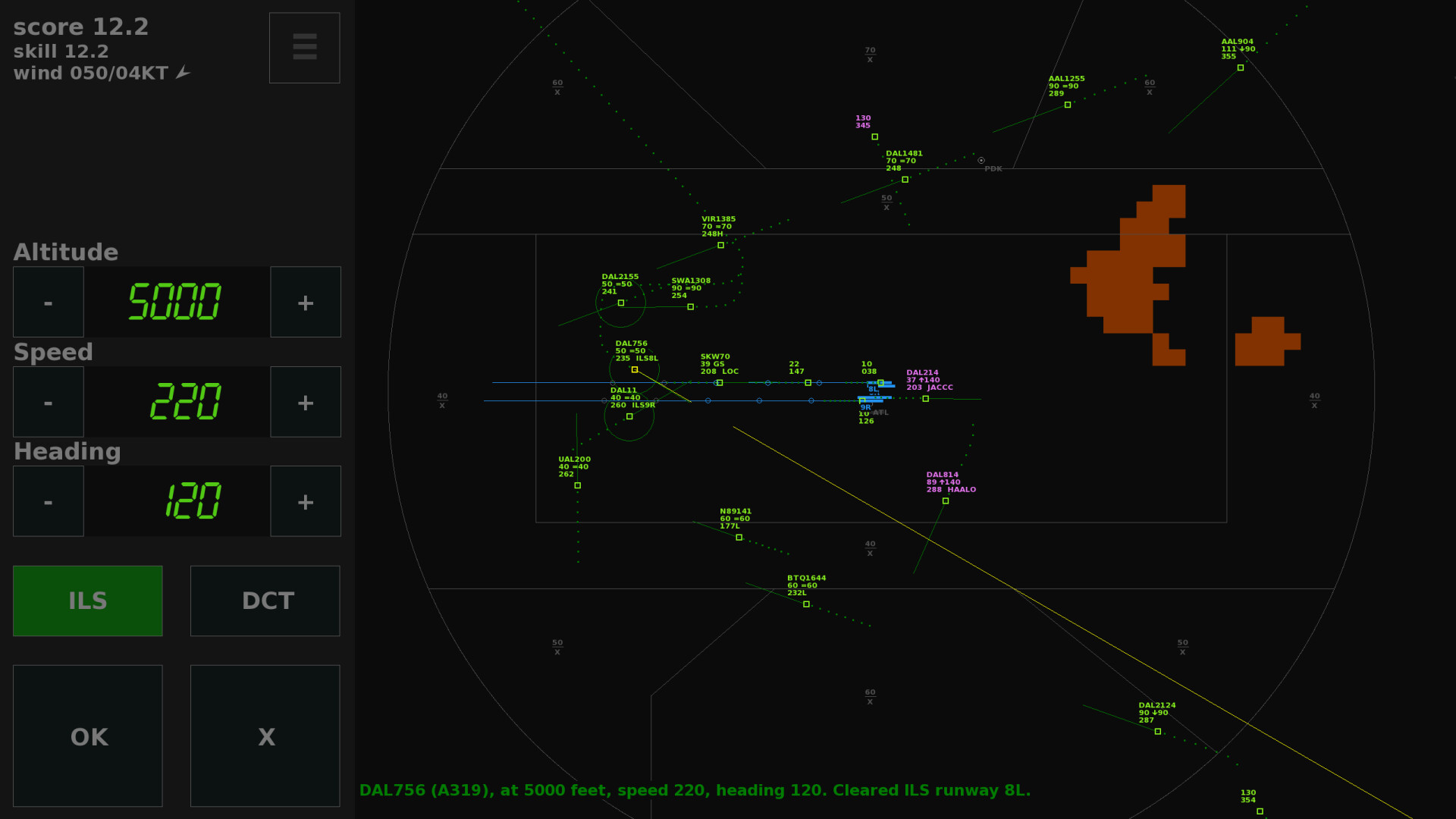
Endless ATC supports mouse‑only, keyboard‑only, and touch‑only control schemes, letting you choose the method that feels most natural. All essential commands can be issued without timed input, making the game accessible to newcomers.
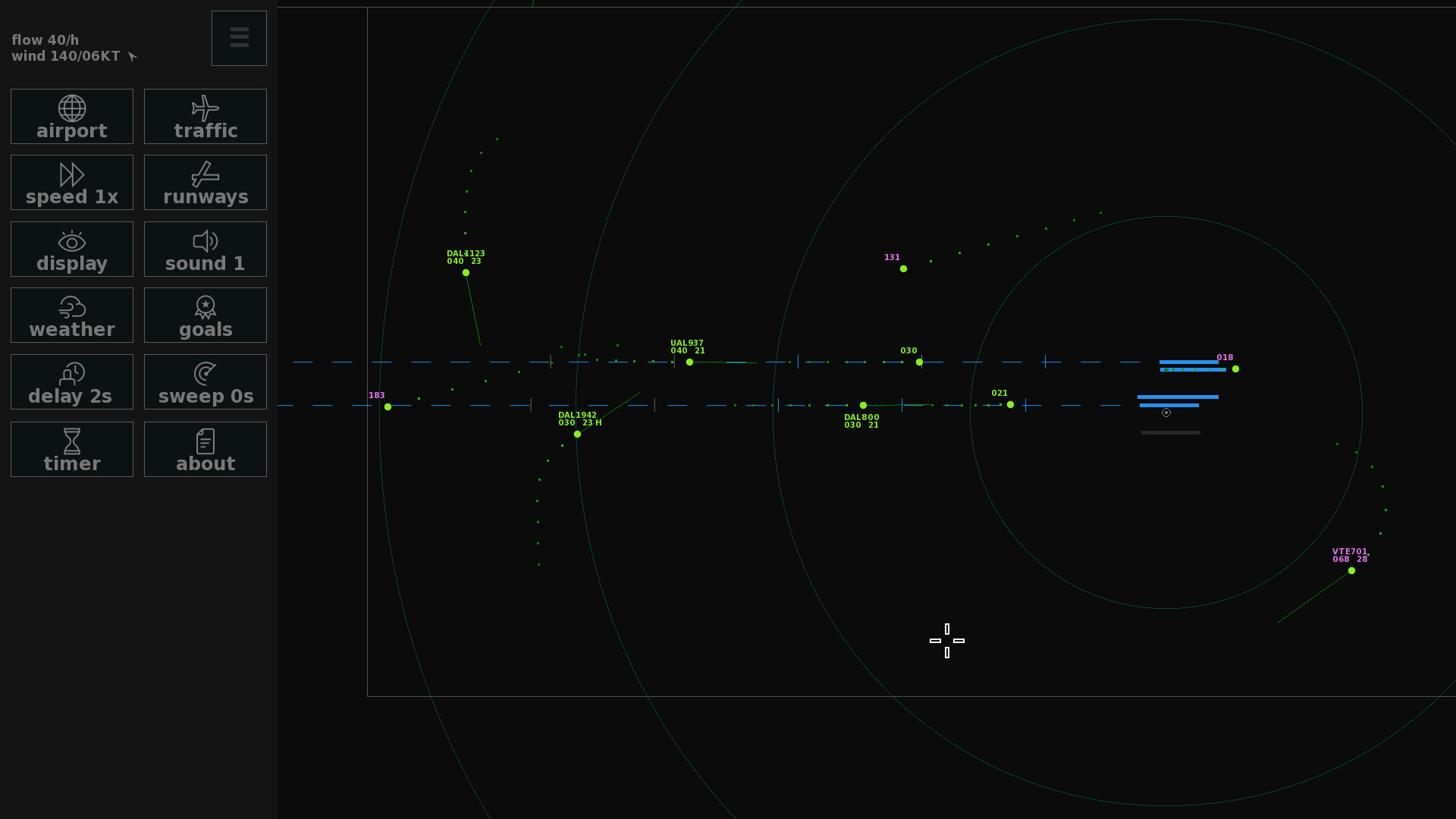
The interface mirrors a real tracon radar screen, but the controls are simplified for arcade‑style play.
- Experiment with touch controls if you prefer a more tactile experience.
- Use the adjustable difficulty setting to match your comfort level.
04 / THE GUIDE
Realism Features
Weather effects such as wind and storms influence aircraft paths, and the game models go‑arounds, restricted areas, parallel approaches, and occasional emergencies. These elements add depth without overwhelming new players.
Secondary nearby airports, wake‑turbulence, delays and holdings are also simulated, providing a richer air‑traffic environment.
- Watch for wind changes that may require altitude adjustments.
- Treat go‑arounds as opportunities to practice rapid re‑sequencing.
05 / THE GUIDE
Customization & Accessibility
The game offers adjustable text size, color alternatives, custom volume controls, and captions, ensuring readability for a wide audience. Difficulty can be tuned, and the game runs without timed input, supporting relaxed play.
Family Sharing is enabled, allowing multiple accounts on the same device to access the game.
- Increase text size if radar symbols become hard to read.
- Enable captions to better follow pilot communications.
COMMUNITY
Player discussion