 GameWiki

GET YOUR BEARINGS
About ENA: Dream BBQ
ENA: Dream BBQ is the inaugural interactive adventure of the ENA series, starring ENA as she searches for the elusive Boss. The game blends quirky storytelling with exploration, side gigs, and encounters with a mix of sweet and sour characters.
Players navigate strange worlds filled with hidden secrets, solve puzzles using odd tools, and experience the perspective of the least popular party guest. Chapter 1 “Lonely Door” is currently available, with future chapters planned as paid releases.
01 / THE GUIDE
Story and Characters
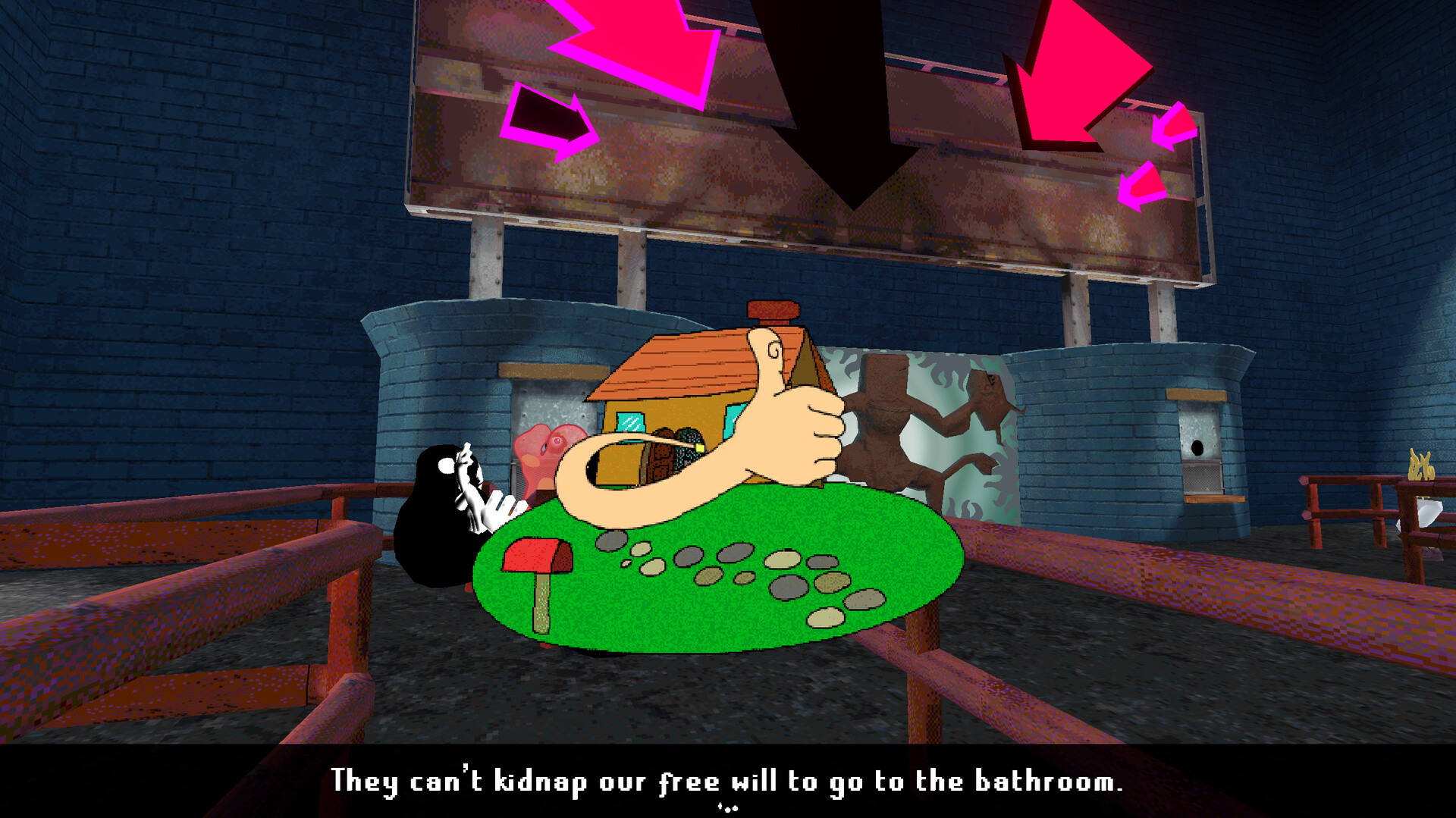
The narrative follows ENA on a quest to locate the Boss that everyone wants to be. Along the way she meets characters who request tasks, creating a blend of help and hindrance. The tone is self‑aware, warning players not to get involved in predicaments, and emphasizes ENA’s role as an under‑appreciated figure at social gatherings.
- Pay attention to each character’s request; they often hint at hidden secrets.
- Embrace ENA’s perspective to better understand dialogue cues.
02 / THE GUIDE
World Exploration
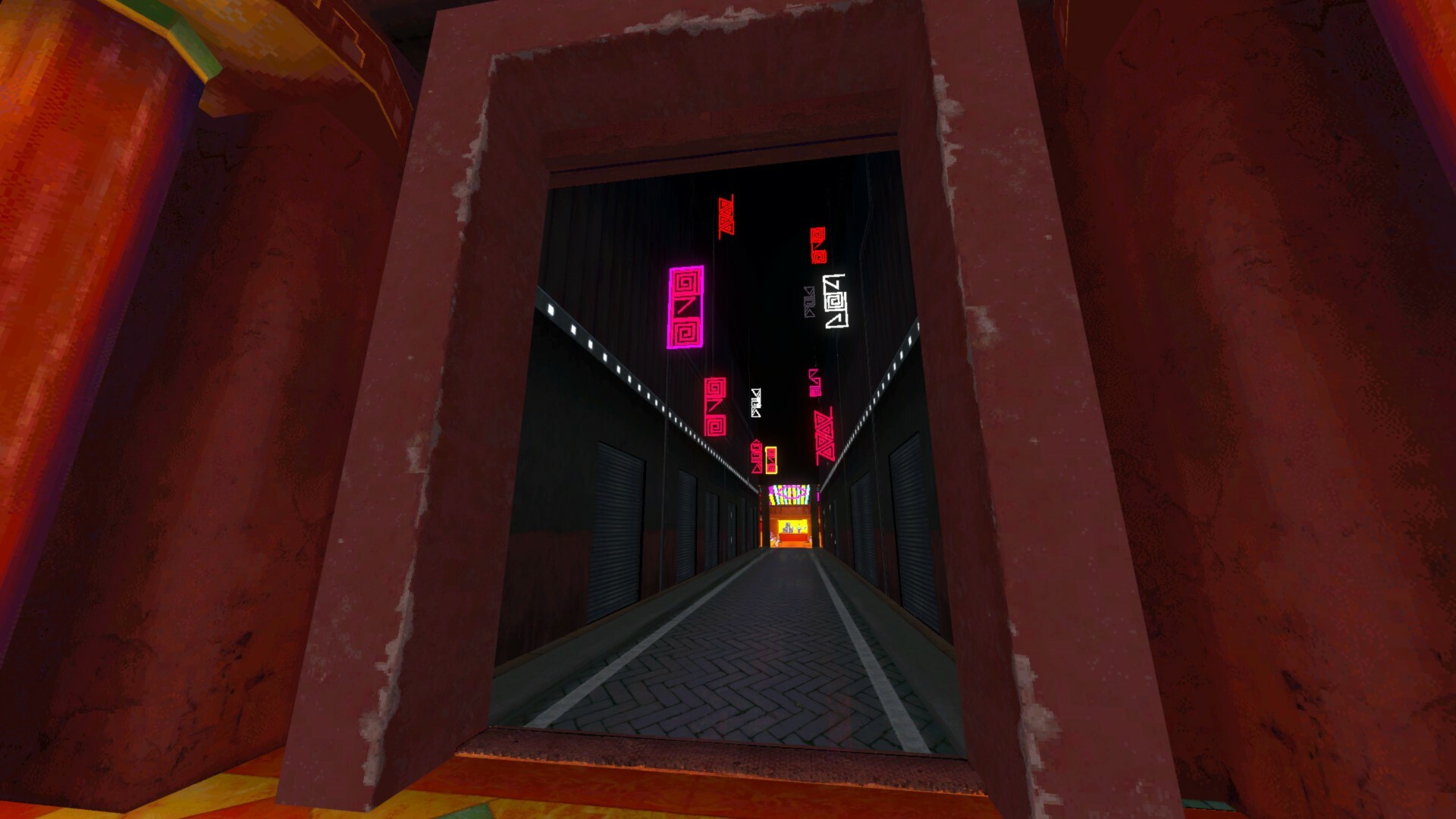
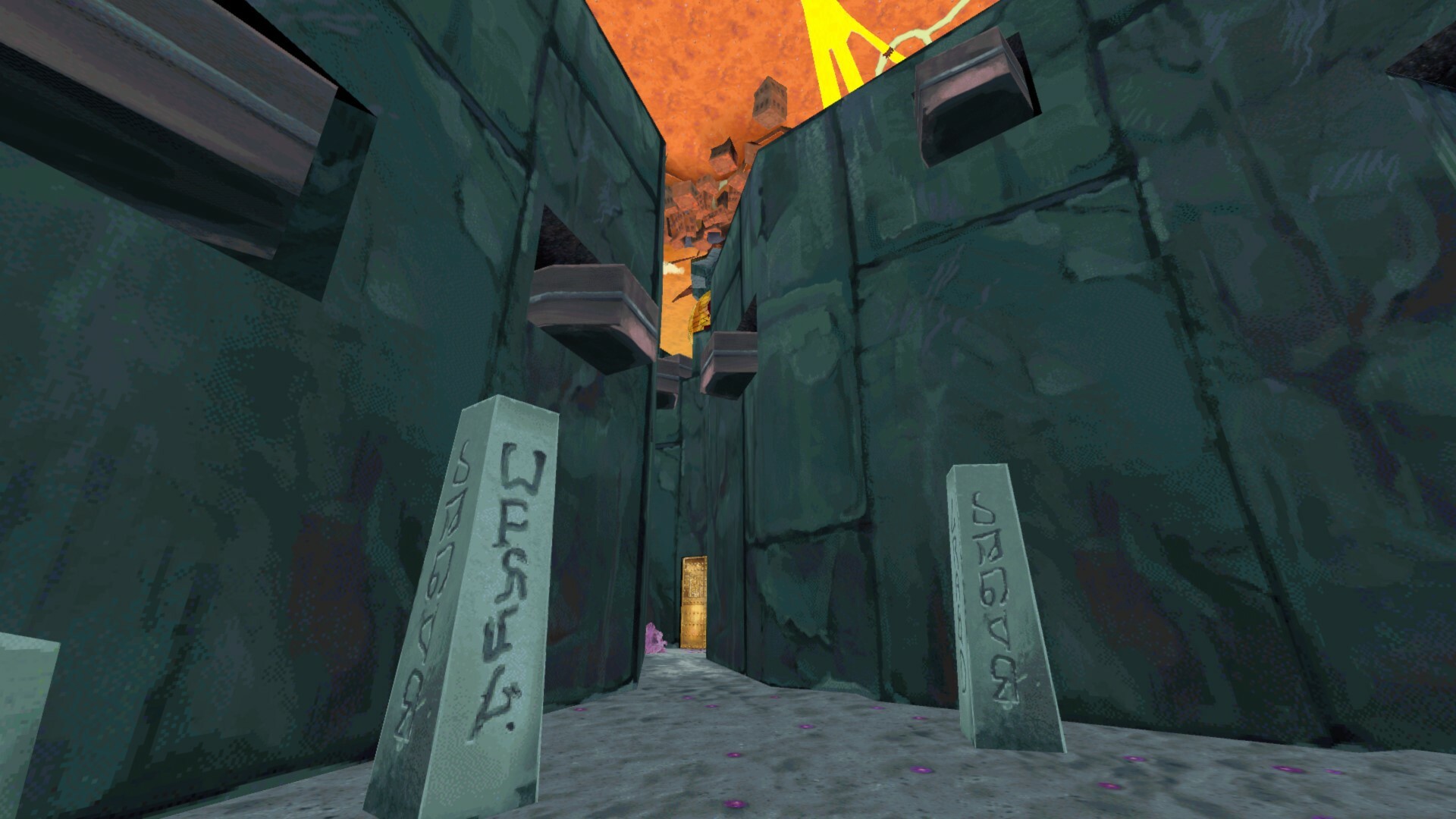
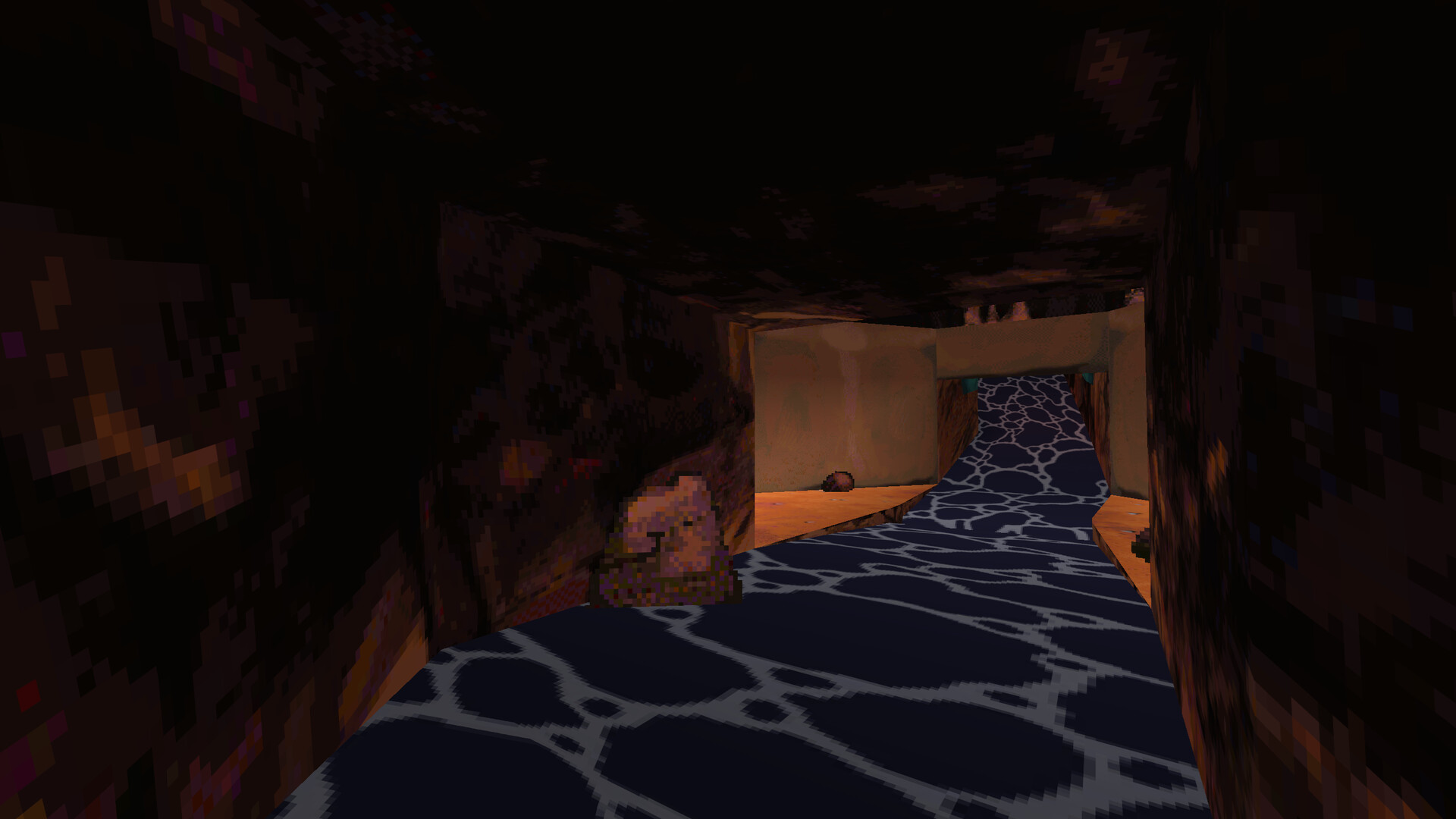
Players explore new environments that contain hidden secrets and oddities. The design encourages thorough searching to uncover visual and narrative details. Exploration is not timed, allowing players to move at their own pace while discovering side gigs and optional content.
- Take time to examine each area for hidden items.
- Revisit locations after acquiring new tools for fresh interactions.
03 / THE GUIDE
Strange Tools
Unusual tools are provided to solve problems that arise during the adventure. These tools are integral to progressing through puzzles and accessing new areas. The game’s design frames tool use as a creative solution rather than a combat mechanic, fitting the adventure genre.
- Experiment with each tool’s function before moving on.
- Combine tool usage with environmental clues for efficient problem‑solving.
04 / THE GUIDE
Accessibility Options
ENA: Dream BBQ includes adjustable text size, camera comfort settings, custom volume controls, and full controller support, including DualSense features. These options help tailor the experience to individual needs. The game also warns about flashing lights that may affect photosensitive epilepsy, advising viewer discretion for disturbing visuals and language.
- Adjust text size early for comfortable reading.
- Enable camera comfort if motion makes you uneasy.
05 / THE GUIDE
Supported Platforms
The title is available on Windows, macOS, and Linux, ensuring broad accessibility across PC users. Steam integration provides achievements, cloud saves, and family sharing. These platform features allow progress to be saved online and shared with other accounts, enhancing convenience for multiple players on the same hardware.
- Enable Steam Cloud to keep saves synchronized.
- Use Family Sharing to let friends try the game without extra purchase.
COMMUNITY
Player discussion