 GameWiki
GET YOUR BEARINGS
About EMUUROM
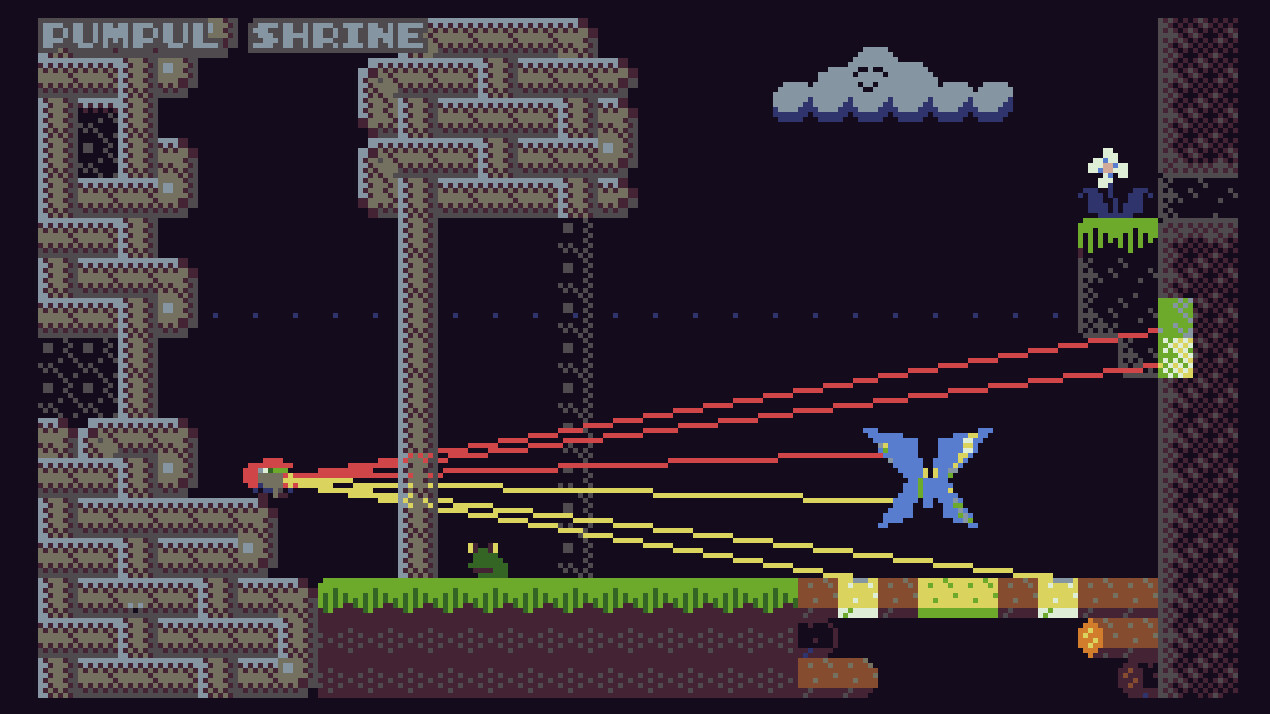
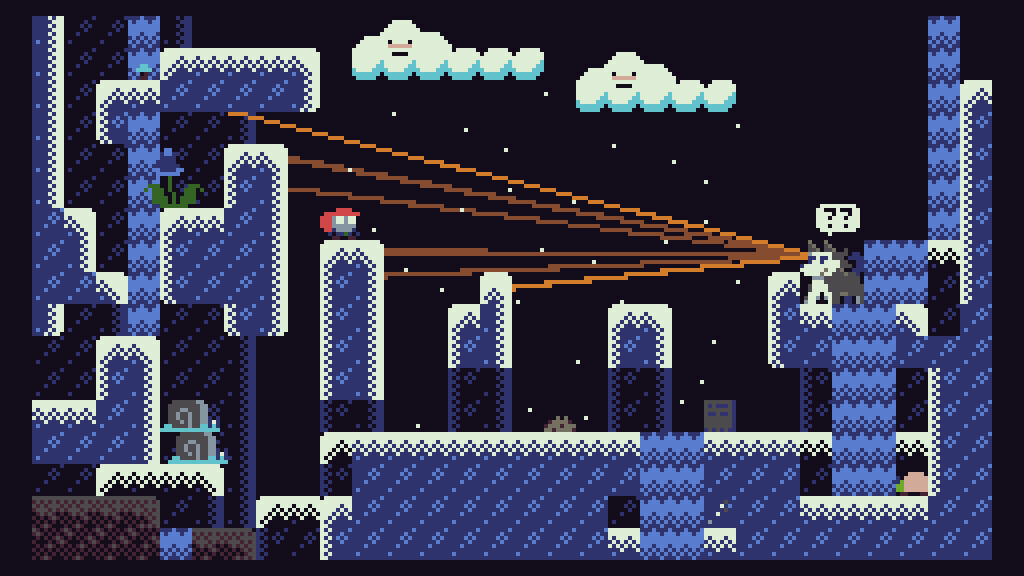
EMUUROM is a single‑player adventure where players explore an interconnected world using a scanner beam to study mysterious creatures. Each scan is recorded in the EMUUDEX, letting you piece together hidden pathways and uncover the lost world of the EMUUROM beings. The game features a retro aesthetic inspired by the TIC‑80 fantasy console and supports both full controller and keyboard‑only input on Windows, macOS, and Linux. Achievements, Steam Cloud, and family sharing round out its indie‑friendly offering.
01 / THE GUIDE
Game premise
Players are tasked with discovering rules, gathering information, and using that knowledge to forge new routes through a layered world. Secrets are presented openly, encouraging careful observation and deduction.
The narrative unfolds gradually as you scan creatures and environments, revealing the hidden history of the EMUUROM species without any explicit guidance.
- Take time to examine each scan; patterns often emerge only after multiple observations.
- Compare similar creature entries in the EMUUDEX to spot subtle differences.
02 / THE GUIDE
Scanner mechanic
A trusty scanner beam is the primary tool for interacting with the world. Every scan registers in the EMUUDEX, creating a personal database of creature data and environmental clues.
Scanning ranges from obvious to obscure puzzles, meaning the device can be used both for straightforward identification and for deeper, hidden challenges.
- Experiment with scanning different objects; some may trigger hidden pathways.
- Re‑scan areas after unlocking new information; additional details can appear.
03 / THE GUIDE
EMUUDEX collection
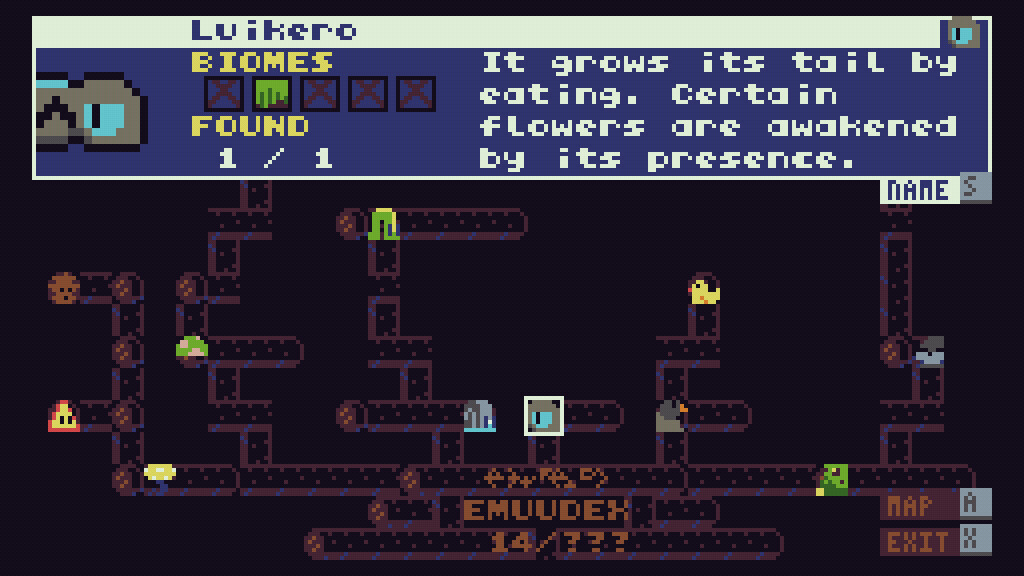
All scans are stored in the EMUUDEX, a growing compendium that tracks every creature and clue you encounter. The index serves as a reference for connecting the dots across the world.
As the EMUUDEX expands, patterns become clearer, allowing you to deduce new routes and solve more complex puzzles.
- Regularly review the EMUUDEX to notice emerging connections.
- Organize entries by similarity to speed up pattern recognition.
04 / THE GUIDE
Retro visual style
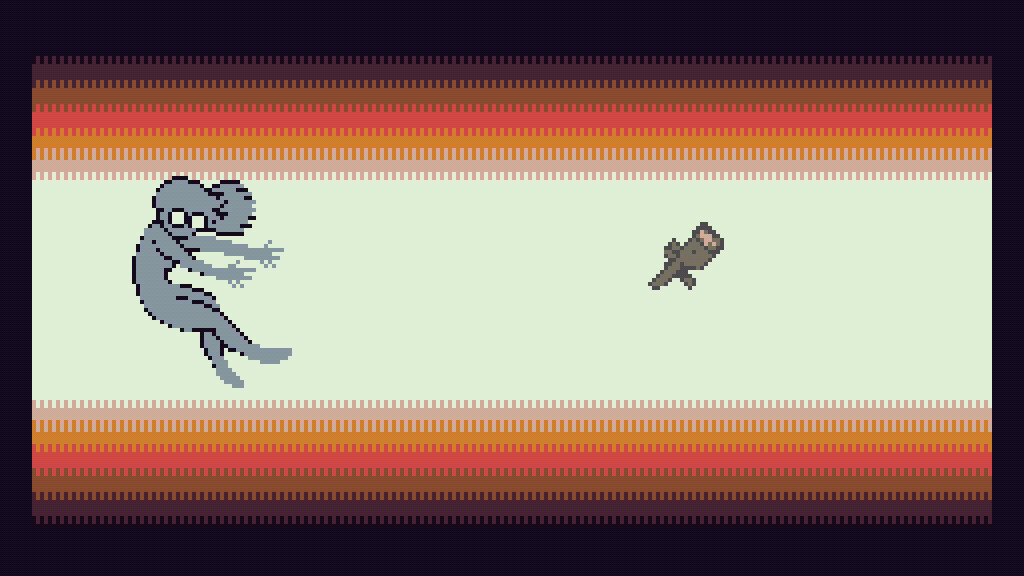
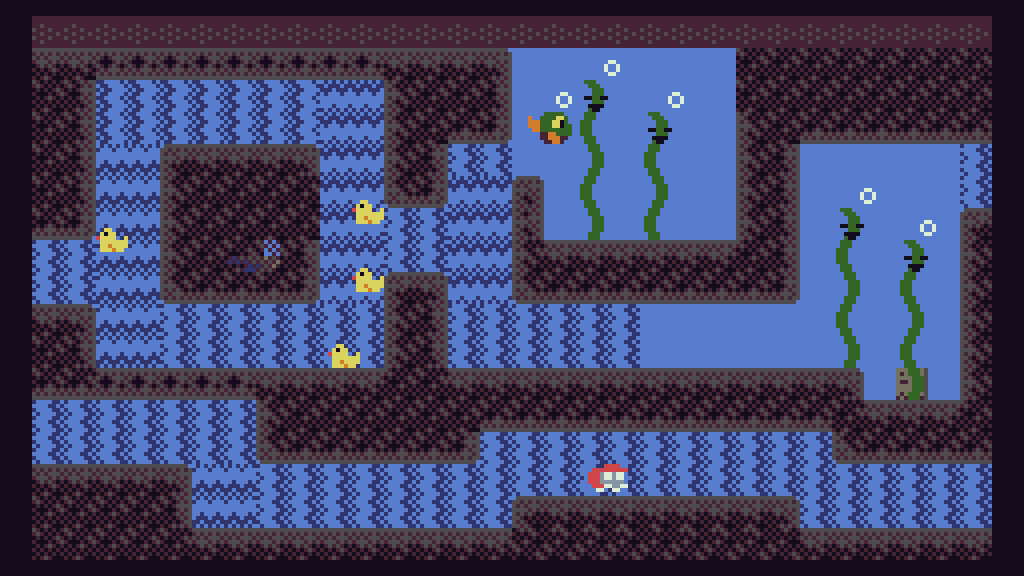
EMUUROM adopts a unique retro look derived from the constraints of the TIC‑80 fantasy console. This aesthetic gives the game a nostalgic pixel‑art feel while maintaining modern gameplay clarity.
The visual limitations are intentional, creating a distinct atmosphere that complements the investigative gameplay.
- Appreciate the pixel details; they often hint at hidden interactive elements.
- Compare visual cues across areas to spot thematic links.
05 / THE GUIDE
Platform and input support
The title runs on Windows, macOS, and Linux, offering both full controller support and a keyboard‑only option. This flexibility lets players choose their preferred input method.
Additional features such as Steam Achievements, Steam Cloud, and Family Sharing are available across the supported platforms.
- Test both controller and keyboard inputs to see which feels more natural for scanning.
- Steam Cloud is a listed feature, so you can use cloud saving if you play across installations.
COMMUNITY
Player discussion