 GameWiki

GET YOUR BEARINGS
About Emily is Away
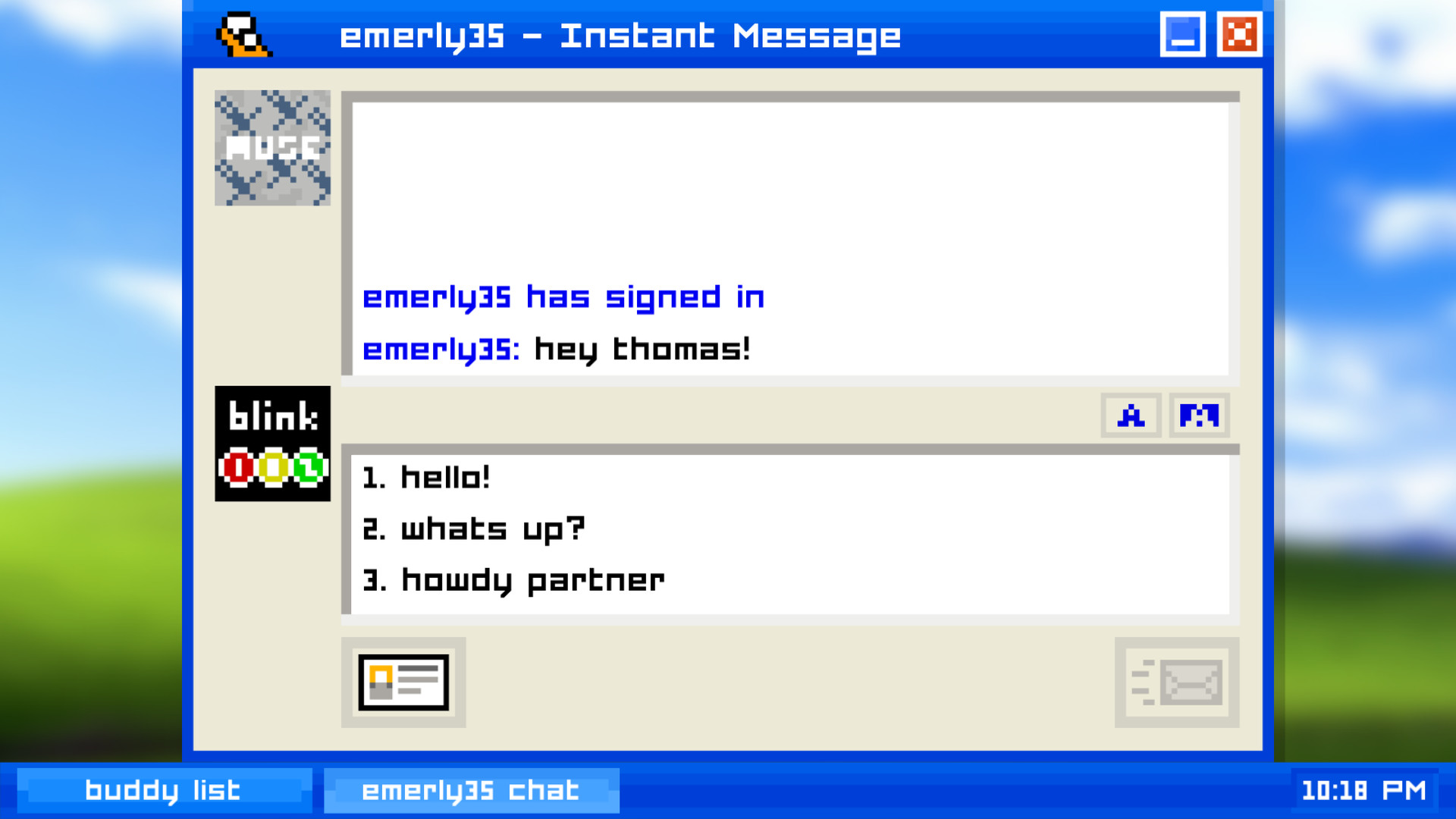
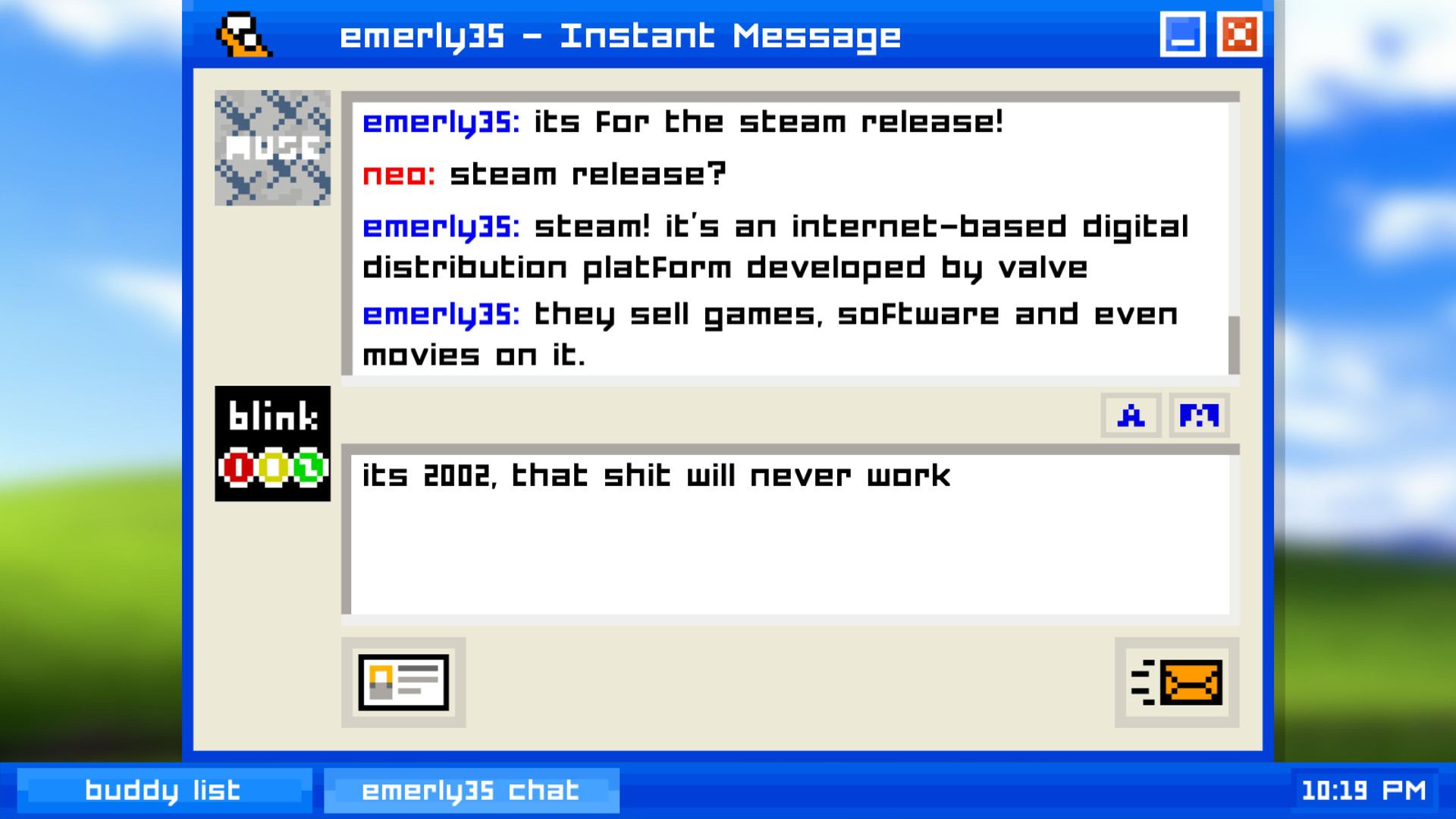
Emily is Away is a single‑player adventure that mimics early‑2000s instant‑messaging. Players create a screenname, chat with a high‑school classmate named Emily, and watch a story unfold across five chapters that span five years. The game runs on Windows, macOS, and Linux and offers Steam achievements, trading cards, and family sharing.
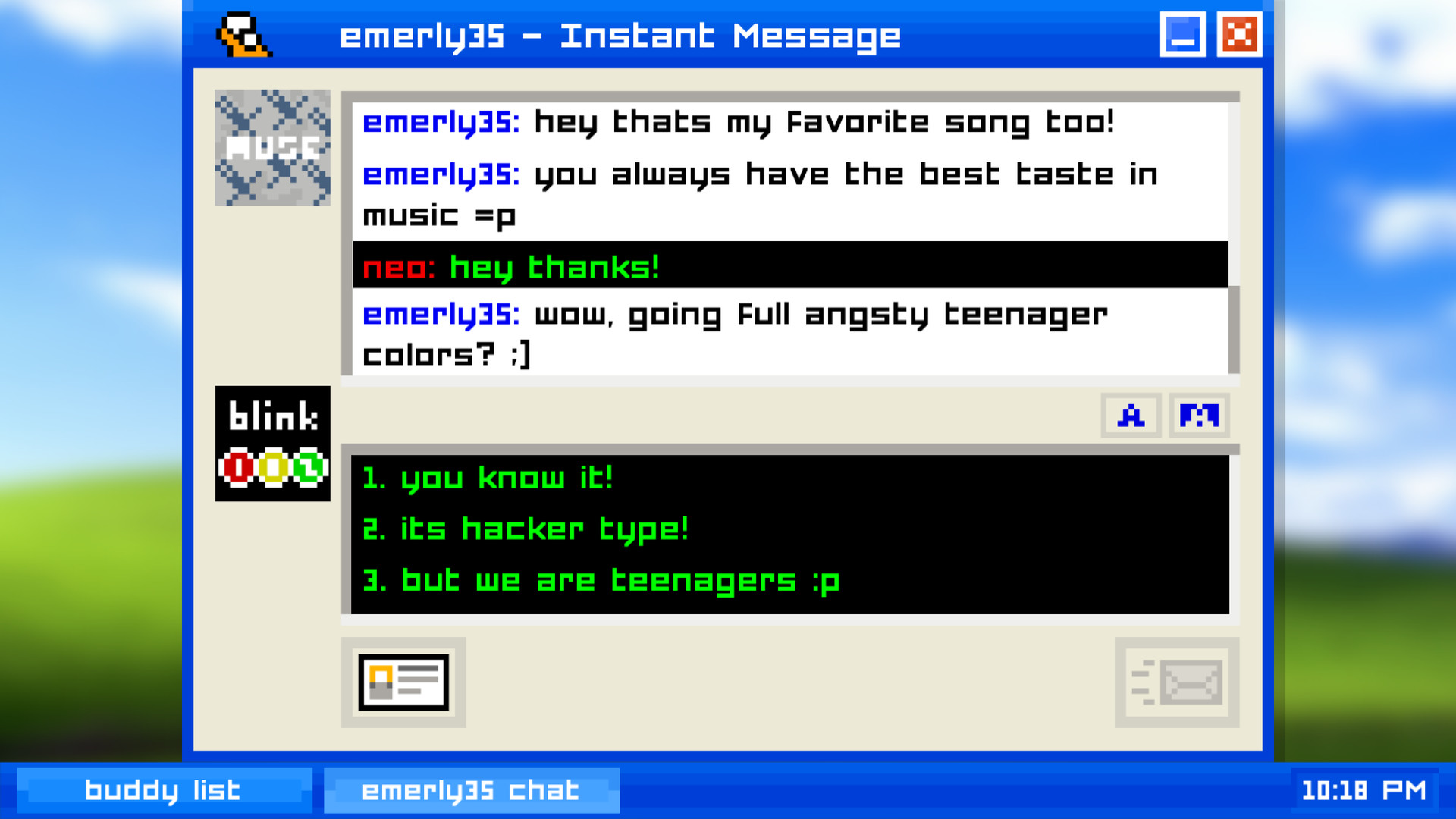
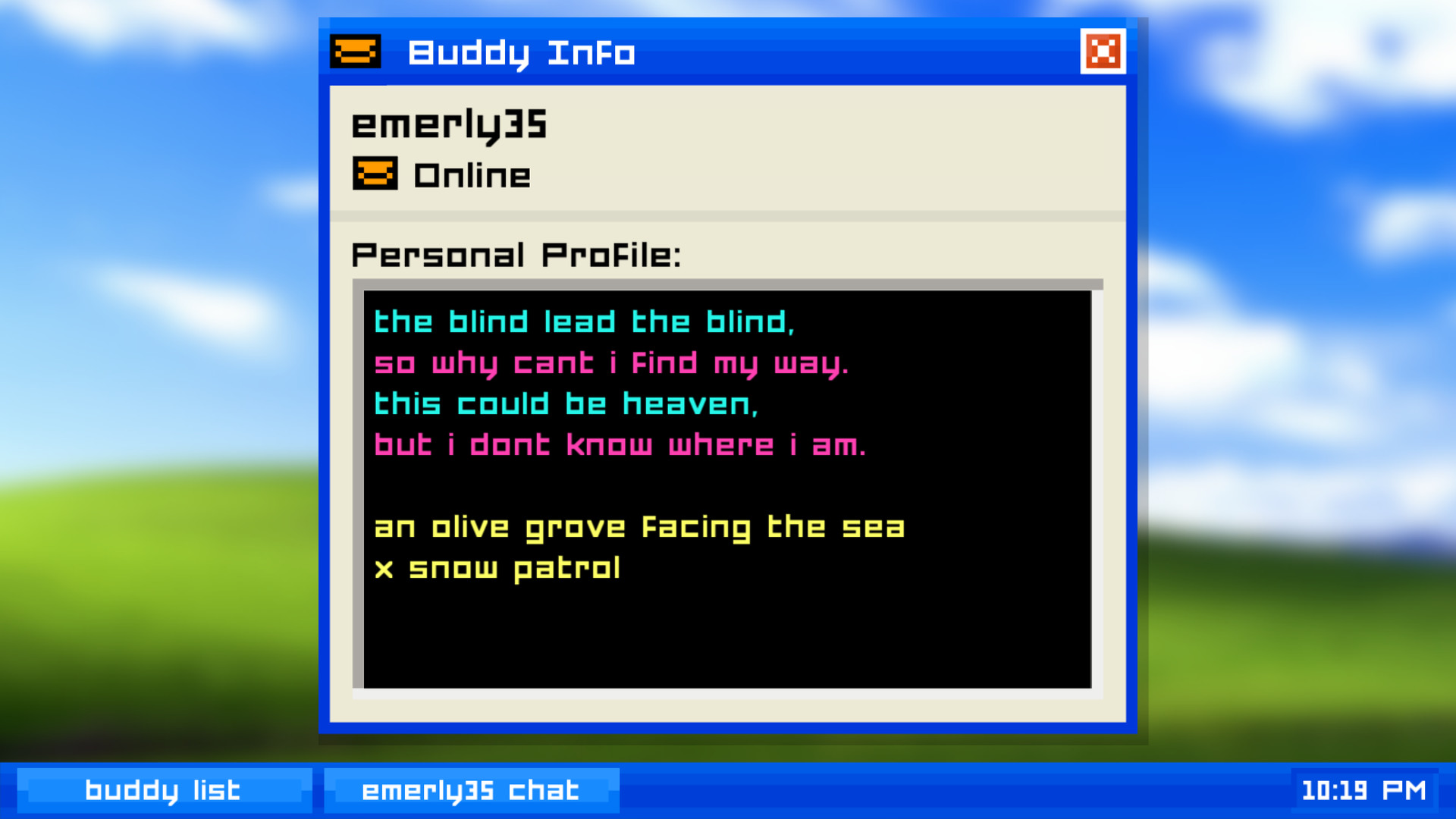
The experience is built around a branching dialogue system, letting players choose how their relationship with Emily develops. Nostalgic computer sounds and customizable text colors—most famously lime green—enhance the retro feel, while buddy icons, profiles, and away messages add to the chat‑room atmosphere.
01 / THE GUIDE
Screenname Creation
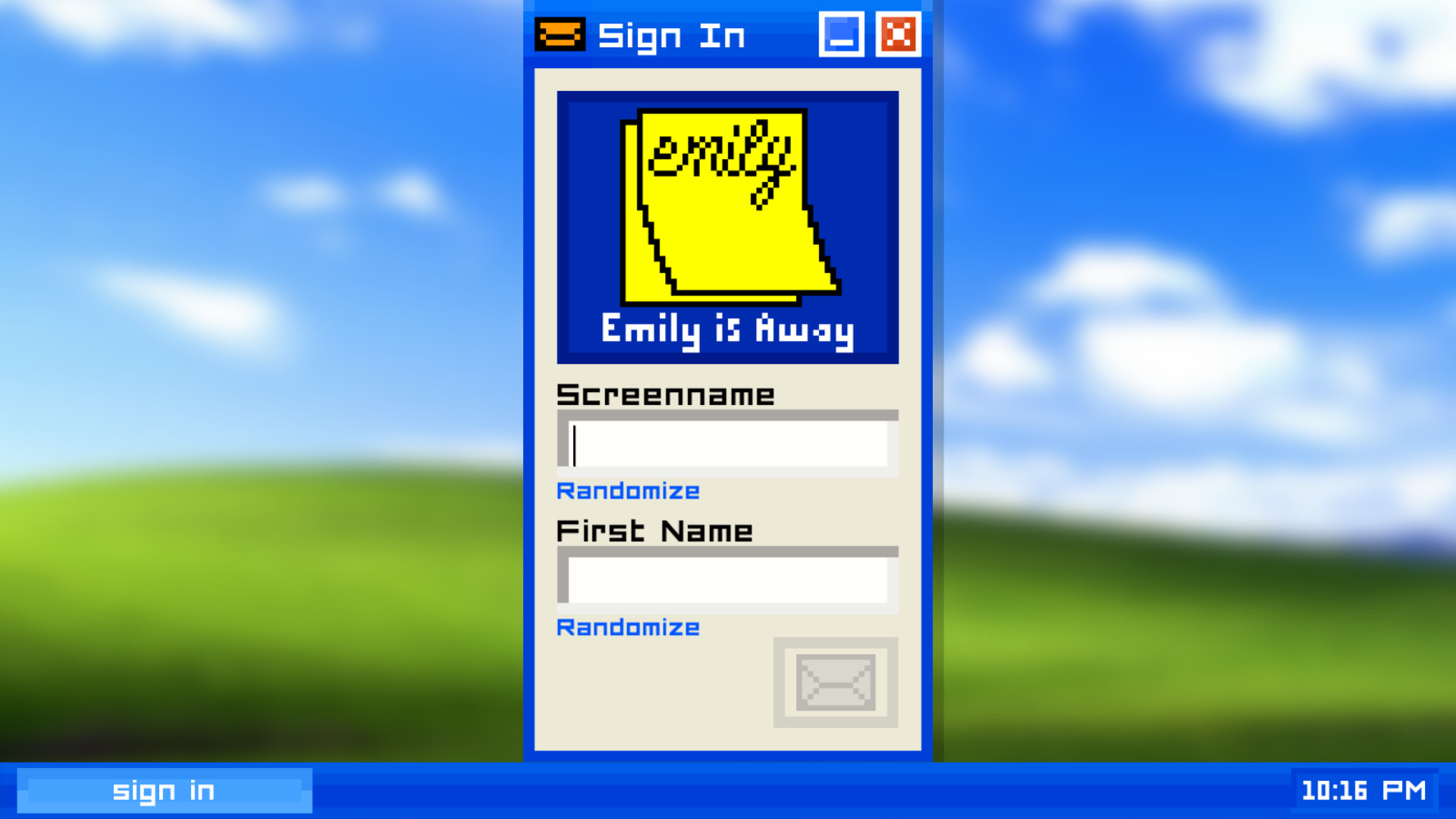
At launch, the player is prompted to type a screenname, which appears in the chat interface. This name is used throughout the conversation with Emily and other simulated contacts. The screenname can be any text the player wishes, reflecting the freedom of early chat services. The chosen screenname is displayed alongside buddy icons and away messages, reinforcing the illusion of a personal instant‑messenger account. No further customization beyond the name is documented.
- Pick a name that fits the era you’re emulating for added immersion.
- Remember the name will appear in all dialogue windows, so choose something you’ll be comfortable seeing repeatedly.
02 / THE GUIDE
Text Color Customization
Players can change the color of their chat text, with lime green highlighted as the iconic choice. This visual tweak signals the player’s “cool kid” status within the simulated environment. Changing the text color does not affect gameplay mechanics; it is purely an aesthetic option that aligns with the nostalgic theme of early instant‑messaging platforms.
- Select lime green to match the game’s suggested “cool kid” aesthetic.
- Experiment with other colors if you prefer a personal touch.
03 / THE GUIDE
Branching Dialogue
The core gameplay consists of decision‑based dialogue with Emily. Each choice leads to different narrative outcomes, creating a branching story that spans five chapters and five years of the characters’ lives. The dialogue system is the sole method of interaction; there are no combat or puzzle elements documented. The narrative length is described as over an hour of gameplay.
- Read each dialogue option carefully; early choices can influence later chapters.
- Consider replaying to explore alternate story paths.
04 / THE GUIDE
Nostalgic Audio
Emily is Away incorporates computer sounds reminiscent of early Windows XP and AIM experiences. These audio cues are intended to evoke memories of the era rather than serve functional purposes. The sounds are described as ones players “hoped to never hear again,” emphasizing their role as atmospheric rather than gameplay‑critical elements.
- Adjust your system volume if the nostalgic sounds become distracting.
- Use headphones to fully appreciate the retro audio ambience.
05 / THE GUIDE
Steam Features
The game supports Steam achievements, trading cards, and family sharing, allowing players to earn recognitions and share the title with others on the platform. These features are integrated through Steam’s standard services. No additional paid content or DLC is mentioned; the listed features are the only Steam‑related functionalities documented.
- Check the achievement list to track narrative milestones.
- Use family sharing to let multiple household members experience the game.
COMMUNITY
Player discussion