 GameWiki
GET YOUR BEARINGS
About Emily is Away Too
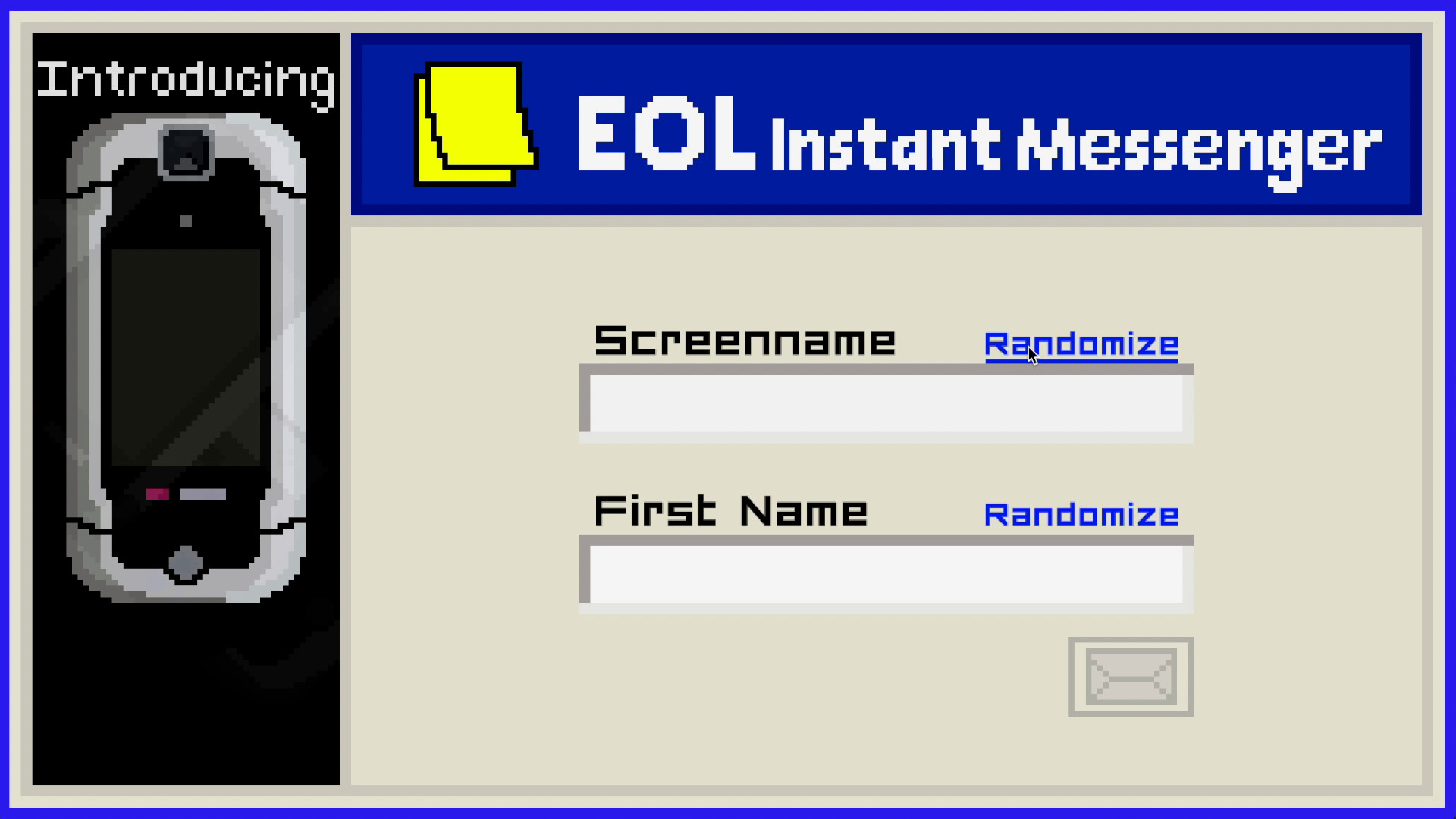
Emily is Away Too lets you step back into a 2006‑style instant‑messenger, now expanded with new characters and online‑style features. You play through senior‑year conversations, typing replies that shape the story and lead to several distinct conclusions.
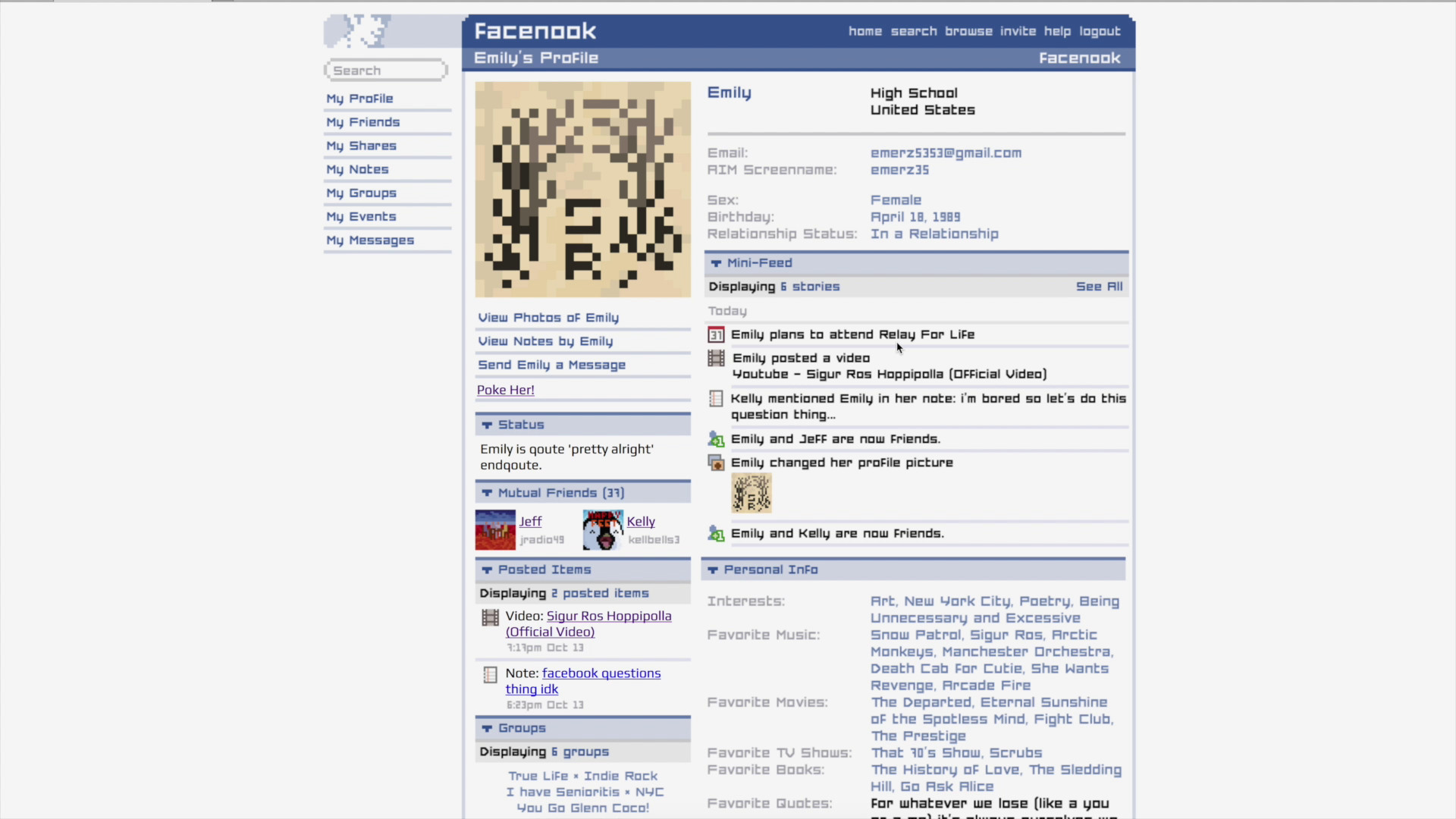
The interface mimics an old chat client, offering buddy icons, customizable profiles, away messages, and the ability to share YouTube links, Facebook profiles, and file transfers, while Steam tracks achievements, cloud saves, and other stats.
01 / THE GUIDE
Multiple Endings
Every dialogue choice you make can trigger a different outcome for the senior‑year narrative. Endings are triggered by your dialogue decisions, so each choice shapes how the final scene plays out.
Because endings are tied to specific dialogue paths, revisiting key moments with alternative replies will produce a new conclusion, giving the story replay value.
- Try contrasting tones—friendly versus distant—to see how endings shift.
- Note the moments when the screen prompts a decision; those are the branching points.
02 / THE GUIDE
Chat Interface Features
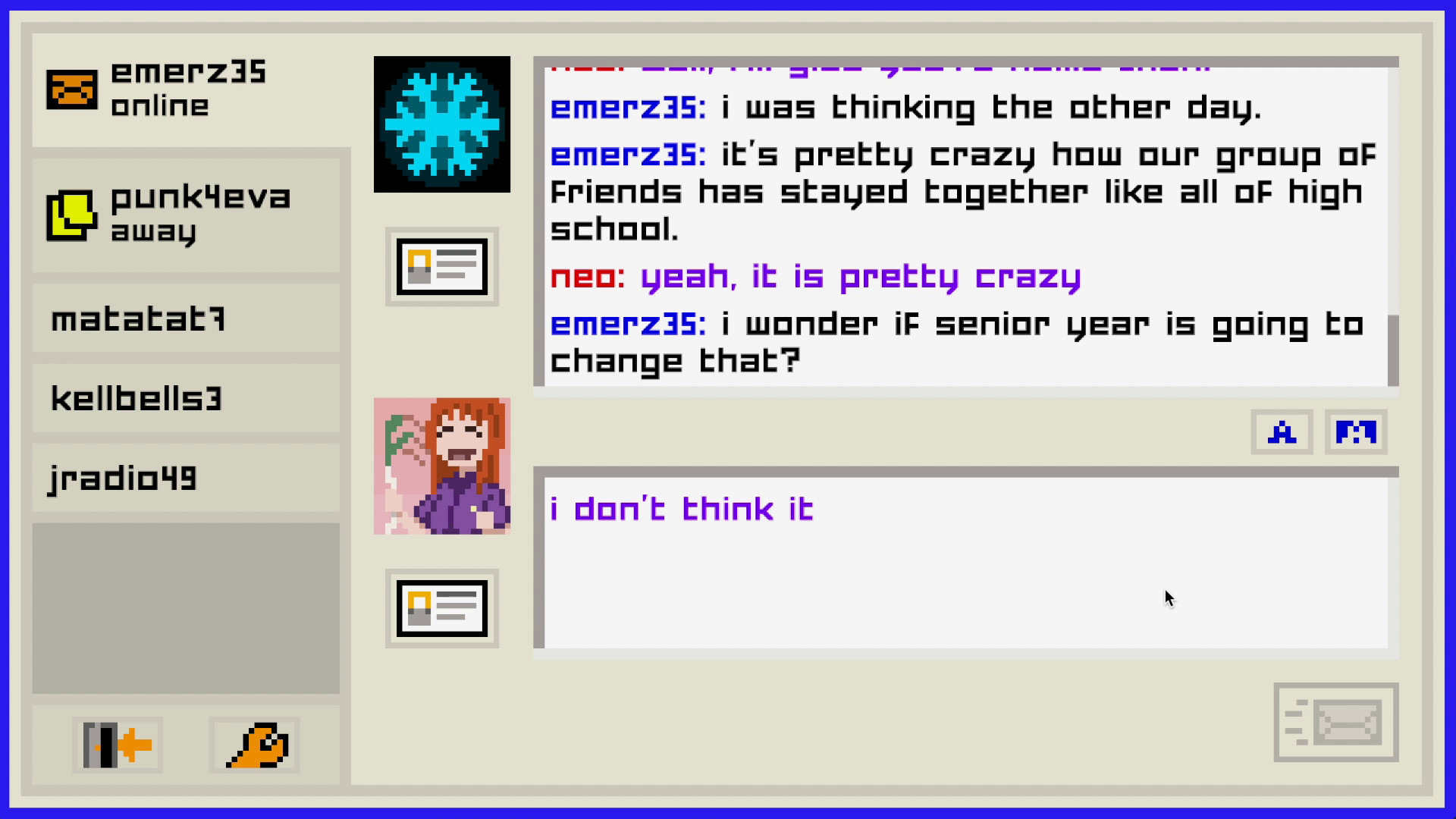
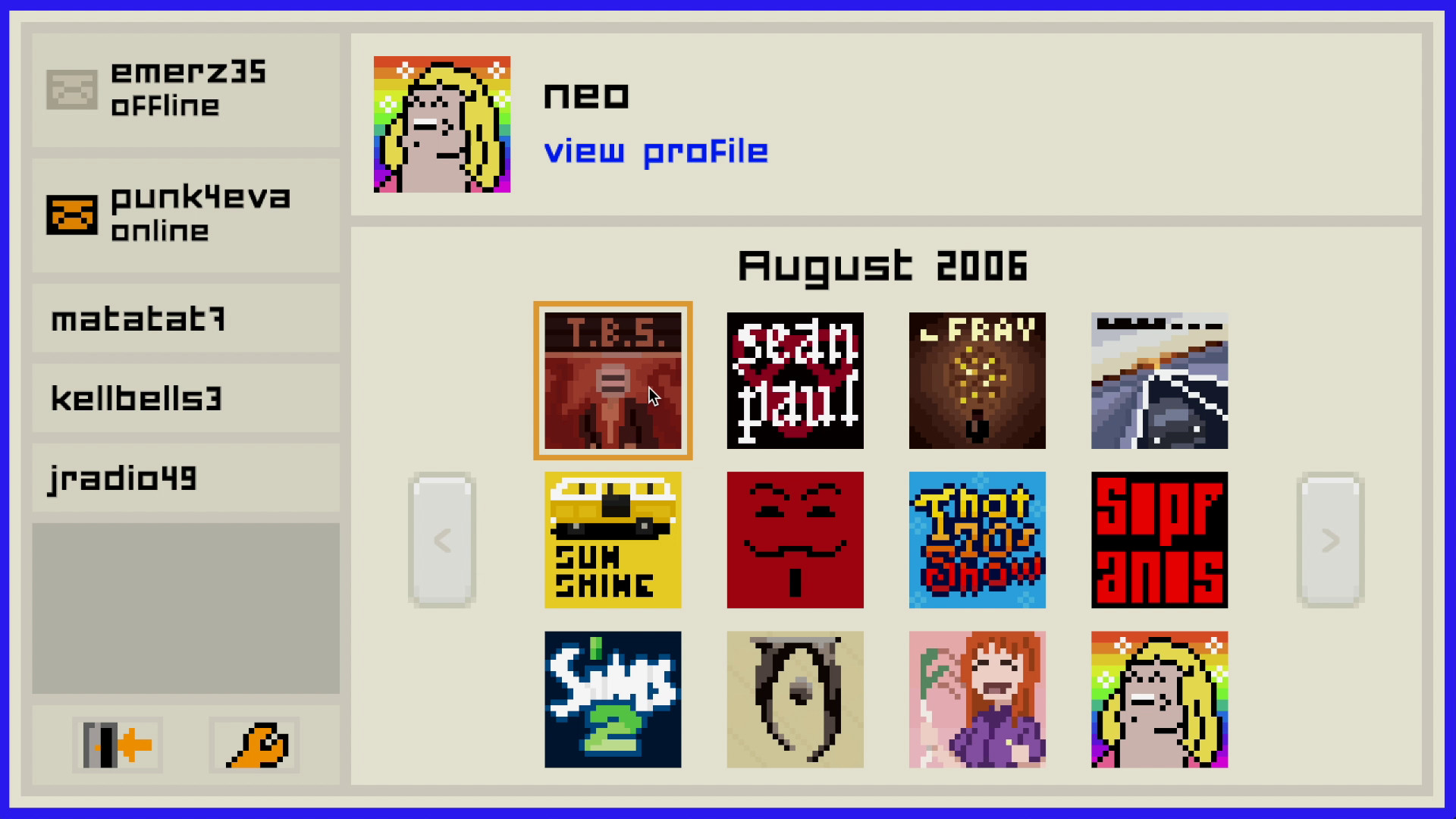
The UI reproduces a classic instant‑messenger, complete with buddy icons, customizable profiles, and away messages you can set. These elements appear alongside the chat text, giving a familiar feel.
You can also change the text colour to lime green, providing a visual cue that distinguishes your messages from others in the conversation.
- Experiment with different profile pictures to match the tone you want.
- Use away messages to convey mood when you pause a conversation.
03 / THE GUIDE
Emily and Evelyn Conversations
The game lets you message both Emily and Evelyn independently, each chat following its own branching path. Their replies evolve based on the choices you made earlier in that specific thread.
Because the two conversations are separate, you can explore how each character reacts to the same decision, revealing subtle narrative differences.
- Keep a simple note of each character’s last reply to avoid mixing threads.
- Watch for changes in tone that signal a shift in the storyline.
04 / THE GUIDE
YouTube, Facebook & File Transfers
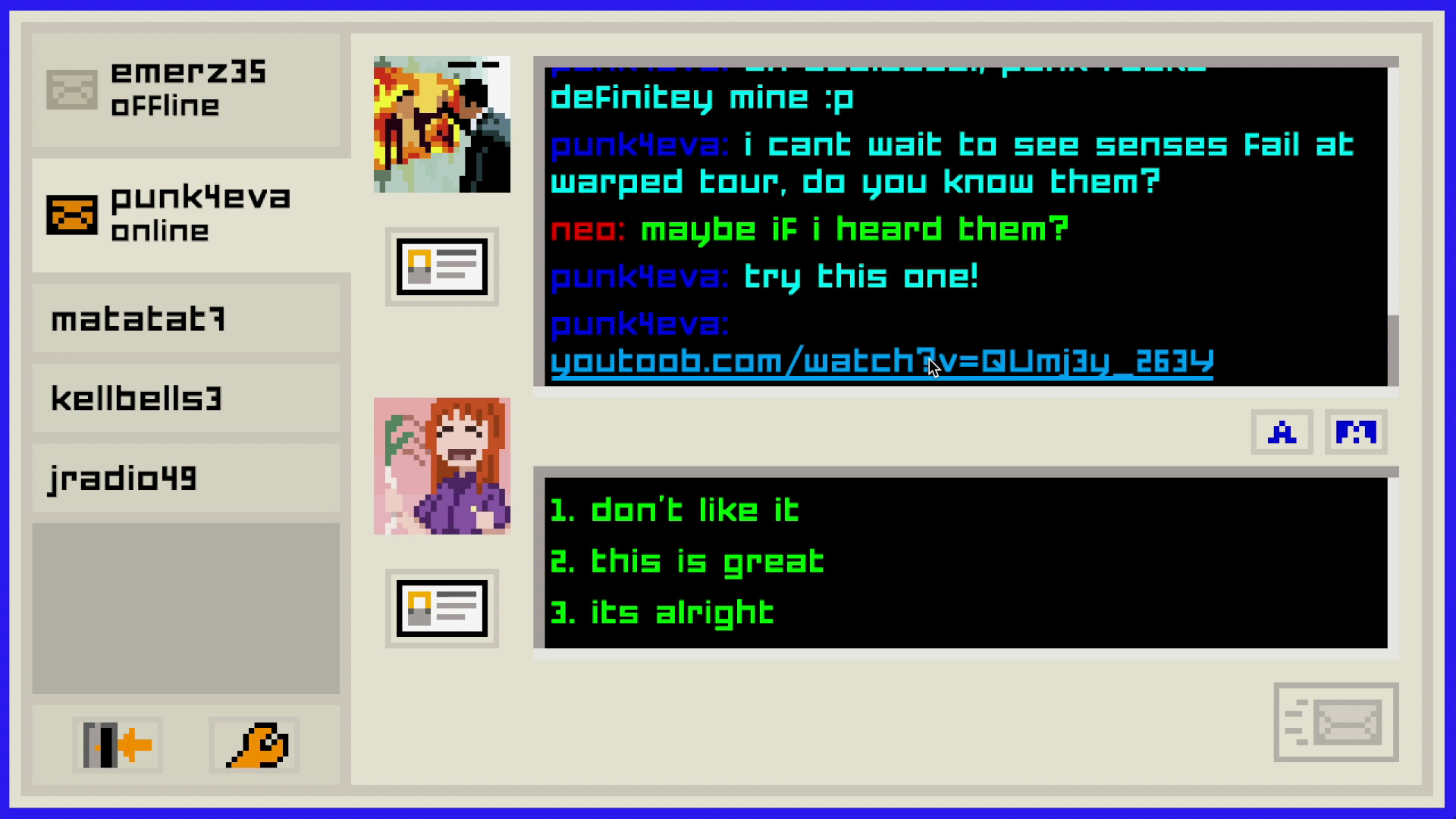
Within the chat window you can paste YouTube URLs, Facebook profile links, and initiate file transfers. These appear as clickable items that sit inside the conversation flow.
The inclusion of external media extends the narrative beyond plain text, letting you reference real‑world content that influences the dialogue.
- Insert a relevant YouTube link to see how the game displays it.
- Try sharing a Facebook profile to observe any narrative reaction.
05 / THE GUIDE
Steam Integration
Emily is Away Too supports Steam achievements, trading cards, cloud saves, and family sharing. These features are handled automatically by the platform and do not affect the core chat experience.
Stats are recorded on Steam, tracking your progress alongside achievements and other platform features.
- Review the achievement list to discover hidden milestones.
- Enable cloud sync in Steam settings to keep your story safe.
COMMUNITY
Player discussion