 GameWiki
GET YOUR BEARINGS
About EmergeNYC
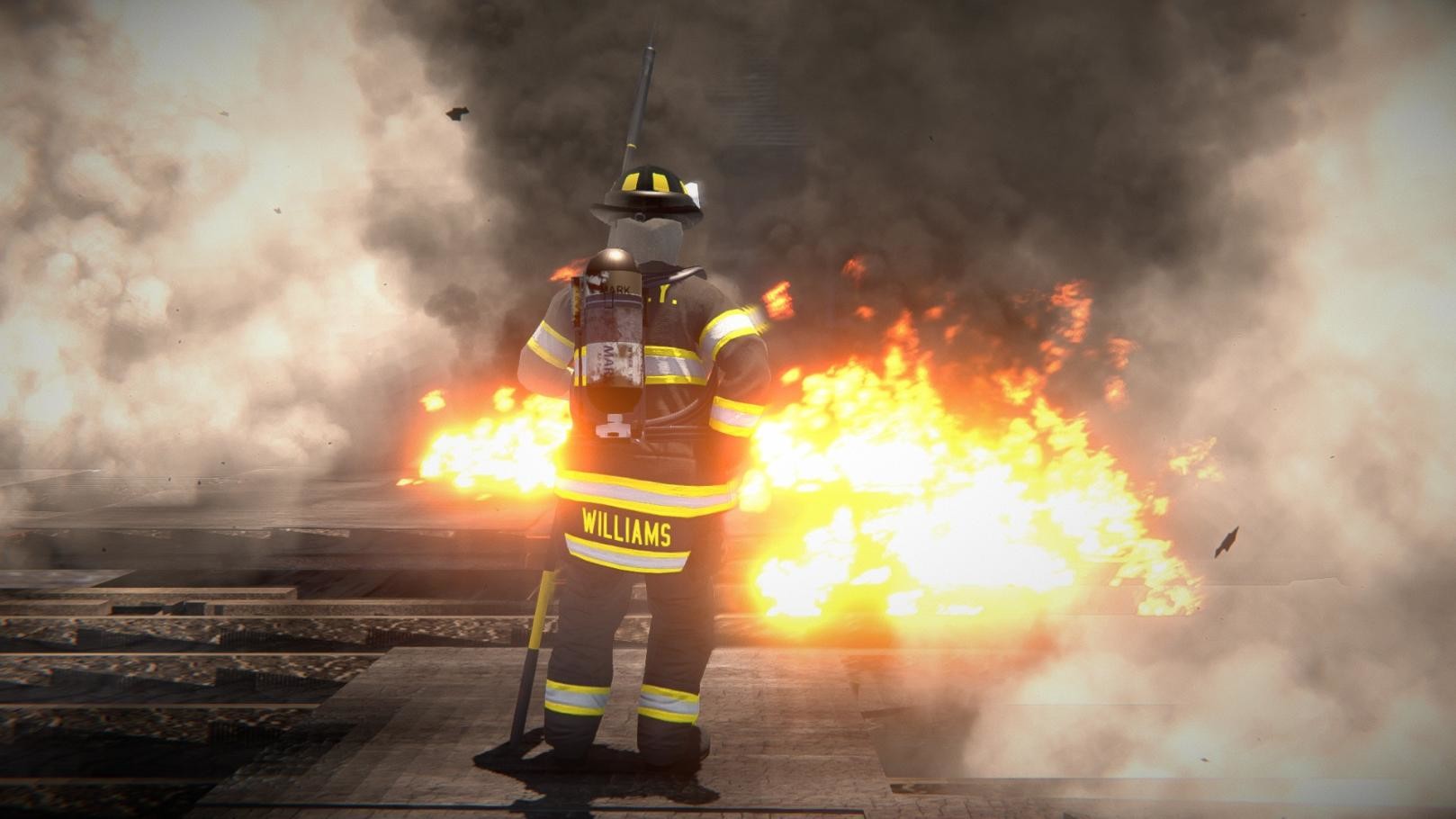
EmergeNYC expands the firefighting sandbox with new wildland vehicles, helicopters, planes, and the Engine Company 85 firehouse in Manhattan. Buildings now break apart procedurally, and fire, smoke, steam and ash react to random wind direction and speed.
Core systems were rebuilt: hoses now have weight, drag and tension; vehicle handling and sounds were recreated for steep county roads; a stamina meter tracks player exertion; and multiplayer shows loading status with Tab while synchronising tool animations.
01 / THE GUIDE
New Vehicles and Aircraft
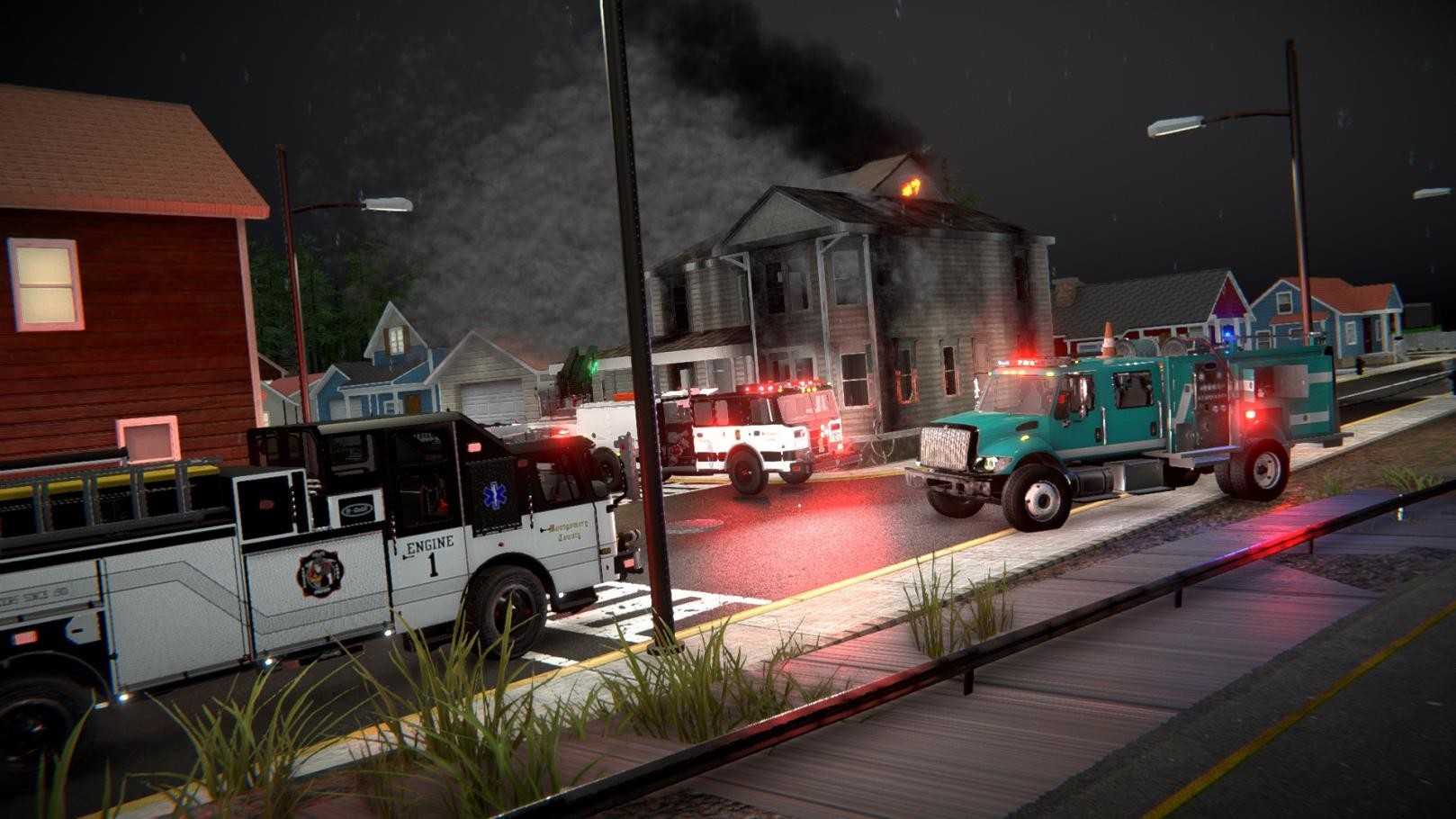
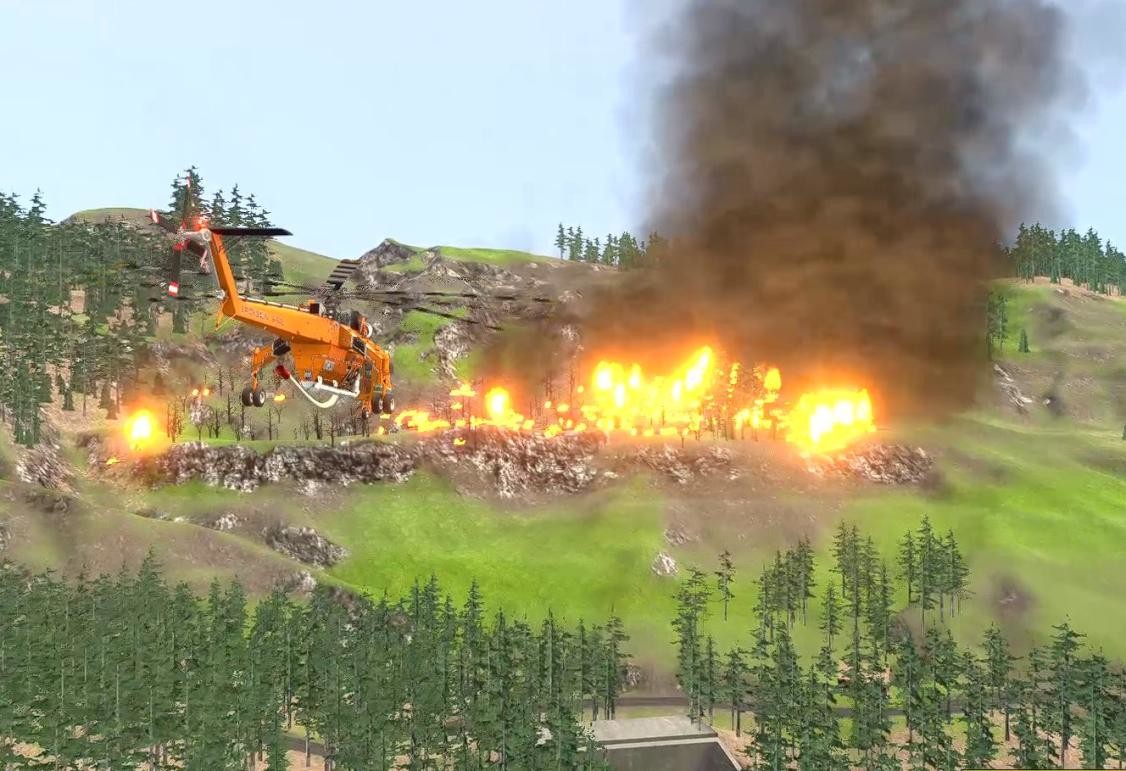
The update adds a Cal‑Fire UH‑1H helicopter, a Firehawk, a Skycrane, an OV‑10‑style retardant plane, a Super Scooper, and ground rigs such as a Hotshot Buggy. All Montgomery County vehicles received new liveries, unique details, and rebuilt handling and sound sets to cope with steep roads.
Functional mirrors, backup cameras and animated gauges appear in the new fire trucks. The Shovel tool lets you dig lines and clear flammable brush, while hoses can be attached directly to hydrants for immediate spraying.
- Observe how the rebuilt handling feels on a steep incline before tackling a high‑rise fire.
- Use the backup camera to line up ladders near windows when precision is needed.
02 / THE GUIDE
Fire System and Spread Redesign
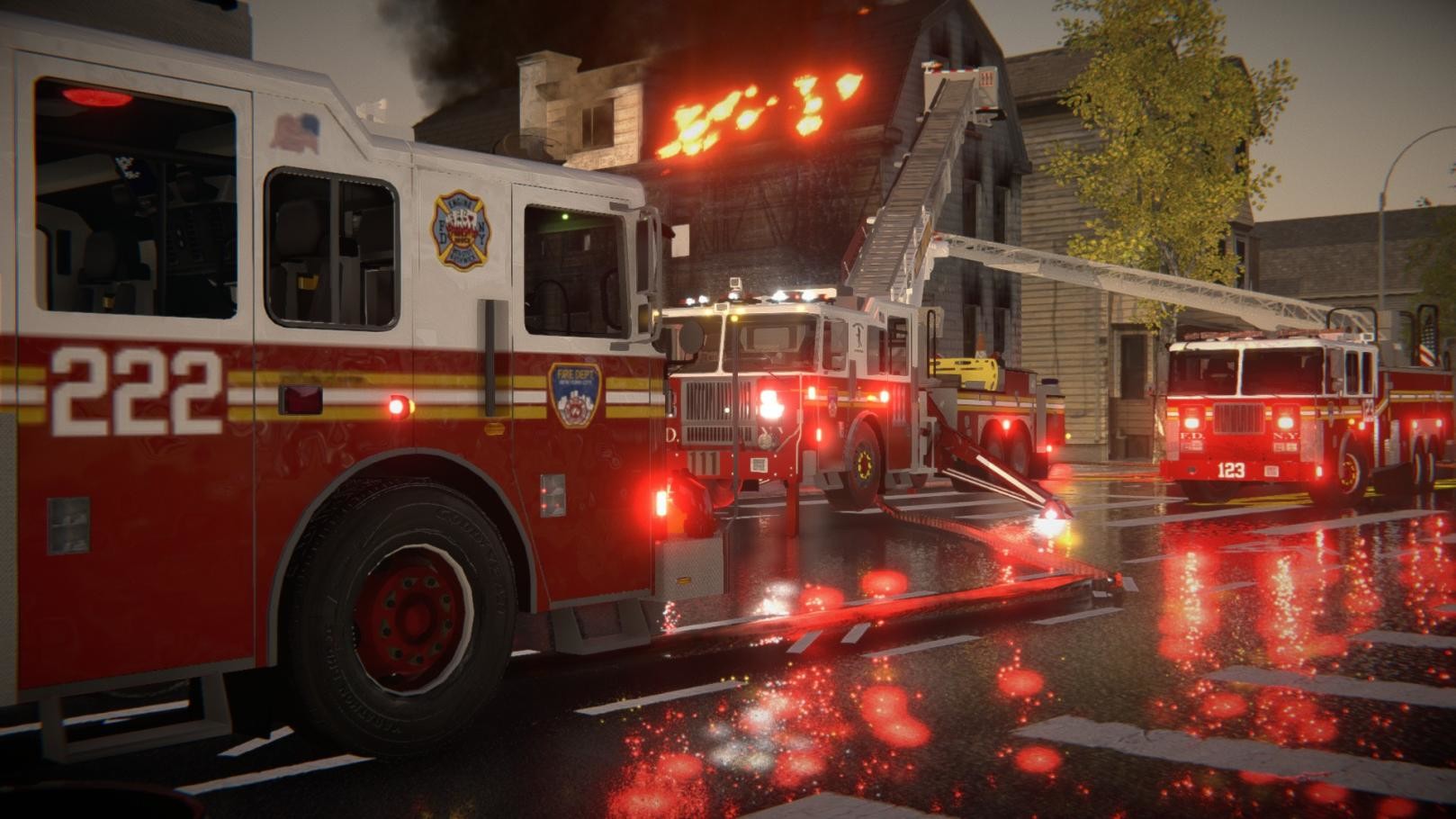
Fire, smoke, steam, embers, heat‑blur and ash now spread according to a randomly chosen wind direction and speed, causing each emergency to start in a different location and intensity. Nozzles drop with the hose when pressing E and are deployed from the hose bed.
Hoses carry weight, drag and tension that affect player movement, and water creates puddles that accumulate on floors and walls with dynamic splashing. All fire emergencies can be false alarms, adding unpredictability to each playthrough.
- Watch the hose drag while moving to avoid excessive stamina loss.
- Notice where water puddles form to gauge the reach of your streams.
03 / THE GUIDE
Fire Academy Interactive Tutorial
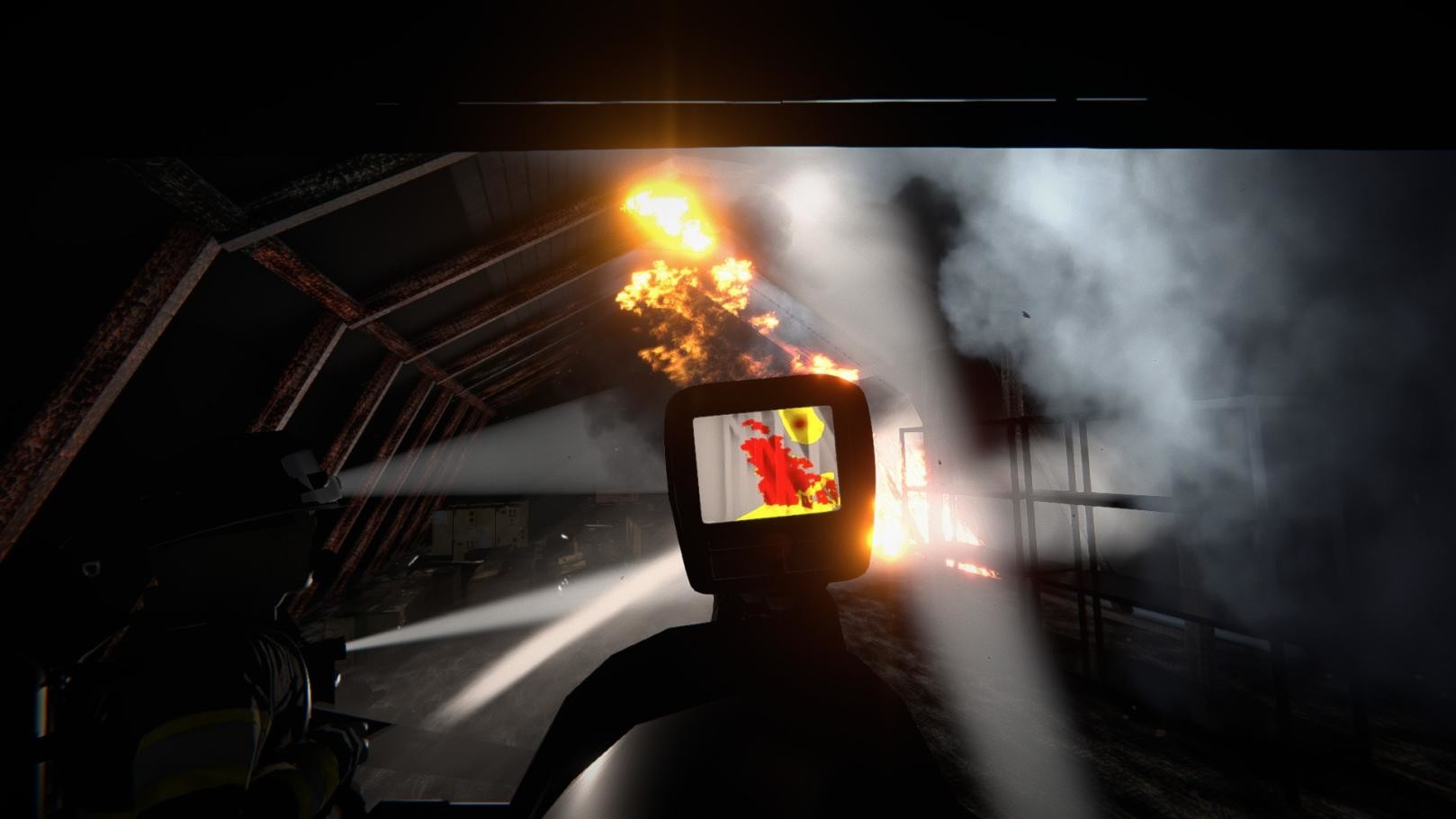
A new tutorial in the Fire Academy teaches core mechanics such as using the shovel, operating the thermal imaging camera, and managing the stamina meter. It also demonstrates working mirrors, backup cameras and animated gauges inside fire trucks.
The tutorial introduces an over‑the‑shoulder camera when holding the right mouse button in third‑person view, helping players aim hoses and ladders more precisely before entering live emergencies.
- Complete the tutorial to become familiar with the thermal imaging camera.
- Practice the over‑the‑shoulder view to improve hose placement accuracy.
04 / THE GUIDE
Multiplayer Loading and Synchronisation
While loading into a multiplayer session, holding Tab shows an hourglass or checkmark next to each player’s name, indicating who is still loading. Once all players are ready, rigs spawn simultaneously, removing the need for staggered spawns.
All tool animations, including hose deployment and ladder use, are now synchronised across players. Additional fixes prevent game freezes when multiple players enter vehicles at the same time.
- Watch the Tab indicator to know when the team is fully loaded.
- Coordinate tool use after everyone has spawned to keep animations in sync.
05 / THE GUIDE
Stamina Meter and Recovery
Players now have a stamina meter that depletes while running, jumping or using tools. Stamina can be replenished by drinking from the cooler on fire trucks via the radial menu, allowing longer periods of active firefighting.
The stamina system adds a tactical layer: managing movement and tool usage becomes essential during intense incidents, especially when dragging heavy hoses or climbing steep stairs.
- Use the cooler on the fire trucks to quickly restore stamina.
- Plan routes that minimise running to conserve stamina during long incidents.
COMMUNITY
Player discussion