 GameWiki
GET YOUR BEARINGS
About Emergency Room Simulator
Emergency Room Simulator puts you in the shoes of a lone doctor during a hectic shift. You move through a detailed hospital, hear paramedic briefings, and interact with authentic medical gear such as monitors, CT scanners, and ultrasounds.
The game asks you to diagnose by asking questions, running visual exams and tests, then applying real‑world procedures like stitching, medication, or CPR. Choices and timing shape each patient’s outcome in a single‑player simulation with full controller support.
01 / THE GUIDE
Medical Detective Work
Each case begins with a paramedic briefing and an opportunity to ask the patient targeted questions. After gathering information you log the findings in a patient chart, which serves as the central record for the encounter.
From the chart you can select diagnostic tools—visual exam, CT, X‑ray, ultrasound, ECG, or blood test—to confirm your hypothesis. The flow mirrors real‑world medical reasoning, moving from symptom collection to evidence gathering before treatment.
- Write down the chief complaint before opening the chart; it helps you focus on the most relevant tests.
- Review the chart after each test to see how new data aligns with your current hypothesis.
02 / THE GUIDE
Realistic Treatment Procedures
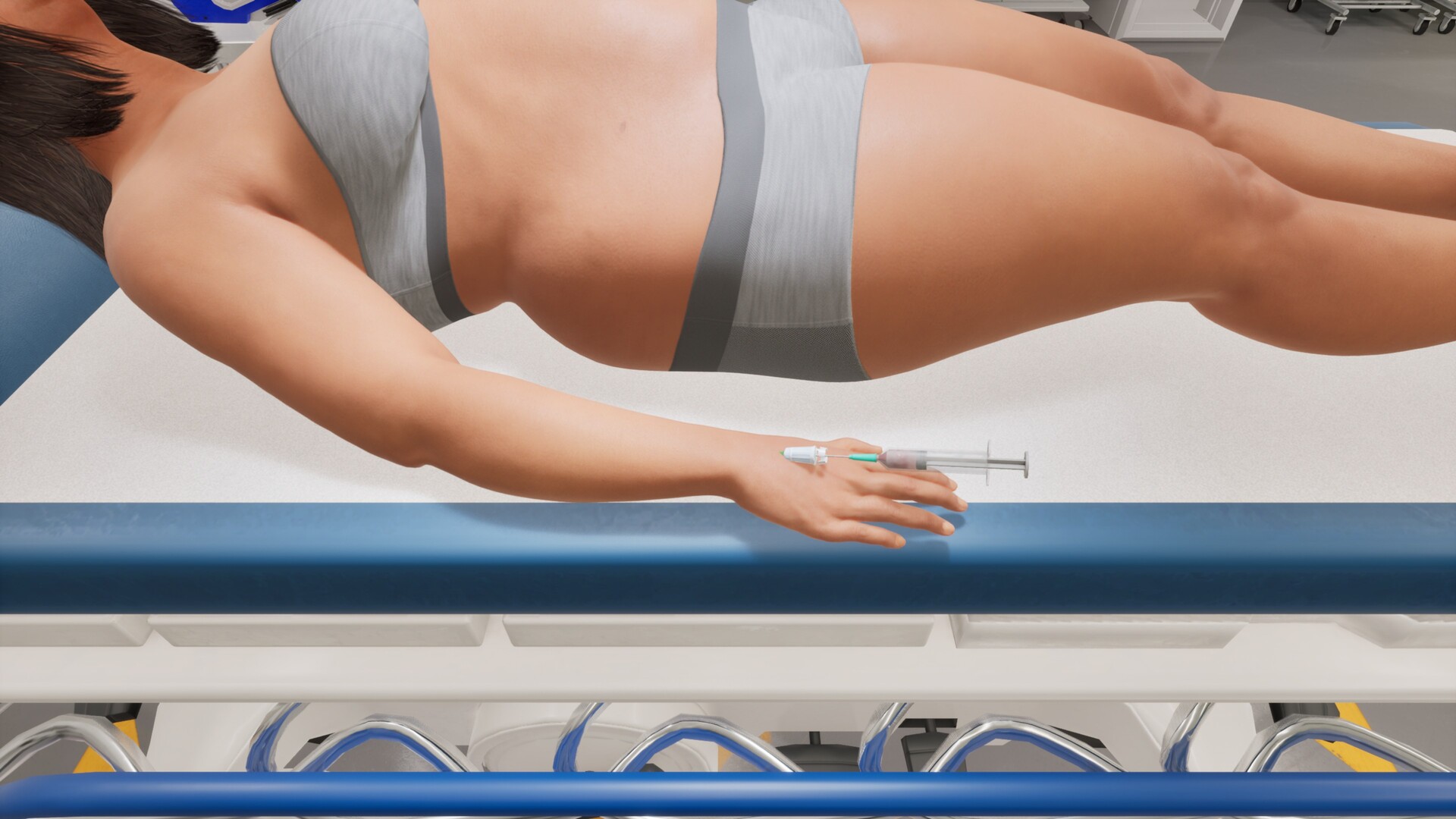
Once a diagnosis is set, you treat the patient using procedures modeled on actual medical practice. Options include stitching wounds, applying bandages, and administering medication, each requiring you to choose the correct tool.
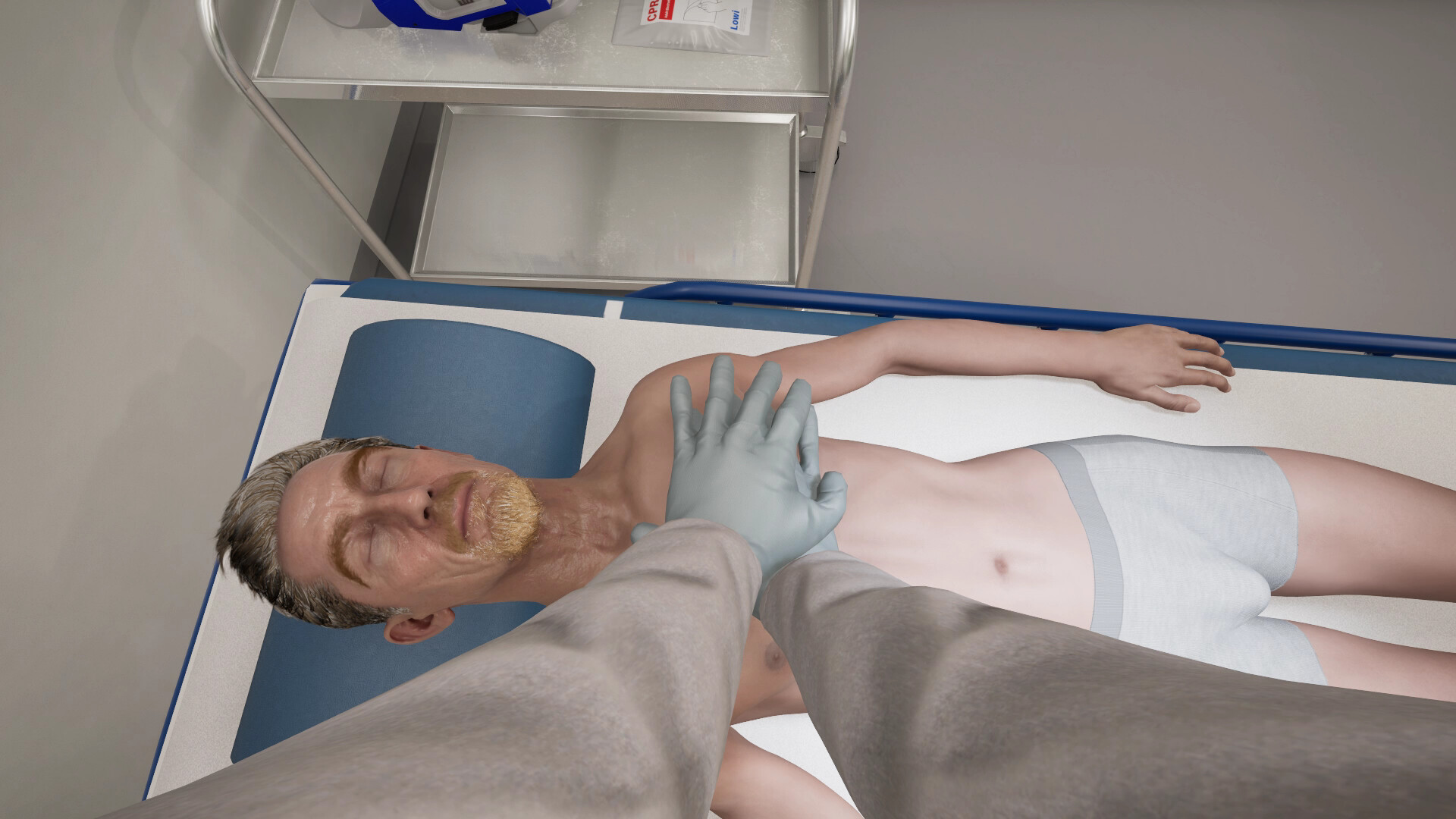
When a patient’s condition deteriorates, time‑critical actions such as CPR call for you to act quickly. The emphasis is on performing the correct steps.
- Familiarize yourself with each instrument before you begin a procedure.
- When a time‑critical action is highlighted, prioritize it over less urgent tasks.
03 / THE GUIDE
Every Second Counts
The simulation alternates quiet assessment periods with sudden high‑stakes emergencies. Critical cases demand that you respond promptly, reflecting the pressure of real emergency medicine.
You decide which patient to address first; the game does not enforce a fixed order, so prioritizing the most urgent cases mirrors the real‑world need to act fast.
- Respond quickly when an emergency requires immediate attention.
- Use quieter moments to update charts and plan which case to tackle next.
04 / THE GUIDE
Authentic ER Setting
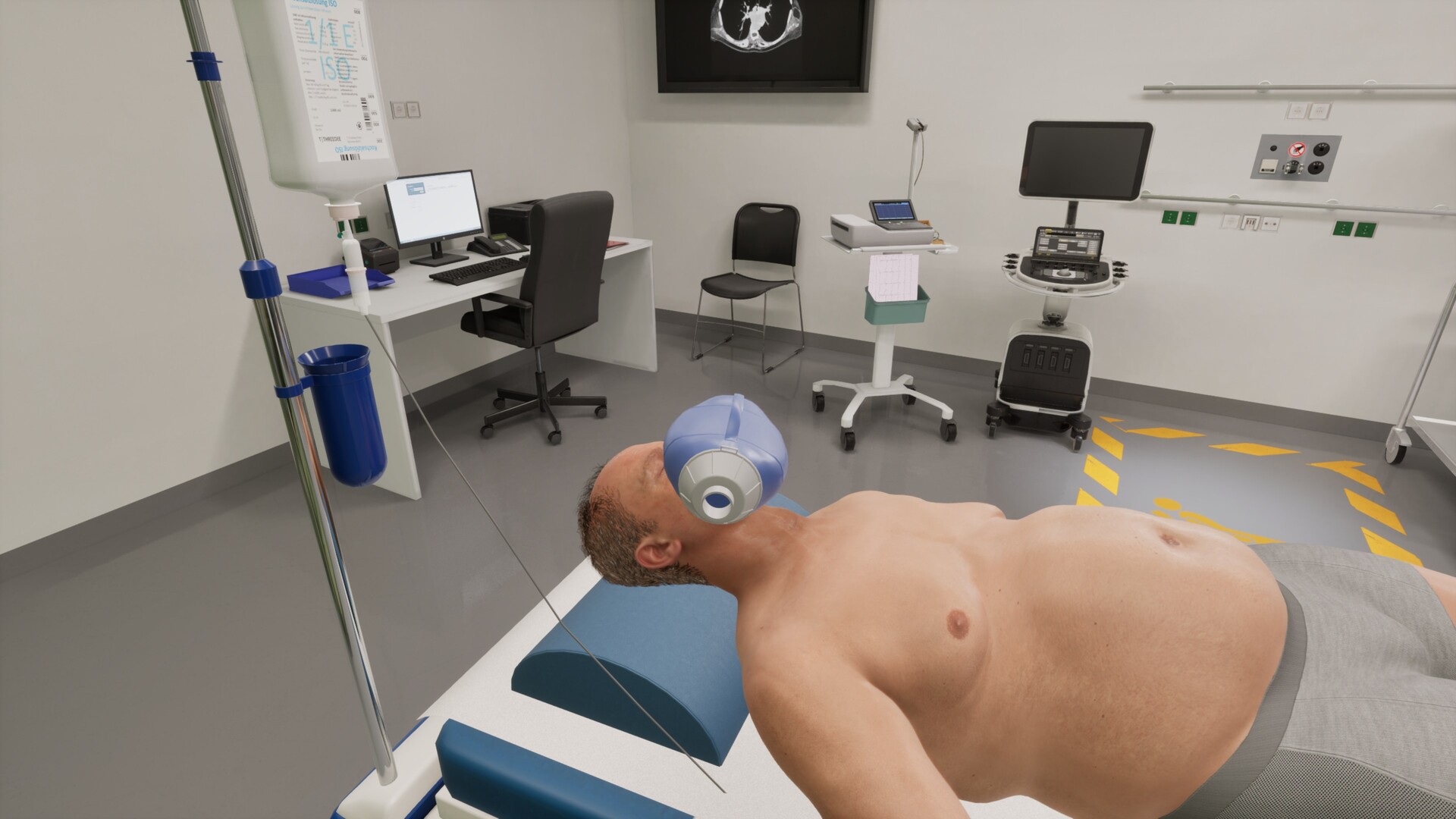
The environment is a richly detailed hospital featuring realistic equipment such as monitors and diagnostic machines. You can walk from the trauma bay to patient rooms and corridors, each populated with the described props.
Visual fidelity aims to immerse you in a believable emergency department, reinforcing the seriousness of each medical decision without implying that every object is interactive beyond what is described.
- Locate key equipment in each area early; knowing where it is speeds up response.
- Notice layout differences between the trauma bay and regular rooms to plan efficient routes.
05 / THE GUIDE
Solo Doctor Experience
Emergency Room Simulator is a single‑player title, meaning you alone handle all diagnoses, treatments, and prioritization. There is no co‑op or multiplayer component, keeping the focus on personal decision‑making.
The game lists full controller support, allowing you to navigate menus and perform actions with a controller, though the exact button layout is not detailed in the official description.
- Try navigating the main menu with a controller early to become comfortable with the default layout.
- Use the solo nature to experiment with different diagnostic orders without external pressure.


COMMUNITY
Player discussion