 GameWiki

GET YOUR BEARINGS
About EMERGENCY 20
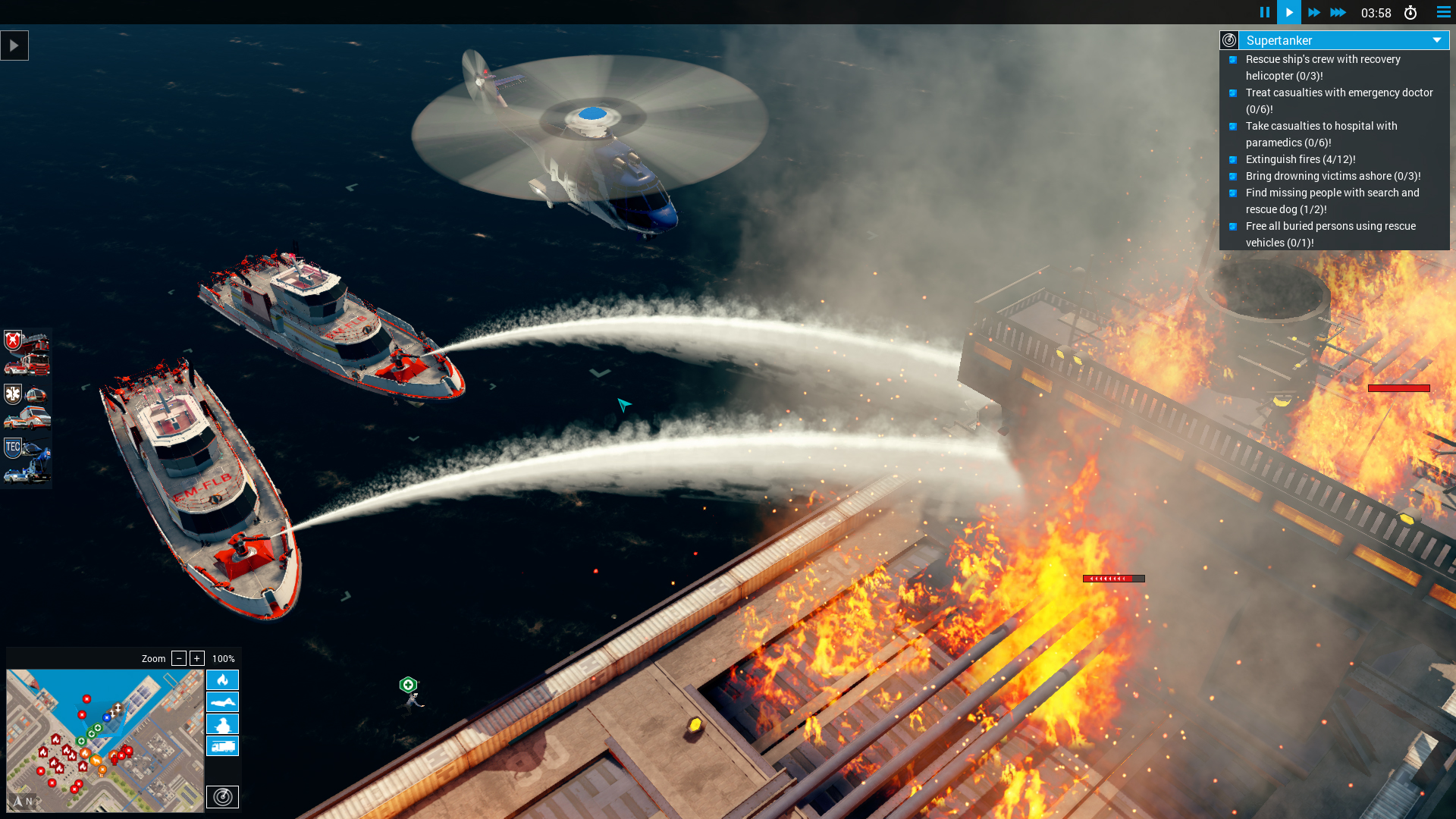
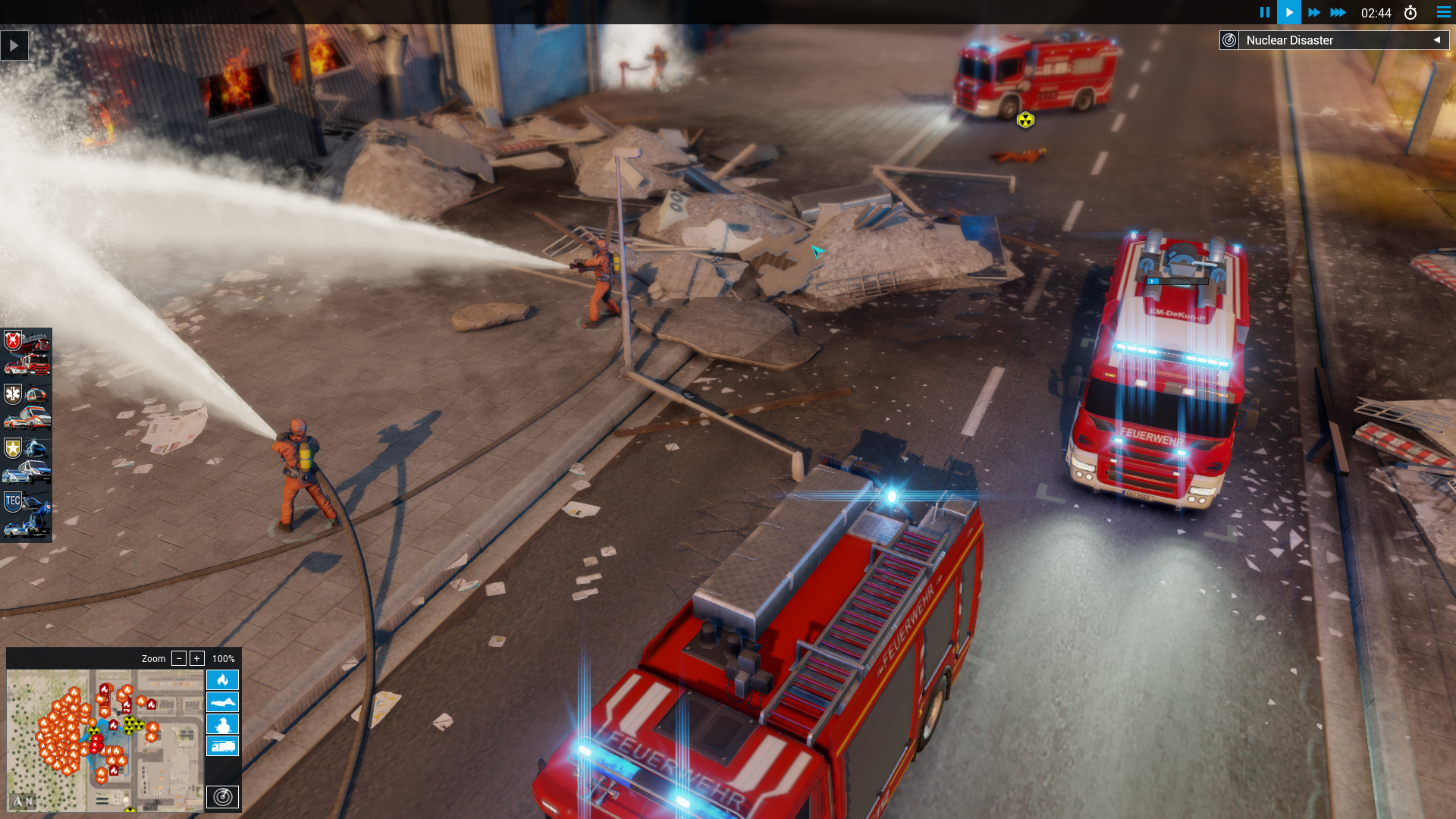
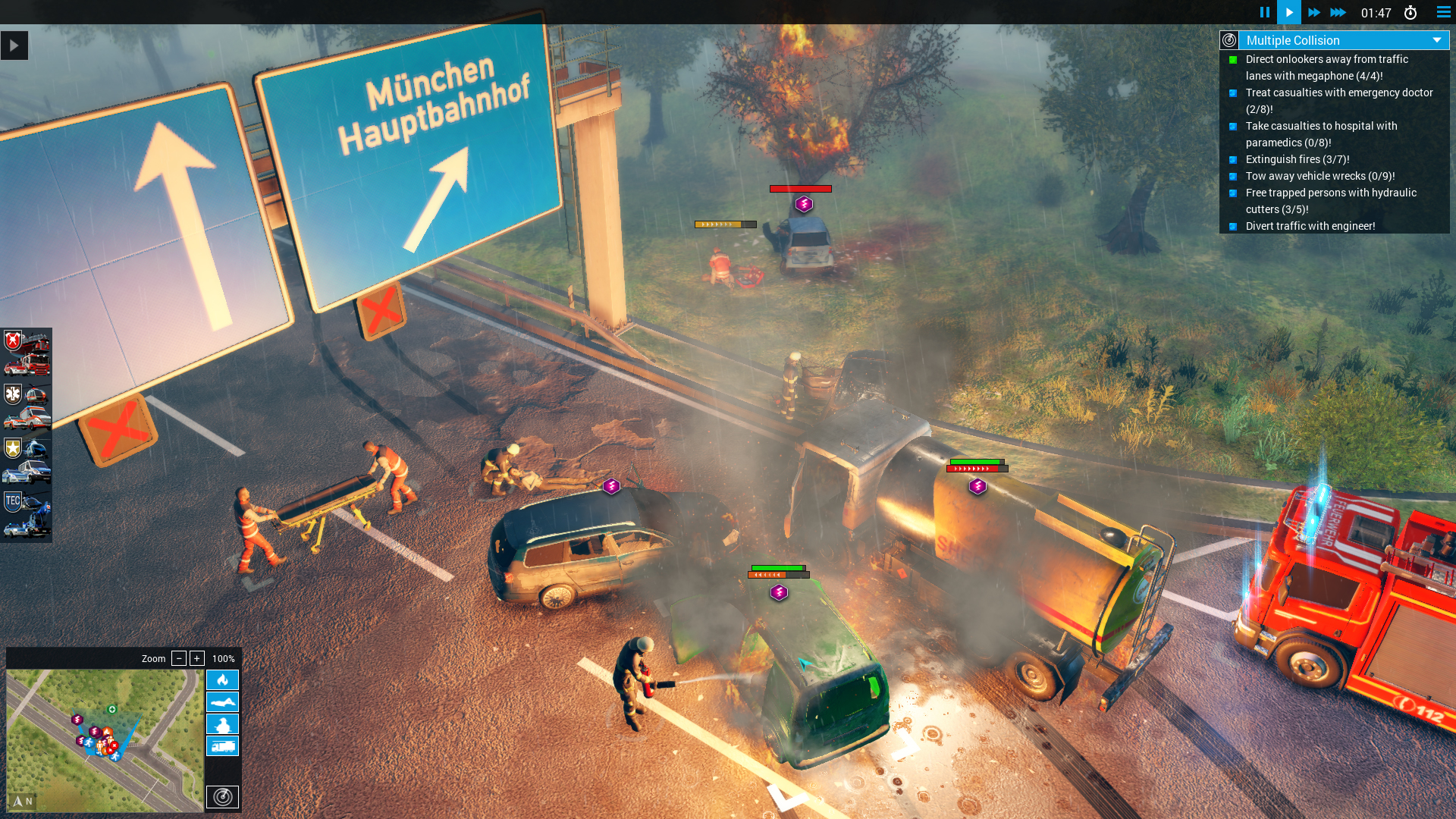
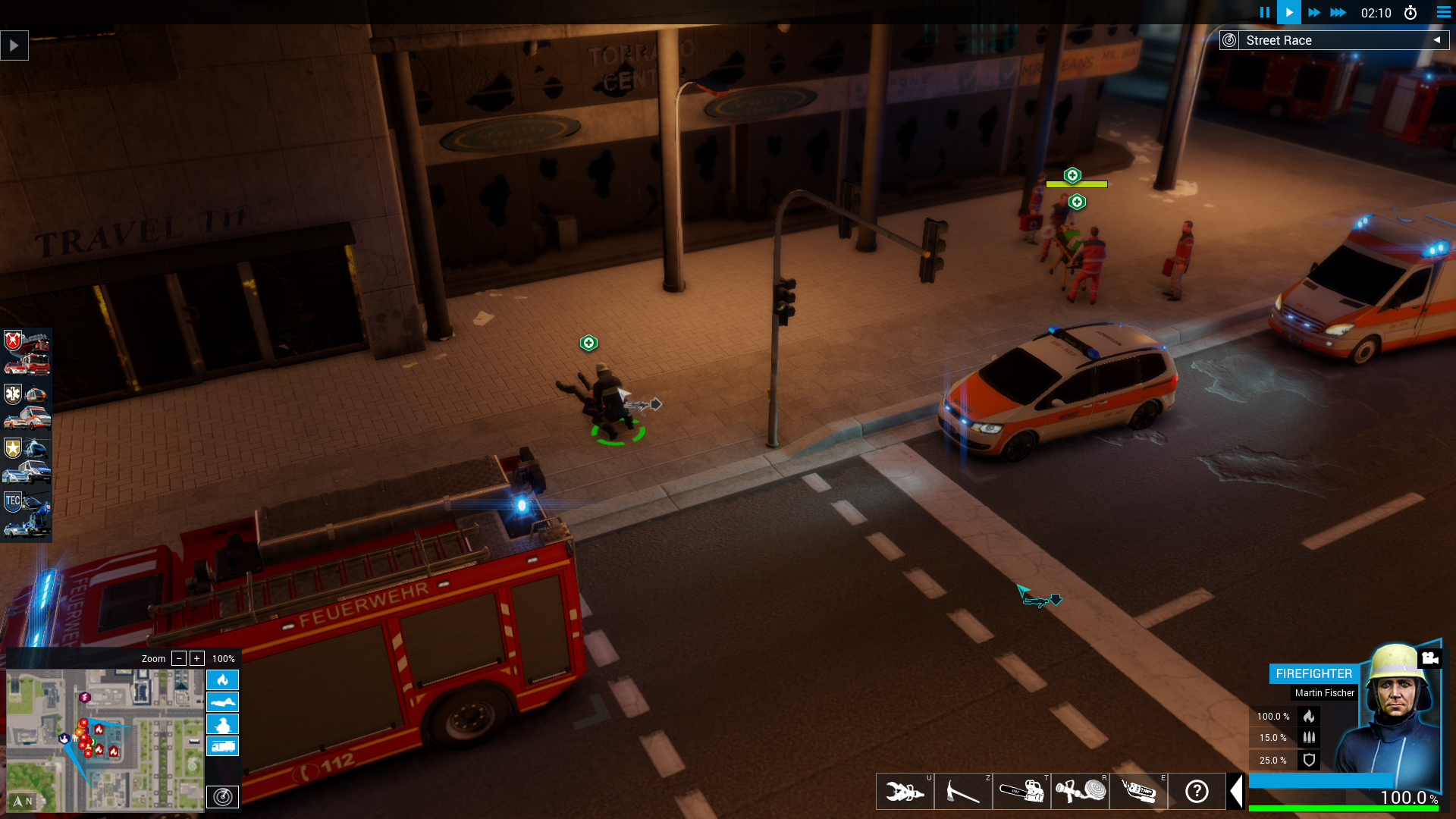
Emergency 20 bundles ten classic missions from the series’ two‑decade history with updated graphics and gameplay. It also includes the full Emergency 5, 2016 and 2017 campaigns, plus all multiplayer maps and free‑play modes, giving newcomers a comprehensive entry point. Players act as incident commanders, directing fire, medical, police and technical units in real‑time crises ranging from street races to nuclear meltdowns, while balancing limited resources and unexpected events.
01 / THE GUIDE
Campaigns and Missions
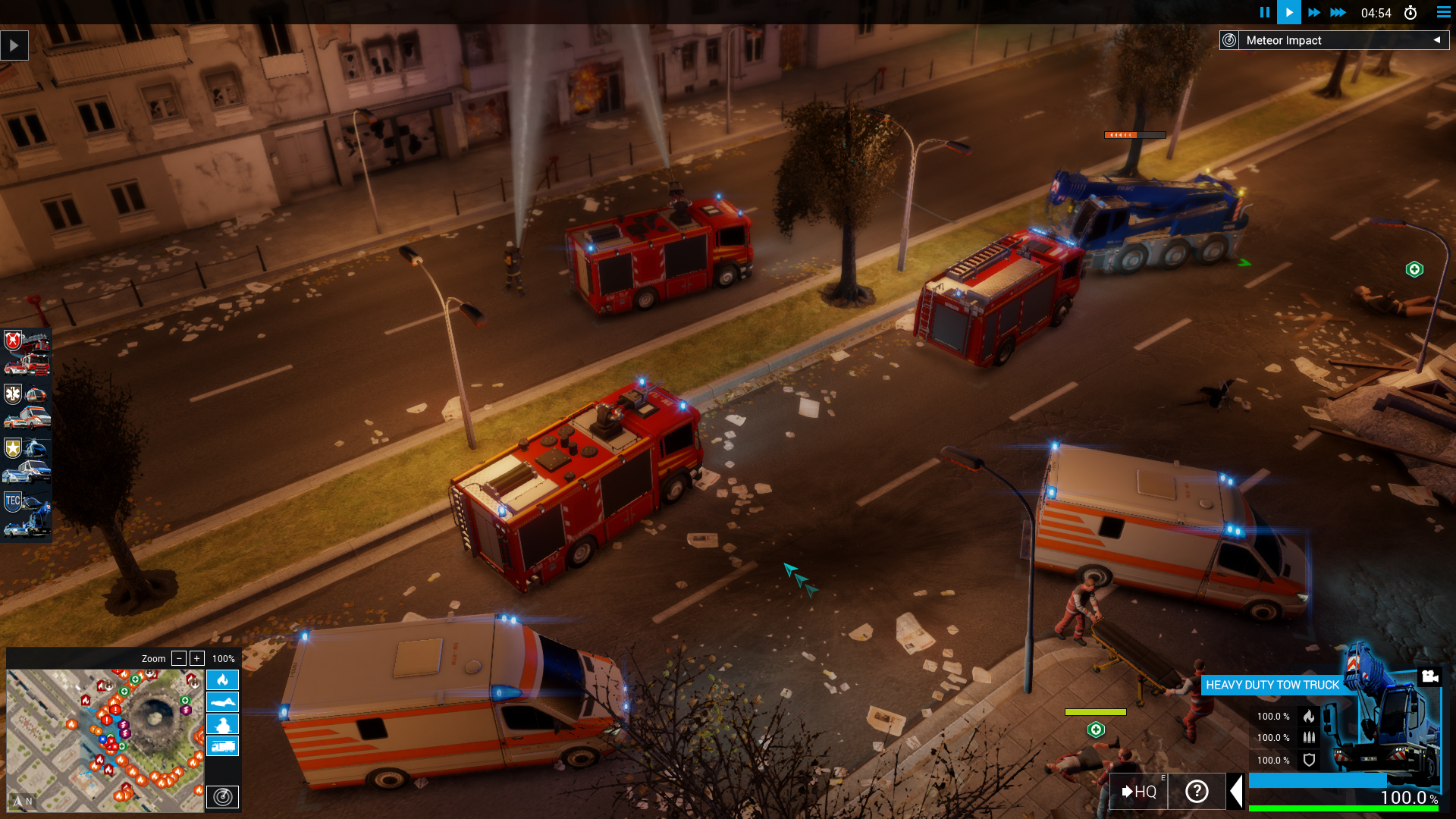
The package delivers three full campaigns—Emergency 5, Emergency 2016 and Emergency 2017—plus ten newly re‑imagined classic missions. These missions span scenarios such as illegal street races, meteorite impacts, and fireworks factory fires, each presented with modernized graphics.
Free Play and Multiplayer maps are also included, allowing players to replay scenarios or create custom situations. The collection offers many hours of gameplay for both new and veteran commanders.
- Start with the Emergency 5 campaign to unlock unit types before tackling the newer campaigns.
- Use Free Play to experiment with unit placement without time pressure.
02 / THE GUIDE
Units and Branches
Players command units from four emergency services: fire department, medical services, police, and technical units. Each branch provides specialized tools for handling specific disaster elements, such as fire suppression or medical triage.
As incident commander you decide in real time which units to deploy and which tasks to prioritize, balancing limited resources against evolving threats.
- Keep a mix of unit types ready; fire units handle flames while medical units treat casualties.
- Technical units can clear obstacles that block other responders.
03 / THE GUIDE
Difficulty Settings
Three difficulty levels let players tailor the challenge to their preferred playstyle. Higher difficulties increase the speed of events and reduce the margin for error, while lower settings provide more forgiving response windows.
Adjusting difficulty affects how quickly you must allocate units and react to unexpected disruptions.
- Begin on the easiest setting to learn unit capabilities before raising the difficulty.
- Higher difficulty is ideal for players seeking tighter time management.
04 / THE GUIDE
Multiplayer and Co‑op
Emergency 20 supports both PvP and co‑op online modes. Players can compete against each other or collaborate to resolve crises on shared maps. All multiplayer maps from previous titles are included.
Steam achievements and trading cards are available for both solo and multiplayer play, adding extra goals for competitive participants.
- Coordinate with teammates in co‑op to cover multiple incident zones simultaneously.
- Use PvP matches to test your strategic speed against other commanders.
05 / THE GUIDE
Platform Support
The game runs on Windows and macOS; a Mac version is provided with all features except mod support. Linux is not listed as a supported platform.
Family Sharing is enabled, allowing multiple accounts on the same device to access the game.
- Mac users can enjoy full multiplayer and campaign content despite the lack of mods.
- Enable Family Sharing to let household members play without separate purchases.
COMMUNITY
Player discussion