 GameWiki
GET YOUR BEARINGS
About Embr
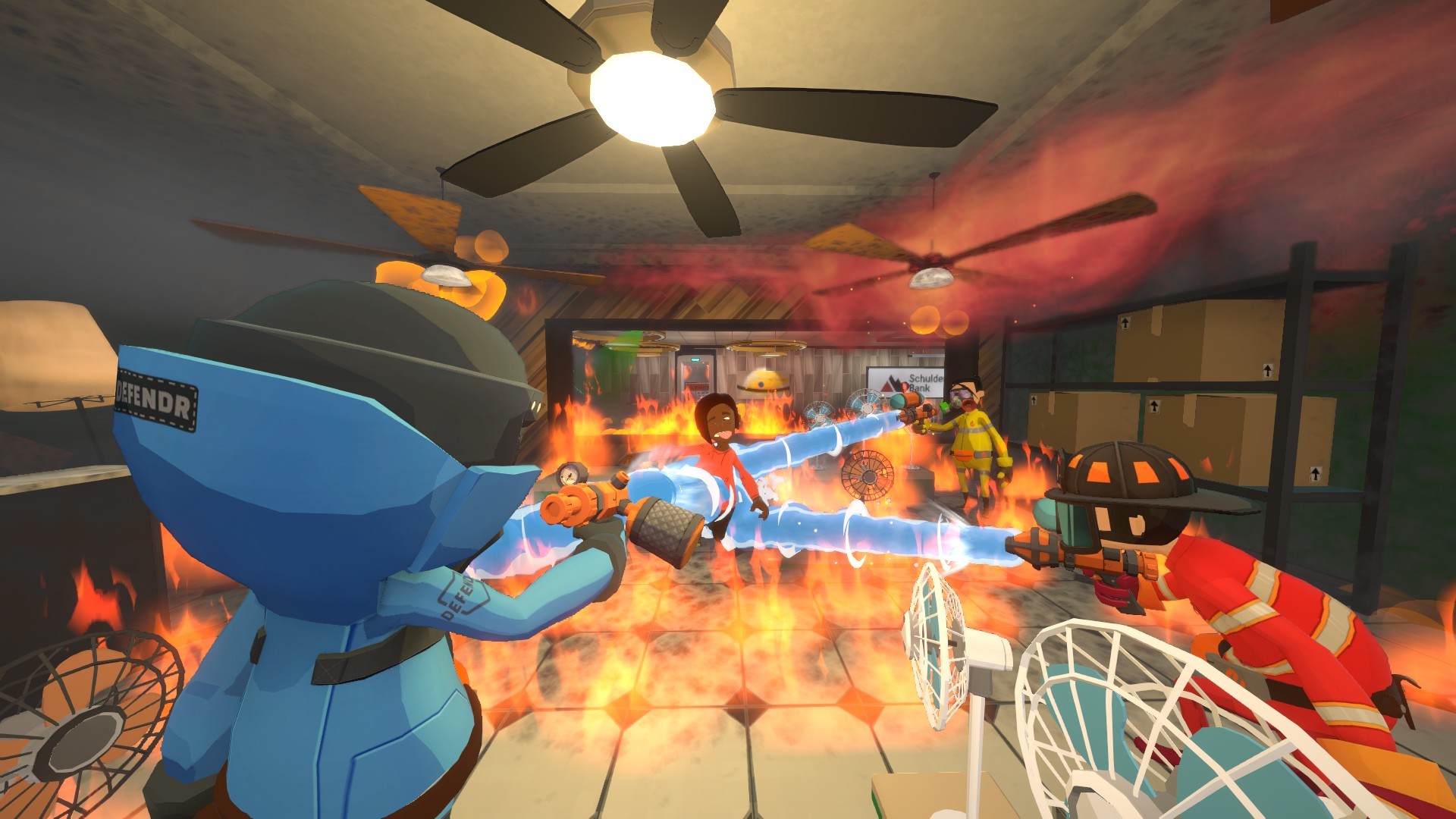
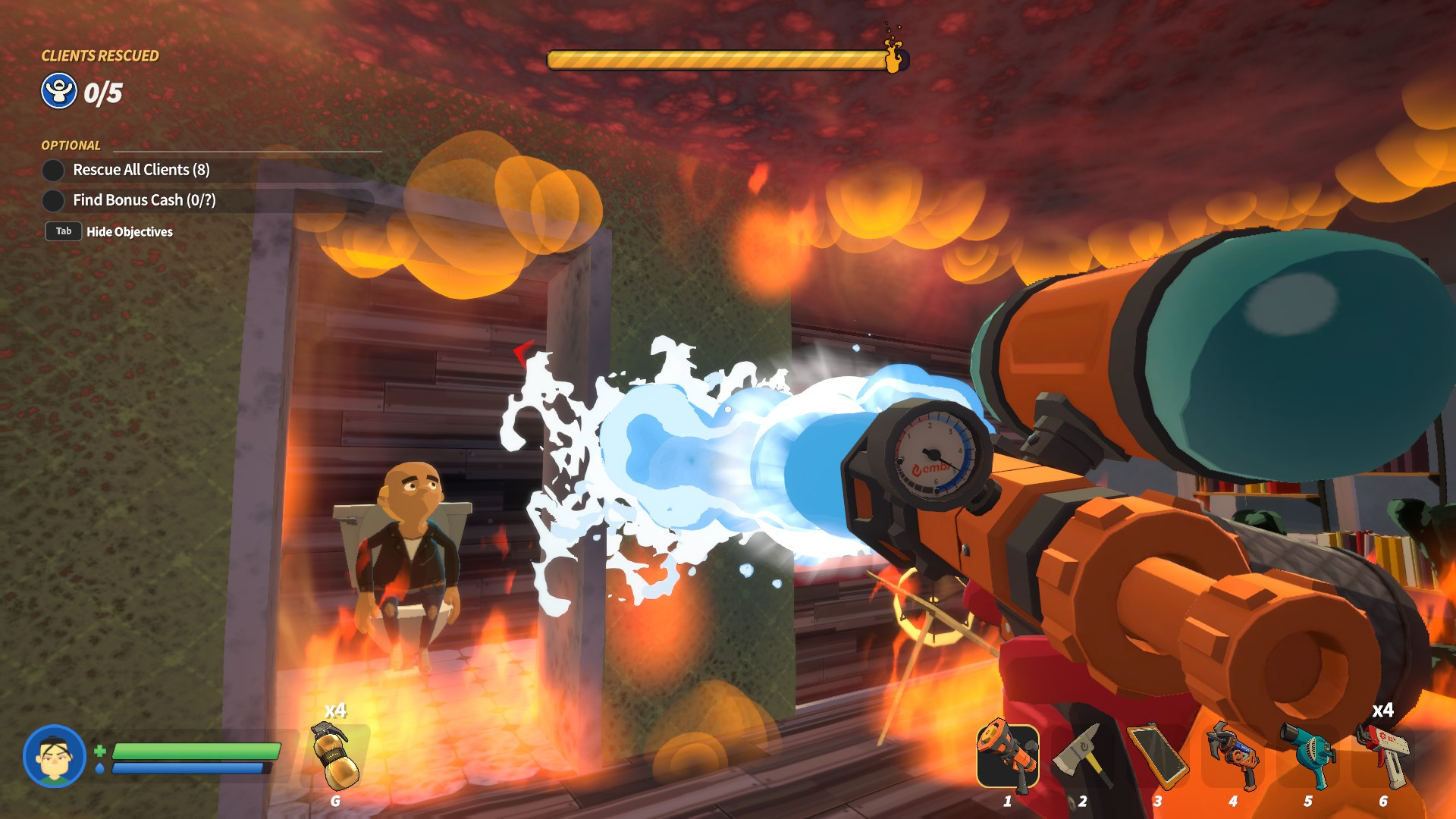
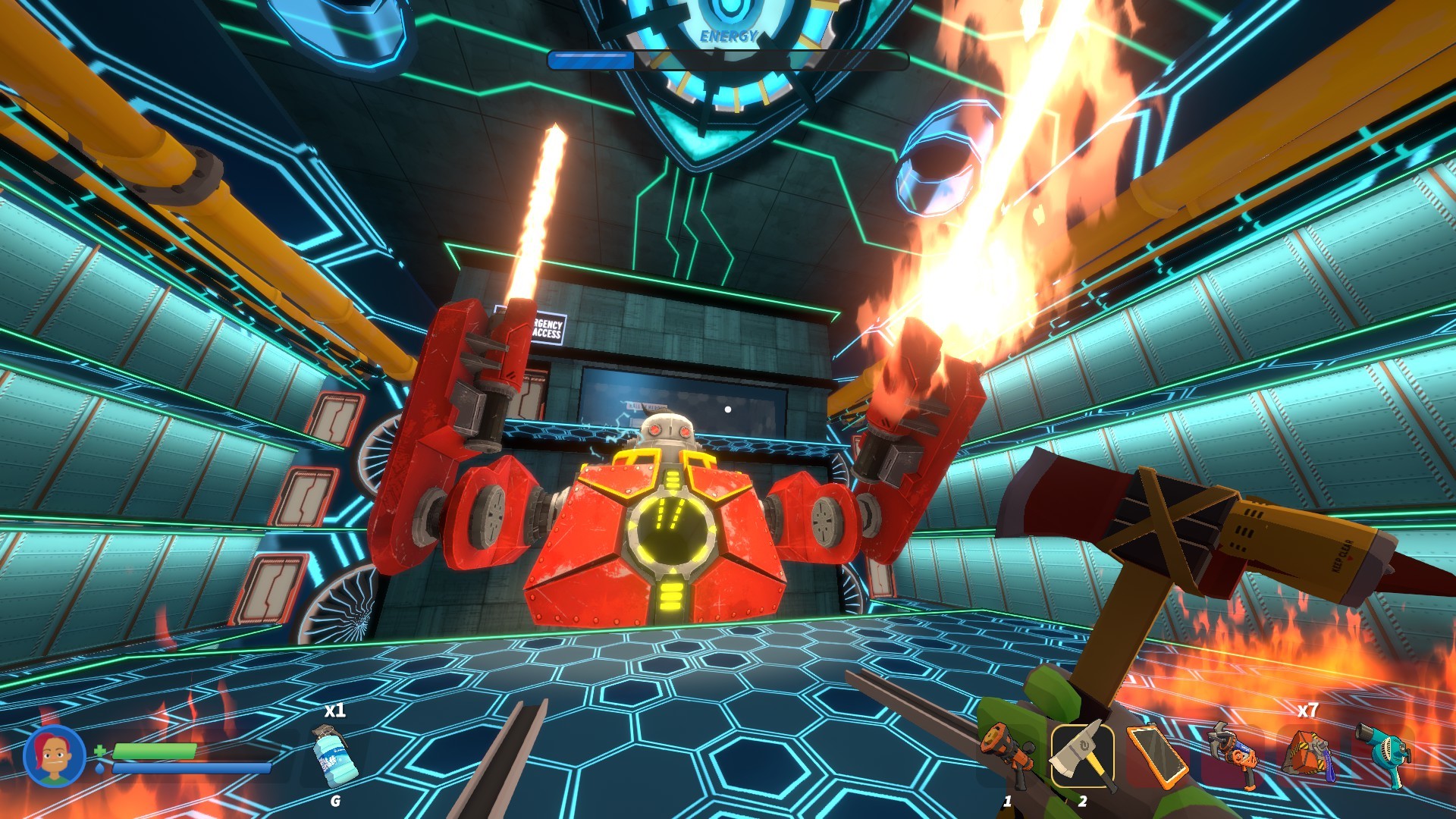
Embr puts players in the role of elite firefighters who can purchase any gear they can afford. You rush into burning buildings that contain hazards, valuables, and security systems, fighting fires, rescuing lives, and salvaging goods for money.
The game supports solo play or online co‑op crews of up to four, with dynamic difficulty that scales to team size. Across 25 unique levels in three districts you can earn five‑star ratings, unlock outfits, and tackle daily challenges while using full controller support and cloud saves.
01 / THE GUIDE
Gameplay Overview
Players enter burning structures that contain dangerous hazards, valuables, and top‑of‑the‑line security systems. The core loop is to extinguish fires, rescue victims, and collect salvage for profit, while avoiding or mitigating the listed dangers.
A variety of tools let you break doors, smash windows, fix electrical circuits, and clear gas leaks. Money earned can be spent on high‑tech upgrades and outfits that change how you approach each scenario.
- Try different tools on the same hazard to see which works best.
- Balance fire suppression with rescue to keep your rating high.
02 / THE GUIDE
Multiplayer Co‑op
Embr allows solo play or online co‑op crews of up to four players. The game’s dynamic difficulty adapts to the size of the team, keeping challenges appropriate whether you play alone or with friends.
Co‑op can be played over the internet or LAN, and cross‑platform multiplayer lets players on different systems join the same session, preserving the same core gameplay loop.
- Coordinate with teammates to split tasks such as fire suppression and electrical work.
- Use the dynamic difficulty to experiment with larger team sizes.
03 / THE GUIDE
Progression & Upgrades
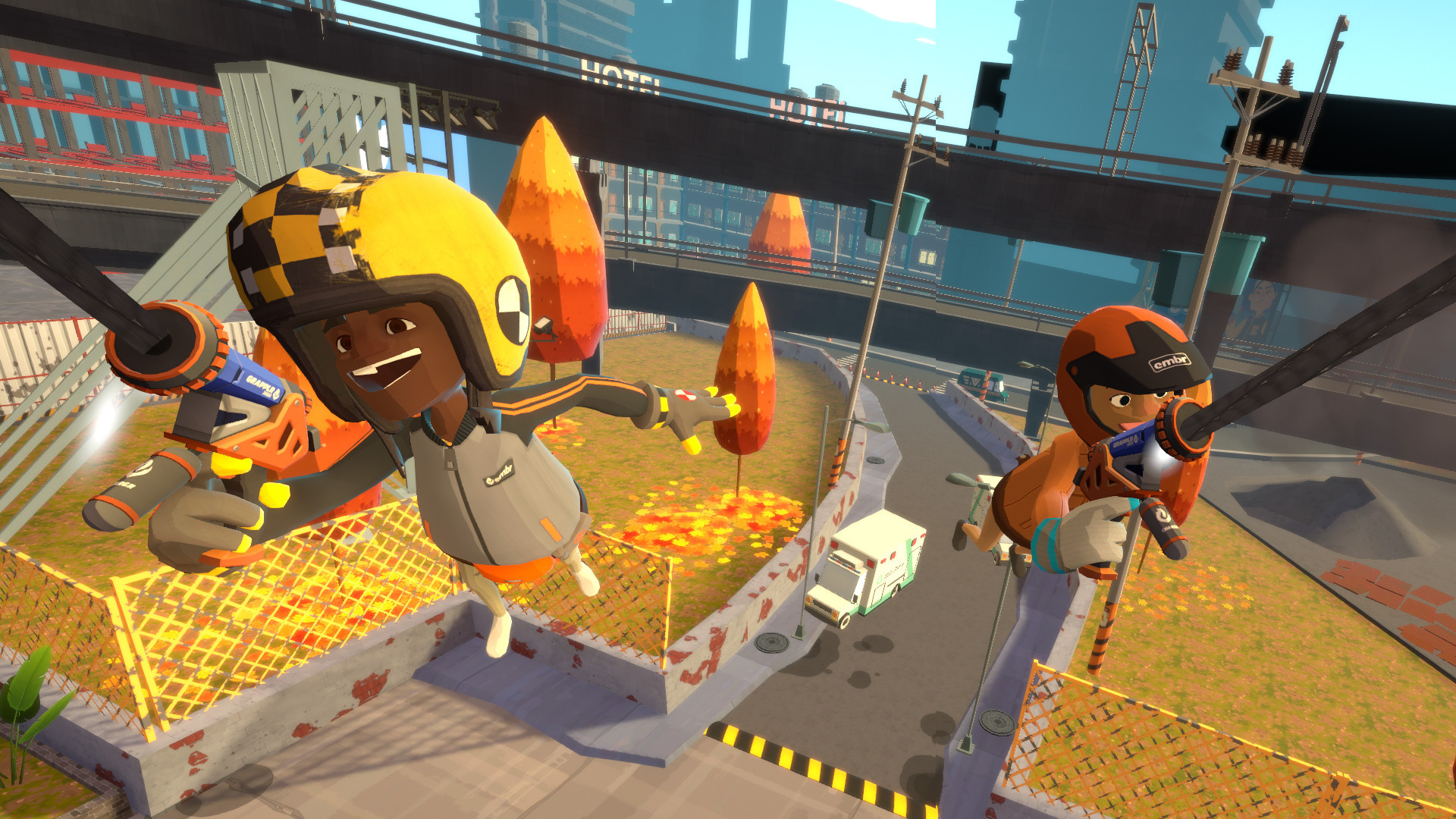
Earnings are used to purchase high‑tech tools, vehicles, and outfits. Each outfit unlocks new ways to play, for example reduced fall damage or a double‑jump ability, expanding tactical options.
There are 17 equipment options available, and five‑star ratings attract wealthy customers, providing opportunities for more lucrative contracts.
- Invest early in protective gear to survive electrical hazards longer.
- Experiment with outfits that change movement or protection to suit different levels.
04 / THE GUIDE
Levels & Districts
The campaign spans 25 unique levels across three districts, each packed with traps, hazards, and escalating danger. Levels feature doors to break, windows to smash, and gas leaks to clear.
Security systems and other dynamic elements require players to adapt their approach, ensuring each run feels distinct while still following the same core objectives.
- Scout each district for recurring trap patterns before committing to a route.
- Clear gas leaks early to prevent sudden explosions.
05 / THE GUIDE
Accessibility Features
Embr includes full controller support, custom volume controls, and a camera comfort mode. The game can be played without timed input, allowing players to pause and save at any time.
Steam Cloud saves and family sharing are also supported, making it easy to continue progress across devices and share the game with household members.
- Enable camera comfort to reduce motion discomfort during high‑rise jumps.
- Use the “playable without timed input” option for a more relaxed pace.

COMMUNITY
Player discussion