 GameWiki
GET YOUR BEARINGS
About Elroy and the Aliens
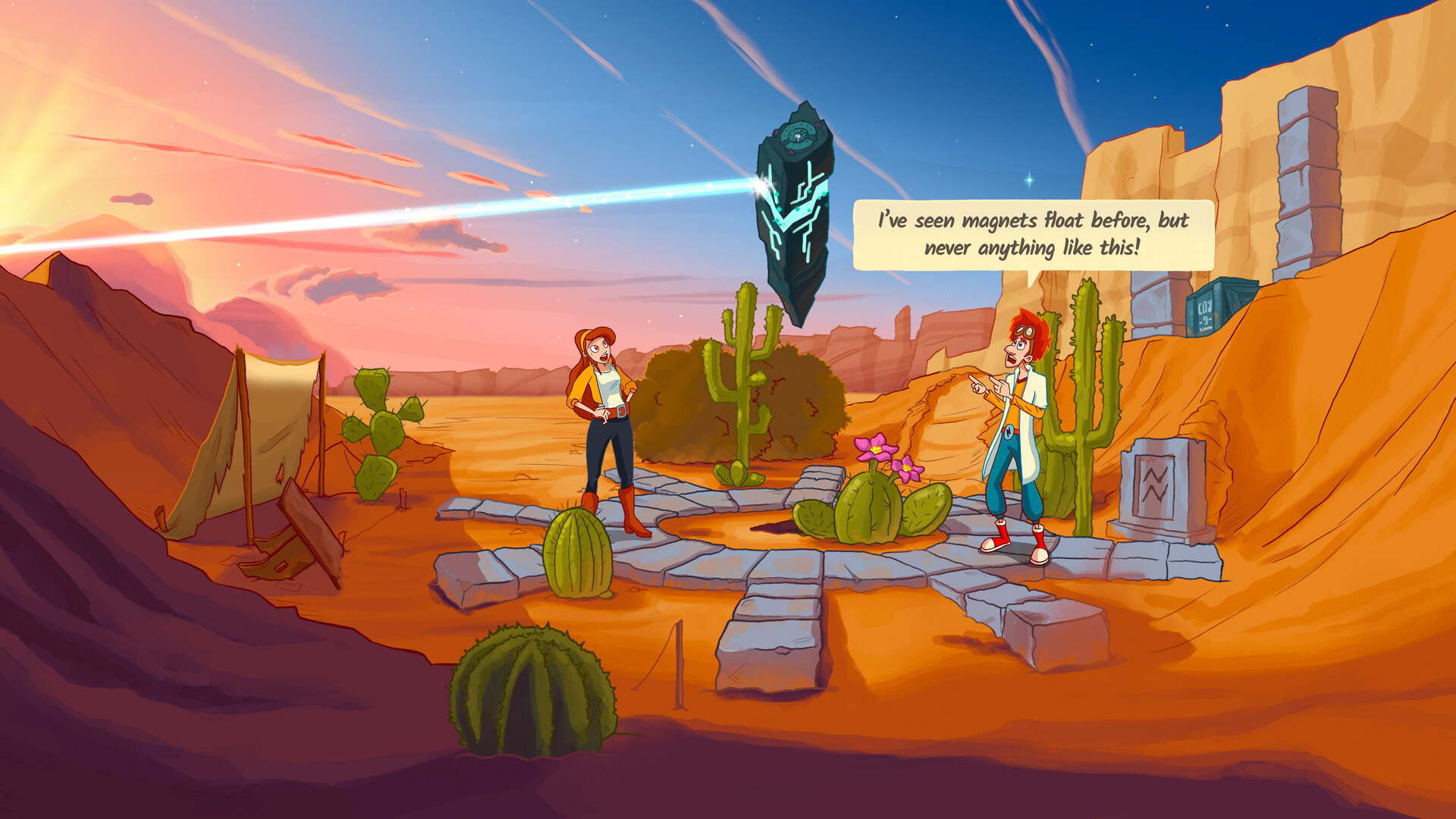
Elroy and the Aliens is a story‑driven point‑and‑click adventure where you control rocket engineer Elroy and reporter Peggie. Together they chase clues about Elroy’s father’s disappearance, solving puzzles, meeting alien cultures, and navigating portals across two planets.
The game features hand‑drawn 2D art, full voice acting, and an original score, all wrapped in a 1990s‑inspired world. With roughly ten hours of playtime, it offers accessibility options like captions, subtitles, and multiple input methods for a comfortable experience.
01 / THE GUIDE
Story and Characters
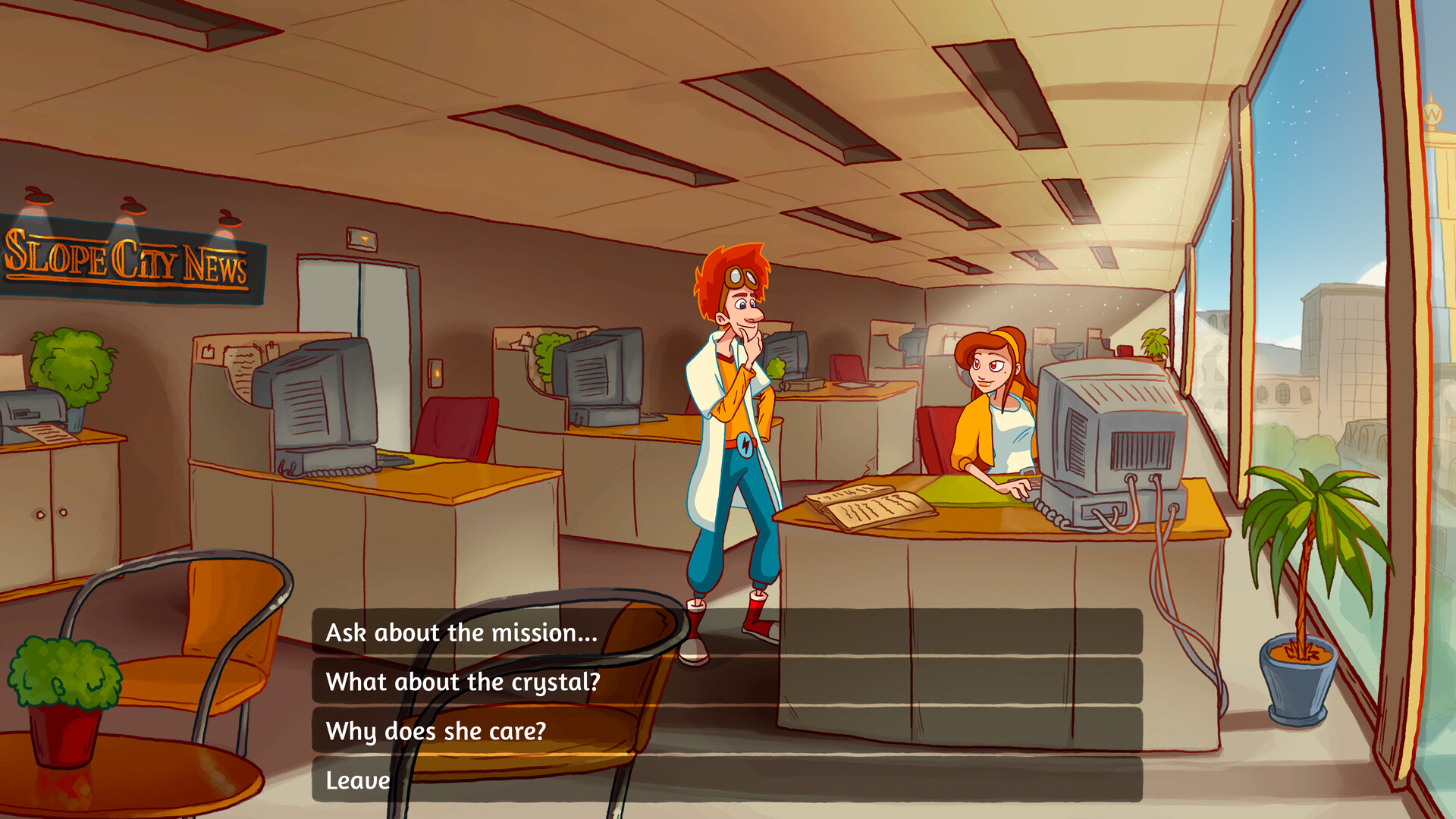
The narrative follows Elroy, a rocket engineer haunted by his archaeologist father’s vanishing 18 years ago, and Peggie, a multilingual investigative reporter. Their journey begins with a secret crystal and an enigmatic message that launches them from Slope City into a cosmic quest.
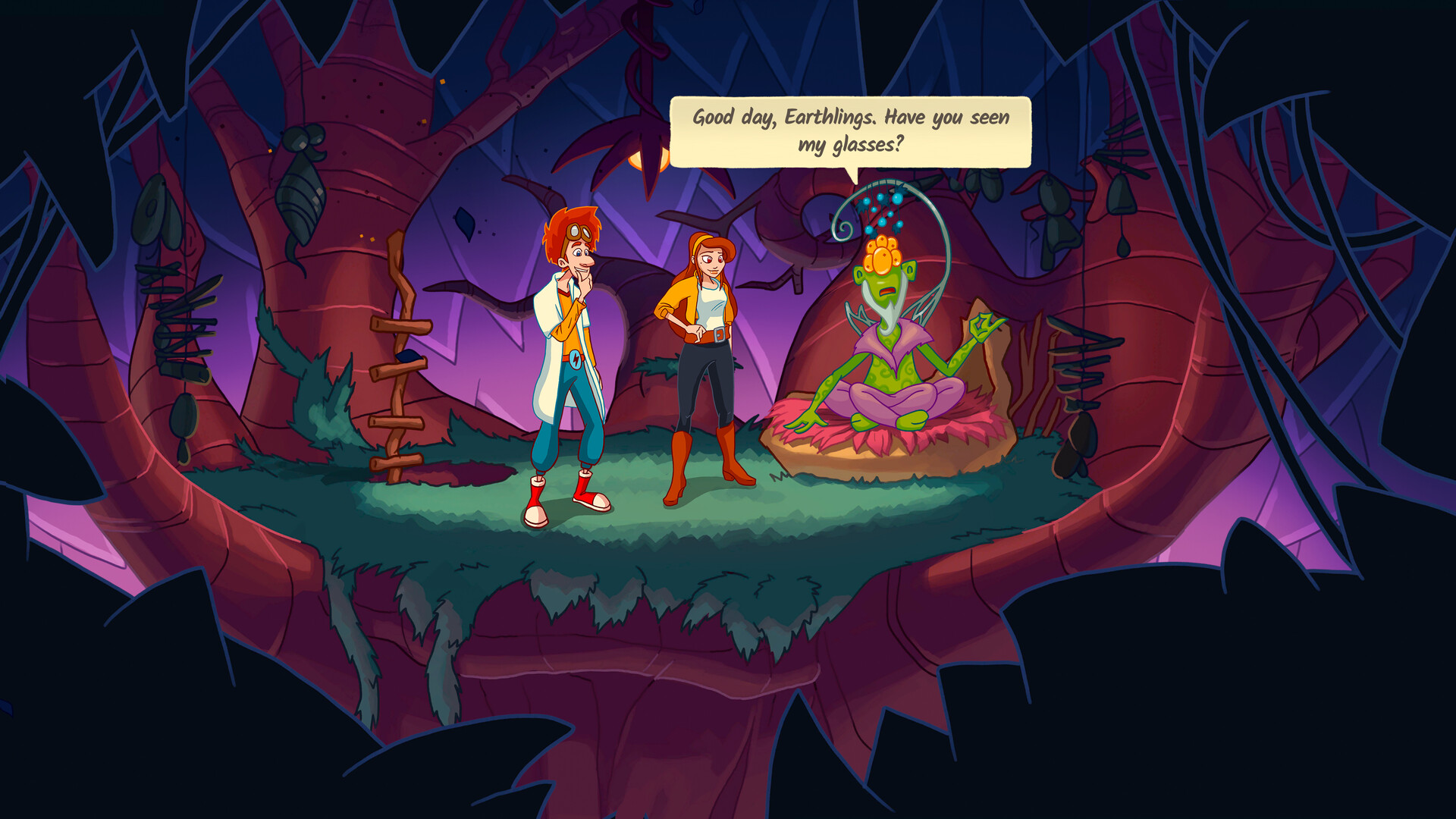
Across 60 locations on two planets, players encounter over 60 characters, uncover ancient legends, and confront a looming threat to the universe, all while experiencing character development and occasional pop‑culture references.
- Observe dialogue for hidden hints about the crystal’s purpose.
- Compare alien symbols with Peggie’s language notes for quicker decoding.
02 / THE GUIDE
Puzzle Design
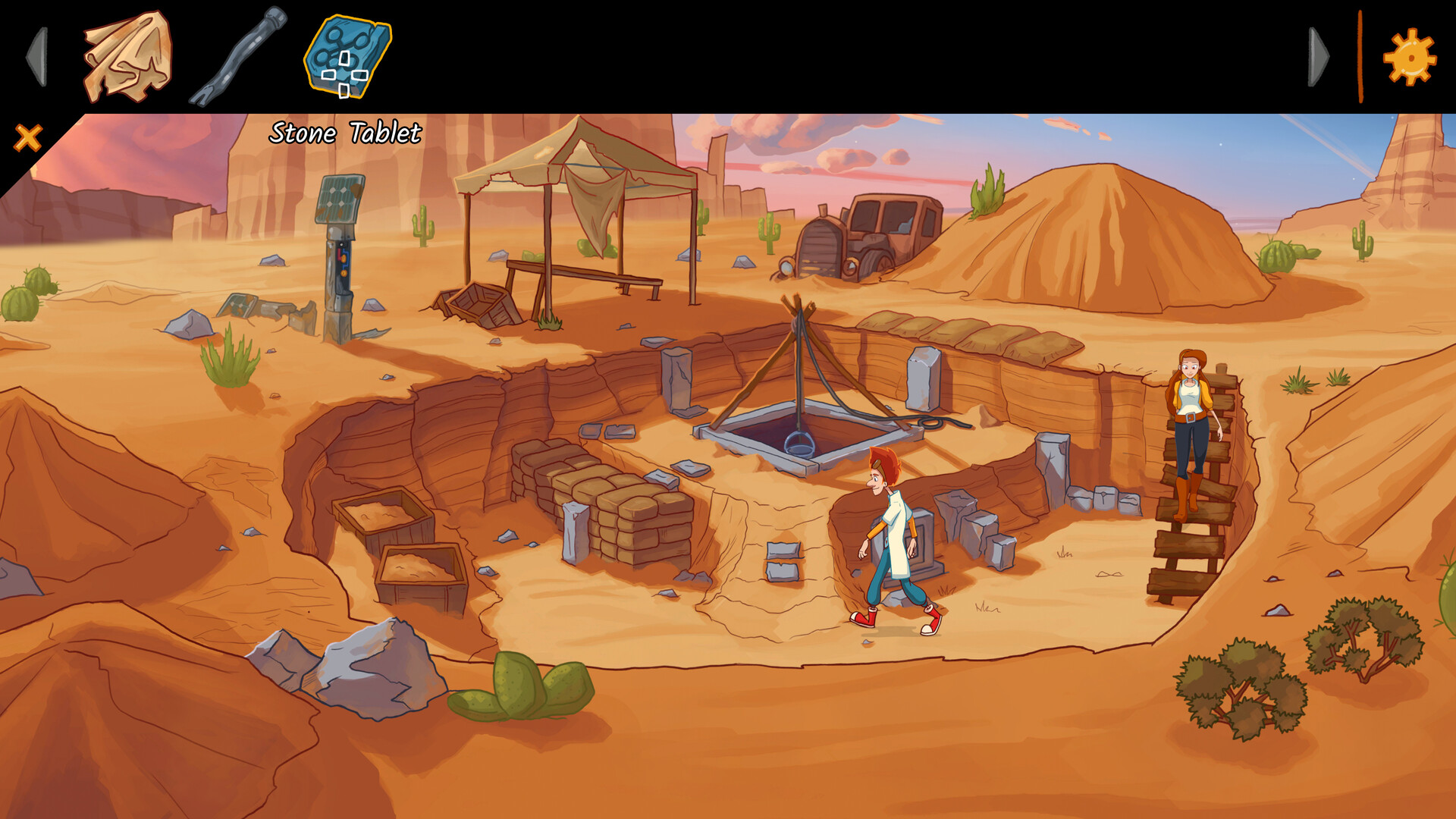
Puzzles are described as intriguing and challenging, integrating archaeology, alien language, and environmental interaction. The game’s design includes color‑based puzzles that are supported by captions, ensuring accessibility for color‑blind players.
Each puzzle contributes to story progression, requiring players to investigate, research, and sometimes manipulate objects within the hand‑drawn environments to unlock new areas or information.
- Use the provided captions to identify color cues if visual differentiation is difficult.
- Take notes on recurring symbols; they often reappear in later puzzles.
03 / THE GUIDE
Visual and Audio Style
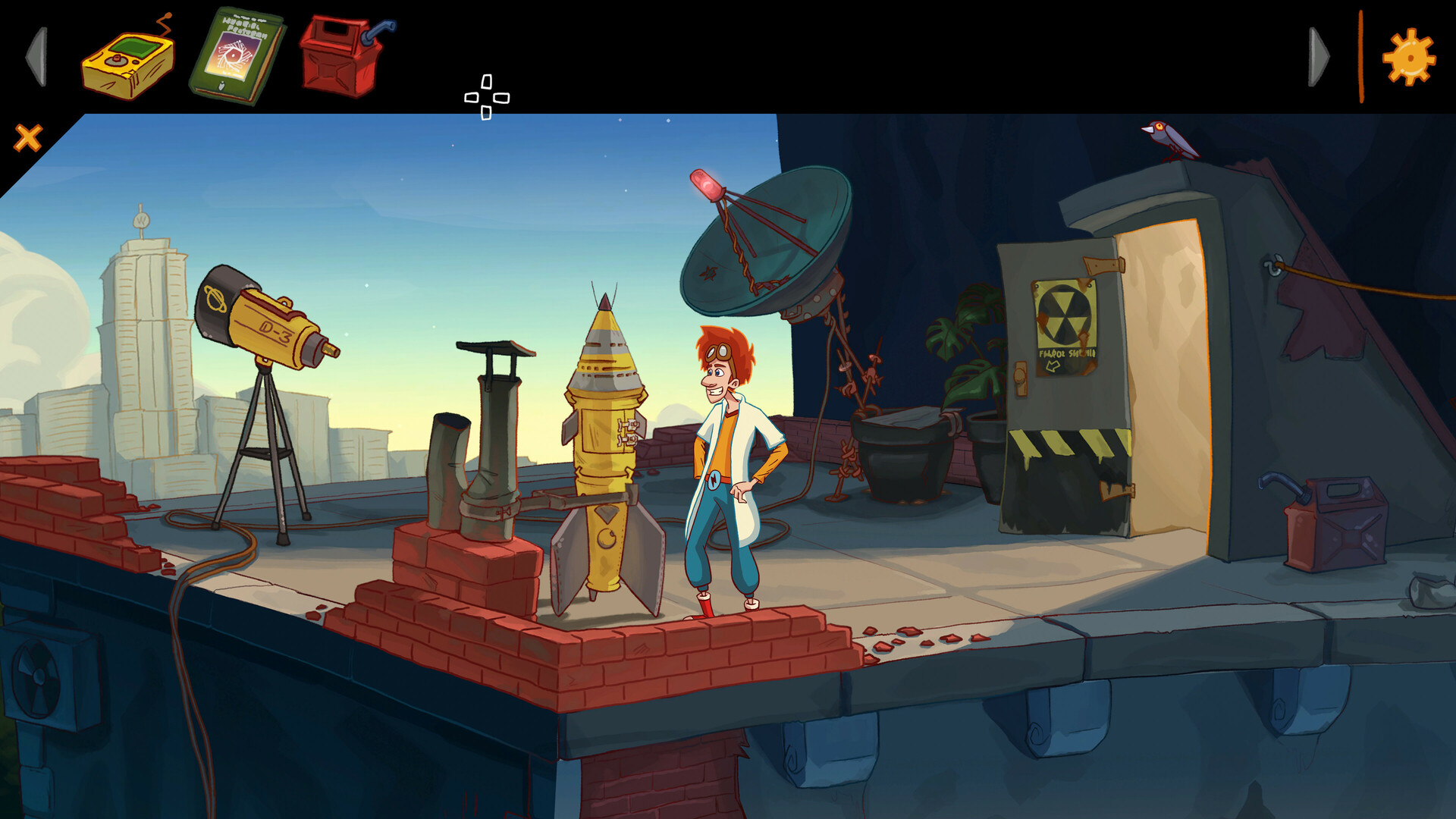
The game showcases high‑resolution, hand‑drawn 2D art and animations that blend an old‑school vibe with modern polish. Fully‑voiced characters and an original music score create an immersive, movie‑like atmosphere.
Stereo sound enhances environmental cues, while the visual style reinforces the altered 1990s setting, providing both nostalgia and fresh aesthetic appeal.
- Enable subtitles to catch nuanced dialogue that complements the voice acting.
- Adjust volume controls to balance music and sound effects for optimal immersion.
04 / THE GUIDE
Accessibility Features
Accessibility is built into the game through captions for color‑based puzzles, subtitles for spoken dialogue, and multiple input options including mouse‑only, touch‑only, and full controller support. Players can save anytime, allowing flexible pacing.
These options ensure that both modern and classic audiences can enjoy the adventure without timed input constraints, catering to a wide range of player needs.
- Try the mouse‑only option if you prefer precise point‑and‑click interaction.
- Use the touch‑only mode on tablets for a more tactile experience.
05 / THE GUIDE
Platform Support and Saving
Elroy and the Aliens runs on Windows, macOS, and Linux, supporting mouse input and full controller configurations. The game offers “Save Anytime,” allowing players to record progress at any moment without timed pressure.
Steam Cloud integration and Family Sharing are also listed, indicating that saved games can be stored online and shared with other accounts on the same platform.
- Enable Steam Cloud in settings to keep your progress synced across devices.
- Take advantage of Family Sharing to let friends try the game without purchasing a separate copy.
COMMUNITY
Player discussion