 GameWiki
GET YOUR BEARINGS
About Elminage ORIGINAL - Priestess of Darkness and The Ring of the Gods
Elminage ORIGINAL – Priestess of Darkness and The Ring of Gods brings the classic 3‑D dungeon‑crawling RPG to Steam. Players build parties from a wide roster of occupations and races, then explore maze‑like dungeons filled with monsters while pursuing a central quest.
The game offers simple, free‑form gameplay, a main objective to locate five rings, and built‑in options for graphics, sound, and control configuration, allowing players to tailor the experience to their hardware and preferences.
01 / THE GUIDE
Character Creation
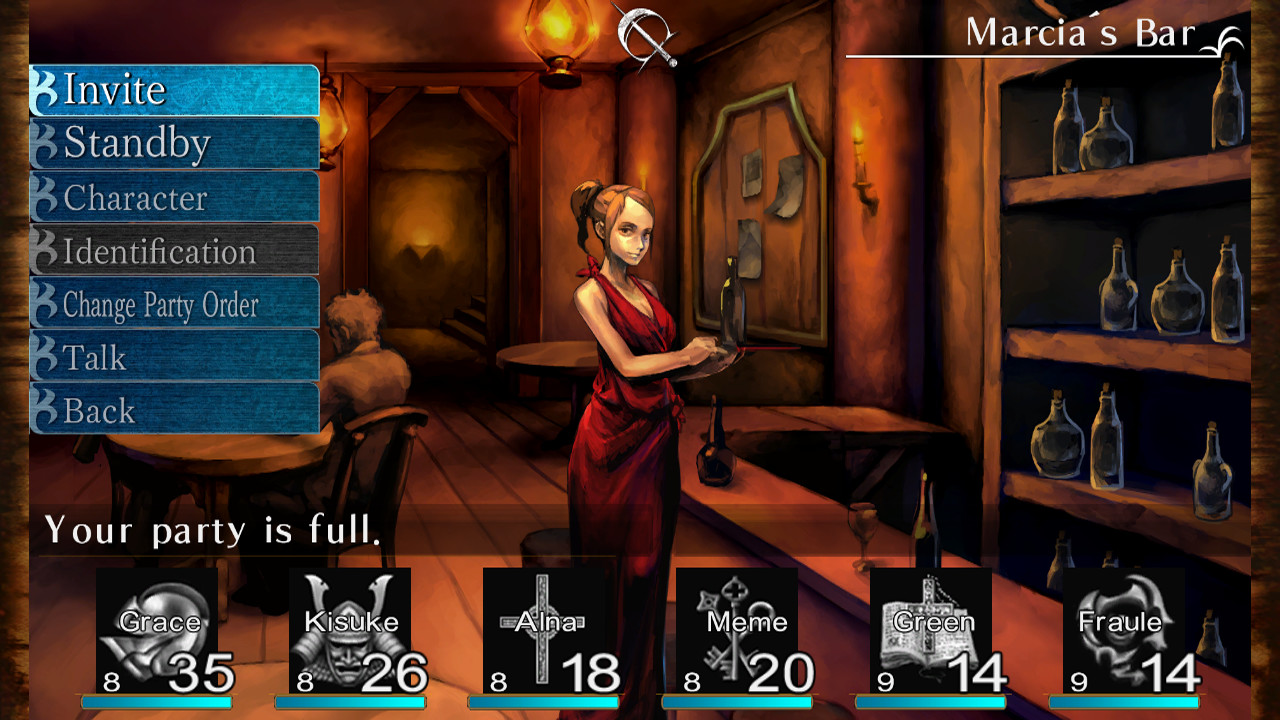
The creation screen lets you pick from sixteen occupations, such as Fighter, Mage, and Samurai. Each occupation defines a distinct combat role, giving players the ability to shape how their party fights.
In addition to occupations, nine races are available, each offering choices for gender, age, and personality. These selections let you assemble diverse parties that reflect personal preferences without imposing a single optimal build.
- Mix occupations to see how melee and magic roles complement each other.
- Try different race‑occupation combos to discover varied visual styles.
02 / THE GUIDE
Dungeon Exploration
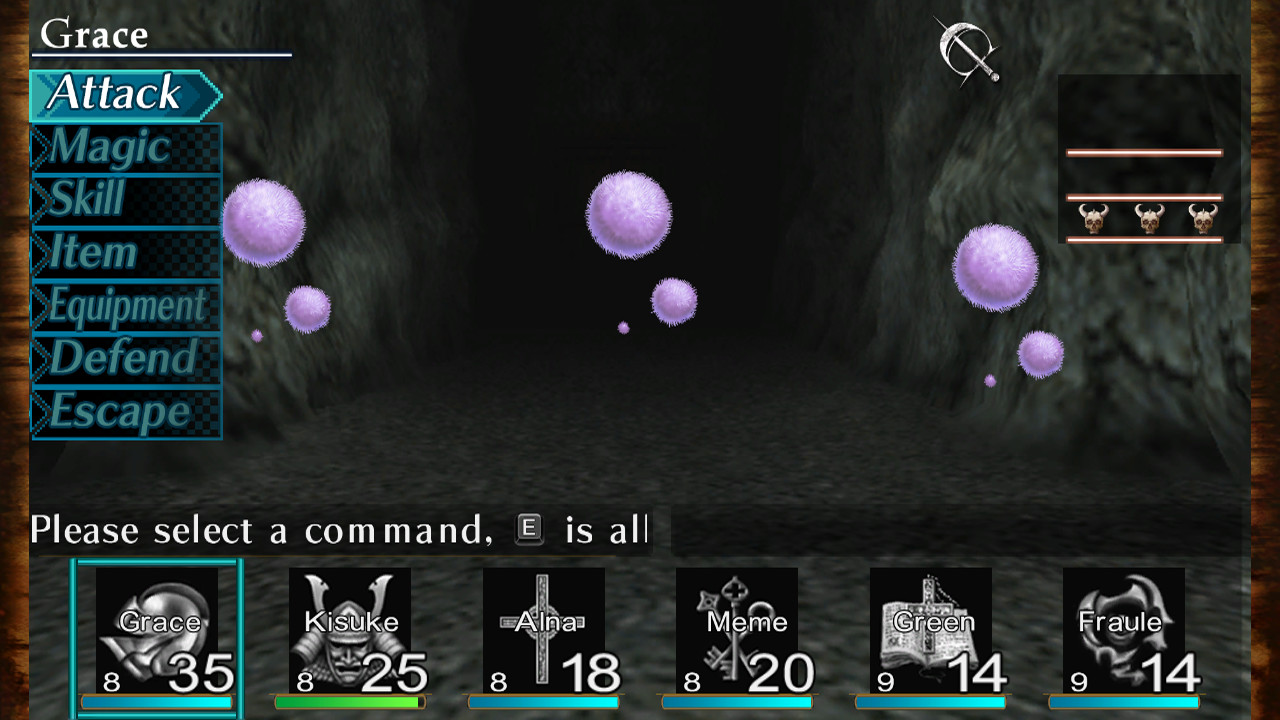
Gameplay centers on navigating labyrinth‑like dungeons and confronting monsters that dwell within. The level design encourages movement through corridors and chambers, creating a sense of freedom as you search for objectives.
Combat is presented as straightforward monster defeat, allowing players to focus on exploration rather than managing complex systems. This design supports the game's claim of simple gameplay.
- Move slowly through each corridor to notice hidden paths.
- Observe enemy behavior to choose safe engagement moments.
03 / THE GUIDE
Main Quest – The Five Rings
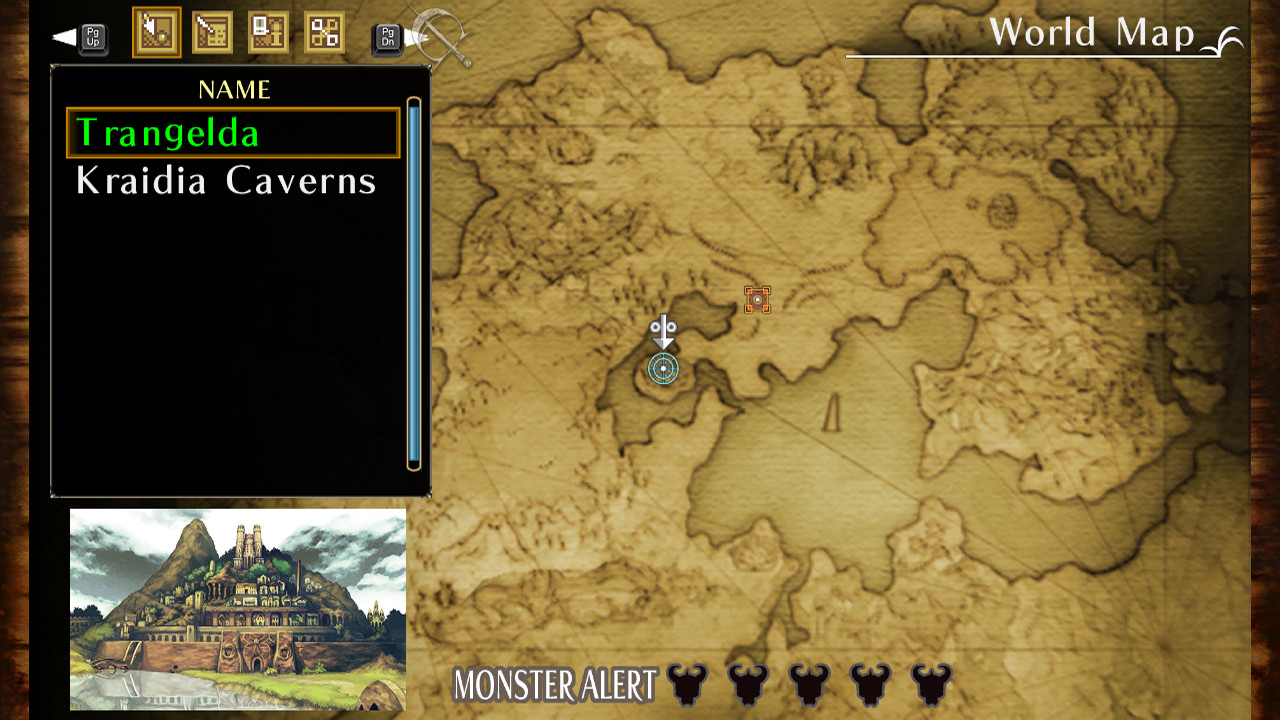
The primary narrative drives you to locate five distinct rings. Progress is marked by completing events and advancing through dungeon levels, giving a clear direction while still allowing side exploration.
Each ring discovery advances the story, and the quest structure remains open enough for players to approach it in various orders, matching the game's emphasis on freedom.
- Keep a simple list of rings you have found to avoid unnecessary backtracking.
- Follow event prompts; they often indicate the next ring’s location.
04 / THE GUIDE
Graphics & Sound Customization
The game includes graphic and sound functions that let you adjust visual presentation, such as changing window size via the Config.exe tool. These options let players match the display to their screen setup.
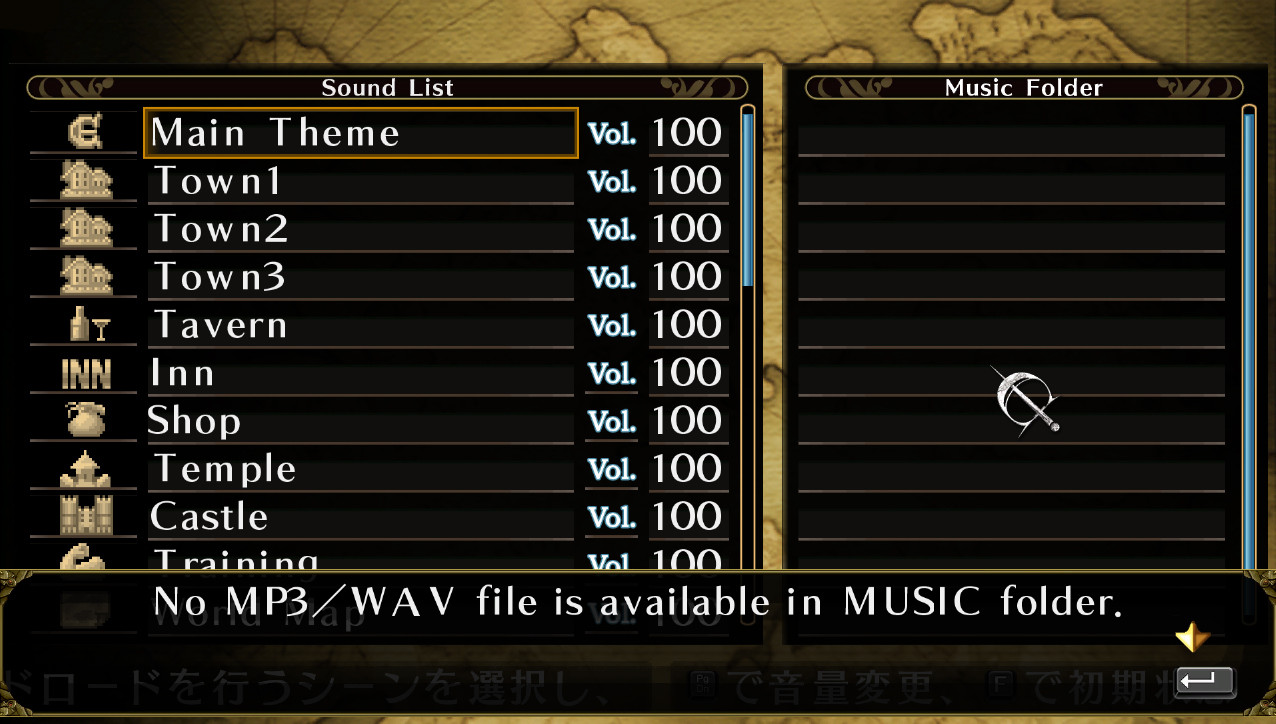
Sound settings can be modified to suit personal listening preferences, ensuring important audio cues remain audible without affecting core gameplay mechanics.
- Resize the window if you need to multitask with other applications.
- Balance music and effects volumes so combat sounds stay clear.
05 / THE GUIDE
Configuration & Controls
A Config.exe file in the installation folder provides access to key settings, including game‑pad options and window size adjustments. This tool centralizes configuration without requiring external programs.
Keyboard shortcuts are documented: Alt+Enter toggles between fullscreen and windowed modes, while Alt+F4 closes the game instantly, offering quick control over the display and exit process.
- Use Alt+Enter when you need to switch display modes for better multitasking.
- Press Alt+F4 to exit promptly if you must leave the game quickly.
COMMUNITY
Player discussion