 GameWiki
GET YOUR BEARINGS
About Elevator Action -Returns- S-Tribute
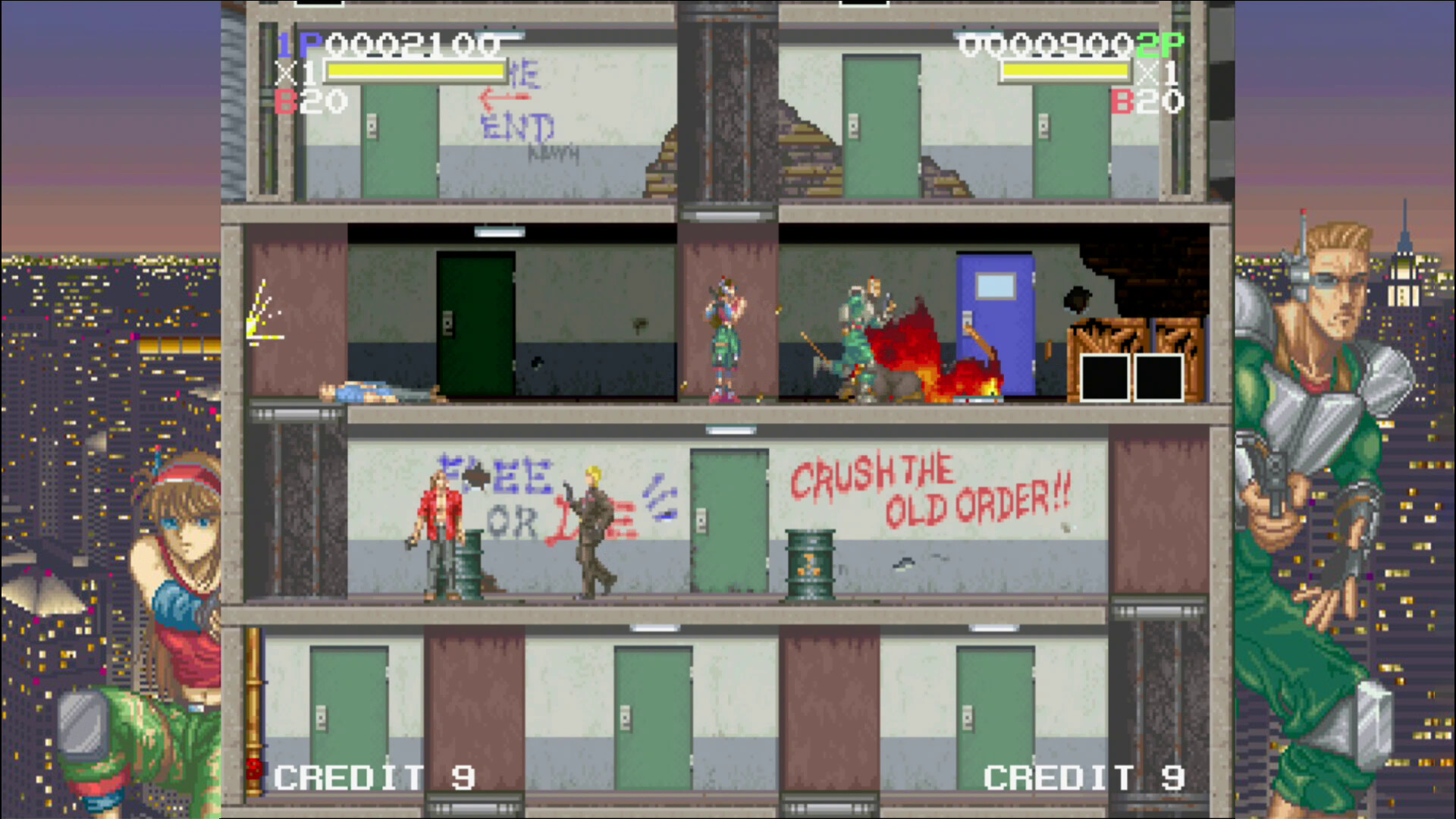
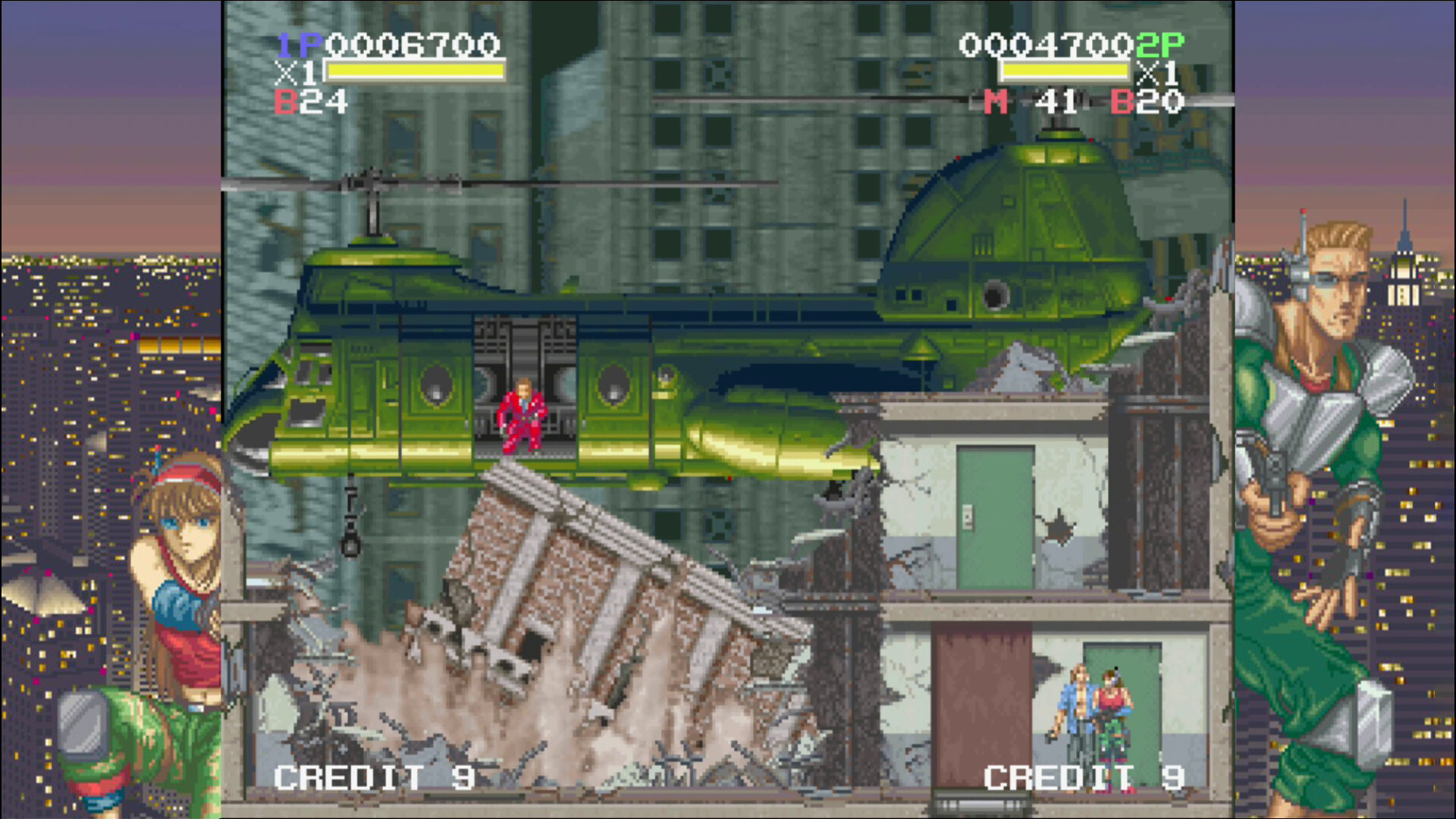
Elevator Action™ -Returns- S‑Tribute revives Taito’s 1995 side‑scroll shooter, letting you choose one of three special‑forces agents—Kart Bradfield, Edie Burret, or Jad the Taff—to infiltrate facilities, collect data from red doors, and escape each stage. The S‑Tribute edition also includes the original 1‑player Elevator Action from the start.
Beyond the core run‑and‑gun loop, the edition adds quality‑of‑life options such as Rewind, Slow Mode, Quick Save/Load, Unlimited Credits, Stage Select, increased healing, up to nine lives, and a Scan‑Lines visual filter. These settings let players adjust difficulty and presentation while keeping the classic arcade feel.
01 / THE GUIDE
Character Selection
At the beginning you select one of three operatives—Kart Bradfield, Edie Burret, or Jad the Taff. Each character has a unique input pattern for continuous unarmed attacks, which influences how quickly you can chain melee strikes.
All characters share the same core actions: shooting, jumping, and using sub‑weapons. The selection does not lock any of the convenience options, so you can later adjust lives, healing, or weapon retention independently of the chosen operative.
- Try each character’s melee sequence in a short test run to see which rhythm feels most natural.
- If you prefer rapid unarmed combos, note that Kart uses a double‑tap on the shoot button.
02 / THE GUIDE
Combat Mechanics
Shooting is the default damage method, but pressing the shoot button near an enemy switches to bare‑hand combat. Continuous melee attacks are performed by double‑tapping shoot as Kart, or by pressing shoot then jump as Edie or Jad.
Unarmed attacks double the score for each enemy defeated. Elevators can be used for movement and as weapons; a sub‑weapon can be thrown into an elevator and the platform moved to strike foes, though the player can also be harmed by the same action.
- Use unarmed attacks on groups to boost your score quickly.
- Position elevators to trap enemies, but stay clear of the platform when it moves.
03 / THE GUIDE
Scoring System
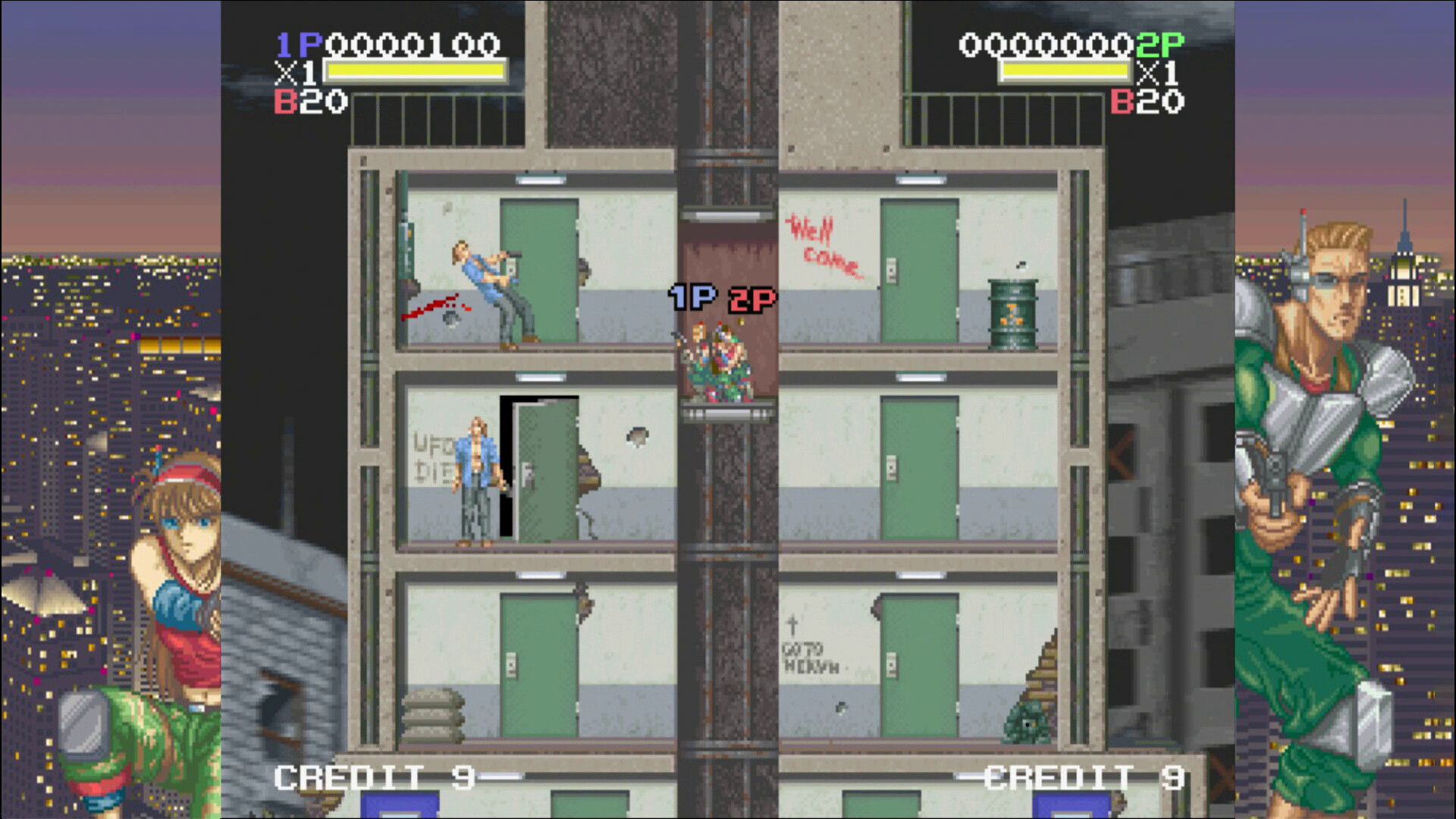
Points are awarded for defeating enemies, breaking items, and destroying environmental objects. Hidden items and rolling objects can be broken for extra points, and destroying fluorescent lights or switchboards darkens a floor, doubling points earned during that period.
Unarmed kills also double the score for each enemy. Collecting data from red doors is required to finish a stage but does not directly affect the score.
- Target fluorescent lights early to create a high‑score window.
- Break as many visible items as possible; each broken object adds to your total.
04 / THE GUIDE
Convenience Features
S‑Tribute adds several quality‑of‑life options: Rewind lets you step back in time, Slow Mode reduces game speed, and Quick Save/Load lets you store and resume at any moment. Unlimited Credits removes the continue limit, and Stage Select lets you begin from any level.
Additional tweaks include Increased Healing, up to nine lives, adjustable damage taken, and the option to keep your current weapon into the next level. A Scan‑Lines filter mimics a CRT monitor for a nostalgic visual effect.
- Use Rewind to correct a misstep without restarting the entire stage.
- Enable Scan Lines if you enjoy a retro visual aesthetic.
05 / THE GUIDE
Classic Mode Access
Unlike earlier releases where the original Elevator Action was a bonus, this version grants immediate access to the classic 1‑player Elevator Action from the start menu, allowing you to experience the 1995 arcade title directly.
The classic mode runs as a separate single‑player experience, preserving its original controls and level design while co‑existing with the modern S‑Tribute features.
- Play the classic mode first to learn stage layouts before tackling the enhanced version.
- Compare scoring between classic and S‑Tribute to see how unarmed bonuses differ.
COMMUNITY
Player discussion