 GameWiki

GET YOUR BEARINGS
About eBaseball: PRO SPIRIT
eBaseball™: PRO SPIRIT runs on the next‑generation eBaseball™ Engine built with Unreal® Engine, delivering realistic motion, sound and weather effects. The game offers lifelike player textures, crowd reactions and ball physics that aim to mirror real baseball. The title includes World Championship online competition, an Exhibition mode for casual play, and a Team Edit tool for building squads within cost limits. It supports full controller use, custom volume, and split‑screen options on Windows.
01 / THE GUIDE
Next‑Generation Visual Engine
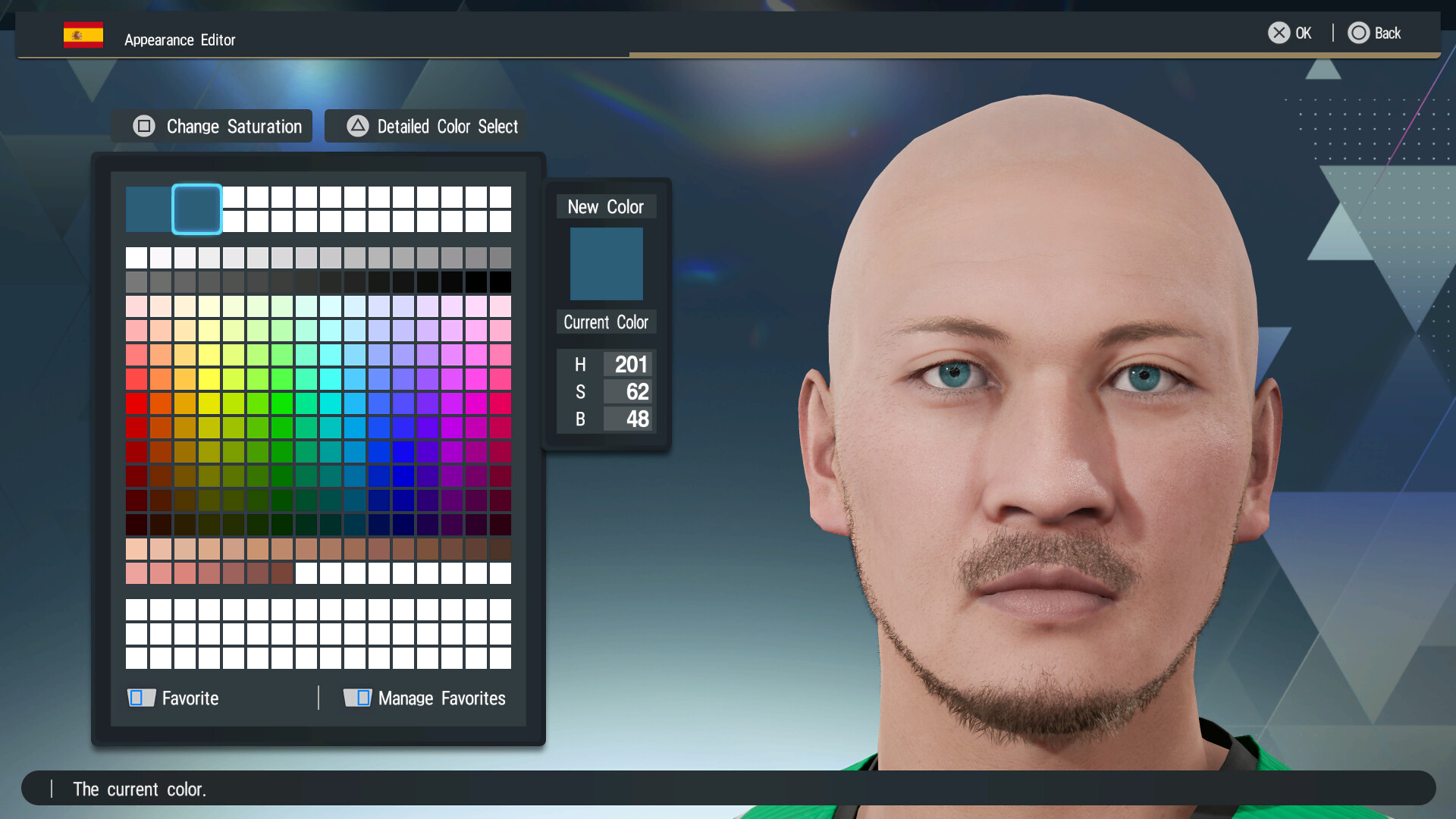
The eBaseball™ Engine, powered by Unreal® Engine, renders hair, skin and rain with high detail, creating a visual experience that resembles real‑world baseball environments.
Live‑style play‑by‑play commentary is included, though color commentary is not available in English, keeping the audio focused on game action.
- Adjust volume controls to balance commentary and crowd noise.
- Enable surround sound for the most immersive audio.
02 / THE GUIDE
World Championship Online Matches
Players can challenge rivals worldwide in online matches, aiming to climb rankings while adhering to tournament regulations such as cost limits for player selection.
Success depends on building a compliant team in Team Edit and performing well against other users in PvP battles.
- Review cost limits before finalizing your roster.
- Focus on balanced player stats to handle varied opponents.

03 / THE GUIDE
Exhibition Mode
Exhibition mode lets players select any team, customize match settings and rules, and play at a relaxed pace without online pressure.
The mode supports split‑screen play, allowing friends to experience realistic baseball together on the same device.
- Experiment with rule tweaks to practice specific scenarios.
- Use split‑screen to compare strategies with a partner.
04 / THE GUIDE
Team Edit Roster Builder
Team Edit provides a wide roster of scanned professional players, letting users select athletes while respecting tournament cost caps.
Careful selection is required to create a squad capable of advancing through World Championship stages.
- Prioritize players with high defensive ratings for tighter games.
- Check each player's cost to stay within limits.
05 / THE GUIDE
Platform and Controller Support
The Windows version supports full controller input, including DualShock and DualSense, as well as split‑screen and co‑op configurations.
Additional features such as Steam Cloud, Family Sharing, and custom volume controls enhance accessibility without timed inputs.
- Enable Steam Cloud to keep progress across devices.
- Select your preferred controller layout in the settings menu.



COMMUNITY
Player discussion