 GameWiki
GET YOUR BEARINGS
About Earthlingo
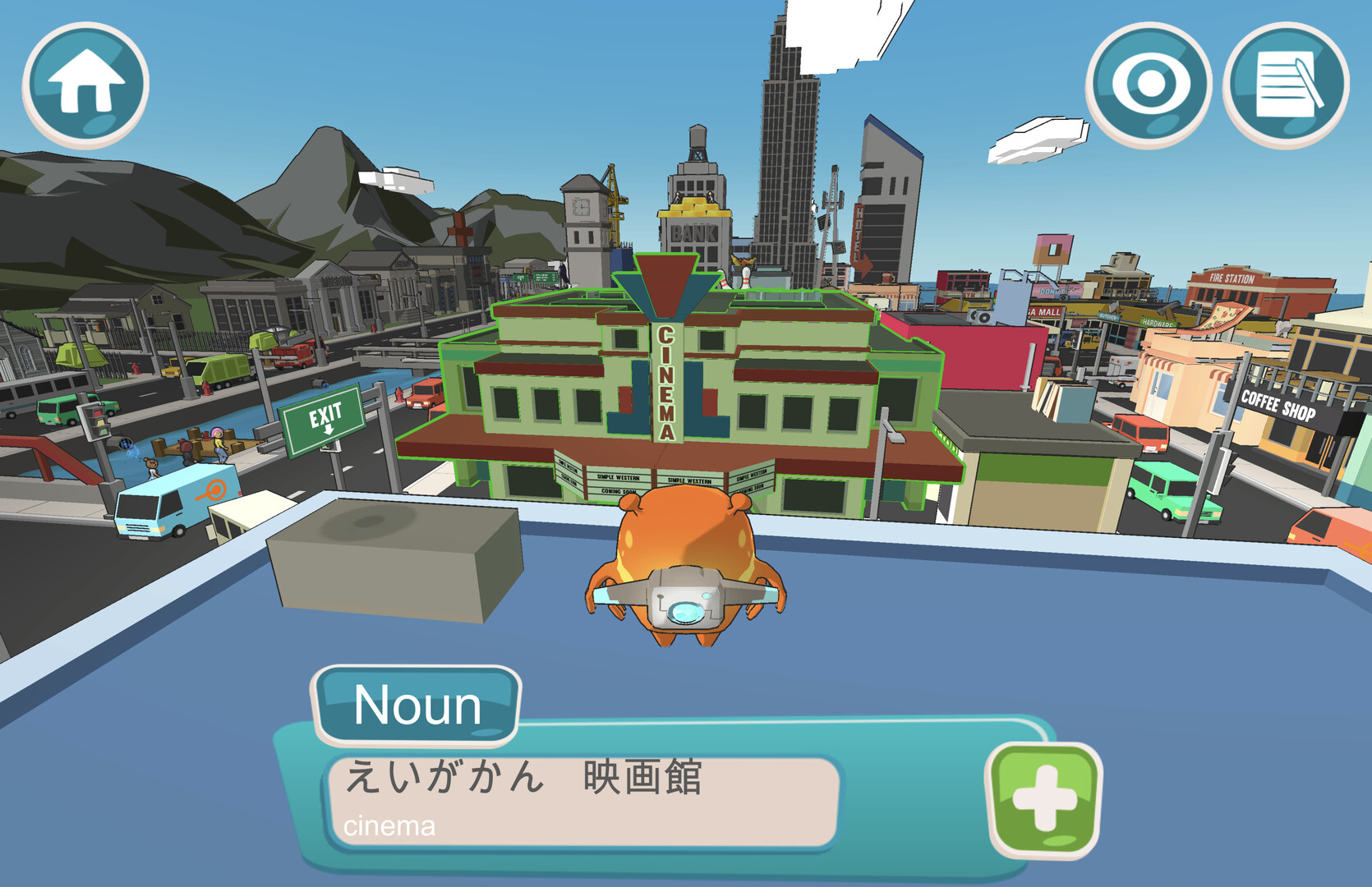
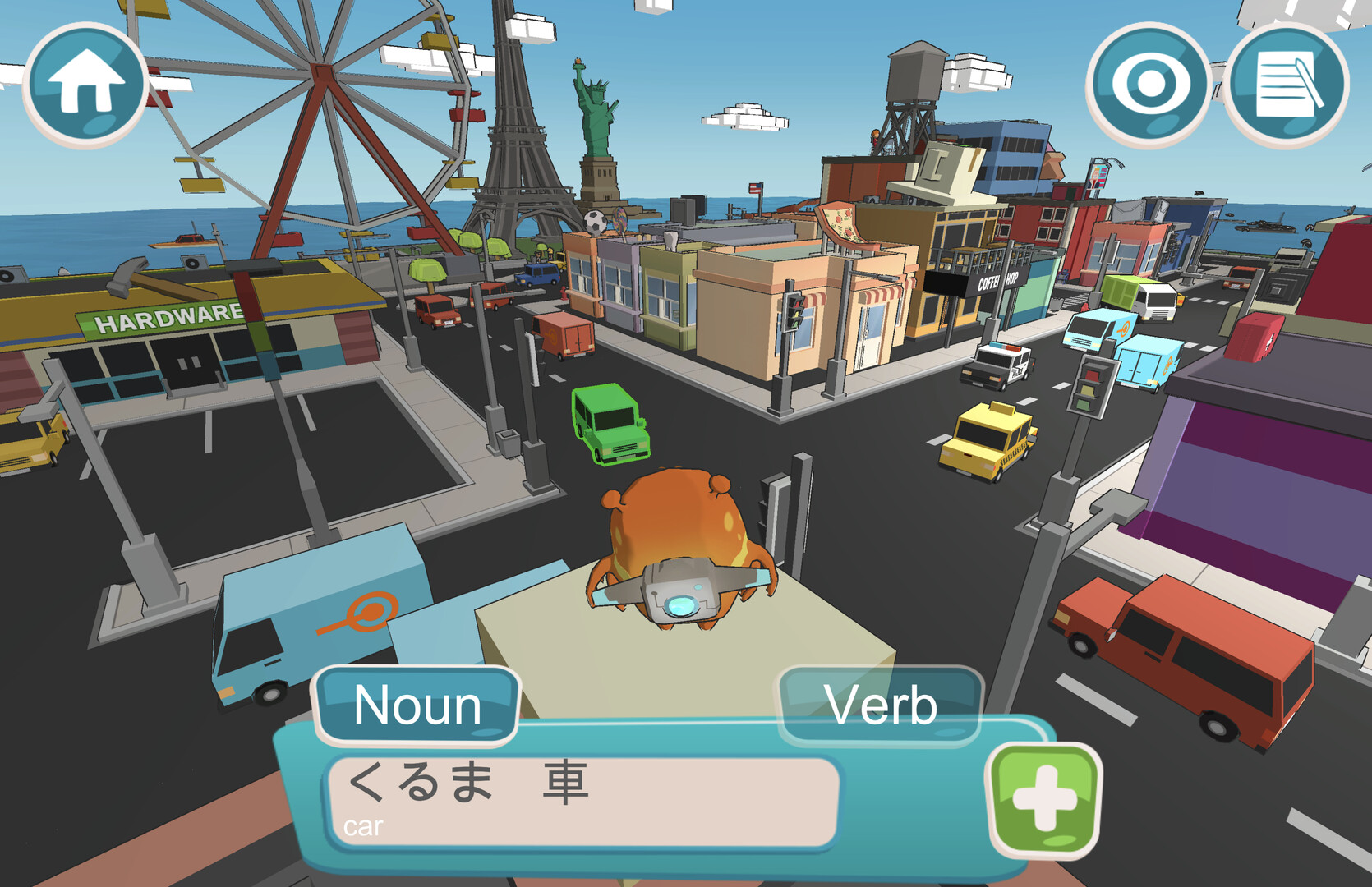
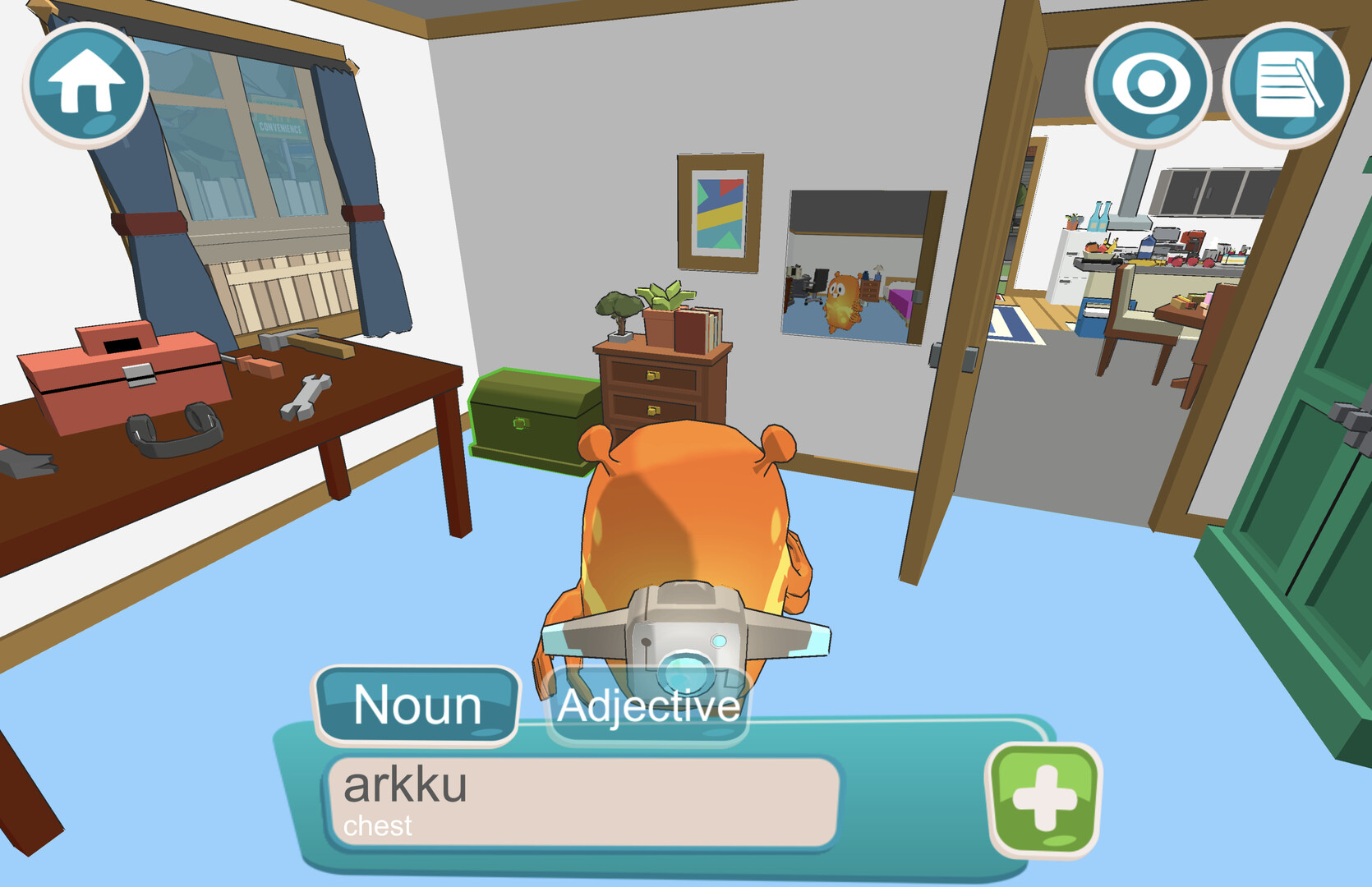
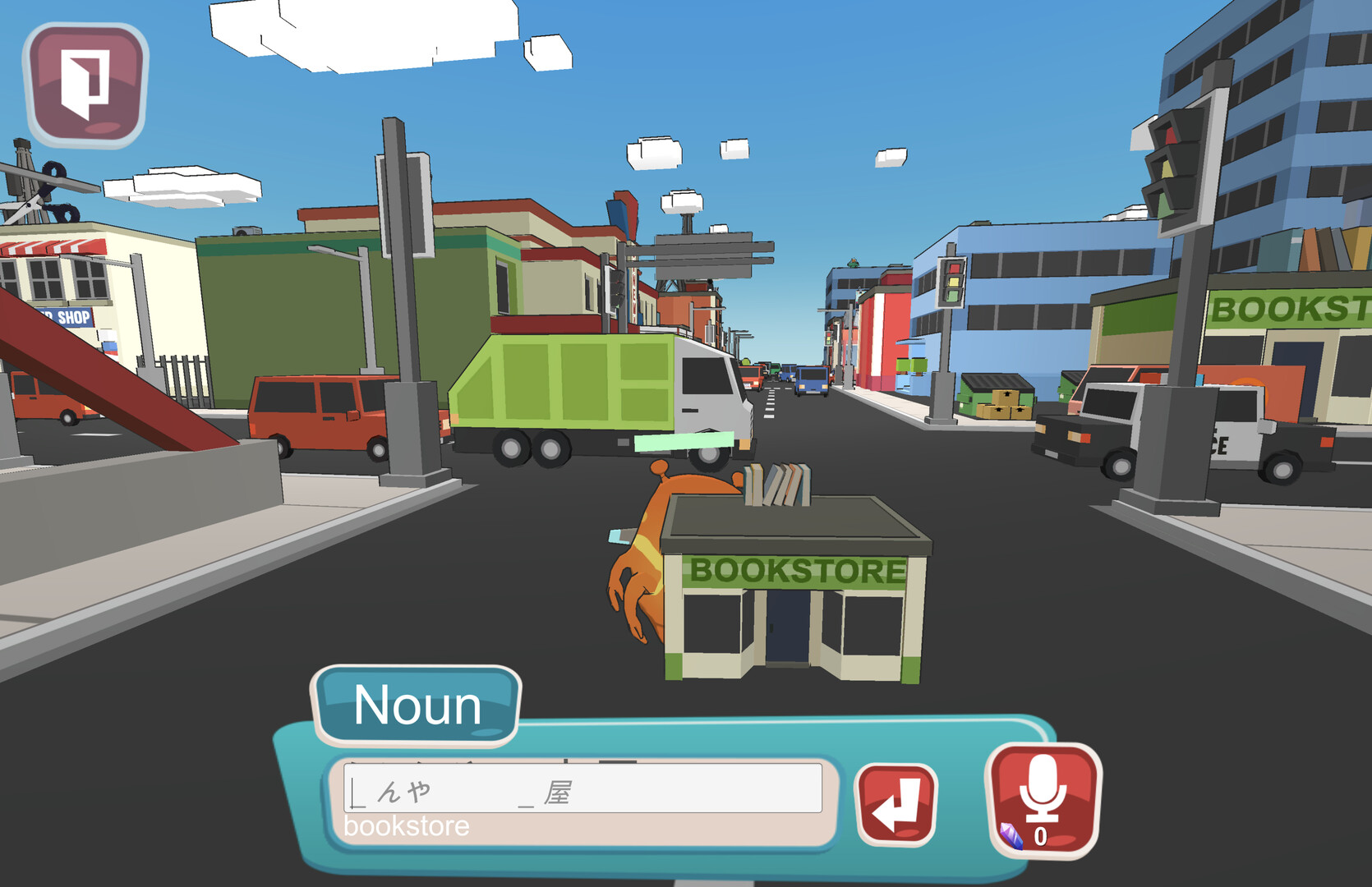
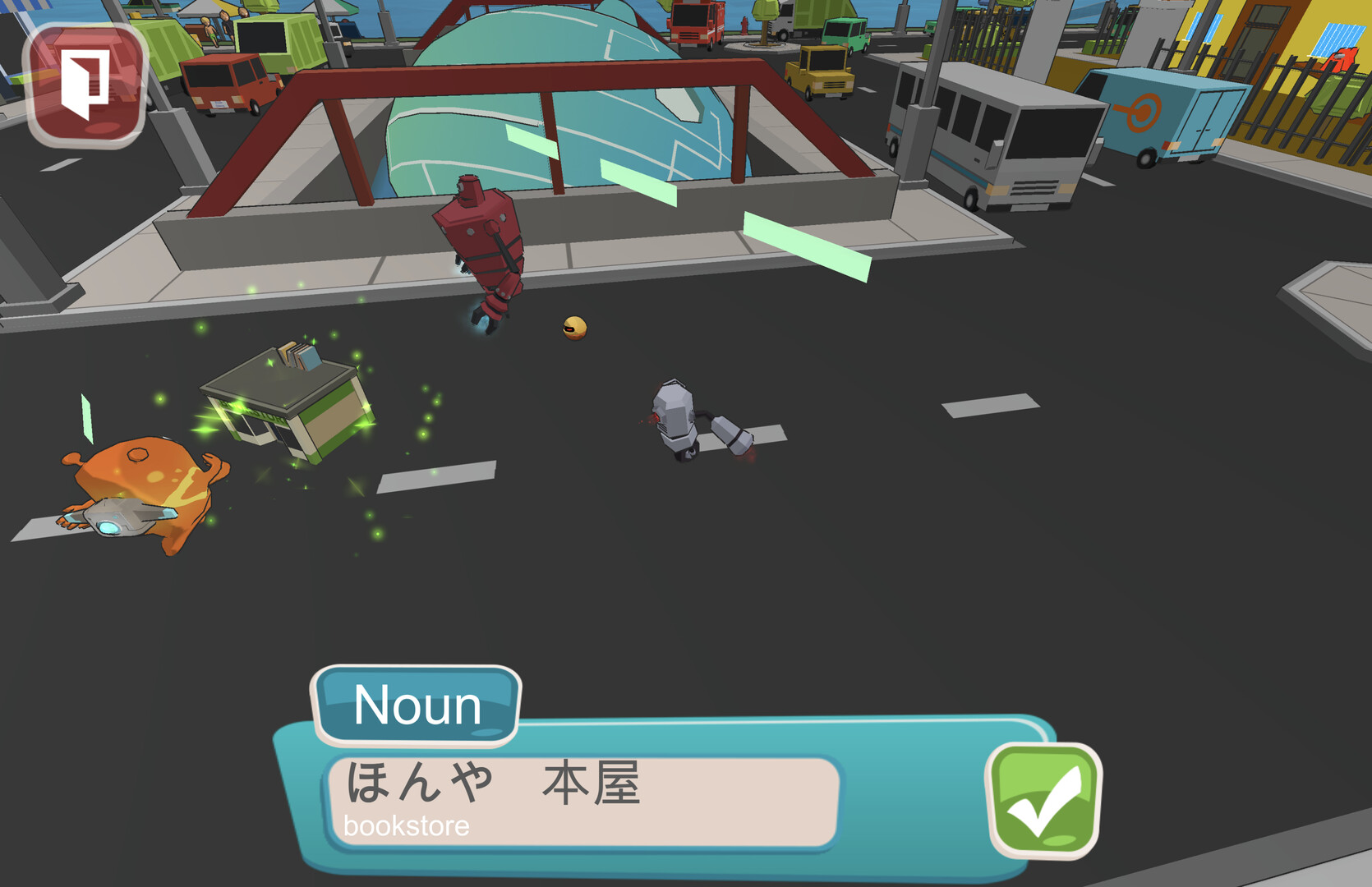
Earthlingo is a free vocabulary learning game where you control the alien Maco as he explores Earth. By interacting with items you can learn words in any of 28 languages, linking each term to a location for better recall. After acquiring vocabulary you can use those words to defeat hostile robots and protect humanity. The game offers over 1,000 words and 50 sentences across languages, and runs on Windows and Linux with single‑player and family‑sharing support.
01 / THE GUIDE
Supported Languages
Earthlingo includes 28 languages ranging from Arabic and Chinese to Swedish and Uzbek. Each language provides a full set of vocabulary items that can be discovered throughout the game world.
The language list is explicitly enumerated in the game description, ensuring players know exactly which tongues are available for study without hidden or additional options.
- Try focusing on one language per play session to build consistent recall.
- Compare similar words across languages to notice patterns and aid memorisation.
02 / THE GUIDE
Word Acquisition
Every item in the game world acts as a trigger to learn a new word. The player associates each discovered term with the location where it was found, reinforcing memory through spatial context.
Learning words is a prerequisite for later combat, as the collected vocabulary is used to defeat the evil robots threatening humans.
- Explore thoroughly; more items mean more words.
- Recall the location when reviewing words to strengthen retention.
03 / THE GUIDE
Word‑Based Combat
After building a vocabulary, players can employ those words as weapons against hostile robots. The combat system is directly tied to the words you have learned, turning language study into gameplay progress.
Defeating robots advances the story of saving humans, linking educational achievement with narrative outcome.
- Prioritise learning words that appear frequently in robot encounters.
- Use your newly learned words in robot encounters and focus on the ones that help you most.
04 / THE GUIDE
Original Green Alien Beta
A beta version of Earthlingo retains the original green alien character for nostalgic players. This version is accessible through the Steam beta channel named originalgreenalienmarch2023.
Exploring the newest version may reveal subtle references to the older character, offering a small Easter‑egg for long‑time fans.
- Subscribe to the Steam beta channel to experience the original alien.
- Look for visual cues that hint at the game’s earlier design.
05 / THE GUIDE
Supported Platforms & Sharing
Earthlingo runs on Windows and Linux operating systems, as confirmed by its platform listing. No macOS support is indicated.
The game includes single‑player mode and supports family sharing, allowing multiple accounts on the same device to access the title.
- Check your system meets the Windows or Linux requirements before installing.
- Enable family sharing to let relatives play without purchasing another copy.
COMMUNITY
Player discussion