 GameWiki
GET YOUR BEARINGS
About Earthion
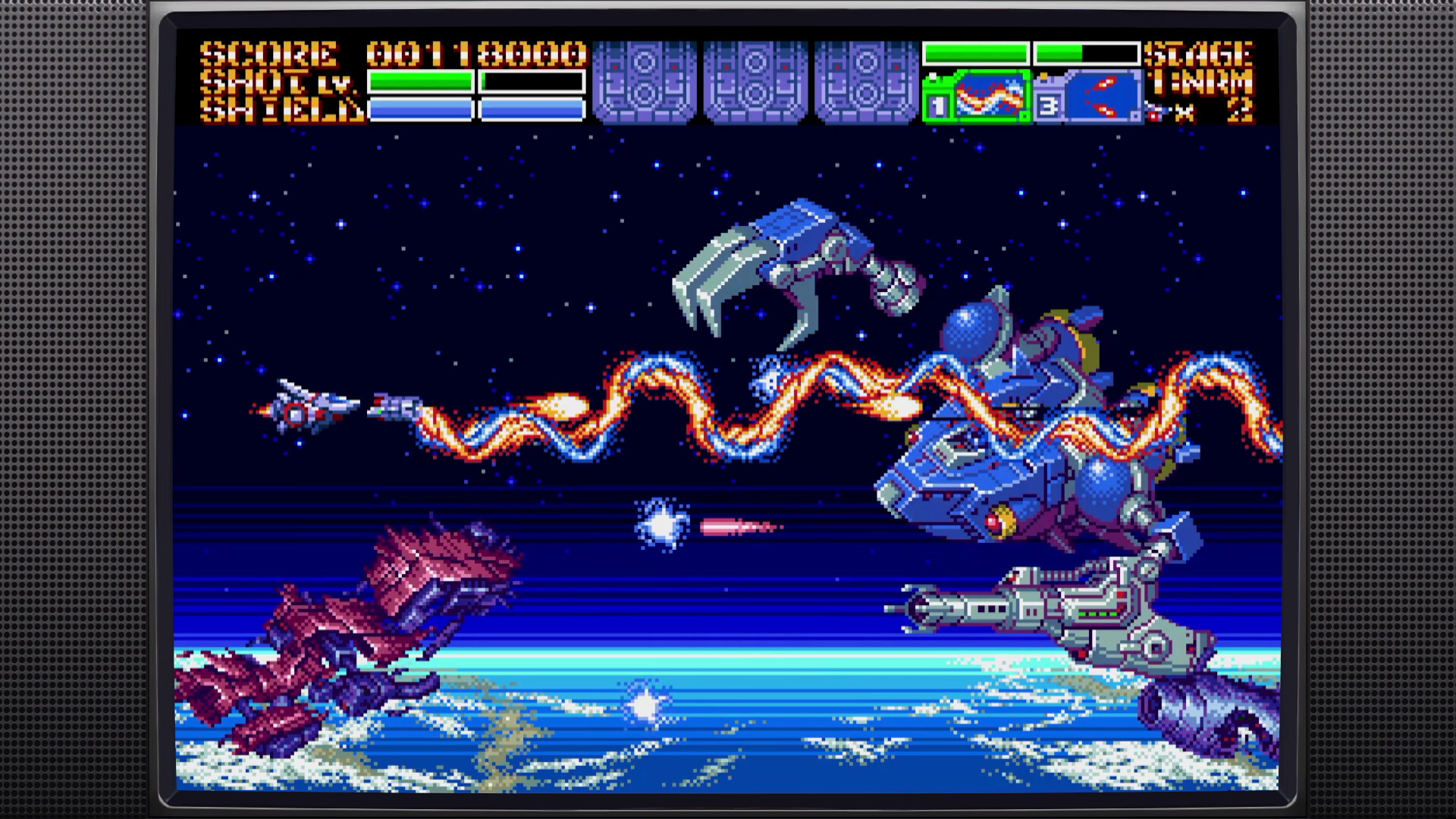
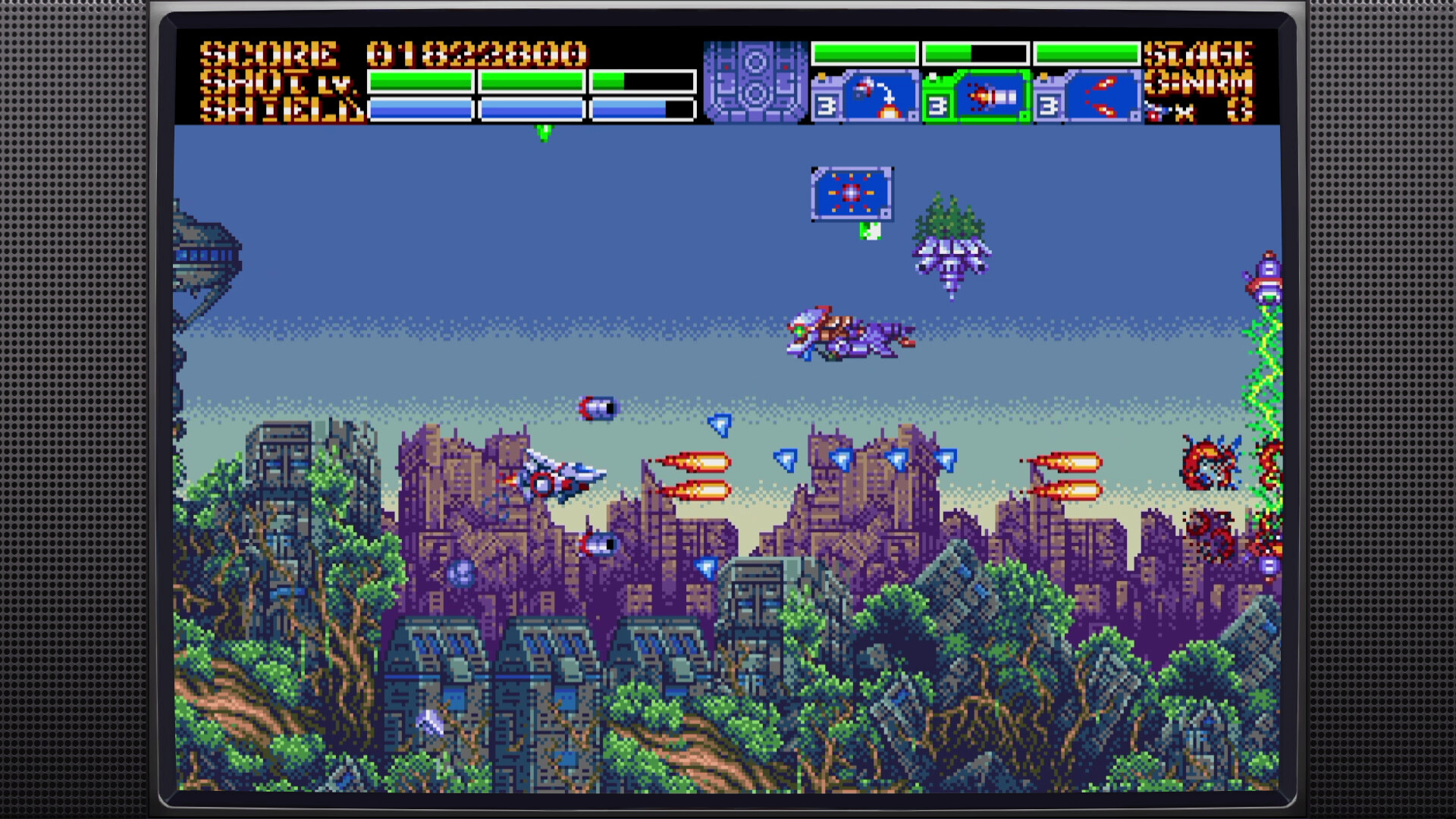
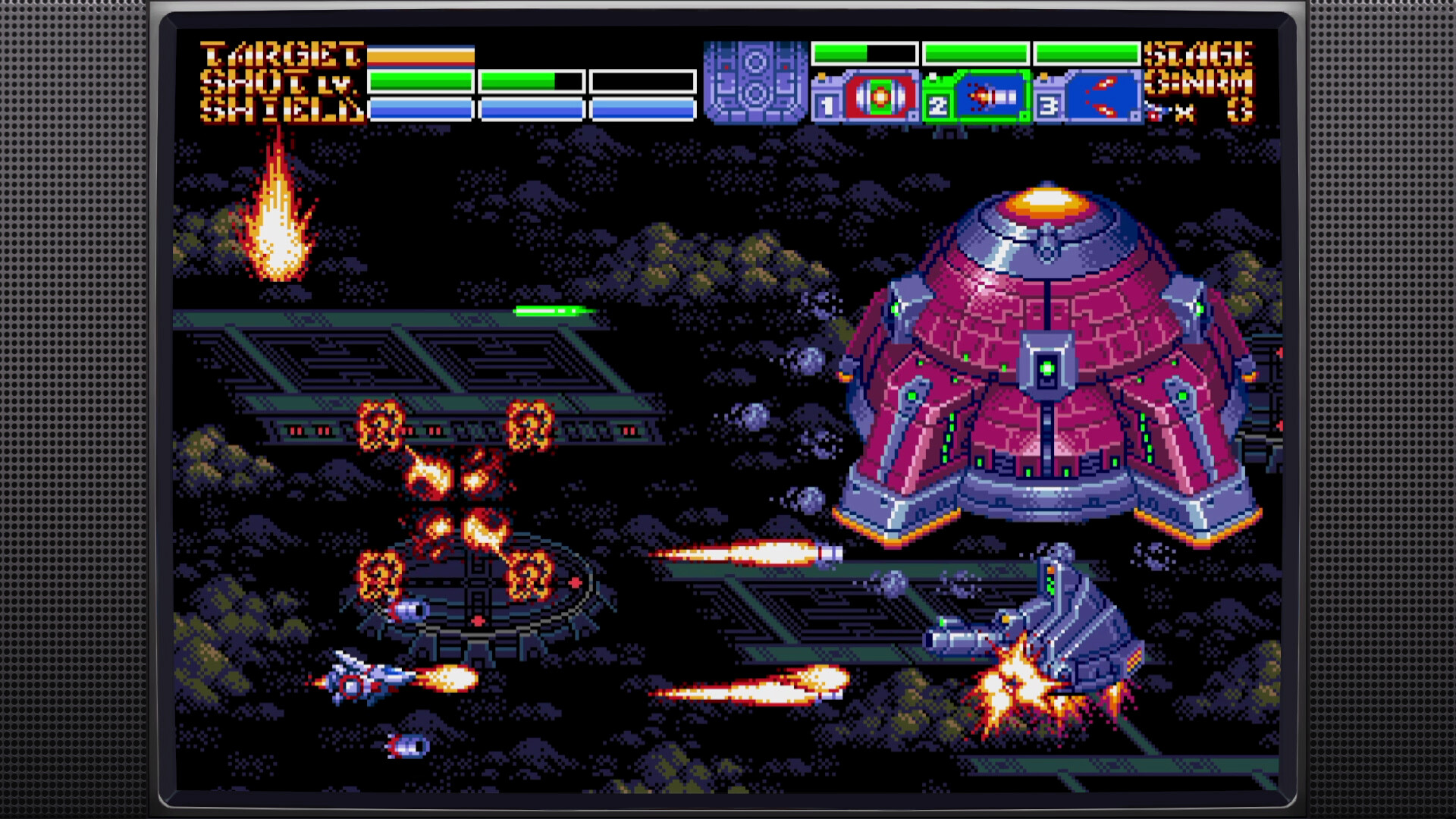
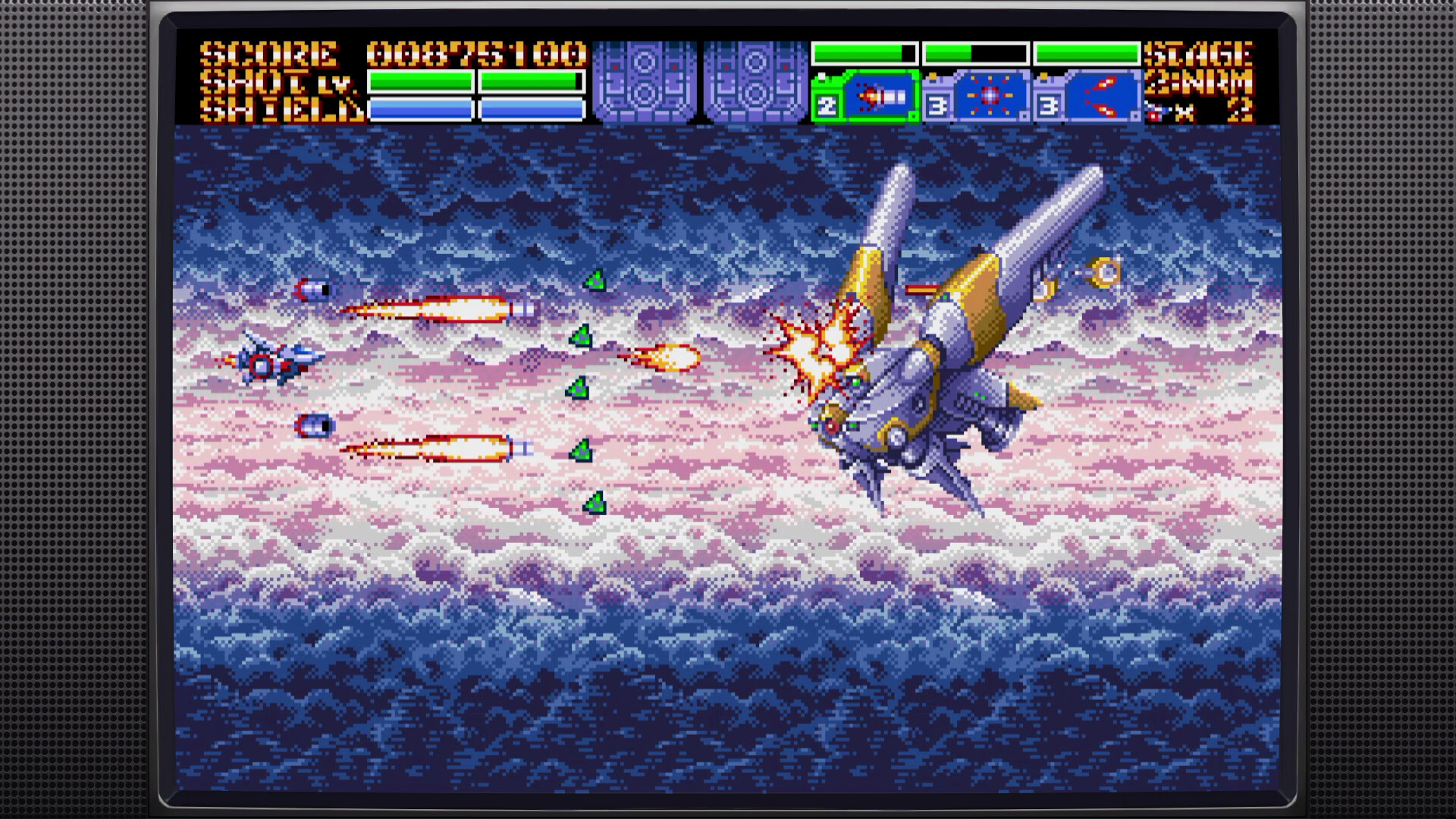
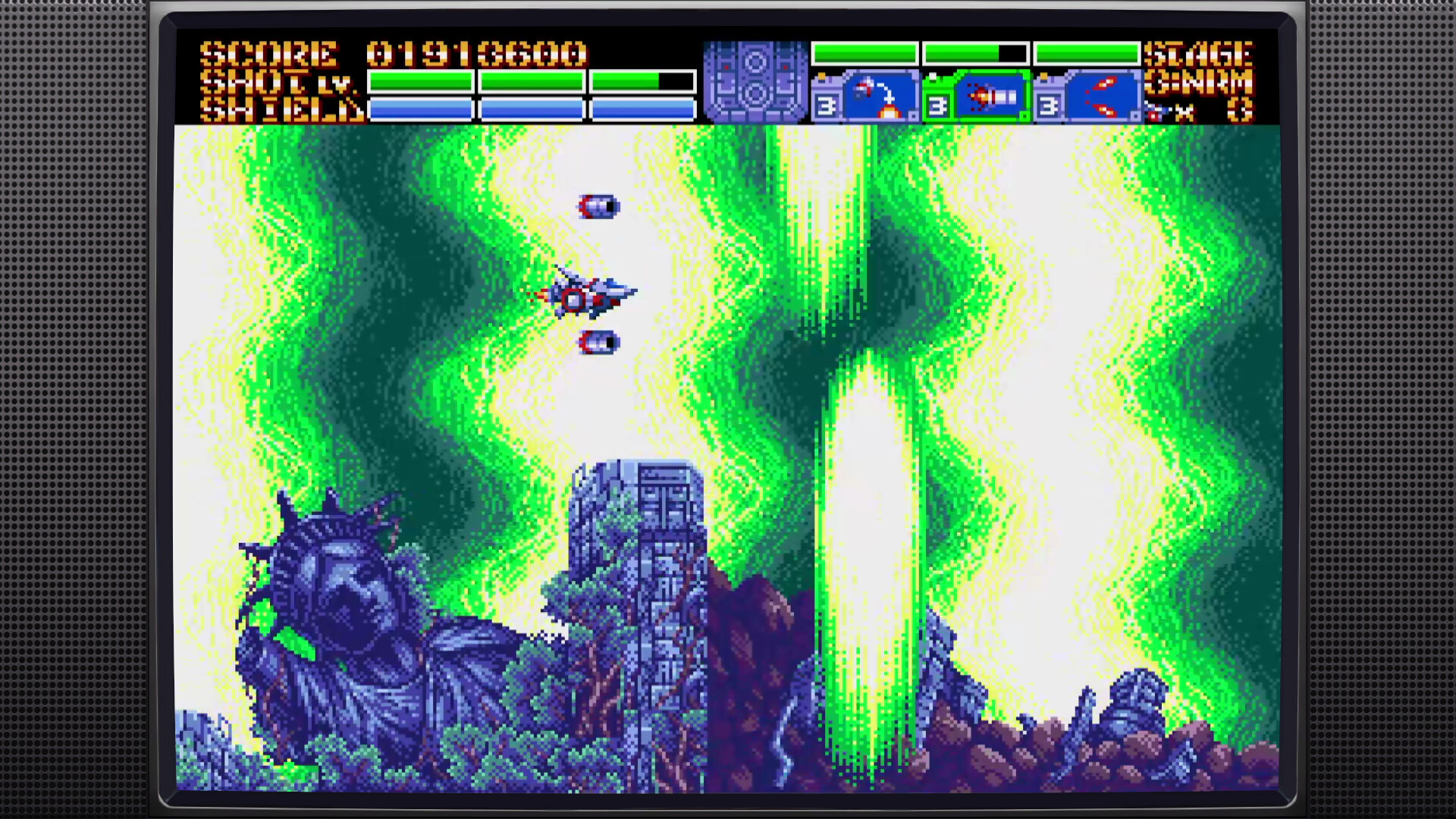
Earthion revives classic 16‑bit side‑scrolling shooter action with pilot Azusa Takanashi. The game spans eight levels, each with a distinct visual theme, enemy set and a boss encounter that concludes the stage.
Developed natively for 16‑bit hardware and ported to Windows, it adds scanline filters for a CRT look and an online leaderboard that records scores from its two difficulty settings.
01 / THE GUIDE
Gameplay Structure
Earthion is a side‑scrolling space shooter that moves the player through eight chaotic levels. Each level presents a unique environment, a set of enemy patterns and a final boss fight.
The game guides the player through its eight levels in sequence. The core loop focuses on shooting, dodging and surviving the on‑screen threats typical of 16‑bit arcade shooters.
- Observe the first wave of enemies to learn timing.
- Memorise boss attack patterns for better avoidance.
02 / THE GUIDE
Difficulty & Modes
The main campaign can be finished on Hotshot difficulty, which serves as the baseline challenge for all eight levels. A separate Challenge mode offers a higher difficulty level.
Both Hotshot and Challenge modes contribute scores to an online leaderboard, allowing players to compare their performance with others who have completed the same mode.
- Start on Hotshot to learn level layouts.
- Use Challenge mode to test higher skill thresholds.
03 / THE GUIDE
Audio & Soundtrack
Earthion features an original soundtrack composed by Yuzo Koshiro, containing 27 tracks that reflect the musical style of the 16‑bit era. The music runs throughout each stage.
In addition to the music, the game includes a soundscape of laser, explosion and engine effects that reinforce the feeling of piloting a retro space fighter.
- Use headphones to hear subtle effect cues.
- Notice musical shifts that often precede boss introductions.
04 / THE GUIDE
Visual & Scanline Options
Developed for classic 16‑bit hardware, Earthion pushes the original system to its limits. The Windows port offers highly customizable scanline configurations that emulate a CRT display.
These scanline settings let players control the intensity of the retro effect on modern displays.
- Try low, medium and high scanline levels to find a comfortable view.
- Combine scanlines with full‑screen mode for a more authentic arcade feel.
05 / THE GUIDE
Platform & Online Features
Earthion is released on Windows via Steam and lists Single‑player, Full controller support, Steam Achievements, Steam Cloud, Remote Play on TV and Family Sharing as platform features.
An online leaderboard records scores from Hotshot and Challenge modes, providing a way for players to see how they rank against others.
- Use a DualShock or DualSense controller for the intended input experience.
- Remote Play on TV lets you stream the game to a television.
COMMUNITY
Player discussion