 GameWiki
GET YOUR BEARINGS
About DYO
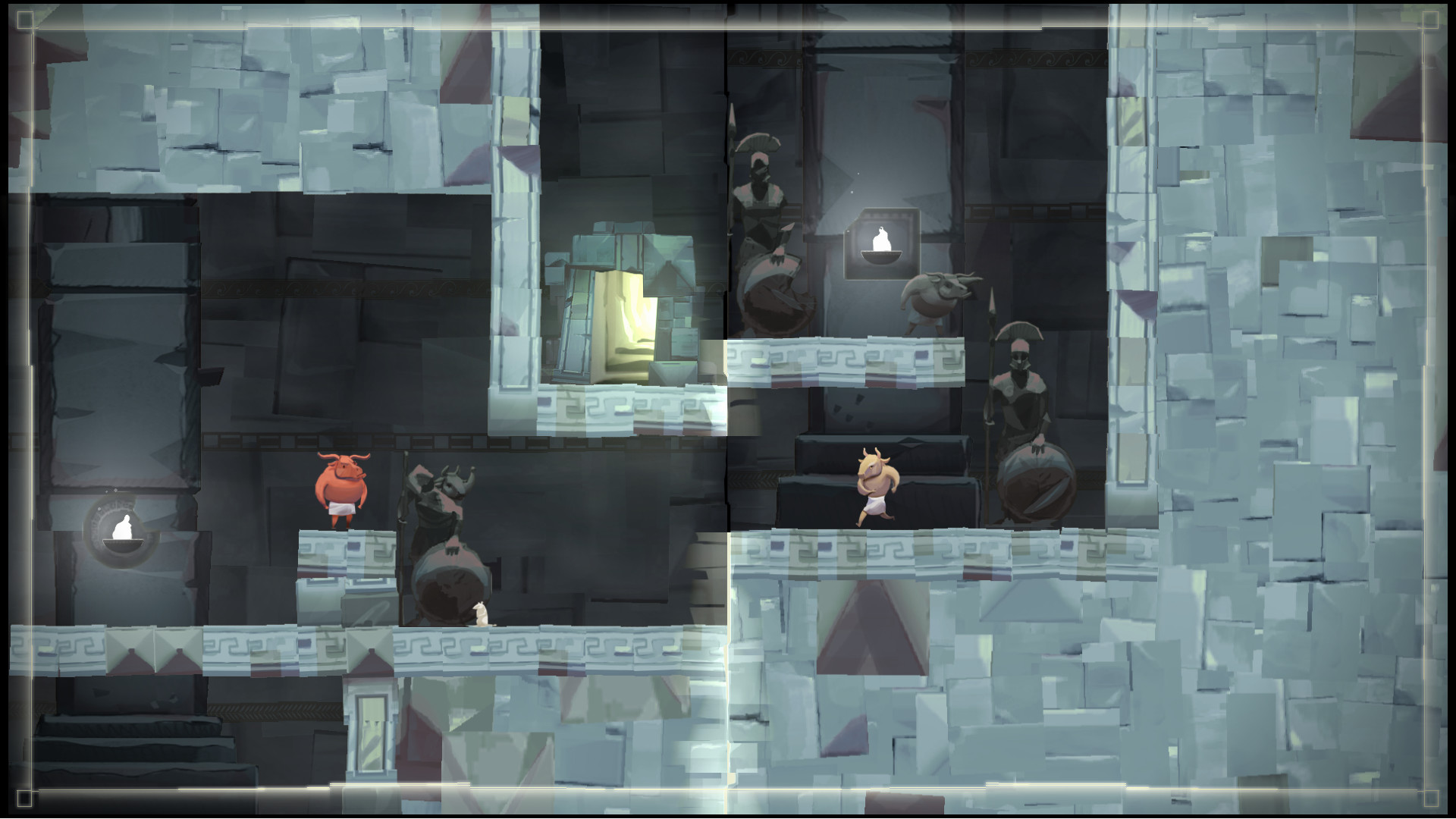
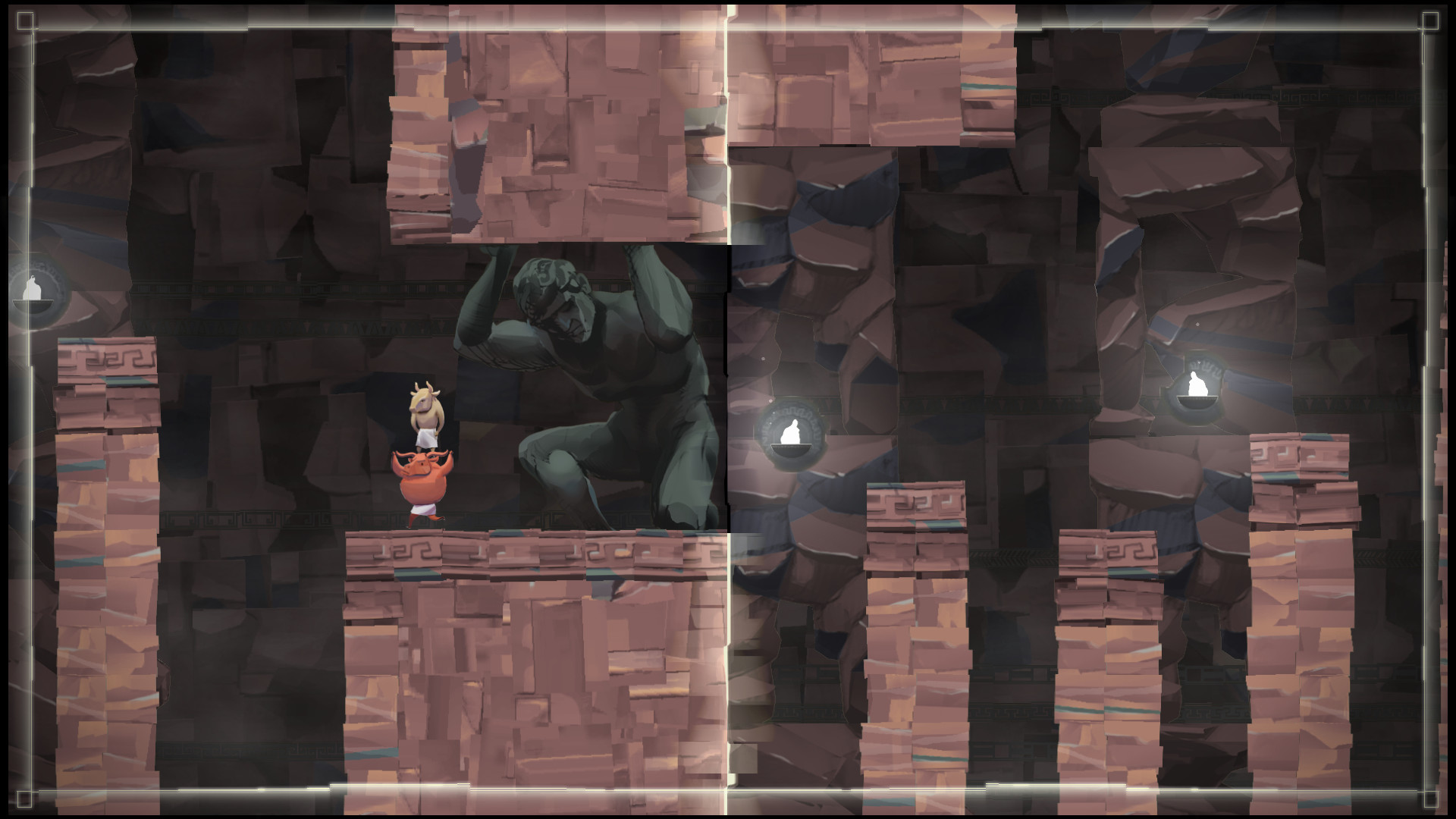
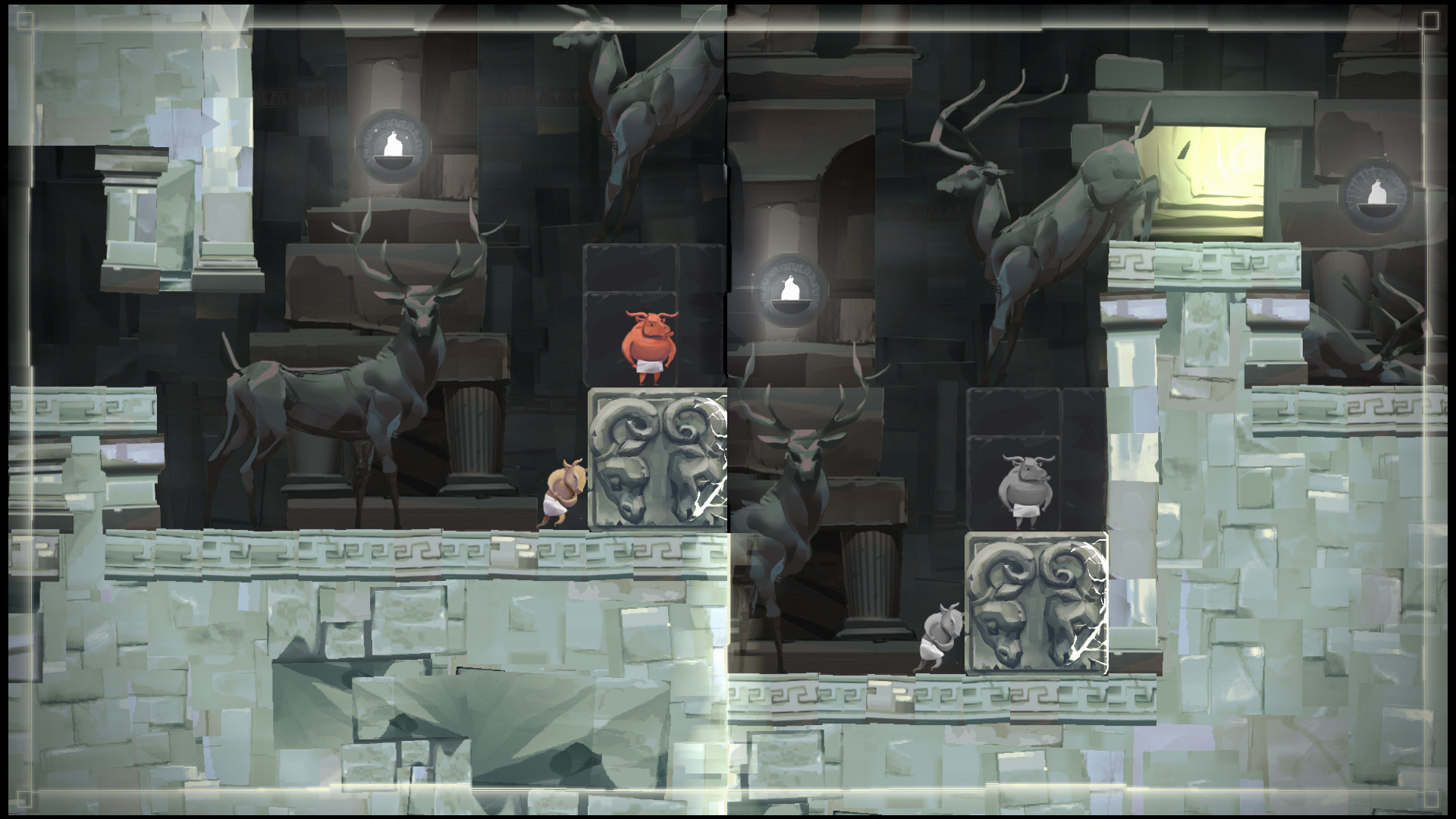
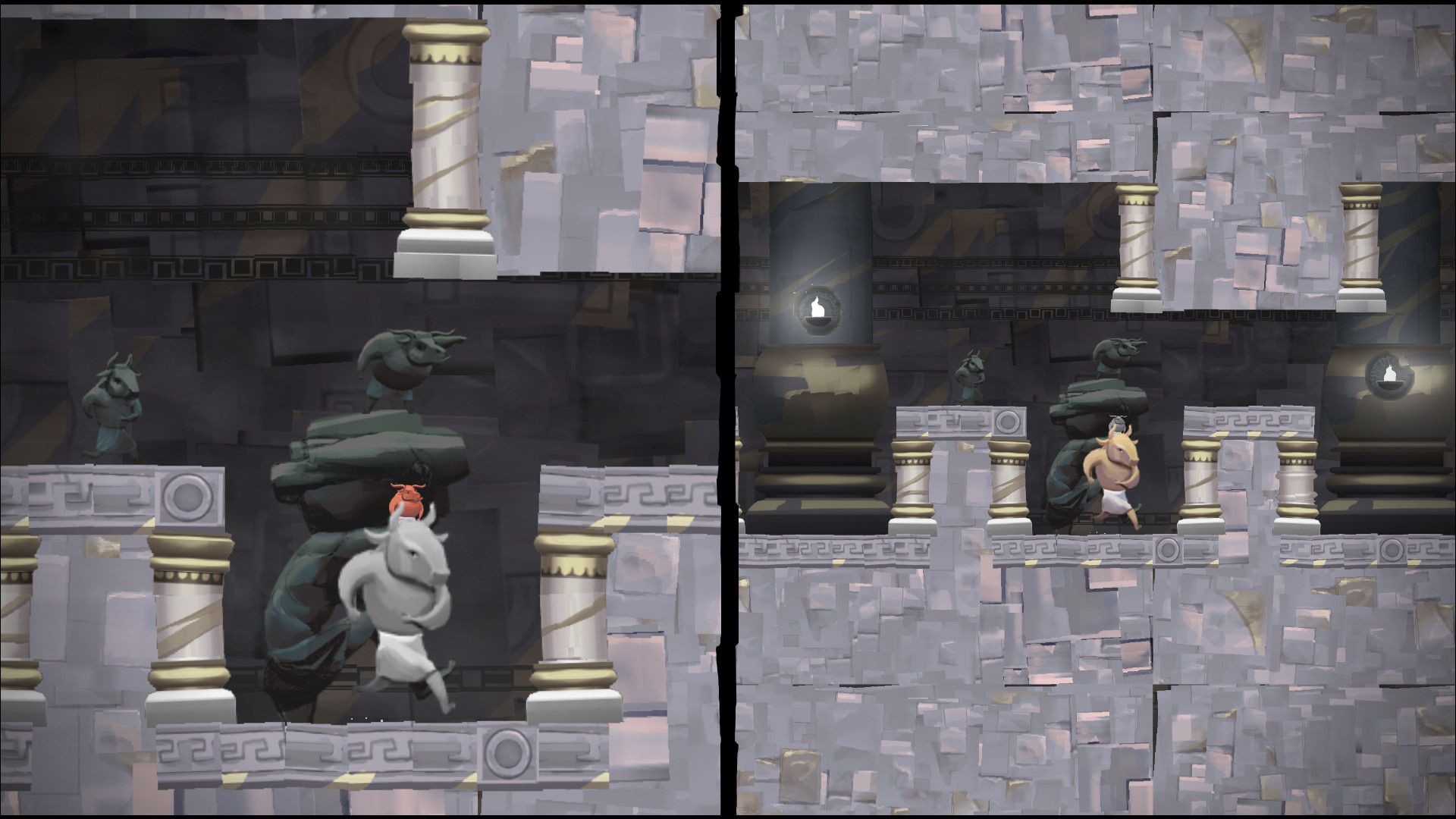
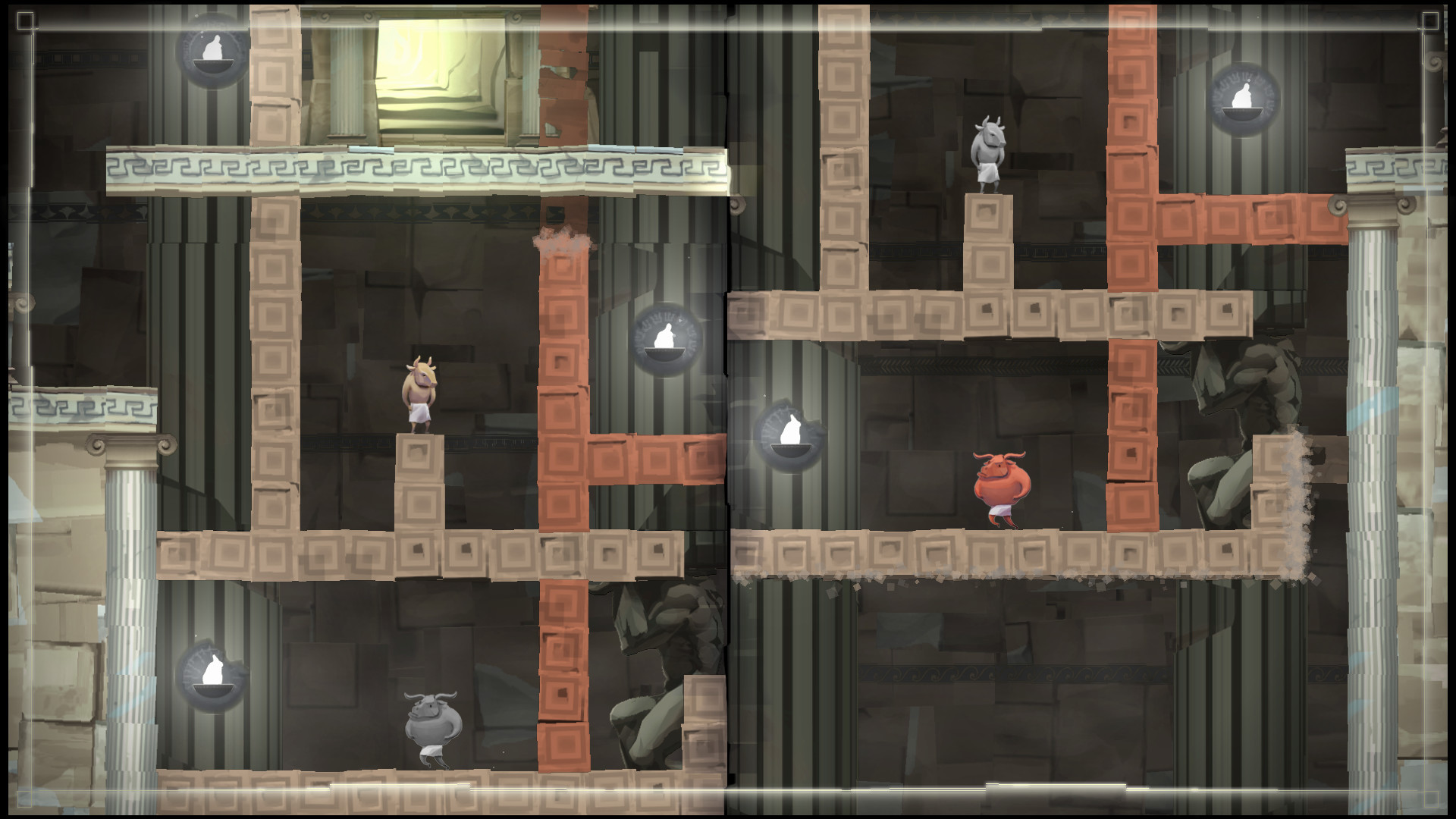
DYO is a local co‑op puzzle platformer where one or two players guide two Minotaurs through a split‑screen labyrinth. Each Minotaur is confined to its half of the screen, but merging the halves lets them hop across and reshape the maze.
The game offers 30 handcrafted levels that can be solved in multiple ways, with no enemies, timers, or precision jumps. It supports single‑player, shared‑controller play, and a full‑controller setup, plus a level editor and Steam Workshop integration.
01 / THE GUIDE
Split‑Screen Mechanics
The screen is divided into two halves, each containing one Minotaur. Players must coordinate actions across the split to progress. By merging the halves, the characters can cross from one side to the other, opening new routes.
Merging is a core tool for rearranging level geometry, allowing players to carve paths that would otherwise be blocked. This mechanic encourages communication and simultaneous problem‑solving.
- Try merging early to see hidden connections between the halves.
- Communicate which side needs a new opening before merging.
02 / THE GUIDE
Level Editor
DYO includes a built‑in level editor that lets players design their own puzzles using the same split‑screen and merge tools. Created levels can be shared through Steam Workshop for community play.
The editor mirrors the in‑game mechanics, so any custom maze must respect the split, merge, and movement rules. This encourages creative experimentation with the core puzzle concepts.
- Start with a simple layout before adding complex merges.
- Test each side separately to ensure both Minotaurs have viable paths.
03 / THE GUIDE
Controller Support
Full controller support is provided, allowing both players to use gamepads for navigation and screen merging. The game also permits a single shared controller for two‑player sessions, removing the need for two separate devices.
Controller input works for all core actions, including moving the Minotaurs and toggling the split‑screen state, ensuring a consistent experience regardless of the number of controllers present.
- Coordinate who moves which Minotaur for clearer separation.
- Use the shared controller mode if a second gamepad isn’t available.
04 / THE GUIDE
Puzzle Design
Each of the 30 levels is crafted to challenge spatial reasoning without relying on timed sections or enemy threats. The puzzles often have multiple solutions, some of which even the developers have not discovered.
The absence of precision platforming lets players focus on logical manipulation of the maze, making the experience accessible while still demanding thoughtful planning.
- Experiment with unconventional merge timings to uncover hidden routes.
- Discuss alternative solutions with a partner to broaden perspective.
05 / THE GUIDE
Steam Features
DYO integrates Steam achievements, cloud saves, and Remote Play Together, allowing friends to join over the internet while the host streams the game. Family Sharing lets multiple accounts access the same purchase.
The Steam Workshop connection lets players download community‑made levels, extending replay value beyond the base 30 puzzles.
- Check the Workshop for fresh challenges after completing the main campaign.
- Enable cloud saves to keep progress across different PCs.
COMMUNITY
Player discussion