 GameWiki
GET YOUR BEARINGS
About DYNASTY WARRIORS: ORIGINS
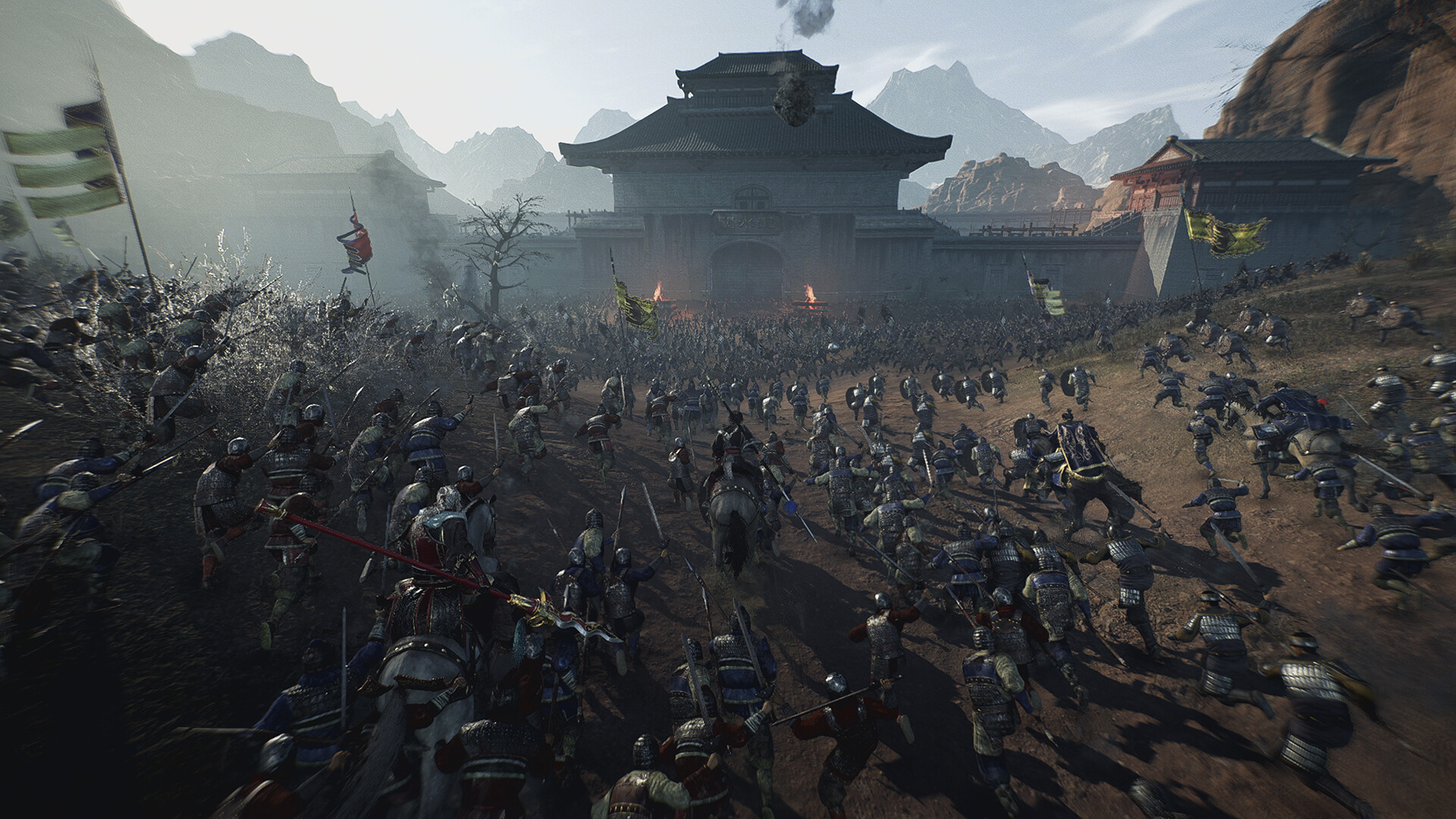
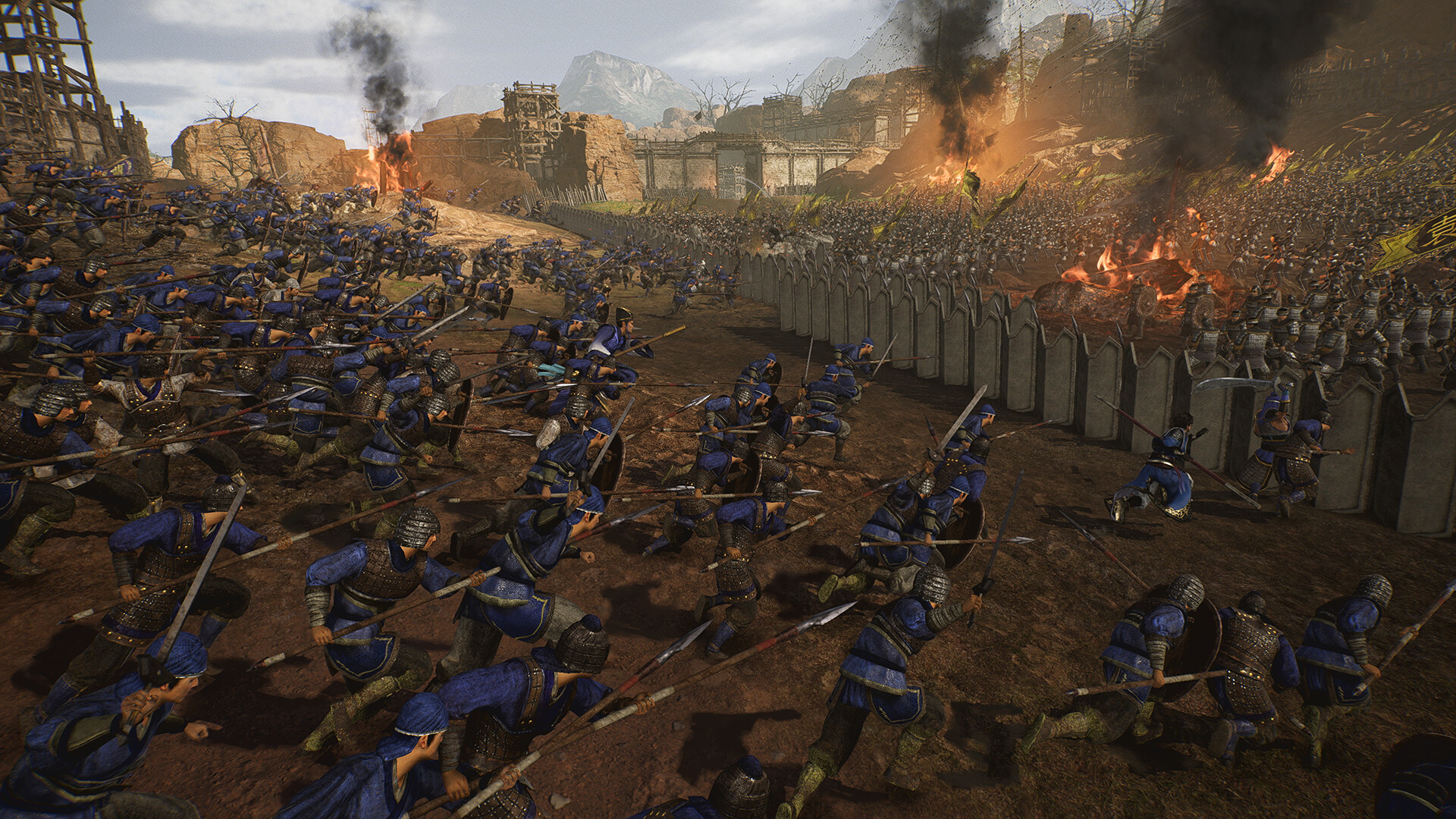
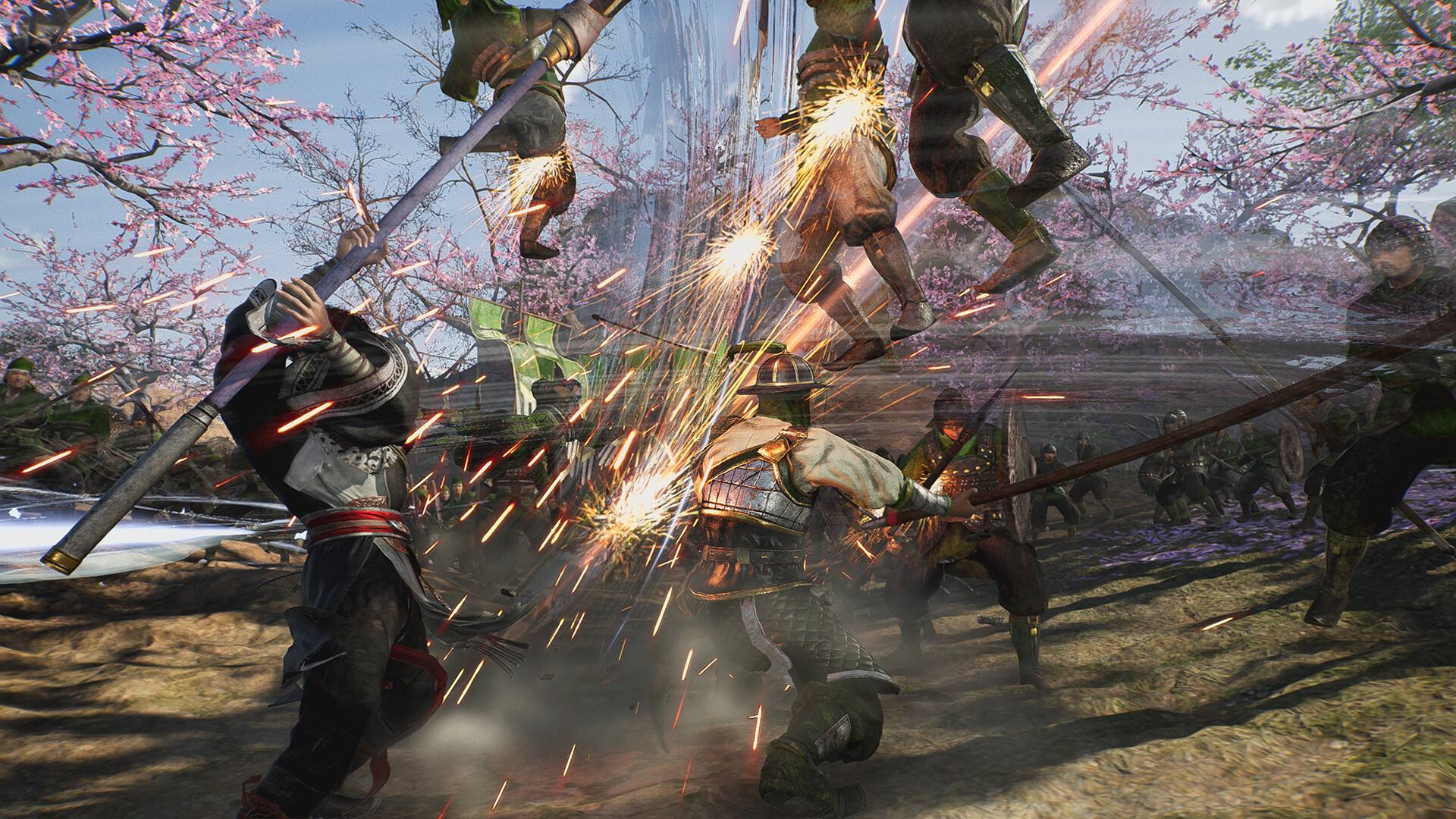
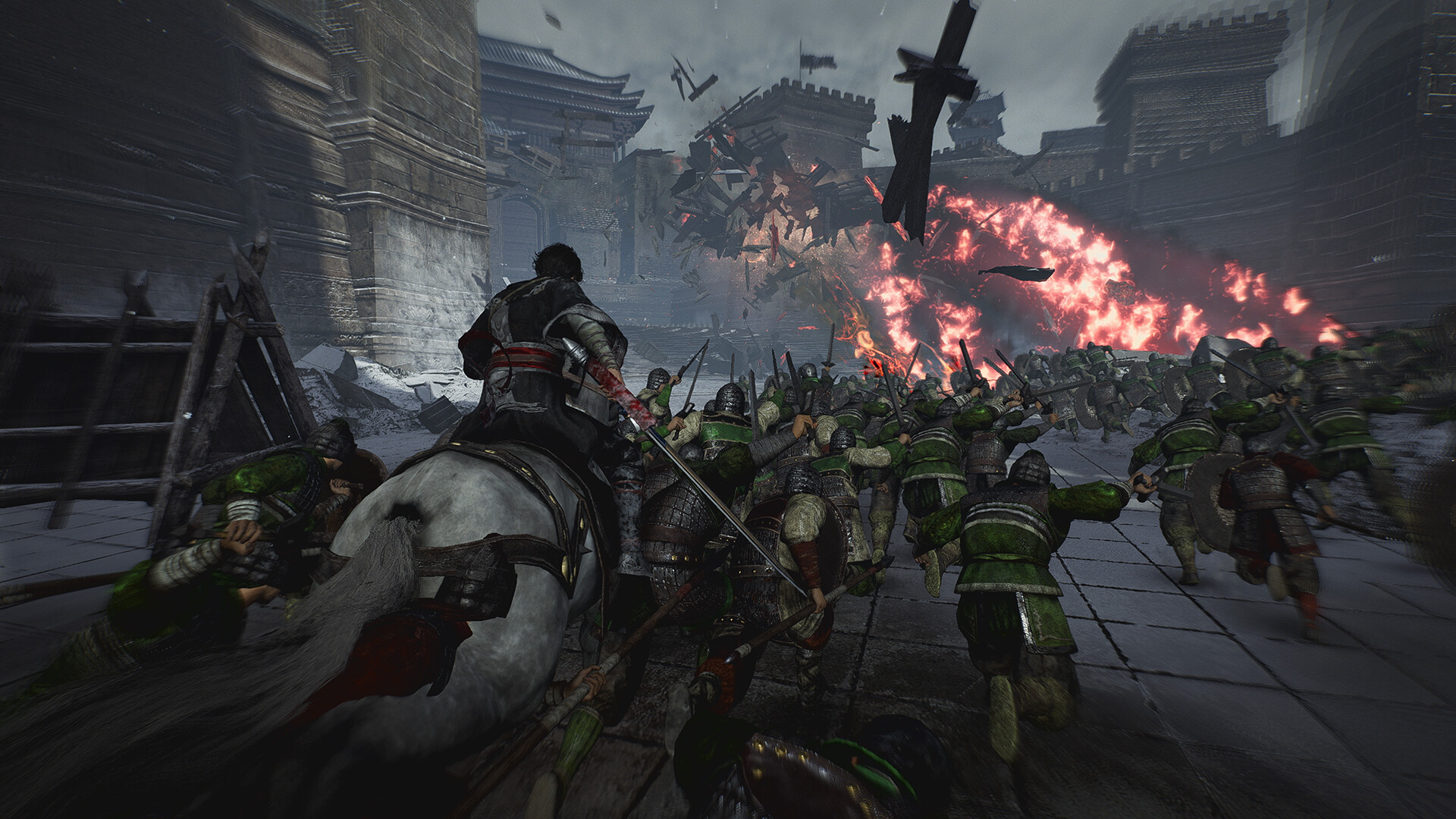
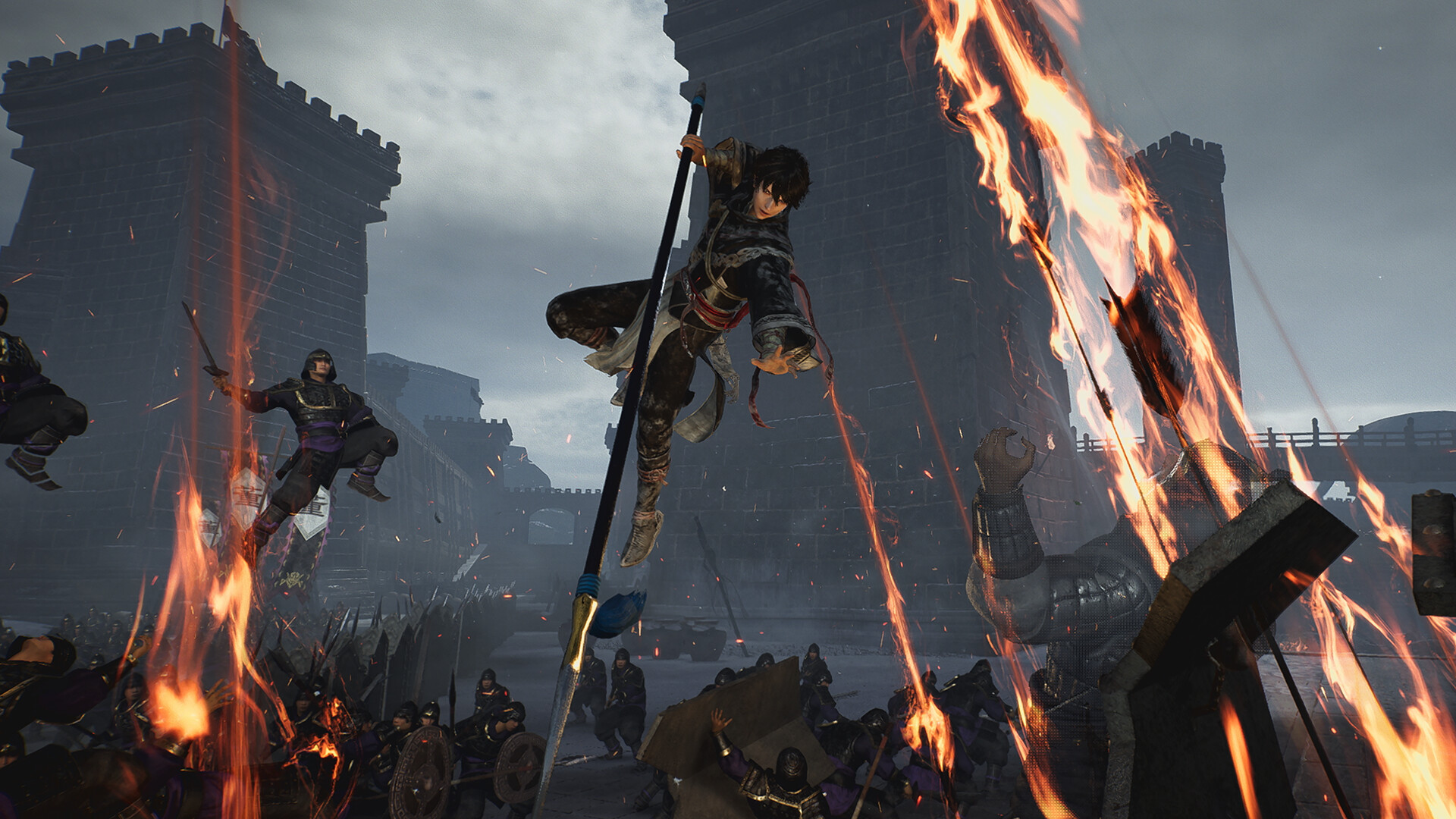
Dynasty Warriors: Origins drops you into the legendary Three Kingdoms era as a nameless hero, delivering the series' most intense combat against armies that stretch to the horizon.
The game blends action, RPG growth, and strategic positioning, while the PC version supports 4K ultra‑HD, HDR, ultra‑wide displays, and both stereo and surround sound for an immersive experience on compatible hardware.
01 / THE GUIDE
Story Perspective
Origins retells the Three Kingdoms saga through an original, unnamed protagonist, offering a fresh narrative lens on historic events.
This perspective lets players witness familiar battles while observing how the convictions of established heroes intersect across the Chinese mainland.
- Note dialogue cues.
- Compare hero motives.
02 / THE GUIDE
Battlefield Scale
The game features tension‑filled battlefields where you clash against massive armies stretching as far as the eye can see.
Allies accompany you in these large‑scale encounters, using the series' tactical positioning to manage continuous enemy onslaughts.
- Watch enemy waves.
- Observe ally movements.
03 / THE GUIDE
Visual & Audio Options
On Windows PCs the title supports 4K ultra‑HD resolution, ultra‑wide monitors, and HDR when the hardware permits.
Audio can be set to stereo or surround sound, and volume levels are adjustable through custom controls for each player.
- Enable HDR if possible.
- Select surround mode.
04 / THE GUIDE
Input Options
The PC version lists full support for all gamepad types, allowing players to use any compatible controller.
Mouse and keyboard inputs can also be customized, giving players flexibility in choosing their preferred control scheme during play.
- Try both schemes.
- Pick what feels natural.
05 / THE GUIDE
Platform & Core Features
Dynasty Warriors: Origins runs on Windows as a single‑player experience and includes Steam Achievements for completed milestones.
Additional Steam integrations provide Trading Cards, Cloud saves, Family Sharing, and options such as adjustable difficulty, color alternatives, and custom volume controls.
- Enable Cloud backup.
- Test difficulty settings.
COMMUNITY
Player discussion