 GameWiki
GET YOUR BEARINGS
About DX-Ball 2: 20th Anniversary Edition
DX‑Ball 2: 20th Anniversary Edition revives the classic brick‑breaker with 150 original boards plus a new anniversary boardset and widescreen variants. Players can toggle between high‑resolution textures and the original late‑90s graphics, while animated boards shift dynamically during play.
The edition adds 20 classic power‑ups and new items such as gravity‑ball and lightning, plus punch and gravity paddles. Saved‑game support, online leaderboards, and full Steam Workshop tools let you continue progress, compete, and create custom boardsets.
01 / THE GUIDE
Boards and Graphics
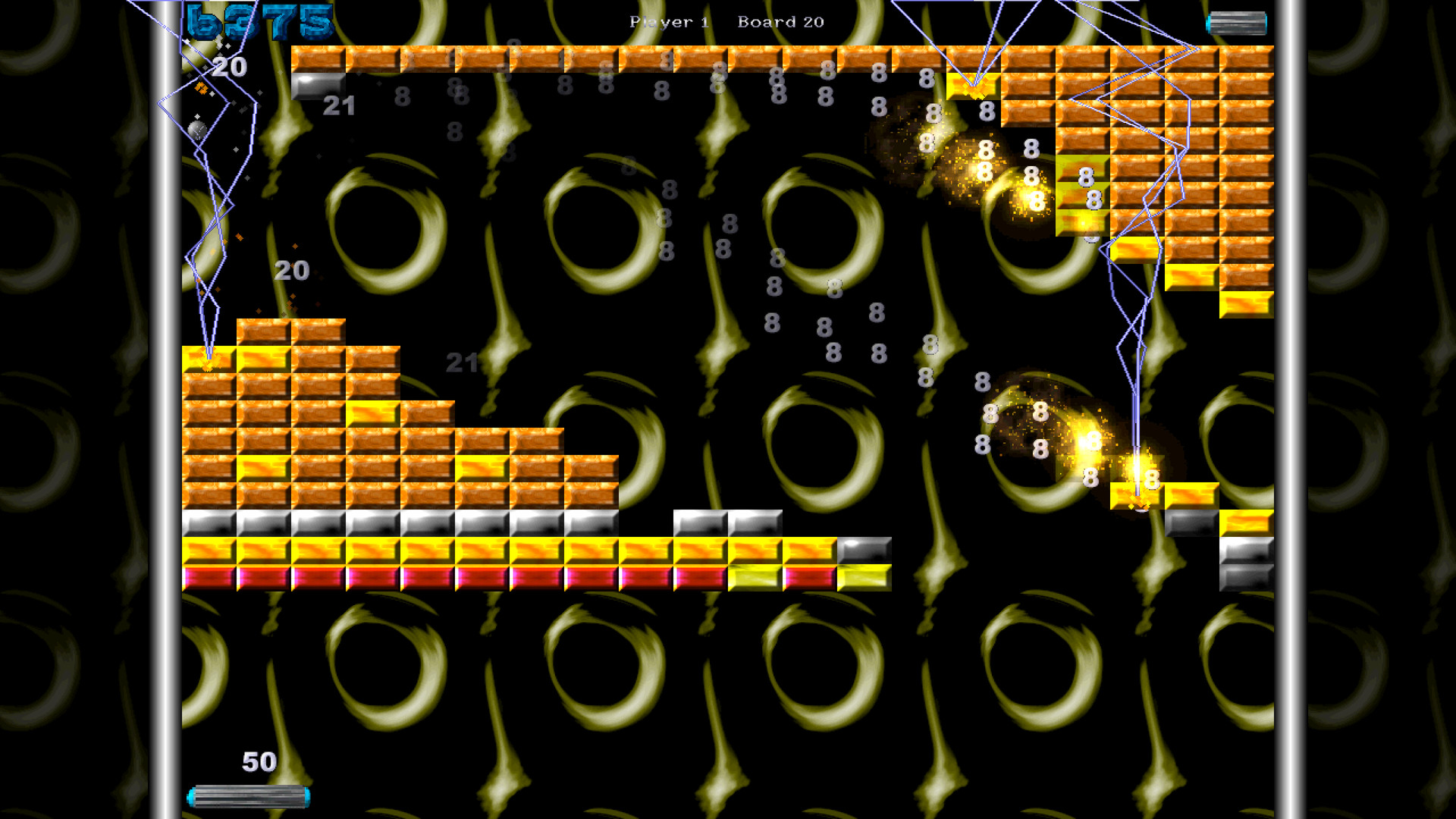
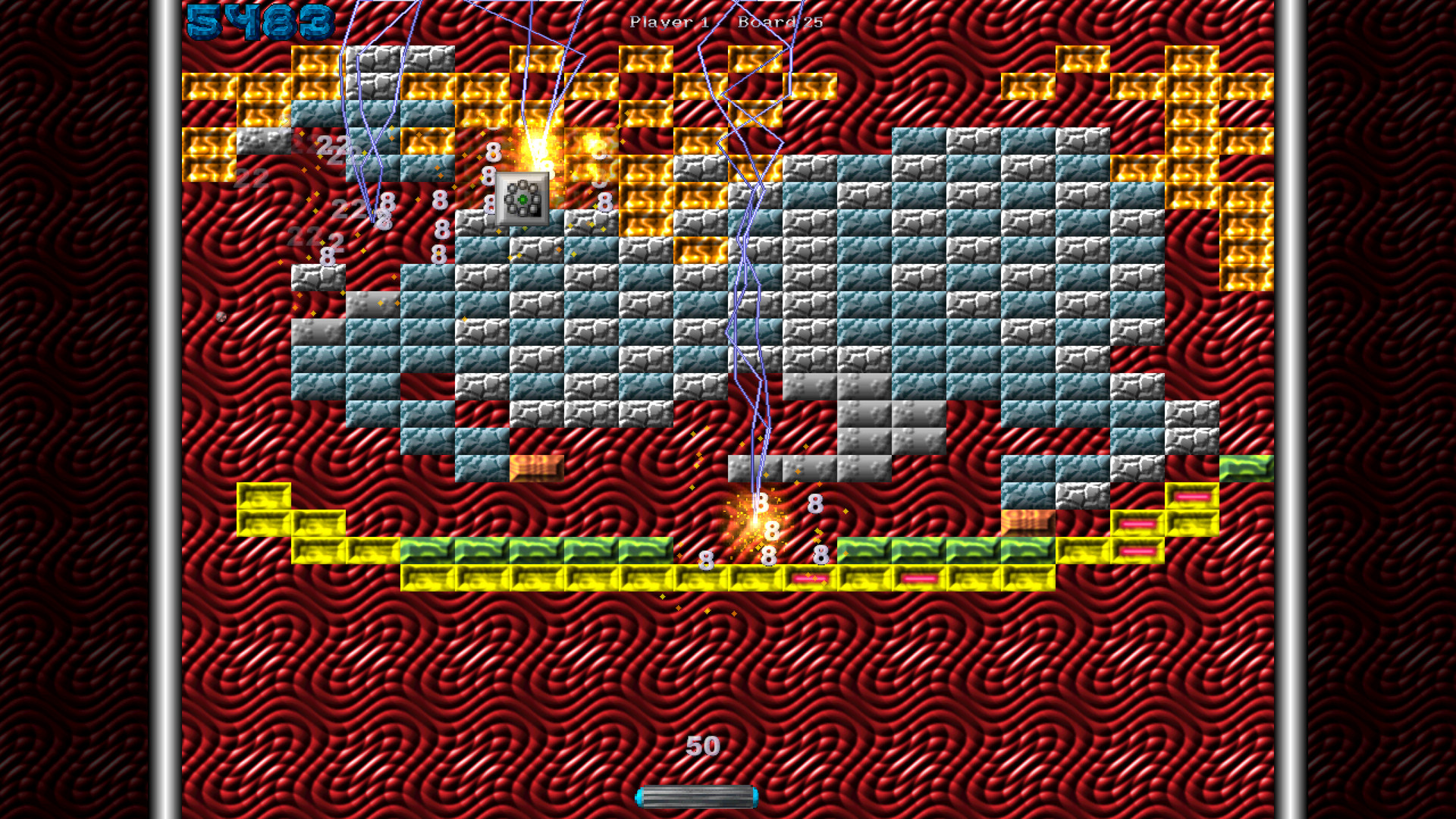
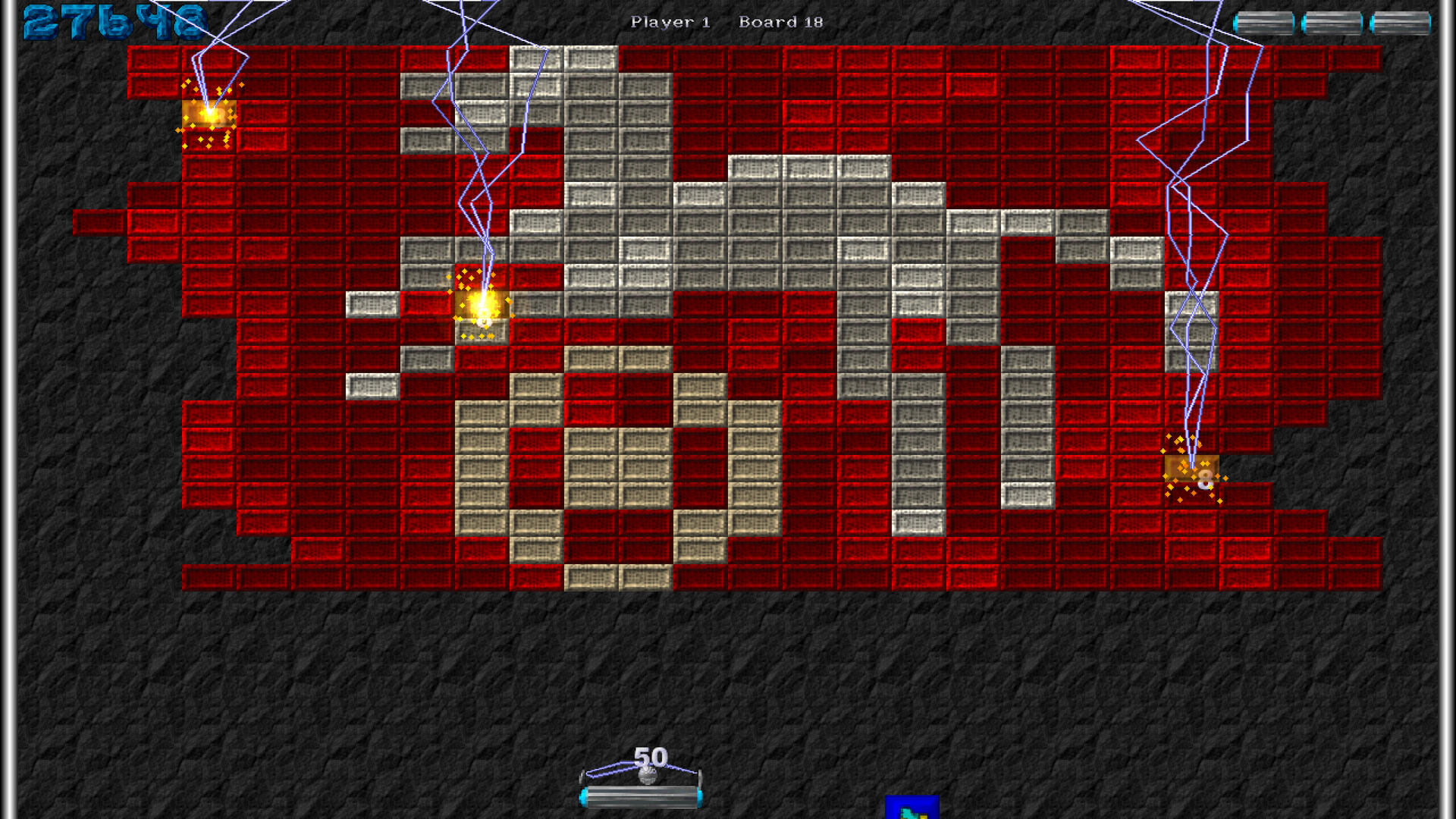
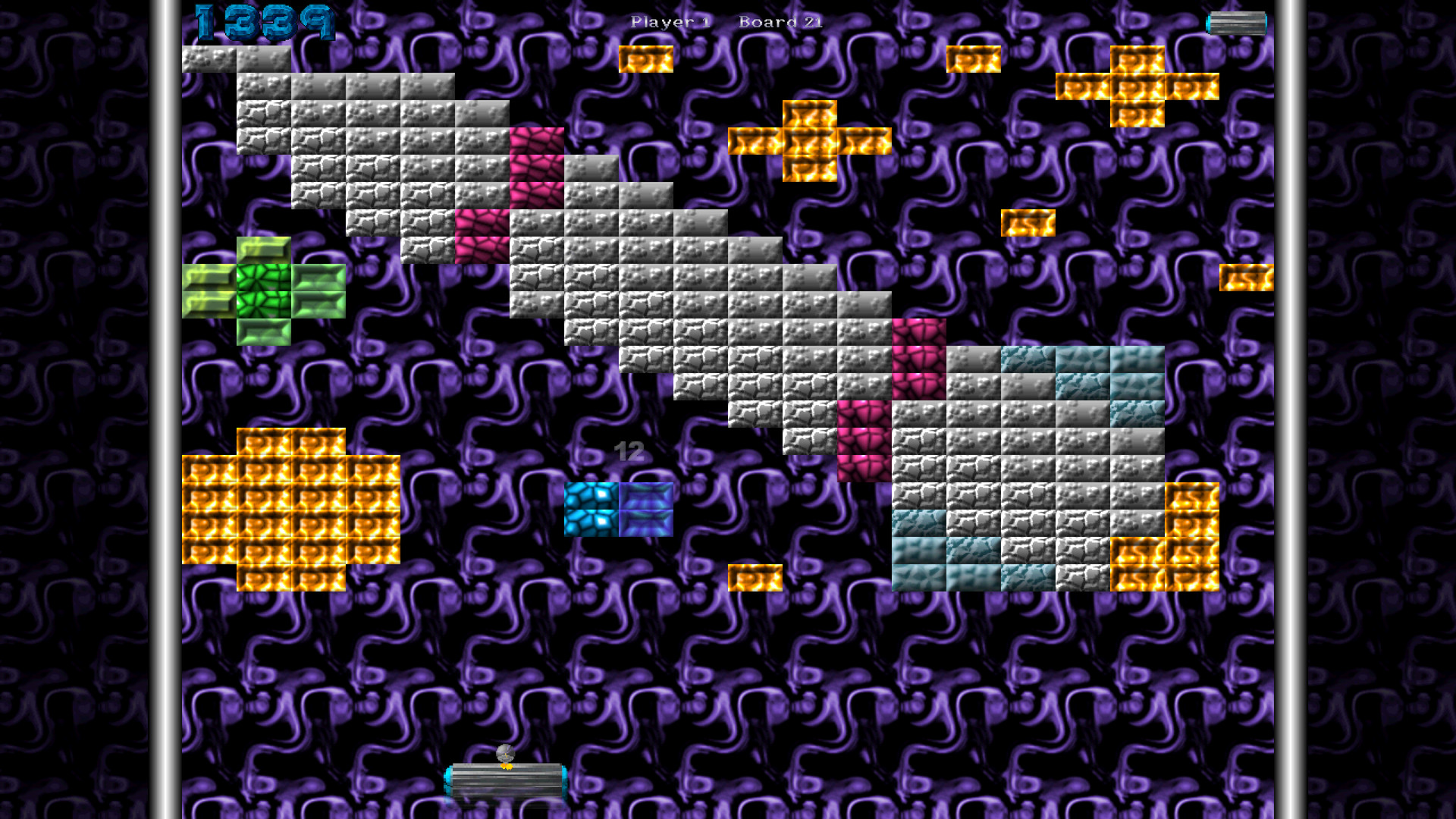
The game ships with 150 boards from the original Full Version and adds an anniversary boardset, including widescreen variants. Dynamic animated boards change as you play, providing visual variety.
At any moment you may switch between new high‑resolution board textures and the classic 90’s graphics. This toggle lets you choose your preferred look while playing.
- Try the high‑res textures on a large monitor to see the updated art detail.
- Switch back to classic graphics for a nostalgic feel during high‑score attempts.
02 / THE GUIDE
Power‑Ups and Paddle Features
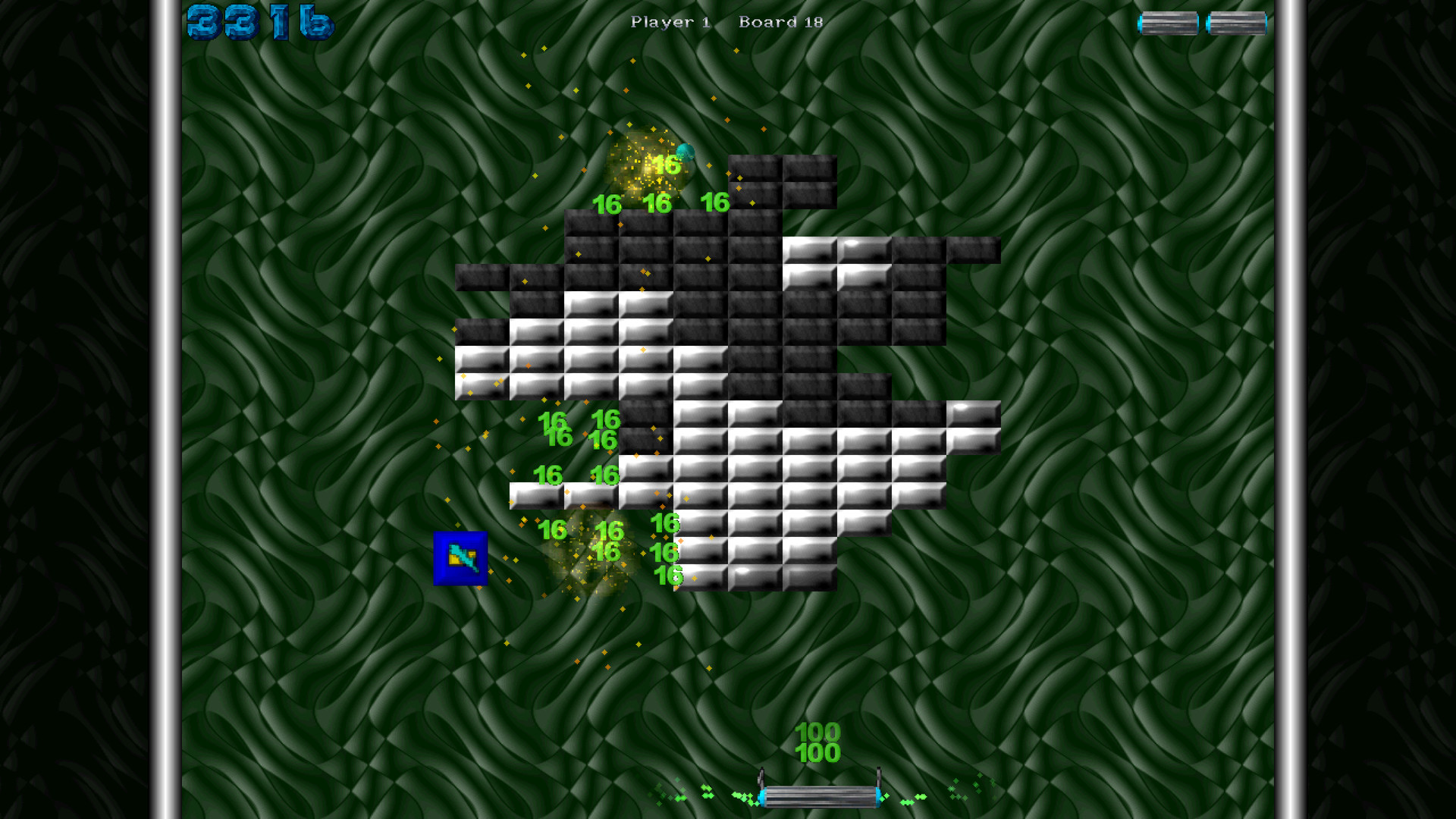
The edition includes the 20 classic power‑ups plus new items such as gravity‑ball and lightning. These power‑ups appear during play and affect the ball’s behavior according to their description.
Two new paddle functions are provided: a punch paddle that shoots the ball extra fast to break multi‑hit bricks, and a gravity push/pull paddle that moves the ball from a distance, adding strategic positioning.
- Use the punch paddle on dense brick clusters to clear them quickly.
- Experiment with the gravity paddle to reposition the ball for tricky angles.
03 / THE GUIDE
Saved Games and Cloud Backup
Saved games let you store your current board progress and continue later, preventing loss of advancement across sessions. Saved games allow you to save your progress and continue later.
Saved data can also be backed up with Steam Cloud.
- Save before attempting a difficult board to avoid having to restart.
- After a session, confirm your save is up to date before closing.
04 / THE GUIDE
Online Leaderboards and Multiplayer
Online leaderboards let you compete for the best score with the community.
Multiplayer options include PvP, shared/split‑screen PvP, and Remote Play Together for competitive play with others.
- Focus on boards with high point potential to climb the leaderboard faster.
- Use Remote Play Together to challenge friends who do not own the game.
05 / THE GUIDE
Level Editor and Workshop Support
Editing tools are included, allowing you to design custom boardsets. Once created, boards can be uploaded to the Steam Workshop for community distribution.
The Workshop integration lets you browse, download, and play boardsets made by other players, expanding the available content beyond the built‑in boards.
- Start with a simple layout before adding complex animations in the editor.
- Browse the Workshop for popular boardsets to see community design trends.
COMMUNITY
Player discussion