 GameWiki
GET YOUR BEARINGS
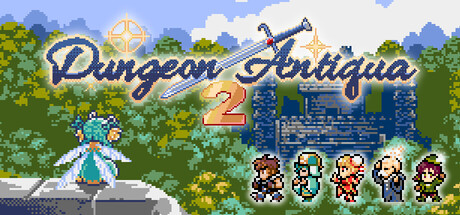
About Dungeon Antiqua 2
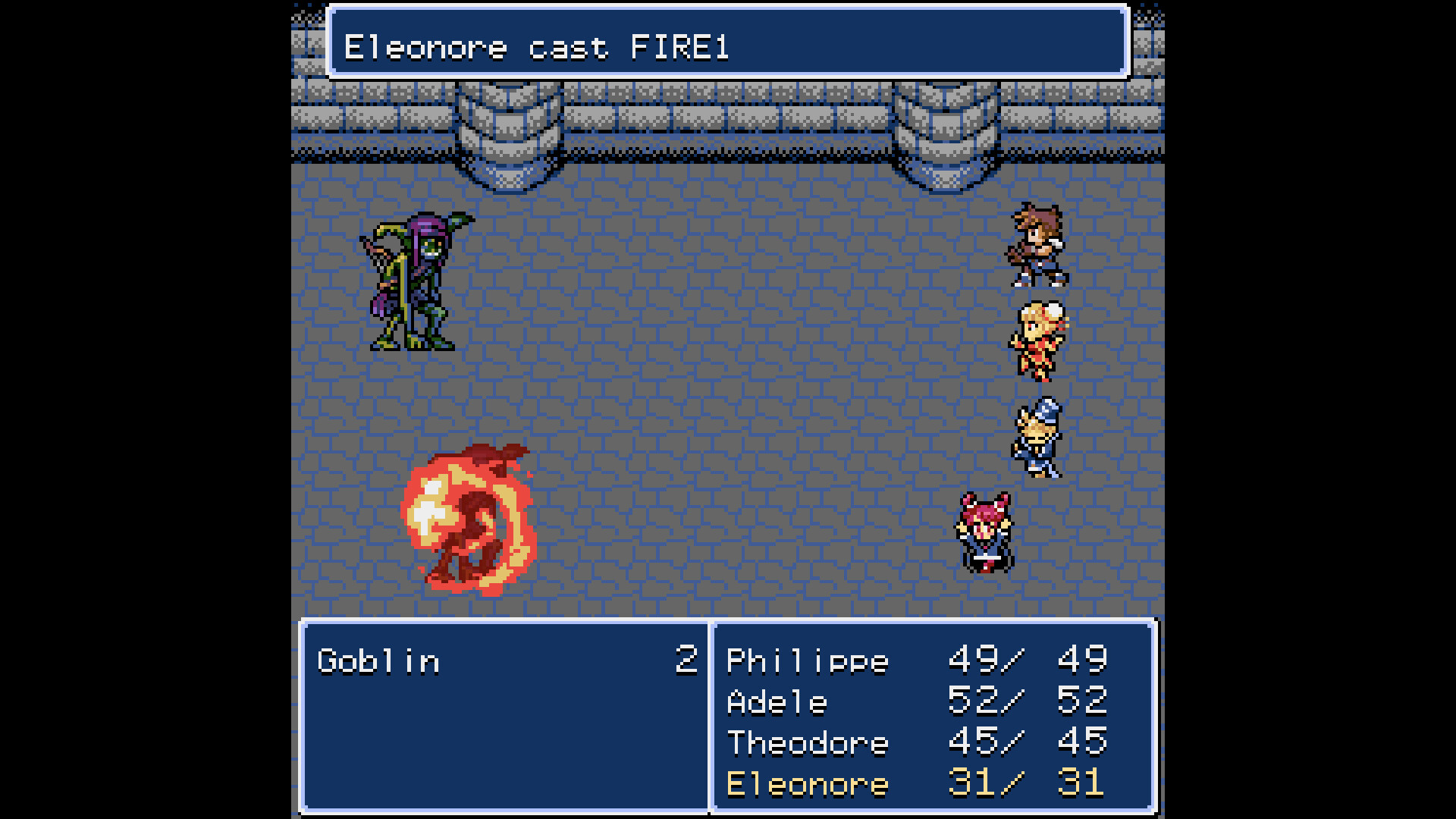
Dungeon Antiqua 2 is a 2D hack‑and‑slash RPG that embraces SNES‑style pixel art and sound. Players explore six dungeons, using a vision‑based system that hides corridors and enemies until they are in range. The game blends strategic exploration with a flexible job system, letting you switch among ten classes without losing level progress. A concise story and minimal dialogue encourage imagination, while a demo‑to‑full‑version save transfer lets you continue your adventure seamlessly.
01 / THE GUIDE
Exploration Mechanics
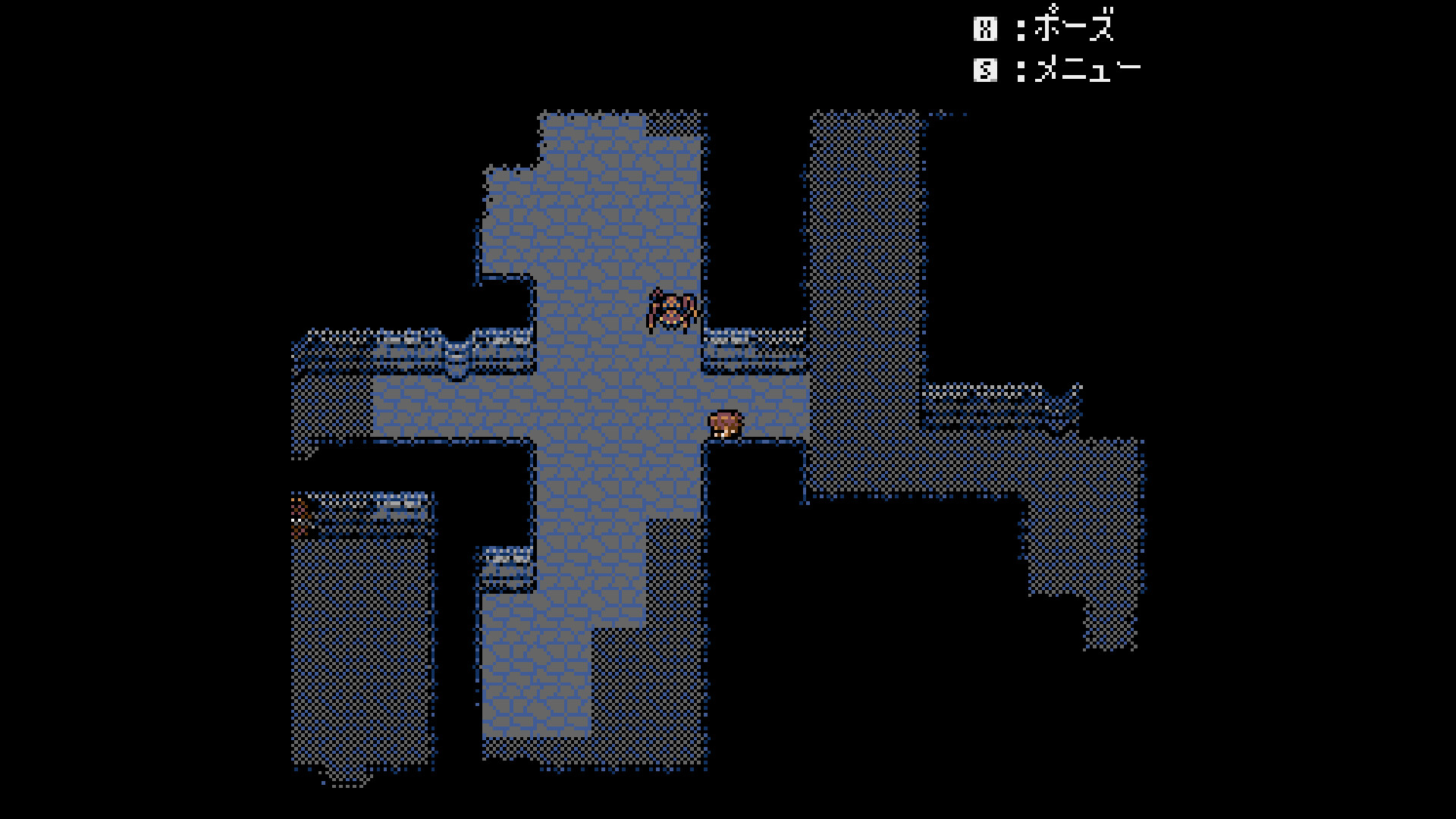
The six dungeons are navigated with a unique vision system: corridors and foes become visible only when the character’s sight reaches them. This creates a sense of discovery and requires careful positioning.
Encounters use a symbol system, allowing you to dodge enemies to avoid combat or strike first to seize initiative. Your choices shape the path forward.
- Move slowly to keep vision clear and spot hidden enemies before they appear.
- Use the dodge option to bypass tough fights and preserve skill points.
02 / THE GUIDE
Job System
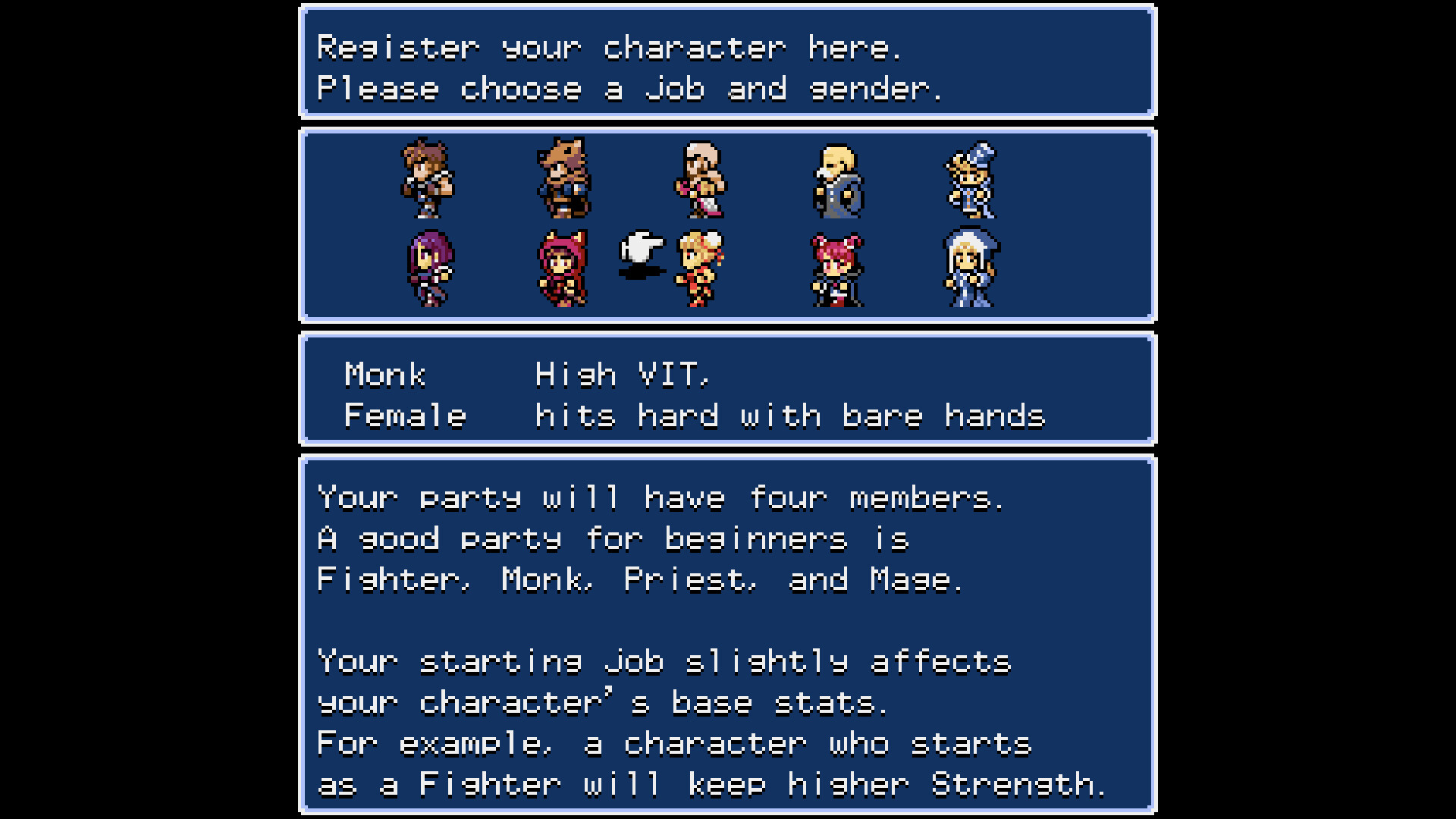
The game starts with five jobs; five more unlock as you progress, totaling ten including the new Monk and Archer. Changing jobs never resets your level, so you can experiment freely.
Winning battles grants skill points; reaching thresholds unlocks job‑specific abilities, letting you craft a personalized party.
- Try different jobs early to discover which skill trees suit your playstyle.
- Focus on battles that grant enough points to unlock key job skills quickly.
03 / THE GUIDE
Story Concept
Set centuries after the original Dungeon Antiqua, the narrative is stripped of lengthy cutscenes, offering short dialogue and text that spark imagination.
Familiar characters from the first game may appear, providing a nostalgic link while keeping the focus on player‑driven adventure.
- Pay attention to brief dialogues; they often hint at hidden routes.
- Enjoy the open‑ended storytelling by imagining your own backstory.
04 / THE GUIDE
Save Transfer
Demo progress can be moved to the full version on Windows and Mac by launching the full game after the demo; the files are shared automatically.
On Steam Deck, use the “Inherit Data” menu to generate a 6‑digit code from the trial, then restore it in the full version.
- Back up your demo save folder before installing the full version.
- Record the 6‑digit code accurately when using the Steam Deck method.
05 / THE GUIDE
Platform Support
Dungeon Antiqua 2 runs on Windows and macOS, with full controller support and family sharing enabled for single‑player sessions.
An executable for certain handheld consoles is included; locate it via Settings > Manage > Browse Local Files and transfer it to the device.
- Check the official website for a list of supported handhelds before transferring.
- Test controller input early to ensure all buttons map correctly.
COMMUNITY
Player discussion