 GameWiki
GET YOUR BEARINGS
About Dungeon Alchemist
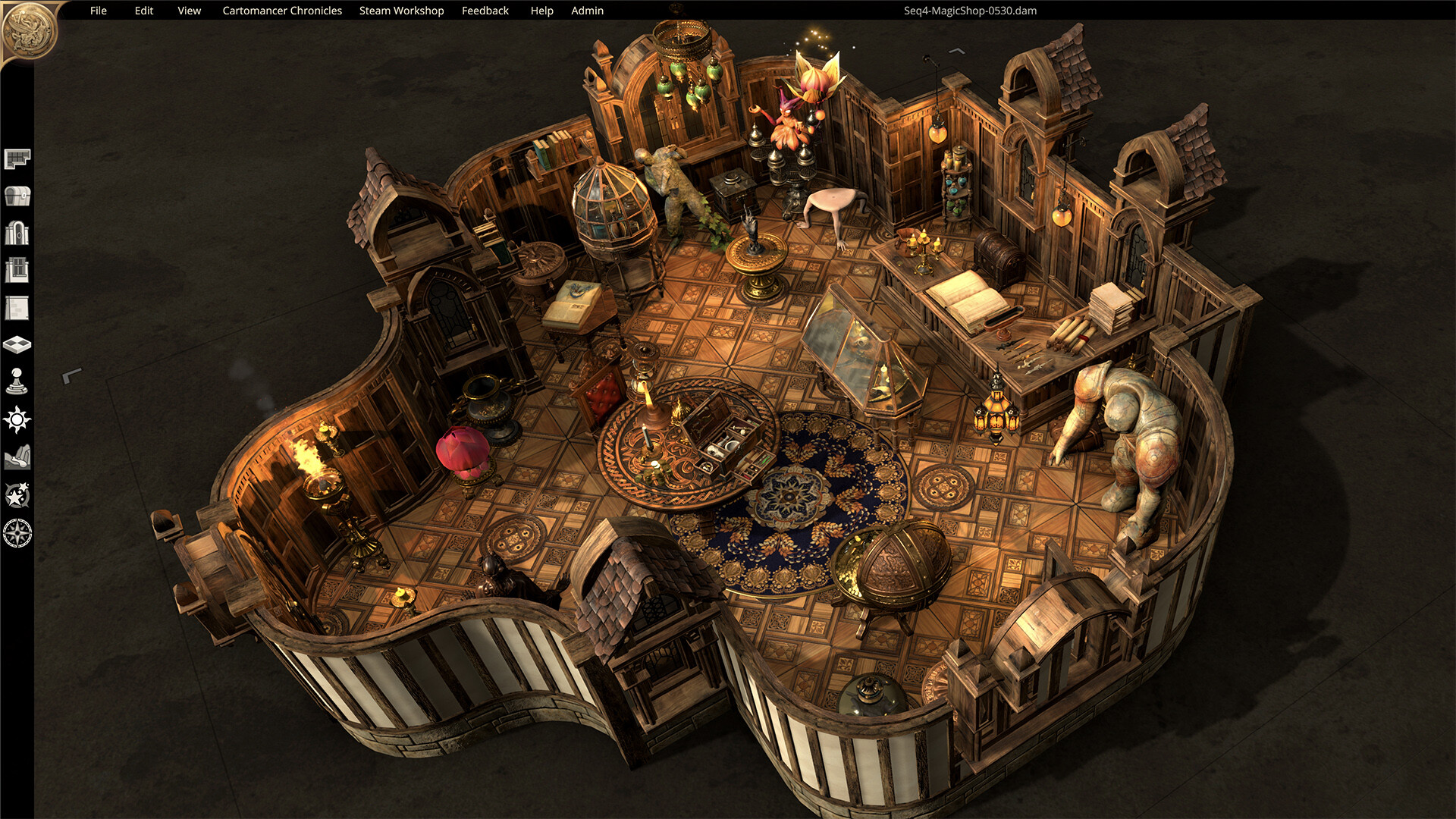
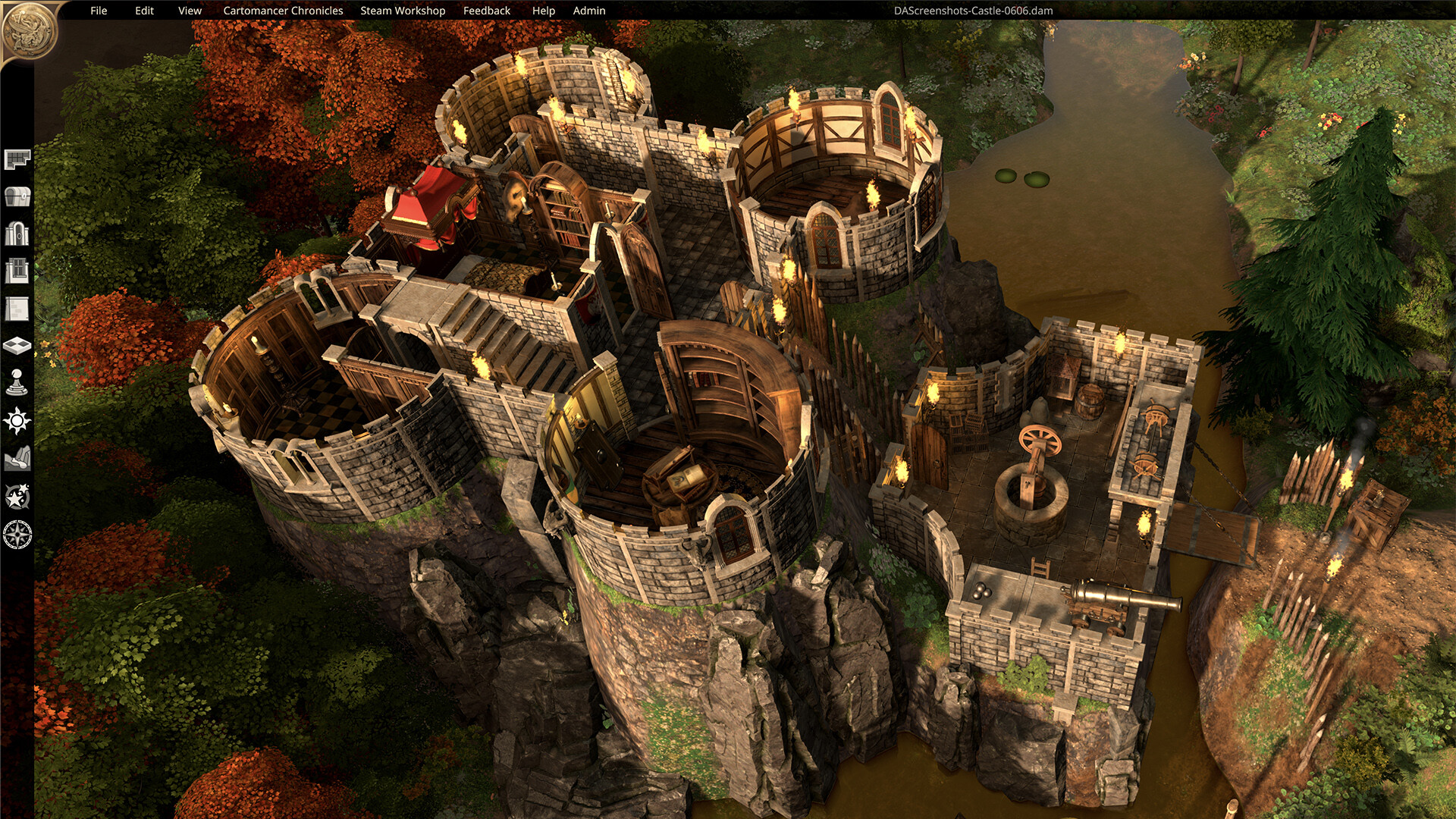
Dungeon Alchemist is a mapmaking application for tabletop RPGs that creates high‑quality maps in seconds. Players choose a theme, draw a layout, and the program automatically generates walls, floors, objects, and lighting. The tool runs on Windows, macOS, and Linux, supports single‑player creation, and offers Steam Workshop sharing, Remote Play Together, and Family Sharing for collaborative or shared use.
01 / THE GUIDE
Choosing a Theme
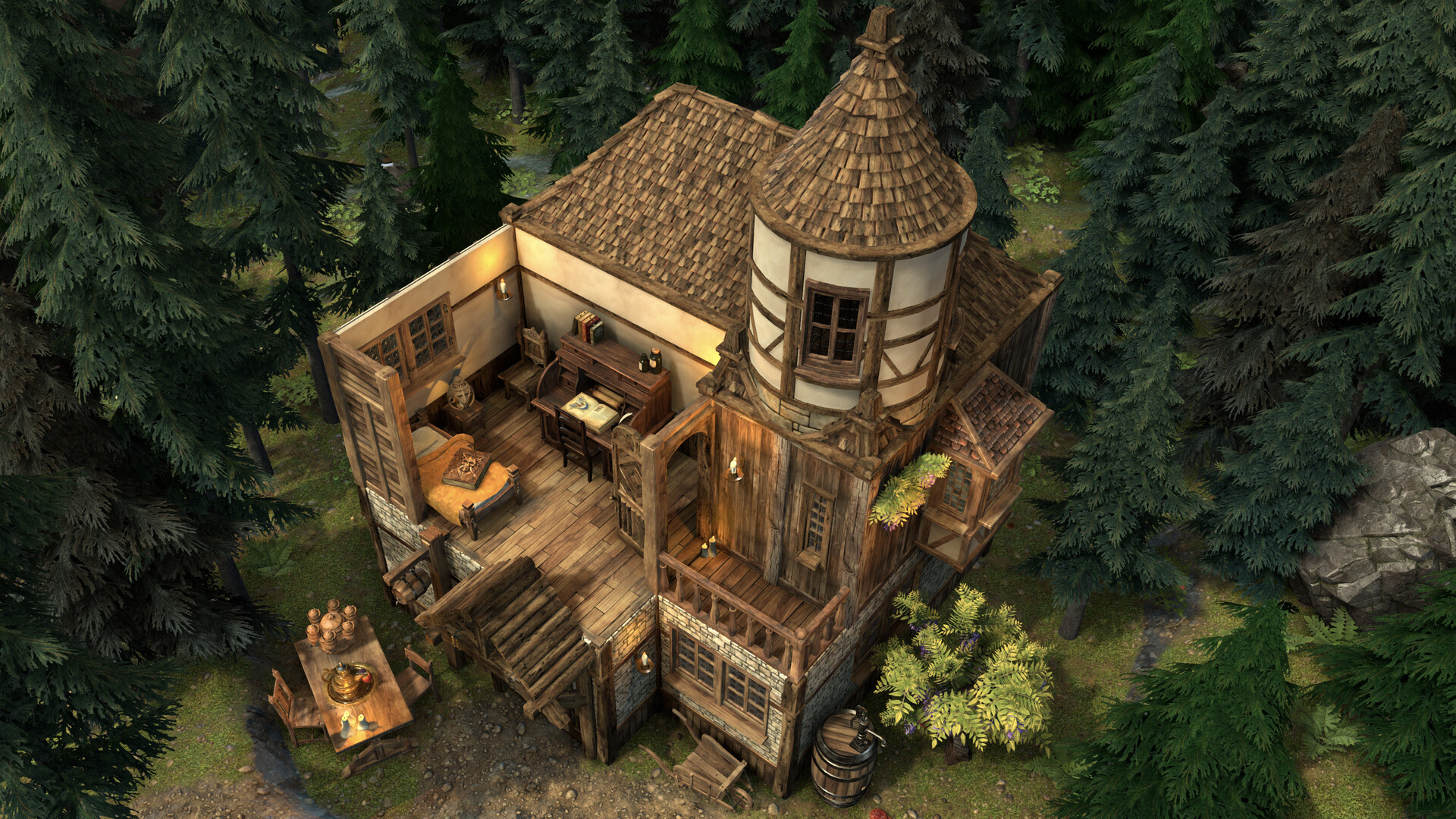
The app ships with a variety of themes that provide distinct objects and settings. Selecting a theme determines the visual style of each room you create.
If the initial result isn’t satisfactory, the randomize button can be used to generate a new room using the same theme’s procedural rules.
- Experiment with different themes to find the visual tone that best fits your campaign.
- Use the randomize feature when you need fresh inspiration without starting from scratch.
02 / THE GUIDE
Procedural Map Generation
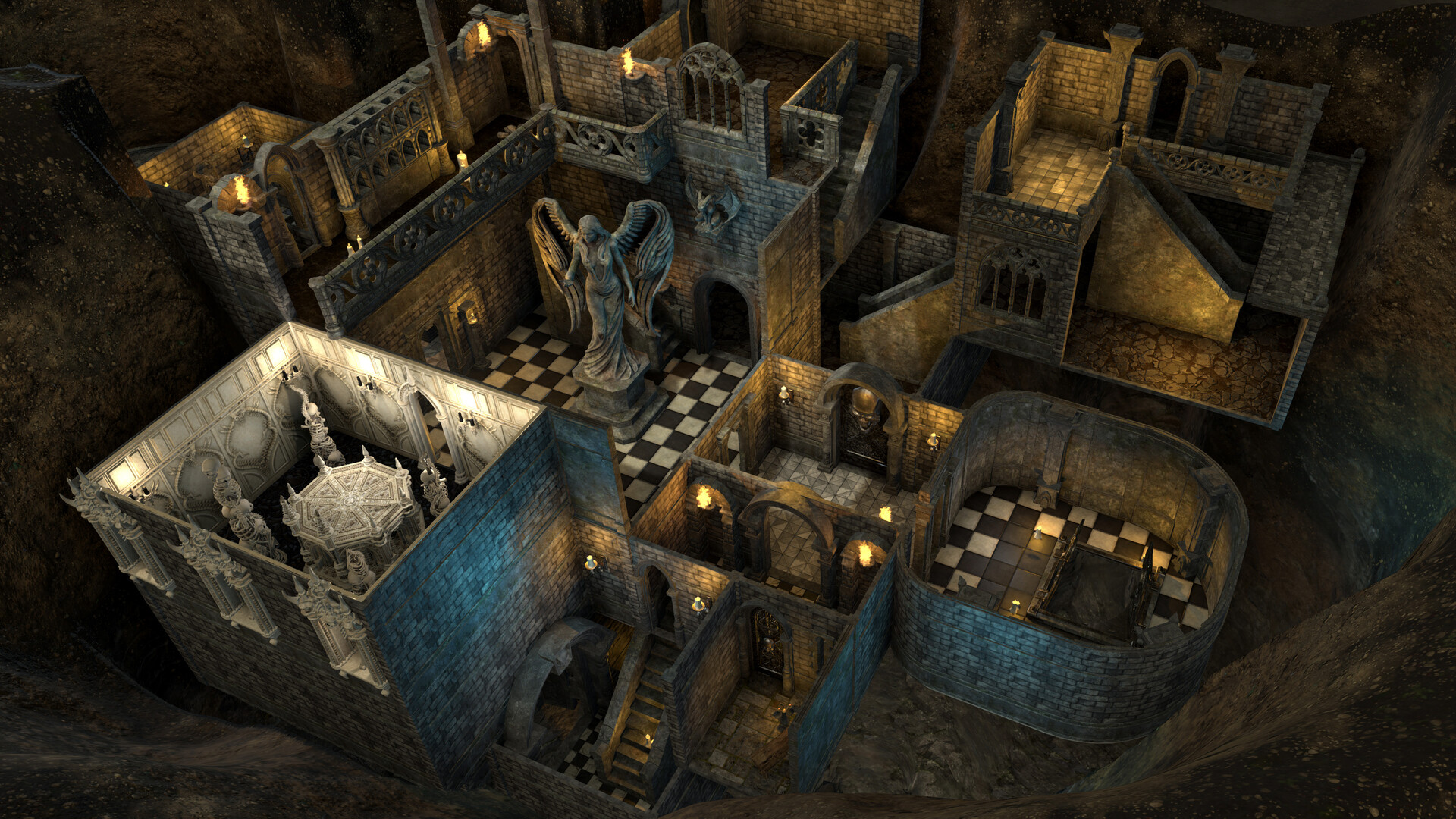
Dungeon Alchemist uses in‑house procedural algorithms to automatically create walls, floors, objects, and lighting after you outline a room.
The system does not rely on generative AI; all content is produced by the developers’ own artists.
- Leverage the automatic generation to focus on storytelling rather than manual layout.
- Remember the maps are generated without AI, using content made by the developers' own artists.
03 / THE GUIDE
Map Editing Tools
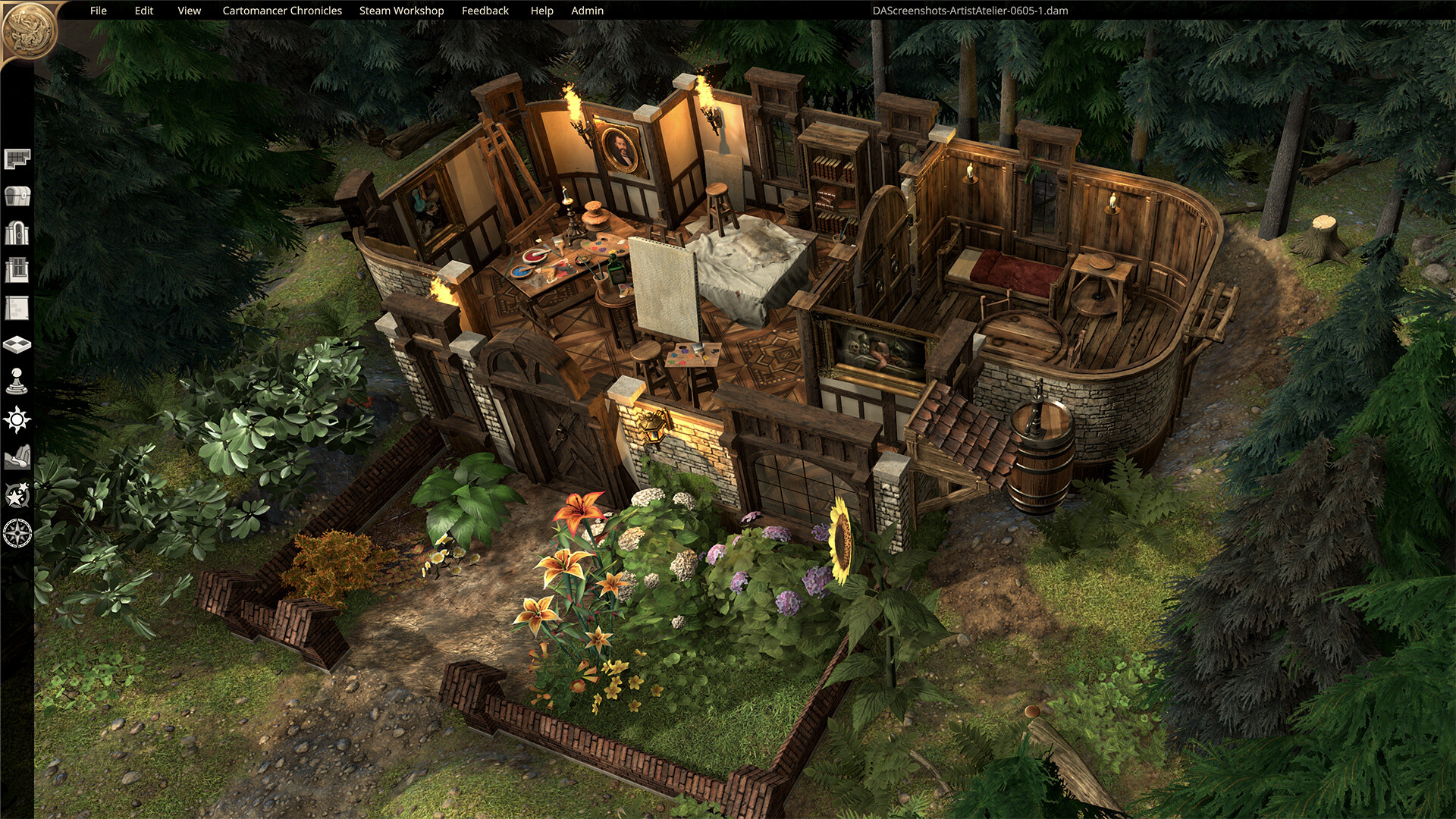
After generation, you can add, scale, remove, and rotate objects, move doors, change floor tiles, recolor potions, and set things on fire.
These tools let you fine‑tune the map until it matches your vision.
- Use scaling and rotation to fit objects into tight spaces.
- Adjust lighting and colors to highlight key areas for players.
04 / THE GUIDE
Steam Workshop Integration
Dungeon Alchemist includes a level editor that can publish maps to the Steam Workshop, allowing other users to download and use your creations.
Workshop support encourages a community of shared maps and ideas.
- Upload finished maps to the Workshop to receive feedback from other creators.
- Browse the Workshop for inspiration or ready‑made maps to adapt.
05 / THE GUIDE
Supported Platforms
The application runs on Windows, macOS, and Linux, giving a broad range of PC users access to the tool.
It is listed as an Early Access title, meaning ongoing development and updates are expected.
- Check for platform‑specific updates through the Steam client.
- Take advantage of the Early Access status to provide feedback to developers.
COMMUNITY
Player discussion