 GameWiki
GET YOUR BEARINGS
About Dummynation
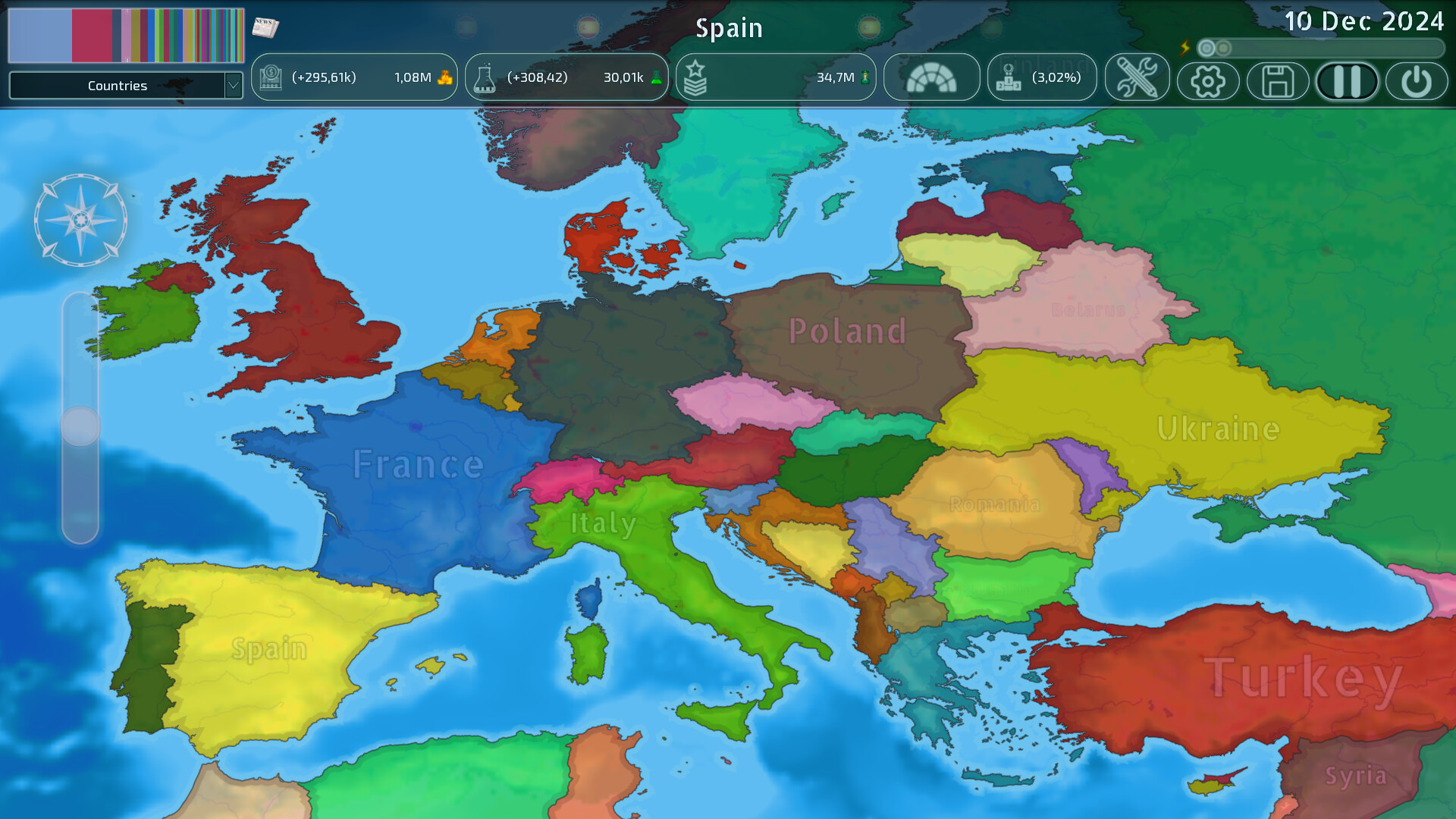
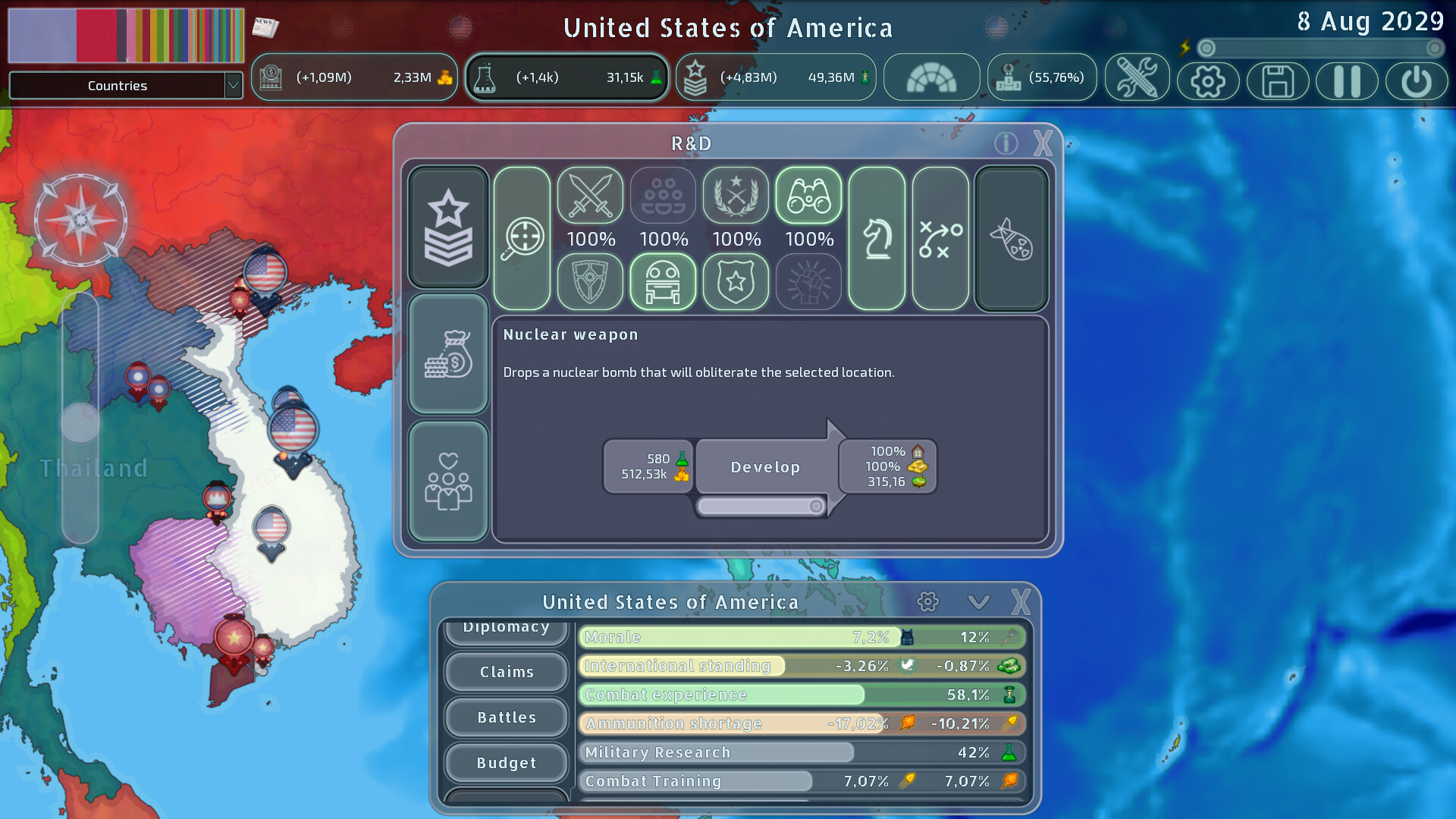
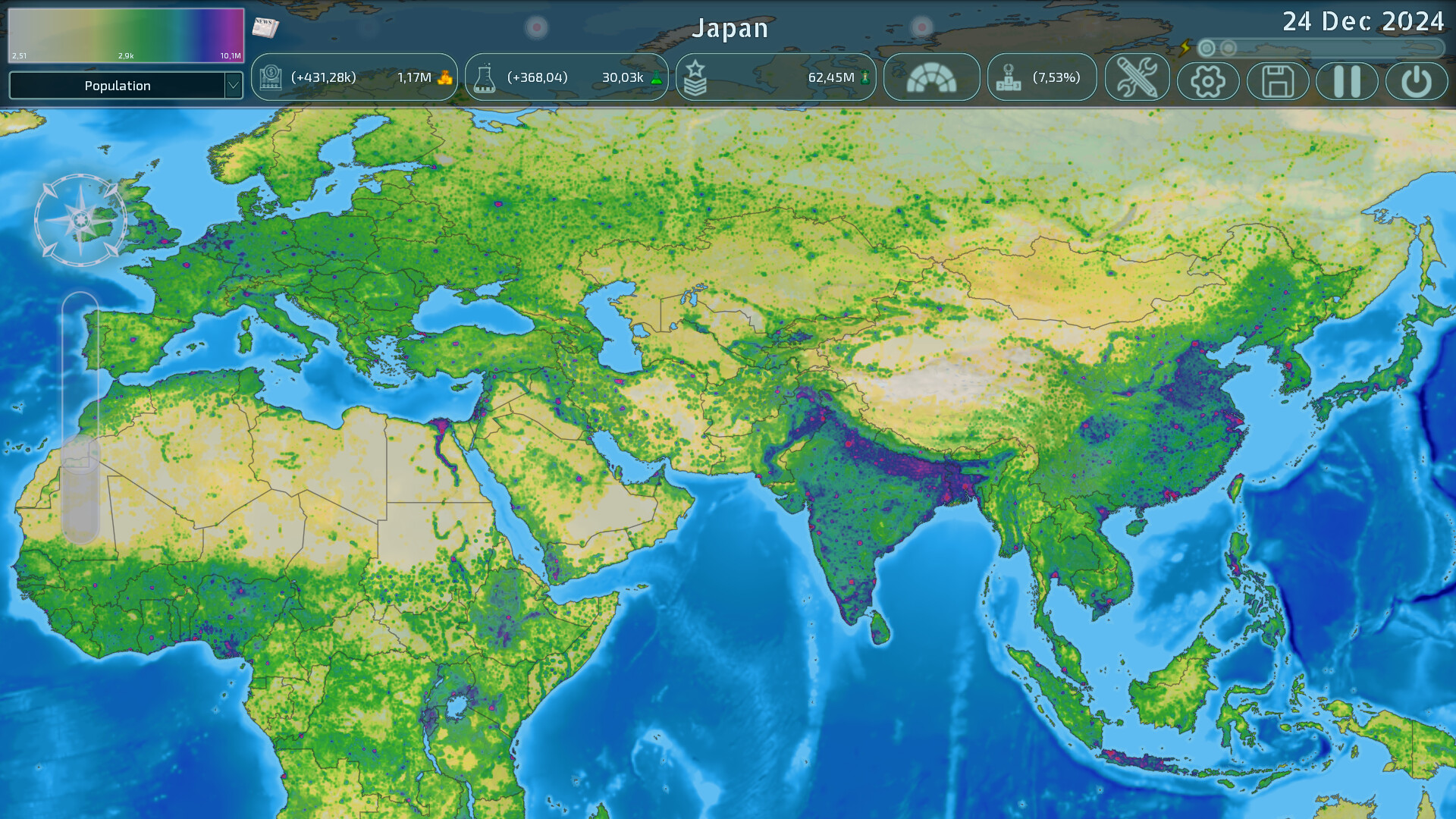
Dummynation puts you in charge of a nation whose sole promise is world domination. You expand by occupying points, manage resources tied to each location, and choose ideology and economic policy while avoiding over‑extension and powerful enemies. The design trims typical grand‑strategy micromanagement, letting casual players grasp the basics quickly yet still rewarding deeper study of its layered systems.
Conquests happen in real time, with resources shifting gradually and resistance forces emerging to slow advances. A robust custom mode and cross‑platform multiplayer let you edit maps, create scenarios, and compete or cooperate with others in battle‑royale, team‑world‑war, or spectator‑only God mode.
01 / THE GUIDE
Real‑time annexation
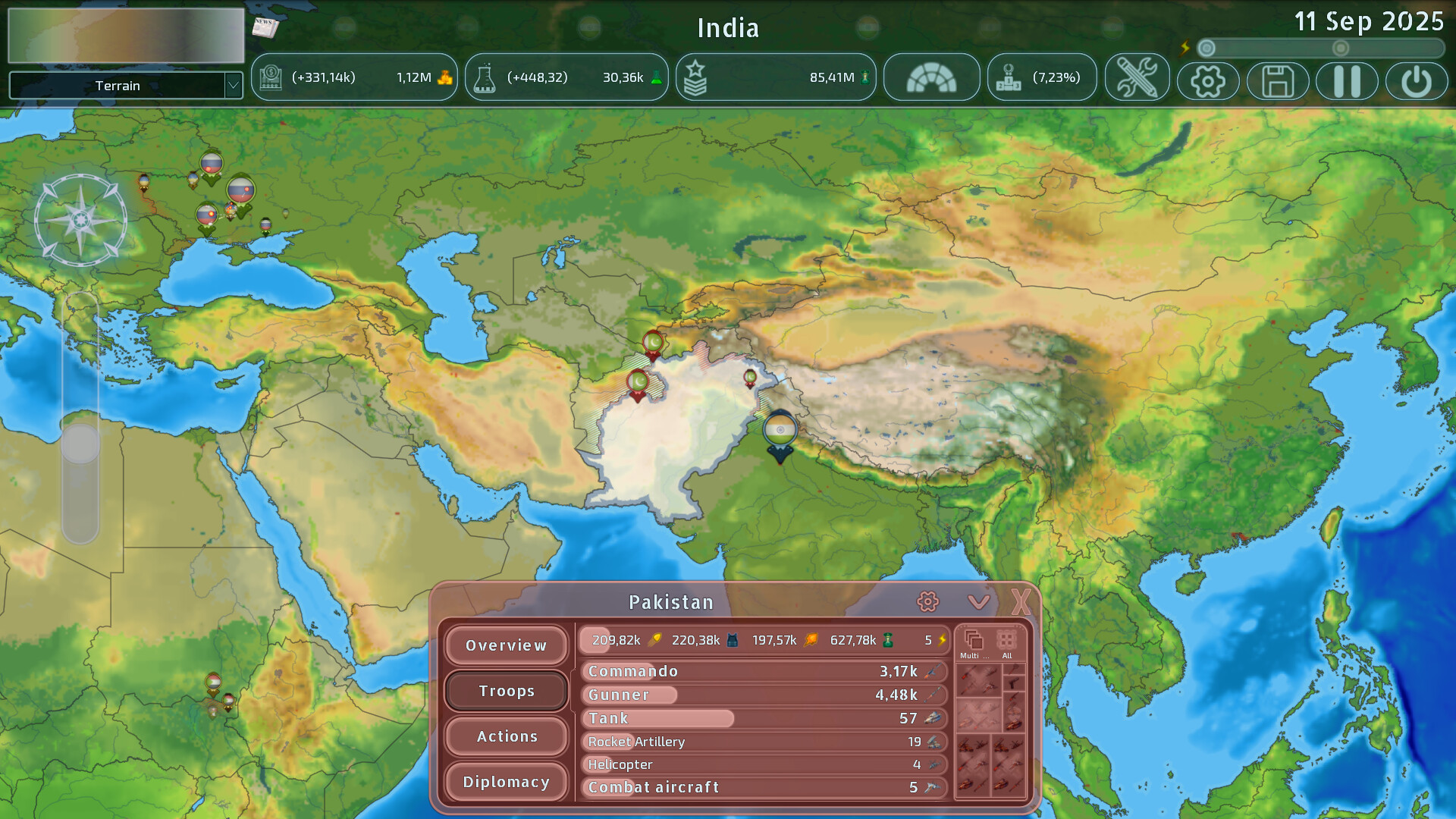
Resources belong to individual points rather than whole provinces, and when you capture a point its resources are transferred to you progressively over time. This creates a moving front where the pace of annexation directly influences your income and military upkeep.
Automatic resistance can arise on newly conquered points, holding the line and wearing down the attacker. Managing the balance between rapid annexation and the cost of suppressing resistance is essential to keep your empire sustainable.
- Watch where resistance spikes and consider reinforcing those fronts.
- Adjust expansion speed to match the rate at which resources become available.
02 / THE GUIDE
Custom mode
During a custom game you can edit almost any element: territory borders, resource values, flags, country names, and overall game parameters. Adding or removing nations, raising or sinking land, and painting map data let you craft entirely new scenarios.
The cross‑platform workshop lets you upload your creations or download community‑made scenarios, extending replayability beyond the base content and allowing players to share balanced or experimental maps.
- Use the map‑painting tools to create symmetrical starting positions for fair multiplayer.
- Run a quick AI test of a new scenario before inviting friends.
03 / THE GUIDE
Multiplayer modes
Private custom games let friends play with the default or any user‑created scenario, and the data can be edited as the match progresses. Random‑player battle‑royale pits each participant against all others for world domination.
Team‑based world wars let coalitions cooperate to earn points and climb the leaderboard, offering both competitive and cooperative experiences across platforms.
- Coordinate front‑line coverage with teammates in world‑war mode.
- In battle‑royale, secure early resource points to sustain later conflicts.
04 / THE GUIDE
God mode
God mode lets you observe the world without controlling any nation, watching AI countries clash while you retain ultimate power. This spectator view reveals AI diplomatic and military patterns without direct involvement.
With ultimate power over the unfolding world, God mode can serve as a sandbox for observing how global dynamics play out.
- Note how AI alliances shift as the world unfolds.
- Use God mode to study AI dynamics before committing to a live match.
05 / THE GUIDE
Replay system
After any single‑player or multiplayer session you can relive the game as a replay, watching the rise of your empire or the moments of defeat. Replays let you watch how your empire rose or fell over the course of the match.
Studying these replays lets you pinpoint where resistance slowed you, where resource income peaked, and which diplomatic moves led to alliances or wars, informing future strategies.
- Pause at key battles to note resource expenditure.
- Compare multiple replays to identify recurring strategic errors.
COMMUNITY
Player discussion