 GameWiki
GET YOUR BEARINGS
About Duelist: Idle Expedition
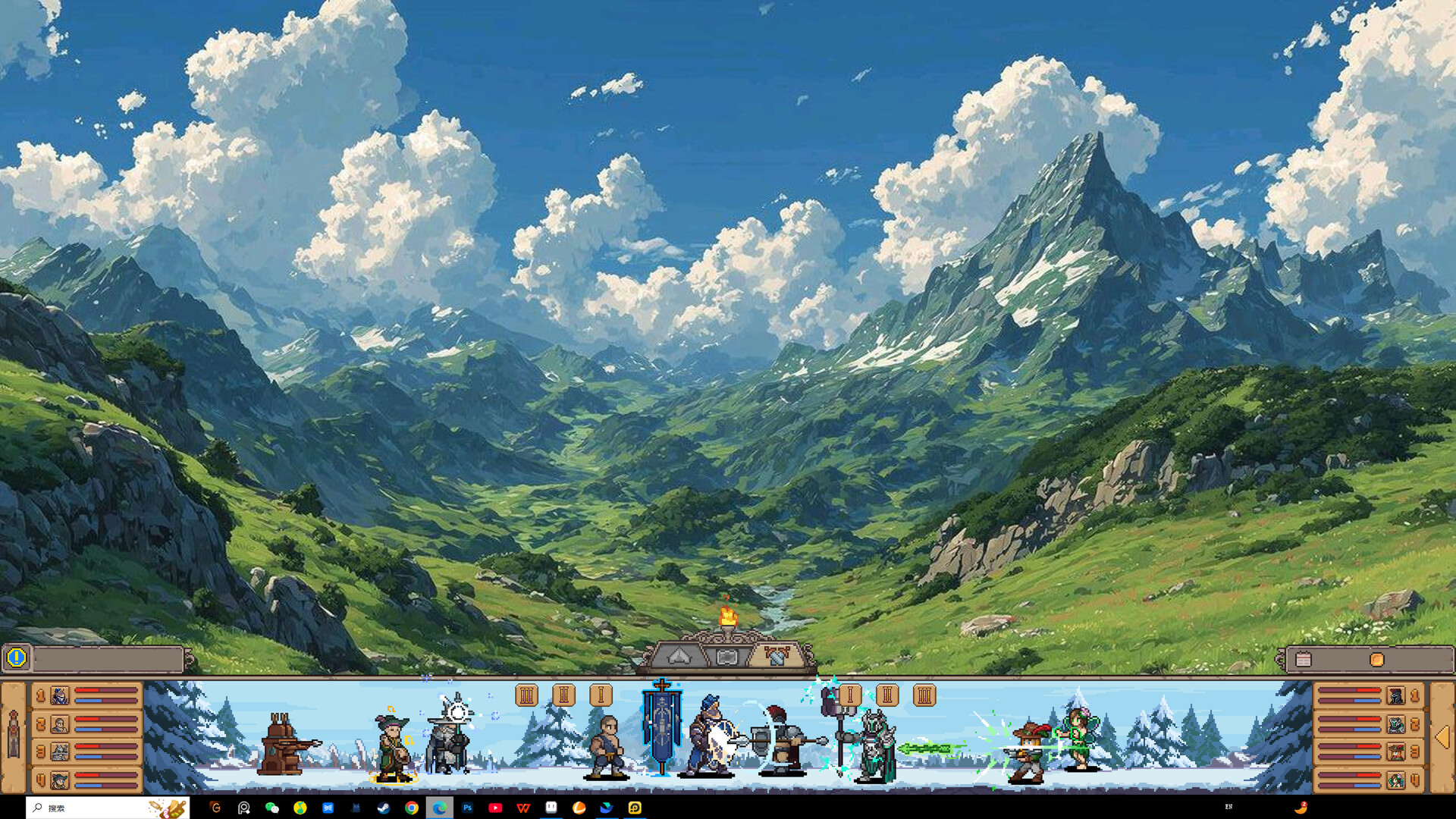
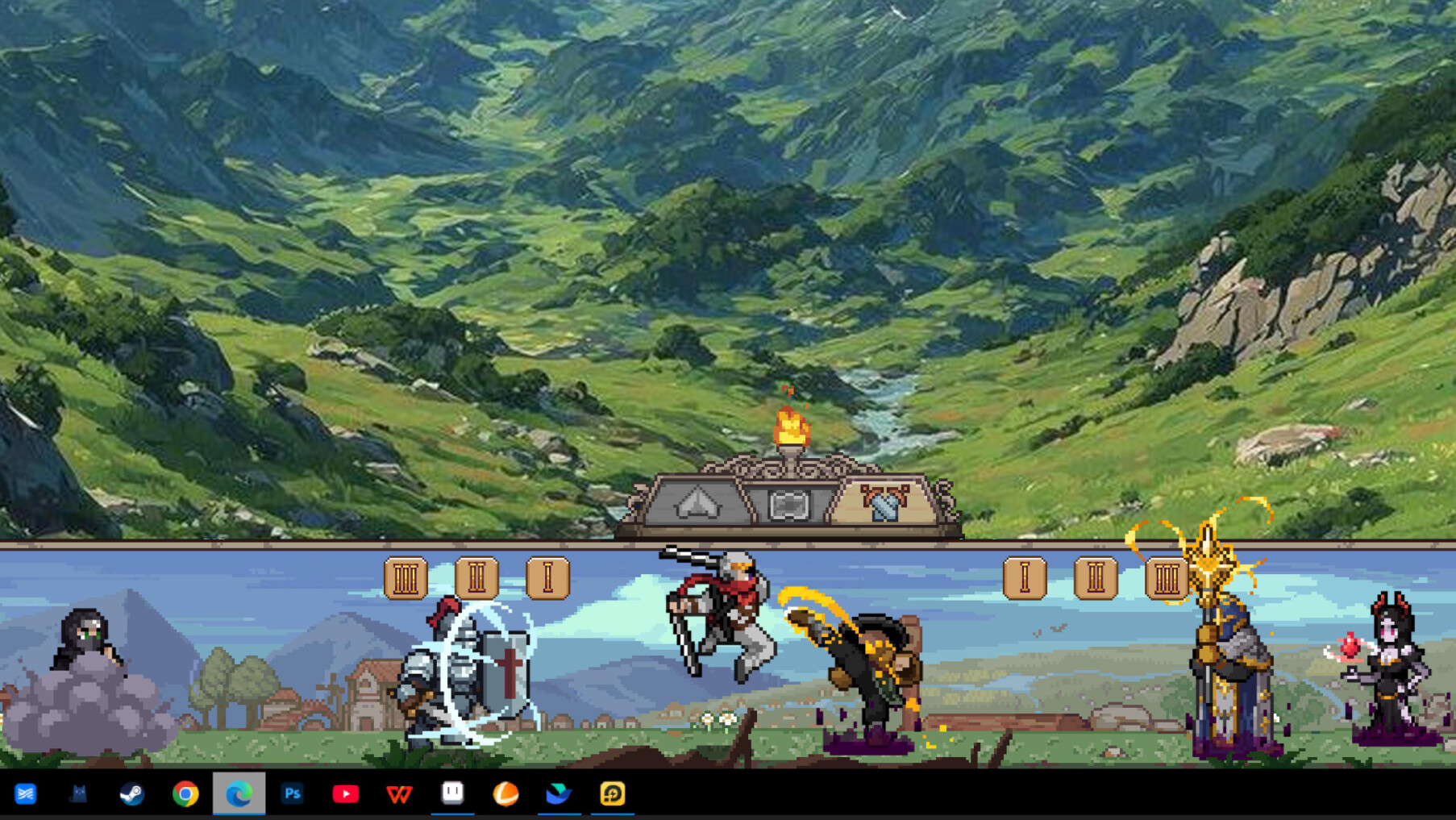
Duelist: Idle Expedition blends idle combat with a JRPG‑style adventure. Your guild of pixel‑art duelists fights automatically while you manage resources, equipment, and facilities from the taskbar, making it a handy companion during work hours.
The game offers seven main classes, twenty‑one sub‑classes and ninety‑one unique roles, each with its own abilities and animations. You can recruit, enchant gear, earn followers, and deploy up to three squads at once for accelerated growth.
01 / THE GUIDE
Classes and Roles
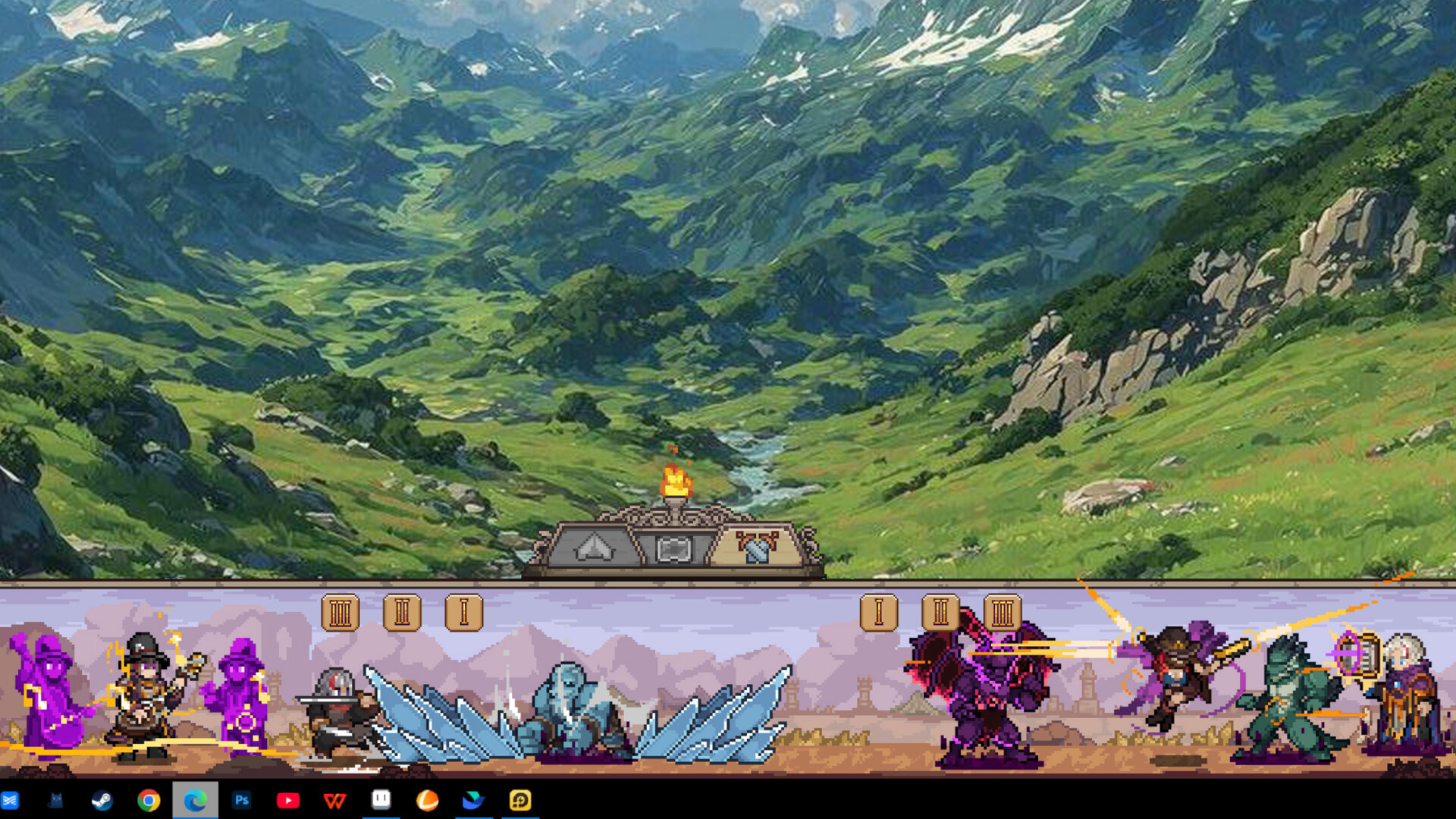
The roster comprises seven main classes and twenty‑one sub‑classes, together forming ninety‑one distinct roles. Every duelist has its own ability set and animation, letting you build teams that match a specific combat approach.
Combining different roles creates combos that affect idle battle performance. The variety encourages you to experiment with groupings to discover which combinations yield the strongest results.
- Compare ability descriptions across main classes to spot natural synergies.
- Watch each role’s animation to identify potential combo triggers.
02 / THE GUIDE
Equipment and Enchanting
Players can grind for over two hundred pieces of equipment, including more than sixty class‑exclusive legendary items. Equipment can be customized through enchanting, allowing stat adjustments for each squad member.
Enchanting lets you fine‑tune builds, aligning gear with role abilities to improve idle combat efficiency.
- Focus enchanting on legendary gear to see the biggest stat changes.
- Balance upgrades across all three squads to keep growth even.
03 / THE GUIDE
Camp Management
The camp includes a tavern, blacksmith and shopkeeper. New duelists are recruited in the tavern, where their wine consumption also generates revenue.
Upgrading the blacksmith improves equipment quality and produces extra goods, while the shopkeeper sells battle spoils to provide funds for further supplies and upgrades.
- Use the tavern early to recruit new talents and earn passive income from wine consumption.
- Sell excess loot through the shopkeeper regularly to maintain cash flow.
04 / THE GUIDE
Followers and Combat Styles
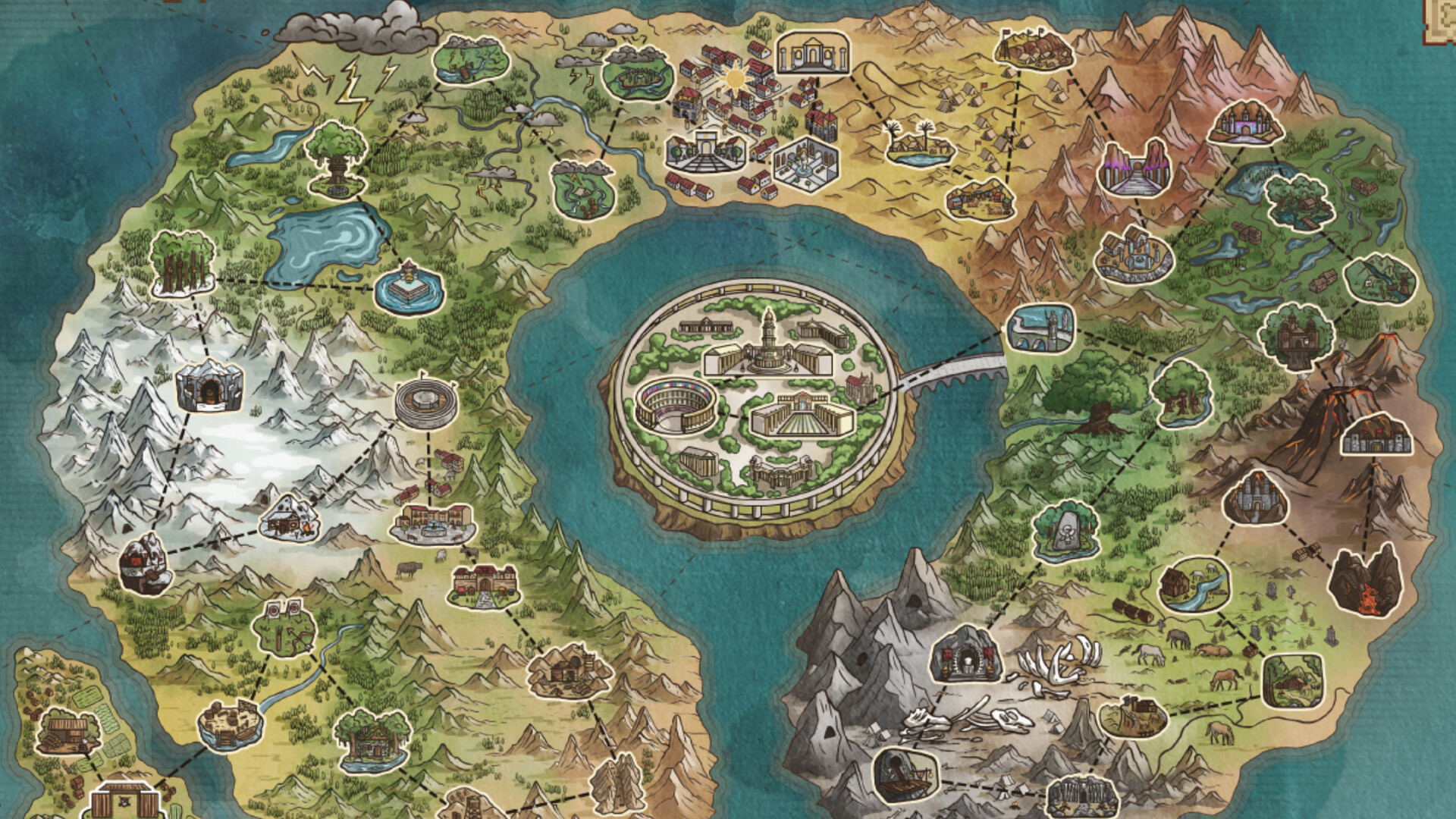
Defeating regional duelists grants their followers, each bringing a unique regional combat style. These styles expand strategic options and enable distinct builds.
Accumulating followers unlocks additional progression content and new challenges, encouraging you to target varied regions for broader tactical variety.
- Target regions whose combat styles complement your current squad composition.
- Track which followers you have to avoid acquiring redundant combat styles.
05 / THE GUIDE
Multi‑Team Deployment
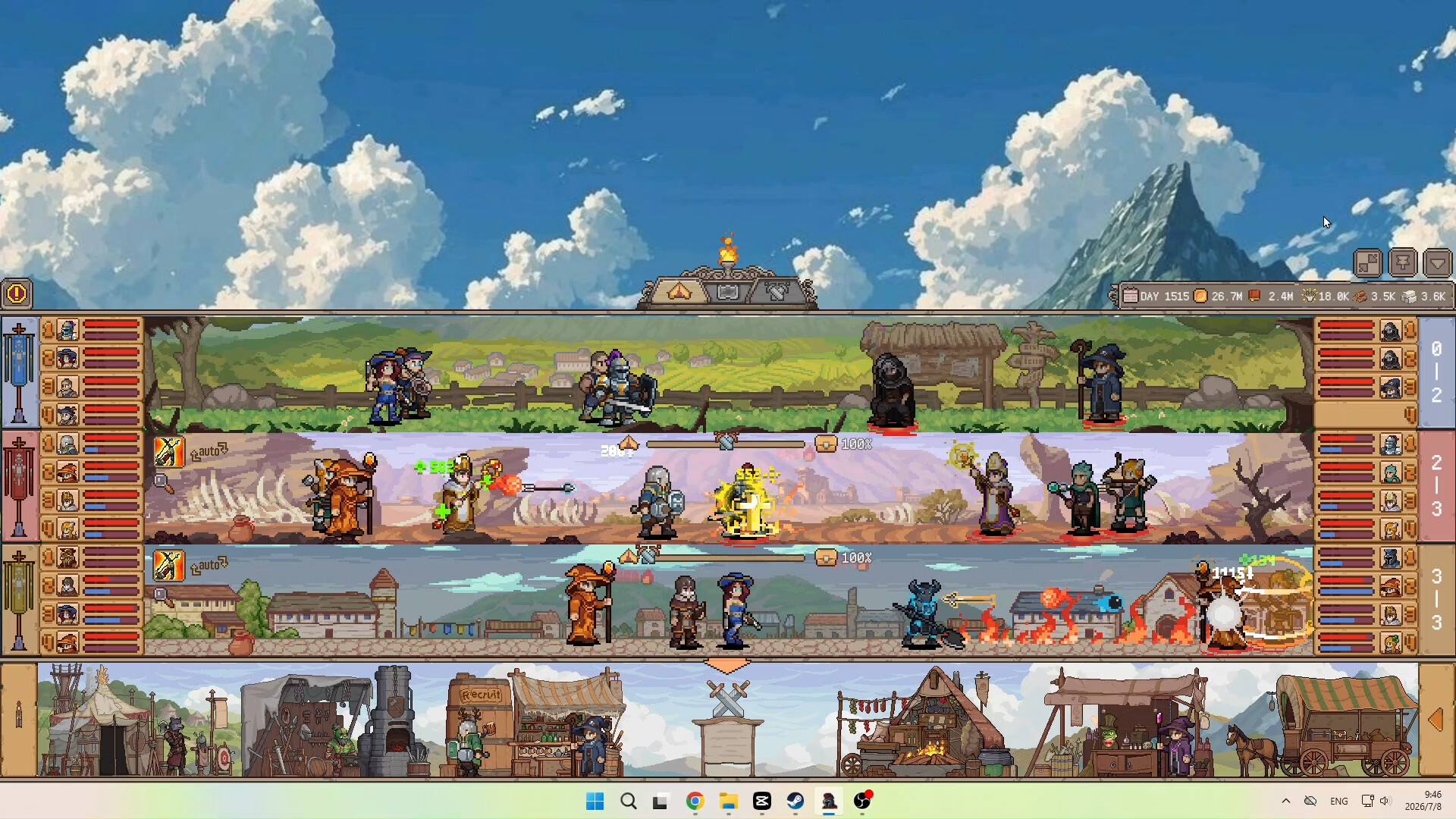
A mode lets you deploy three squads simultaneously, creating multi‑front battles that yield three times the experience plus massive resources.
Switching between idle and immersive modes is a single click, letting you adapt the pace to work or leisure while still benefiting from the 3x bonus.
- Use the one‑click mode switch to drop into idle mode during work hours.
- Balance composition across the three squads to maximize the 3x experience gain.
COMMUNITY
Player discussion