 GameWiki
GET YOUR BEARINGS
About Dub Together
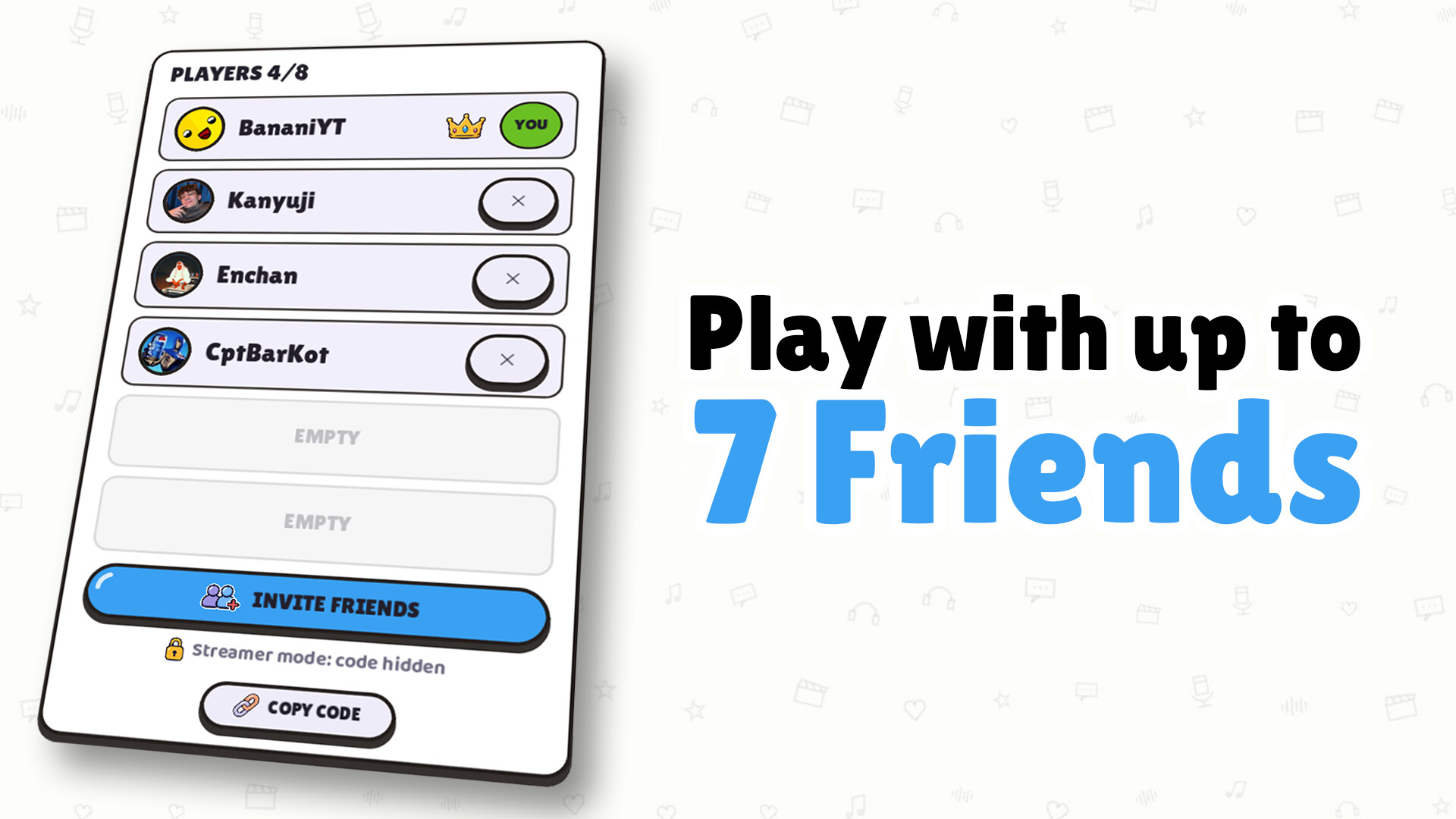
Dub Together lets up to eight players redub familiar video clips by recording their own lines. Players record silently, then watch each version together and vote for a favorite, or collaborate on a single shared dub. The game includes a Pack Creator for turning personal videos into playable rounds and integrates with Steam Workshop and Twitch.
All rounds can be saved as videos, and voice effects let you alter each line’s sound. A built‑in noise filter cleans recordings, while automatic speech detection speeds up pack creation. Light and dark themes, online multiplayer, and Steam Cloud support round out the casual, indie experience.
01 / THE GUIDE
Parallel and Character Modes
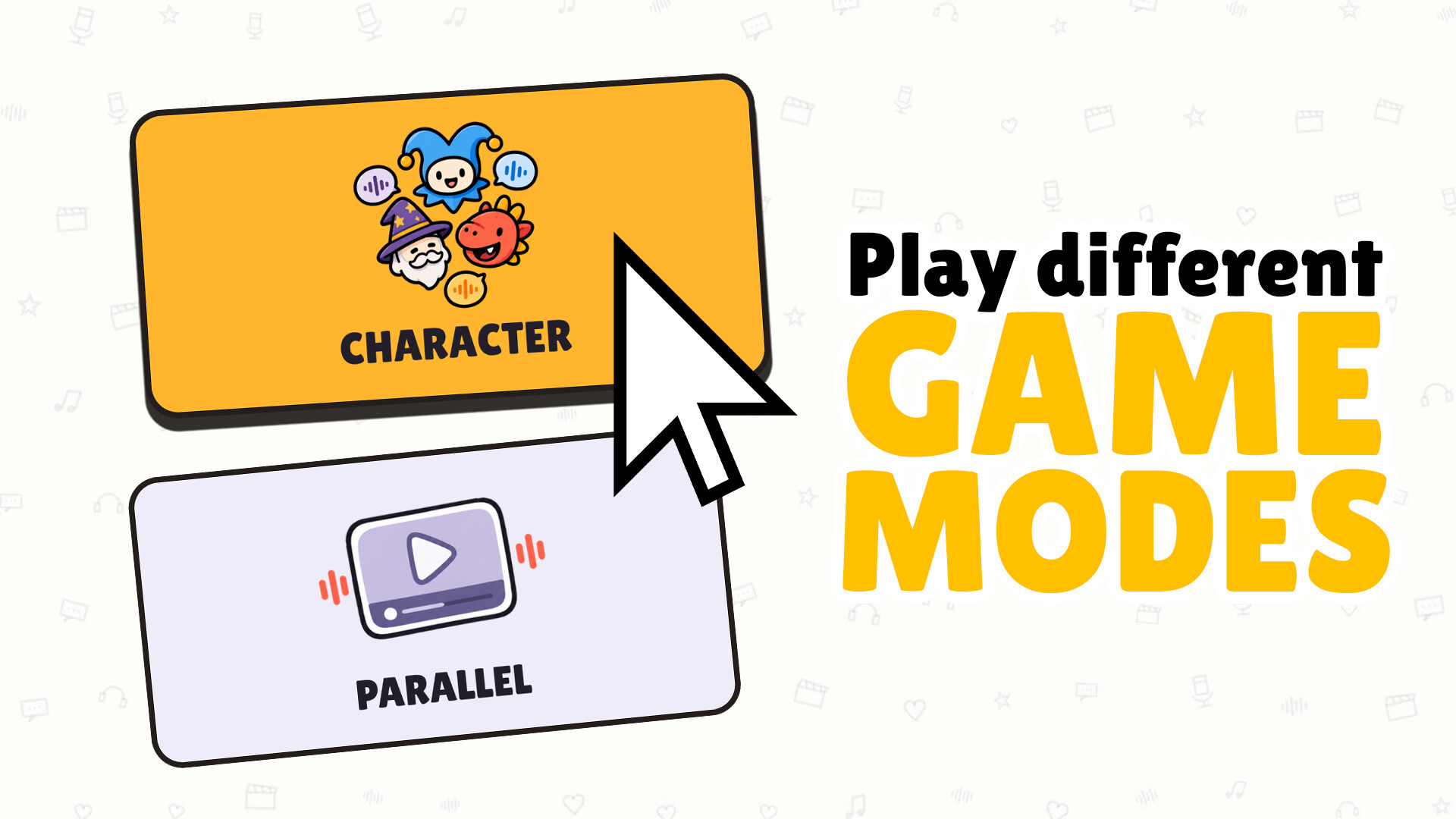
Parallel Mode gives each player the same clip to dub individually. After recording, the curtain lifts and every version plays in turn, after which everyone votes for the favorite. The winning dub is displayed on the podium and can be saved.
Character Mode assigns each character in the clip to a player. Players record their lines sequentially, watching the scene grow as dialogue is added. This mode produces a single combined dub with no voting step, and any unassigned characters keep their original voices.
- Try a quick test recording before the timer runs out to ensure timing fits the scene.
- In Character Mode, discuss line timing with teammates to keep dialogue natural.
02 / THE GUIDE
Voice Effects and Noise Filter
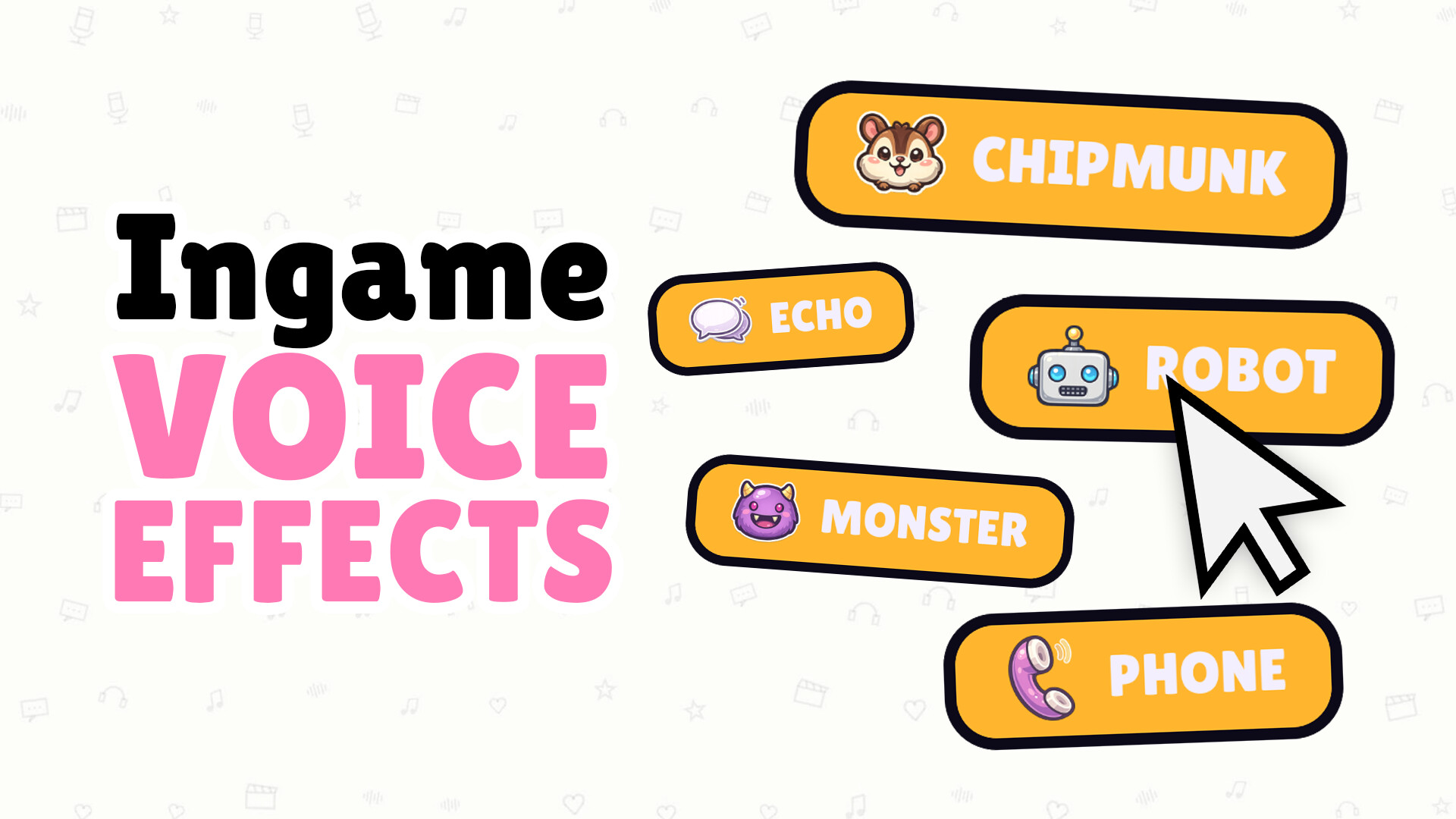
Each recorded line can receive a voice effect such as Chipmunk, Monster, Echo, Robot, or Phone, applied directly to the recording. Effects change the sound of the line for playback, letting players create absurd or thematic variations.
A built‑in noise filter removes background noise between sentences, ensuring even simple microphones produce clean audio. The filter works automatically, so all players hear the intended version without extra hiss.
- Experiment with different effects on a single line to see which matches the scene’s mood.
- Use the noise filter to record in a quiet room for the clearest result.
03 / THE GUIDE
Pack Creator and Steam Workshop
The Pack Creator lets you import your own video clips, trim them, and automatically detect spoken parts. It generates matching text, separates speech, music, and background sounds, and lets you assign characters to each line before exporting the pack.
Exported packs can be uploaded to the Steam Workshop with one click. Subscribing to other packs adds them instantly to your list, and missing packs are downloaded automatically when a round starts, requiring no manual file transfer.
- When creating a pack, keep clips short to simplify automatic speech detection.
- Check the rights for any external media before uploading to avoid removal.
04 / THE GUIDE
Twitch Integration for Streamers
Connect your Twitch channel so viewers can vote for their favorite performance using the !vote command or a number. Viewer votes influence which dub wins the round, adding audience interaction.
Streamer mode also hides the lobby code on screen, preventing uninvited players from joining the session. This keeps the stream’s audience focused on the performance rather than random drop‑ins.
- Enable Twitch voting early in the stream to give viewers time to engage.
- Use the hidden lobby code to keep the session private while streaming.
05 / THE GUIDE
Themes, Export, and Saving
Dub Together offers light and dark visual themes to suit player preference. After a round finishes, any version—whether from Parallel or Character mode—can be exported as a video file for sharing outside the game.
Saved videos retain the applied voice effects and noise‑filtered audio, providing a polished final product that can be posted to social platforms or kept for personal archives.
- Choose a theme that contrasts well with the video’s lighting for better readability.
- Export the dub immediately after voting to capture the final version before re‑recording.

COMMUNITY
Player discussion