 GameWiki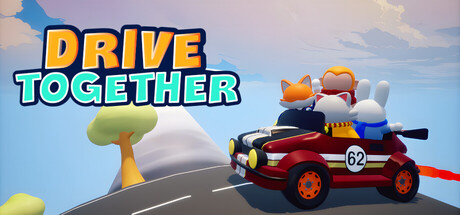
GET YOUR BEARINGS
About Drive Together
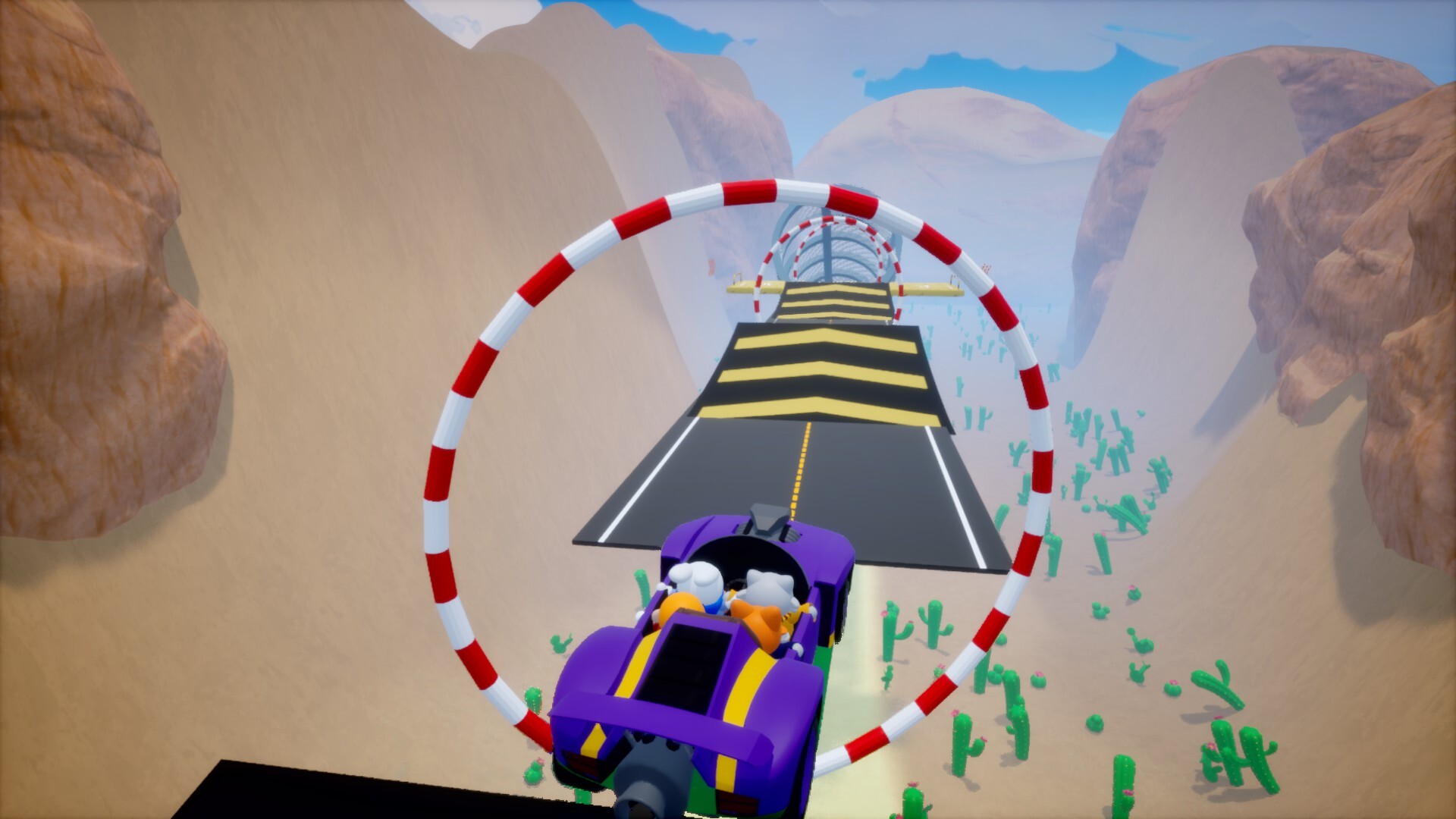
Drive Together is an indie action title where a single vehicle is shared among multiple players. Coordination is essential; each participant handles a distinct control, turning simple inputs into a teamwork challenge. Mistakes quickly send the car off‑track, making communication the core skill.
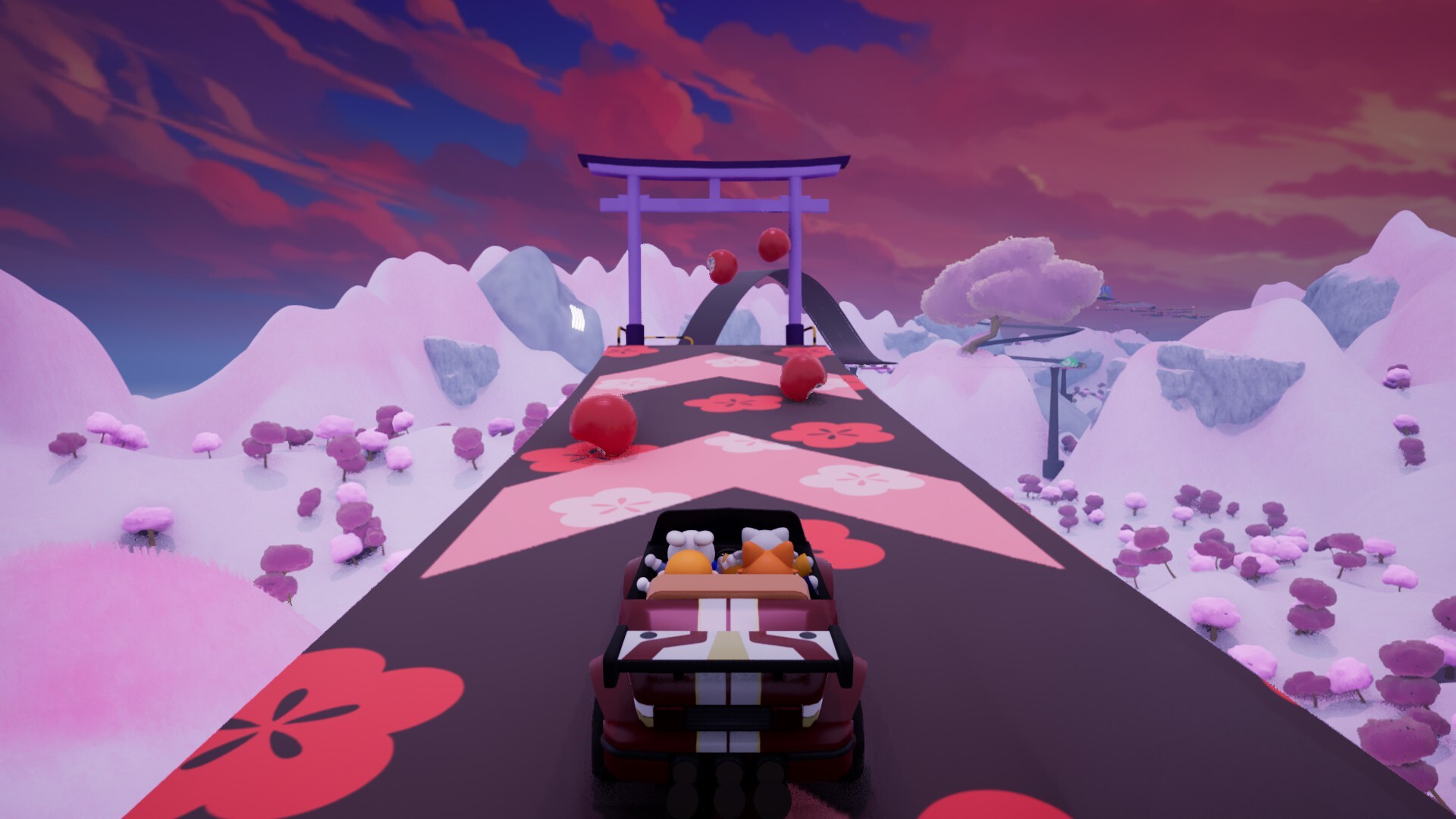
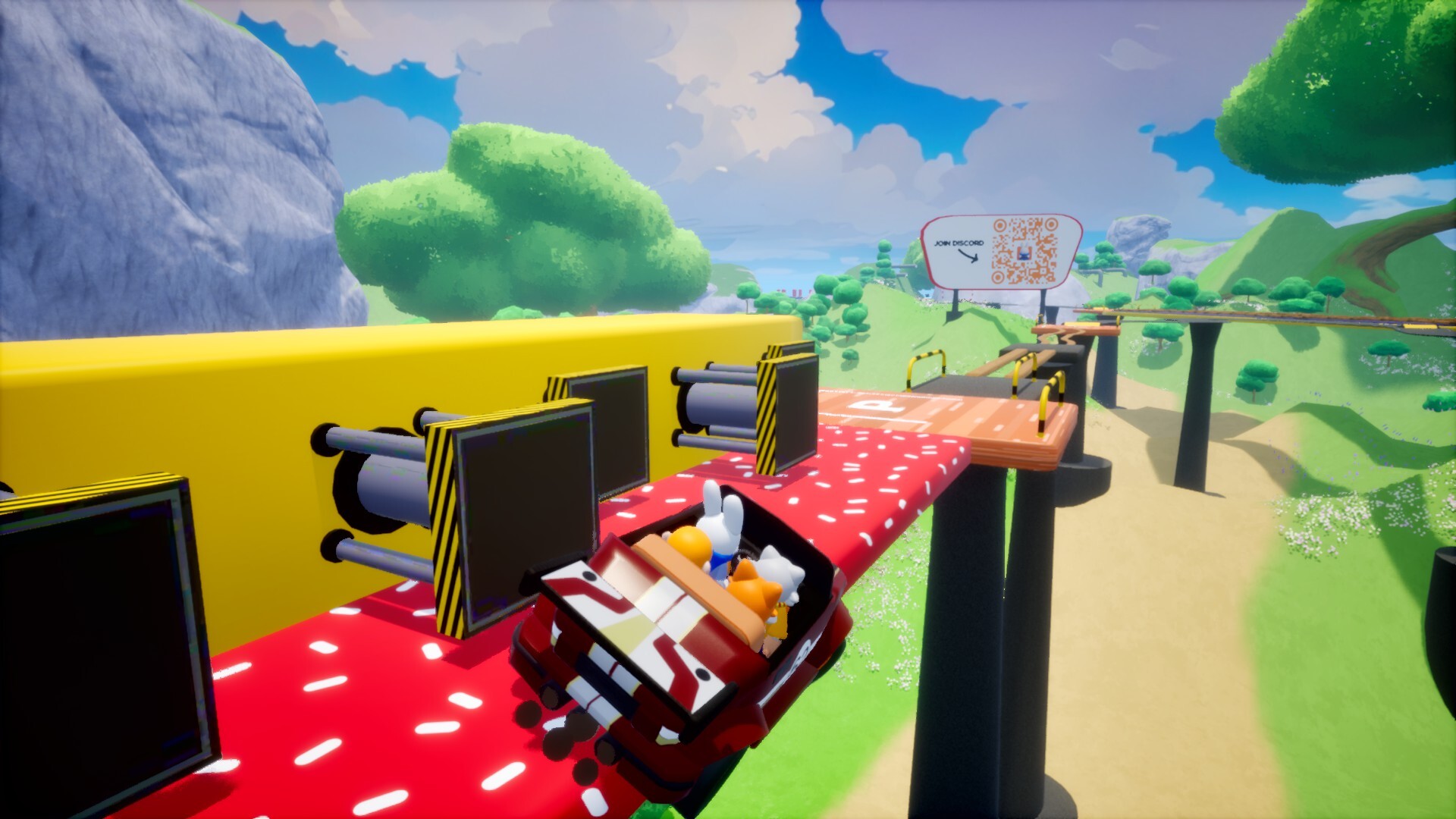
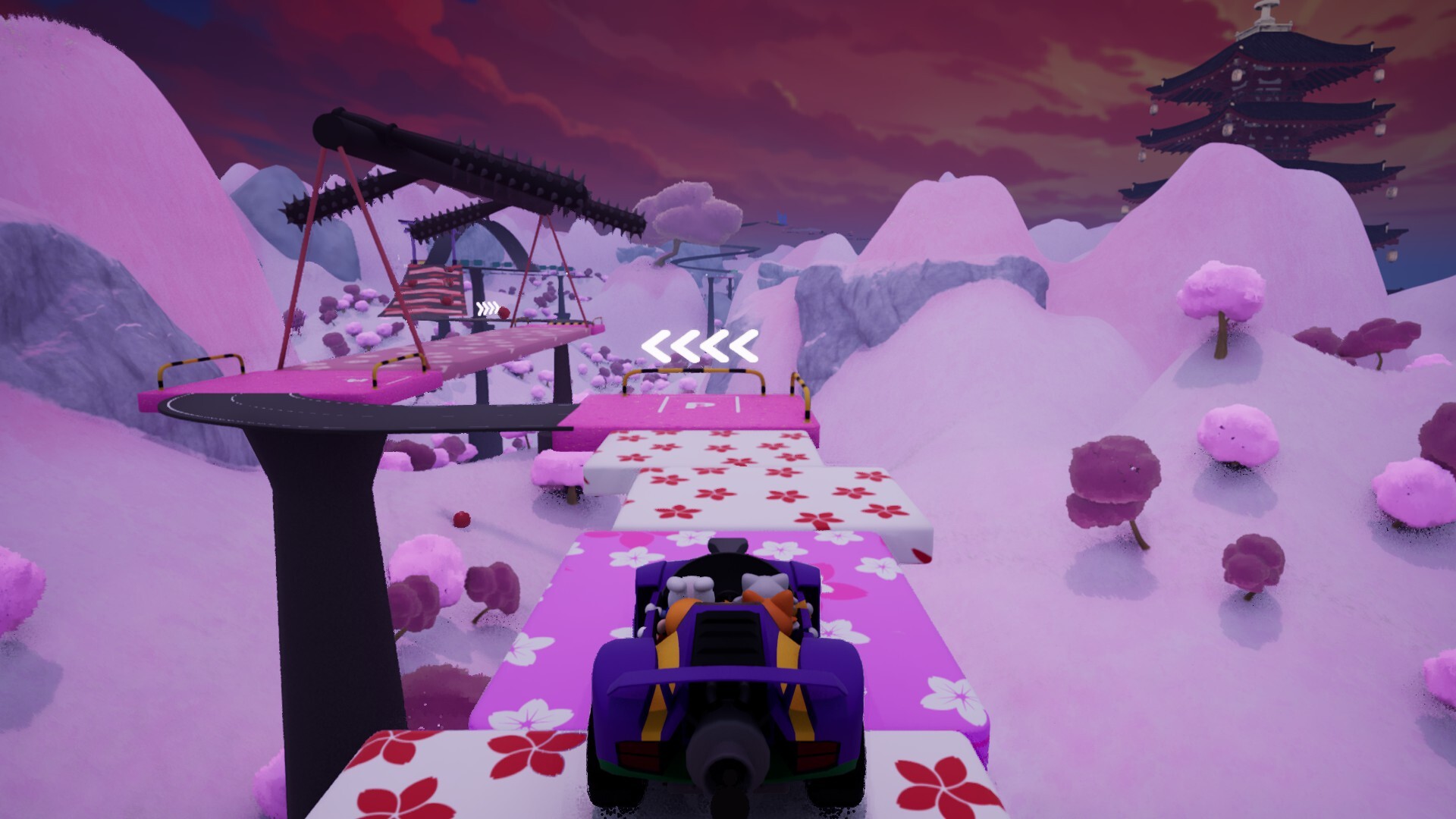
The game presents courses with ramps, sharp turns, narrow bridges and unstable sections. Players can race together, tackle parkour obstacles, or play solo, with a variety of maps, characters and vehicles adding replay value.
01 / THE GUIDE
Co‑op Driving Mechanics
Every player controls a specific part of the car, so actions like steering, accelerating or braking require precise timing between teammates. The shared control scheme means that even basic maneuvers need perfect coordination to keep the vehicle balanced.
Obstacles such as jumps or narrow bridges demand that the group slows down before turns and times inputs together. A single slip can cause the whole team to veer off the track, emphasizing constant communication.
- Assign each control to a player before starting a run.
- Practice short sections to develop a shared rhythm.
02 / THE GUIDE
Available Game Modes
Drive Together offers cooperative races where up to eight players share the same vehicle, and a Parkour mode limited to four participants for tighter obstacle courses. Both modes let teams navigate the same challenges together.
A single‑player option also exists, allowing one person to manage all controls and test the courses alone. The variety of modes lets groups choose the level of coordination they prefer.
- Try Parkour mode for a more focused, smaller‑team experience.
- Use single‑player mode to learn the course layout first.

03 / THE GUIDE
Player Count Limits
The game allows 1‑4 players in Parkour mode, giving each participant a clear role on the vehicle. In Race mode the limit expands to eight players, increasing the coordination demands.
These limits are built into the modes, so teams must select the appropriate mode for their group size before starting a session.
- Match your group size to the mode to avoid unused control slots.
- If you have more than four friends, choose Race mode for full participation.
04 / THE GUIDE
Achievements and Leaderboards
Drive Together integrates Steam Achievements, giving players goals to pursue as they play. Progress is tracked via Steam Leaderboards, allowing comparison with other players.
Stats are stored in the cloud, so achievements and leaderboard positions persist across sessions for the same Steam account.
- Check the achievement list to set personal coordination goals.
- Use leaderboards to gauge how your team’s timing compares to others.
05 / THE GUIDE
Platform and Accessibility Features
Available on Windows, Drive Together includes options such as Keyboard Only, Camera Comfort and Custom Volume Controls, ensuring players can adjust the experience to their preferences. Audio support covers both Stereo and Surround Sound.
Steam Cloud saves stats and settings, while Family Sharing lets multiple accounts access the game on the same machine. Online Co‑op enables remote teamwork over the internet.
- Enable Camera Comfort if the shared view feels disorienting.
- Use the Keyboard Only option if you lack a controller.
COMMUNITY
Player discussion