 GameWiki
GET YOUR BEARINGS
About Driftwood
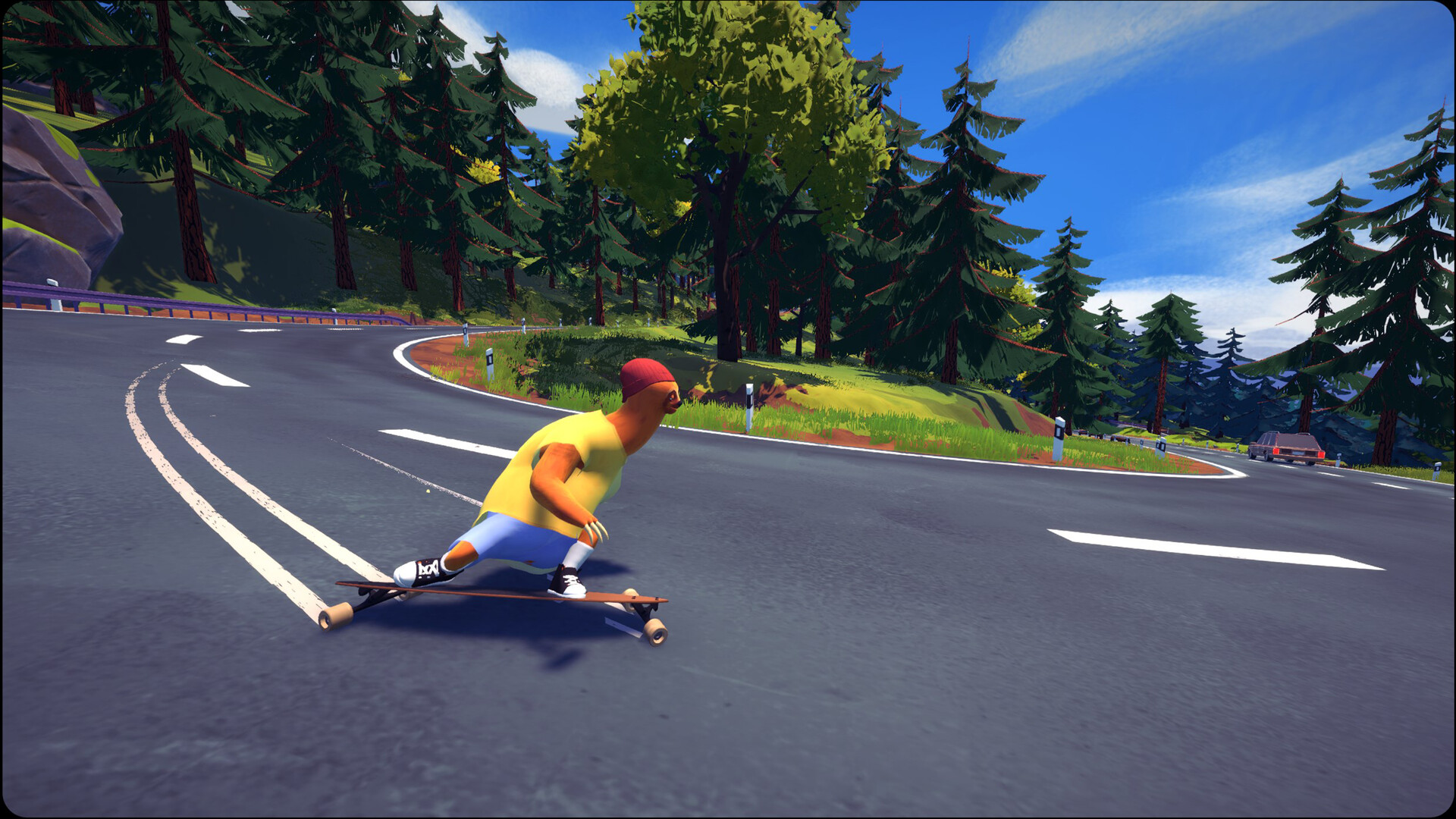
Driftwood puts you on the back of Eddy, an aerodynamic sloth, for high‑speed downhill longboarding. The core loop is drifting around tight corners while avoiding cars and obstacles, and performing tricks that award points.
The game is a minimalist experience with no story campaign. It offers 15+ island levels, solo play, personal challenges, online leaderboards, and a peer‑to‑peer multiplayer lobby for friends.
01 / THE GUIDE
Drifting and Tricks
Drifting is described as the mechanic that balances speed and control when navigating tight corners. By drifting, you can maintain momentum while steering around cars and obstacles on each island.
Tricks are performed during drifts and grant points. Those points are used to unlock additional equipment, and the description notes that tricks are a way to score.
- Experiment with different drift angles on the same corner to see which keeps speed best.
- Observe which tricks give the highest point return and try them in time‑trial runs.
02 / THE GUIDE
Board, Wheel, and Clothing Customization
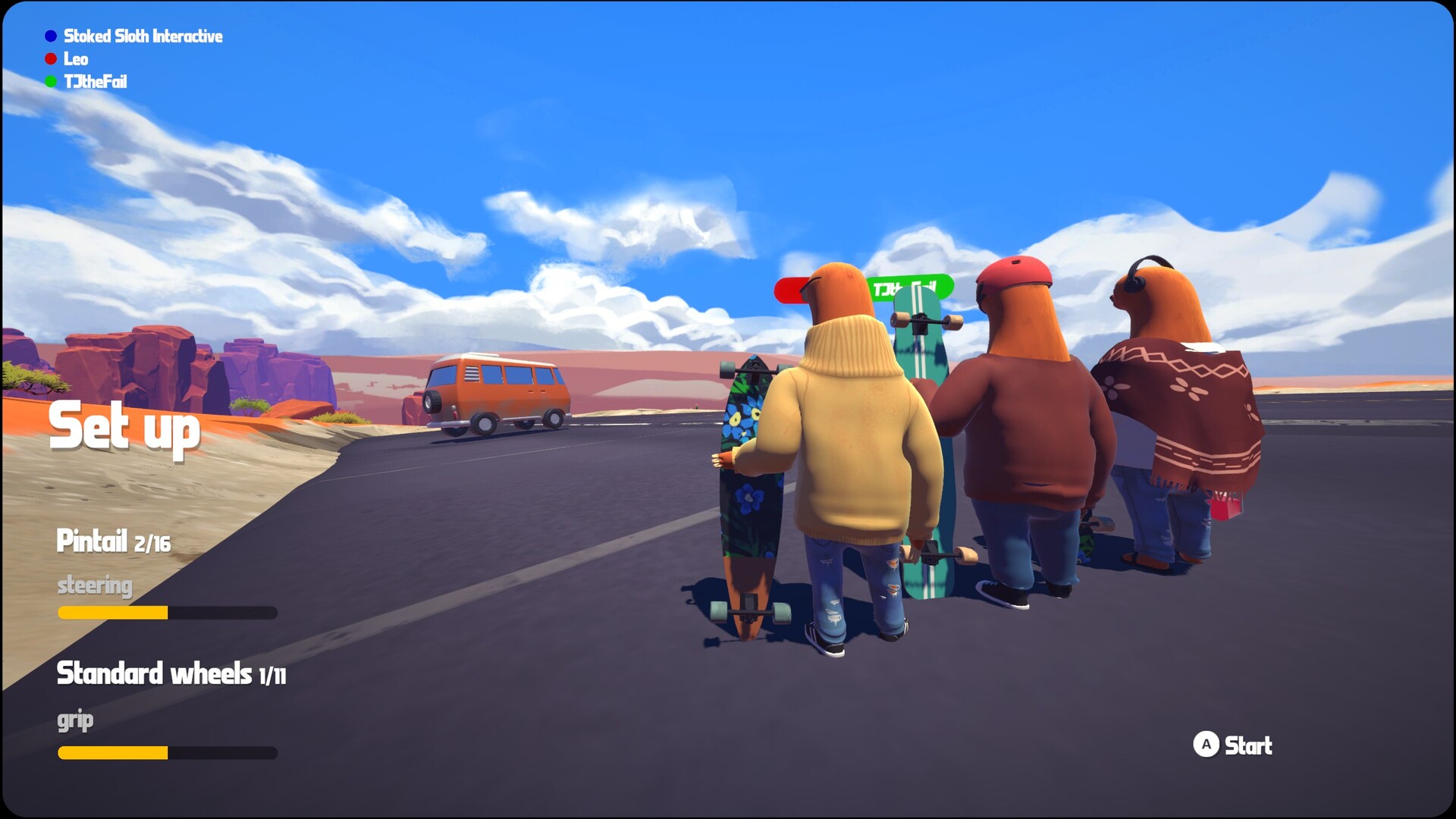
Points earned from tricks unlock new boards that can be paired with various wheels, allowing diverse skating styles. The description states that these combinations affect how you ride.
Clothing items are also unlockable and are presented as visual enhancements. The source says clothing “enhance the experience” without linking them to gameplay effects.
- Mix boards and wheels to find a combo that feels smoother on each island.
- Swap clothing sets for a fresh look without worrying about performance changes.
03 / THE GUIDE
Levels and Islands
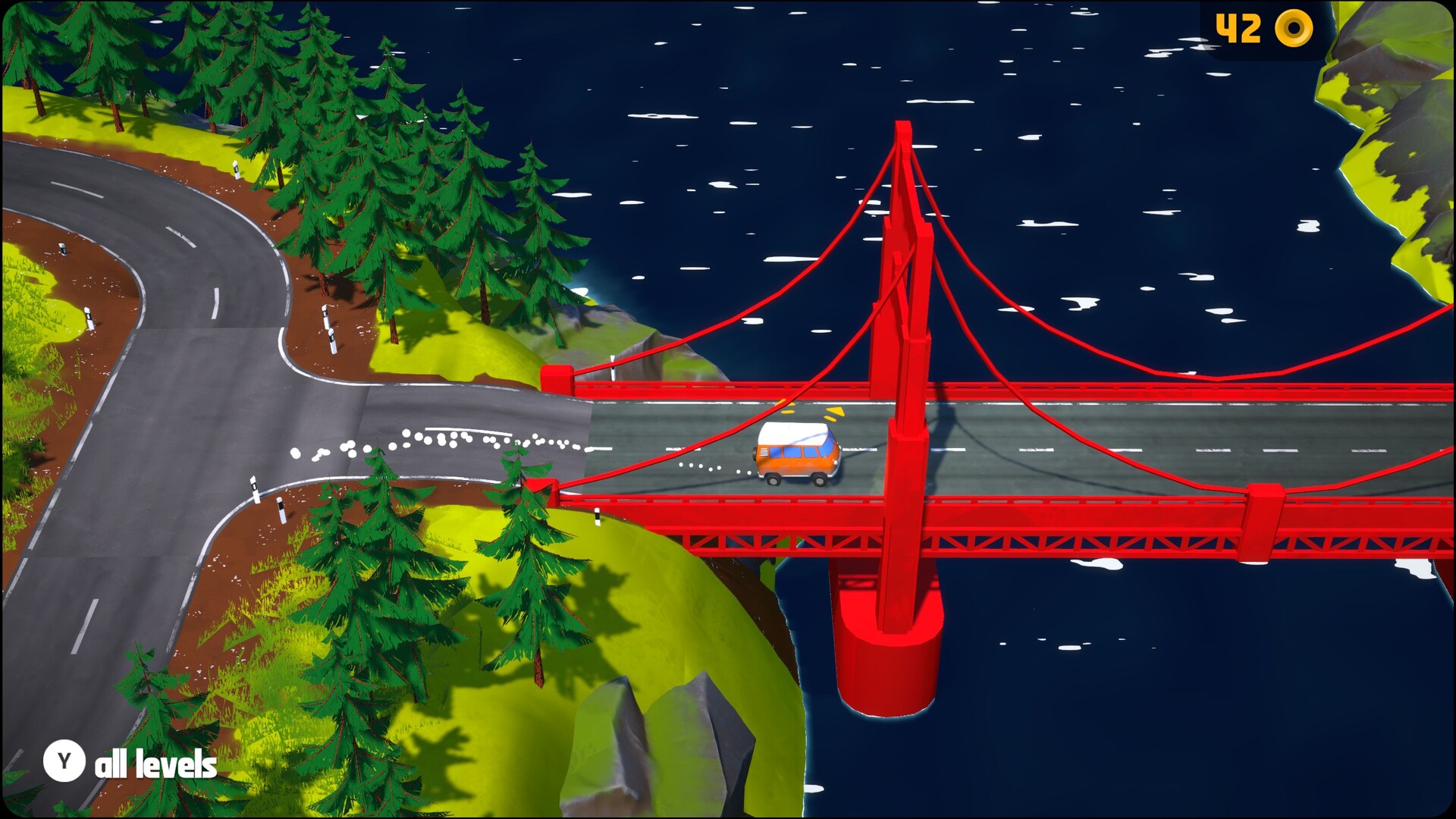
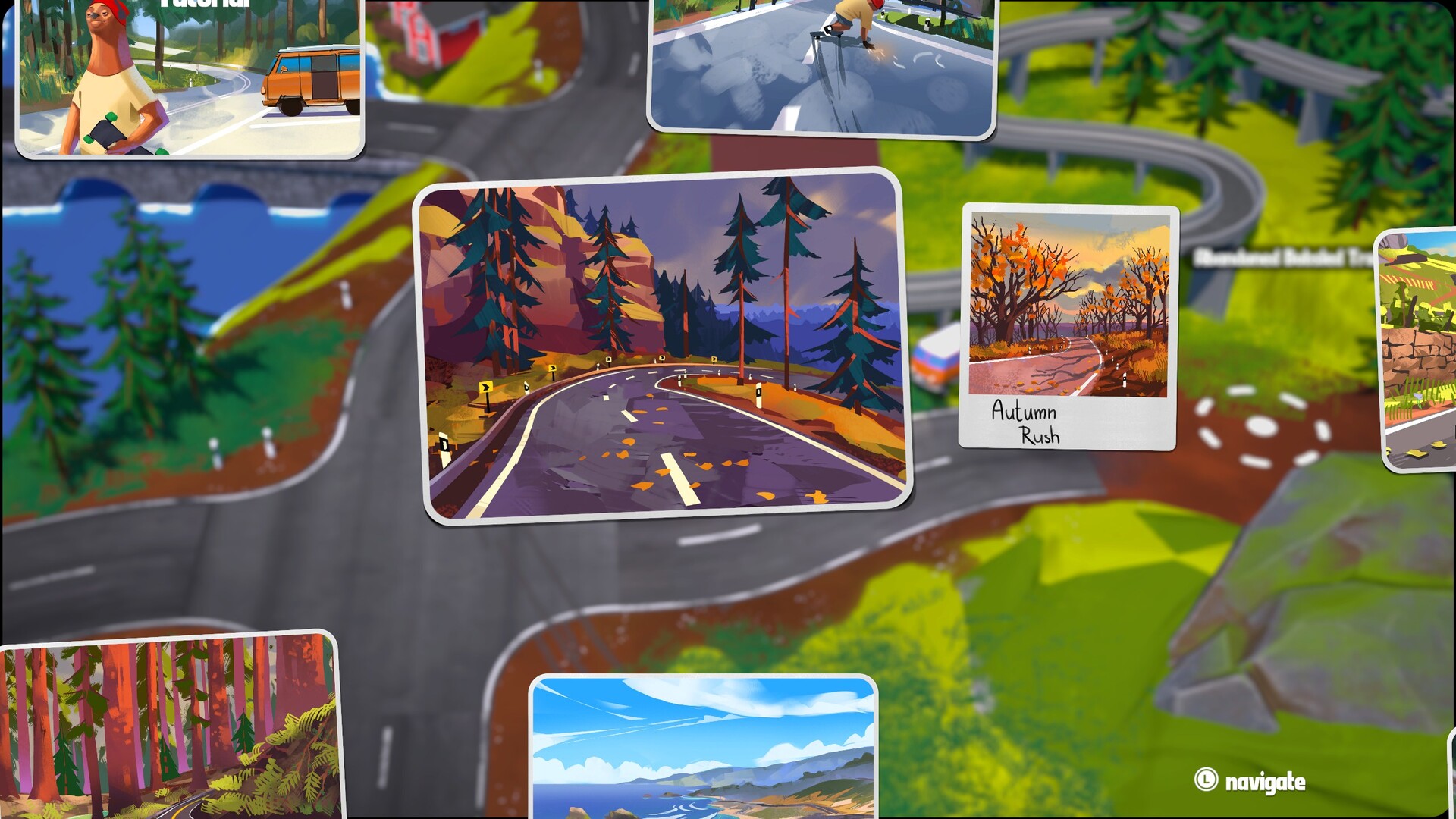
Driftwood contains more than fifteen levels spread across distinct islands. New islands become accessible as you progress, each offering its own scenery and drift challenges.
The game is explicitly described as a “focused, minimalist experience” and is not an open‑world title. Each island is a contained environment meant for single runs.
- Spend a few runs learning each island’s layout before attempting high‑speed attempts.
- Use the relaxing music as a cue for pacing; quieter sections often allow longer drifts.
04 / THE GUIDE
Multiplayer and Leaderboards
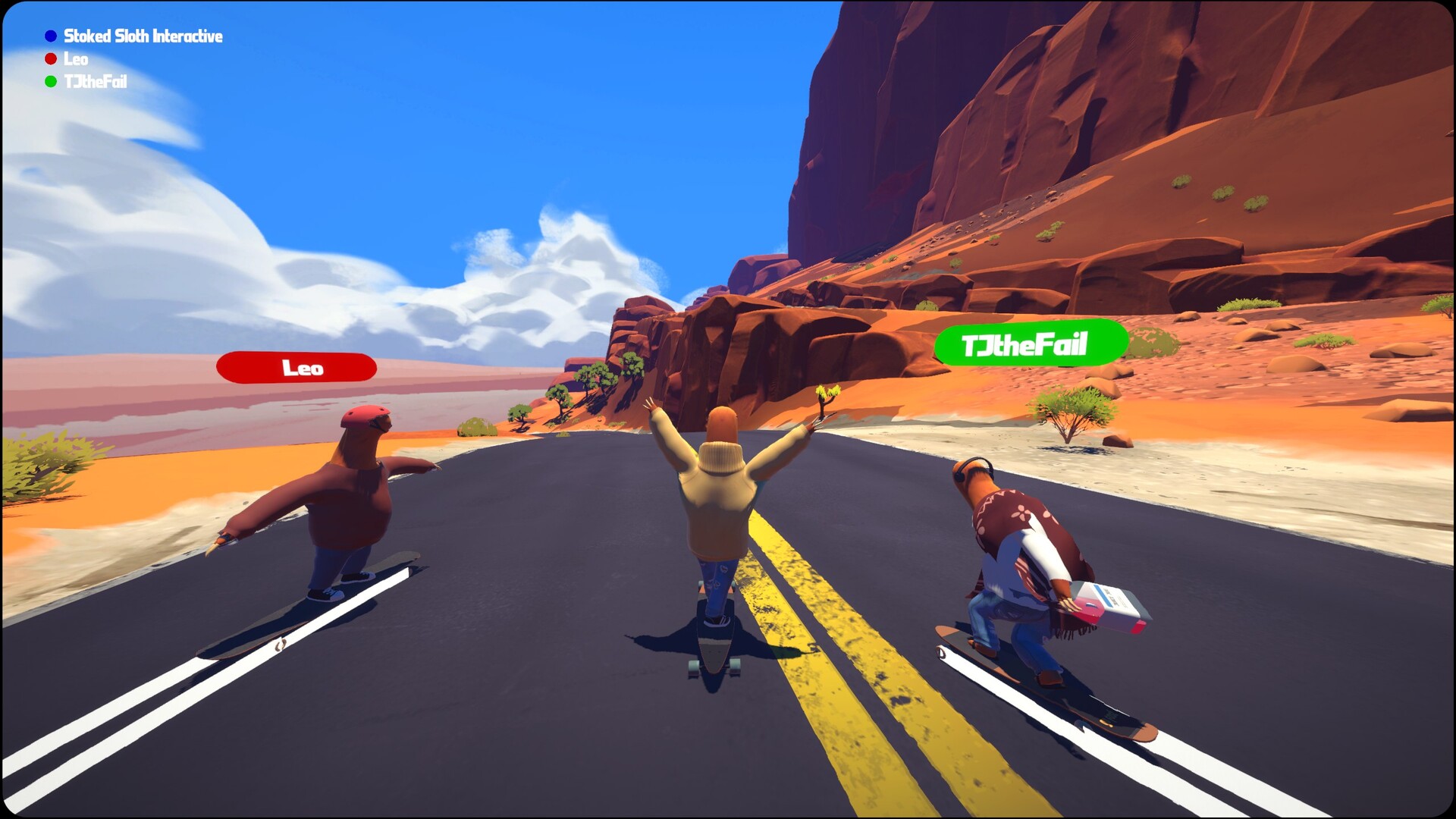
You can skate solo, beat personal challenges, and compare runs on online Steam leaderboards. The game also supports a peer‑to‑peer lobby where friends can join the same session.
Both PvP and online PvP modes are listed, indicating that you can race or share scores with others while in the same lobby.
- Create a lobby with friends to test different board setups without pressure.
- Check the leaderboard after each run to see how your score ranks against the community.
05 / THE GUIDE
Platform Features and Support
Driftwood runs on Windows and includes full controller support, specifically DualShock and DualSense compatibility. Steam achievements, Steam Cloud, and leaderboards are integrated.
Family Sharing is also listed as a supported feature.
- Use a supported gamepad for the most fluid drifting, as controller support is emphasized.
- Enable Steam Cloud if you want your save data to persist across installations.
COMMUNITY
Player discussion