 GameWiki
GET YOUR BEARINGS
About Drift racing car
Drift Racing Car is a single‑player racing simulation focused on flexible drifting. Players choose from more than ten cars, each allowing hub‑color and rear‑smoke customization, and compete across six distinct tracks while aiming for quick lap completion.
The game records the fastest speed per lap and awards points for drifting; accumulating enough points unlocks the next track. Multiple camera perspectives let players view the action from different angles.
01 / THE GUIDE
Vehicle Selection
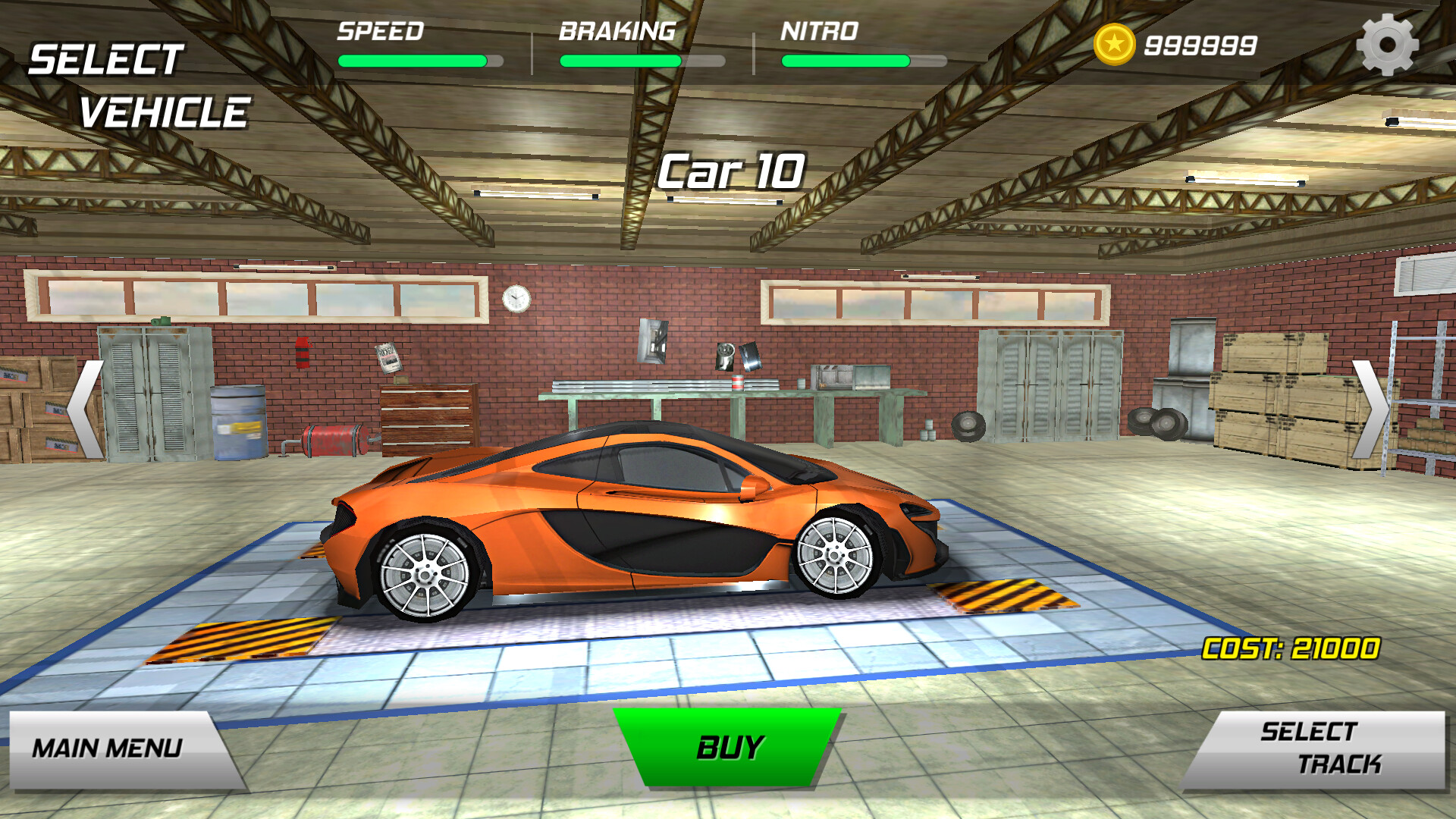
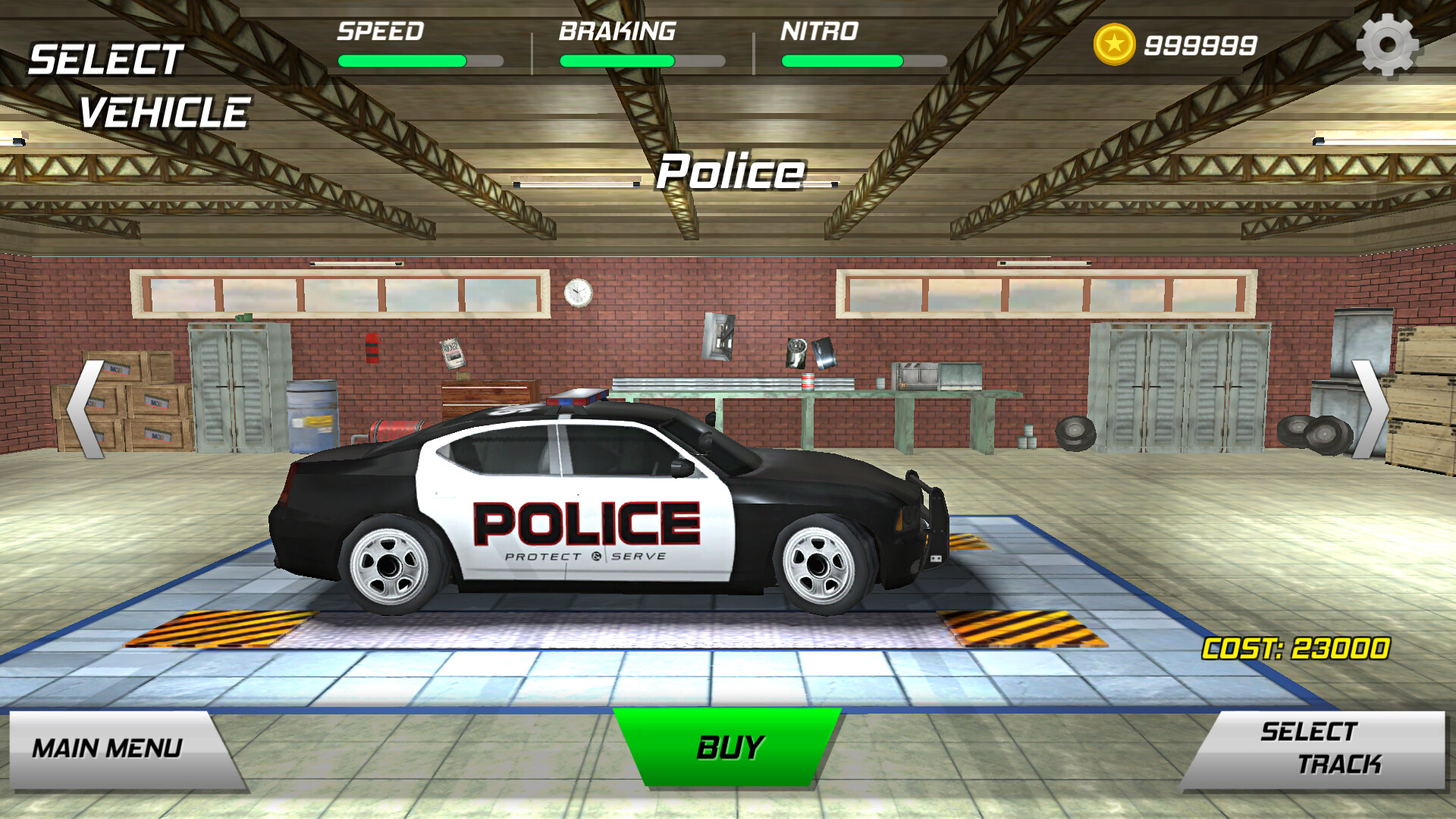
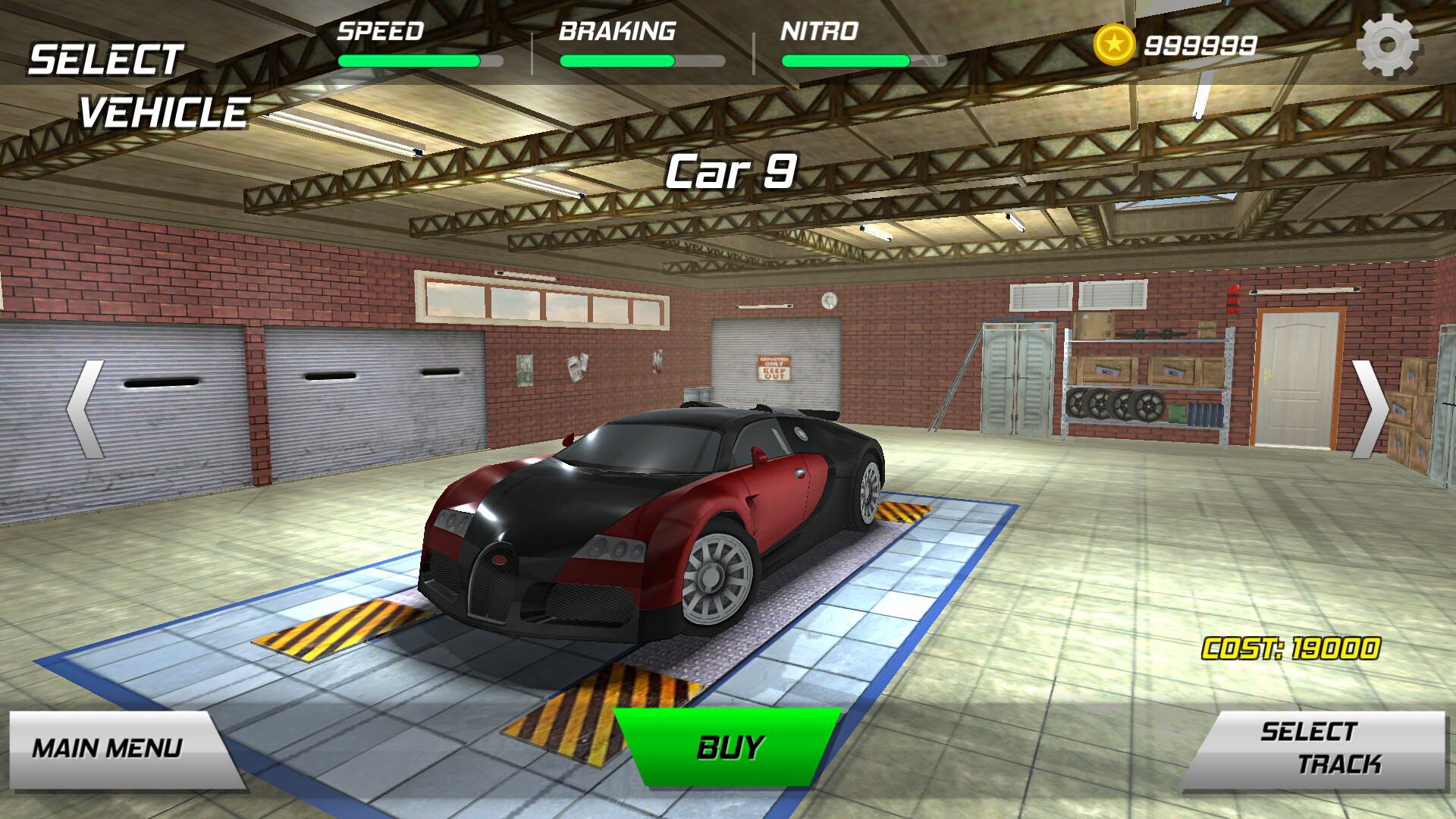
The roster includes over ten racing cars, each offering a distinct feel for drifting. Before a level begins, you select a vehicle that matches your preferred handling style, as you prepare for the slides ahead.
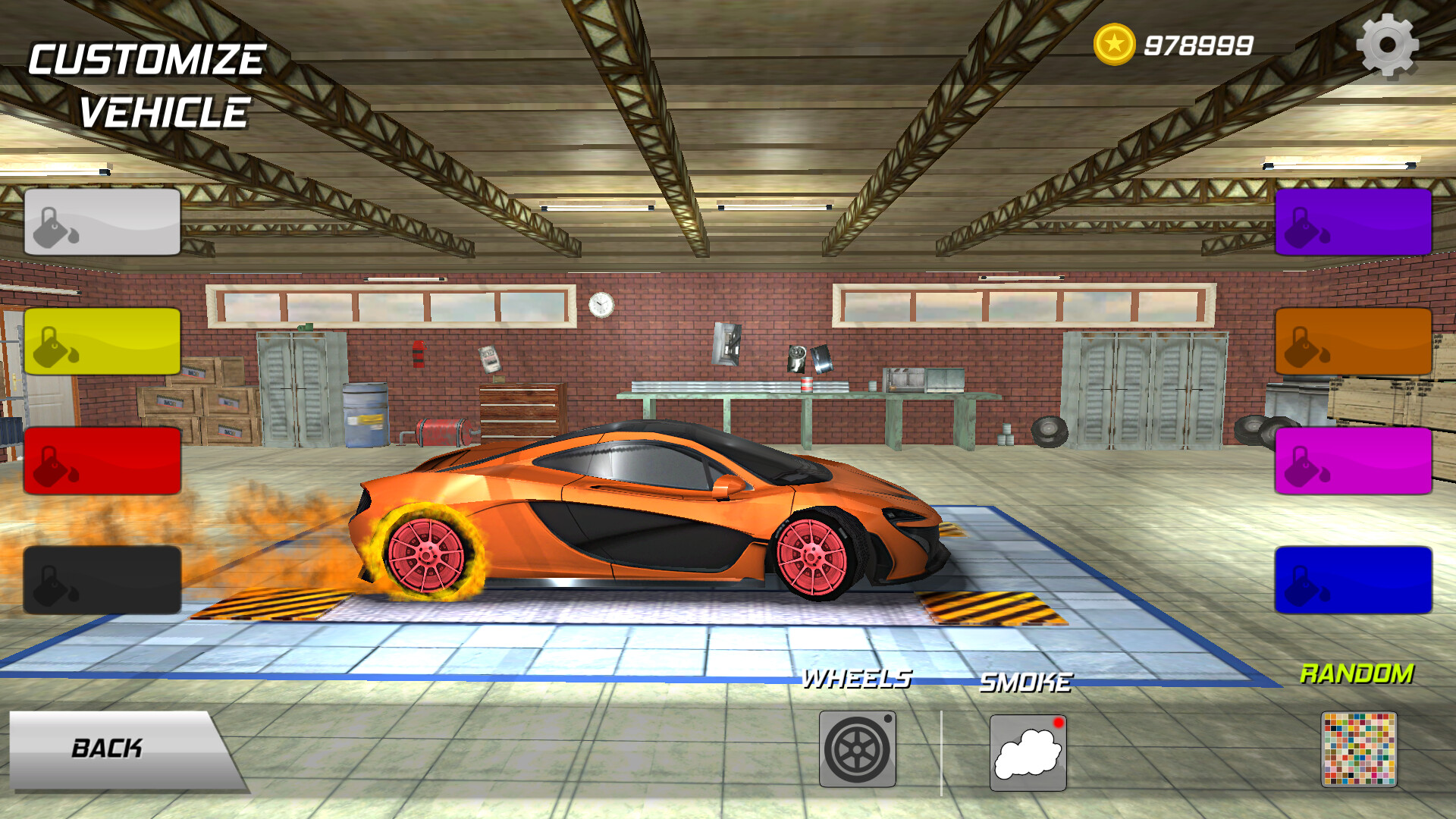
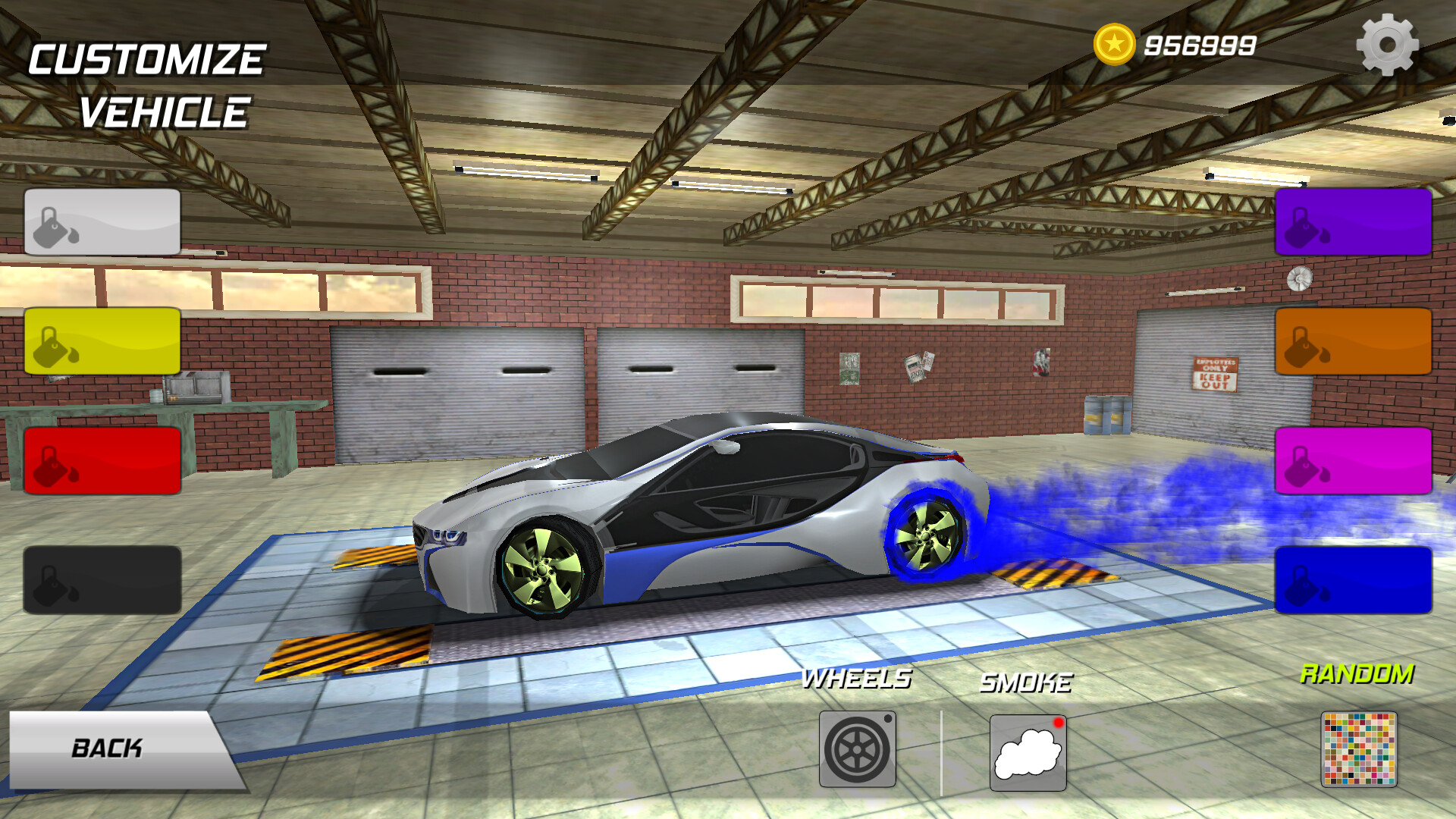
Customization covers visual elements: the hub color and the friction smoke that trails the rear.
- Try several cars to notice handling differences before committing to a track.
- Use hub‑color changes to quickly identify your favorite vehicle during play.
02 / THE GUIDE
Track Variety
Six tracks are available, each designed to test drifting skill and speed. Levels are presented sequentially, and finishing a race quickly is the primary objective on every circuit.
After each lap the game records the fastest speed achieved, giving a clear benchmark for improvement across the six environments.
- Begin with the easier tracks to learn drift timing before tackling harder layouts.
- Compare your fastest‑speed records between tracks to spot where you gain the most time.
03 / THE GUIDE
Drift Scoring
Points are awarded for each successful drift during a lap. The total points earned determine whether you have enough to unlock the subsequent track, linking performance directly to progression.
Scoring emphasizes precise, continuous drifts; encouraging players to balance speed with drift control.
- Focus on smooth, sustained drifts to maximize point gain per lap.
- Watch your point total during a run to gauge when you are close to unlocking the next track.
04 / THE GUIDE
Perspective Switching
The game provides multiple camera perspectives that can be switched at any time. Switching the view offers visual flexibility for the player.
Experimenting with different angles may help you find a viewpoint that makes drift timing clearer, especially on tighter sections of a track.
- Toggle perspectives early in a lap to discover which angle feels most comfortable.
- Maintain a stable camera when attempting high‑score drifts to reduce visual distraction.
05 / THE GUIDE
Single‑Player Mode
Drift Racing Car is built for solo play, allowing you to focus on personal improvement without external competition. All progression, scoring, and customization occur within this single‑player framework.
Family Sharing support means the game can be shared within a household, letting multiple users in the household experience the same content.
- Use Family Sharing to let different household members try various cars and tracks.
- Track your personal bests after each session to monitor growth over time.
COMMUNITY
Player discussion