 GameWiki
GET YOUR BEARINGS
About Dressmaker
Dressmaker puts you in charge of every step of dress creation, from picking the material to stitching the final seam. The game emphasizes a relaxed pace where you can experiment with fabric choices and design ideas.
A small town of customers awaits your custom garments, and you may also showcase ready‑made dresses in a shop window. Alongside sewing, you can pet the resident kitty for a cozy touch.
01 / THE GUIDE
Fabric Selection
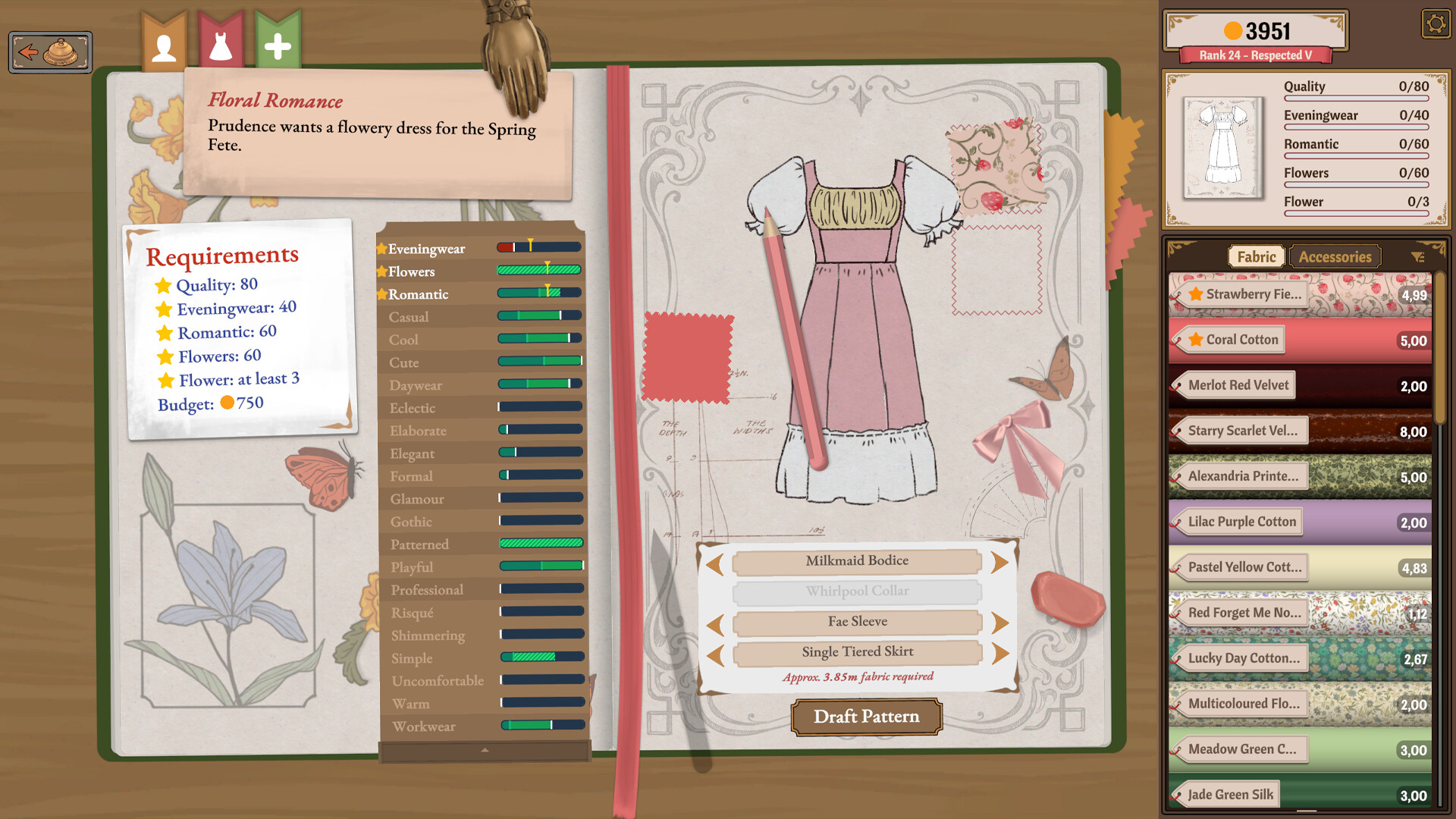
The game offers a catalog of fabrics such as cotton, linen, wool, silk and velvet. Each material behaves uniquely, letting you match texture to the garment’s purpose.
When you select a fabric, it appears in your sketchbook, ready to be assigned to any pattern panel you design.
- Try silk for flowing skirts.
- Use wool for structured jackets.
02 / THE GUIDE
Pattern Cutting & Arrangement
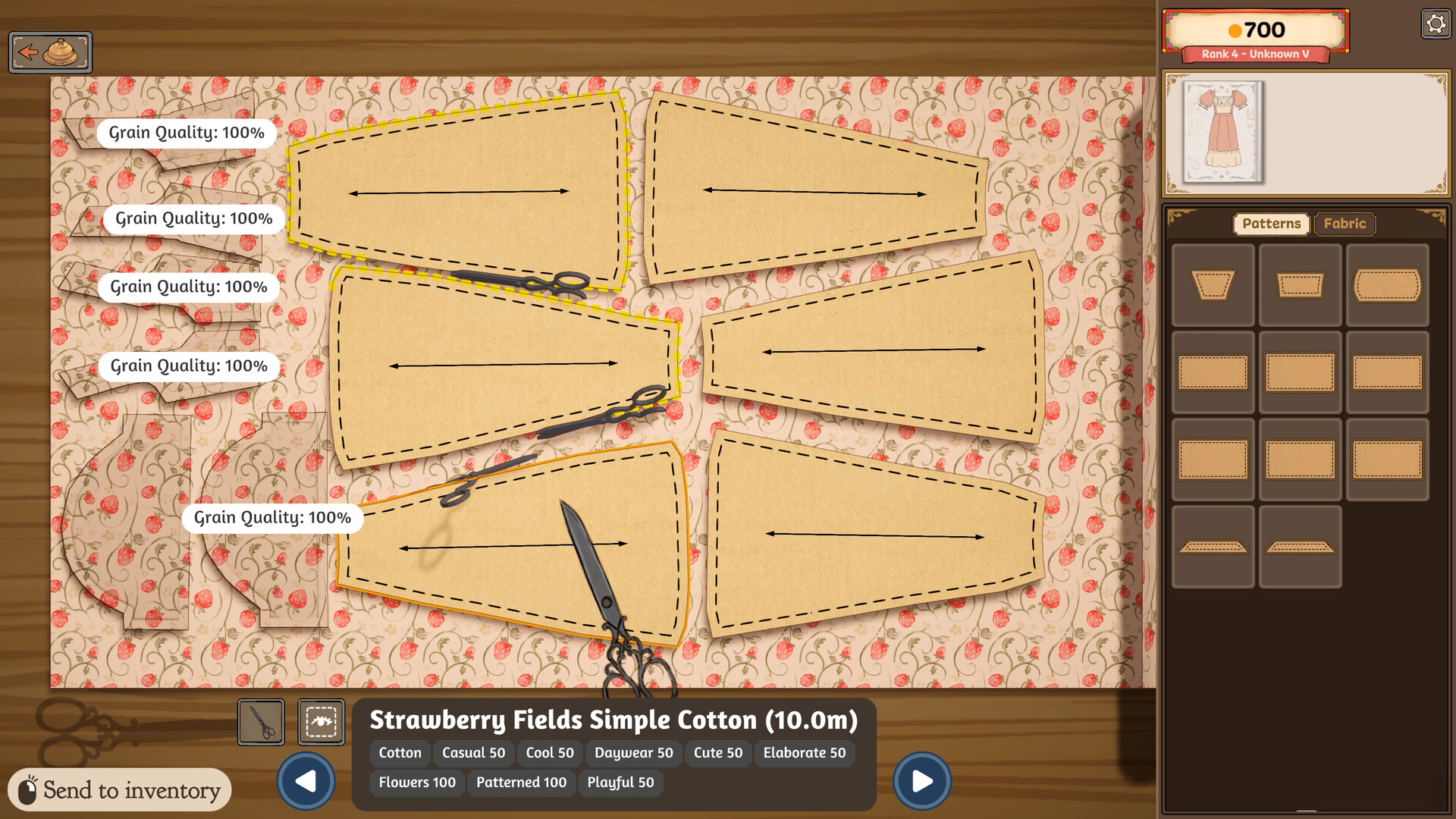
After sketching, you arrange pattern pieces on the chosen fabric, deciding grain direction or bias placement. This layout directly influences the dress’s drape and fit.
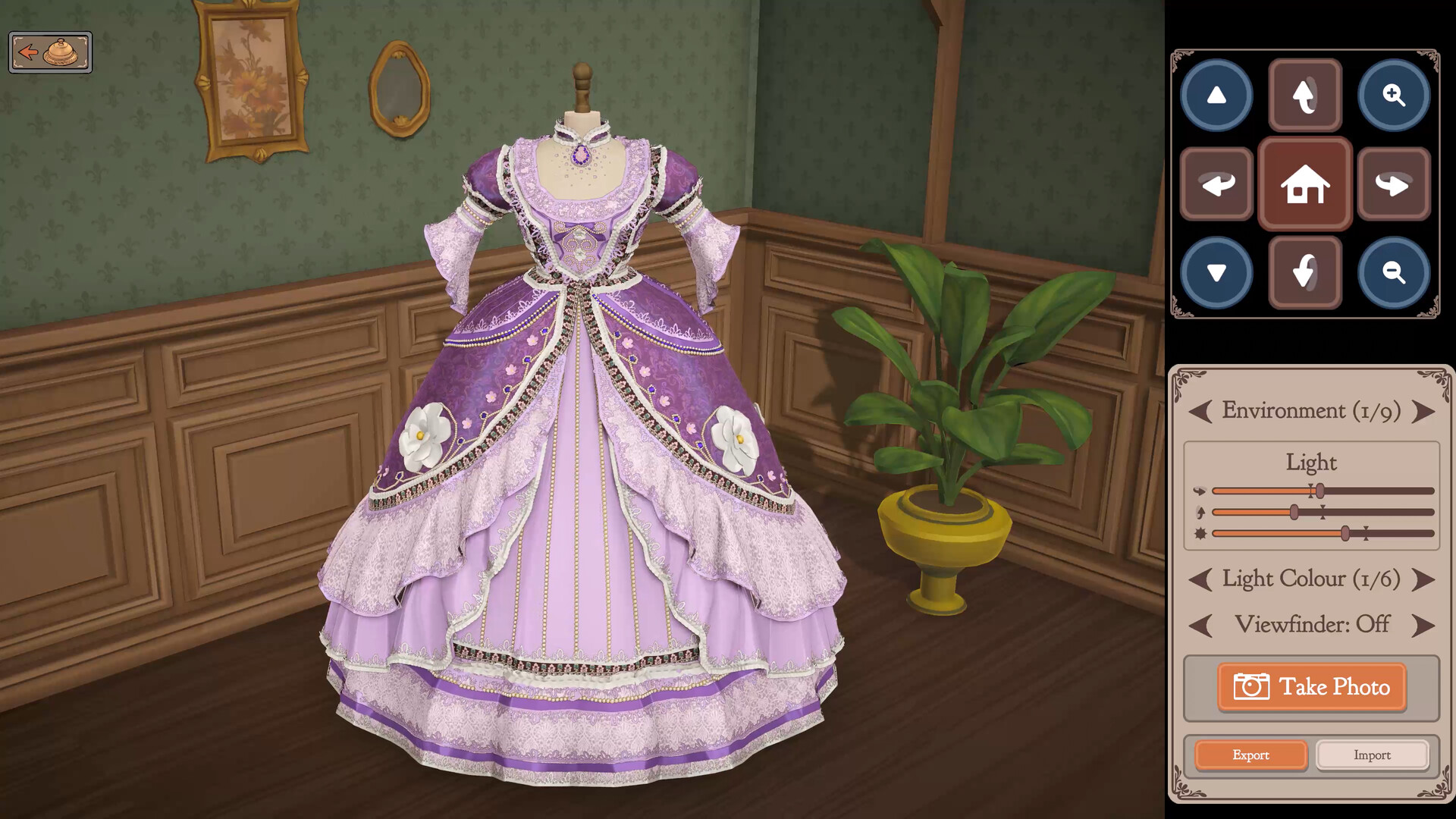
A preview on a mannequin shows how the cut pieces will assemble, allowing adjustments before any stitching begins.
- Align major seams with the grain.
- Leave extra margin for seam allowances.
03 / THE GUIDE
Sewing & Assembly
Feeding the fabric through the sewing machine joins panels together, creating the garment’s core structure. The process is manual, giving you control over stitch length and tension.
Once sewn, you can review the dress on the mannequin to ensure seams line up correctly before moving to decoration.
- Use a steady feed for delicate silk.
- Check seam alignment after each major stitch.
04 / THE GUIDE
Decoration & Customization
Buttons, bows, appliqué, lace trims and other accessories can be added wherever you like, letting you personalize each piece. Decorations are placed after the main construction is complete.
These embellishments not only enhance visual appeal but also affect how customers perceive the dress’s suitability for their events.
- Match button style to fabric era.
- Use lace for a vintage look.
05 / THE GUIDE
Customer Interaction & Reputation
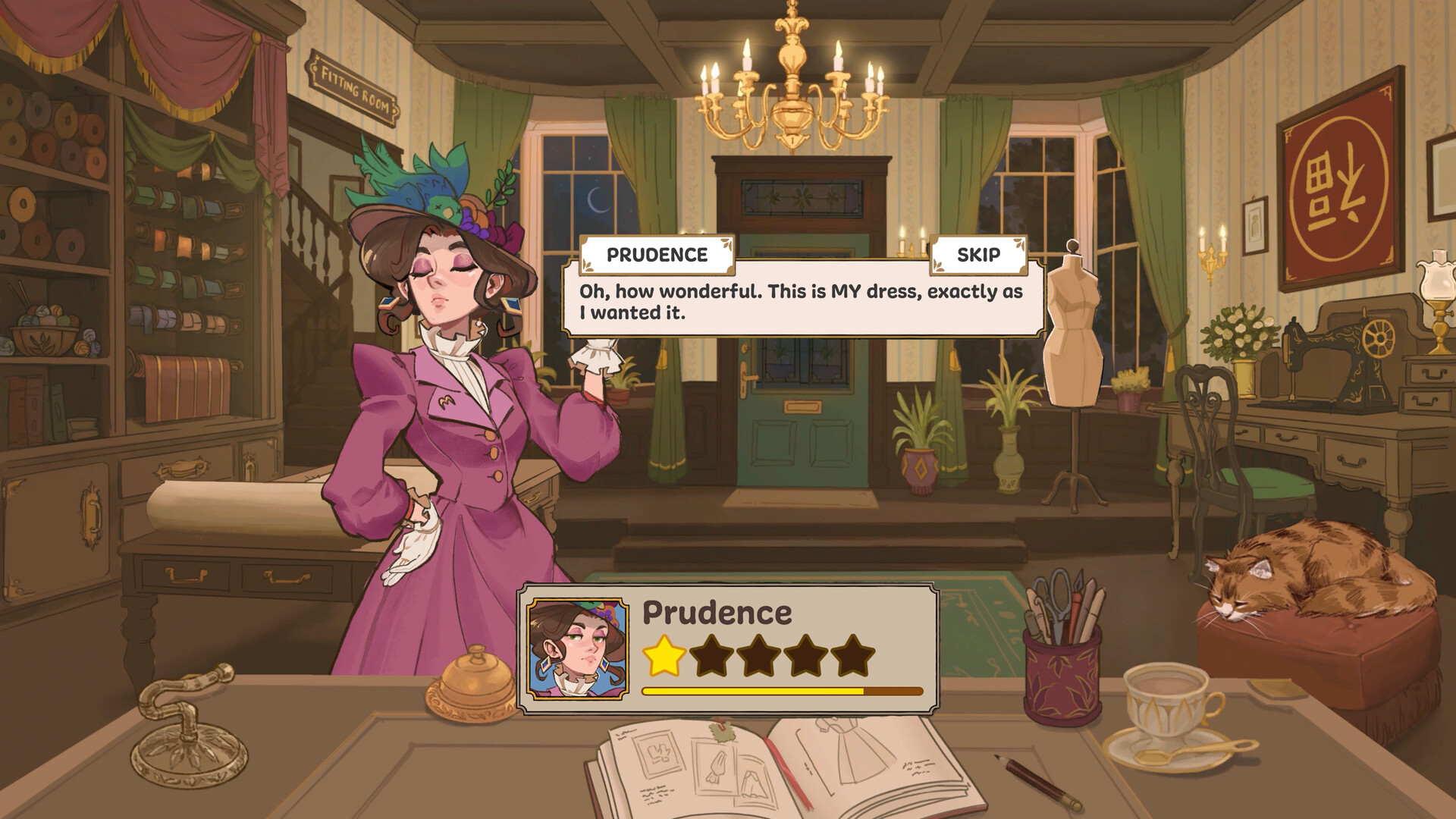
Town residents request dresses for specific occasions, providing clear expectations. Delivering a finished garment earns you reputation points and coin, reflecting both quality and style.
You may also display pre‑made dresses in your shop window, selling them directly from the rack without a specific commission.
- Prioritize orders with higher coin rewards.
- Keep a varied rack to attract casual shoppers.

COMMUNITY
Player discussion