 GameWiki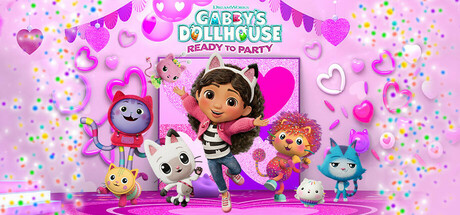
GET YOUR BEARINGS
About DreamWorks Gabby’s Dollhouse: Ready to Party
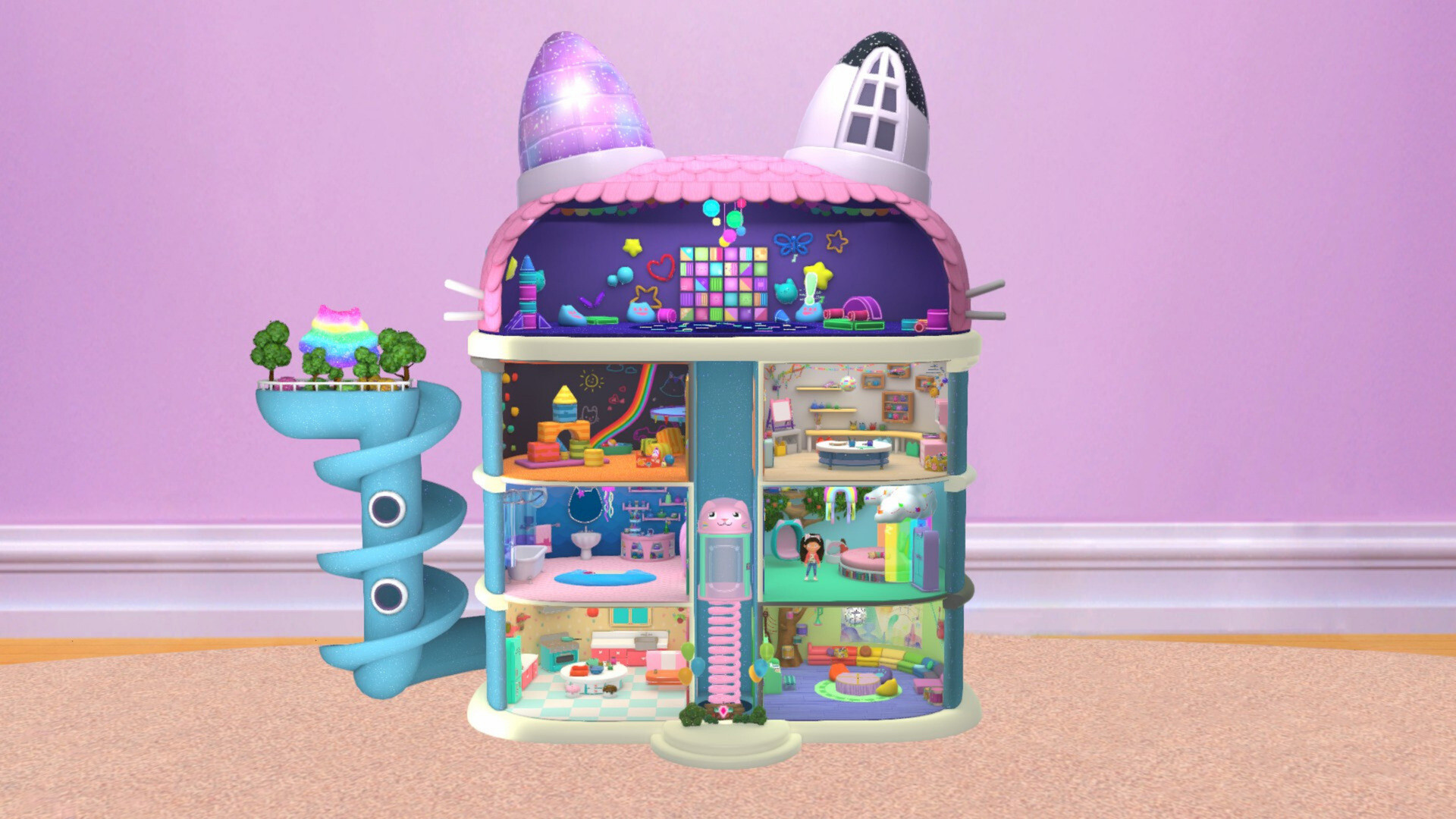
DreamWorks Gabby’s Dollhouse: Ready to Party lets players join Gabby and the Gabby Cats as they hop through a house of themed rooms. The catavator links the Craft Room, Playroom, Kitchen, Garden, Party Room and more, each filled with colorful magic.
The title supports solo play and local co‑op, letting a second player join as Pandy Paws. Simple controls are aimed at little hands, and completing activities rewards outfits that let kids dress Gabby for any room.
01 / THE GUIDE
Exploring the Dollhouse
Players begin in the Craft Room and use the catavator to travel to the Playroom, Bathroom, Kitchen, Party Room and Garden, each described as “full of magic.”
The layout encourages free movement, letting children choose which room to visit next while discovering items for the party.
- Try visiting rooms in a different order each session to notice new visual details.
- Look for the catavator’s cues to know which area you’ll reach next.
02 / THE GUIDE
Mini‑Games and Activities
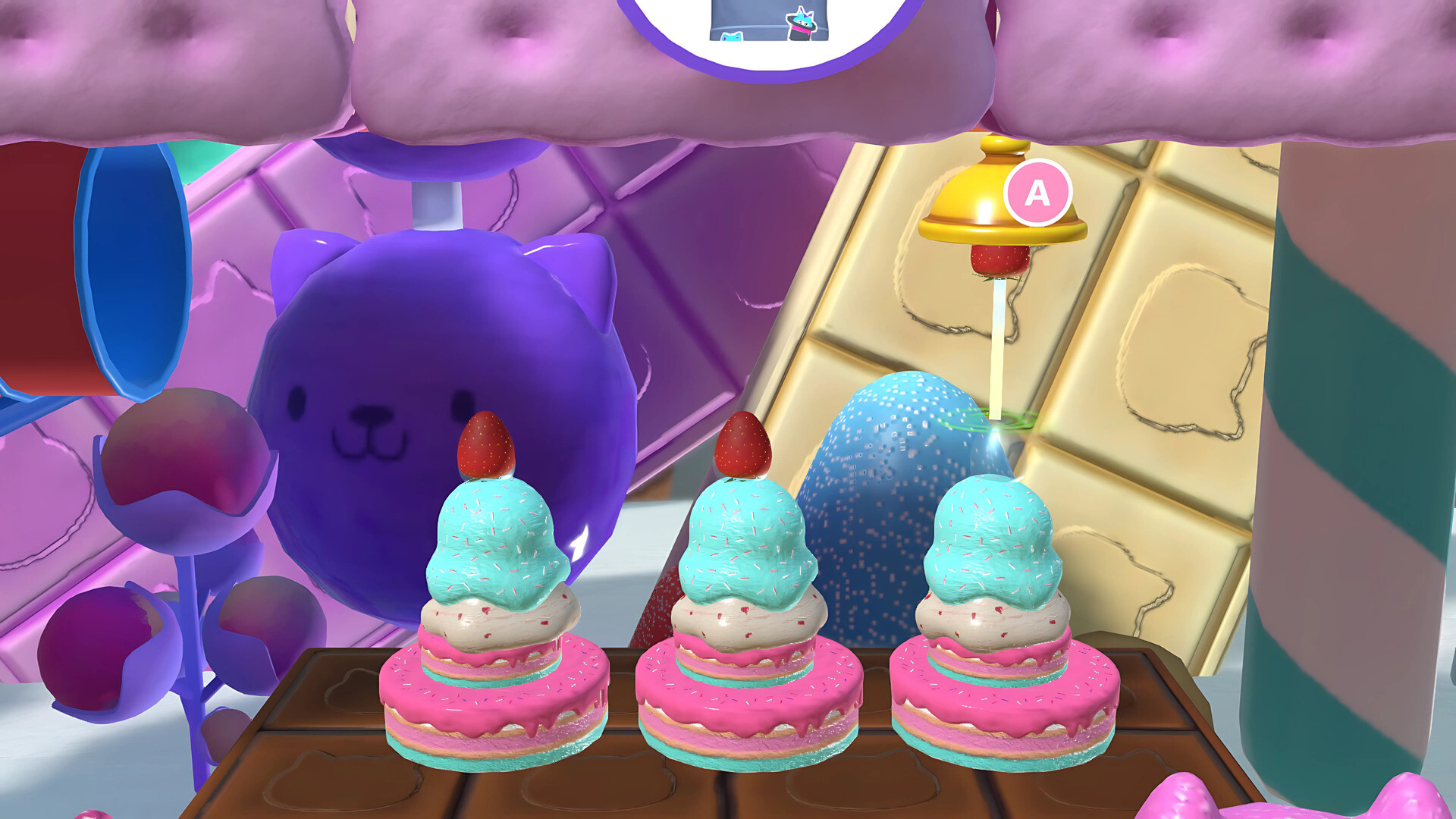
The game offers challenges such as leaping over obstacles, ducking under foam blocks, and racing through hoops with Carlita, plus cooking with Cakey Cat and treasure hunting in Mermaid‑lantis.
These mini‑games can be played solo or with friends, and completing them yields items for the party and outfit pieces for Gabby.
- Experiment with different activities to see which fit your child’s skill level.
- Notice how each character’s game matches the room’s theme.
03 / THE GUIDE
Local Co‑Op Play
A second player can join as Pandy Paws, sharing the screen while tackling challenges together.
Local co‑op is highlighted as a way to play with friends in the same room.
- Coordinate tasks during mini‑games to cover more ground.
- Use the split‑screen view to keep both characters in sight.
04 / THE GUIDE
Costume Customization
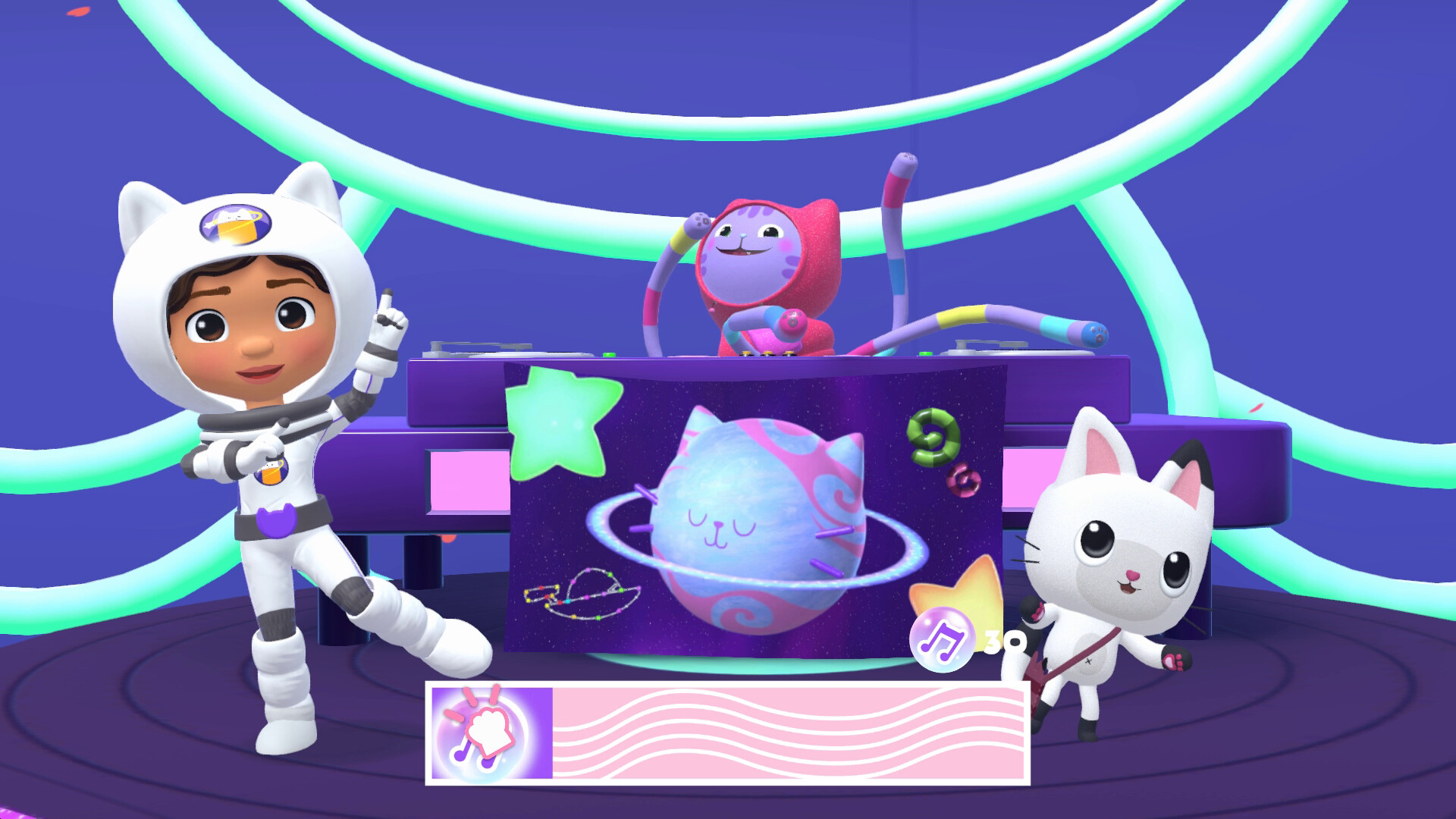
Collecting items unlocks outfits that let players personalize Gabby, such as adding sparkle to an astronaut suit or a chef’s hat.
Outfit pieces are earned through gameplay and can be mixed for each room’s visual style.
- Combine accessories from different rooms for a unique look.
- Match your costume to the room’s theme for extra visual fun.
05 / THE GUIDE
Easy Controls for Little Hands
The game uses simple controls designed for young players, allowing them to paint, cook, dance and craft without complex inputs.
A gamepad is recommended, and partial controller support is listed in the game’s features.
- Start with a gamepad for a comfortable grip during longer sessions.
- Observe how basic button presses respond before attempting harder challenges.


COMMUNITY
Player discussion