 GameWiki
GET YOUR BEARINGS
About DreamWorks Dragons: Legends of The Nine Realms
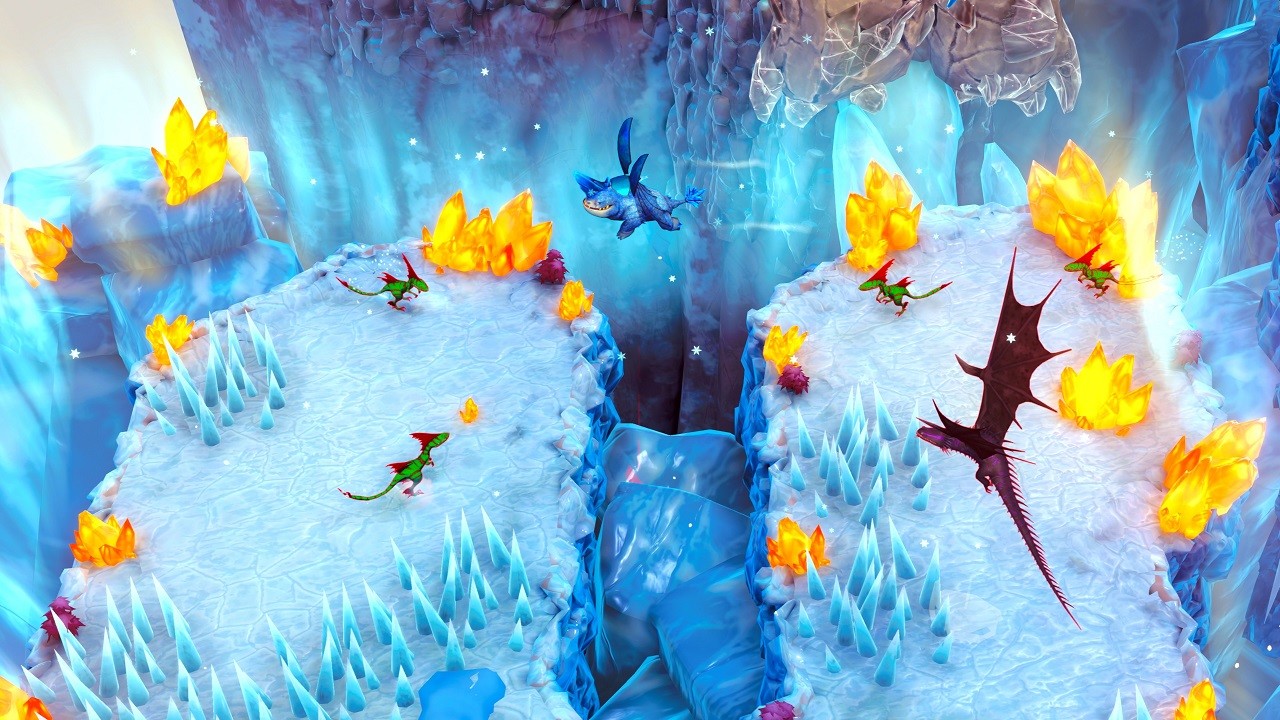
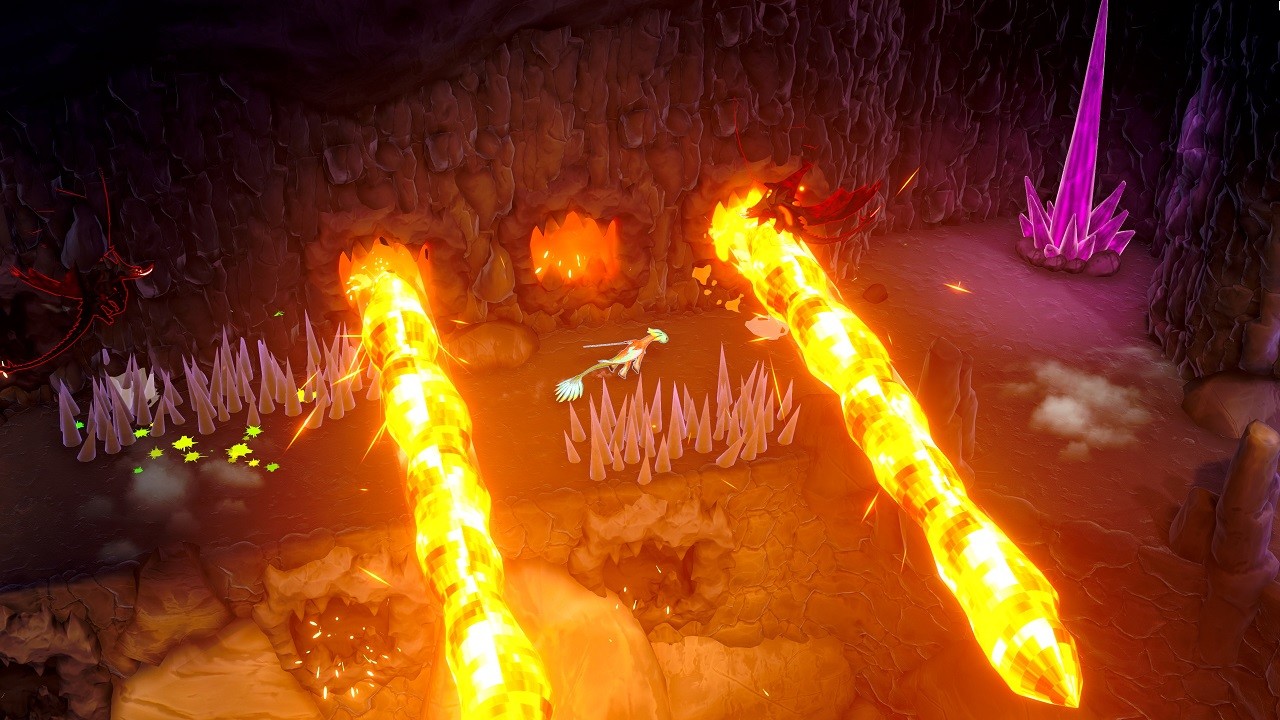
DreamWorks Dragons: Legends of The Nine Realms places you in the role of Thunder, a dragon on a quest to rescue his family and protect the dragon kingdoms. The game combines high‑speed flight with aerial combat across ice, fire, darkness and other interconnected realms.
Progression lets you level up Thunder and his companions, unlocking new skills and allowing you to switch between dragons such as Plowhorn, Wu & Wei, and Feathers. It is a single‑player title for Windows with full controller support, Steam achievements, cloud saves and Family Sharing.
01 / THE GUIDE
Flight and Combat
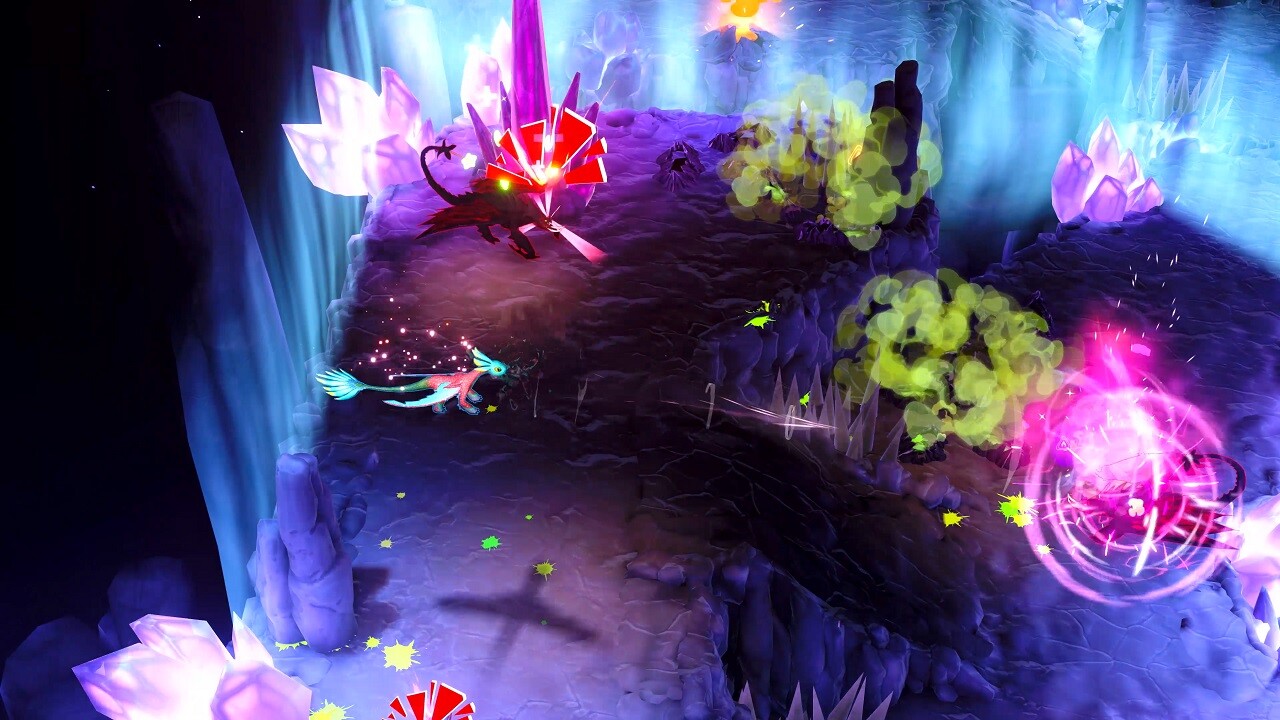
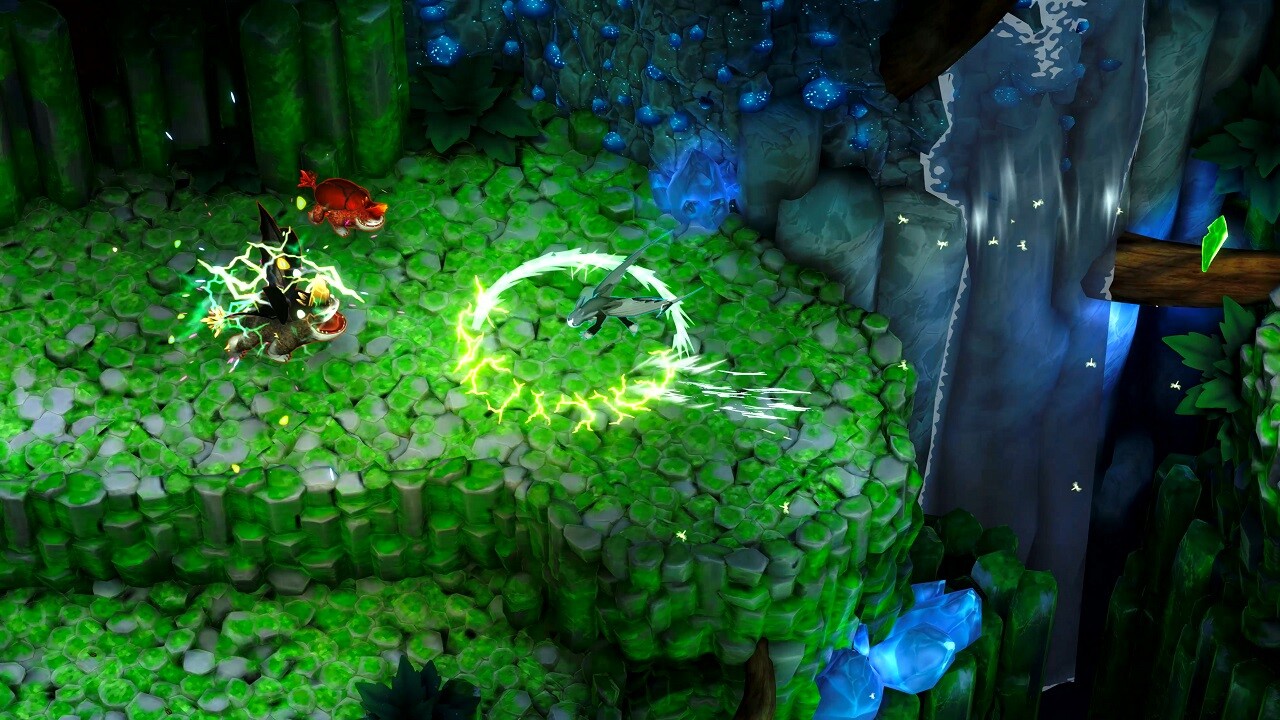
The core loop revolves around soaring, diving and using speed, tail and claws to defeat foes, including large dragon bosses. Movement and attacks are tied together, so positioning influences combat effectiveness.
Each realm presents its own visual theme, encouraging players to adapt flight patterns while maintaining offensive pressure on enemies.
- Watch how enemy behavior shifts between realms before committing to an attack.
- Try different dragons to see how each one plays.
02 / THE GUIDE
Character Progression
Thunder and his allies earn experience that can be spent to increase speed, strength or intelligence. These upgrades unlock new skills and powers that shape how challenges are approached.
The progression system lets players emphasize a preferred attribute, creating distinct play experiences as the story advances.
- Track which attribute improves success in a given realm before allocating more points.
- Consider balancing upgrades to avoid early over‑specialization.
03 / THE GUIDE
Hero Unlocks
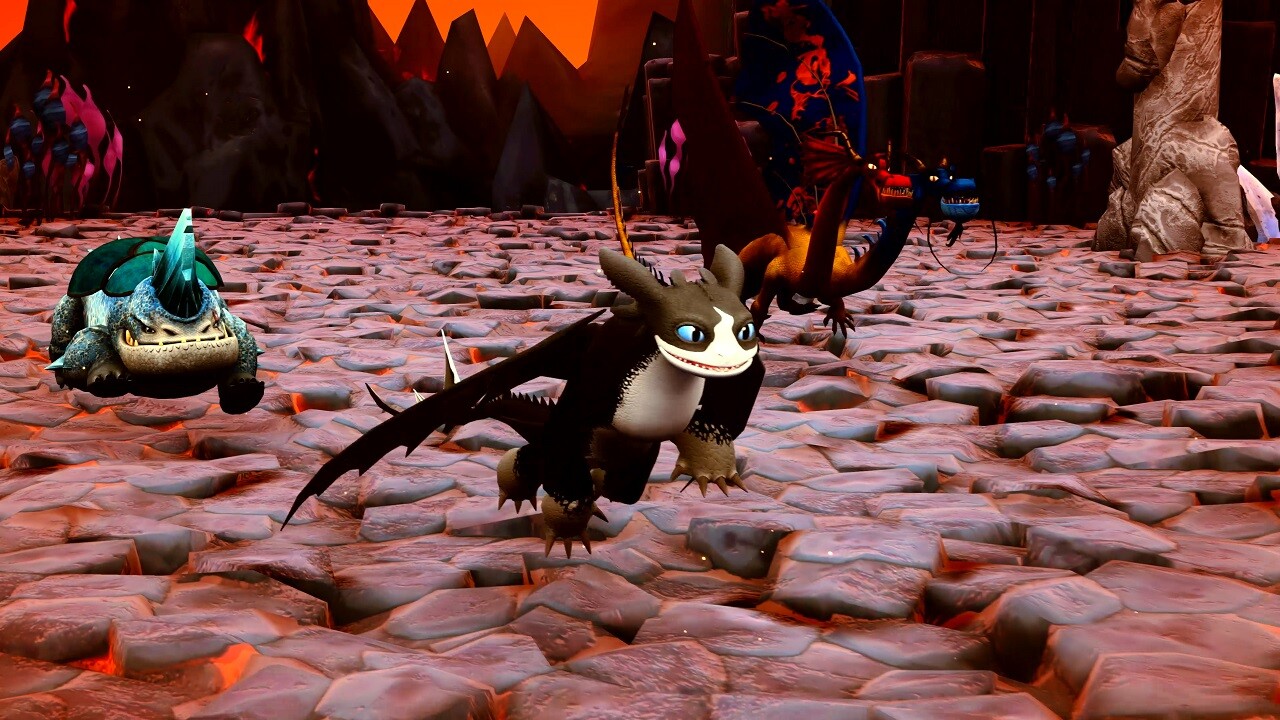
Beyond Thunder, the game lets you unlock and play as Plowhorn, Wu & Wei, and Feathers. Switching between dragons is possible at any time, letting you experience the adventure as each dragon.
These additional heroes expand the roster while retaining the same flight and combat mechanics, offering fresh tactical options.
- Test each unlocked hero in the same realm to compare their strengths and weaknesses.
- Swap dragons at will to find the play style that suits a boss fight.
04 / THE GUIDE
Platform Features
The title runs on Windows and includes full controller support, allowing navigation of flight and combat without a keyboard. Steam achievements record milestone accomplishments.
Steam Cloud stores save data, and Family Sharing permits the game to be accessed from another Steam account that has been granted library sharing.
- Review the achievement list to set personal goals.
- Enable Cloud sync before major progress points to preserve your data.
05 / THE GUIDE
Story and Realm Exploration
The narrative follows Thunder’s mission to rescue his family and restore peace across interconnected realms of ice, fire, darkness and beyond. Each realm contributes to the overarching plot.
Exploring beyond main objectives offers visual variety, reinforcing the sense of a living world.
- Take time to explore the edges of each realm to take in the scenery.
- Follow story cues to prioritize realms linked to Thunder’s family.
COMMUNITY
Player discussion